In the rapidly evolving landscape of technology, AI has permeated nearly every aspect of our lives, and the world of photography is no exception. One of the most heartwarming and fascinating innovations to shine through is PicMa AI Pregnancy. These aren't just run-of-the-mill photos; they’re a beautiful fusion of cutting-edge tech and the timeless glow of expectant motherhood, crafted to turn your pregnancy journey into visual poetry.
Gone are the days when expecting parents were stuck with stuffy studio setups, sky-high photography bills, or a tiny pool of poses and styles to choose from. With PicMa AI Pregnancy, the creative floodgates are wide open. Want a maternity shot that looks like a soft watercolor painting? Done. Dreaming of a cosmic-themed portrait with starlight dancing on your bump? Easy. Craving a nod to your cultural roots with traditional attire? It’s all on the table. This tool doesn’t just take photos—it lets you reimagine what your pregnancy memories can look like.
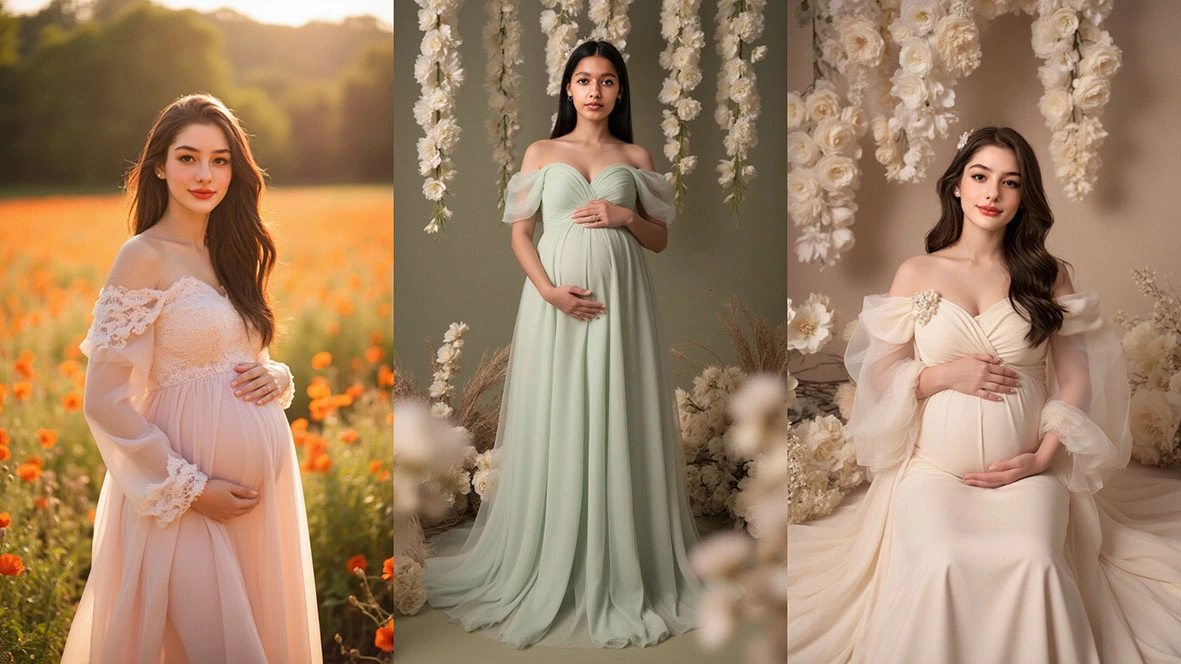
The Uniqueness of PicMa AI Pregnancy
This is your guide to all things PicMa AI Pregnancy. We’ll break down how it works, why it’s winning over expecting parents, and how you can make the most of it. Whether you’re counting down to your due date and want to freeze this moment in style, or you’re just curious how AI can add a dash of magic to maternity photos, let’s dive into what makes PicMa AI Pregnancy a game-changer.
How to create pregnancy photos in 4 steps
Step1: Download and open the PicMa app
Download PicMa app via AppStore and GooglePlay.
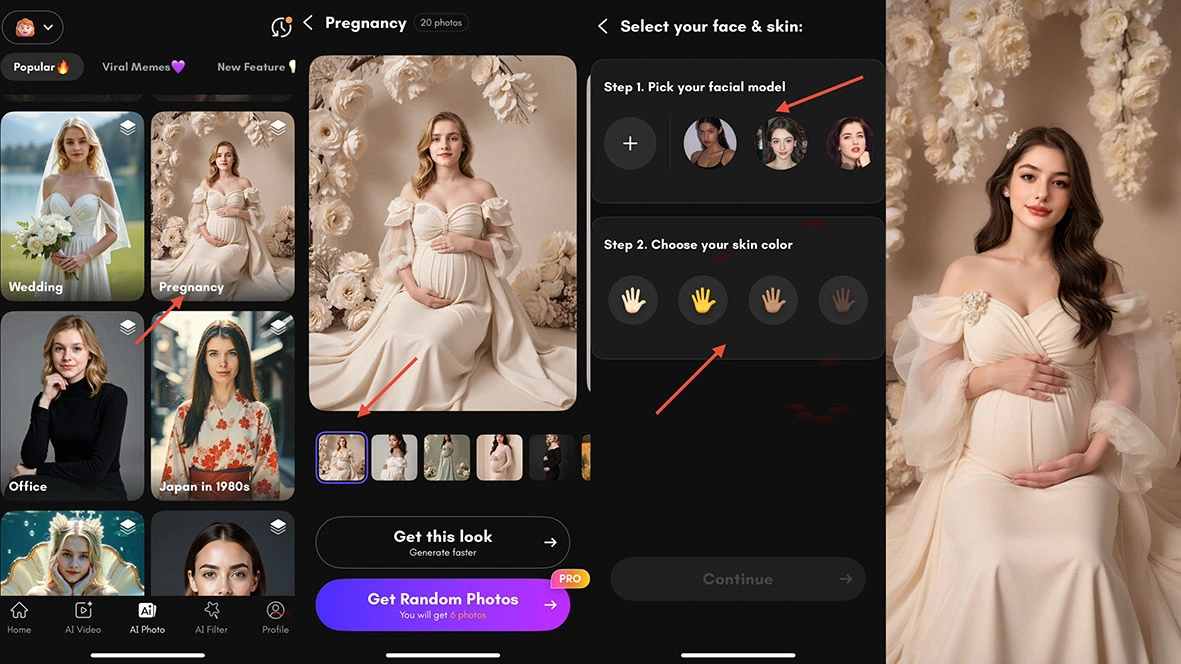
Step 2: Find Pregnancy feature and pick style & pose
Tap the " Pregnancy " button, find the " Pregnancy " option on the AI photo interface and click to enter. Choose a maternity outfit style you love, paired with your favorite pose—you can either generate a single close-up or batch-create 6 different vibe-filled maternity shots with one click, effortlessly unlocking a variety of atmospheres.
Step 3: Upload Your Favorite Frontal Photo
Select satisfactory frontal photo to upload, then pick a skin tone that fits, hit the "Generate" button, and let the magic brew slowly.
Step 4: Preview & Download
Take a close look at the generated photos once they’re ready. Not quite perfect? Tweaking details or regenerating is a breeze. Once you get the shot that steals your heart, just download it for free to keep this beauty forever.
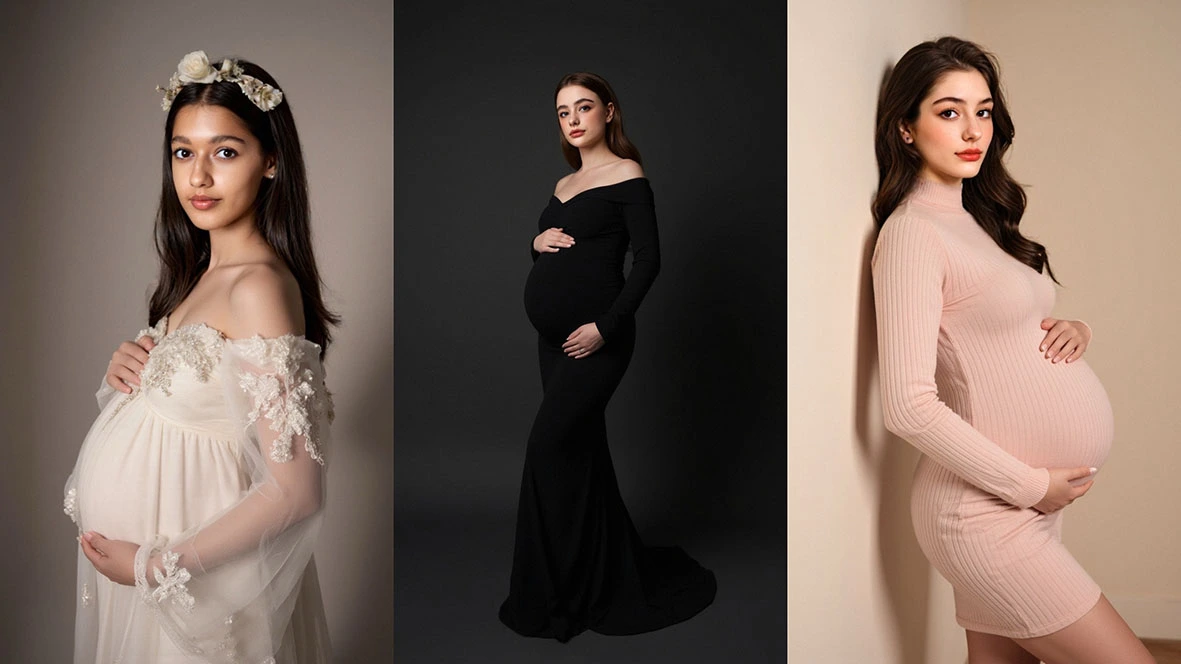
4 Key Advantages of PicMa AI Pregnancy Photos
Cost – Effective: Compared to the cost of traditional maternity photo shoots, PicMa AI-generated maternity photos are much more affordable.
Time – Saving: Traditional shoots require advance booking, time spent on the shoot itself, and waiting for edits, while PicMa AI generates photos quickly, saving you valuable time.
Infinite Creativity: PicMa AI can create maternity photos in a variety of styles, catering to different aesthetic tastes and creative needs.
Privacy Protection: Generating maternity photos with PicMa AI at home helps protect your privacy, sparing you the awkwardness of being photographed in public settings.
Why Are More and More People Using It
PicMa AI pregnancy photos come with a wealth of benefits: they’re cost-effective, save time, offer boundless creativity, and boost privacy. They’ve unlocked fresh ways for expectant mothers to celebrate and document this special chapter. That said, it’s good to note potential drawbacks, like occasional quality nuances or the lack of a physical print.
As technology advances, these minor hiccups are sure to improve—and the future of PicMa AI maternity photos shines bright. Whether you’re a budget-savvy mom-to-be, a creative spirit craving something one-of-a-kind, or just someone eager to explore the latest tech trends, PicMa AI maternity photos are absolutely worth a try. So why not dive in? Let your creativity flow, capture your pregnancy’s beauty in a whole new light, and craft memories that’ll last a lifetime.



 1.3 k
1.3 k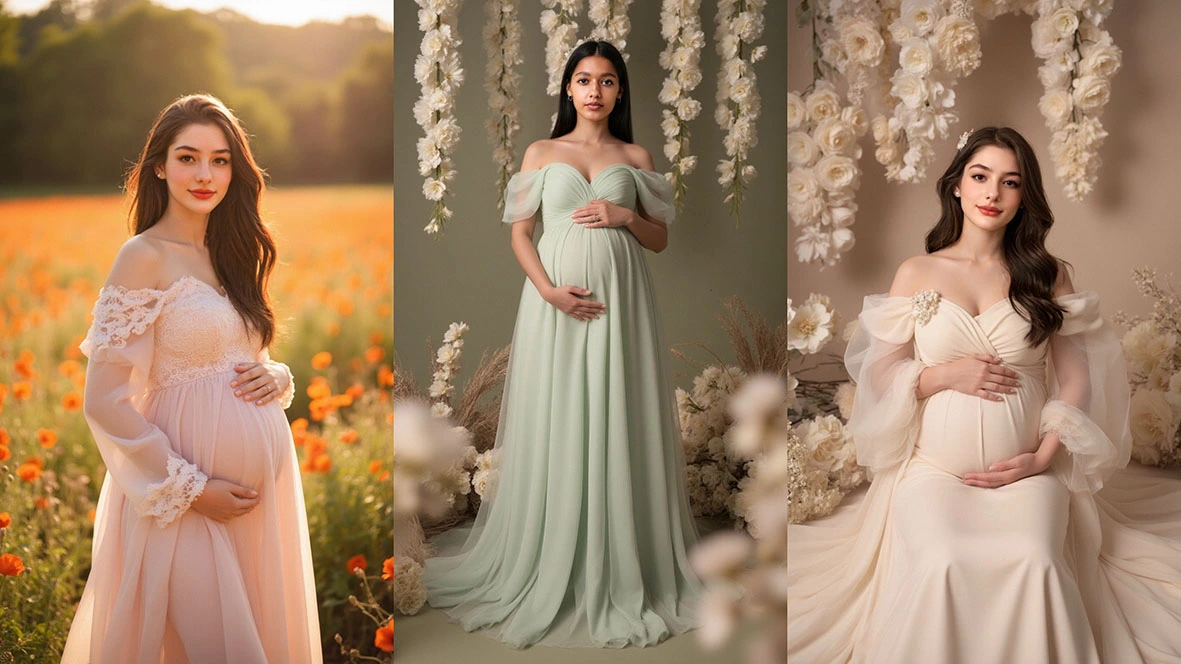

 English