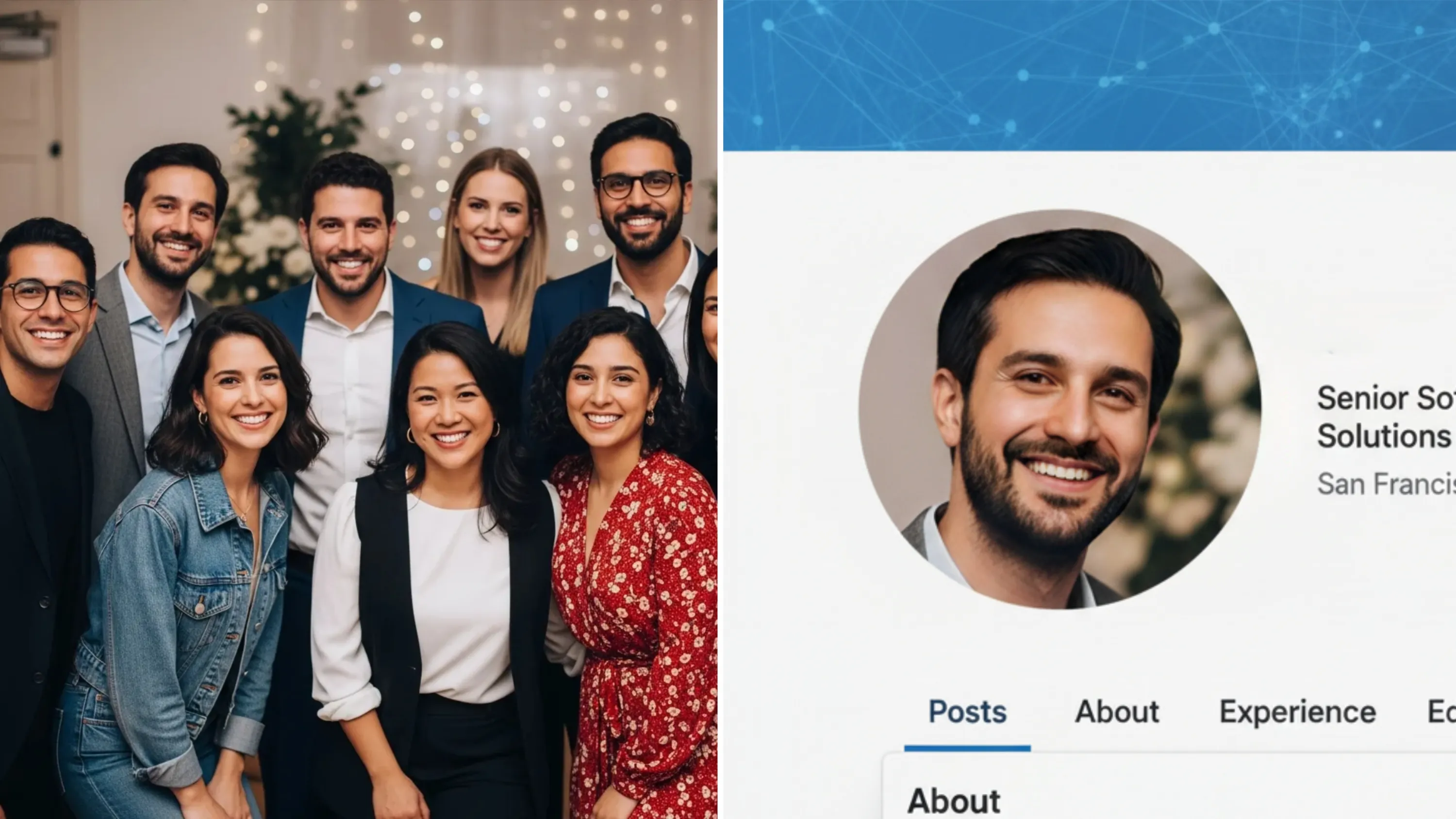
Let me paint a familiar picture for you. You went to a friend’s wedding or a fun group dinner last weekend. Your friend sends the group photo to the chat, and you realize something amazing: your outfit is on point, your hair looks flawless, and you are hitting the absolute perfect angle.
“This is it,” you think. “This is my next Hinge profile picture. Or maybe even my new LinkedIn headshot!”
But then, tragedy strikes. Because you were standing in the back row, you have to zoom in and crop the photo to just show your face and shoulders. Suddenly, that flawless picture turns into a blurry, pixelated potato. The lighting looks grainy, your eyes look out of focus, and the whole image just screams "low quality."
We've all been there. Trying to crop a picture without losing quality feels impossible with just a standard smartphone editor.
For the longest time, I would just sigh and delete the cropped photo because a low-res, blurry picture is a guaranteed left-swipe on dating apps and looks completely unprofessional on LinkedIn. But recently, I discovered a ridiculously easy workaround that I like to call the "Crop & Glow-Up" hack.
Why Cropping Ruins Your Photos & How to Fix It
When you crop a small section of a larger photo, you are basically throwing away pixels. You’re asking a tiny portion of the image to stretch and fill a whole screen. Naturally, your phone tries to guess the missing details, which results in that blurry, noisy mess.f
To fix this, you don't need Photoshop skills or a $2,000 camera. You just need to upscale the image and restore those missing pixels.
Lately, my go-to secret weapon for this is an AI photo enhancer called PicMa. Unlike those old, clunky editing apps that just add a weird "sharpening" filter and make you look crispy, PicMa actually uses AI to rebuild the lost details in your face, hair, and clothing.
Here is exactly how I use it to rescue my cropped photos.
Step-by-Step: How to Fix a Blurry Cropped Photo Using PicMa
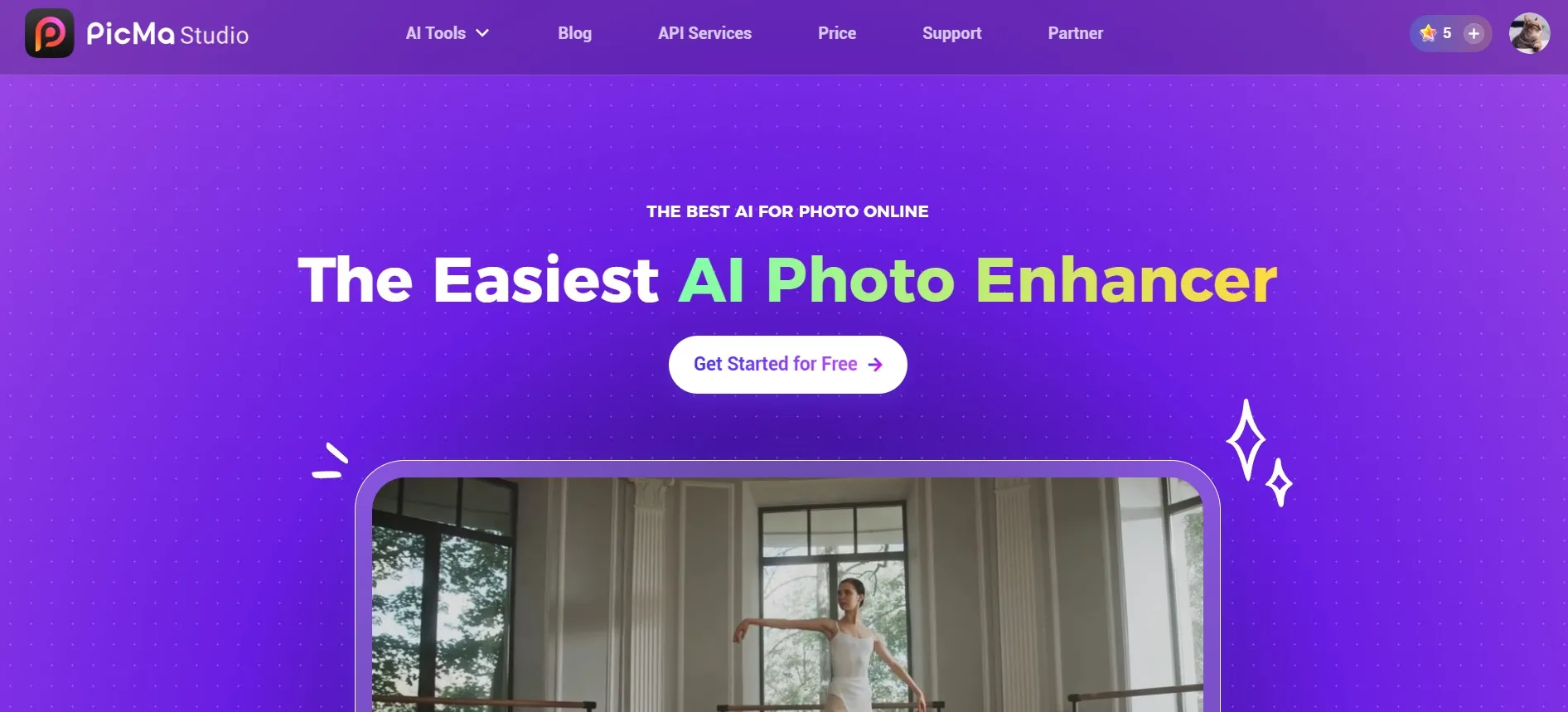
The whole process takes about 15 seconds on PicMa Studio website. Here’s the step-by-step breakdown:
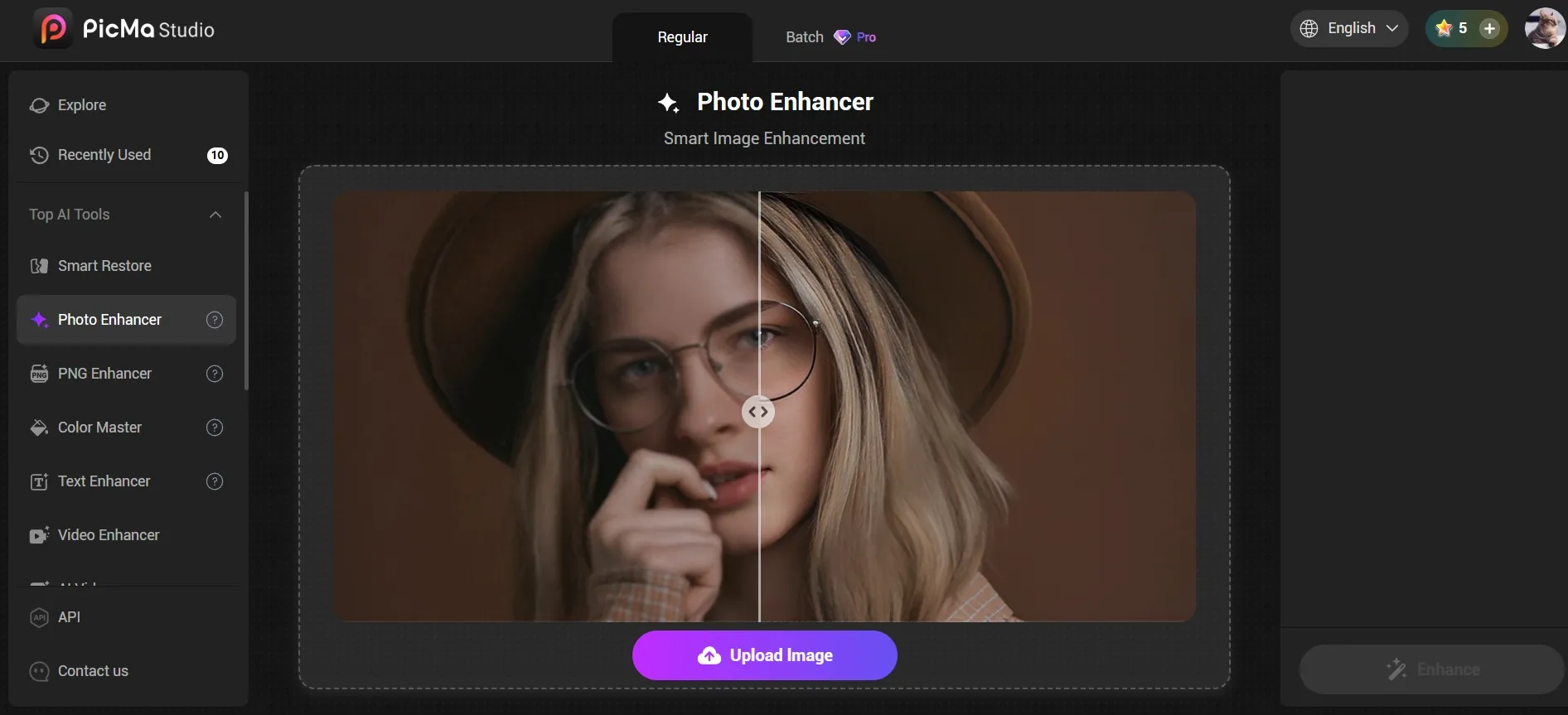
- 1. Click "Get Started for Free" on the homepage to access the tool page, then select "Photo Enhancer." Instead of fiddling with contrast, brightness, or any complicated sliders, I just upload my blurry cropped photo and the results was ready in just a few seconds. And it was just perfect how much PicMa upscaled it.
- 2. Directly download the enhanced photo, and it's my LinkedIn profile now!
Of course, for mobile users, you can:
- 1. Download the PicMa app on Google Play or the Apple Store.
- 2. Click the Enhance Pro button on the PicMa homepage, select the photo you wish to improve, and start.
- 3. The generation process takes just a few seconds; once complete, you can download the image—or, utilizing the provided features, perform further edits on the generated result.
Why High-Quality Profile Pictures Matter
You might be wondering, "Is it really worth the extra 15 seconds to improve photo quality?"
Absolutely. Whether we like it or not, the resolution of your photo sends a subconscious message. On dating apps like Bumble or Tinder, clear and vibrant photos show that you put effort into your appearance, which directly leads to more matches. On professional networks, a crisp headshot communicates competence and attention to detail.
So, the next time you find a 10/10 picture of yourself hiding in the corner of a wide shot, don't let it go to waste. Try the Crop & Glow-up hack on PicMa.
If you have a graveyard of blurry cropped photos sitting in your camera roll right now, I highly recommend giving PicMa a try. Go rescue those photos, and your online presence will thank you!


Frequently Asked Questions
Q: How long does it take to upscale a blurry cropped photo?
A: The whole process takes less than minutes. After you upload the original image and start the generation, PicMa creates the enhanced image in seconds.
Q: Will the results look natural?
A: Yes! PicMa's Enhance Pro feature and PicMa Studio's Photo Enhancer is great at making the generated images look natural and quality.
Q: Is this feature free to use?
A: It's not conpletely free, but new users get bonus credits so there are free trials.
Related Readings:

 41
41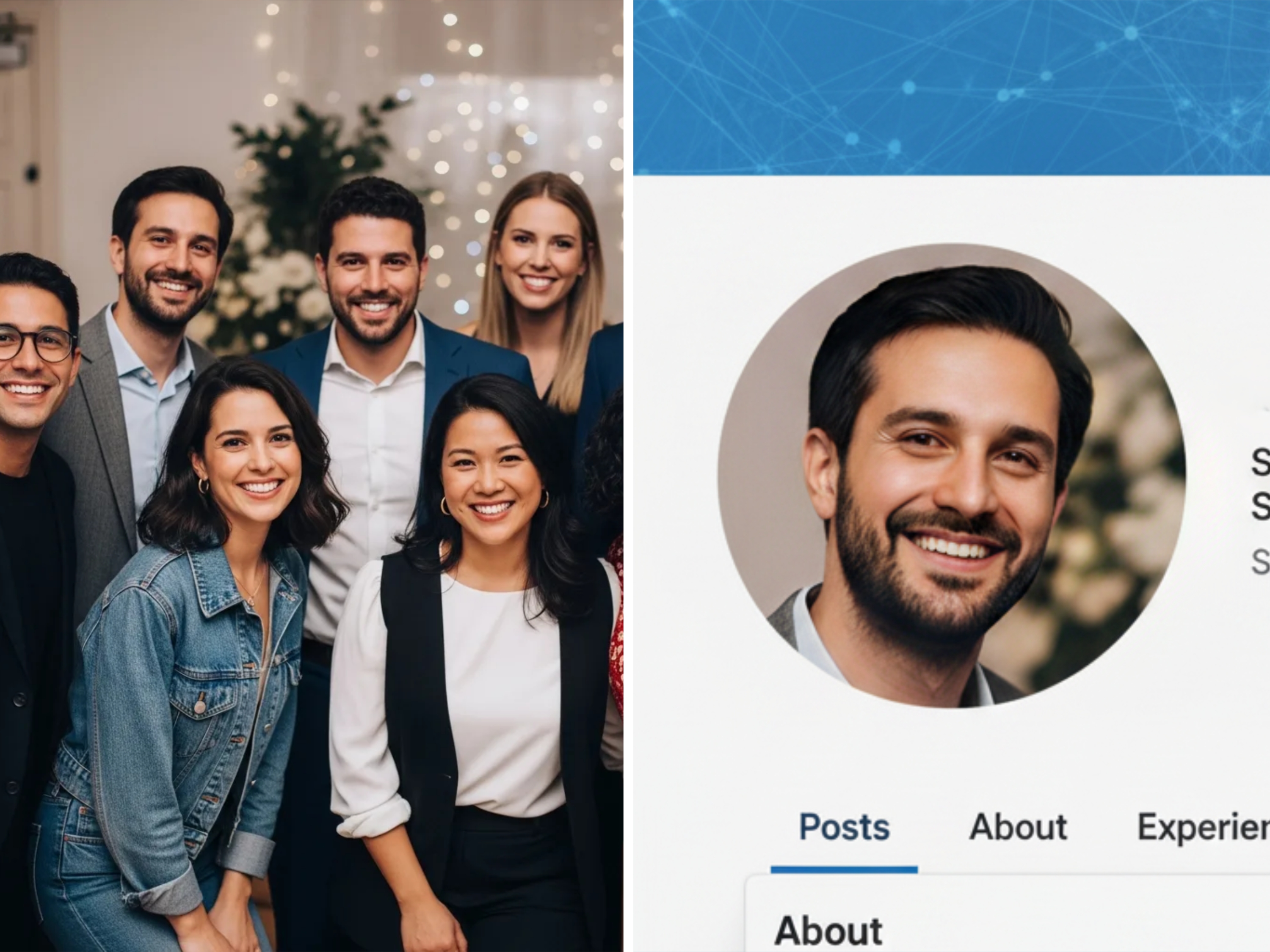

 English