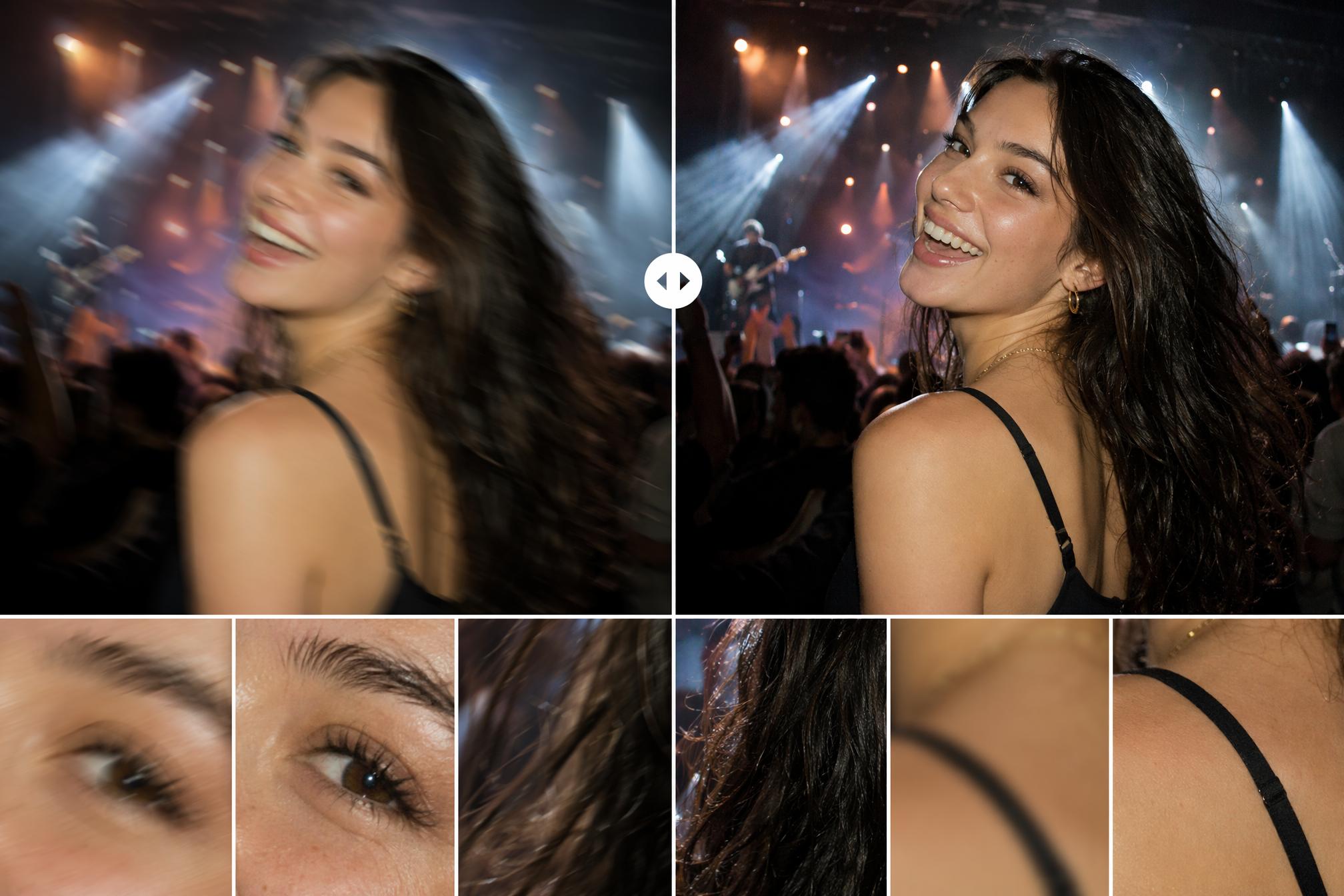
You finally scored that ticket. You're standing in the pit, front row, as your favorite artist takes the stage. The lights flash, the crowd roars, and you're snapping photos nonstop to capture every iconic moment.
Then you get home, scroll through your camera roll, and your heart sinks.
The lighting was too harsh. Your idol's face is a blurry mess. They were moving too fast, and every shot is smeared with motion trails. The low light turned your photos into a grainy, noisy disaster.
You were there. But your photos look like you were watching through a fogged-up window.
Don't hit delete just yet. Those "failed" shots might have a second life.
Why Concert Photos Are So Hard to Get Right
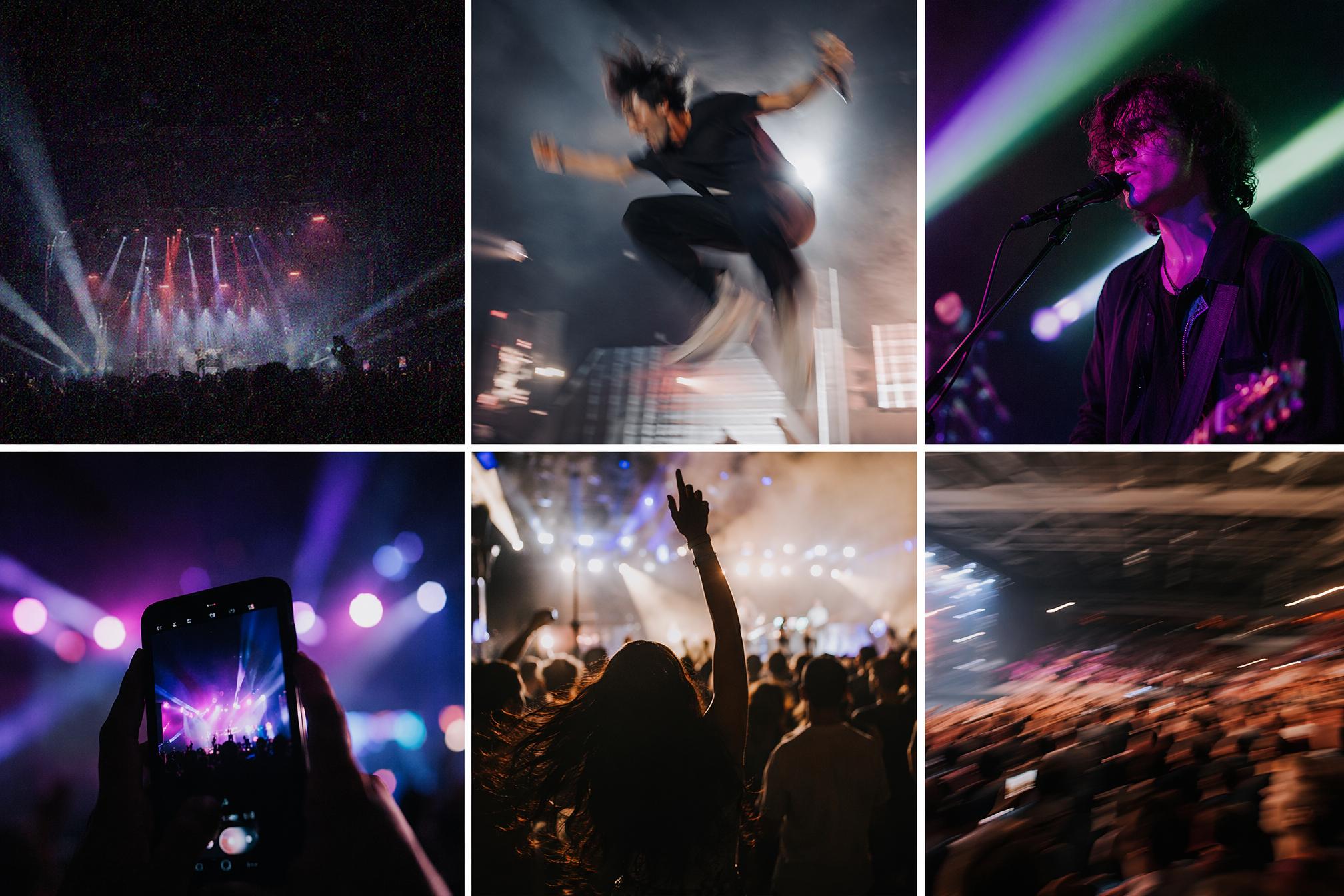
A concert is probably one of the most challenging environments for any camera — especially a phone camera.
Low light: To compensate for the darkness, your phone cranks up the ISO, which floods your photos with ugly digital noise and grain.
Fast motion: Your favorite artist isn't posing for portraits — they're running, jumping, and dancing across the stage. If your shutter speed can't keep up, you get motion blur.
Crazy lighting: Strobing colors, laser beams, and rapid shifts in brightness confuse your camera's auto white balance. Faces end up looking like strange shades of purple or green.
Shaky hands: Let's be honest — you're jumping and singing along. Nobody holds a phone like a tripod at a concert.
The problem with traditional photo editors is that their "Sharpen" tool doesn't actually fix blur — it just adds fake contrast around the edges that already exist. If the edges aren't there to begin with, you're left with ugly "white halos" and even more digital noise.
But AI is different.
PicMa Studio: The "Undo Button" for Your Concert Photos
PicMa Studio is a web-based AI image enhancement platform that specializes in rescuing photos you thought were ruined.
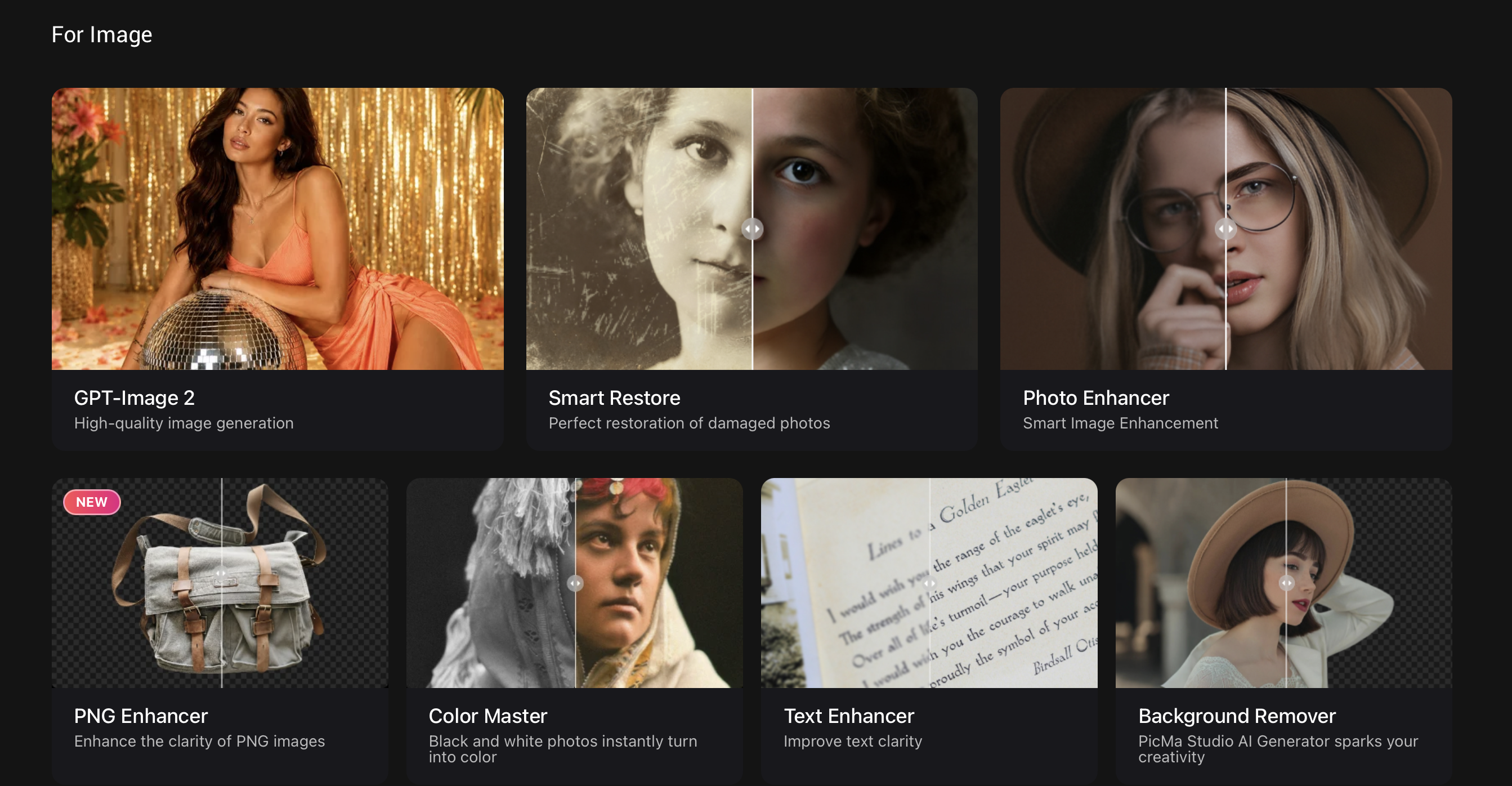
It has a dedicated feature for motion blur called Photo Enhancer.
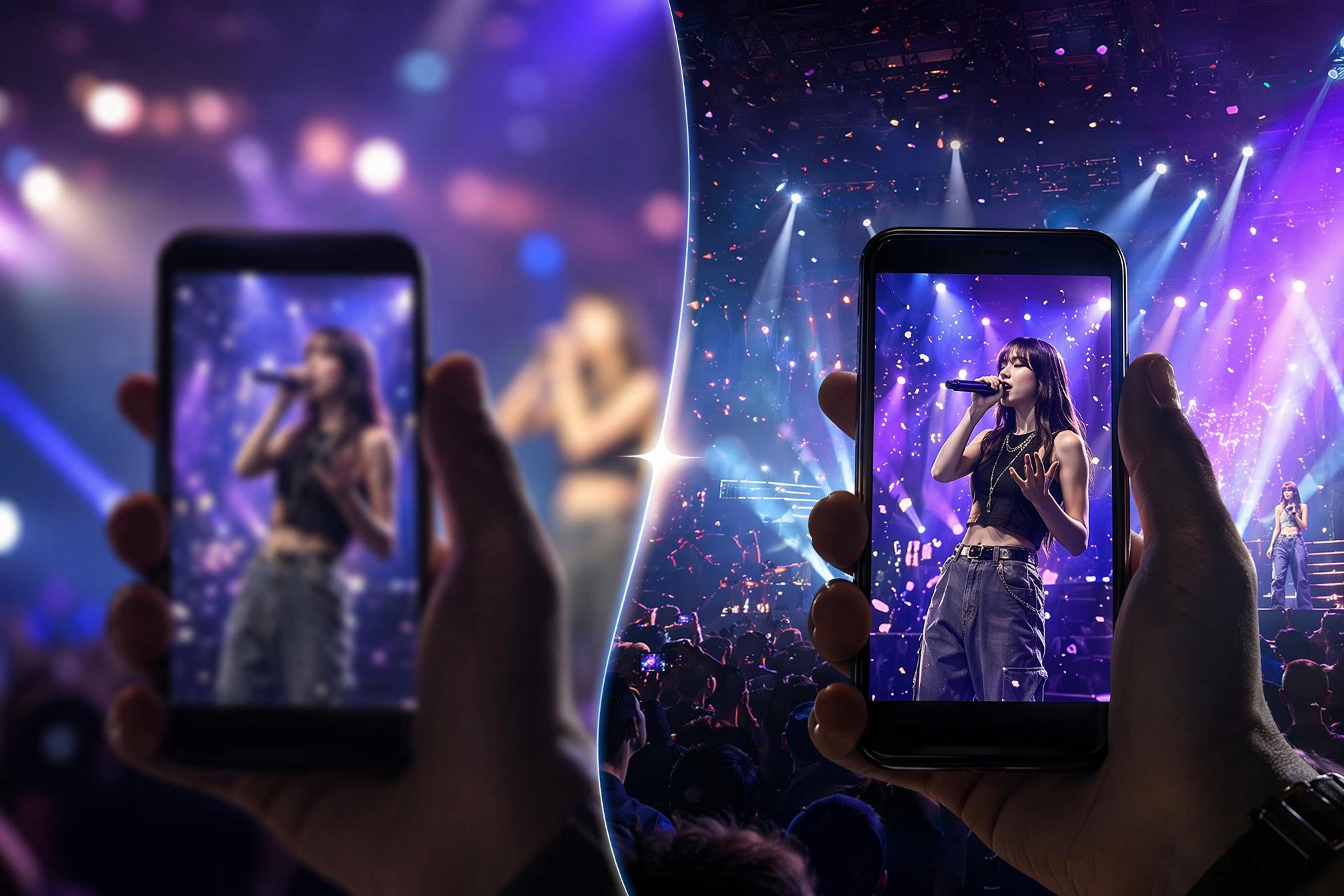
Here's what makes it different: while basic editors try to "sharpen" a blurry mess (which just makes it look worse), Stable Motion AI actually reconstructs the image. It analyzes the directional vector of the blur — the exact path your hand moved when you pressed the shutter. Then, it uses AI to predict and re-draw the missing details: individual strands of hair, skin pores, the texture of fabric.
It doesn't just put a filter on a blurry photo. It redraws the photo as if it were taken with the world's best lens.
And unlike many AI enhancers that turn people into waxy, plastic-looking avatars, PicMa Studio uses Portrait Pro technology to keep natural skin texture and ensure you still look like you. It also cleans up low-light noise without creating those ugly "worm-like" artifacts you see in other tools.
Three Steps to Rescue Your "Failed" Shots
It's incredibly simple — no editing experience required.
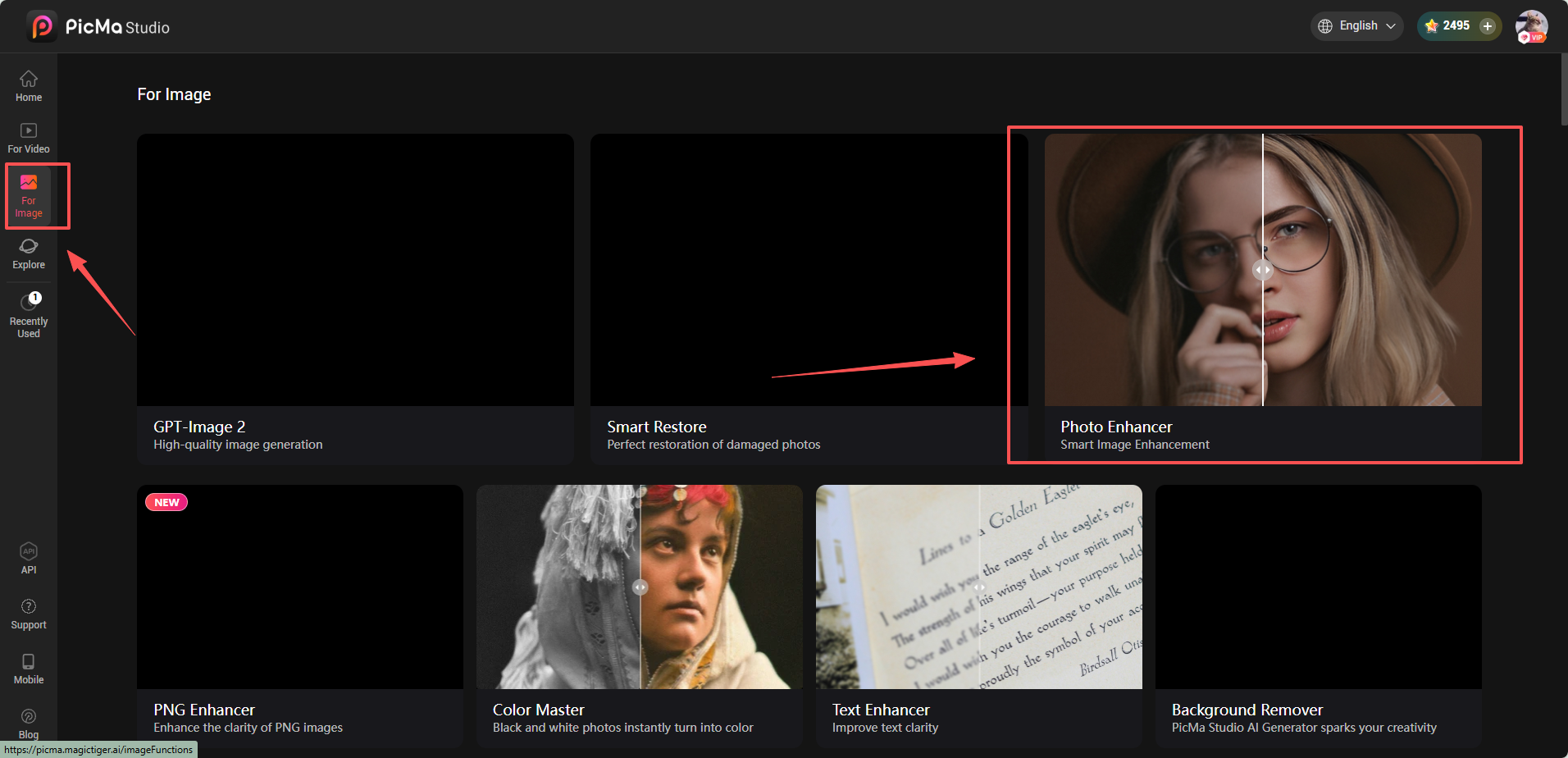
Step 1: Open PicMa Studio
Visit PicMa Studio in your browser. No download or installation needed. You can also use it on mobile with the PicMa app.
Step 2: Upload your photos
Find Photo Enhancer, drag and drop your blurry concert shots into the dashboard, click generate and wait.
Within seconds, your blurry, grainy memory transforms into a crisp, high-definition 4K photo.
Compare the before and after, and download your enhanced image in full resolution.
More Than Just "Un-blurring"
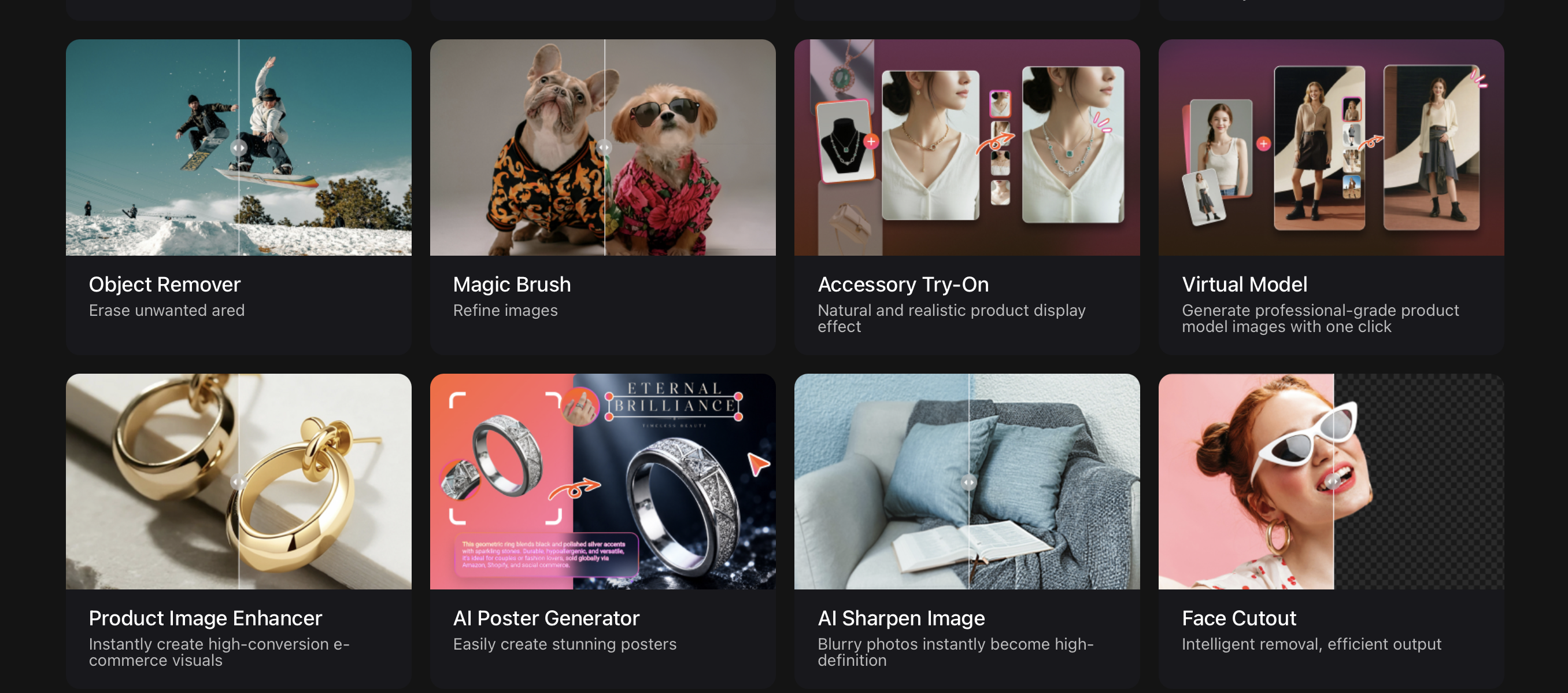
PicMa Studio isn't a one-trick pony. It can do way more than fix motion blur:
- Photo Enhancer: Upscale low-resolution photos to 4K with one click
- Text Enhancer: Sharpen screenshots, subtitles, and text in images
- Old Photo Restoration: Remove scratches, creases, and restore faded colors
- Color Master: Automatically optimize exposure, saturation, and contrast
- Descratch: Automatically detect and repair scratches and time marks on old photos
One tool, the entire workflow — from "this photo is ruined" to "posting it on Instagram."
Next Time, Bring PicMa Studio Along
Concert moments are fleeting. You fought for that ticket, you fought for that spot — don't let blurry photos ruin the memories.
Next time you're scrolling through your camera roll after a show, don't hit delete. Open PicMa Studio and let AI turn those "almost perfect" moments into high-definition memories worth sharing.
Your concert photos deserve to be seen clearly.
Related Readings:
Pawsome Portraits: Creating Quality Pet Photos with AI Photo Enhancer
Say Goodbye to Noise & Grain in the Photo
How to Improve Old Yearbook Photos Without Making Them Look Fake

 103
103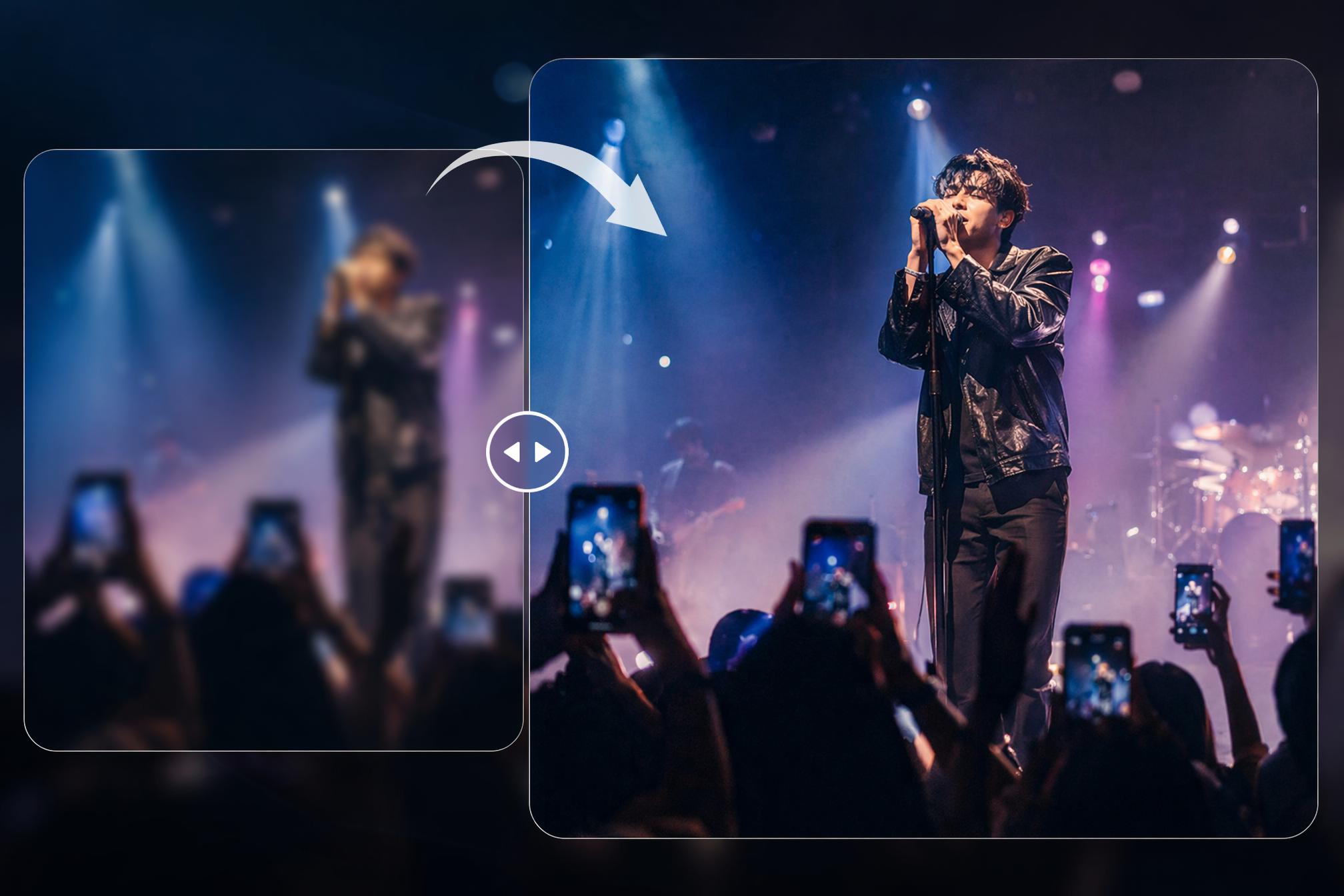

 English