Have you ever scrolled through social media and spotted someone posing with the adorable, mischievous Labubu? The photos look so playful and stylish — you can’t help but wonder: how did they do that?
Now, you can join the fun too.
The new "Labubu Shot" feature in the PicMa App lets you generate a custom photo of yourself holding Labubu in just a few taps. No Photoshop, no complex editing — just upload your selfie and let AI handle the rest. The result? A stunning, high-quality image that looks like it was shot in a designer toy photo studio.
What Is Labubu Shot?
Labubu Shot is a creative AI-powered photo generator within the PicMa App. It merges your facial features with preset artistic templates, placing you directly into a photo where you’re holding a Labubu character.
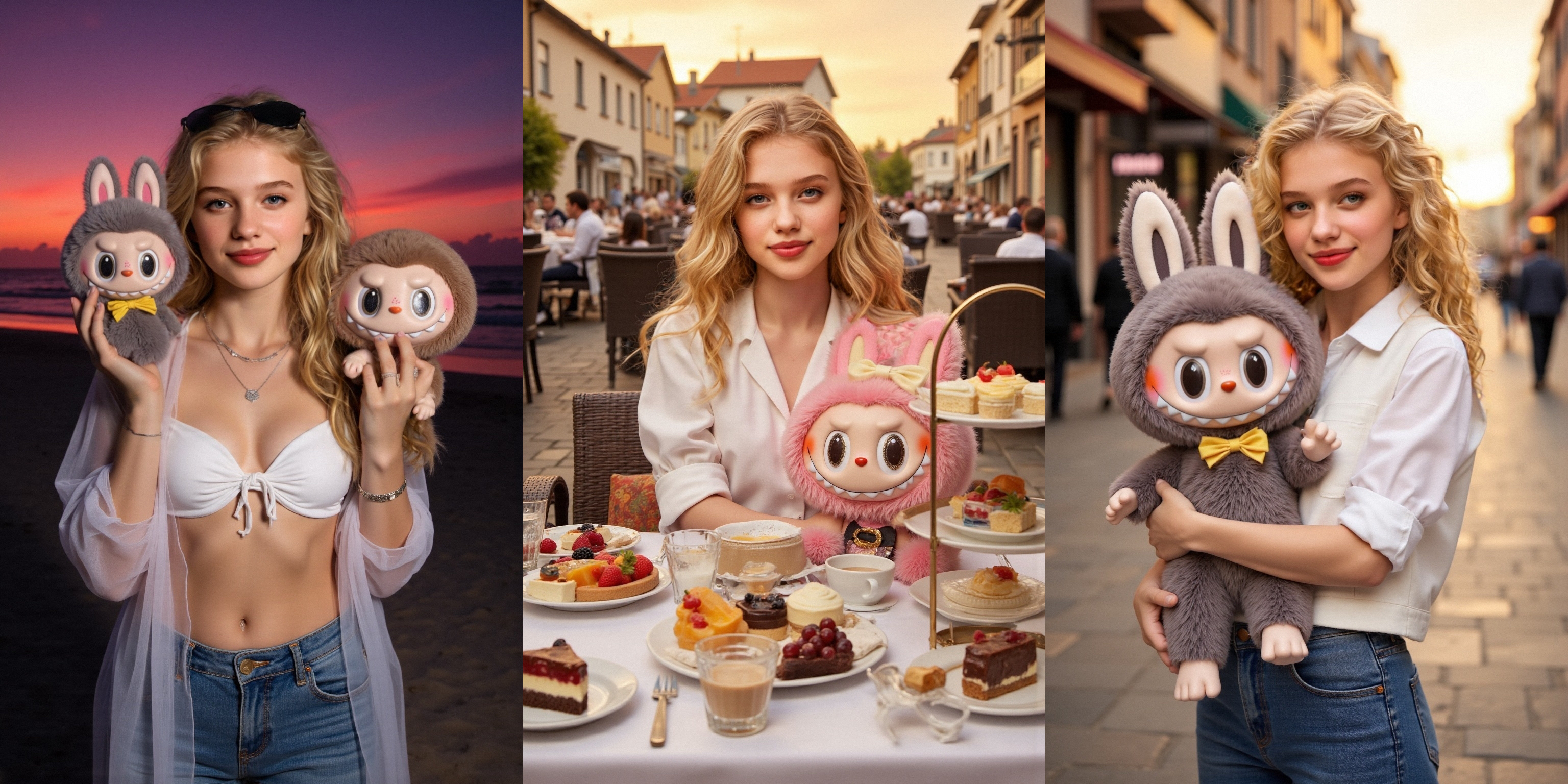
Unlike traditional AI tools that turn you into a cartoon or 3D avatar, Labubu Shot keeps you as you are — but reimagines the scene around you. It’s as if you just walked out of a toy expo with Labubu in hand, ready to share your quirky side with the world.
Each photo includes:
- You (seamlessly AI-integrated)
- A unique Labubu character in your arms
- A themed background for maximum visual appeal
The result is eye-catching, shareable, and totally on-trend.
Multiple Styles to Match Every Mood
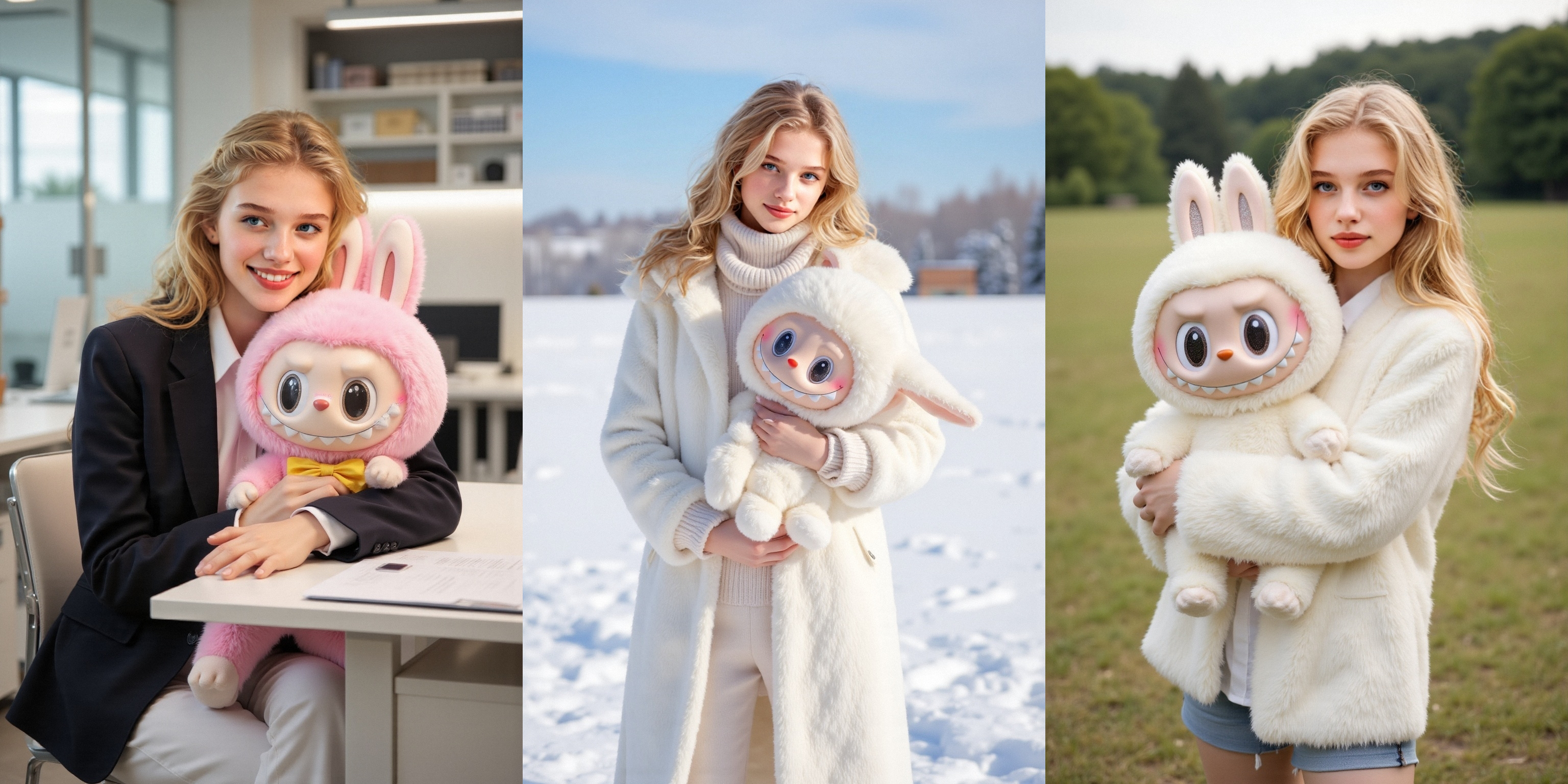
Labubu Shot offers six different templates, each with its own background, Labubu pose, and photo aesthetic. From playful and pastel to bold and artistic, there’s something for every vibe.
No need to pick from names — simply swipe through the visual previews and choose the one you like best. What you see is what you get!
Templates are updated regularly, so be sure to check back for new styles.
How to Use Labubu Shot in Few Easy Steps
1. Download (ios & android) and open the PicMa App Make sure your app is up to date. Tap on “Labubu Shot” on the home screen.
2. Choose a style you love Browse the six templates, preview each one, and tap to select your favorite.
3. Upload your selfie For best results, use a clear, front-facing photo with good lighting. PicMa’s AI will handle the rest.
4. Get your Labubu photo in seconds! Your face is blended naturally into the template, showing you with Labubu in your arms — it’s that easy!
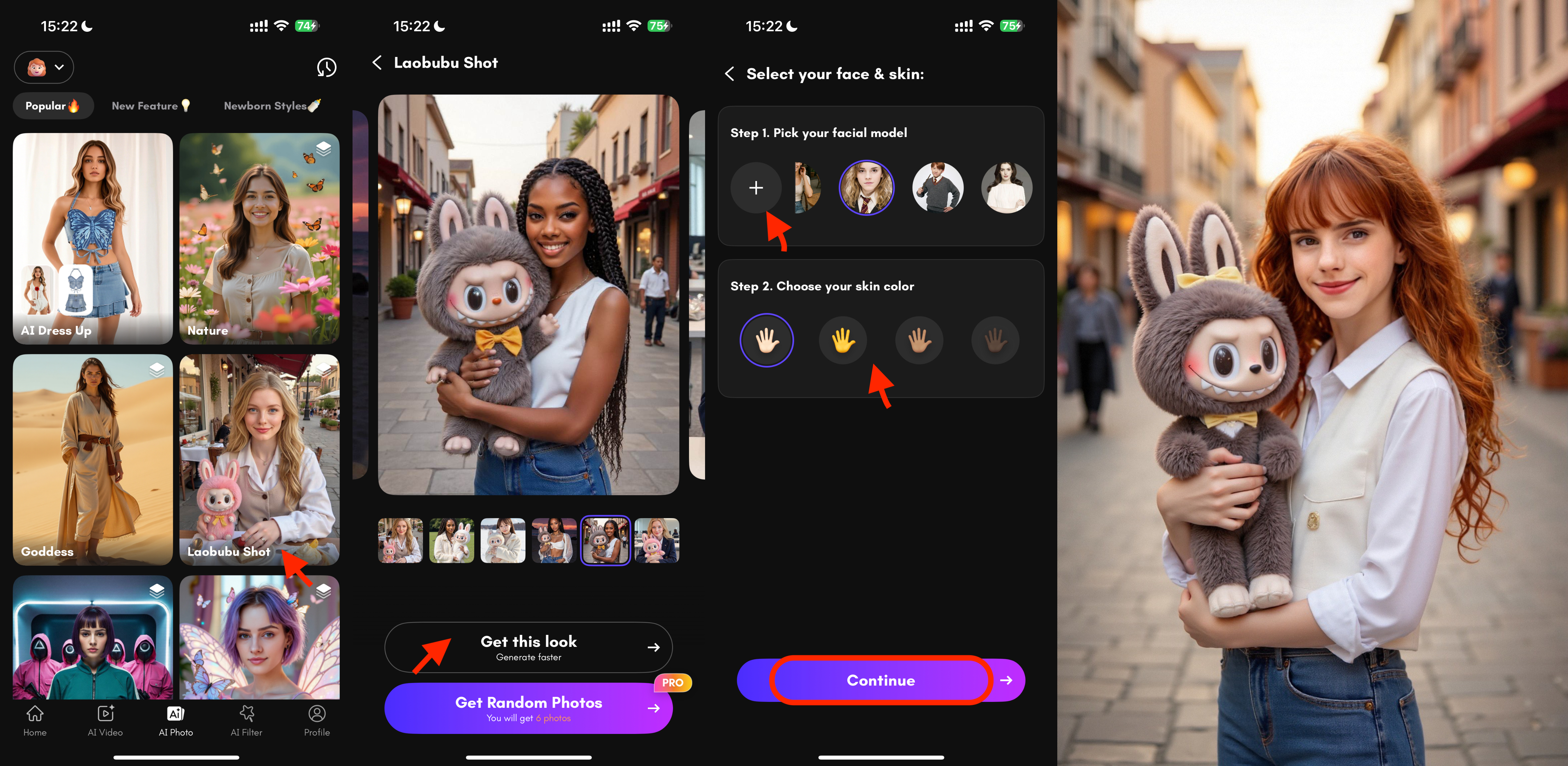
You can download, save, or share the result immediately to your favorite platforms.
Fun Ideas for Using Labubu Shot
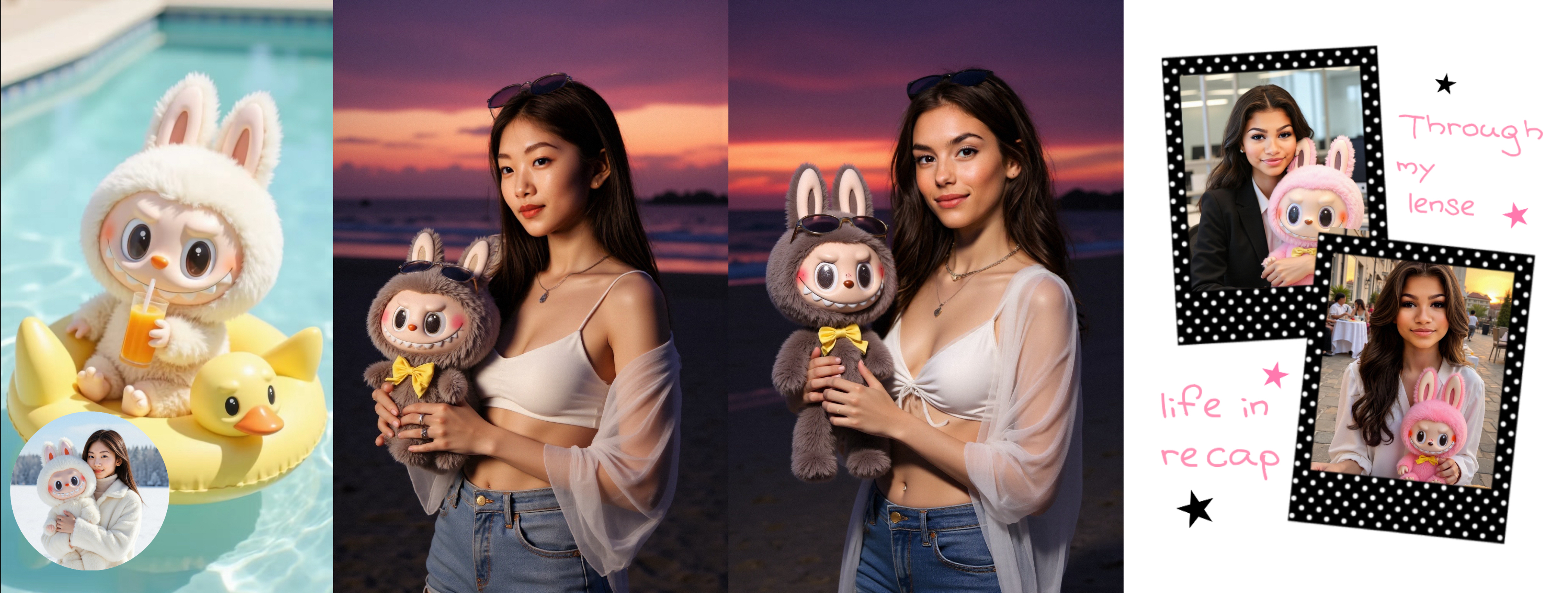
- New profile picture: Cute, creative, and totally unique
- Couple or bestie series: You each generate your own Labubu photo and post as a set
- Social media feed: Share with fun captions like “My weekend mood with Labubu ”
- Stickers & posters: Save the HD version and use it in scrapbooks, DIY cards, or stickers
Why Everyone Loves Labubu Shot
- No design skills needed — just upload a photo
- Instant results with multiple style options
- High-res output perfect for sharing
- Fun, expressive, and easy to use
- Always fresh — new templates are added regularly
Try It Now and Make Your Own Labubu Memory
Labubu Shot isn’t just a photo tool — it’s a fun, feel-good way to express your style and personality.
Download or open the PicMa App, try out Labubu Shot, and create a photo that’s playful, trendy, and totally you.
📲 One photo. One Labubu. One unforgettable shot.


 814
814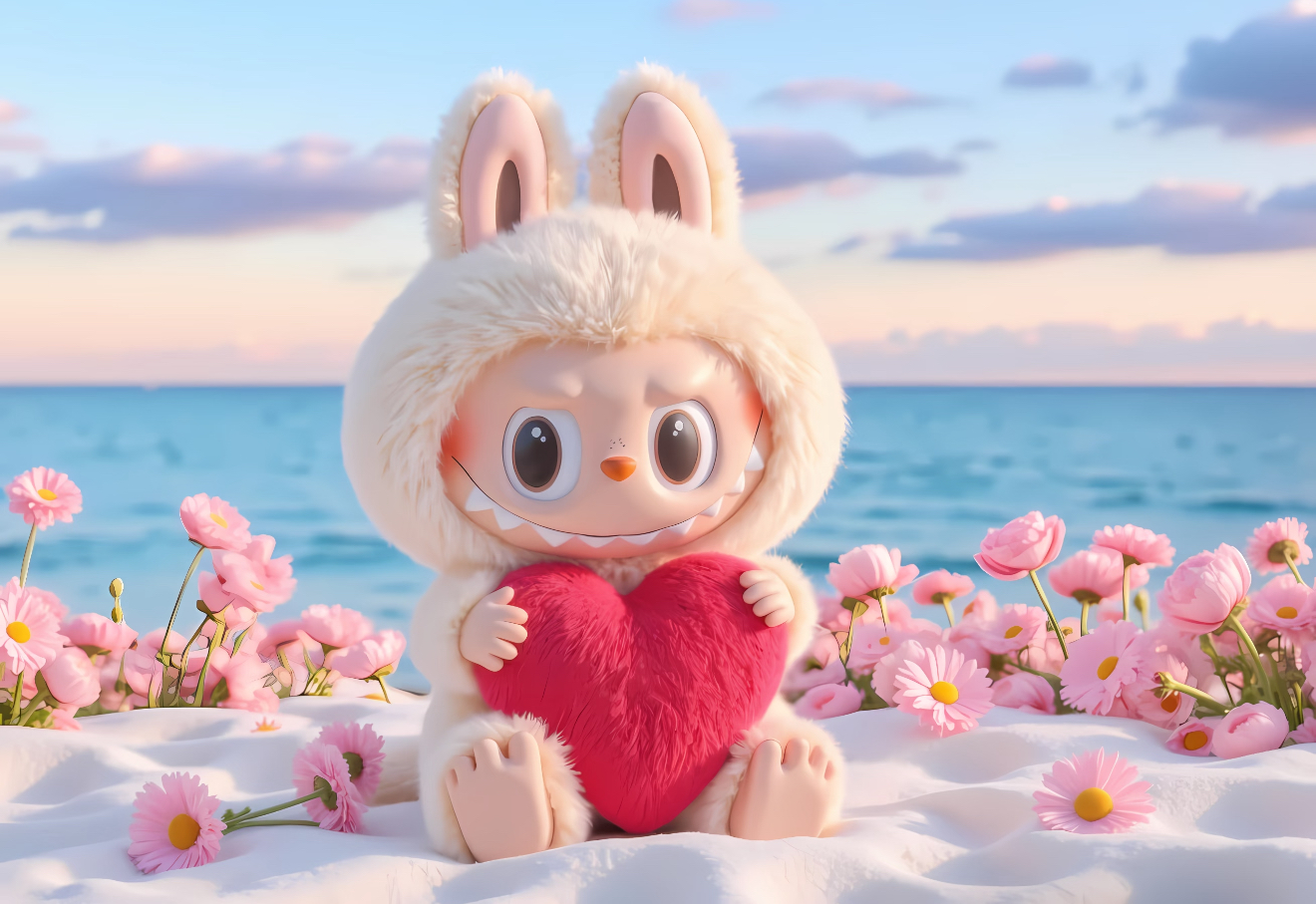

 English