Creating stylish editorial posters is no longer something limited to professional designers. Now, anyone can turn ordinary selfies into eye-catching magazine covers in just a few taps. Whether you want a trendy fashion look, a cool neon aesthetic, or an artistic collage-style portrait, AI offers an easy way to create professional-looking posters directly from your phone.
No Need for Cutouts or Complicated Collages
Traditional poster editing usually requires a lot of manual work, such as removing backgrounds, creating photo cutouts, arranging collage elements, and adjusting text placement. For beginners, these editing steps can feel complicated and time-consuming. However, PicMa makes the entire process much easier with its AI-powered templates.
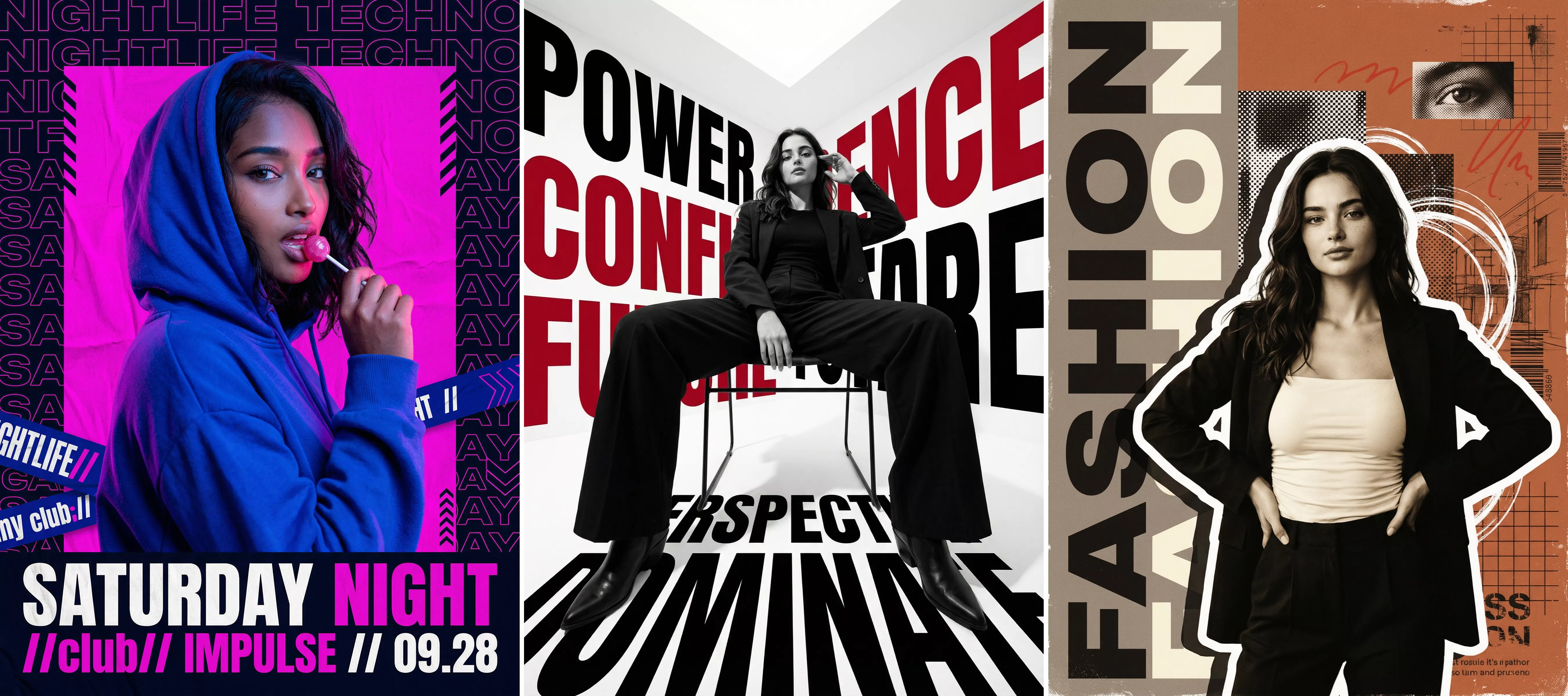
All of the magazine covers above were created using templates from PicMa. You do not need to learn Photoshop skills or spend hours editing details manually. Simply upload your photo, choose a template, and the app will automatically generate a complete magazine-style poster for you. Everything — including the layout, text design, visual effects, and artistic composition — is handled within one template.
Steps to Make Your Magazine Poster
Step 1: Download PicMa (iOS / Android)
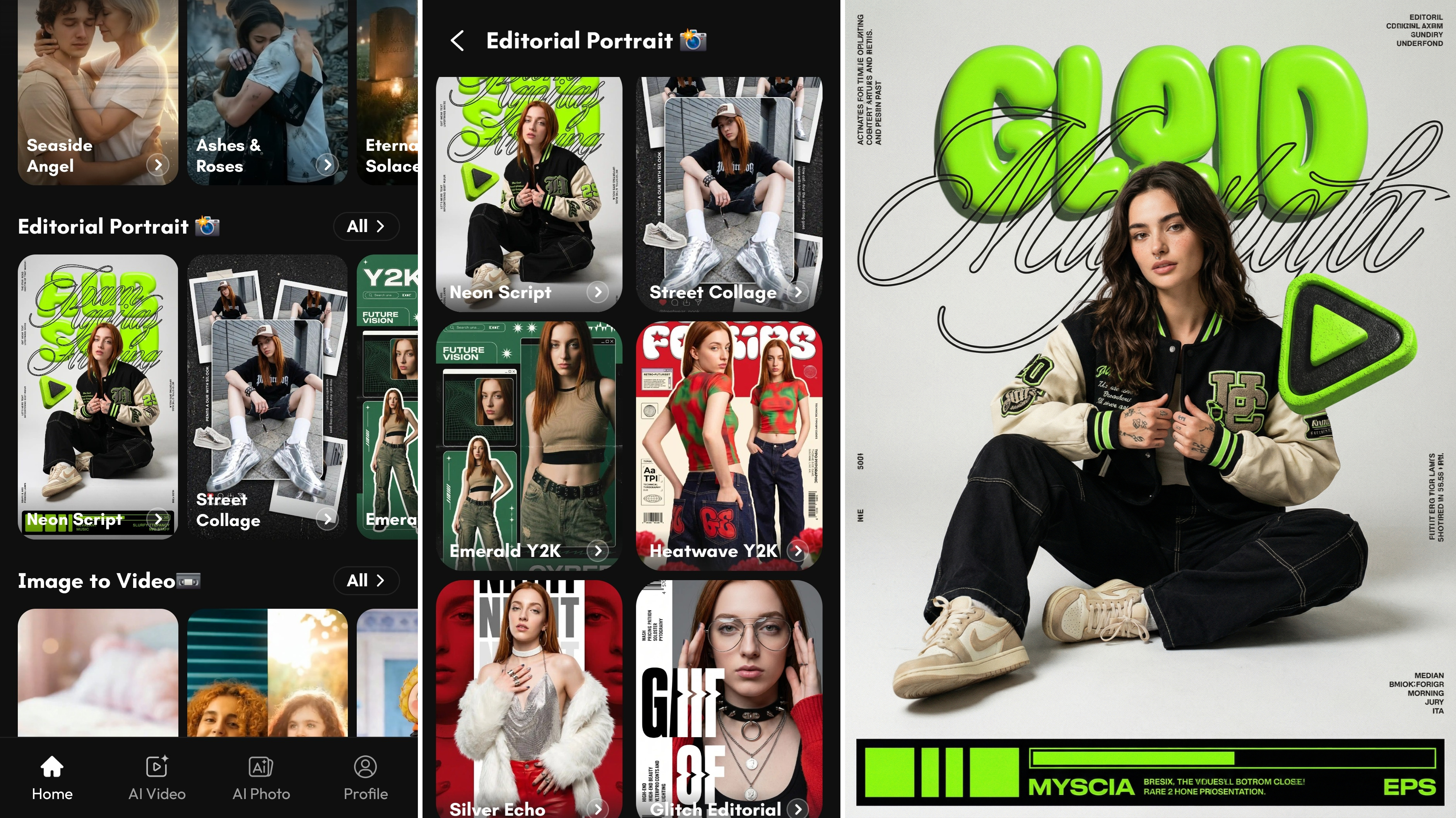
After opening the app, go to the homepage and find “Editorial Portrait.”
Step 2: Choose Your Favorite Template
Browse through the large collection of templates and select the style you want. For example, the “Neon Script” template is a great choice if you like modern magazine aesthetics. The app also offers many other fashionable options to explore.
Step 3: Upload Your Photo
Next, upload a portrait photo from your gallery. Clear selfies or high-quality portraits usually work best because the AI can generate more detailed and realistic results.
Step 4: Wait for the Poster to Generate
In just a short time, you will receive a stylish editorial image ready to save or share on social media.
Fashionable, Cool, and Collage-Style Designs
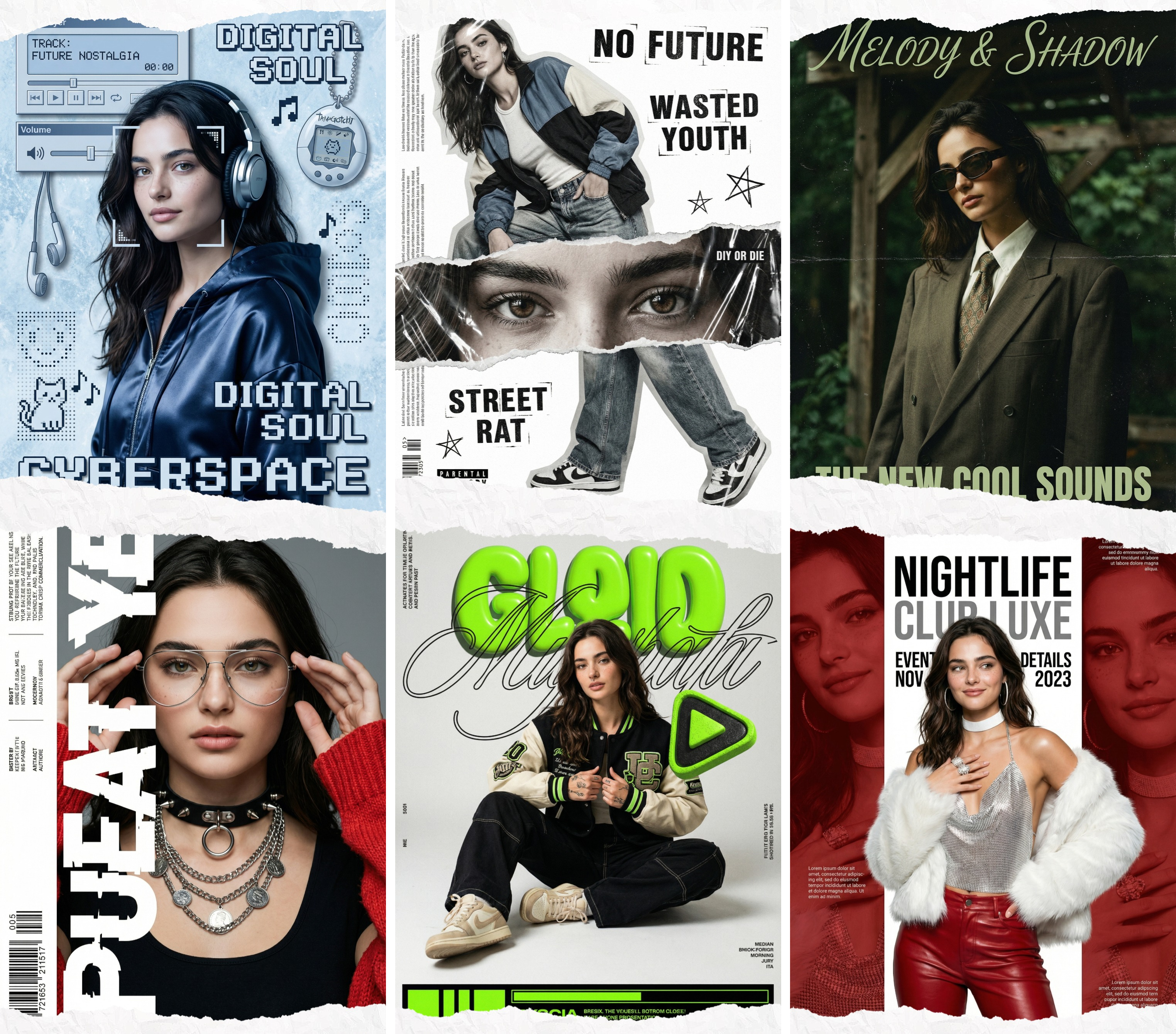
PicMa provides a huge variety of magazine cover templates designed for different moods and styles. From minimalist fashion covers to vibrant cyberpunk themes, there is something for everyone. The AI-generated effects help make every image look creative and unique.
These posters are perfect for Instagram, TikTok, profile pictures, or personal branding. Many users also enjoy using them for birthday posts, digital scrapbooks, or aesthetic photo collections. Because the templates are updated regularly, there is always something new to try.
If you want to transform your selfies into trendy magazine-style artwork with minimal effort, PicMa is definitely worth downloading. The app combines convenience, creativity, and professional-looking results all in one place.


Frequently Asked Questions
Q: Can beginners use PicMa easily?
A: Yes. The app is designed for beginners, and the entire process only requires a few simple taps.
Q: What kind of photos work best?
A: Clear portrait photos with good lighting usually produce the best magazine cover results.
Q: Is my portrait photo safe and protected?
A: Yes. PicMa values user privacy and portrait protection. Your uploaded photos are processed securely for AI generation purposes, and the platform is designed to help protect personal image data.

 120
120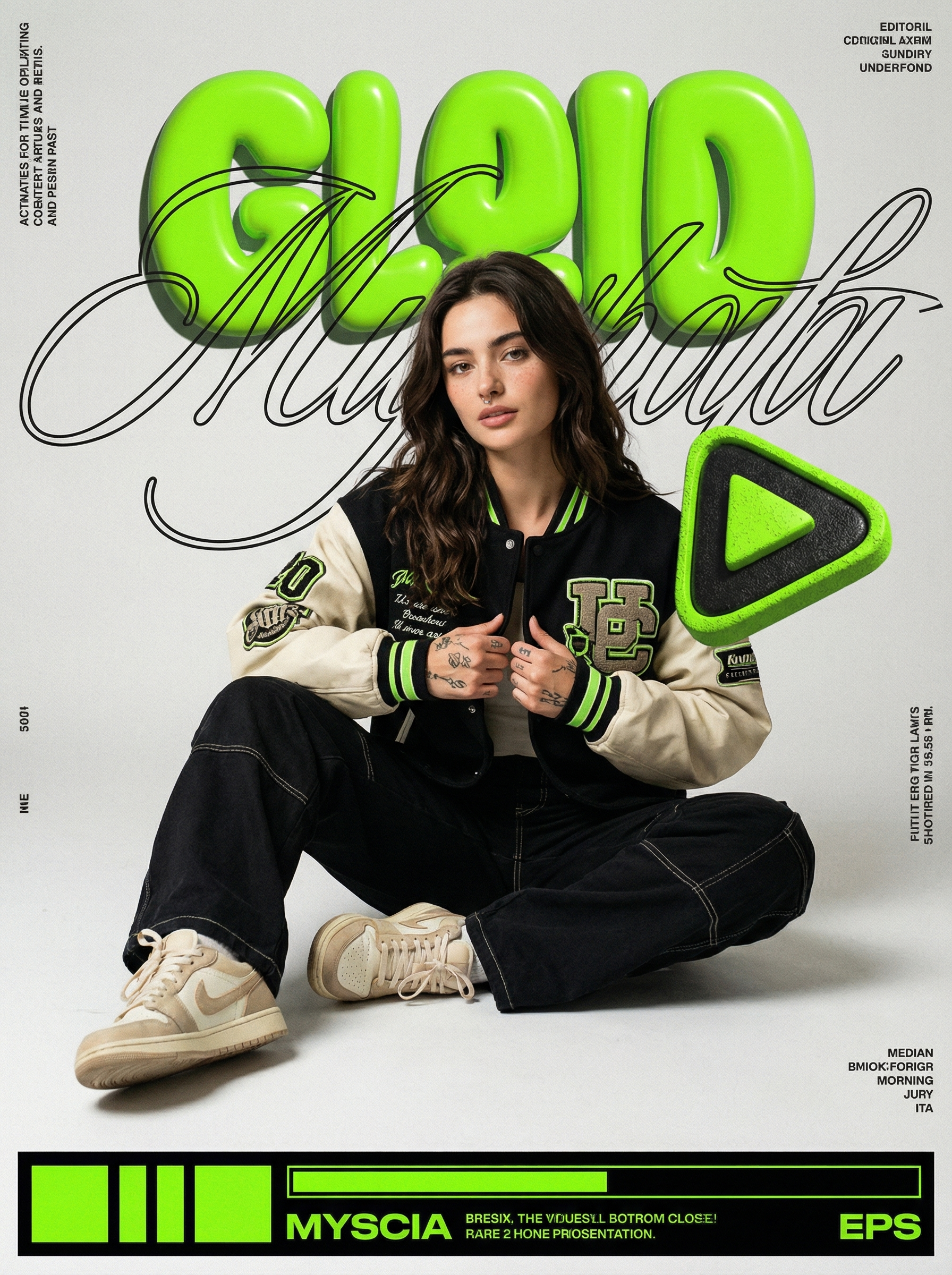

 English