If you’ve ever tried to take a perfect photo of your pet, you already know how hard it can be.
They move too fast.
They look away at the exact wrong moment.
The lighting is never right.
And somehow the cutest moment always happens when your phone isn’t ready. 🐾
Many pet lovers want beautiful pet portraits for social media, profile pictures, gifts, or memories — but not everyone has the patience, camera skills, or cooperative pets to make it happen.
That’s where AI pet photo generators come in.
With tools like PicMa, you can turn just one pet photo into multiple adorable photoshoots — from mushroom costumes and birthday themes to Vogue-style portraits and tiny animal outfits — in just a few clicks.
No photography skills required. No studio setup. Just upload a photo and let AI do the magic.
What You Can Create with PicMa Pet Vibe
PicMa offers a dedicated Pet Vibe section designed specifically for pet lovers. You can generate a wide variety of creative styles, including:
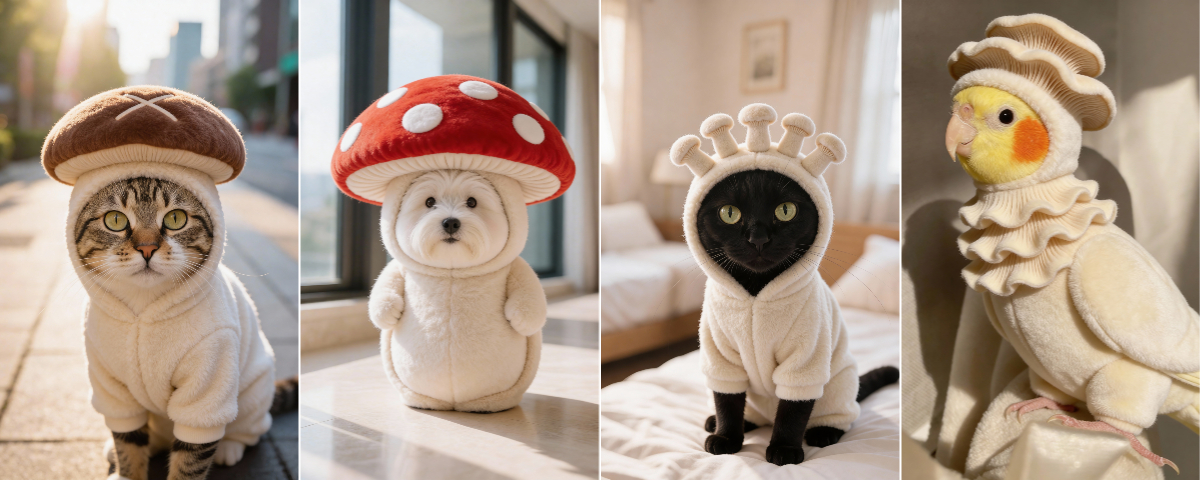
🍄 Mushroom Costume Portraits
Turn your pet into a fairytale character with cute mushroom outfits and dreamy forest vibes.
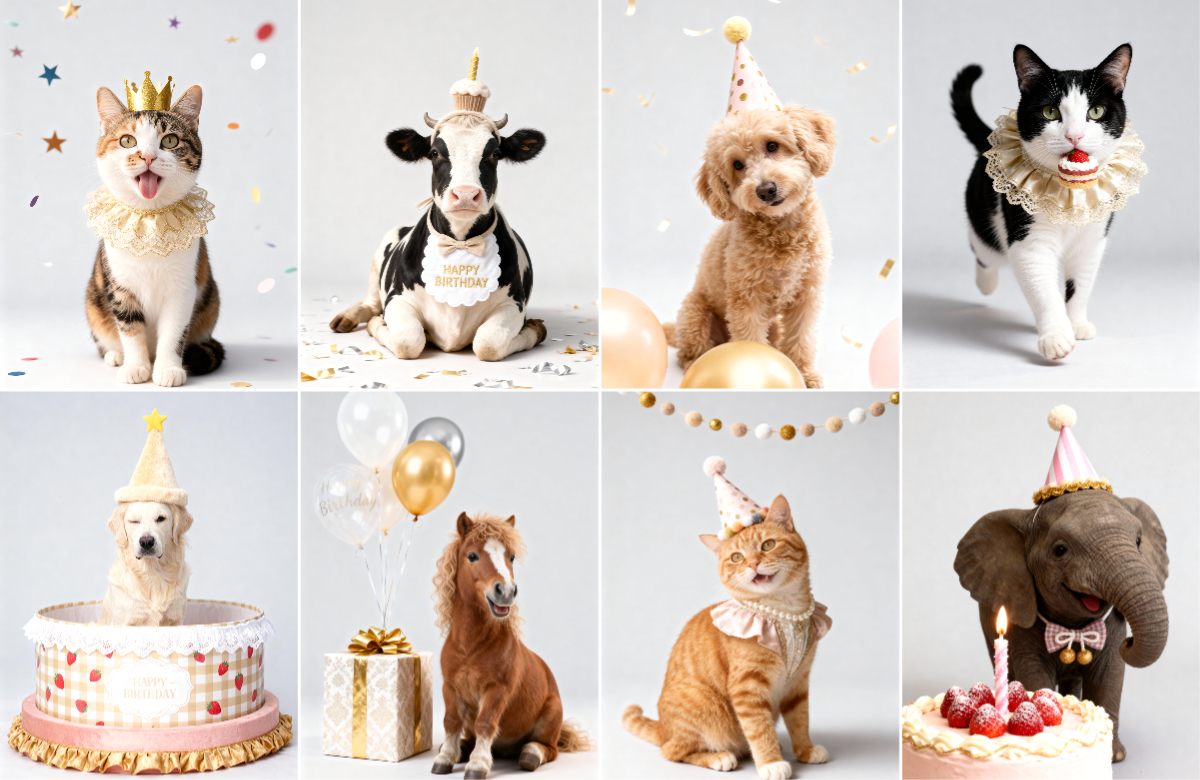
Create festive birthday portraits with balloons, cakes, candles, and party backgrounds — perfect for sharing or printing.
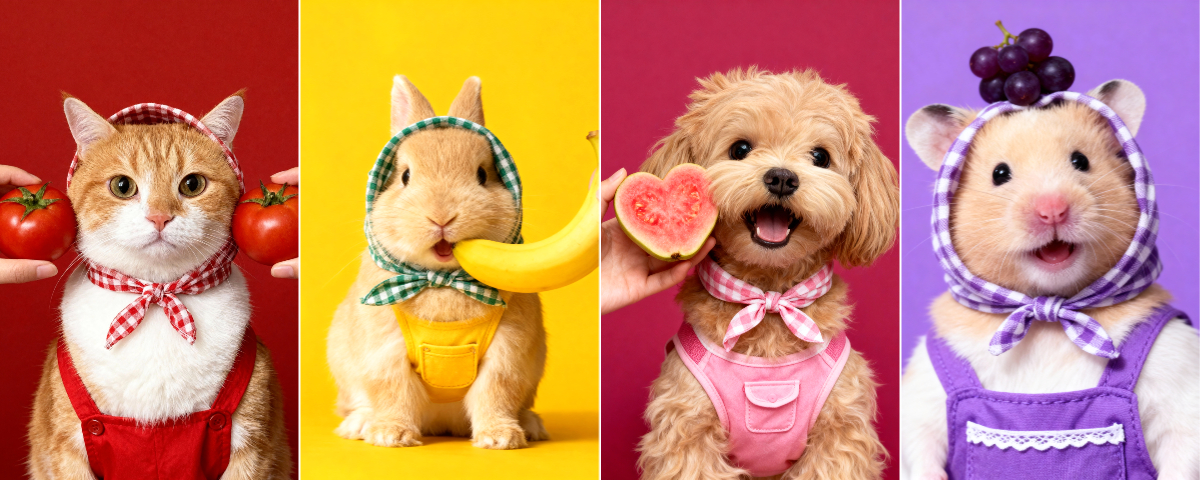
🍓 Fruit-Themed Pet Portraits
Create bright, playful pet photos surrounded by colorful fruits, adding a fresh and cheerful vibe to every portrait.
🐰 Little Animal Costume Series
Easily create adorable pet looks across multiple themes, including desserts, animals, and seasonal styles.
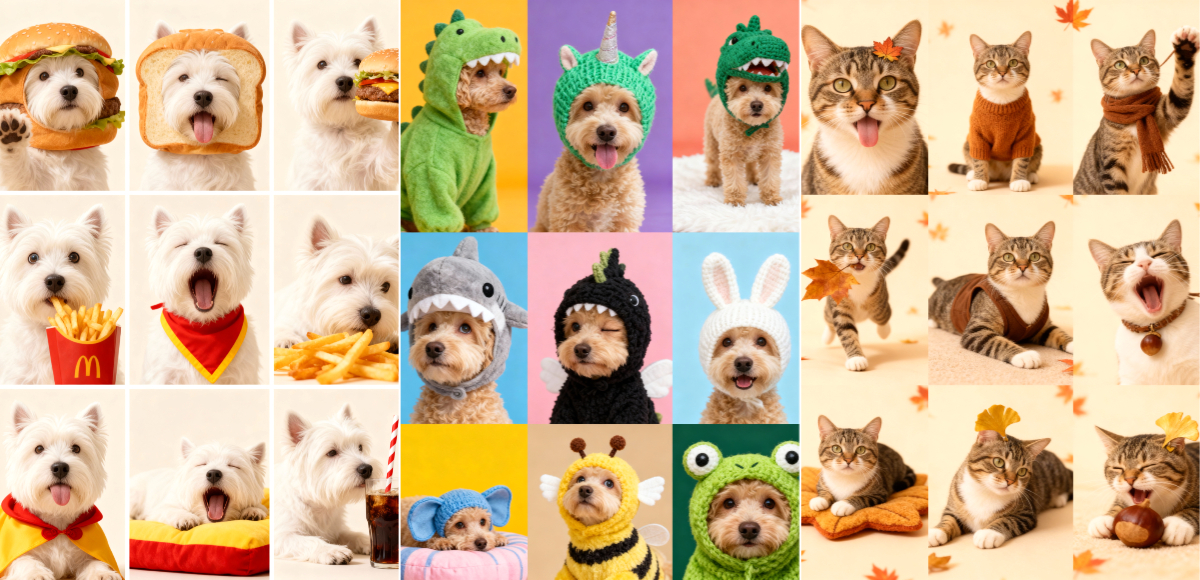
There are a lot more styles to explore in the Pet Vibe Zone, such as pony hug, burger boss, robe paws, pet career show, retro vibe, etc...Each style is automatically generated by AI — no manual editing needed.
How to Create Pet Photos in PicMa
Getting started takes less than a minute:
Step 1: Download PicMa
Download PicMa app on your device and open the app.
Step 2: Enter the Pet Vibe Section
Browse the available pet styles and choose the one you like.
Step 3: Upload One Pet Photo
Select a clear photo of your pet. A front-facing image with good lighting works best.
Step 4: Wait for the AI Result
In a few seconds, your pet’s new photoshoot will be ready to download and share.
That’s it. No complicated settings, no prompts, no editing experience needed.
Tips for Better AI Pet Results
For the best results, start with a photo where your pet’s face is clearly visible and reasonably sharp. Natural light usually produces better color and detail than dark indoor lighting, while avoiding heavy shadows, extreme angles, or motion blur helps the AI recognize features more accurately. Make sure important facial areas like the eyes and ears are not blocked, and choose a simpler background when possible. The photo doesn’t need to be professional — casual smartphone pictures often work well as long as the pet is clear and well-lit.
Who This Tool Is Perfect For
This tool is ideal for pet owners who love sharing photos on social media, creating digital memories, or designing personalized gifts but don’t have the time or skills for professional photography and editing. It’s especially helpful for people with energetic or camera-shy pets who struggle to capture good moments naturally. Anyone who wants high-quality, creative pet portraits with minimal effort — whether for fun, content creation, or keepsakes — can benefit from using an AI pet photo generator.
From Idea to Shared Memory, in Minutes
Great pet photos shouldn’t require expensive cameras, professional studios, or perfectly behaved pets.
With AI tools like PicMa, anyone can create beautiful, playful, and creative pet portraits from just one photo. Whether you want a whimsical mushroom costume, a birthday celebration portrait, or an adorable outfit look — it’s all possible in a few taps.
If you’ve ever felt frustrated trying to capture that perfect pet moment, this might be the easiest way to finally get the photos you’ve been dreaming of. 🐶🐱✨


Related Readings:

 170
170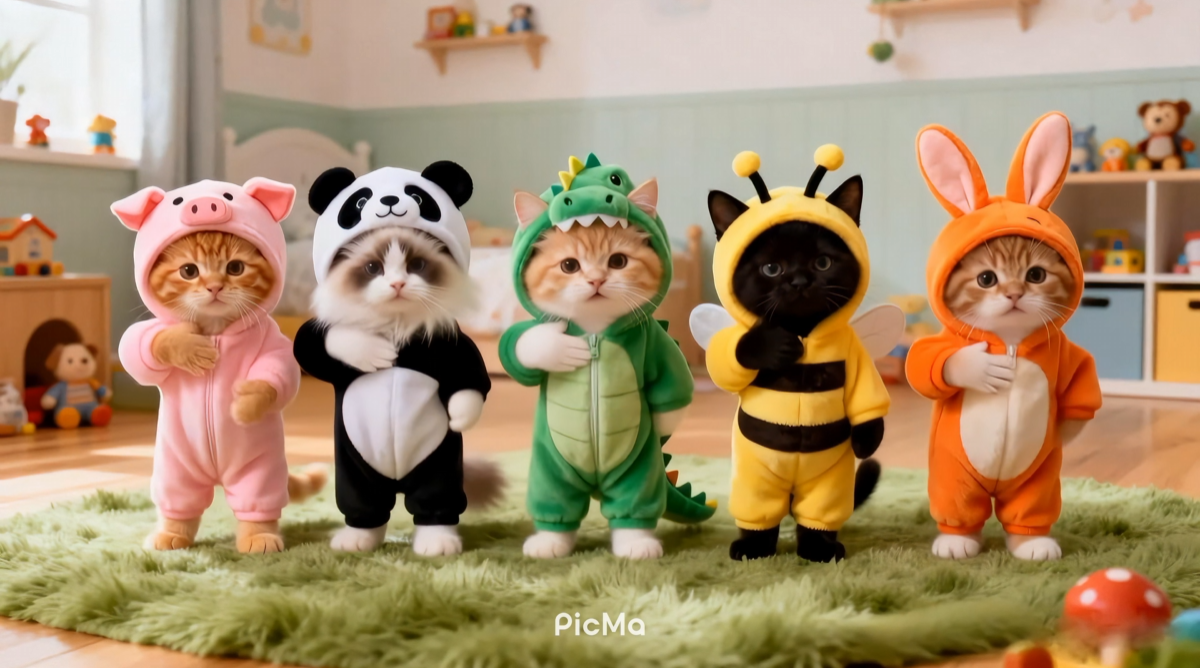

 English