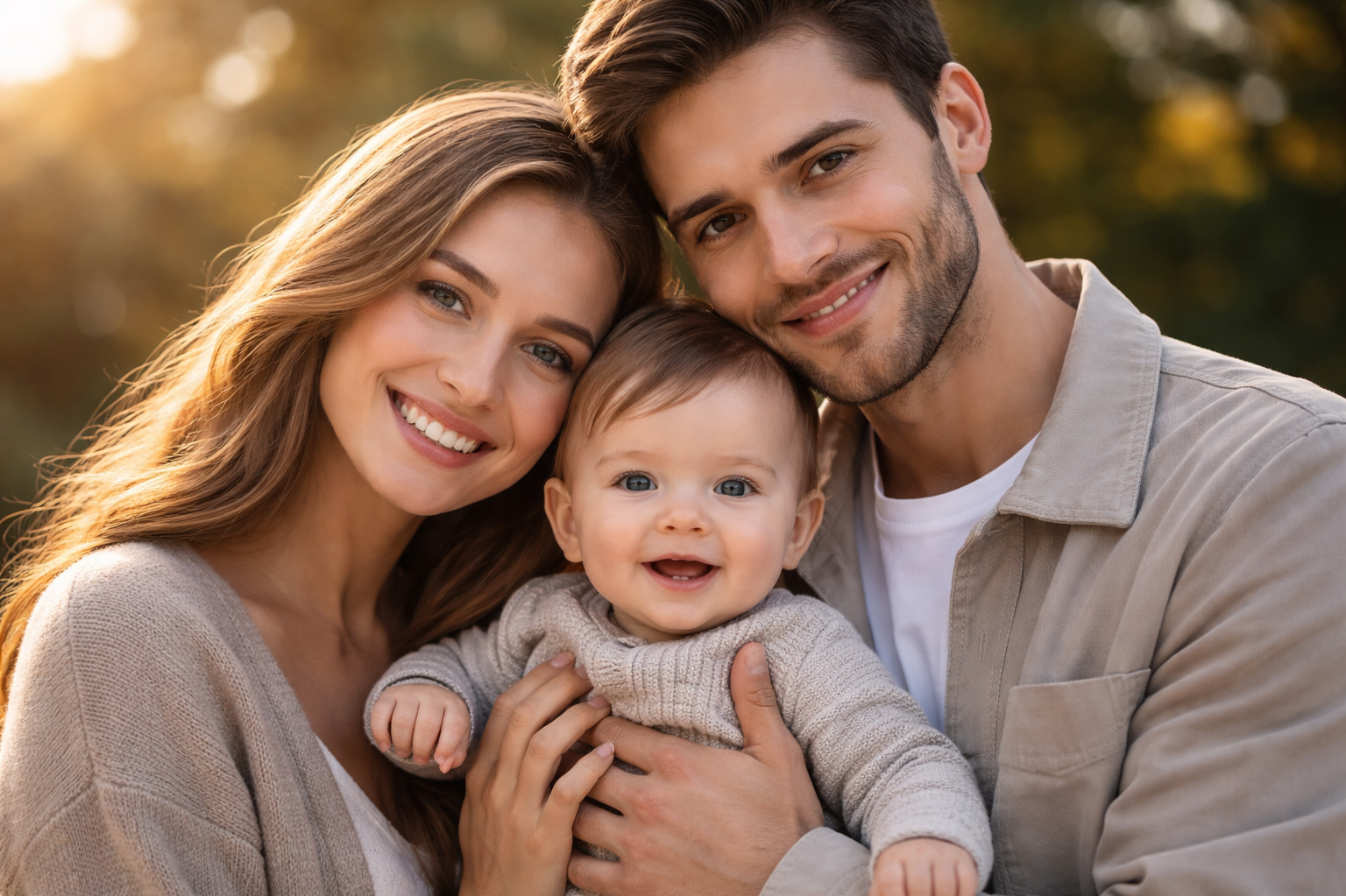
Have you ever wondered what your future child might look like?
It’s a question many people think about, especially couples who are curious about how their features might be passed down to the next generation.
Imagine Your Future Baby with AI
Thanks to modern AI photo and video generation technology, this curiosity can now be visualized in just a few seconds. With PicMa, you simply upload your photos, and the AI analyzes facial features such as eyes, nose, face shape, and skin tone to generate a predicted baby image. Using advanced deep learning models, the system blends these characteristics to create a realistic and personalized result.
The generated baby photo can look surprisingly lifelike, giving you a fun and fascinating glimpse of what your future family might look like. For many users, the experience feels almost magical—turning imagination into a visual moment you can see and share.
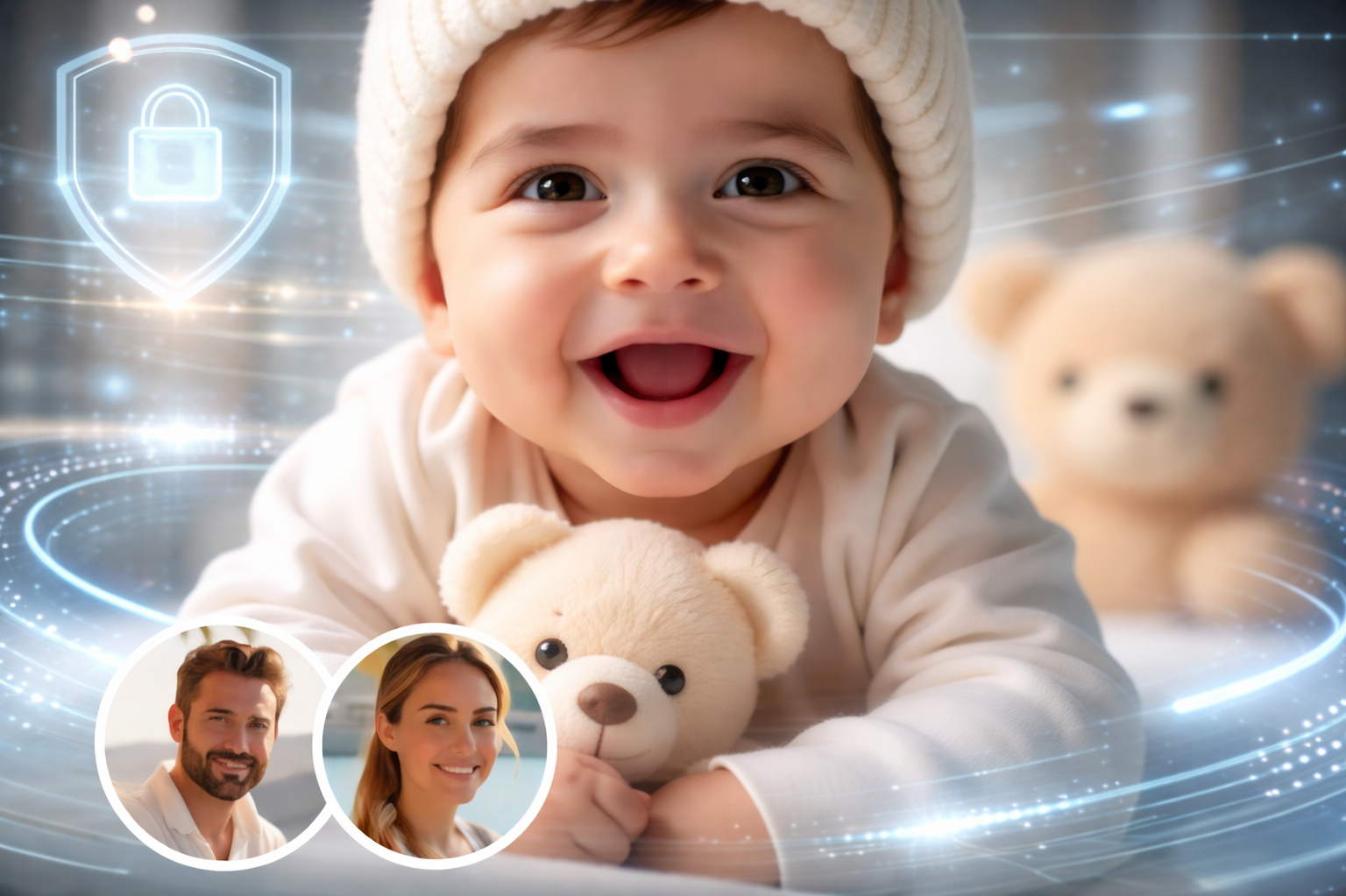
How PicMa Captures Your Child’s Features: The Science of AI Baby Prediction:
To create a realistic baby prediction from parent photos, several technical elements are carefully analyzed. PicMa’s AI Portrait Generator focuses on:
1.Facial Feature Analysis: The AI examines eyes, nose, mouth, and face shape in detail, capturing subtle traits from both parents.
2.Genetic Trait Blending: Advanced algorithms combine features in a balanced way, producing a prediction that feels natural and personalized.
3.Skin Tone And Texture Simulation: The AI recreates realistic skin tones and textures for infants, avoiding artificial or “flat” results.
This meticulous approach ensures that the generated baby image is not only visually appealing but also a highly refined, individualized prediction.
Step-by-Step Guide To See Your Future Baby
Step 1: Find Your Perfect Template
Download PicMa, which is free to use on both iOS and Android. Open it and head to the “See Your Future Family” feature.
Step 2: Choose the Template You Want
Next, select the template that matches the result you want to generate. It offers several options, including: Infant, Child, Junior, Youth and Ideal Family.
Step 3: Upload Your Photos
Upload a clear, front-facing photo of yourself and your partner. For the best results, make sure the photo: has good lighting, shows your full face clearly, has minimal filters or obstructions. High-quality photos help the AI analyze facial features more accurately.
Step 4: Let the AI Work Its Magic
Tap the Generate button and let the AI do the rest. Within just a few seconds, PicMa will create a predicted image of your future child or family.
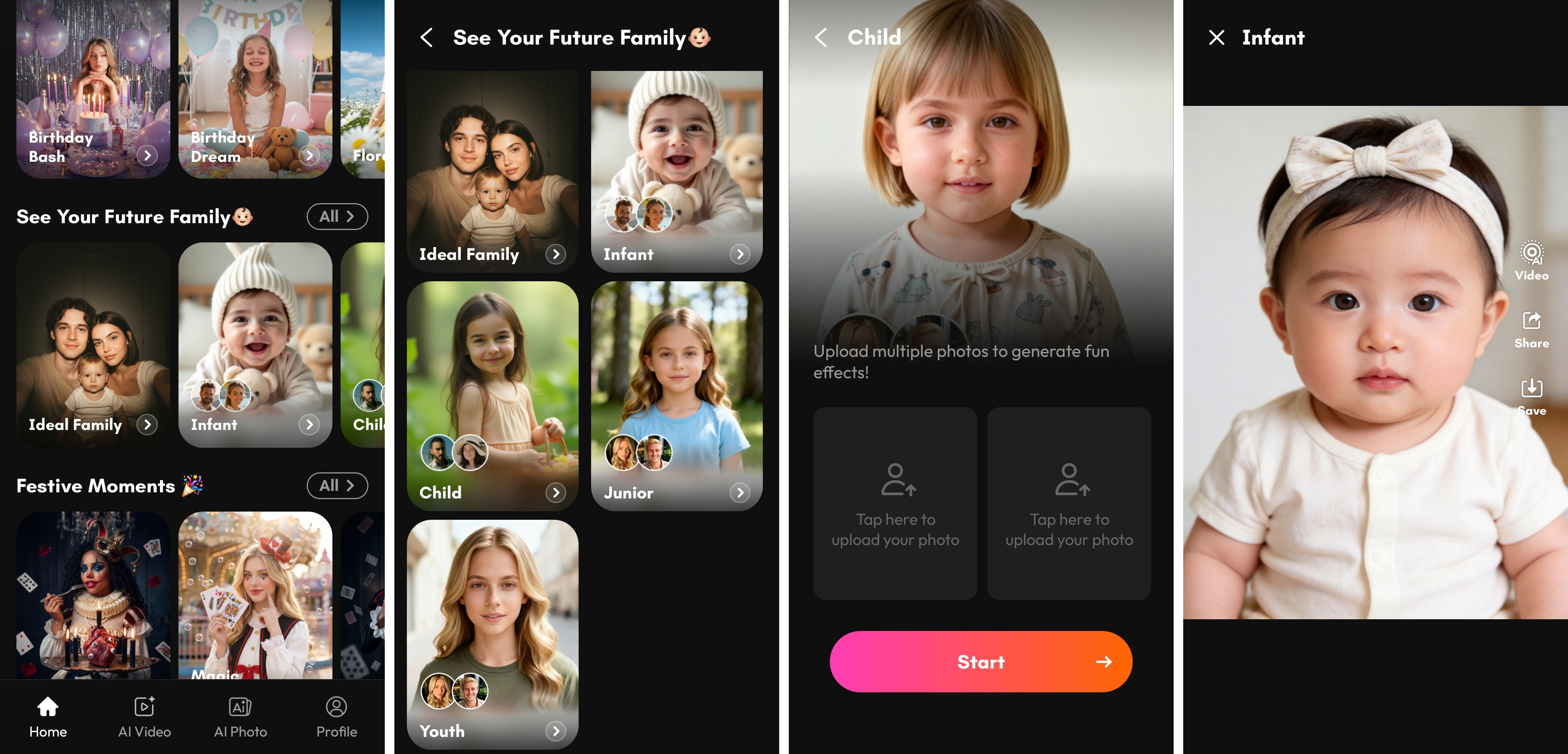
Step 5: Download the Photo or Turn It into a Video
Once the generation is complete, you can download the generated image directly to your device.
If you want to make it more shareable, simply tap the Video button. PicMa will transform your photo into a short emotional clip with smooth motion, high-definition video quality, and cinematic transitions. The AI automatically applies dynamic effects, soft lighting adjustments, and subtle animations to bring the image to life.
This polished video with transitions, effects, and music is perfect for sharing on platforms like TikTok, Instagram, or YouTube Shorts.
Create Your Future Family Video in One Click
As AI technology continues to evolve, tools like PicMa are making it easier than ever to visualize possibilities that once existed only in our imagination. By combining advanced facial analysis with powerful generation models, you can instantly see a realistic glimpse of what your future family might look like.
Whether you're curious, having fun with friends, or creating content for social media, PicMa offers a unique and entertaining experience by generating a predicted baby photo from parents’ pictures and turning it into a beautiful video in one click.
Curious about your future family? Generate a realistic AI baby photo and video with PicMa Today!


Frequently Asked Questions
Q: Can I generate a future baby photo if I only have my own picture and not my partner’s?
A: Yes. Advanced AI platforms like PicMa can analyze a single portrait and intelligently generate a baby prediction based on your facial features. The AI uses deep learning models to simulate how those traits might appear in a child, creating a realistic and personalized result even from just one photo.
Q: How accurate is the AI baby prediction?
A: By leveraging deep learning models such as PicMa’s Nano Banana 2 AI Portrait Generator, the AI analyzes facial features with remarkable detail, producing highly realistic baby predictions. While the results are impressively refined, they are not 100% accurate, as actual genetics are far more complex.
Q: Can I safely use my personal photos for AI baby generation?
A: When using trusted apps like PicMa, your photos are processed on secure, encrypted servers. This means your images are never exposed to the public or shared with third parties. The app takes privacy seriously, ensuring that your personal photos remain confidential and are only used for generating the AI content you request.

 154
154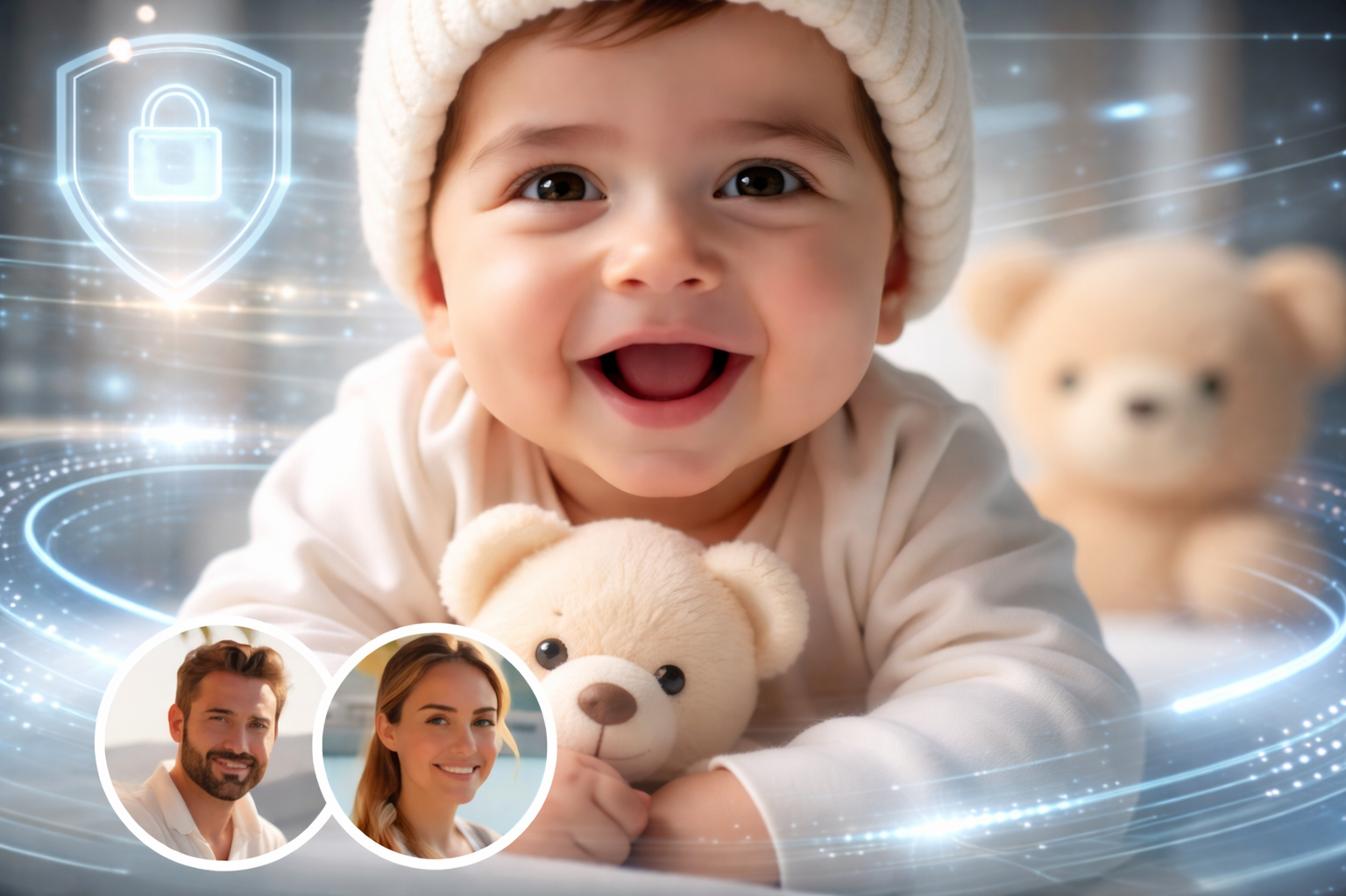

 English