The three usual hurdles of poster creation: tight budget, tighter timelines, and endless back-and-forth. Outsourcing drags schedules; DIY without layout skills often yields cramped hierarchy, off-brand colors, and the wrong sizes for print vs. social. You need faster output, side-by-side variations, quick copy tweaks, and a browser tool you can open anywhere. PicMa’s AI Poster Generator (web) delivers exactly that.
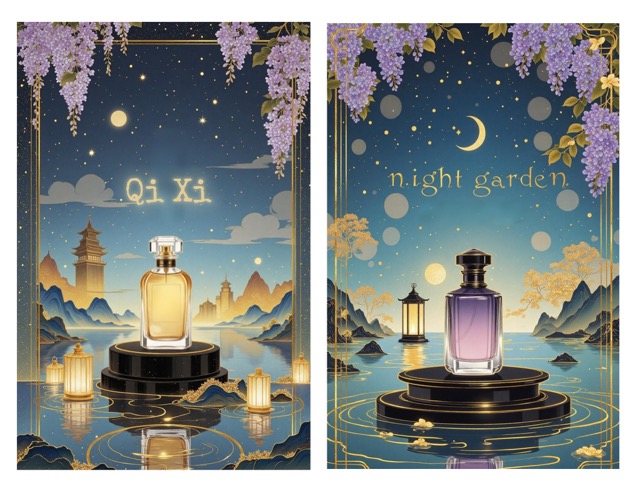
Why Choose an AI Poster Generator
- Faster decisions: Generate multiple options in seconds and compare styles, layouts, and palettes at a glance.
- Lower trial-and-error cost: Keep generating until you see a direction that truly fits your brand.
- Beginner-friendly: Describe your vision with keywords (industry, vibe, color leanings) and get usable drafts.
- Transparent flow: All in the browser—no installs, instant preview.
A 5-Step Flow,Idea to Usable Poster
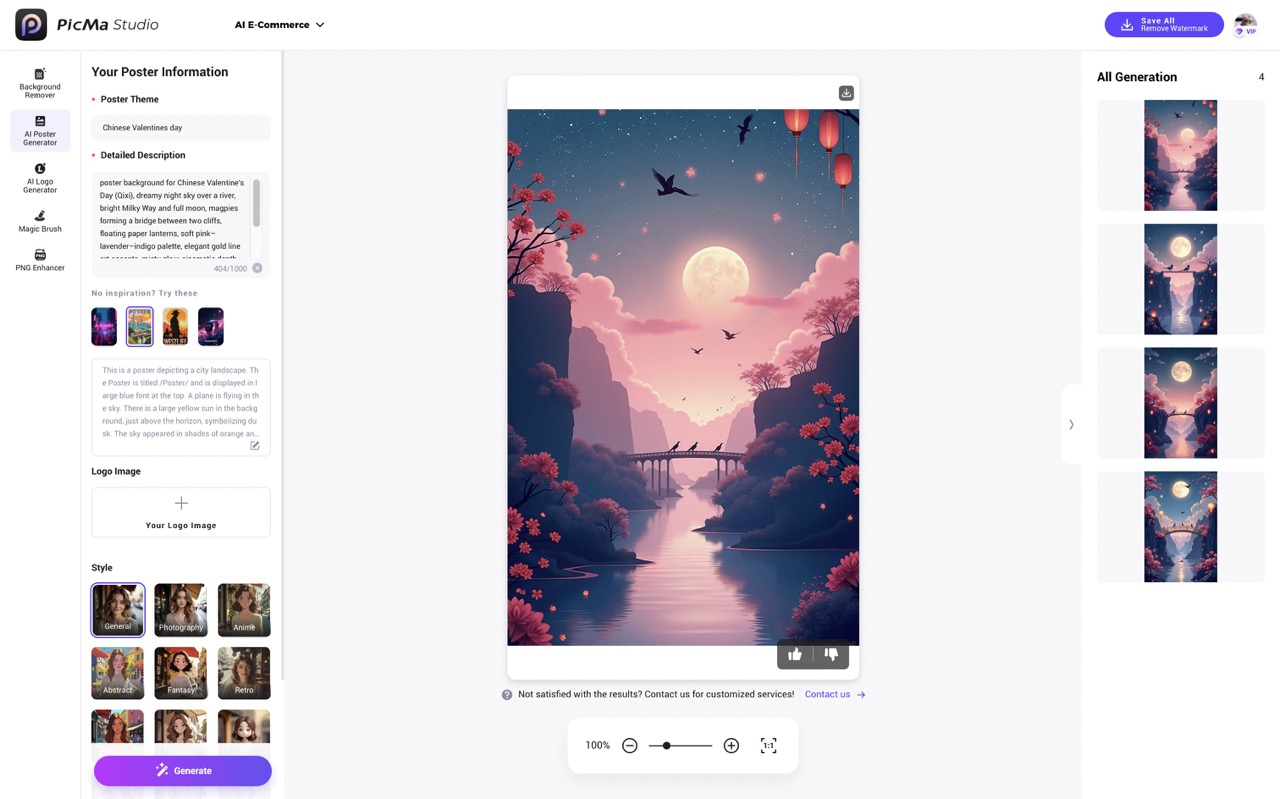
1.Open PicMa Studio and tap AI Poster Generator.
2.Describe Your Vision:
In the prompt box, spell out your poster’s theme and key elements. For example:
Theme: “Chinese valentine’s Day”
Prompt idea: “Poster background for Chinese Valentine's Day (Qixi), dreamy night sky over a river, bright Milky Way and full moon, magpies forming a bridge between two cliffs, floating paper lanterns, soft pink–lavender–indigo palette, elegant gold line art accents, misty glow, cinematic depth, large clean negative space in the upper half for English typography, minimal distractions, flat yet painterly illustration.”
3.Optionally upload your brand mark. The AI will place it into balanced layouts—visible and on-brand without overpowering the design—so your campaigns stay consistent and recognizable.
4.Pick a template style you want (General/Anime/Abstract, etc.) ,there are 12 styles for you to choose from.
5.Hit Generate; in seconds you’ll get up to four poster ideas.
Tips:No idea yet? Start with four starter templates—one click to spark directions.
What Sets PicMa Apart
PicMa Studio’s AI Poster Generator pairs creativity with simplicity. Browse a broad style library—Cartoon, Vintage, Realistic, Illustration—and pick what fits your theme. No complicated steps: enter campaign keywords (event type/title, mood, colors, date/location as text if needed), choose a style, and the AI instantly composes a poster that matches your idea. You can regenerate to explore more looks, try alternate keywords (e.g., “live music,” “open mic,” “summer night market,” “grand opening,” “gallery night,” “tech meetup”), or mix descriptors like “bold typography,” “minimal black-and-white,” or “pastel gradient” to steer the vibe. When a result clicks, just save it and you’re ready to share.
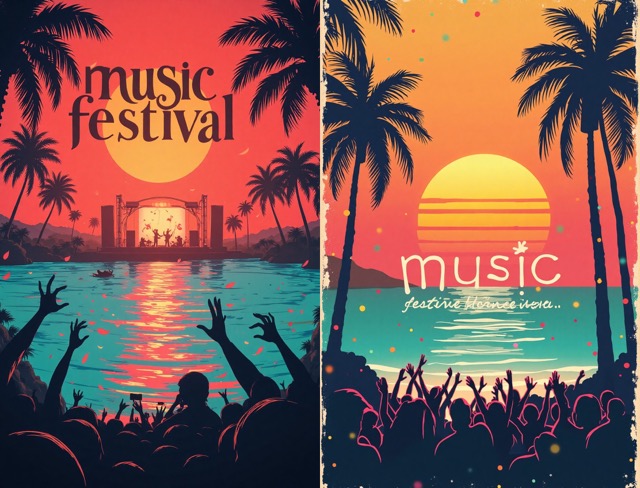
Ready to Go: Posters and Companion Tools
With AI Poster Generator, a polished poster is just a few clicks away. Try it now to feel how fast and flexible modern design can be—built for real campaigns and full of creative potential.
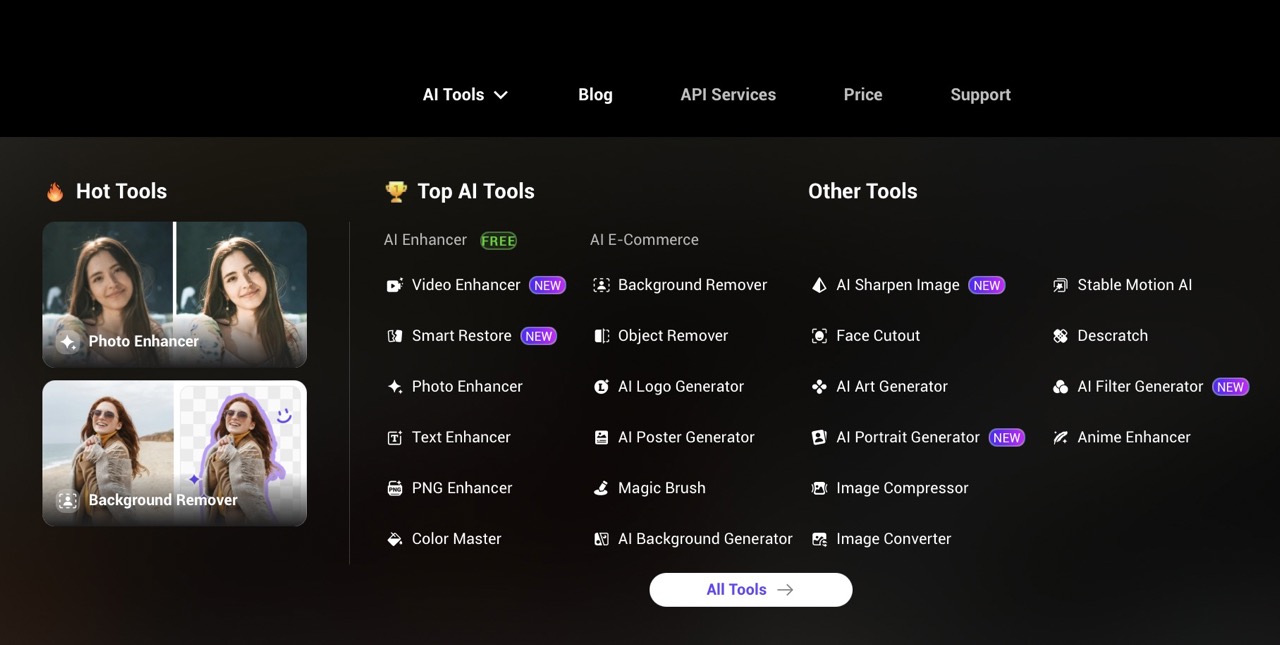
More handy tools in PicMa Studio to power your next campaign:
- AI Background Generate/Remove: Create on-brand backdrops for products or scenes, or cut out subjects cleanly to make your focal point pop.
- Magic Brush / Object Remover: Add or remove elements, clean distractions, and fine-tune details in seconds.
- AI Photo Enhancer: Upscale, sharpen, and denoise images so prints stay crisp and social uploads look clear.
Ready to turn a fuzzy idea into a ship-ready mark today? Open your browser and try PicMa’s AI Poster Generator. In minutes, you’ll have multiple directions, quick tweaks, and real-world previews—so decisions get easier and your brand gets sharper.

 179
179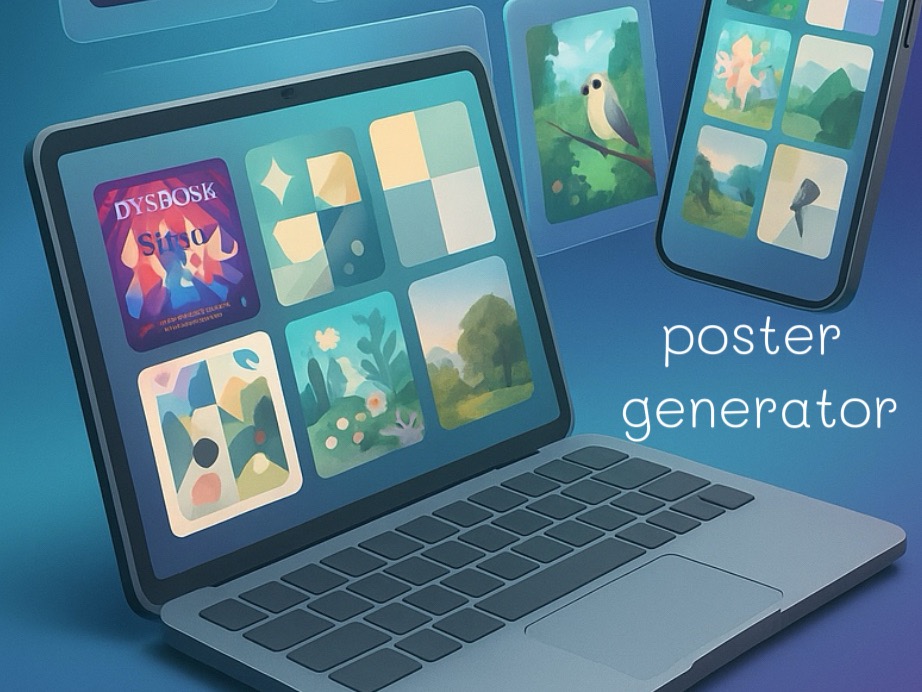

 English