You already have strong product photos—but the model, setting, or overall mood no longer fits your next campaign. Organizing another photoshoot means finding talent, booking a location, shipping samples, and waiting for post-production.
AI model replacement offers a faster alternative. It lets ecommerce sellers and fashion brands reuse existing model photography while creating fresh, campaign-ready variations—without photographing the product again.
Why Replace the Model Instead of Reshooting?
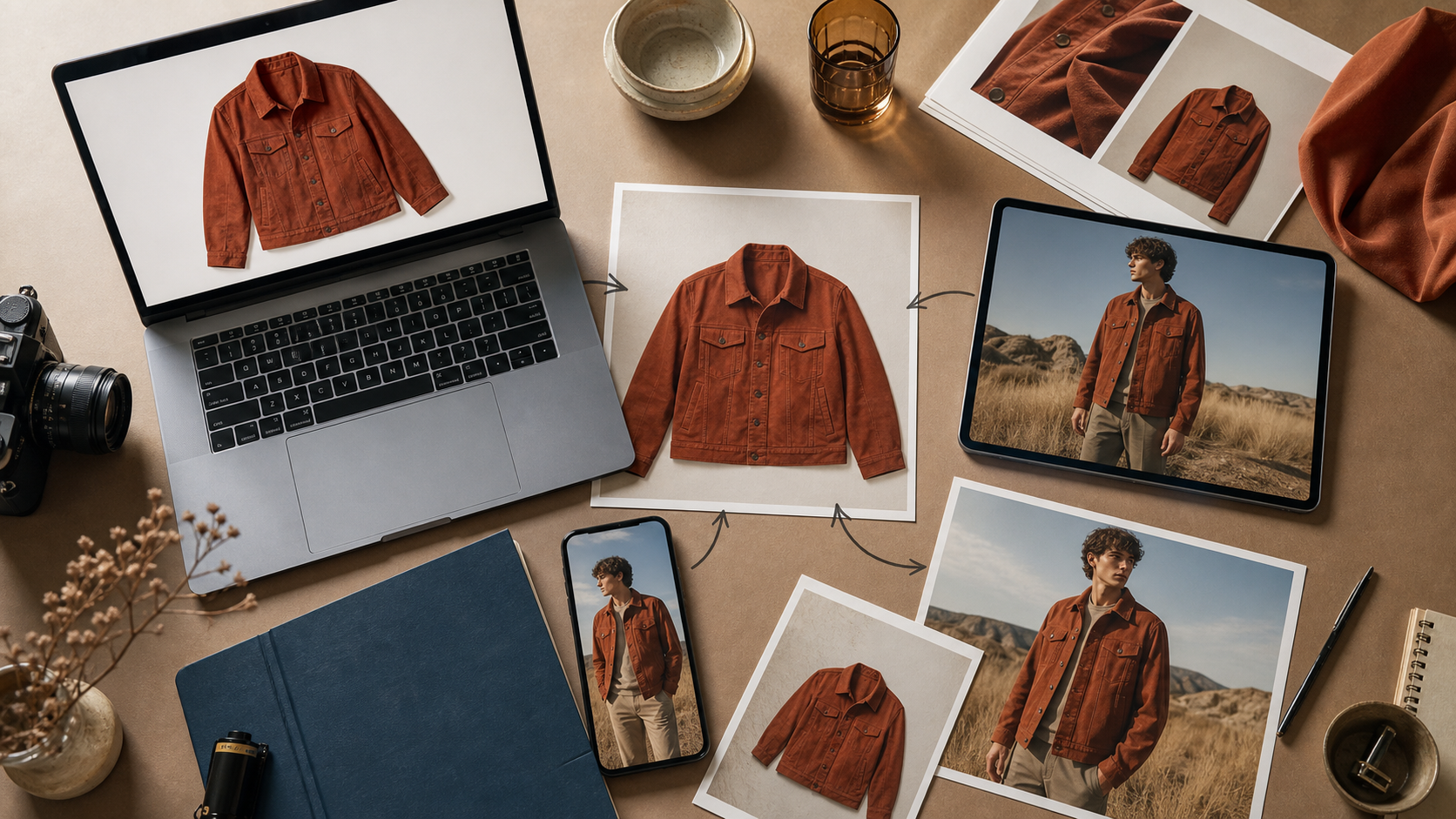
Product images rarely have just one job. The same garment may need a clean marketplace image, a relaxed lifestyle photo for social media, and a more aspirational version for seasonal ads.
Traditionally, every change requires another shoot. That is difficult for small brands working with limited budgets or fast product cycles. An AI-powered product photo editor can turn a usable source image into several creative directions while preserving the value of the original photography.
This is especially useful when you need to:
- Adapt an existing campaign for a different audience.
- Test new models or visual styles before committing to a full shoot.
- Create lifestyle product images with AI for ads and social posts.
- Refresh older listings without reshooting every SKU.
It does not make traditional photography obsolete. Instead, it helps brands get more mileage from the images they have already paid to produce.
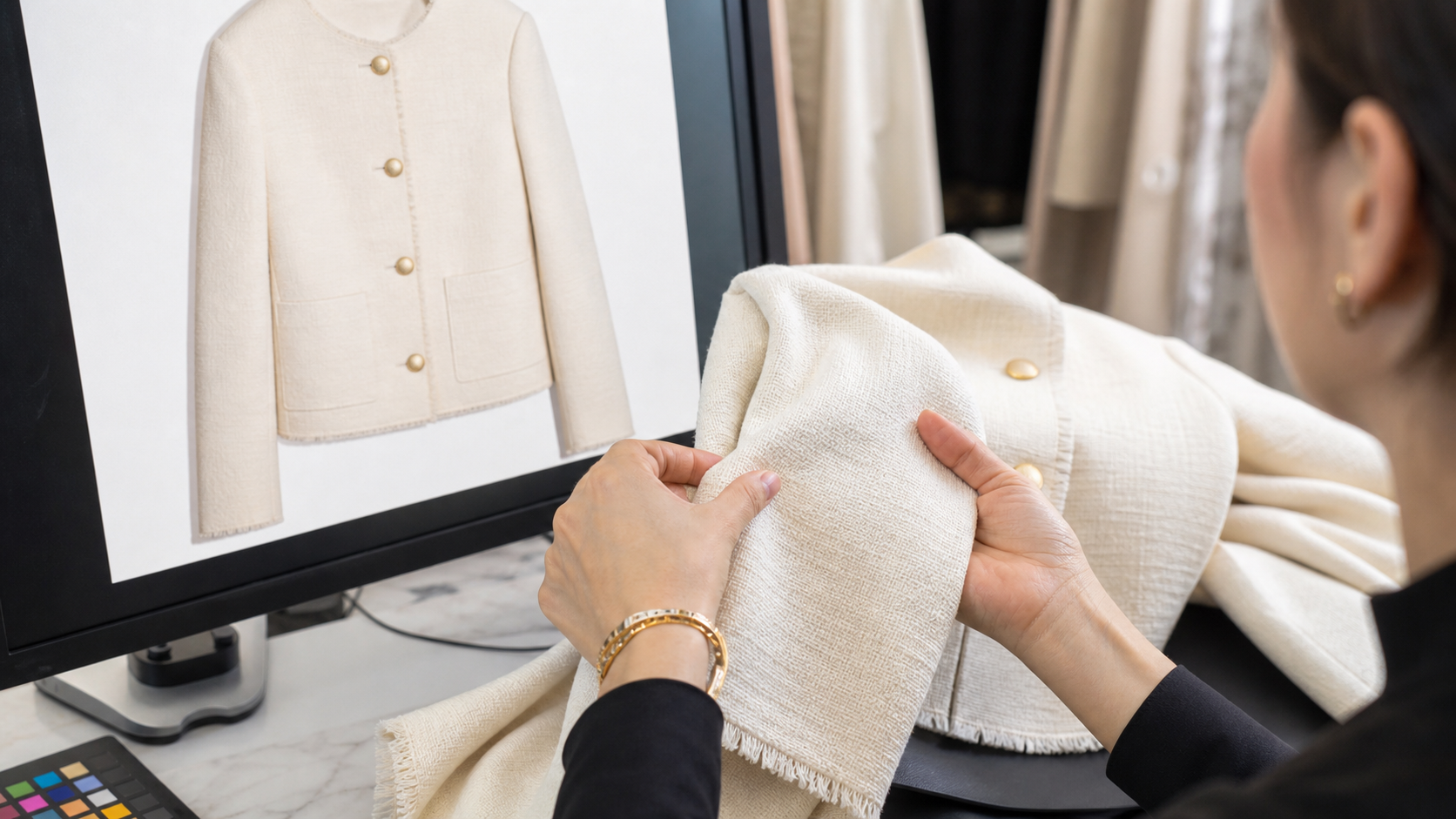
What Makes an AI Ecommerce Photo Actually Useful?
A polished image is not enough—the product still needs to look accurate. Garment shape, color, texture, fit, and important design details should remain consistent with the item customers will receive.
That matters for both trust and distribution. Google recommends clear, high-resolution product imagery and distinguishes lifestyle images from primary listing images in its Merchant Center guidance. Shopify’s product photography guide also emphasizes careful editing after the original shoot.
For the best AI ecommerce photos, begin with a well-lit image where the model and garment are clearly visible. Avoid source photos in which hands, bags, or extreme poses hide key product details. After generation, check seams, prints, buttons, hems, and colors before publishing.
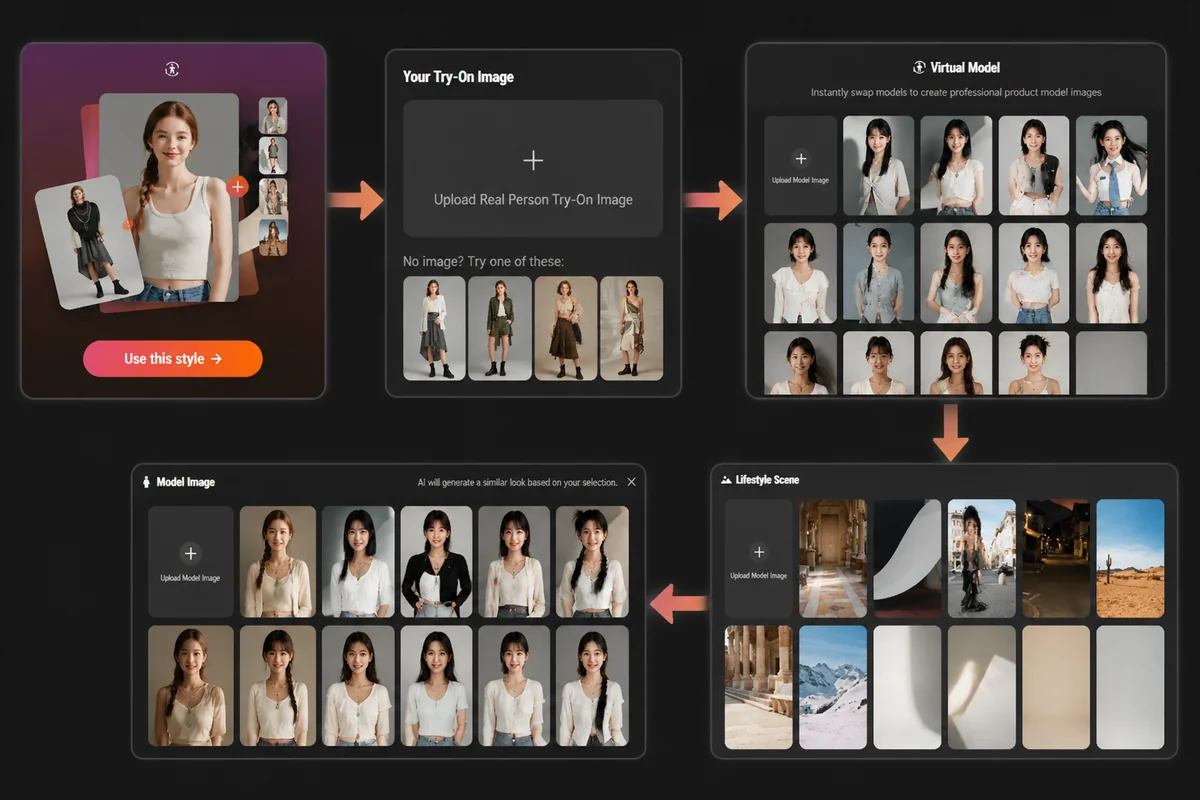
How to Replace a Model in a Product Photo with PicMa Studio
The appeal of PicMa Studio’s AI model replacement tool is its short workflow. You do not need to write a complicated prompt or learn professional retouching software.
Step 1: Upload the original model photo
Choose an existing try-on image with a clear view of the model and product.
Step 2: Select an AI model
Pick the model appearance you prefer. The AI generates a new model with facial characteristics similar to your selection.
Step 3: Choose a lifestyle scene
Select a setting that matches the campaign—from everyday lifestyle imagery to a more editorial atmosphere.
Step 4: Generate the new photo
Let PicMa Studio combine the selected model, scene, and original product image into a new visual.
This four-step process makes the tool a practical AI photoshoot alternative when a brand needs more creative options but cannot justify another production day.
Turn One Photoshoot Into More Campaign Material
The smartest use of AI model replacement is not producing one “perfect” image. It is creating a small group of purposeful variations.
A fashion seller could keep the original photo for the product page, use a new lifestyle scene for Instagram, and test two AI model variations in paid ads. An independent label could also preview how a collection feels with different casting or campaign settings before spending money on a larger shoot.
Keep the visual language consistent across each set. Similar lighting, color treatment, and framing make generated images feel like part of the same campaign. Most importantly, treat AI output as creative material that still deserves a human review—not an automatic replacement for quality control.
If you have a model photo that still shows the product well, you may already have everything you need for your next campaign. Try the PicMa Studio virtual model workflow to explore a new model, style, or lifestyle setting in a few simple steps.


Frequently Asked Questions
Can I use PicMa Studio if I am not a professional designer?
Yes. The process is selection-based: upload a photo, choose a model and scene, then generate. No advanced editing experience is required.
Will AI model replacement change the product itself?
The goal is to retain the original product while changing the model and scene. Still, give every result a quick human check—especially around prints, small accessories, fingers, and garment edges. AI is clever, but it appreciates an editor.
Is this better than a real product photoshoot?
It depends on the job. A real shoot is valuable for creating original hero assets. AI model replacement is particularly helpful for extending those assets, testing creative ideas, and updating product photos without reshooting.
Related Readings:

 60
60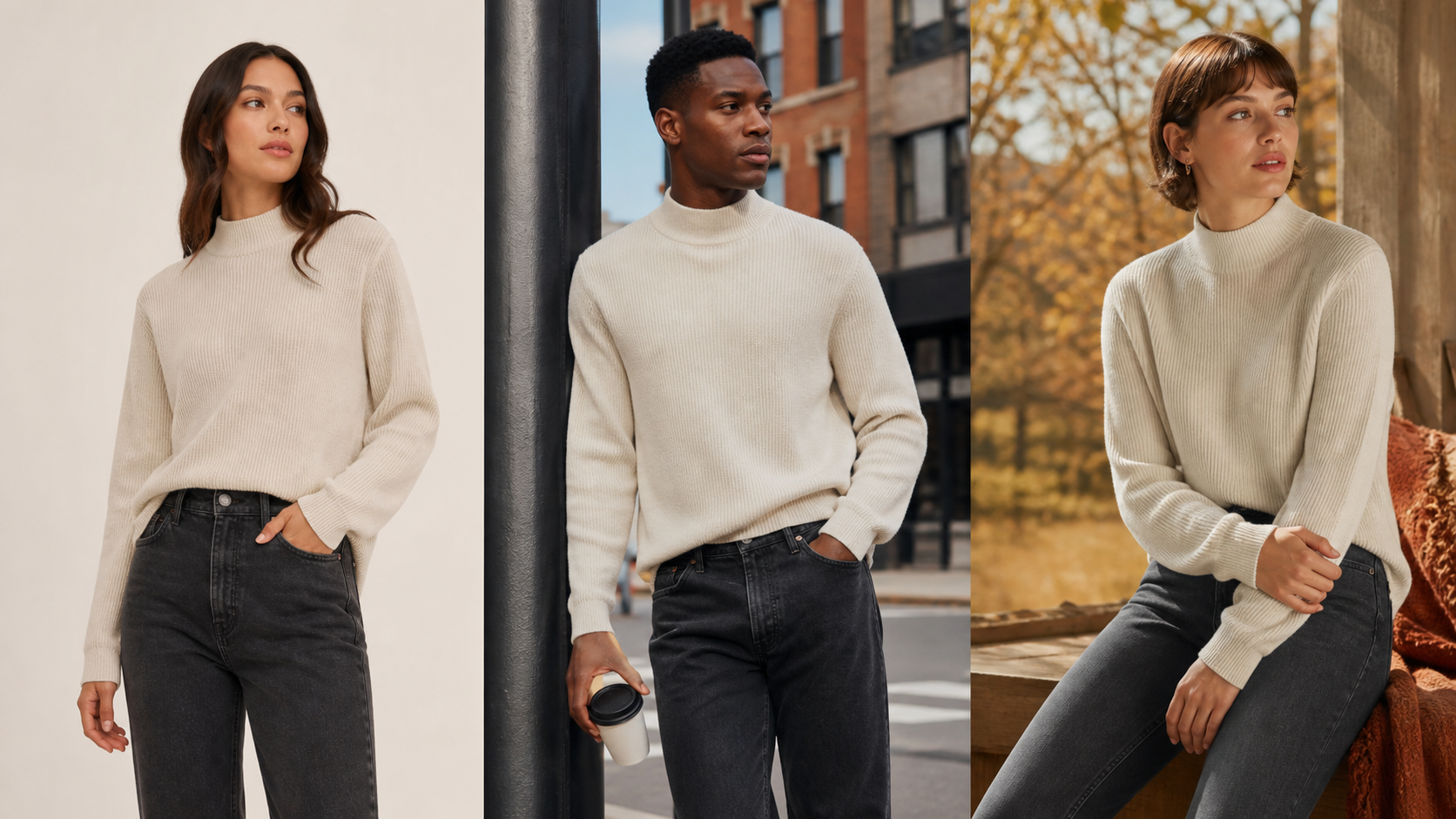

 English