The Challenge of Product Photography
For most e-commerce sellers, product photography is a persistent challenge. You've likely got a number of different products, each with unique features. This means you'll have to spend much time shooting your product photos, only to get unsatisfactory results. A good picture requires proper lighting, perfect angles and a pleasing background. To find a professional photographer? Too costly. To edit in Photoshop? Too time-consuming. Tired of dealing with this hassle, you must be dying for a perfect solution to help you out. Now, it's time to introduce PicMa Studio's AI toolkit specifically tailored for e-commerce. With our groundbreaking AI image editing, making a perfect product photo only takes seconds, not hours.
Flawless Background Remover
Sometimes, you need a product photo with a clean, blank background to fully showcase the product's details, but you're struggling to find such a setting. Well, PicMa Studio will dispel this worry. Just try our Background Remover and see what will happen!
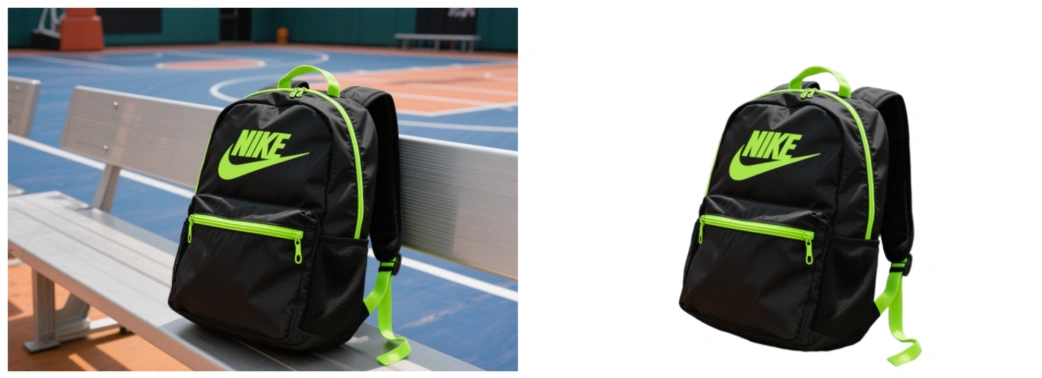
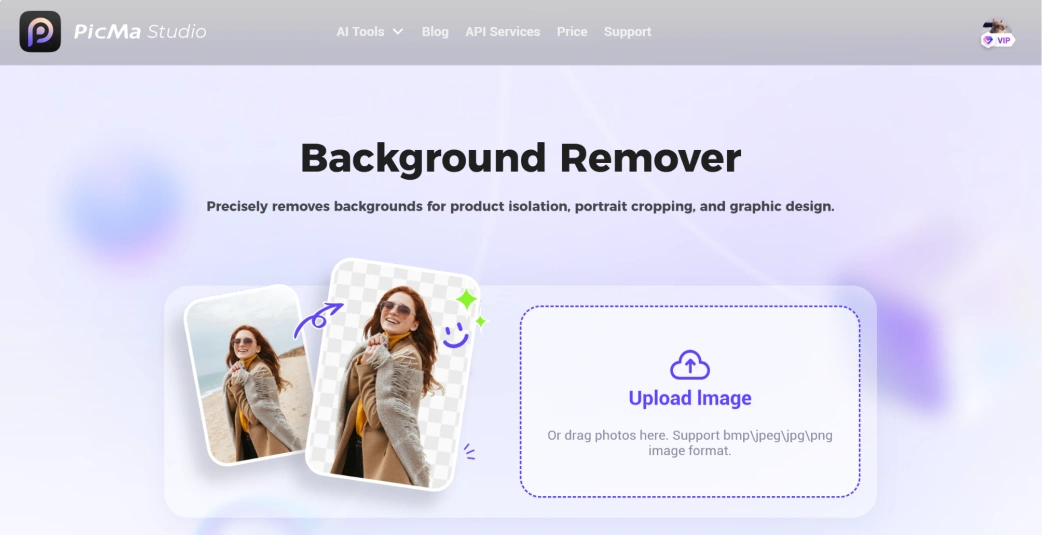
All you have to do is upload a photo and waiting for seconds, then a perfectly isolated product will pop up on your screen. More photos? Just click on "New Upload" in the top right corner and handle them one by one.
Custom Background Generator
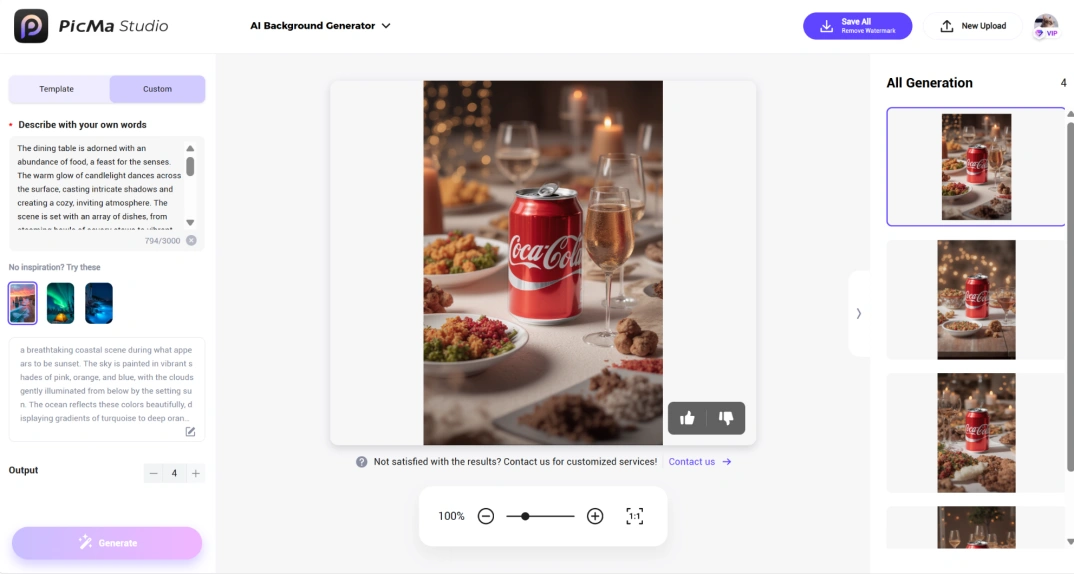
Now that you've mastered how to remove backgrounds, you may wonder if there is also a tool to create a background for the product. Absolutely! PicMa Studio enables you to get an ideal background for your product without moving your legs.

To create your custom photos:
- Select the "AI Background Generator" function in PicMa Studio
- Upload your photo and the original background will be removed automatically
- Choose the "Custom" mode and describe your desired background (AI can expand on your description)
- Hit "Generate" and check your results instantly
Precise Object Remover
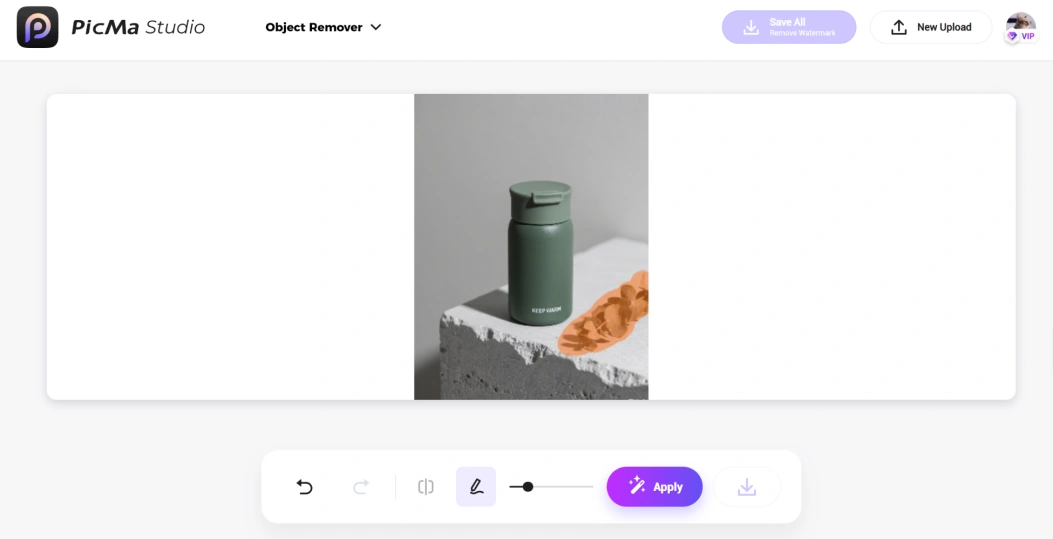
Some unwanted objects or unnecessary watermarks may ruin your product photos. Try PicMa Studio's "Object Remover" to retouch your photos and highlight your products.
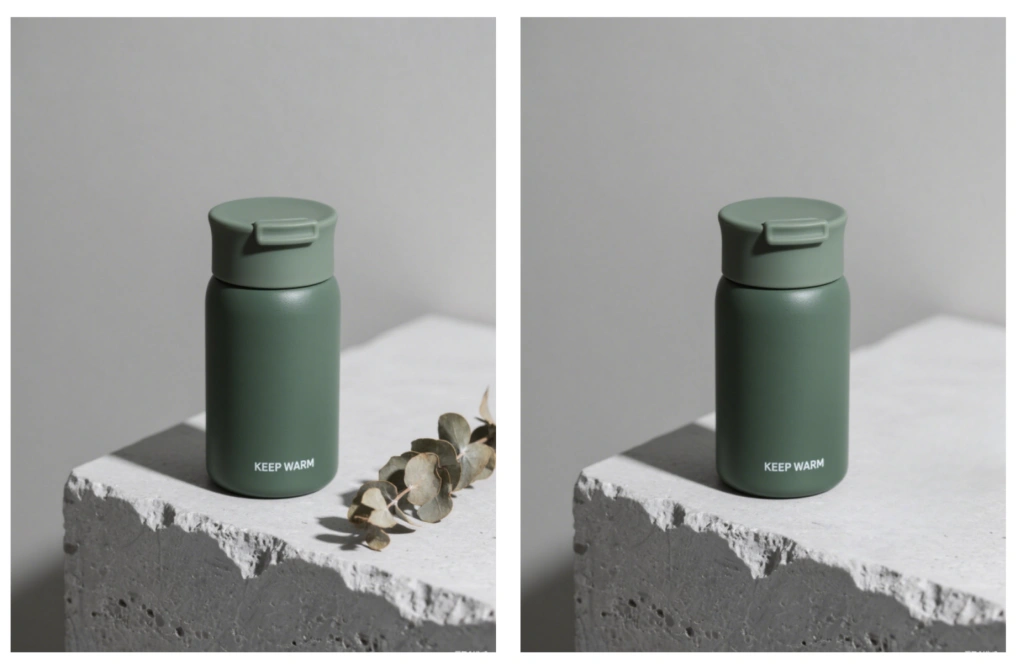
It's quite simple too:
● Open the "Object Remover" tool and upload your photo
● Use the brush below to cover unwanted parts in the photo
● Click "Apply" to get your ideal image
Versatile Magic Brush
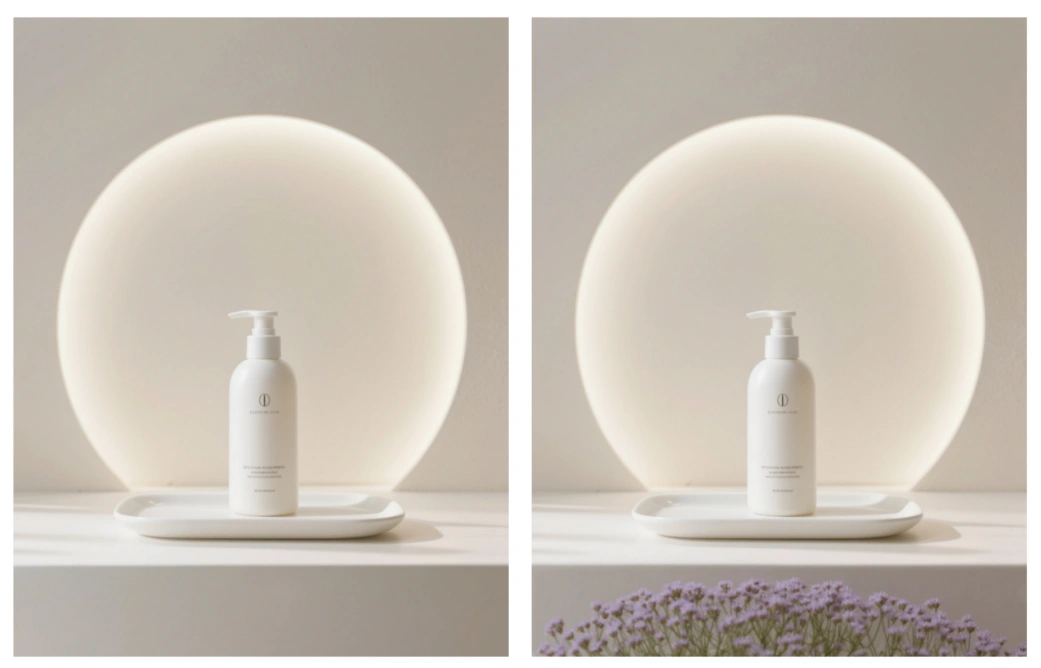
What's more, you can also add some details to your product photos by PicMa Studio's magic, emphasizing the product's features. Just use the "Magic Brush" to add complementary graphics, text overlays, or design elements directly onto your image.
To cast the spell, you will:
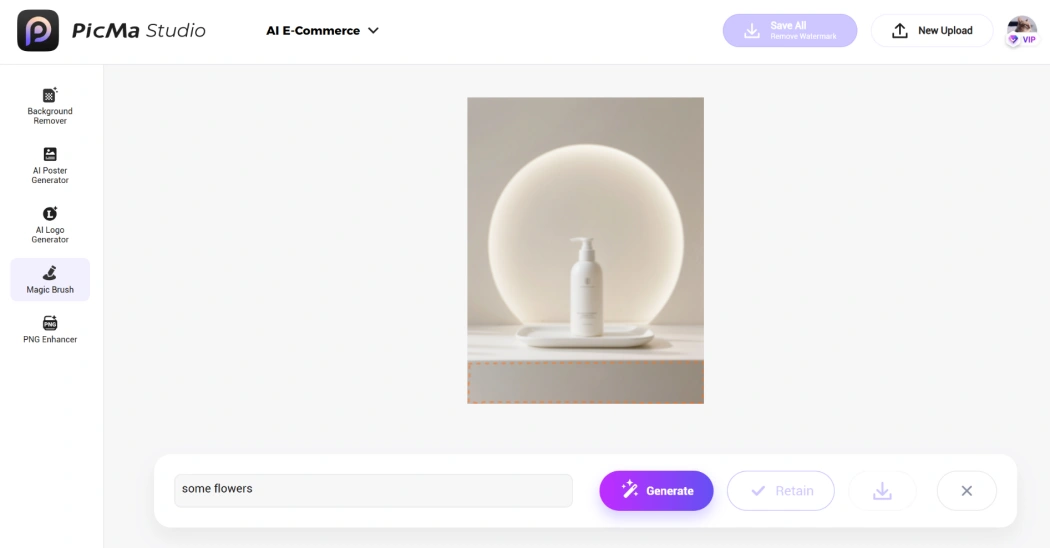
- Click on the "Magic Brush" feature and upload your photo
- Circle the area in the photo where you want to add elements
- Describe what you want AI to draw and click "Generate"
- Choose to "Retain" the item and add some more elements if necessary
PicMa Studio, Your Trustworthy E-Commerce "Photographer"
So, have you been impressed by PicMa Studio's capabilities in dealing with product photos? It's the ultimate solution for e-commerce sellers, because it's:
- Time-Saving & Affordable: AI-powered models generate each result in a short time, so you won't have to waste a lot time on editing photos or spend money hiring a professional photographer
- Easy to Use: No complex processes involved. All tools are accessible to non-professionals
- Creative & Precise: Due to intensive training, our versatile tool makes various ideas possible. You can always get high-quality and customized photos as desired
Stop letting complicated editing or budget constraints hold back your product presentation. PicMa Studio helps transform your product images without efforts. Come say hello to your friendly e-commerce photographer!
Unlock more functions on PicMa app.


Related Readings:

 238
238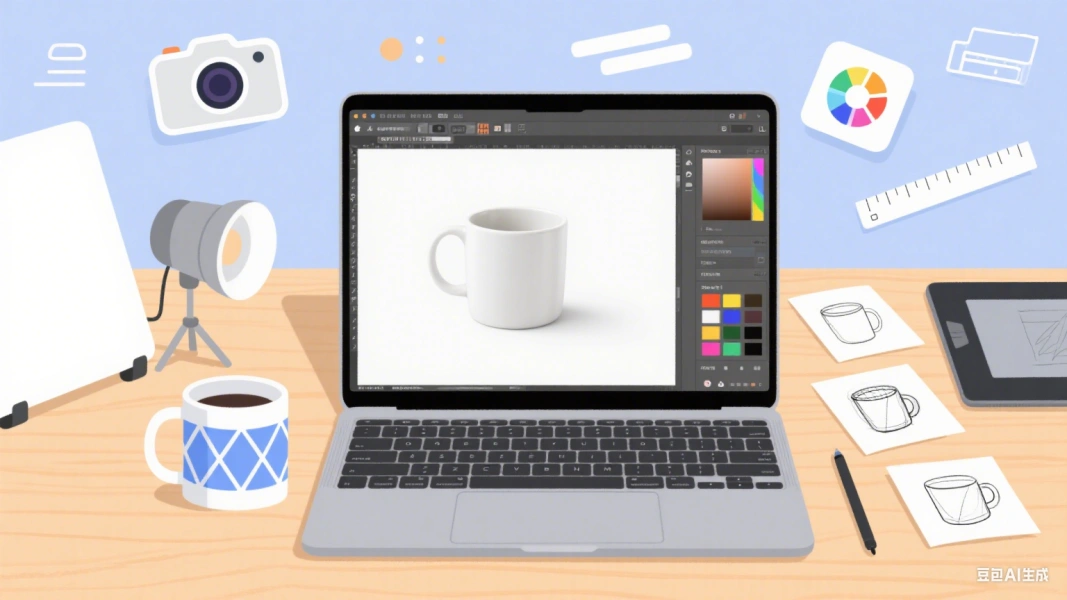

 English