A clean product photo shows shoppers what you sell. A product poster gives them a reason to stop, look, and click.
For small ecommerce brands, creating that second type of image can be surprisingly difficult. Every launch, promotion, or social campaign needs a new visual, but hiring a designer for each asset quickly becomes expensive. An AI product poster generator offers a practical middle ground: upload an existing product photo and turn it into a campaign-ready marketing image without building the design from scratch.
Why Plain Product Photos Are Not Always Enough
Clear product photography is essential for ecommerce. It shows the item accurately and helps customers understand its color, shape, and details. But a plain-background image may struggle to communicate mood, season, or purpose when used in an Instagram ad or promotional banner.
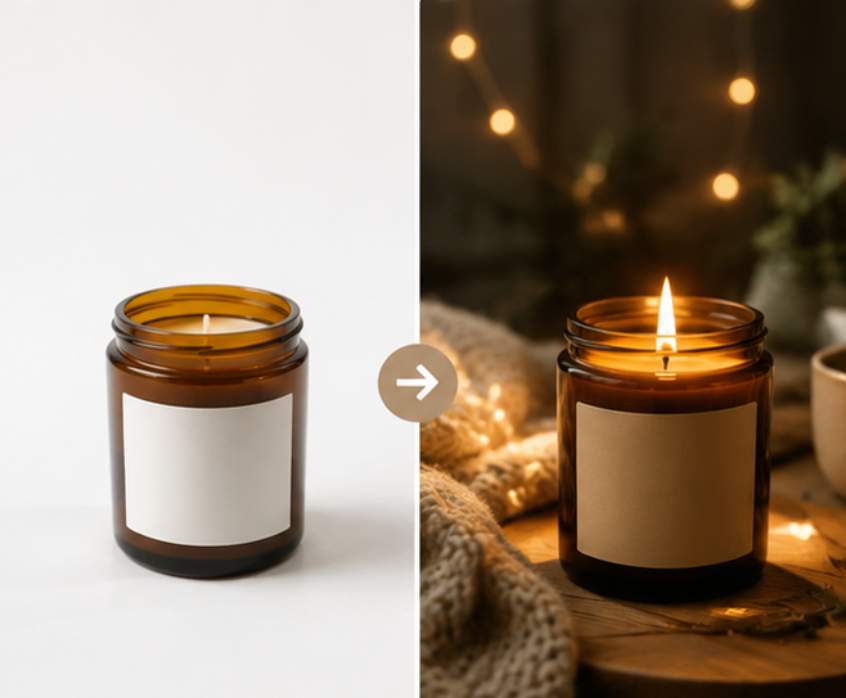
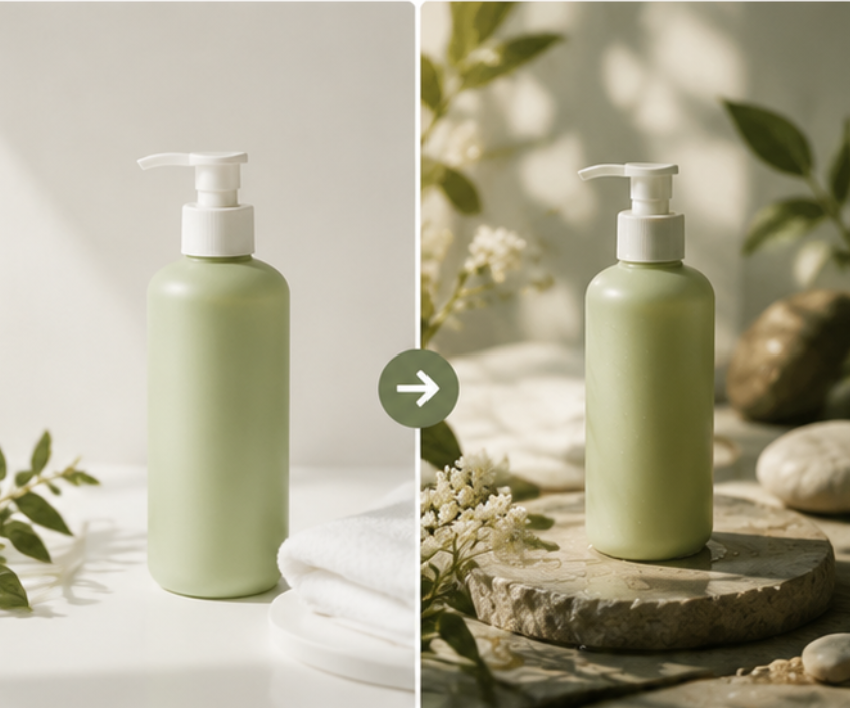
That is where an AI ecommerce poster becomes useful. Instead of replacing your original listing photo, it extends it into more attention-grabbing creative assets. A candle can appear in a warm evening setting, skincare can be presented with a clean wellness aesthetic, and a handmade accessory can gain a seasonal campaign look.
The product remains the focus, but the image now tells a clearer marketing story.
What Makes an AI Product Poster Effective?
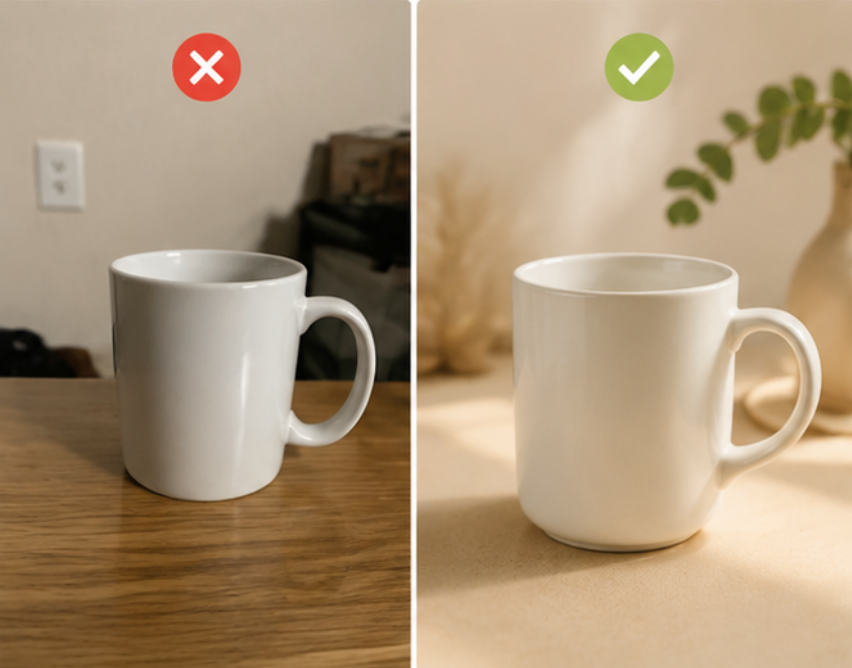
A good poster should attract attention without making the product difficult to recognize. Backgrounds, props, colors, and lighting need to support the item rather than compete with it.
Start with a clear, well-lit product photo. Etsy recommends making the product the star of the image and preparing photos that work across different crops and aspect ratios in its Product Photography Checklist. This is particularly useful when one visual may later appear as a square social post, vertical story, or wide store banner.
Product accuracy still matters. AI marketing images can be more imaginative than catalog photos, but they should not create misleading features, packaging, or quantities. For marketplaces such as Etsy, the primary listing image should clearly represent the physical item customers will receive, according to its listing image guidance. Promotional posters are better used for ads, social content, store banners, and supporting listing images.
How to Create Product Posters with AI
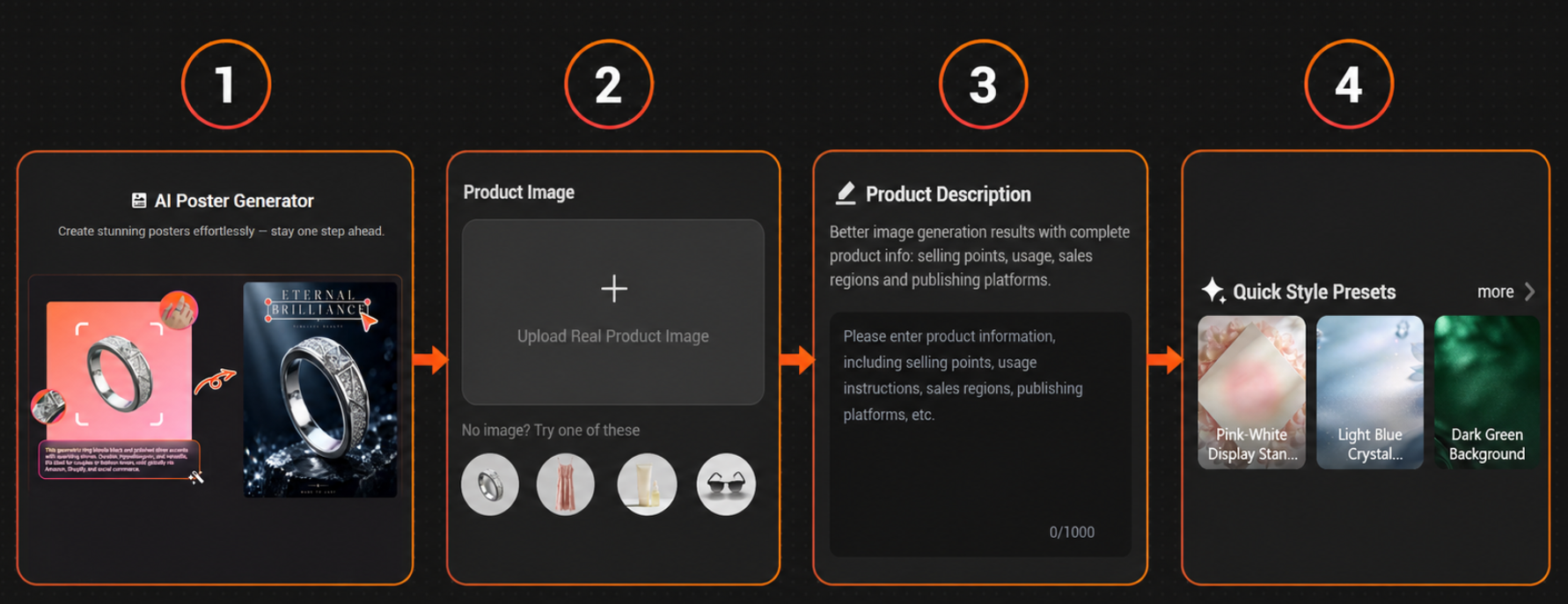
PicMa Studio’s AI Poster tool keeps the process short enough for sellers who do not have professional design experience.
Step 1: Upload your product photo
Choose a sharp image where the product is unobstructed and easy to identify.
Step 2: Describe the campaign
Add the product’s selling points, intended use, target market, or publishing platform. Clear context helps the AI understand what the poster needs to communicate.
Step 3: Choose a visual direction
Use a quick style preset or describe the atmosphere you want, such as minimal, seasonal, premium, or lifestyle-focused.
Step 4: Generate and review
Create the poster, check the product details and overall composition, then save the version that fits your campaign.
This workflow turns an ordinary product image into an AI promotional poster without requiring layout software, stock-background searches, or hours of manual editing.
One Product Photo, Multiple Marketing Uses
The real value of an AI product poster is speed across channels. A Shopify seller could create a wide homepage banner, a square launch post, and a seasonal ad concept from the same source image. An Etsy seller might use a poster for Pinterest or Instagram while keeping the original photo as the main listing image.
The strongest results usually come from creating a small, consistent set instead of many unrelated designs. Reuse the same colors, mood, and visual language so customers begin to recognize the brand.
AI can accelerate design execution, but it does not need to make every creative decision. A quick human review still helps catch incorrect product details, awkward text placement, or backgrounds that feel off-brand.
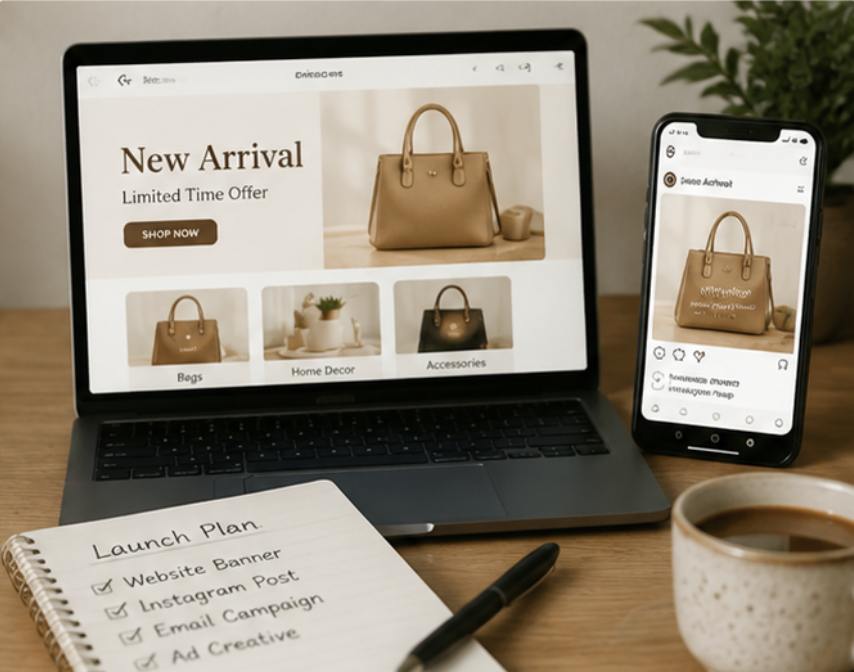
Create Your Next Ecommerce Poster
You do not need a complete design team to make a product launch feel polished. If you already have a clear product photo, try turning it into campaign-ready creative with the PicMa Studio AI product poster generator.


Frequently Asked Questions
Do I need design experience to create an AI product poster?
No. You provide the product image and creative direction, while the AI handles most of the visual composition. Your main job is choosing the result that feels right for your brand.
Can I use the generated posters on Shopify, Etsy, and social media?
Yes, but use them according to each platform’s image rules. They are especially useful for social posts, advertisements, banners, and supporting marketing images. Keep an accurate product photo available wherever customers need to see exactly what they are buying.
What if the first poster does not look right?
Adjust the product description or try a different visual direction. AI sometimes needs a second draft—much like a human designer, only without the awkward “one tiny change” email.
Related Readings:

 61
61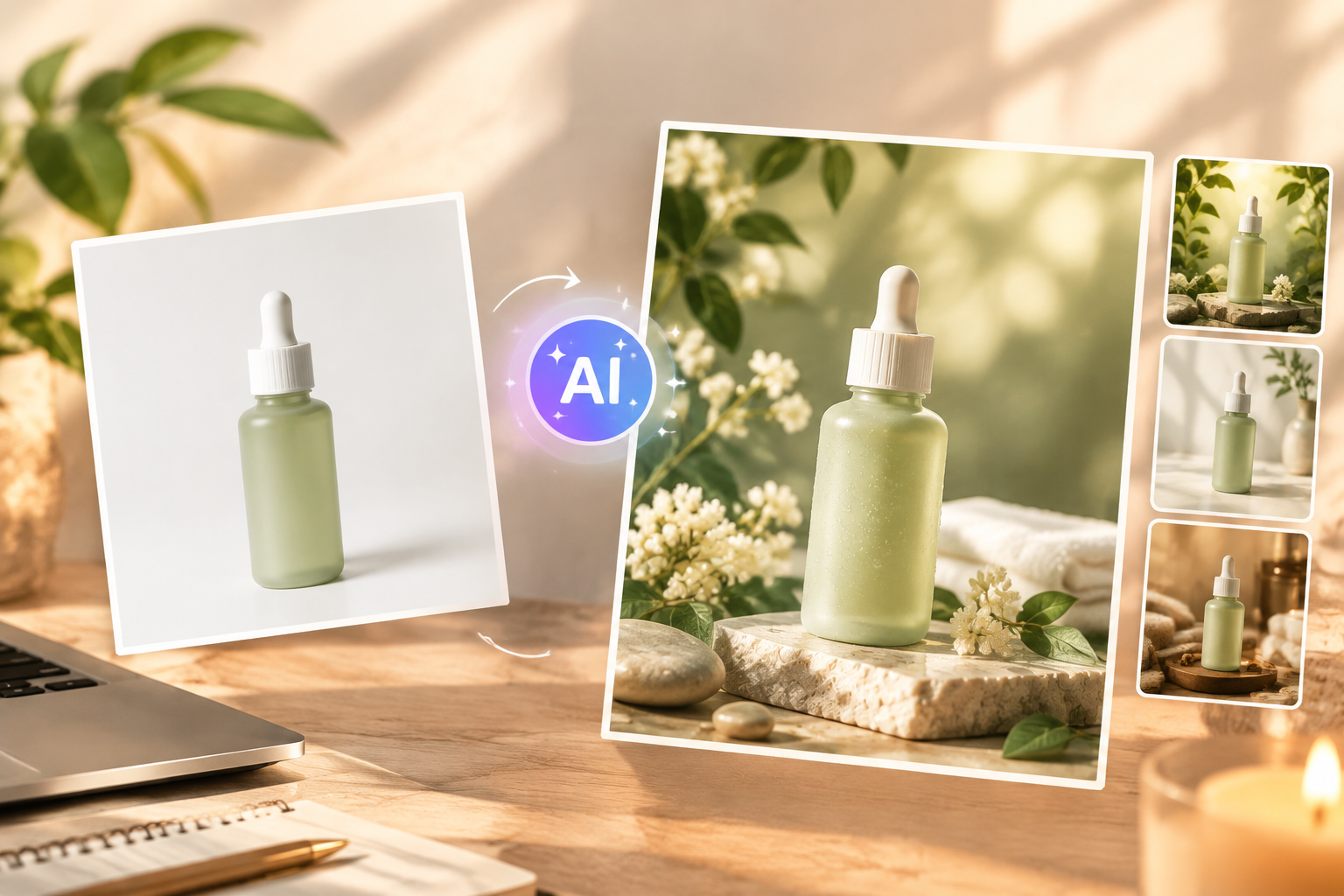

 English