In e-commerce, visuals aren’t decoration — they drive conversions.
When shoppers browse, 90% of their first impression comes from the image. A cluttered or poorly lit background can turn them away instantly. In contrast, a clean, focused photo builds trust at first glance.
That’s why many sellers aim to improve their visuals — often starting with the background. But changing it isn’t as simple as it sounds. Photoshop takes time and skill. Free tools lack quality. Hiring designers adds cost and delays. Even AI tools often produce generic or unusable results.
All you may want is a white background or consistent look across your catalog. Yet you end up stuck in reshoots, retouching, or managing endless file versions.
Time, effort, inconsistency — that’s what sellers face when trying to change a photo background.
Why Background Optimization Is About More Than Just Looks
Changing a photo background isn’t just a visual upgrade. In the e-commerce world, it directly affects user psychology, platform performance, and brand perception.

A clean, consistent background can help you:
- Build buyer trust — stores with unified visuals appear more professional
- Boost platform visibility — platforms like Amazon and JD.com prioritize clean white-background images
- Stand out on social — background style influences shareability and scroll-stopping power
- Save on production costs — refresh images for campaigns or seasons without reshooting
In a landscape where visual performance = business performance, background editing is not an aesthetic choice — it’s a growth lever.
PicMa: A Flexible Workflow for Background Editing
That’s why we built PicMa AI Background Generator. PicMa offers two standalone tools — Background Remover and AI Background Generator — that can be used separately or together, depending on your needs. Together, they make background replacement simple, fast, and brand-aligned.
Here’s how to change a photo background using PicMa:
1. Use the Background Remover to cut out your product automatically
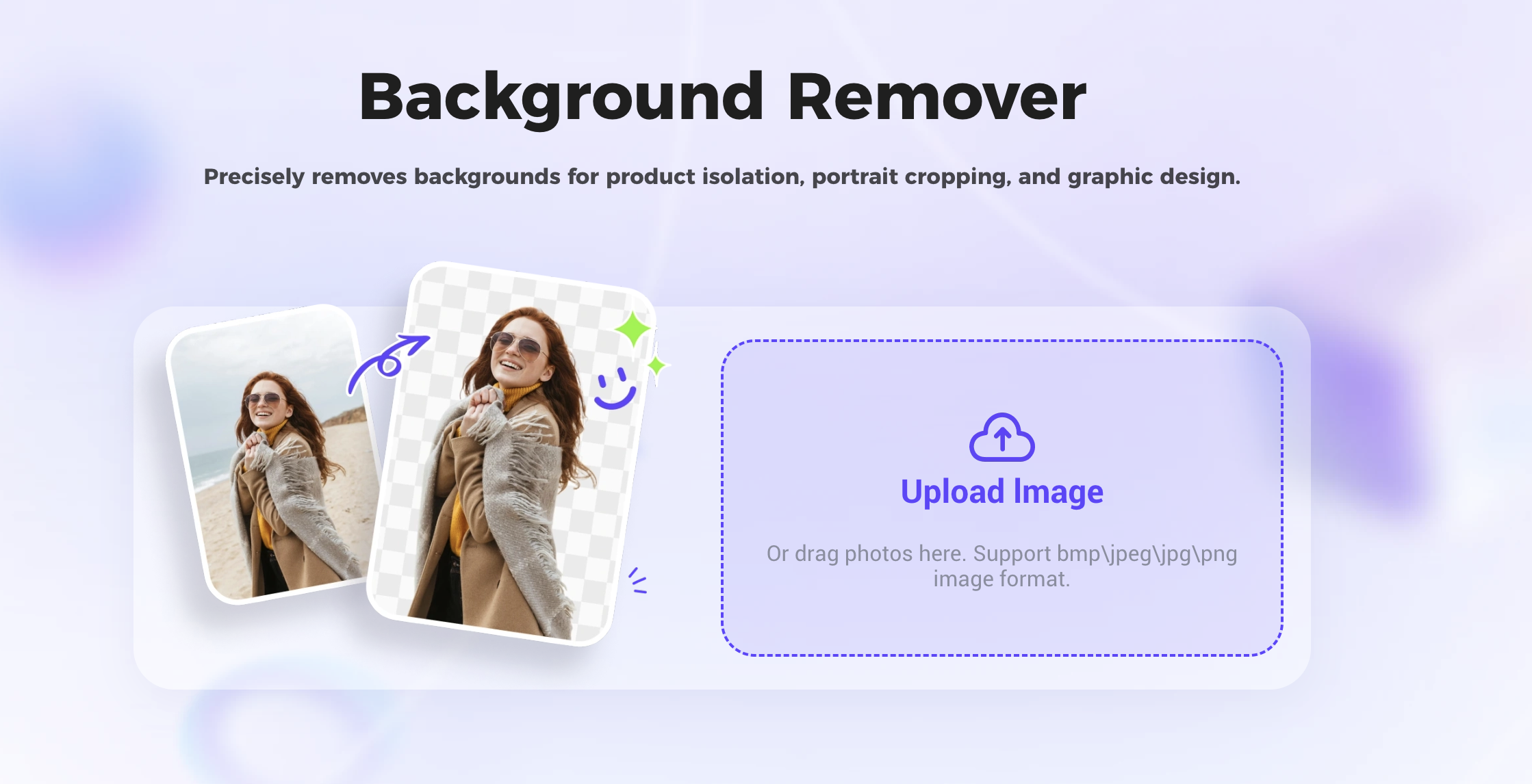
2. Upload the cutout into the Background Generator
3. Describe the background you want — and generate your new image in seconds

No design skills. No downloads. No complicated workflows.You type what you want (“natural light, white wood table”) and PicMa creates a realistic background to match — seamlessly merged with your product.
Purpose-Built for E-commerce Use Cases
Unlike template-based tools, PicMa doesn’t restrict you to a handful of preset backgrounds. Instead, it gives you full control through custom AI background generation.
You simply describe the look you want — for example:
- “Wood table, natural light from the right”
- “Gradient gray background with soft shadows and light reflection”
- “Warm indoor scene with wooden table, blurred plant and framed picture in background, soft daylight.”
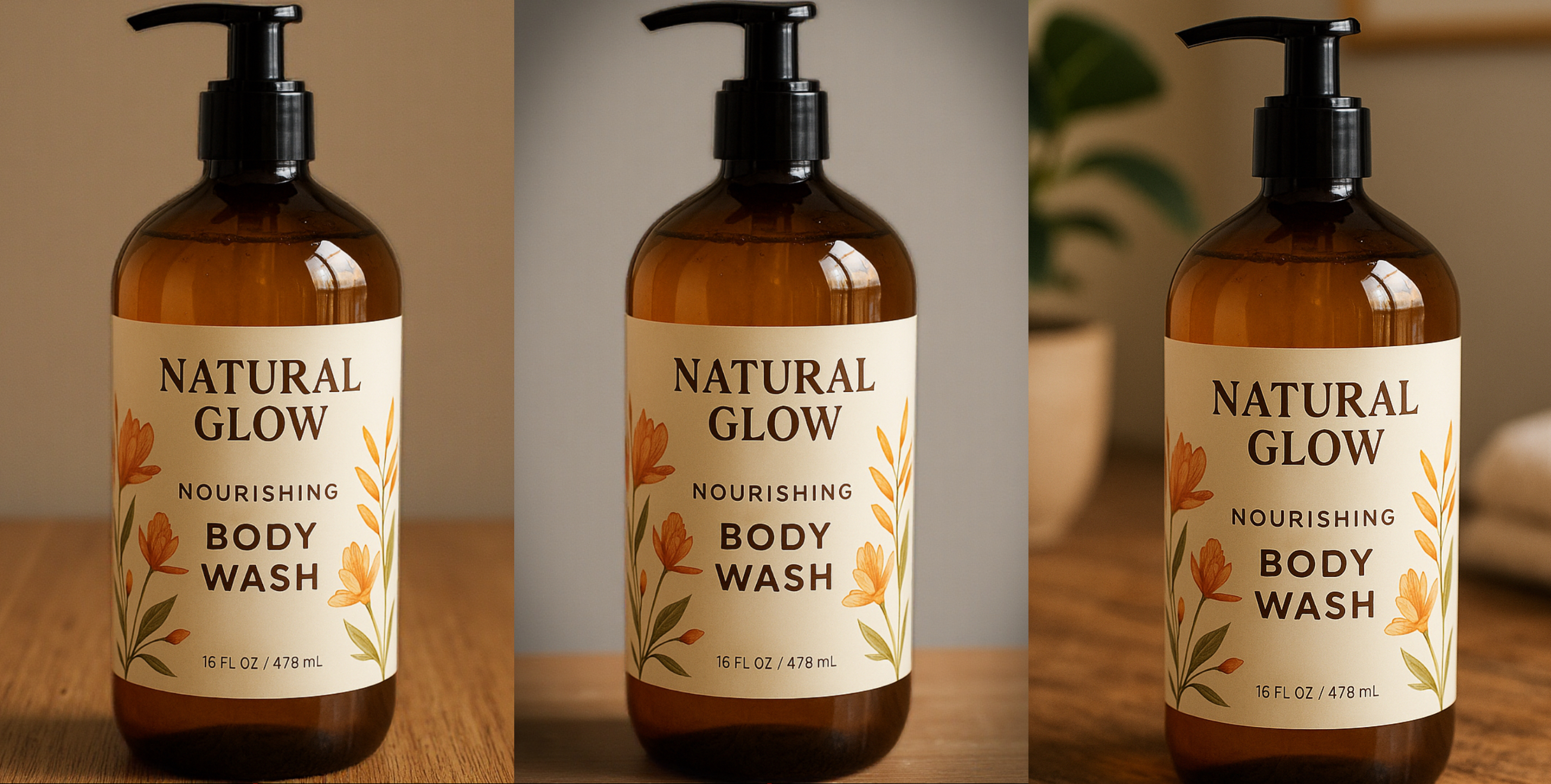
PicMa’s AI transforms your description into a photo-realistic backdrop that matches your vision — and aligns with your brand’s tone.
This is perfect for:
· Launching new SKUs with a consistent visual style
· Quickly adapting product images for holidays, campaigns, or social platforms
· Producing branded images without needing a studio setup
· Teams without in-house designers, or fast-paced ops who need autonomy
With PicMa, you’re not stuck choosing from templates — you’re creating the exact background you imagined.
Scalable Visual Productivity for Your Team
Great product images used to require photo studios, heavy editing, and long timelines. PicMa changes that — giving you speed, control, and professional output without the overhead.
With PicMa, you can:
- Produce high-quality product visuals faster
- Ensure visual consistency across marketplaces, websites, and content channels
- Respond quickly to promotional needs without re-shoots
- Build a repeatable image creation workflow for your team
Whether you’re launching products weekly, managing a content calendar, or scaling your storefront, PicMa helps your team become more visually productive — and visually consistent.
Background Changes, Without the Hassle
If messy images, slow edits, or visual inconsistency have ever held you back —Now there’s a better way.
Use PicMa’s Background Remover to isolate your product, then bring it to life with the AI Background Generator.
Try PicMa AI Background Generator: Change photo backgrounds in seconds.

 187
187

 English