Refresh Your Winter Photos with PicMa's Free AI Enhancer
Does your country/region have winter and do you love winter? Some may like it for its dreamlike snow scenery, while others may hate it for its freezing temperature. For photographers and hobbyists alike, it's a season of unparalleled beauty. Yet, capturing that beauty perfectly can be surprisingly challenging.
Sometimes, you've taken a photo of a stunning, snow-covered landscape, only to find it looks flat, grainy, or lacks the detail your eyes beheld. The pristine white snow appears dull or gray, lacking the texture it should have.
This is where PicMa's Photo Enhancer comes in—a tool designed specifically to solve these photography problems with a single click.
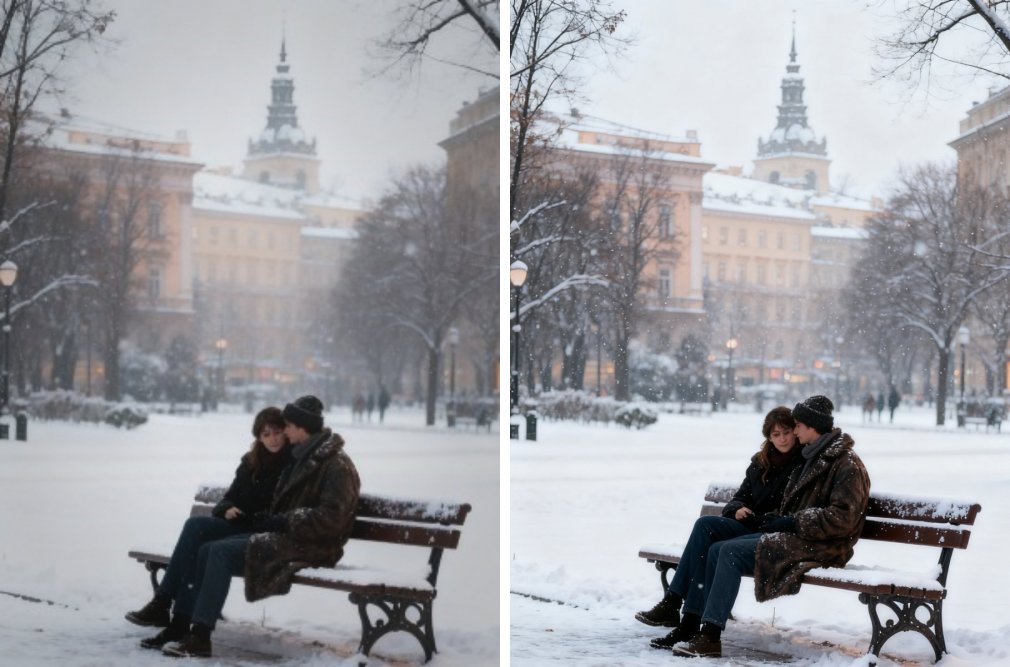
The Challenge of Capturing Winter's Essence
Winter photography presents a unique set of obstacles:
- Flat Lighting: Overcast skies, common in winter, can create poor, low-contrast light.
- Noise and Grain: Shooting in lower light condition in winter can make your photos look grainy and unprofessional.
- Dull Colors: While winter is often monochromatic, the subtle colors of a winter sunrise or the deep blue of a twilight sky can get muted.
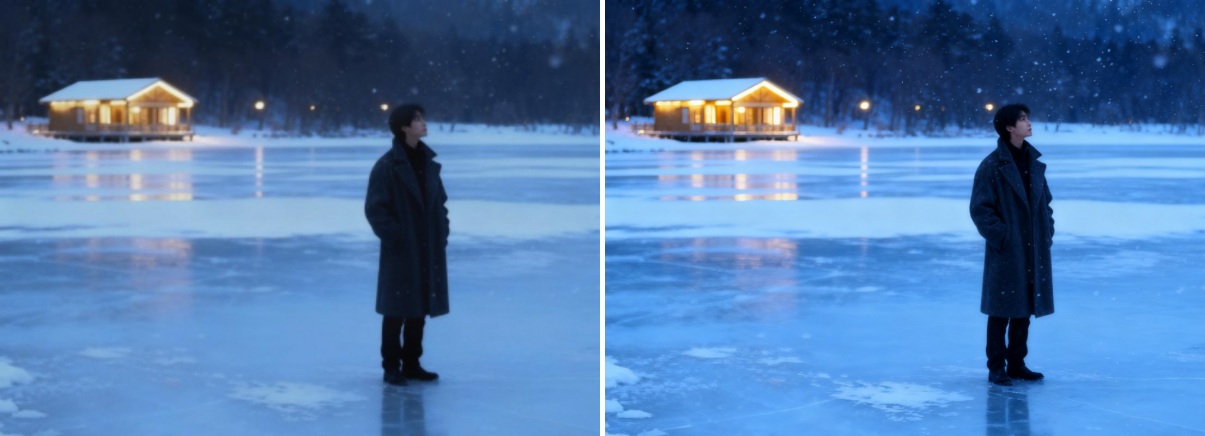
But don't worry, PicMa is here to eliminate these troubles. Our Photo Enhancer intelligently analyzes every part of your image to deliver stunning results. It recovers details, reduces noise and significantly increases resolution. All in one click.
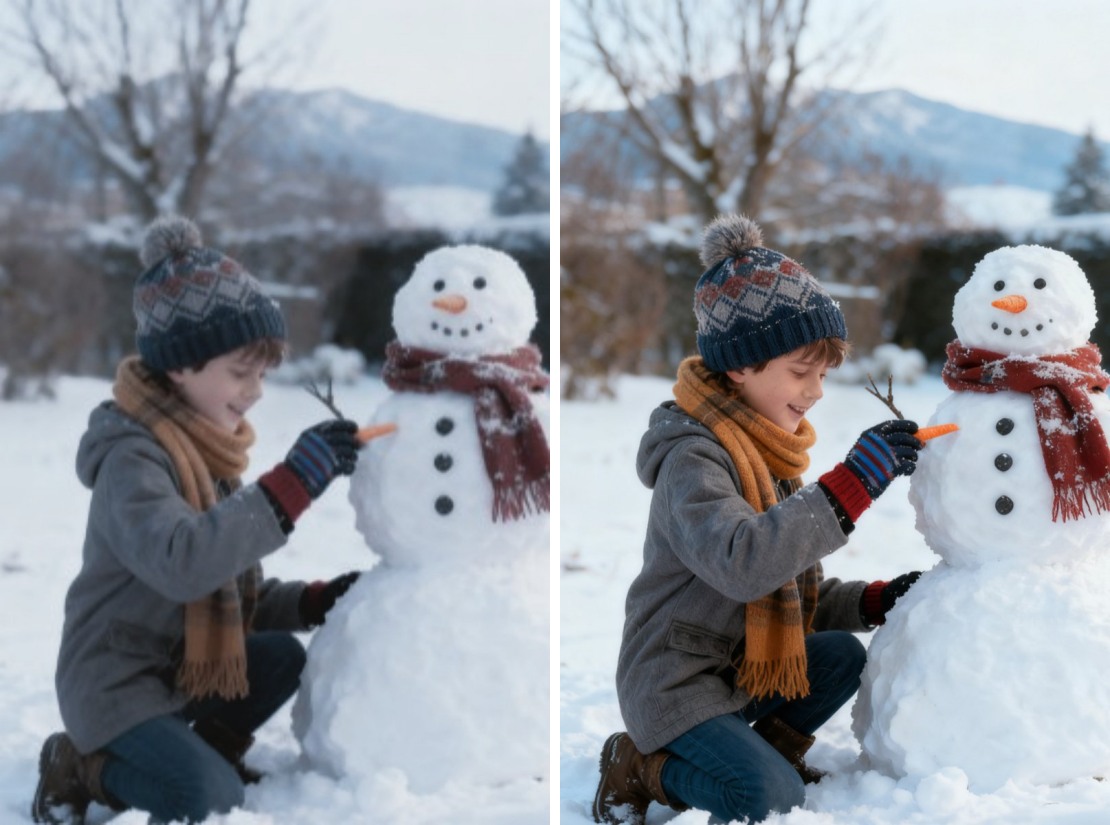
How to Enhance Your Photos in Seconds
Using the PicMa Photo Enhancer is even easier than building a snowman:
- Go to the PicMa Studio website or open the PicMa app (available on iOS and Android devices), and find the Photo Enhancer feature.
- Upload or select your photo from your gallery.
- Watch as our AI works in seconds. Download your transformed, crystal-clear image right away!
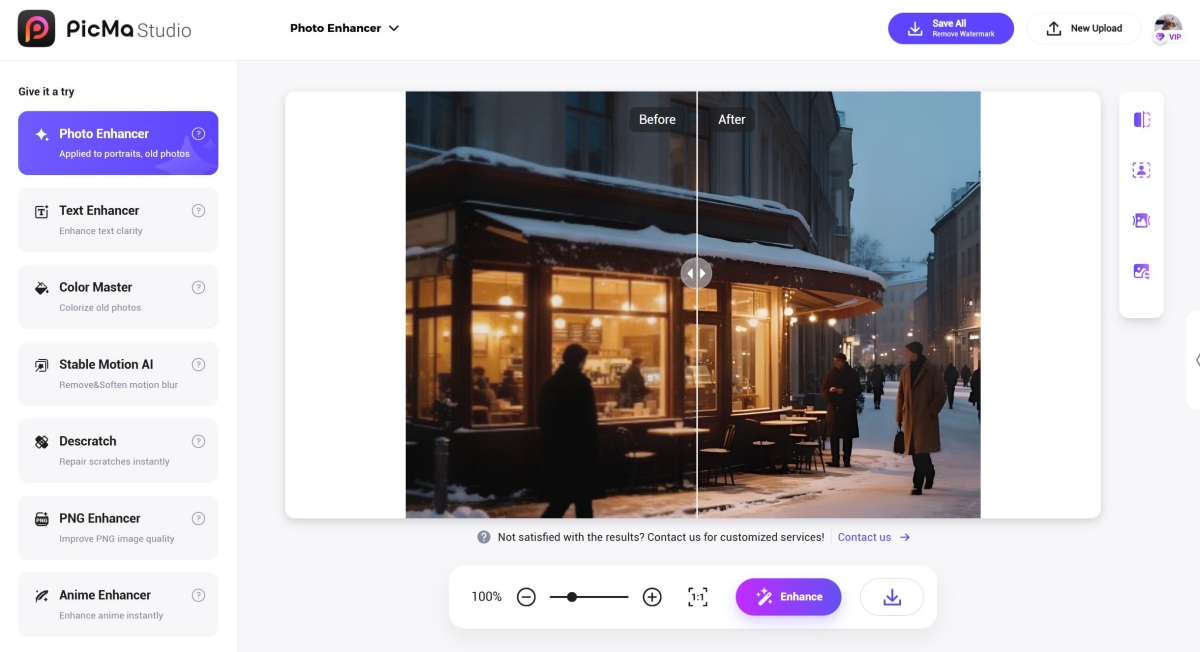
Your Trustworthy Photo Editor in Your Pocket
Don't let your cherished memories fade into a collection of blurry, lackluster photos. Whether it's a photo from an unforgettable trip, an important event, or a festive holiday gathering, let PicMa's AI Photo Enhancer reveal the true beauty you witnessed!
Frequently Asked Questions (FAQ)
Q1: Is the Photo Enhancer really free?
A: Yes, it is completely free! We believe in making powerful AI tools accessible to everyone.
Q2: What image formats does it support?
A: Our enhancer supports all common formats, including JPG, PNG, and BMP. For the best results, we recommend uploading the highest quality original file you have.
Q3: How long does it take to process a photo?
A: Typically it takes just a few seconds per image depending on file size and server load.
Q4: Will it work on old, low-quality photos?
A: Absolutely! While results can vary depending on the original, our AI is excellent at restoring old, scanned, or low-resolution photos. You can also try the Smart Restore feature to fix faded or damaged photos.


Related Readings:

 176
176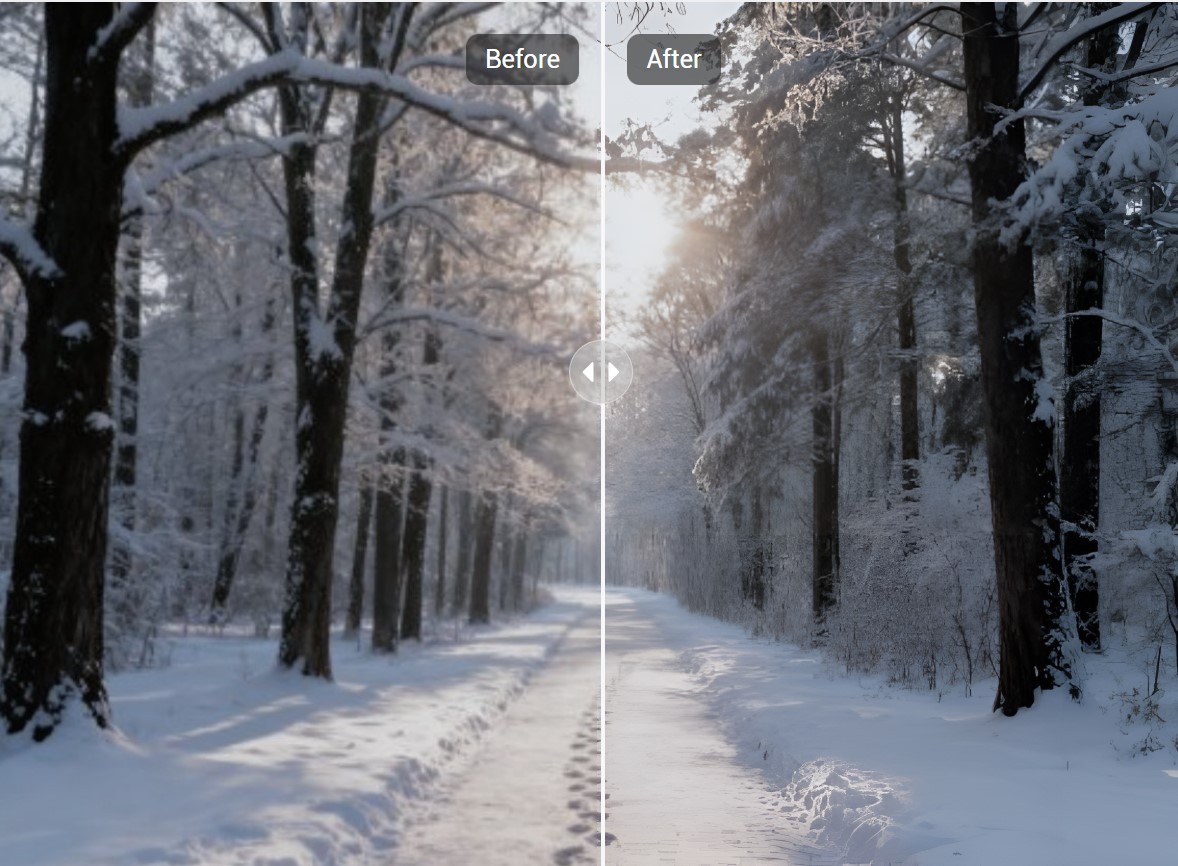

 English