Want to create a festive Christmas music video without complicated filming or editing? With AI video generation, you can turn creative ideas, photos, and holiday scenes into engaging videos with music and sound.
Whether you're making a Christmas greeting for your family, a personalized holiday performance, or a festive social media clip, AI makes the process easier.
With PicMa Studio and Seedance 2.5, you can bring your Christmas ideas to life through detailed prompts and visual references. Let's explore some creative ideas and learn how to make your own AI Christmas music video.
.webp)
What Is an AI Christmas Music Video?
An AI Christmas music video is a festive video created with artificial intelligence. It combines holiday-themed visuals, character movements, and audio to create a short Christmas experience.
Instead of filming every scene yourself, you can describe what you want to see and let an AI video model generate it.
For example, you could create:
- A singer performing beside a beautifully decorated Christmas tree
- A joyful Christmas dance in a snowy village
- A festive choir performing in a candlelit church
- A personalized holiday greeting featuring your own photo
With Seedance 2.5, you can explore AI video creation with audio and visual elements together, making it easier to bring your Christmas concepts to life.
5 Creative Christmas Music Video Ideas
Not sure what kind of Christmas video to make? Here are five ideas to inspire your next creation.
1. Christmas Greeting for Family
Create a warm Christmas greeting featuring a snowy background, glowing Christmas lights, and a personalized character. Add a heartfelt message and festive audio atmosphere to make a memorable holiday greeting.
2. A Personalized Christmas Performance
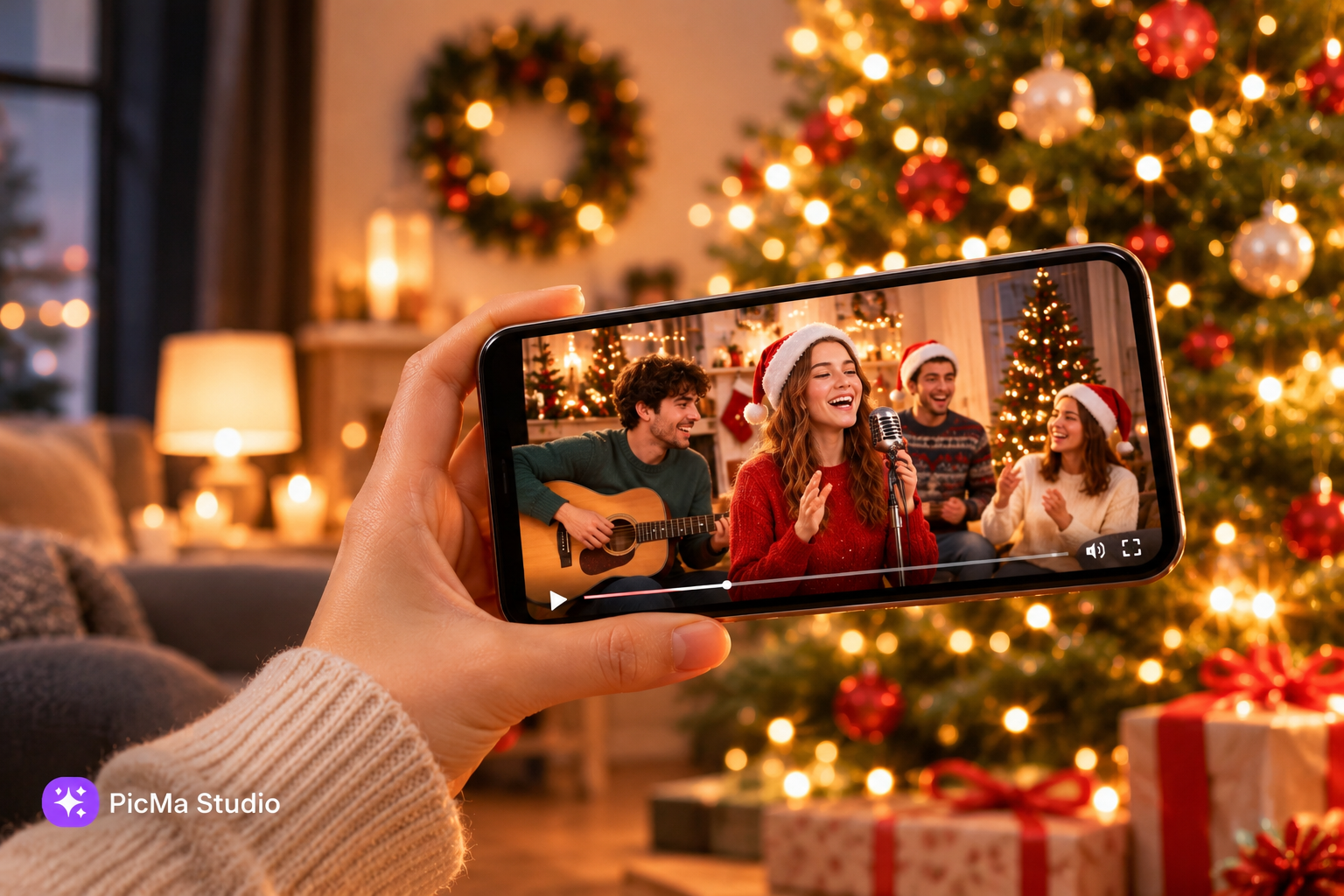
Imagine yourself performing a Christmas song on a beautifully decorated stage. Create a festive performance scene with a microphone, sparkling lights, a live audience, and expressive singing movements.
3. Christmas Gift Announcement
Make your holiday surprise more exciting with a short cinematic video. Start with a beautifully wrapped present under the Christmas tree, then reveal the gift with dramatic camera movement and cheerful festive sounds.
4. Year-in-Review Christmas Video
Turn memorable moments from the past year into a Christmas-themed video. Use personal photos as visual references and describe scenes such as family vacations, celebrations, and special occasions.
5. Christmas Social Media Video
Create a short vertical Christmas video for Instagram Reels, TikTok, or Stories. Try festive dance scenes, snowy streets, Christmas outfits, or animated holiday characters.
How to Create a Christmas Music Video with PicMa Studio
Creating a Christmas music video with PicMa Studio is simple. You can access Seedance 2.5 directly from the homepage and start generating your video with a text prompt and supported reference materials.
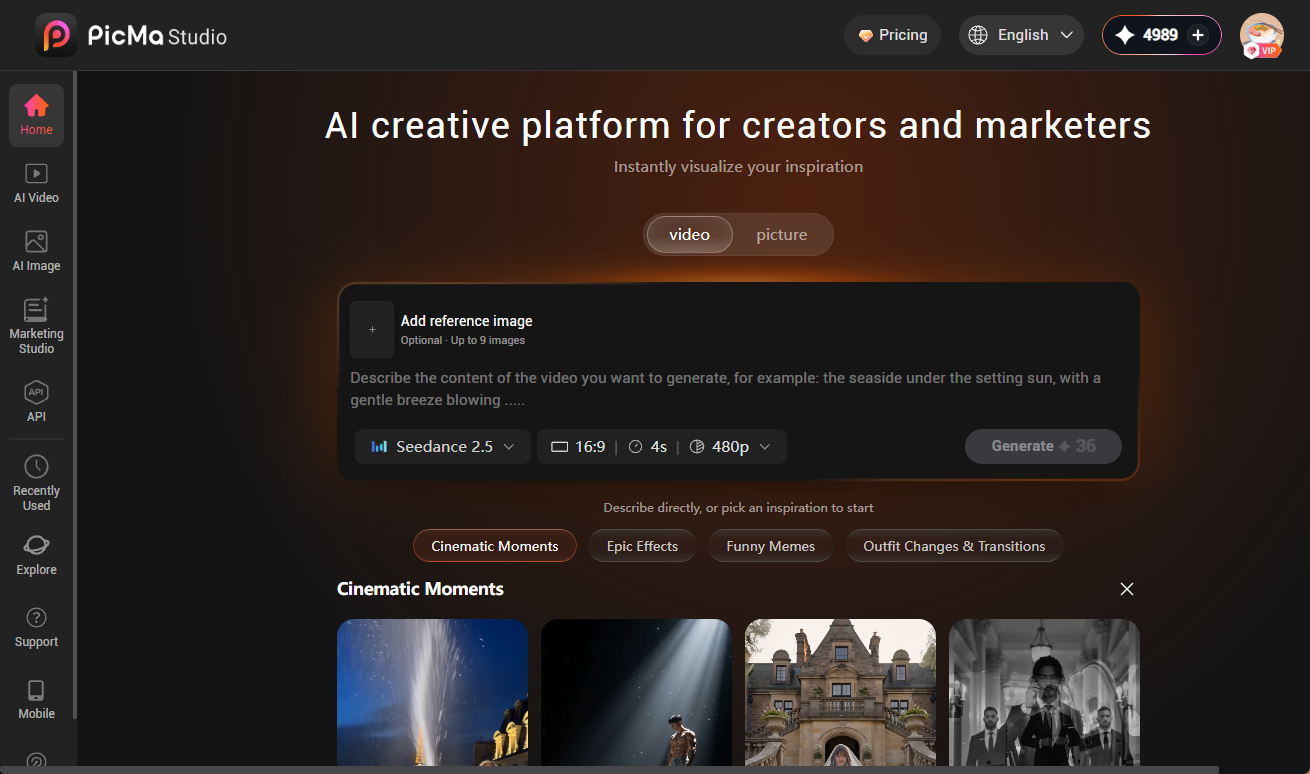
Step 1. Open PicMa Studio and Select Seedance 2.5
Visit PicMa Studio. Find and select Seedance 2.5 from the AI model options on the homepage.
Step 2. Describe Your Christmas Video
Think about the scene you want to create. Describe the characters, setting, actions, camera movements, and audio atmosphere in your prompt.
For example, you could create a Christmas singer performing beside a decorated tree, a festive dance in a snowy village, or a cozy holiday music performance.
Step 3. Upload Reference Materials (Optional)
If you want to guide the appearance of your characters or scenes, upload suitable reference materials supported by the selected workflow.
A clear portrait can help guide the character's appearance, while supported audio references can help guide the sound and musical atmosphere.
Step 4. Generate Your Christmas Music Video
Review your prompt and uploaded materials, then click Generate to create your video with Seedance 2.5.
Once generation is complete, preview the result. If you want a different performance, camera movement, or holiday atmosphere, adjust your prompt and generate another version.
5 Christmas Music Video Prompts to Try
A detailed prompt can help you create a more coherent and visually appealing Christmas video. Here are five examples you can try with Seedance 2.5.
1. Christmas Choir Performance
Prompt:
A cinematic Christmas choir performance in a grand church decorated with glowing candles, Christmas wreaths, and golden lights. A group of singers performs together in harmony, with natural mouth movements and expressive gestures. Add warm orchestral Christmas music and a peaceful holiday atmosphere.
2. Snowy Christmas Dance
Prompt:
A joyful young woman wearing a red Christmas sweater dances in a snowy village square surrounded by decorated pine trees and glowing festive lights. Snowflakes fall gently as she performs energetic dance moves to cheerful Christmas pop music. Use smooth tracking shots and vibrant holiday lighting.
3. Christmas Jazz Performance
Prompt:
A sophisticated jazz singer performs on a small stage in a cozy Christmas lounge. A decorated Christmas tree glows in the background, while a pianist and saxophonist accompany the performance. Add warm jazz instrumentation, subtle audience ambience, and cinematic golden lighting.
4. A Magical Christmas Story
Prompt:
A child discovers a mysterious glowing gift beneath the Christmas tree. As the box opens, sparkling lights fill the room and magical snowflakes float through the air. Create a heartwarming cinematic sequence with gentle orchestral music and enchanting sound effects.
5. Christmas Rock Concert
Prompt:
A festive rock band performs on a spectacular Christmas stage decorated with giant ornaments, glowing lights, and artificial snow. The lead singer moves energetically across the stage while the crowd cheers. Add powerful rock instrumentation, synchronized performance movements, and dynamic camera shots.
Tips for Better AI Christmas Music Videos
The quality of your prompt plays an important role in the final result. Keep these tips in mind:
- Describe one clear scene: Focus on the main character, action, and setting instead of combining too many unrelated ideas.
- Be specific about movement: Describe whether characters are singing, dancing, playing instruments, or interacting with others.
- Include audio details: Mention the desired music style, mood, instruments, vocals, and background sounds.
- Use clear reference images: A well-lit image with visible facial features can help guide character appearance.
- Plan your video length: Keep your concept focused and consider the duration supported by your selected generation settings.
- Experiment with different prompts: Try different camera angles, lighting, and scene descriptions to find the result you like best.
Create Your Christmas Music Video with PicMa Studio
This Christmas, turn your creative ideas into festive videos with PicMa Studio and Seedance 2.5.
From joyful Christmas performances to heartwarming family greetings, explore different scenes, characters, and audio styles to create something worth sharing.
Visit PicMa Studio and select Seedance 2.5 to start creating your own Christmas music video today!


 1

 English