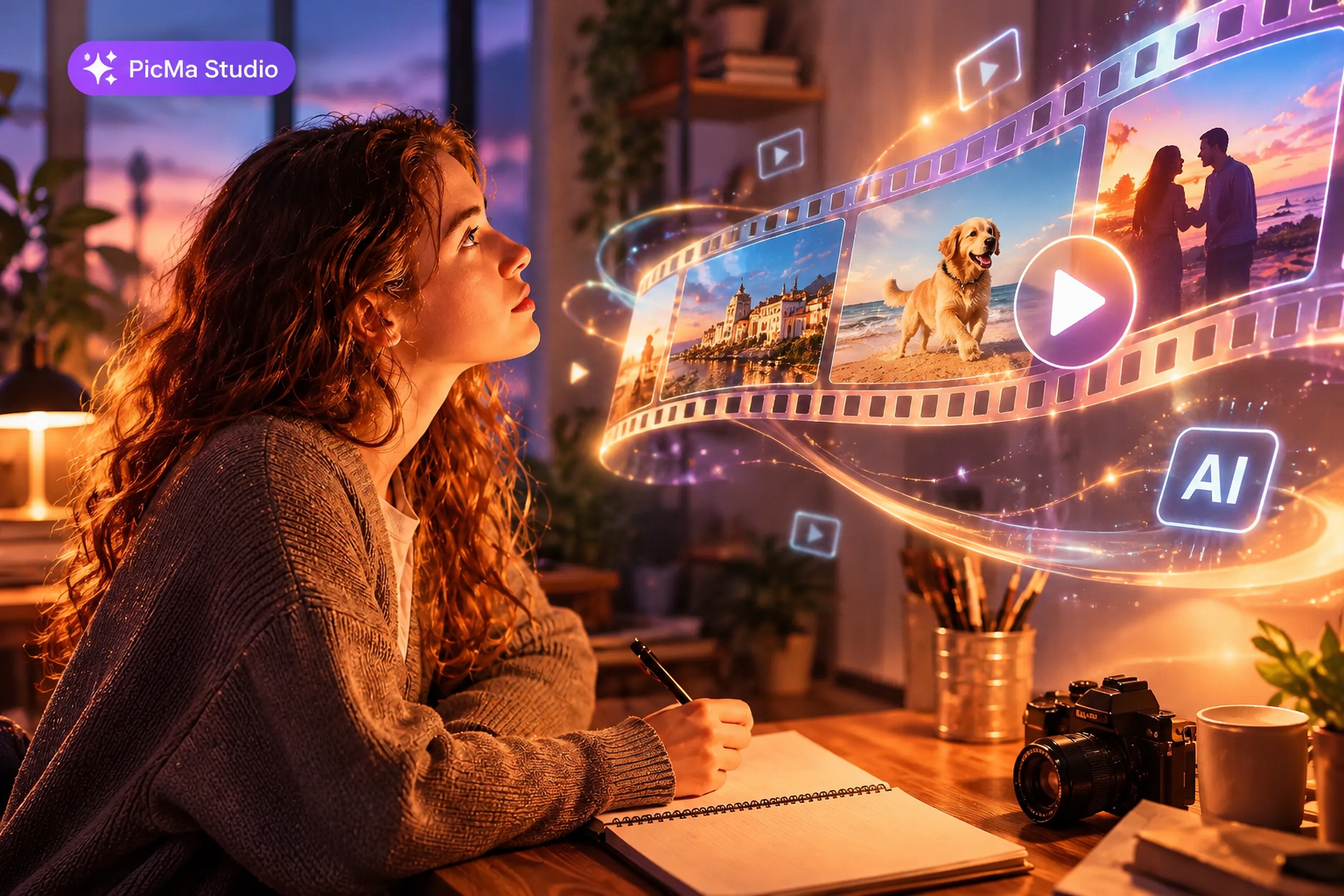
Have you ever wished you could turn a static photo into a cinematic video? With AI image-to-video tools, you can transform ordinary pictures into moving scenes with realistic expressions, dynamic camera movements, and creative visual effects.
But the results often depend on one important thing: your prompt.
A good prompt tells AI not only what should move, but also how the movement should look, how the camera should behave, and what atmosphere the video should create.
In this guide, you'll find 15 ready-to-use AI image-to-video prompts for portraits, cinematic camera movements, landscapes, pets, and creative effects. Simply upload your image, copy a prompt, and start creating with PicMa Studio.
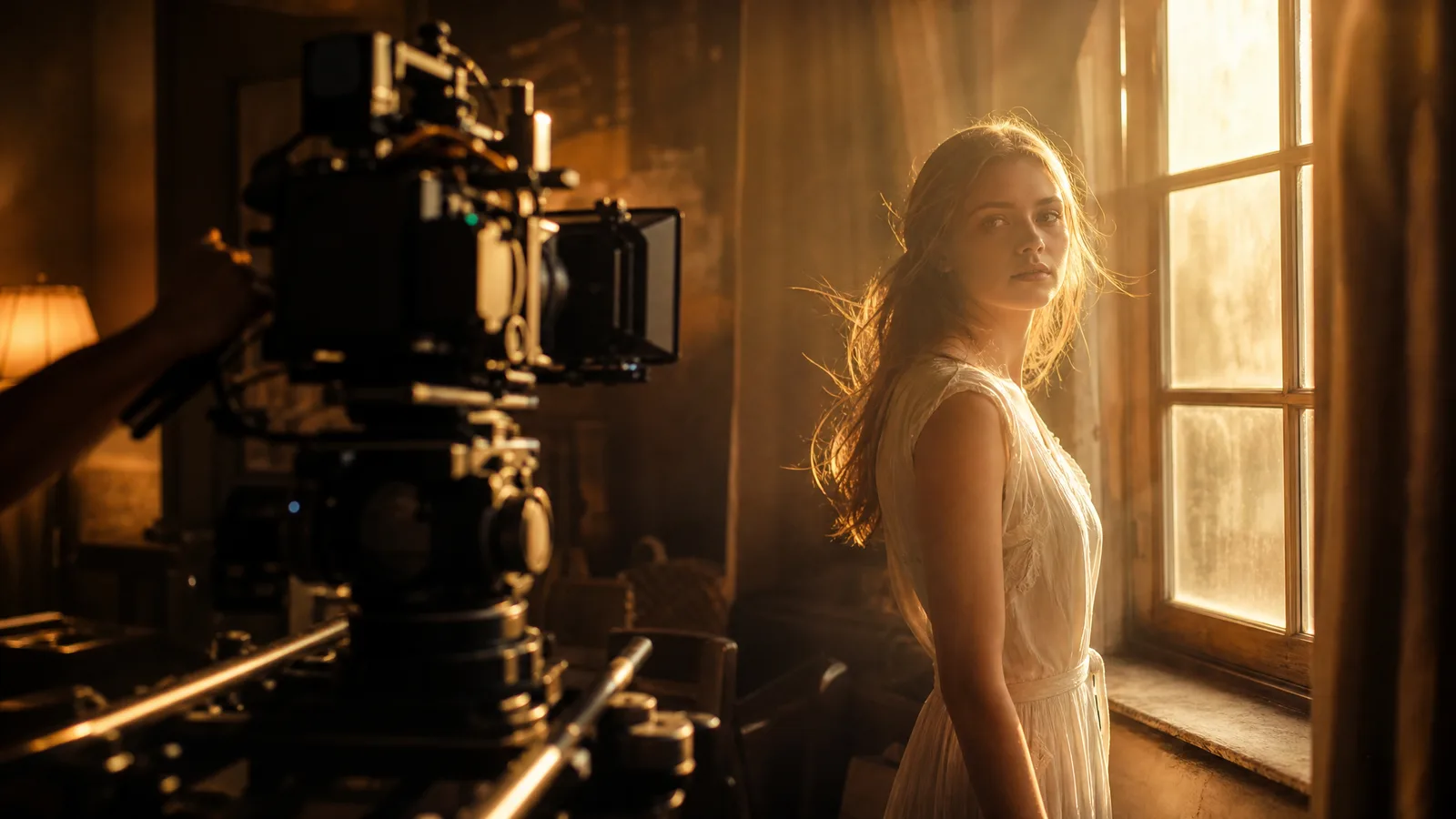
How to Write Better AI Image-to-Video Prompts
A simple formula can help you create more consistent results:
Subject Action + Environmental Motion + Camera Movement + Visual Style
For example, instead of writing "Make this photo move," try describing what the subject does, how the environment moves, and how the camera captures the scene.
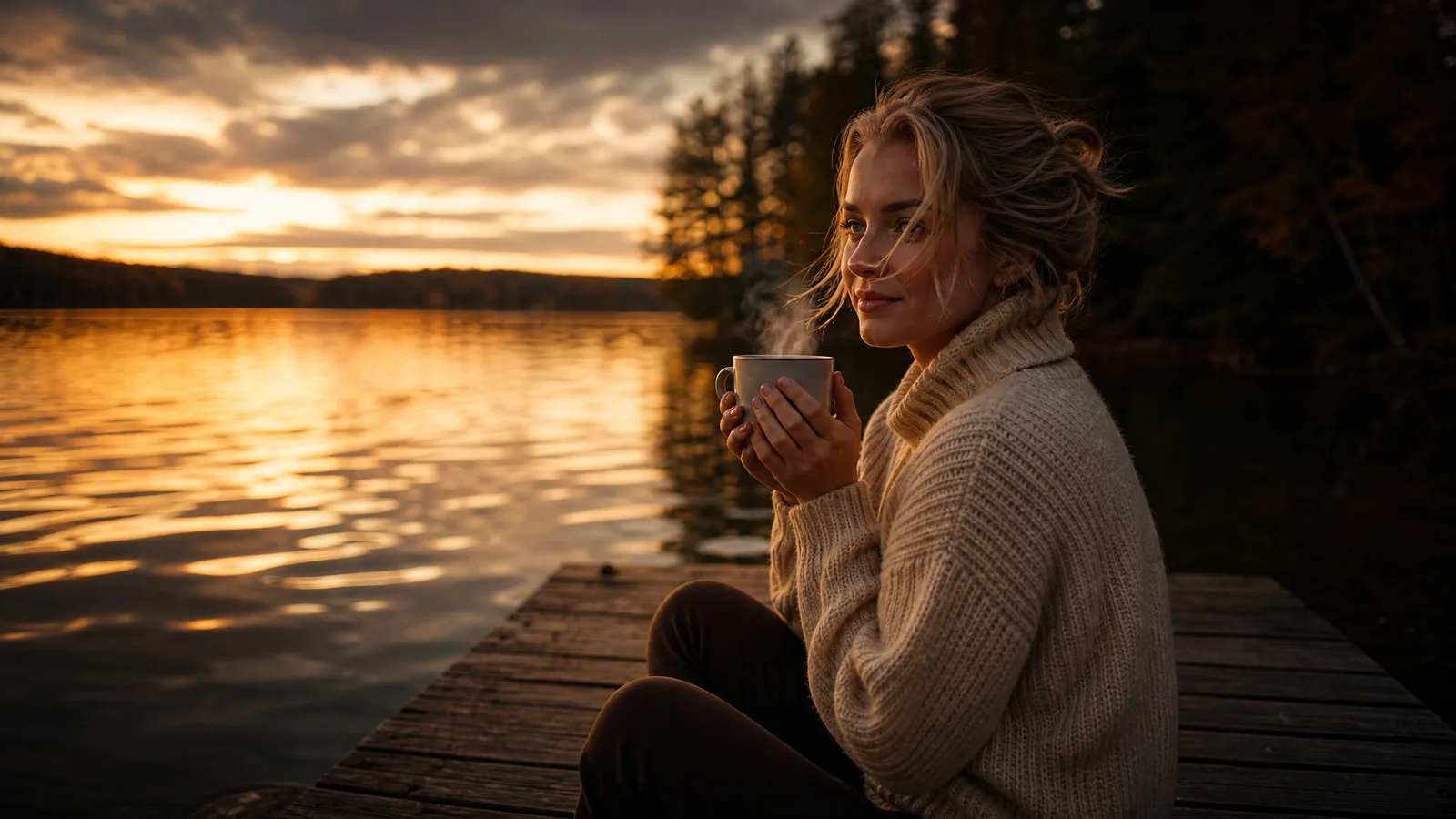
15 AI Image-to-Video Prompts to Try
Portrait Animation
Bring portraits to life with subtle facial expressions, natural movements, and cinematic details.
1 — Natural Smile
Soft · Realistic
The person gently smiles, blinks naturally, and slightly tilts their head. Subtle facial expressions, realistic eye movement, natural breathing, and a smooth cinematic camera push-in. Preserve the original facial features and appearance.
2 — Hair Moving in the Wind
Elegant · Cinematic
The person looks toward the camera as their hair gently flows in the breeze. Clothing moves naturally with the wind, soft sunlight illuminates the face, and the camera slowly moves closer. Realistic motion, cinematic lighting, elegant atmosphere.
3 — Walking Toward the Camera
Confident · Dynamic
The person slowly walks toward the camera with a confident expression. Natural body movement, realistic walking motion, subtle clothing movement, and a smooth cinematic tracking shot. Keep the person's appearance consistent with the original image.
Cinematic Camera Movements
Create cinematic depth and motion with smooth camera movements that transform the perspective of a still image.
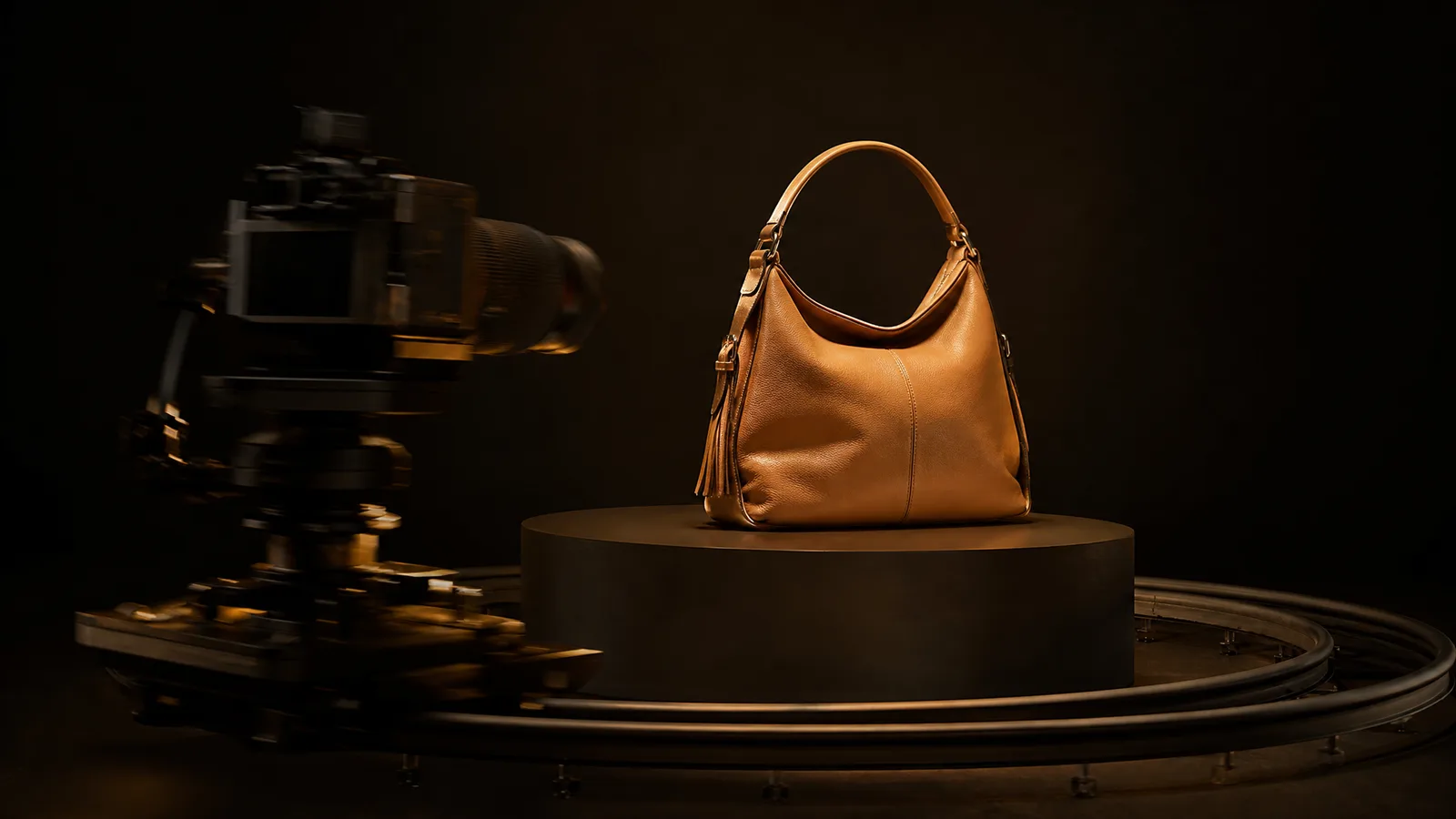

4 — Slow Push-In
Dramatic · Cinematic
The camera slowly pushes toward the main subject, gradually revealing more facial details and depth. Subtle environmental movement, realistic lighting, smooth camera motion, and a cinematic film look.
5 — Pull-Back Reveal
Wide · Immersive
The camera slowly pulls backward, revealing the surrounding environment while keeping the main subject in focus. Natural perspective, smooth cinematic movement, realistic depth, and atmospheric lighting.
6 — Gentle Orbit
3D · Cinematic
The camera gently moves in a circular orbit around the subject, creating a subtle 3D perspective. The subject remains stable and consistent while the background shifts naturally. Smooth cinematic motion, realistic depth, professional composition.
Nature and Landscapes
Bring landscapes to life with flowing water, moving clouds, shifting light, and gentle camera motion.
7 — Ocean Waves
Peaceful · Natural
Ocean waves gently roll toward the shore, water glistens under the sunlight, and sea breeze moves softly through the scene. The camera slowly glides forward. Realistic water motion, peaceful atmosphere, cinematic coastal scenery.
8 — Mountain Clouds
Dreamy · Atmospheric
Soft clouds slowly drift across the mountain peaks while sunlight subtly changes across the landscape. The camera gently pans across the scenery. Realistic atmospheric movement, cinematic nature photography, peaceful mood.
9 — Sunset in Motion
Warm · Cinematic
The clouds slowly move across the sky as the warm sunset colors gradually shift. Light reflects softly across the landscape, and the camera gently pans toward the horizon. Cinematic golden-hour lighting, natural motion, dreamy atmosphere.
Pet Animation
Make pet photos more expressive with playful and natural movements.
10 — Happy Dog
Cute · Playful
The dog happily wags its tail, tilts its head, and looks curiously toward the camera. Natural movement, playful expression, smooth animation.
11 — Sleepy Cat
Cozy · Relaxing
The cat slowly blinks, gently stretches its paws, and turns its head slightly. Its fur moves subtly with natural breathing. Soft lighting, realistic animal movement, cozy atmosphere, and gentle cinematic motion.
12 — Bird Taking Flight
Dynamic · Cinematic
The bird gently spreads its wings and takes off into the air. Its feathers move naturally as it flies forward. The camera smoothly follows the bird, creating realistic flight motion and a cinematic wildlife scene.
Creative and Cinematic Effects
Add magical motion, surreal movement, and cinematic atmosphere to transform ordinary photos into imaginative videos.
13 — Magical Glowing Particles
Fantasy · Magical
Tiny glowing particles slowly appear and swirl around the subject. Soft magical light illuminates the scene while the subject remains naturally animated. Dreamy atmosphere, elegant visual effects, cinematic fantasy style.
14 — Floating in the Air
Dreamy · Surreal
The subject slowly floats upward into the air as their clothing and hair move gently. The surrounding environment drifts subtly, creating a magical sense of weightlessness. Smooth body movement, realistic physics, dreamy cinematic atmosphere.
15 — Cinematic Hero Shot
Powerful · Dramatic
The subject stands confidently as the camera slowly moves closer. Wind gently moves their hair and clothing while dramatic lighting creates depth and atmosphere. Subtle movement, cinematic composition, realistic details, movie-style hero shot.
Tips for Getting Better AI Video Results
Keep the motion simple. One or two actions are usually enough. Too many movements can make the video look unnatural.
Use camera directions. Try slow push-in, pull-back, orbit, tracking shot, or pan to control how the scene feels.
Describe environmental movement. Wind, clouds, water, light, and background elements can make a video feel more alive.
Preserve the original subject. Add instructions such as maintaining facial features, clothing, hairstyle, and the original composition.
Experiment with different prompts. The same photo can produce completely different results depending on the motion and camera direction.
How to Turn Your Photos into Videos with PicMa Studio
Step 1 — Upload Your Photo
Open PicMa Studio and select an AI video generation model. Upload the photo you want to animate.
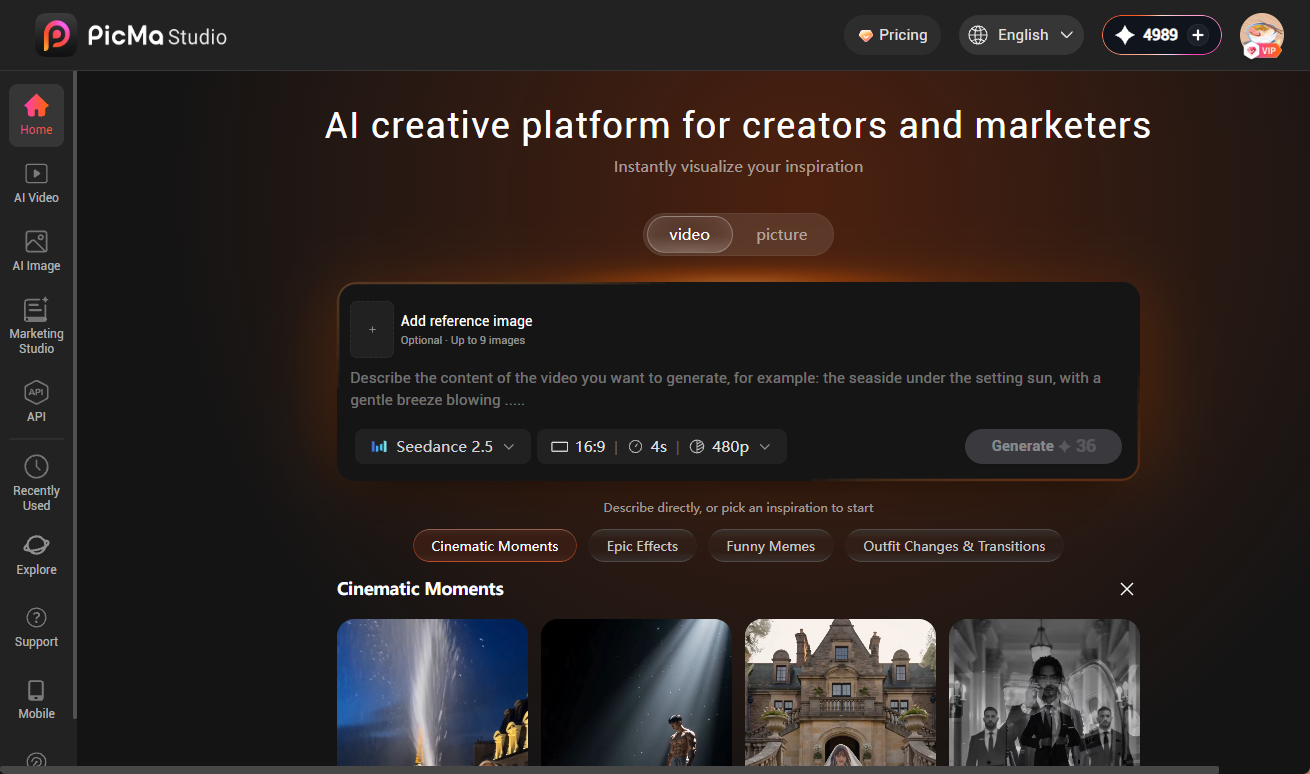
Step 2 — Enter Your Prompt
Copy one of the prompts above and paste it into the prompt box. Adjust the movement or camera direction based on your image.
Step 3 — Generate Your Video
Generate your video and explore different variations until you find your favorite result.
Step 4 — Experiment with Different Styles
Try different prompts, camera movements, and visual styles to transform the same photo into multiple creative videos.
Frequently Asked Questions
What is the best prompt for AI image-to-video?
The best prompt clearly describes the subject's action, environmental movement, camera movement, and visual style. Simple and specific instructions generally produce more natural results.
How do I make AI-generated videos look more realistic?
Use subtle movements, realistic physics, and natural camera directions. Avoid combining too many actions into one prompt, especially when animating portraits.
Can I turn any photo into a video with AI?
Most portraits, landscapes, pets, and everyday photos can be animated. Images with clear subjects and good lighting often produce better results.
Can I use these prompts with different AI video generators?
Yes. These prompts can be adapted to most image-to-video AI tools. You may need to adjust the wording depending on the model and its capabilities.
Bring Your Photos to Life with AI
A great AI video doesn't always need a complicated prompt. Sometimes, a gentle smile, a subtle camera movement, or a little wind is enough to turn an ordinary photo into something special.
Try these prompts with PicMa Studio and discover new ways to bring your photos to life.
Start creating: https://picma.magictiger.ai/zh


 2

 English