There’s something magical about old-school photo booths and film cameras. The grainy texture, soft colors, and imperfect charm instantly create a nostalgic vibe. But what if you could get that same aesthetic without owning a film camera or visiting a photo booth?
With the Retro Instant template in the PicMa app, you can transform your everyday selfies into stylish retro film portraits in just a few taps. Whether you love the look of photo booth strips, vintage film frames, or classic instant photos, this template recreates that aesthetic effortlessly.
Three Retro Photo Styles You’ll Love
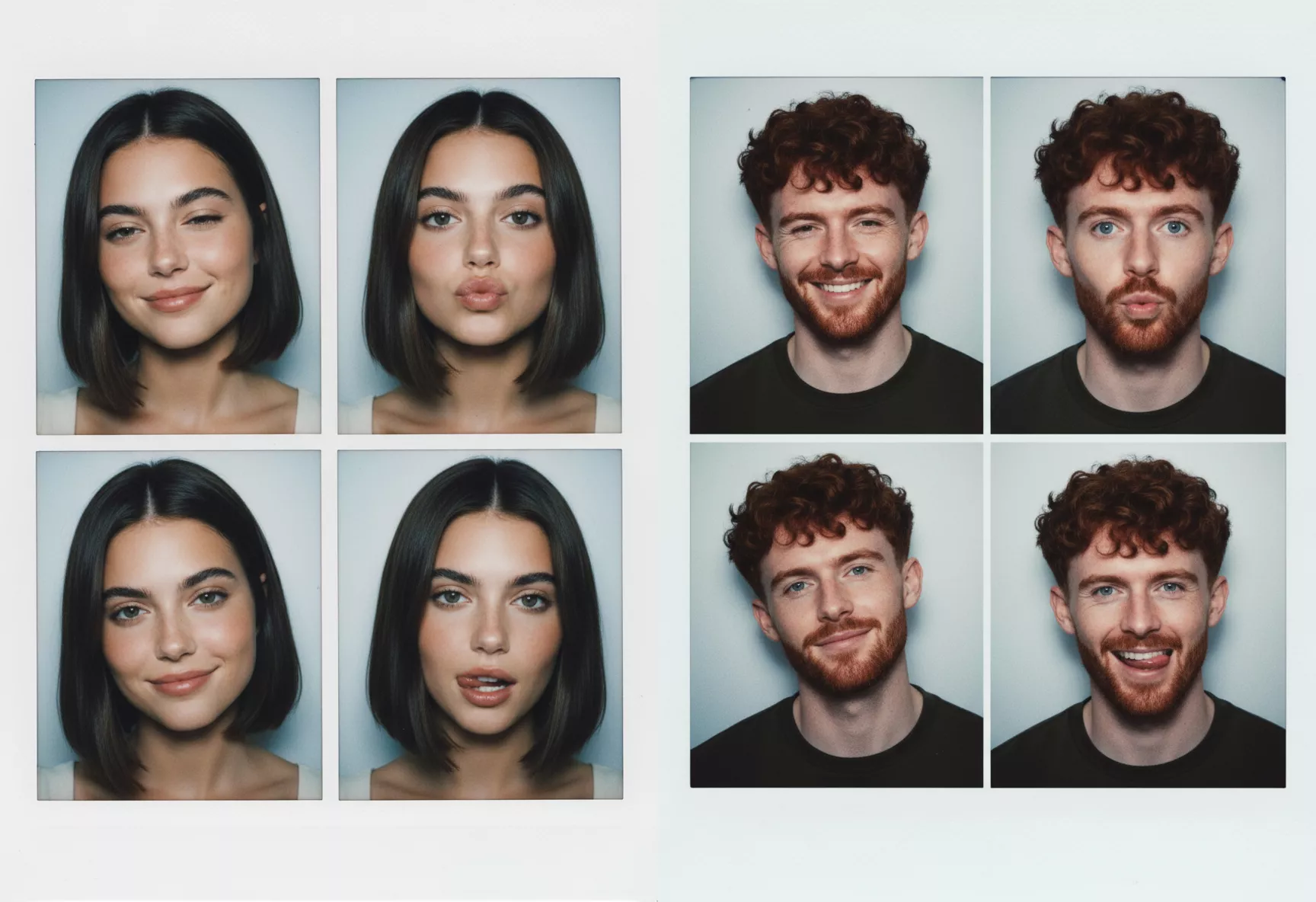
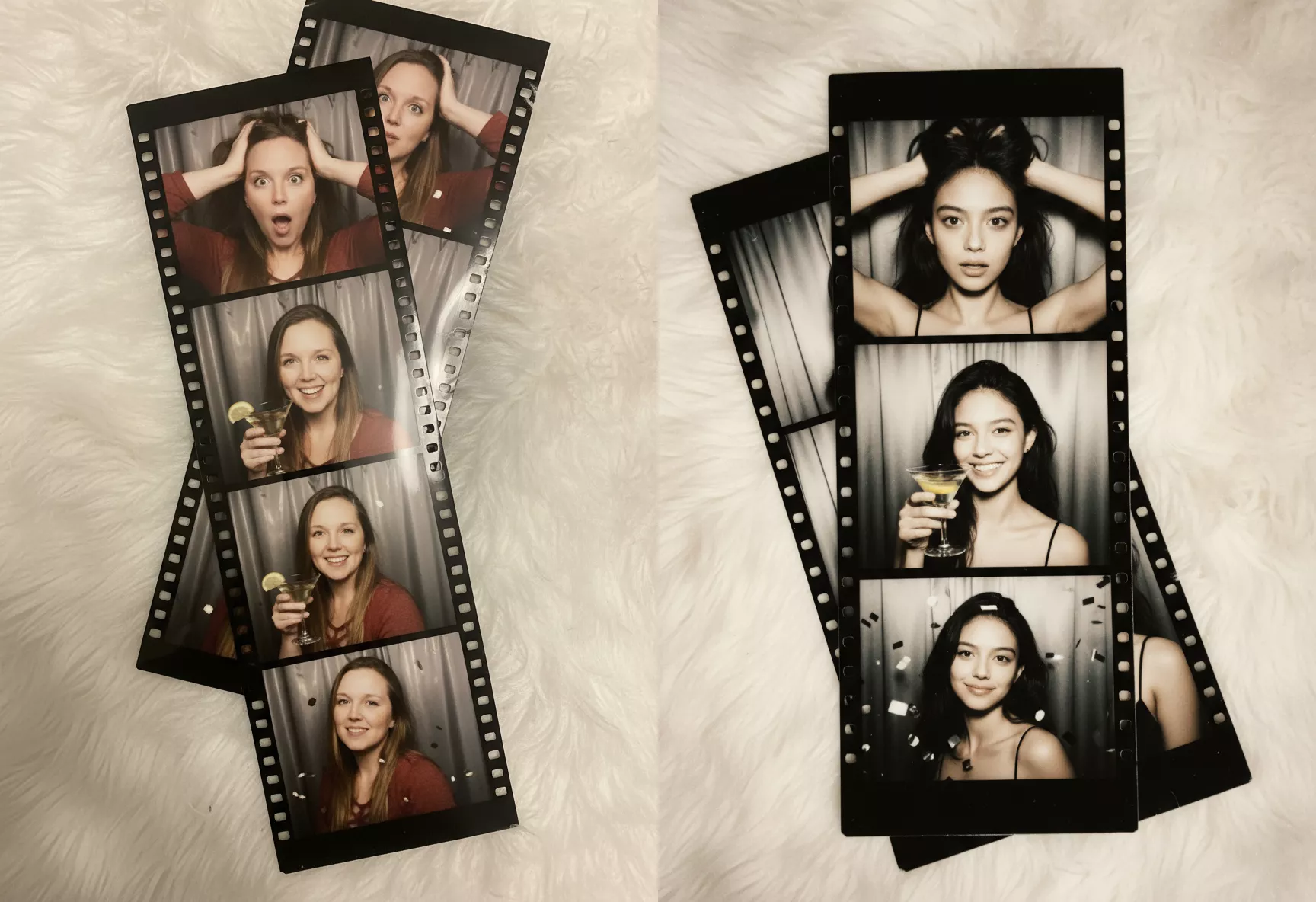
The Retro Instant template offers several iconic film-style layouts that instantly upgrade your selfies:
1. Camera Photo Booth – Four Frames: It feels playful, spontaneous, and perfect for capturing different expressions.
2. Film Strip – Three Frames: It gives your pictures a nostalgic, storytelling vibe.
3. Instant Camera – Single Frame: This design recreates the timeless instant camera photo style with a thick white border.
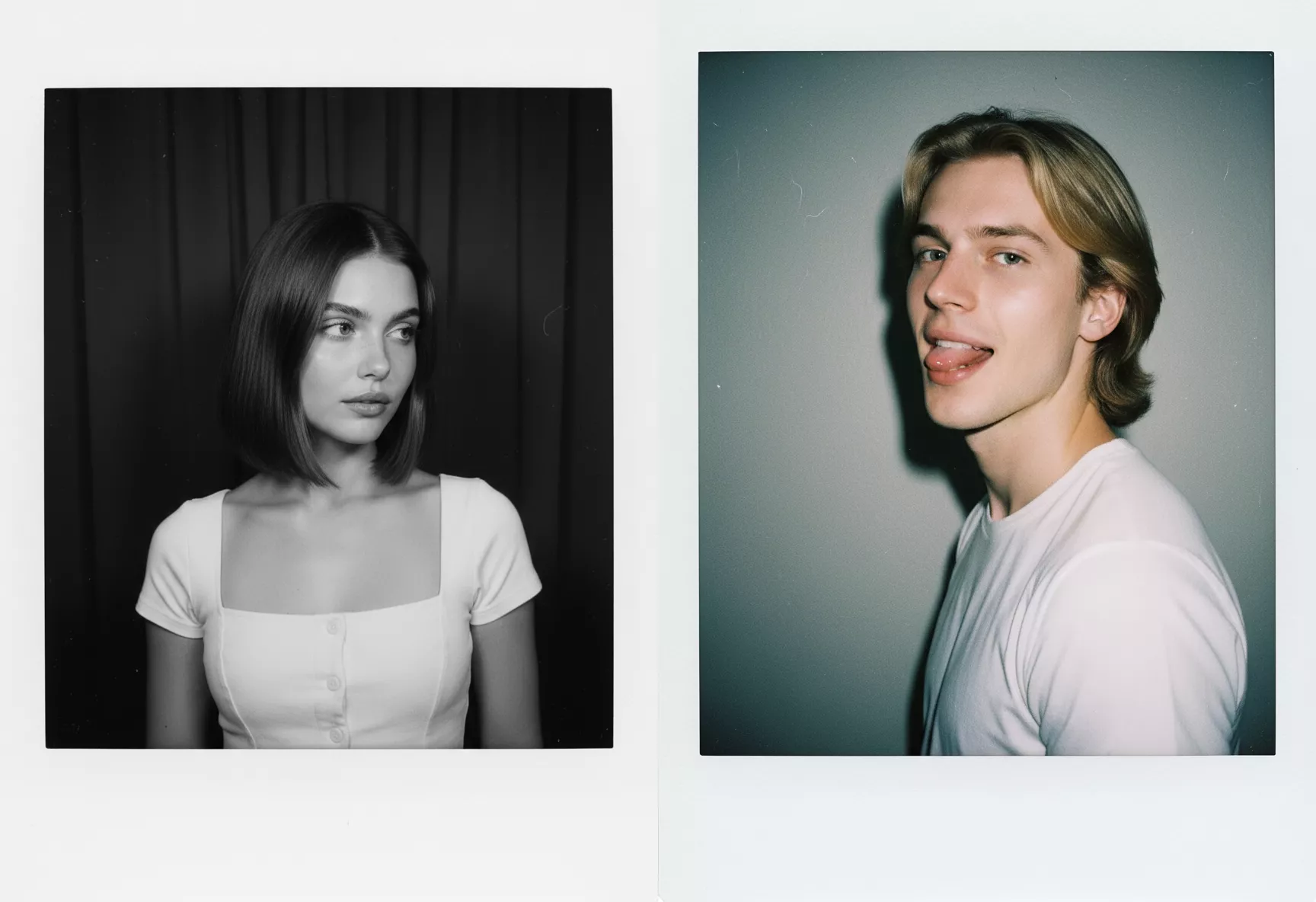
Each style adds a unique retro atmosphere that instantly makes your photos look more artistic.
How to Create Retro Film Photos
Step 1: Download the PicMa app (IOS / Android)
Open the app and go to the Photo Studio section on the homepage. Look for the Retro Instant template.
Step 2: Upload your photos
Select a selfie or any photo you want to transform. Everyday photos work perfectly.
Step 3: Choose your style
You can pick any one of the six layouts, or simply to create six different versions at once.
Step 4: Download and share
Save your favorite results and share them on social media, send them to friends, or keep them as digital memories.
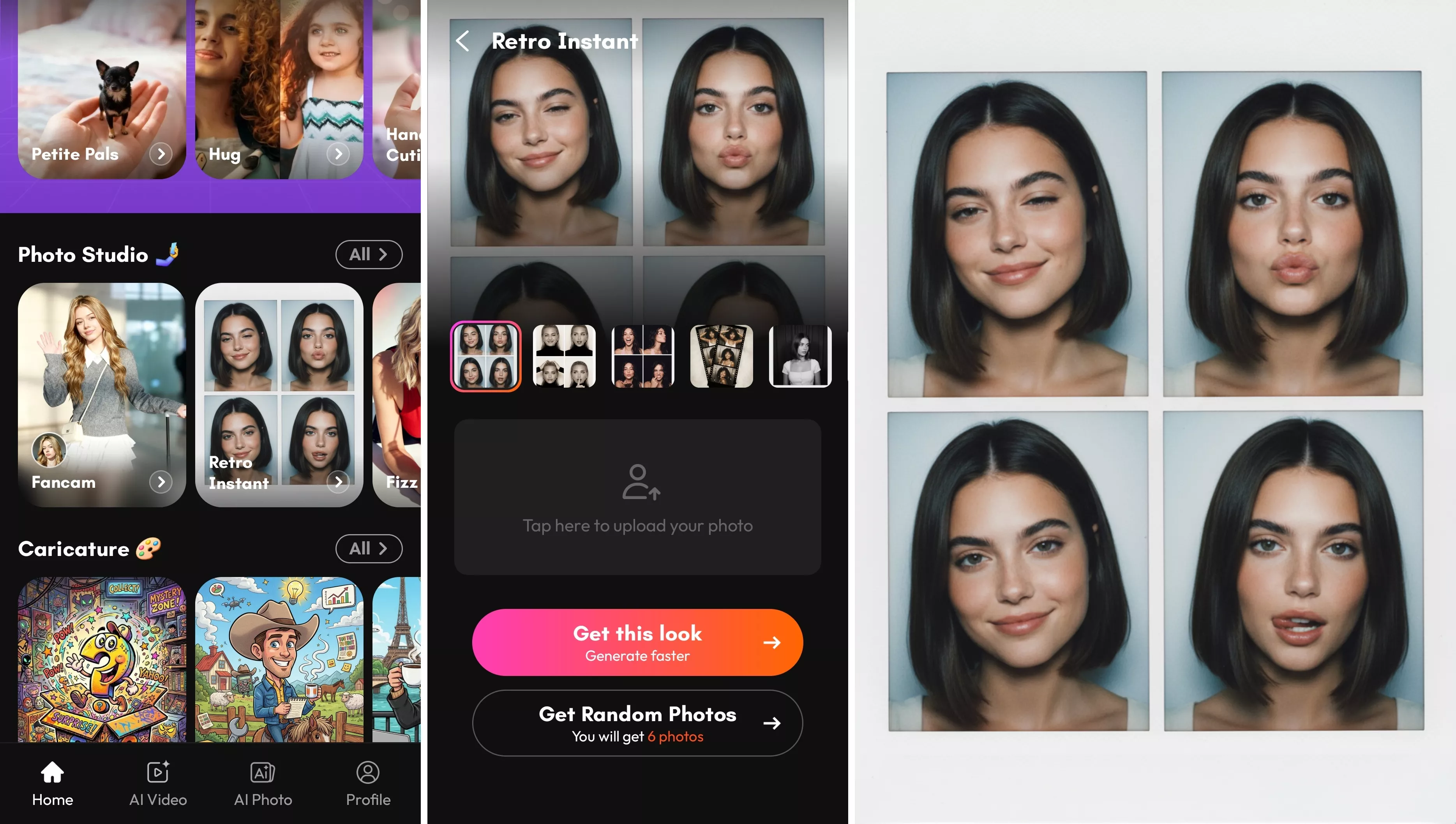
Instant Retro Atmosphere
The retro film style makes ordinary photos feel more curated and expressive, whether you’re sharing them online or saving them as memories. It’s perfect for adding personality and atmosphere to many everyday moments:
- Instagram stories
- Profile pictures
- Scrapbook-style posts
- Aesthetic mood boards
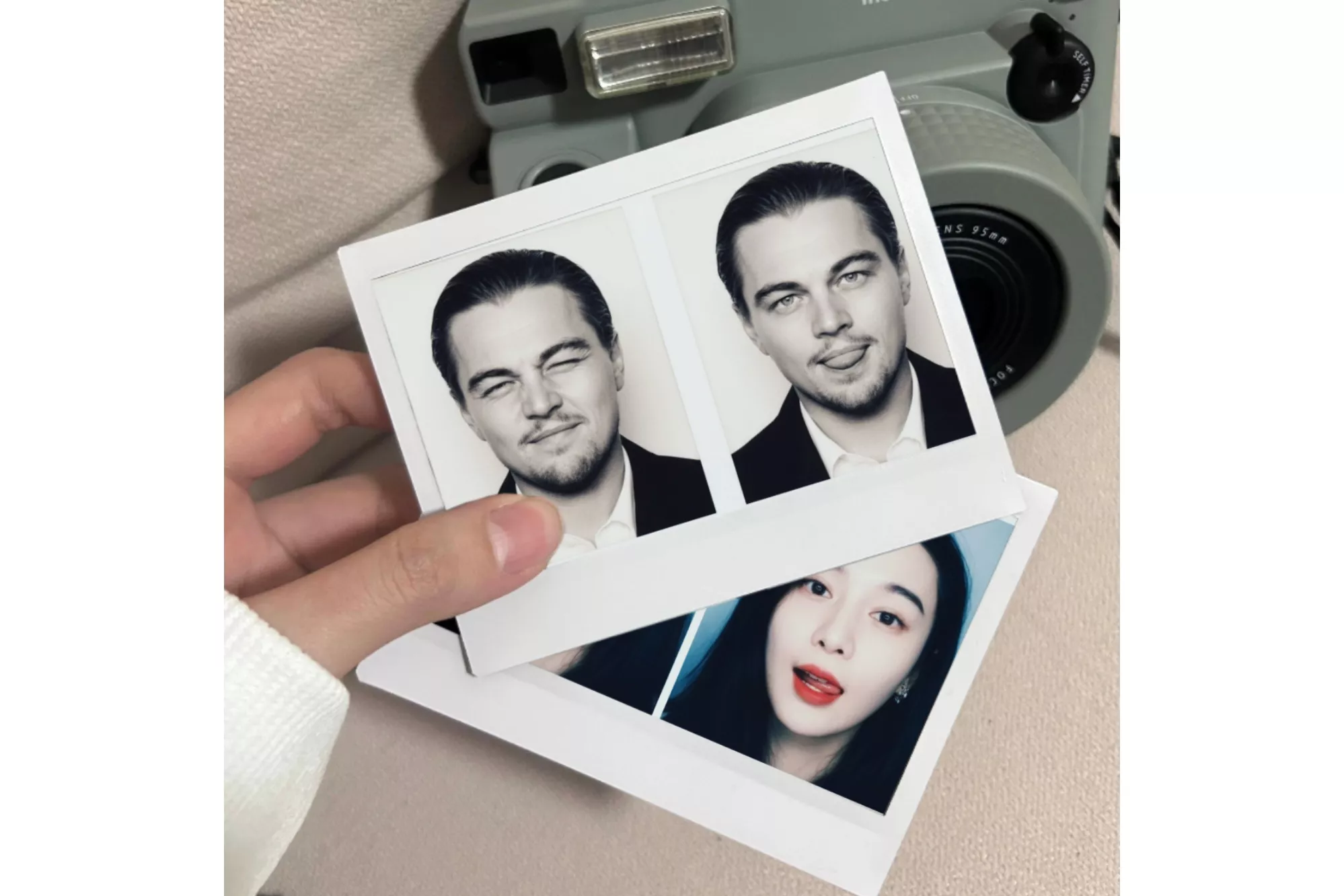
No Camera Needed
You don’t need a film camera, a photo booth, or even an instant camera to get that nostalgic retro look. All the classic film textures and layouts are recreated digitally, so you can enjoy the aesthetic without any special equipment. With PicMa, your phone and a simple selfie are all you need.
In just a few seconds, an ordinary picture can turn into something that looks like it came from a vintage photo booth or a roll of film. It’s an easy way to add personality, nostalgia, and style to your everyday photos without leaving home or carrying around extra gear. Just upload a selfie and watch it turn into a vintage-style memory in seconds.


Frequently Asked Questions
1. Are there other portrait templates in PicMa?
Yes! PicMa offers many creative templates beyond Retro Instant. For example, you can try vintage magazine covers, cinematic film stills, cartoon-style portraits, or even templates designed for group photos. There are plenty of options to experiment with different aesthetics and create unique styles for different moments.
2. How long does it take to generate photos?
It’s very fast. Creating a single photo usually takes just a few seconds, while generating all six versions typically takes about a minute.
3. Is my photo private and secure?
Yes. Your uploaded photos are processed securely, and your privacy is protected throughout the generation process.

 108
108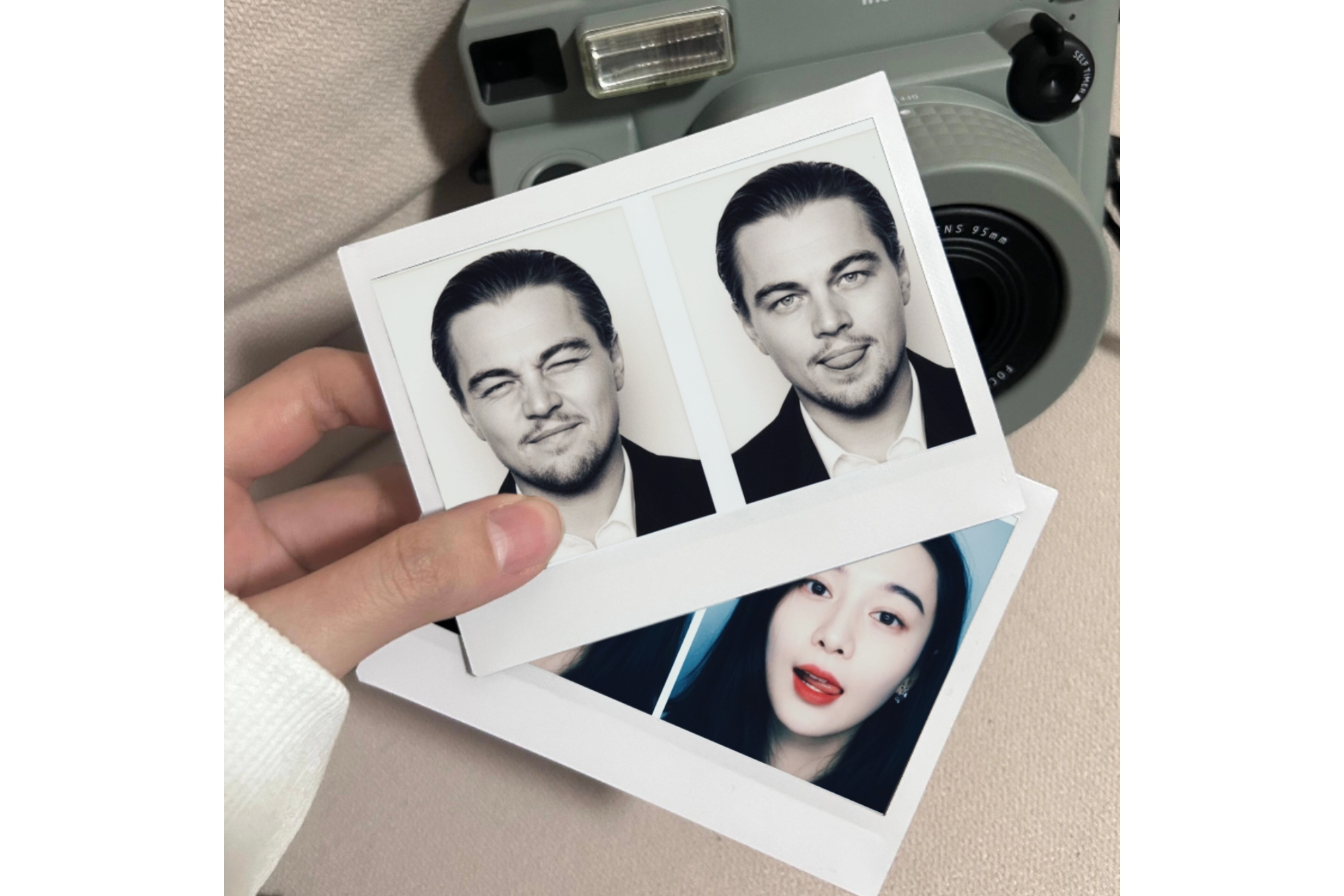

 English