Have you ever imagined yourself stepping into the colorful world of Zootopia and dancing like one of its adorable characters? With modern AI technology, this is no longer just a fun idea—it’s something you can create in minutes. Using PicMa’s AI Dance feature, you can transform a simple selfie into a lively cosplay dance video inspired by Nick Wilde and Judy Hopps from the game-like “Zootopia” universe.
Whether you love creative videos, want to post something unique on social media, or simply enjoy experimenting with AI tools, this feature makes the process incredibly easy and entertaining.
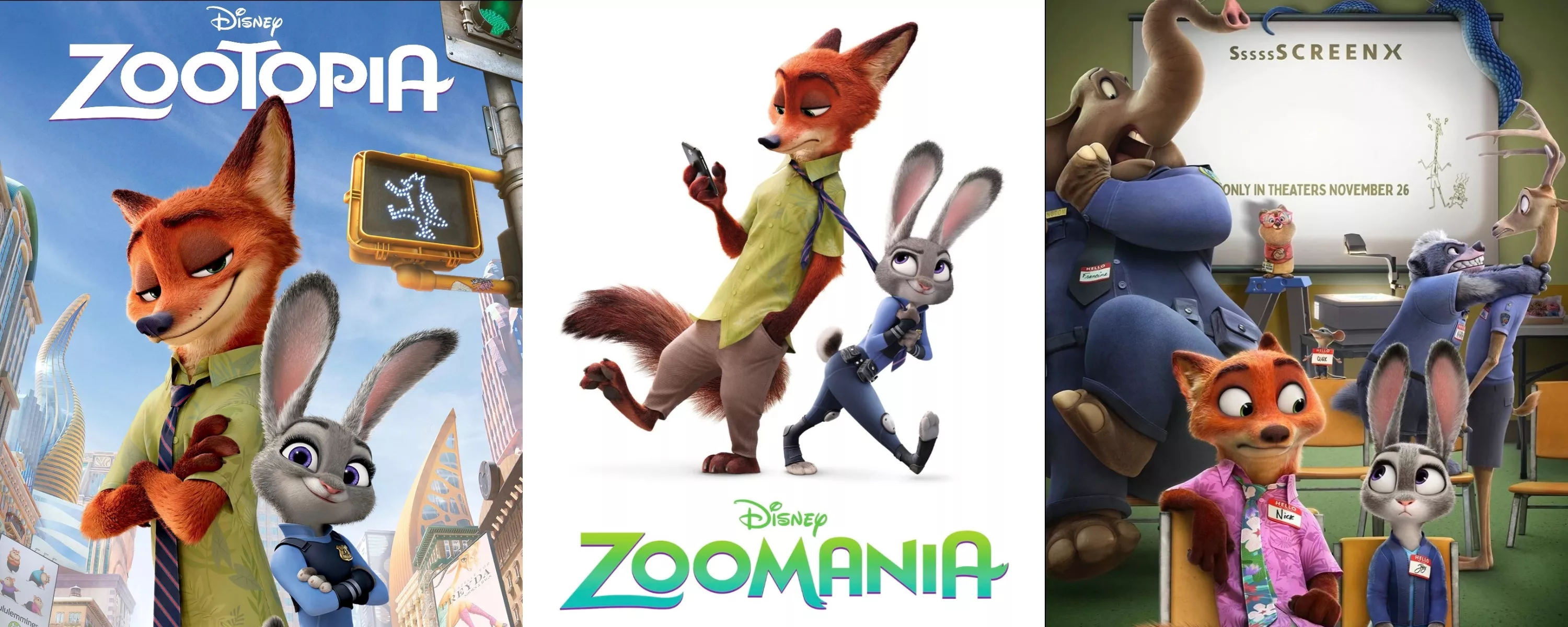
Meet the Zootopia Nick and Judy
When you use PicMa’s cosplay-style AI dance generation, your ordinary selfie can be magically transformed into one of these beloved characters. Just upload your photo, and the AI will dress you up in their iconic outfits—whether it’s Nick’s laid-back fox style or Judy’s energetic police uniform. In seconds, your selfie becomes a fully animated character version of you.
All it takes is a single selfie. The AI handles the costume, the character look, and the dance performance, turning your photo into a playful cosplay moment where you can join Nick and Judy on the dance floor.
How to Create a Cosplay Dancing Video
Step 1: Download PicMa (IOS / Android)
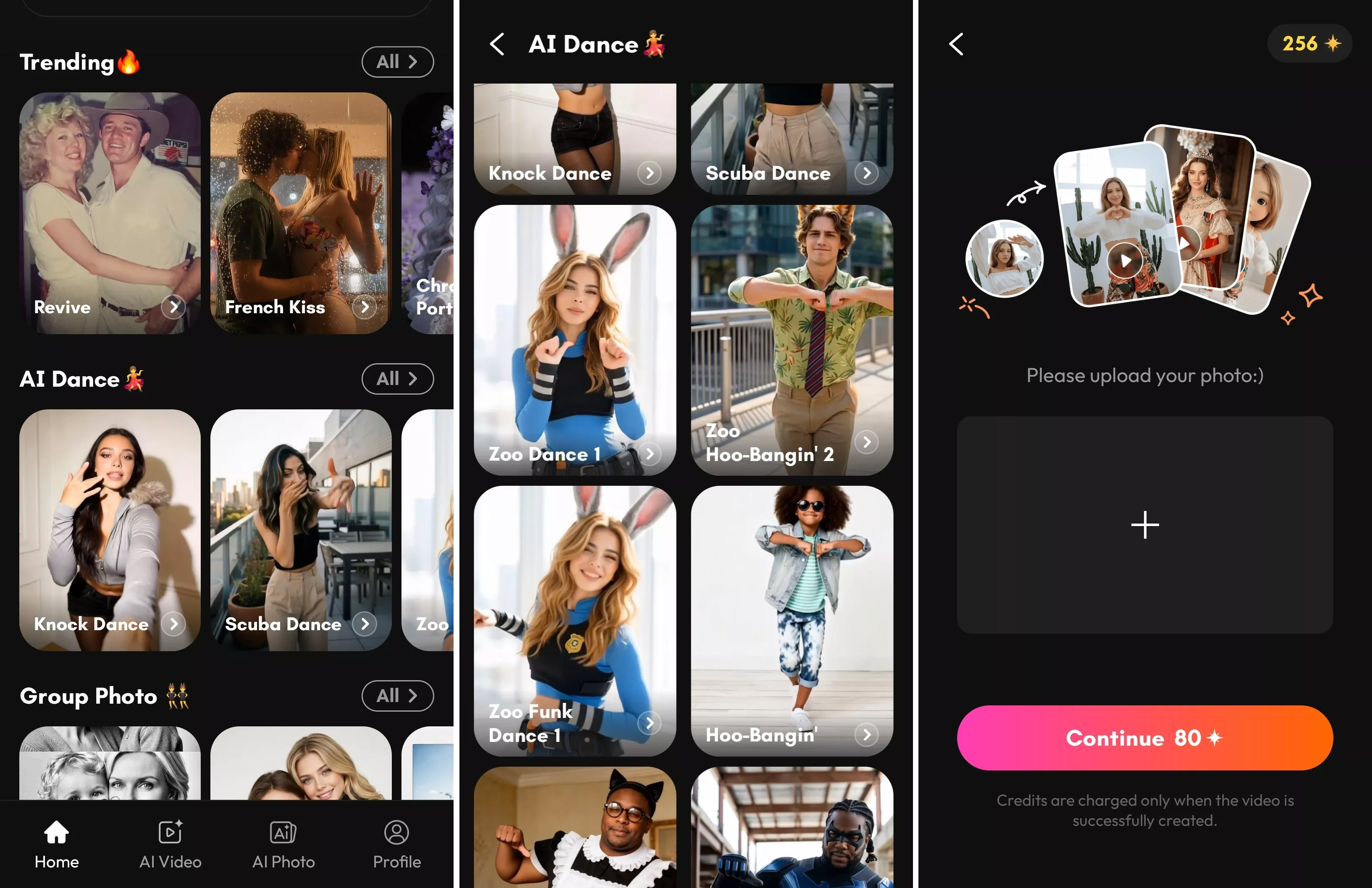
Inside the app, navigate to the AI Dance section. This is where the magic happens.
Step 2: Choose a Dance Style
PicMa provides several adorable dance templates. Three popular choices include: Zoo Dance, Hoo-Bangin, Funk Dance.
Step 3: Upload Your Selfie and Prepare to Animate It
After selecting a style, PicMa’s AI will transform your selfie into a Zootopia cosplay character and animate it into a dancing video.
Why the Dance Looks So Natural
One of the reasons these videos look so impressive is because PicMa uses Seedance 2.0 technology. This advanced AI system generates smooth movements, expressive facial animations, and natural body motion.
The result is a video where the character’s expressions and dance movements feel lively and realistic rather than stiff or distorted. The rabbit hops with joy, the fox grooves with style, and your selfie becomes part of the animation in a surprisingly seamless way. This makes them perfect for sharing on platforms like TikTok, Instagram, or YouTube Shorts.
So if you want to see yourself dancing like Judy or Nike, give PicMa a try. Your next viral video might just start with a selfie!


Frequently Asked Questions
1. Is my photo private?
Yes. PicMa takes user privacy seriously. Uploaded photos are protected and handled securely. Your images are only used for generating the AI dance content and are not shared without your permission.
2. How long does it take to generate the video?
Usually only a few minutes. The AI processes the animation quickly, and you can even let it run in the background while you continue using your phone.
3. Can I try multiple dances?
Absolutely! You can try many different AI dance styles, not just the Zootopia theme. With PicMa, you’re free to explore a variety of fun dance animations and creative cosplay styles. Simply upload your selfie once, and experiment with different characters, costumes, and dance moves.

 136
136

 English