In the fast-evolving world of AI creativity, a new trend is capturing attention across social platforms: the “Mini Me” AI video. These adorable, personalized clips transform your photo into a tiny, animated version of yourself. Whether you want something fun to share with friends or simply enjoy seeing a playful version of yourself come to life, Mini Me videos are a must-try digital experience. With tools like PicMa, creating these videos is now easier than ever.
Videos Powered by Seedance 2.0
What makes these Mini Me videos stand out is the advanced Seedance 2.0 engine behind them. This technology ensures exceptional video quality in several key ways:
- Facial fidelity is impressively accurate
- Body movements are smooth and natural, avoiding the stiff or robotic feel often seen in earlier AI animations
- The overall visual quality is vibrant and polished, with clean rendering and lively scenes that make the character feel almost alive. The result is a delightful blend of realism and cuteness that’s perfect for social sharing
Three Steps to Create Your Mini Me Video
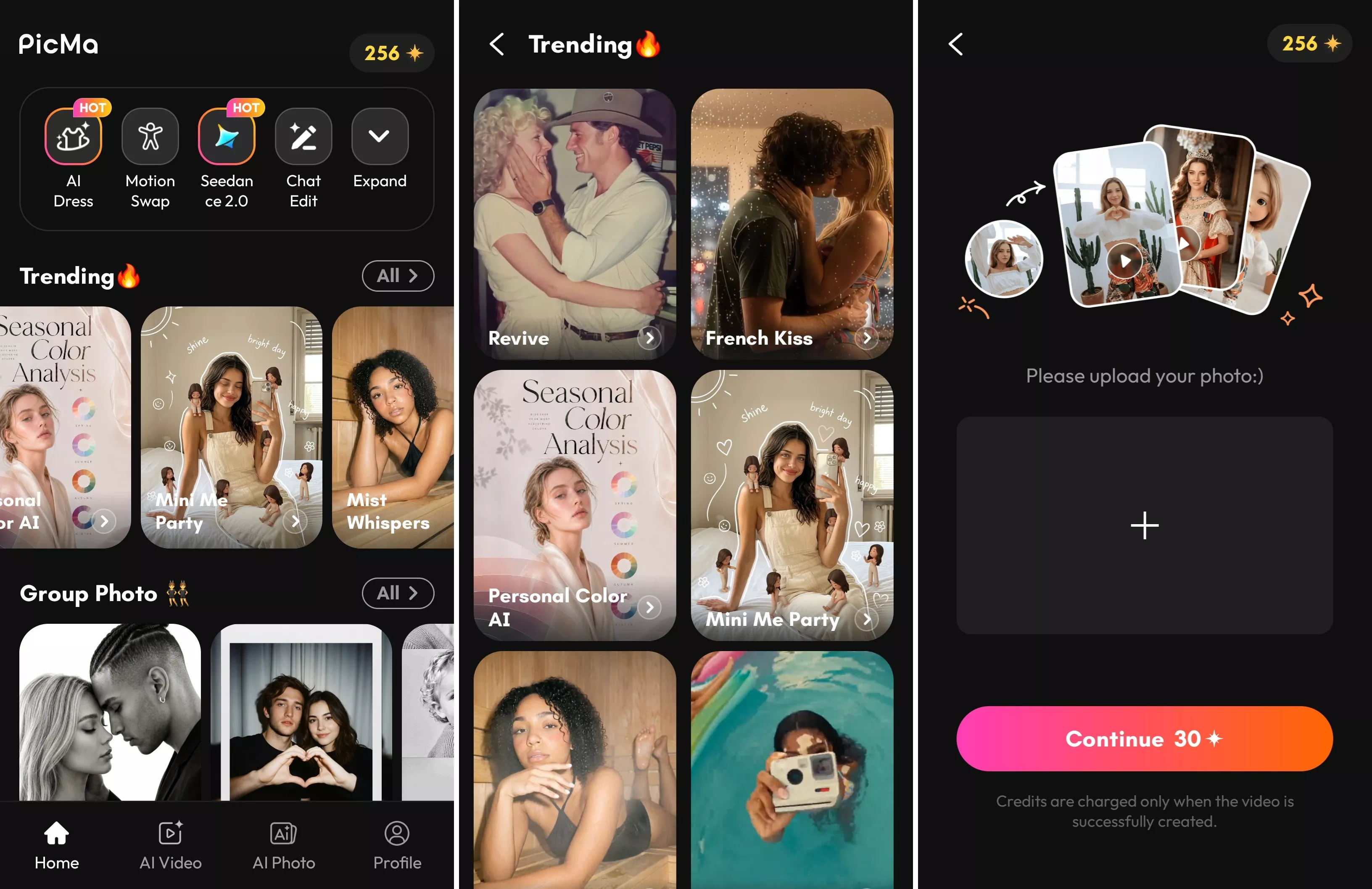
1. Download PicMa (iOS / Android).

Open the app, go to the homepage, and tap on the “Trending” section. Look for the “Mini Me Party” feature.
2. Upload your photo.
Choose a clear image of yourself for the best results—good lighting and a front-facing angle work best.
3. Wait for the video to generate.
The AI will process your image and turn it into a fully animated Mini Me clip within moments.
That’s it—no editing skills or technical knowledge required.
Your Exclusive Cute Video
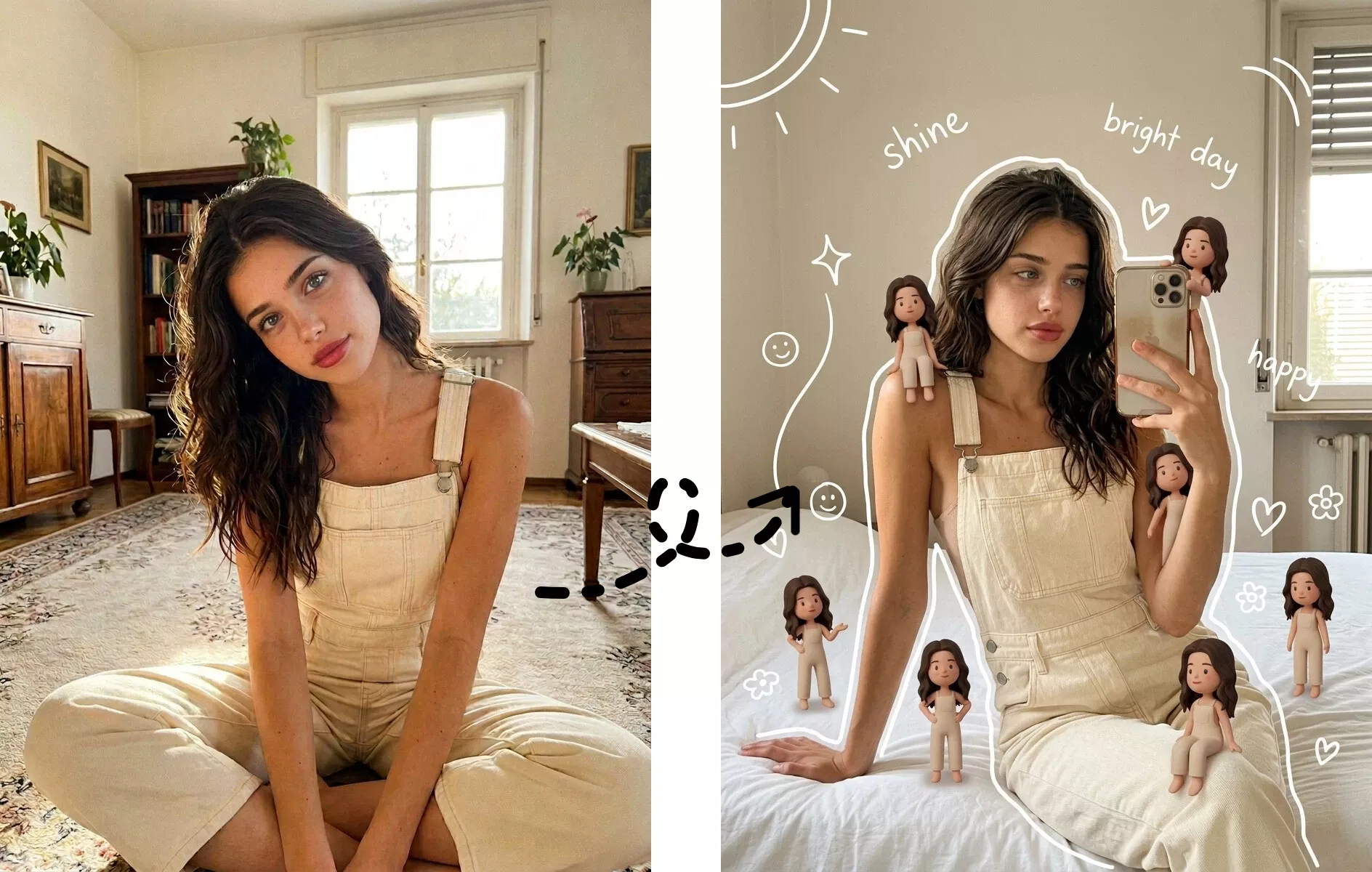
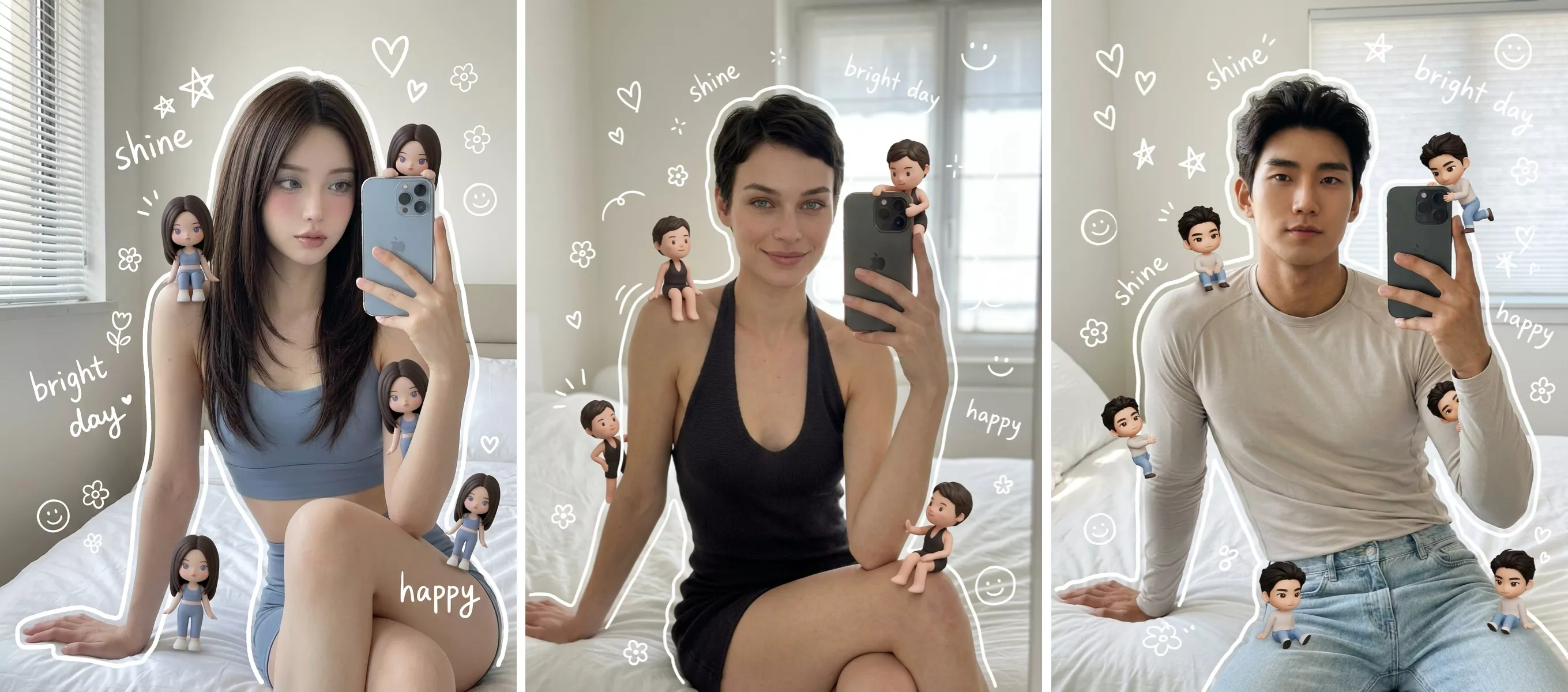
Once your video is ready, you’ll see a tiny animated version of yourself interacting with you in a playful scene. Each video feels unique, reflecting your own look while adding a creative twist. It’s like having a digital avatar that’s both personal and entertaining.
Whether you use it as a profile highlight, a conversation starter, or just for fun, your Mini Me video is guaranteed to bring smiles.
Share and Join the Trend
The best part of creating a Mini Me video is sharing it. Post it on your favorite social platforms, send it to friends, or include it in your stories. These videos are designed to be engaging and eye-catching, making them perfect for going viral or simply brightening someone’s day.
Give it a try with PicMa and join the growing community of users turning themselves into adorable AI characters. Your Mini Me is waiting—why not bring it to life today?


Frequently Asked Questions
1. Is my photo safe?
Yes. PicMa states that user photos are protected and handled securely. Your uploaded images are used only for generating the video and are not publicly shared.
2. How long does it take?
Most videos are generated in about one minute, depending on complexity and server load.
3. Do I need editing skills?
Not at all. Everything is automated. If you can upload a photo, you can create a transformation video.

 139
139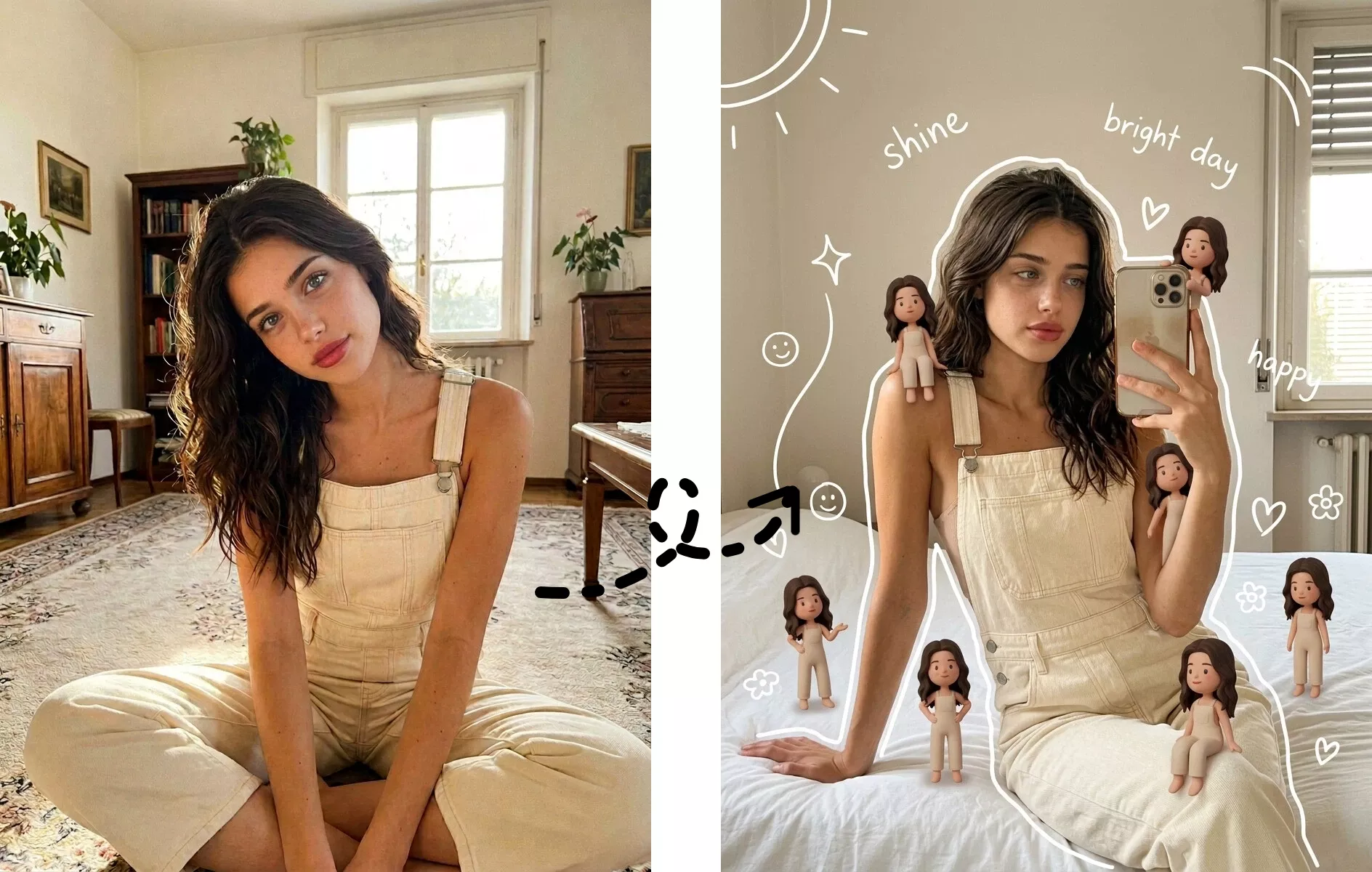

 English