What if the photo sitting in your camera roll wasn't just a selfie?
What if it looked like it belonged in a fashion editorial instead?
You might imagine dramatic studio lighting, a perfectly styled outfit, an expensive-looking backdrop, and the kind of composition that makes an ordinary portrait feel instantly more intentional. Traditionally, getting that look meant finding a photographer, planning a shoot, styling the scene, and probably spending an afternoon in front of a camera.
Now, you can start with a photo you've already taken.
That's the fun behind the growing AI editorial portrait trend. Instead of simply smoothing skin or changing a background, AI can give a portrait an entirely different visual personality. And with PicMa, you don't have to figure out complicated prompts to explore it.
Your Camera Roll Just Got a Fashion Department
The interesting thing about editorial photography is that there isn't just one editorial look.
One portrait might feel like a minimalist fashion spread. Another might have dramatic shadows and cinematic lighting. A third could feel glamorous, artistic, retro, or effortlessly luxurious.
That's exactly what makes PicMa's Editorial Portrait feature more interesting than a single preset.
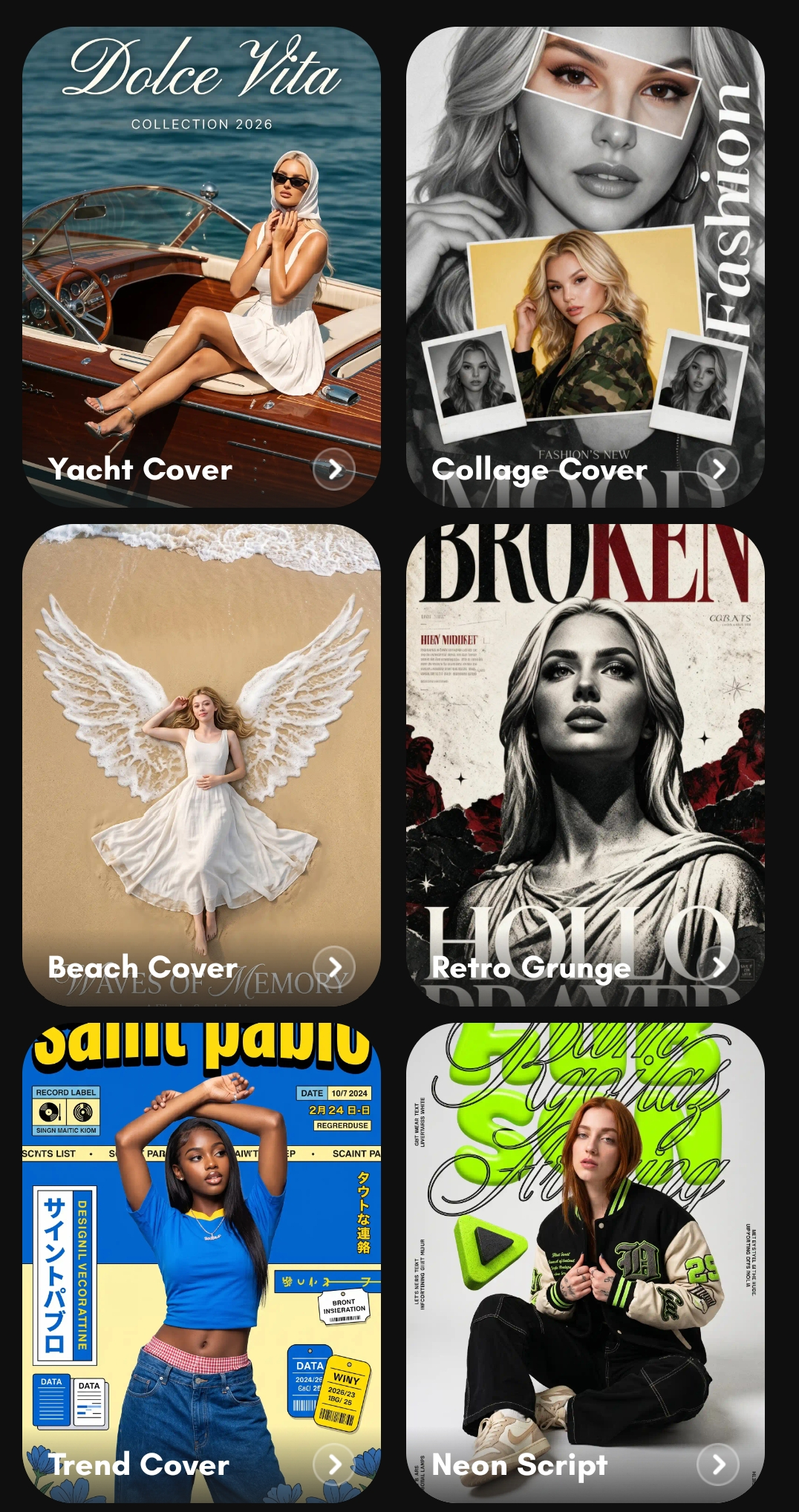
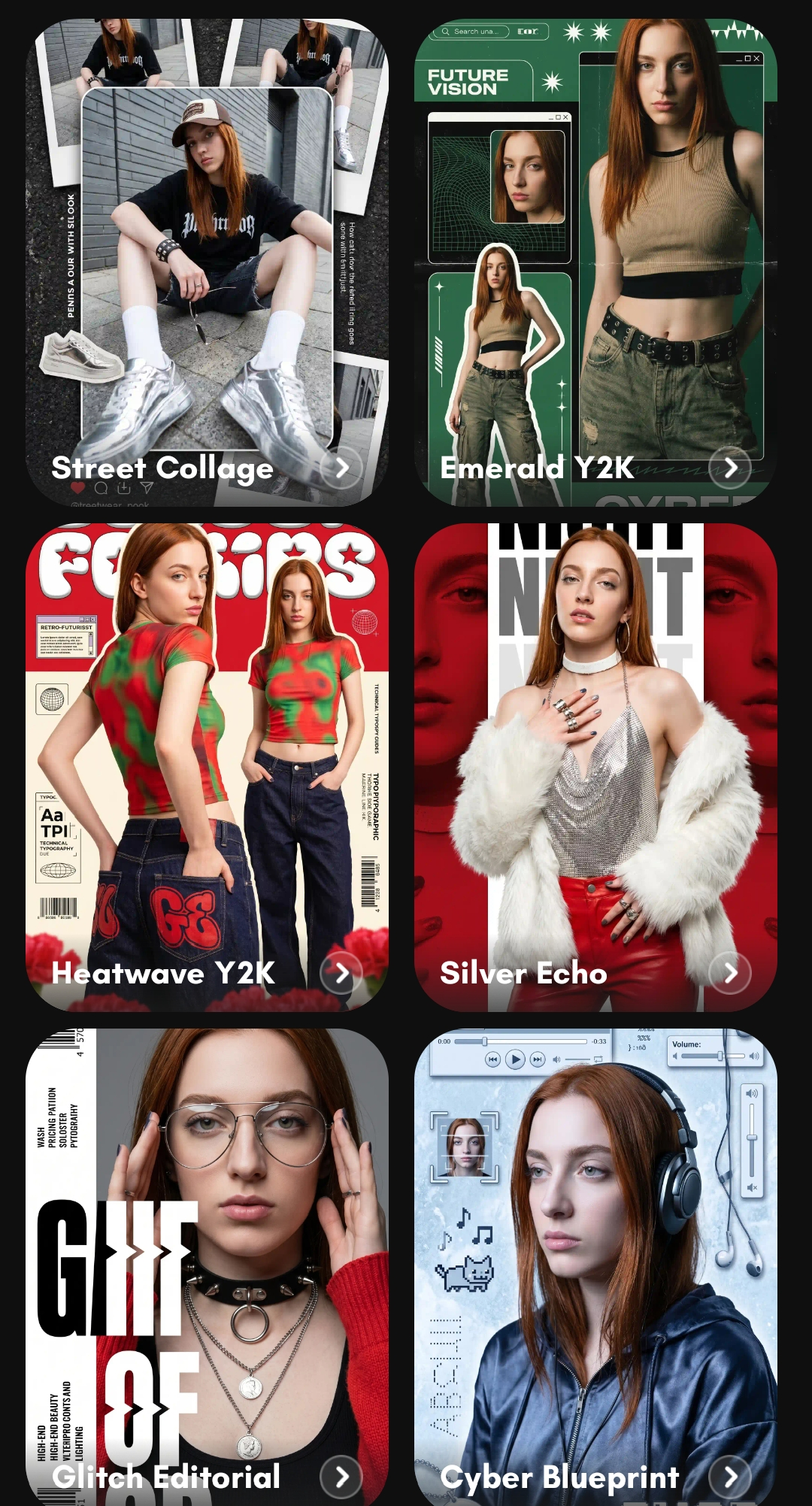
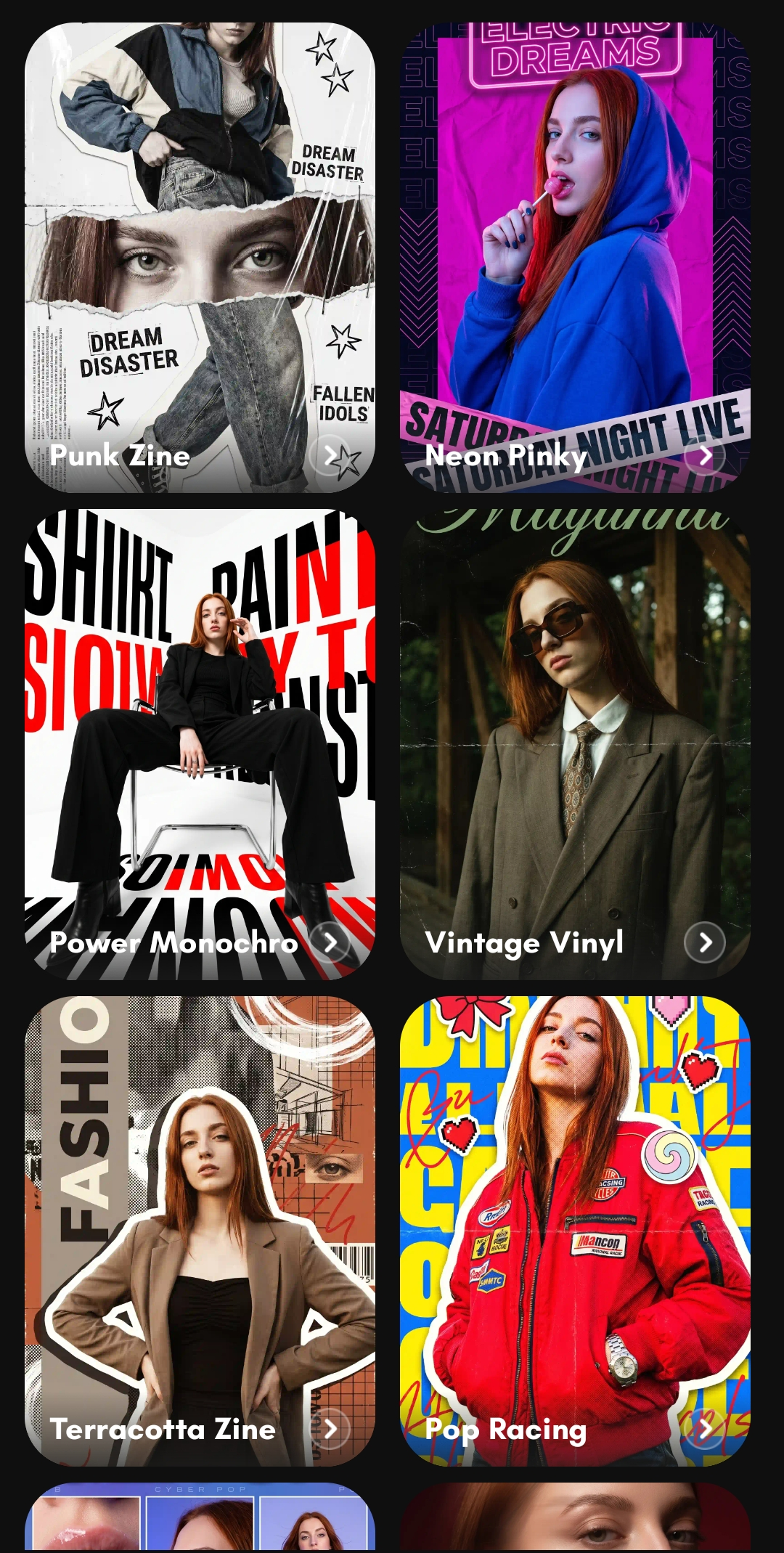
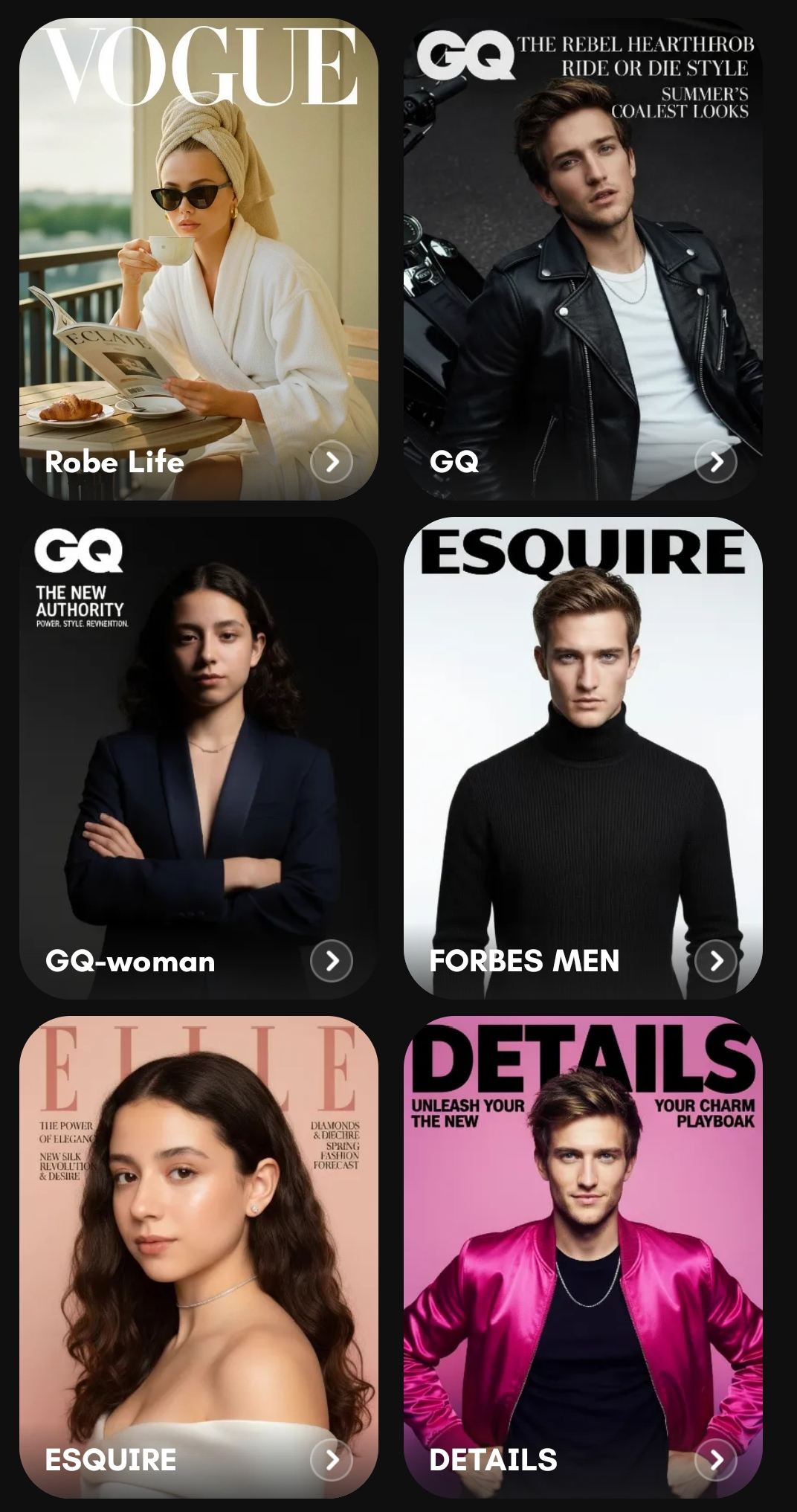
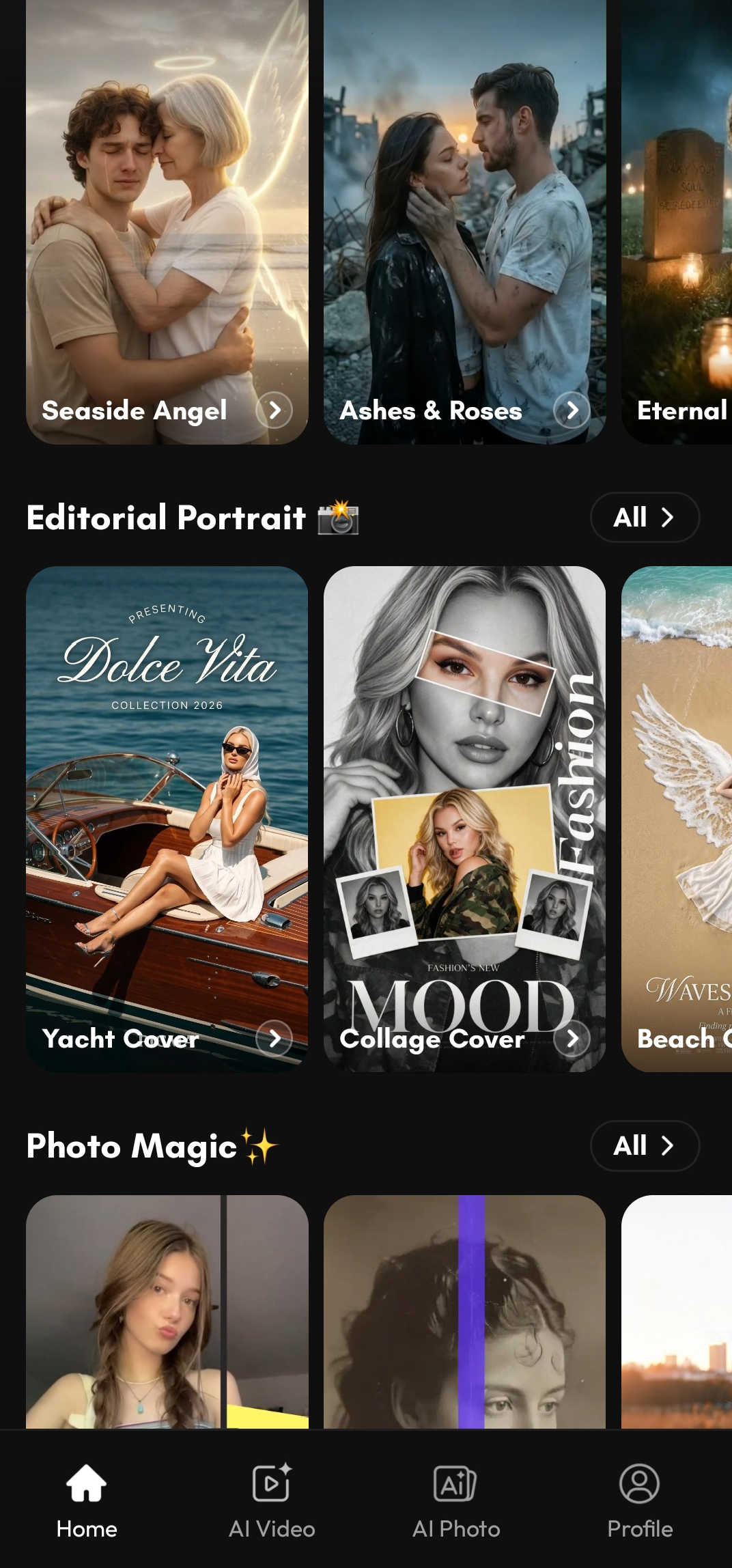
Open the PicMa App and you'll find Editorial Portrait right on the home page, with multiple magazine-inspired styles ready to explore. Instead of asking AI to invent a look from scratch, you can browse the available styles and choose the one that matches the mood you have in mind.
Think of it as choosing the creative direction for your imaginary photoshoot.
You don't need to know the difference between Rembrandt lighting and butterfly lighting. You don't need to write a complicated AI prompt. Just choose a style, add your photo, and see what happens.
Which Magazine Would Your Photo Belong To?
This is where creating an AI portrait becomes less like editing and more like playing with possibilities.
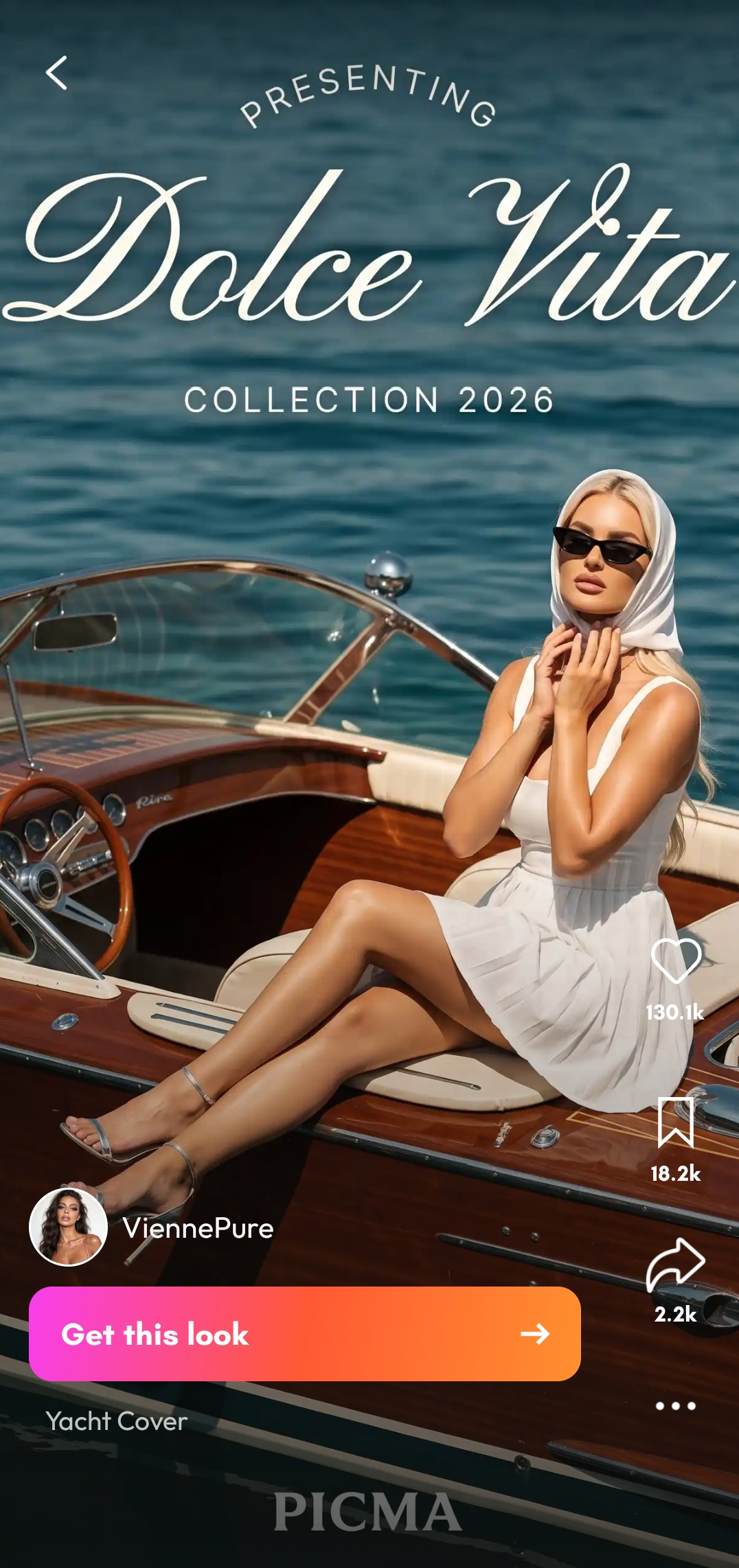
Start with the same original photo and imagine giving it three completely different creative directions. One style could make it feel clean and sophisticated. Another could push it toward high-fashion drama. A third might create something softer and more artistic.
The photo hasn't changed because you took a better selfie. The visual story has changed.
And that's an important distinction. A good editorial portrait isn't necessarily about making someone look perfect. It's about creating a mood.
Maybe you want something bold and fashion-forward for your next social profile photo. Maybe you want a cinematic portrait that feels like a movie still. Or maybe you're simply curious to see what your everyday look would become through a magazine photographer's lens.
There is no “correct” editorial style. That's the point.
You Don't Need a Photoshoot to Experiment
Professional editorial photography can involve an entire creative team behind one final image. Photographer, stylist, makeup artist, lighting, location—the list can get surprisingly long.
An AI photo editor changes the entry point completely.
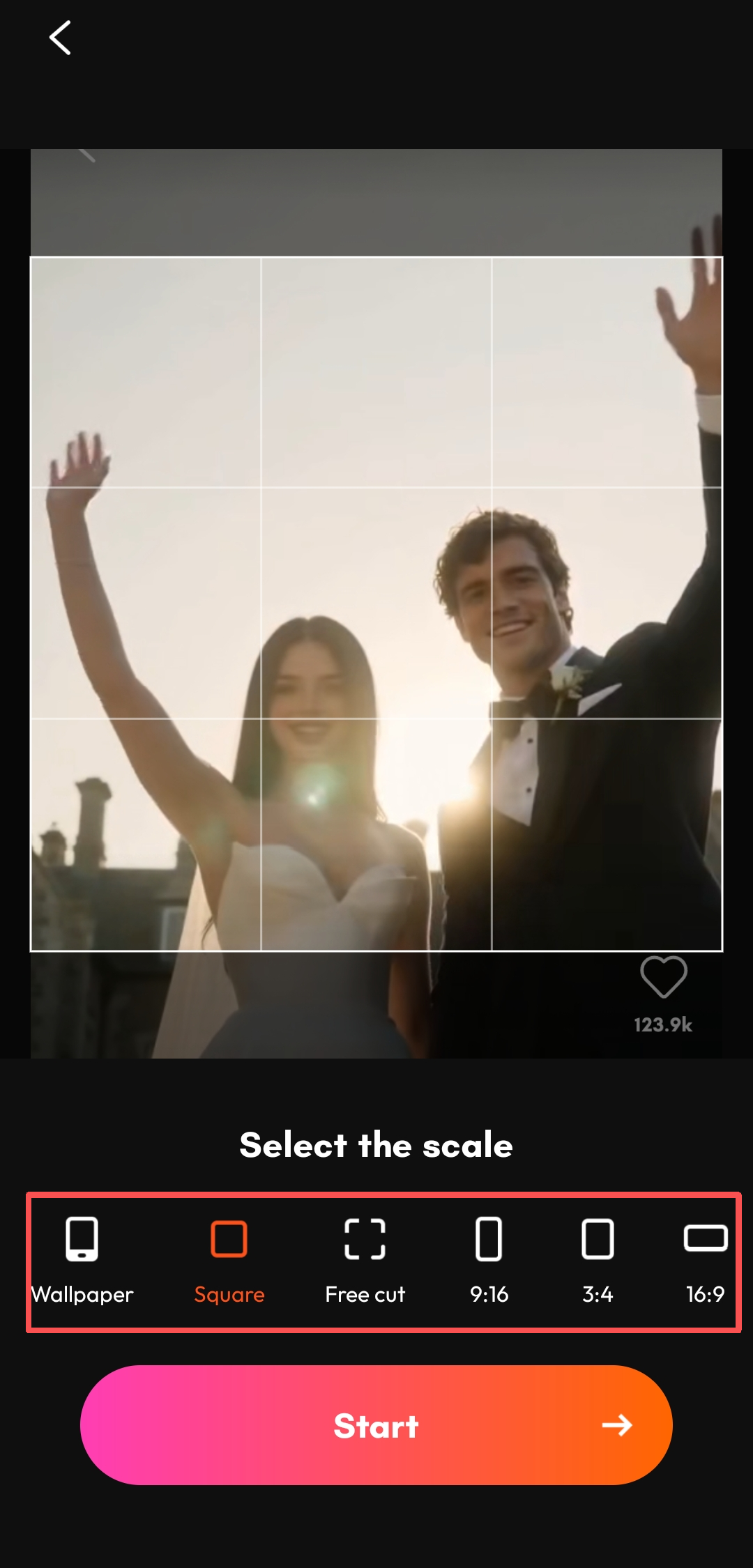
With PicMa, the starting point can be as simple as a photo already saved on your phone. A clear selfie works. A casual portrait works. Even a photo you originally took without any particular creative intention can become a starting point for experimentation.
For the best results, choose a photo where your face is clearly visible and avoid images that are heavily blurred or obscured. Beyond that, don't overthink it.
In fact, some of the most interesting results can come from photos that were never intended to look editorial in the first place.
Try This: Give One Photo Different Personalities for Free
✨Step 1:Download the app
You can hit the bottom in the end of the article and download it on apple store or google play.Then choose one portrait from your camera roll. Don't change the photo.
✨Step 2: Open the app and choose the best photo
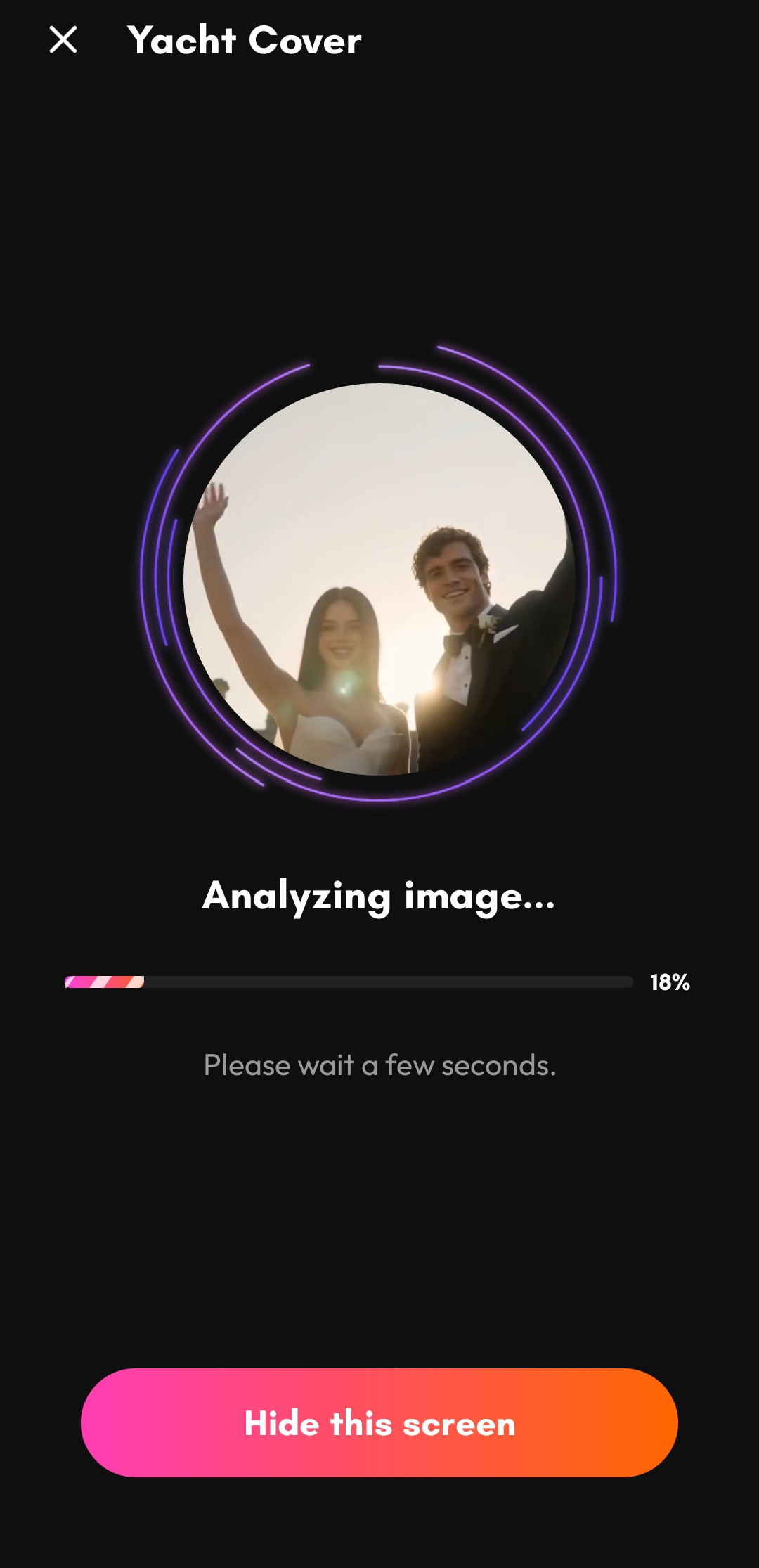
Then open PicMa → Home (Scroll down to view) → Editorial Portrait and explore several of the available styles.
✨Step 3:Try different styles for free
Instead of deciding which one is “best,” ask a different question:
Which version feels most like you? You may find that the most glamorous style isn't necessarily your favorite. Maybe the minimalist version feels more natural. Maybe the dramatic one reveals a side of your style you've never photographed before.
This is one reason magazine-style portraits are so much fun with AI. You're not simply improving an existing picture. You're exploring alternate visual versions of yourself.
And because you can start again with another photo or another style, there's very little commitment involved.
From “Just a Selfie” to “Wait, Is That Me?”
That's probably the most satisfying moment of an AI editorial portrait: recognition mixed with surprise.
You still recognize the person in the photo, but the atmosphere feels completely different.
The ordinary selfie becomes polished. The casual portrait becomes intentional. A photo you might have scrolled past suddenly looks like something worth saving.
And you don't need to wait for the perfect occasion to create it.
Next time you're scrolling through your camera roll, pick a photo you almost forgot about.
Ready to try it?
Open PicMa, find Editorial Portrait on the home page, choose a magazine style that catches your eye, and let AI reinterpret it.
Your next editorial shoot might not need a studio. It might just need one photo you already have. Explore Picma now!
⭐Plus: The link in the article directs users to the PicMa web version, while the download link for the app version is provided at the very bottom of the article.


 40
40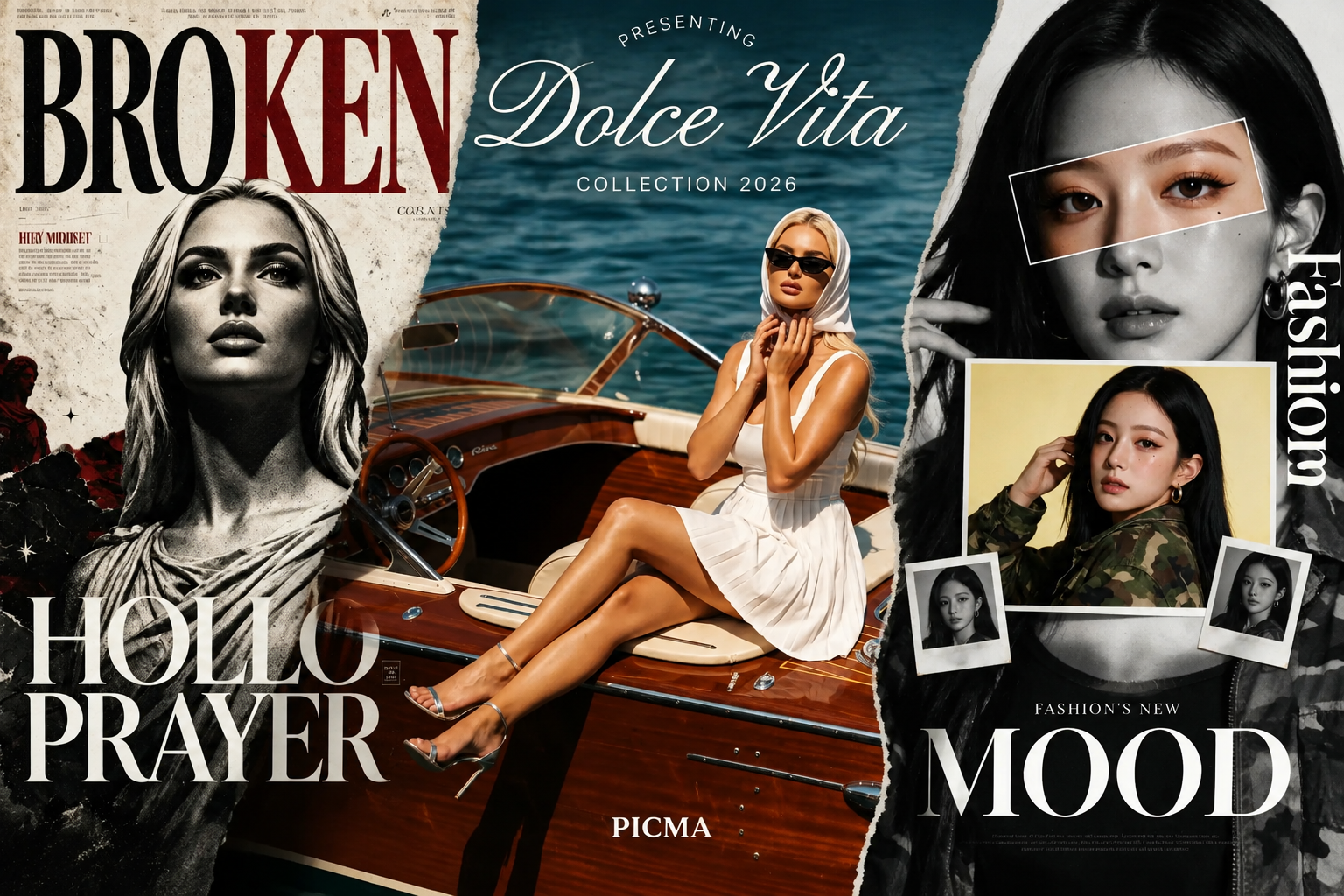

 English