Some photos are taken only once—but meant to last a lifetime.
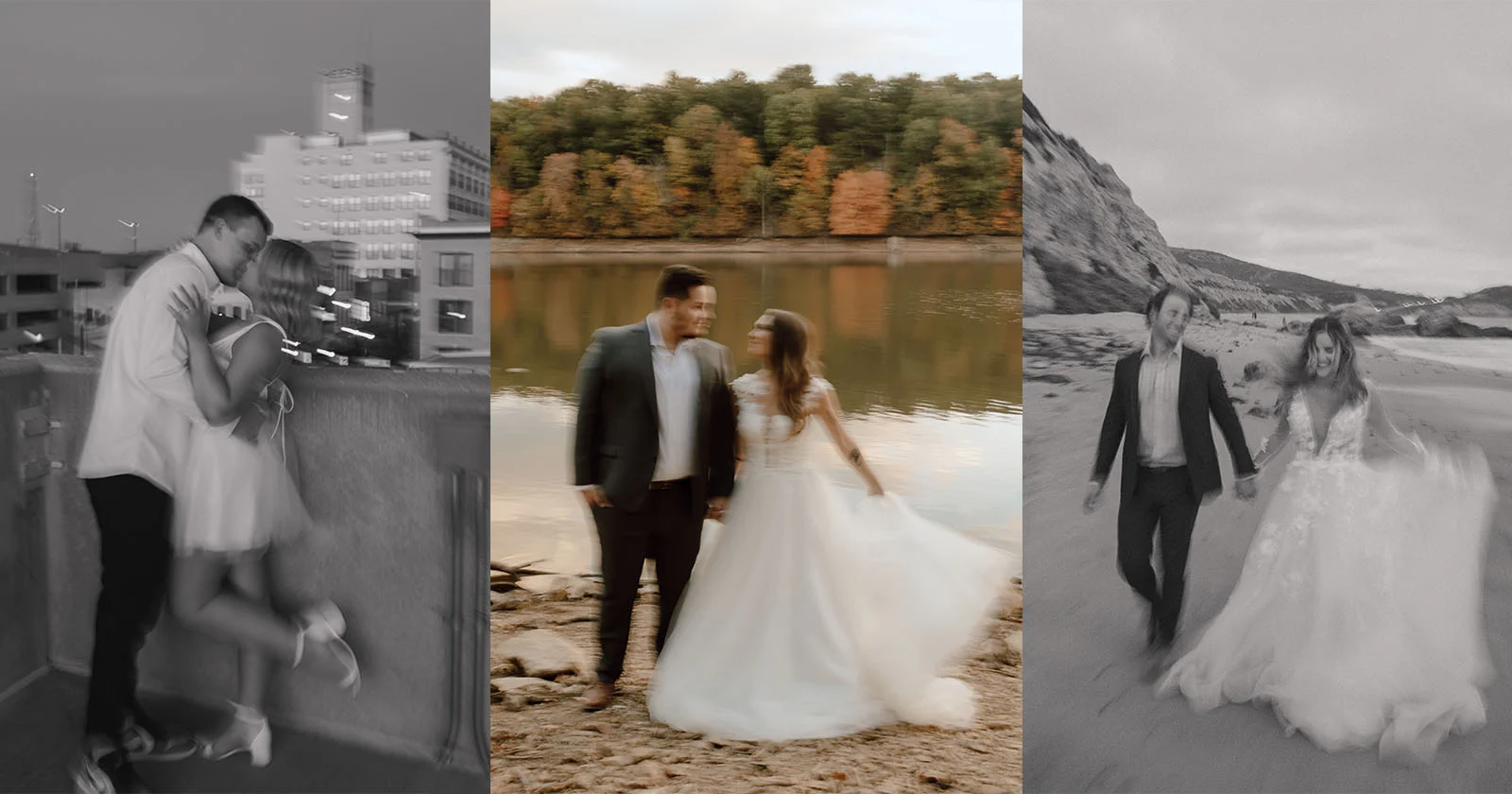
That smile from a friend turning back, your child running toward you, a rare family moment you caught in a split second... You pressed the shutter, but the focus missed. The image turned blurry. Details vanished.
You didn’t delete those photos—but you never shared them either. They sit quietly in your gallery, always just short of perfect.
Most people think blurry photos are beyond saving. But they’re not—not anymore.
Why Blurry Photos Happen Often
Blurry photos aren’t always your fault. In fact, they’re incredibly common.
Shaky hands, low light, moving subjects, poor autofocus—any of these can throw off a shot. Sometimes it’s not even the photo you took, but an old scan or a compressed version from social media that loses clarity.
What makes it worse?
These blurry photos often capture our most emotional, irreplaceable moments. And yet, they’re the ones we feel forced to hide or forget.
Why Traditional Sharpening Fails
Many people try filters, contrast tweaks, or edge sharpening to fix blurry images. But more often than not, the result feels unnatural. Faces become stiff, eyes distorted, and the photo looks “edited,” not enhanced.
That’s because traditional sharpening is just math.
It doesn’t understand what is blurry—it can’t tell the difference between an eye, a shadow, or a background.
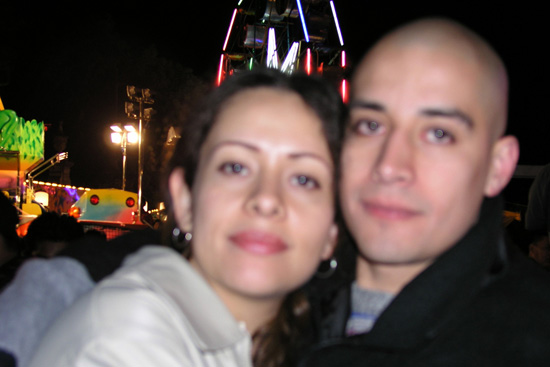
These tools can’t bring back missing details. That’s why so many attempts end in frustration, and why most people eventually give up.
How AI Enhances Image Clarity
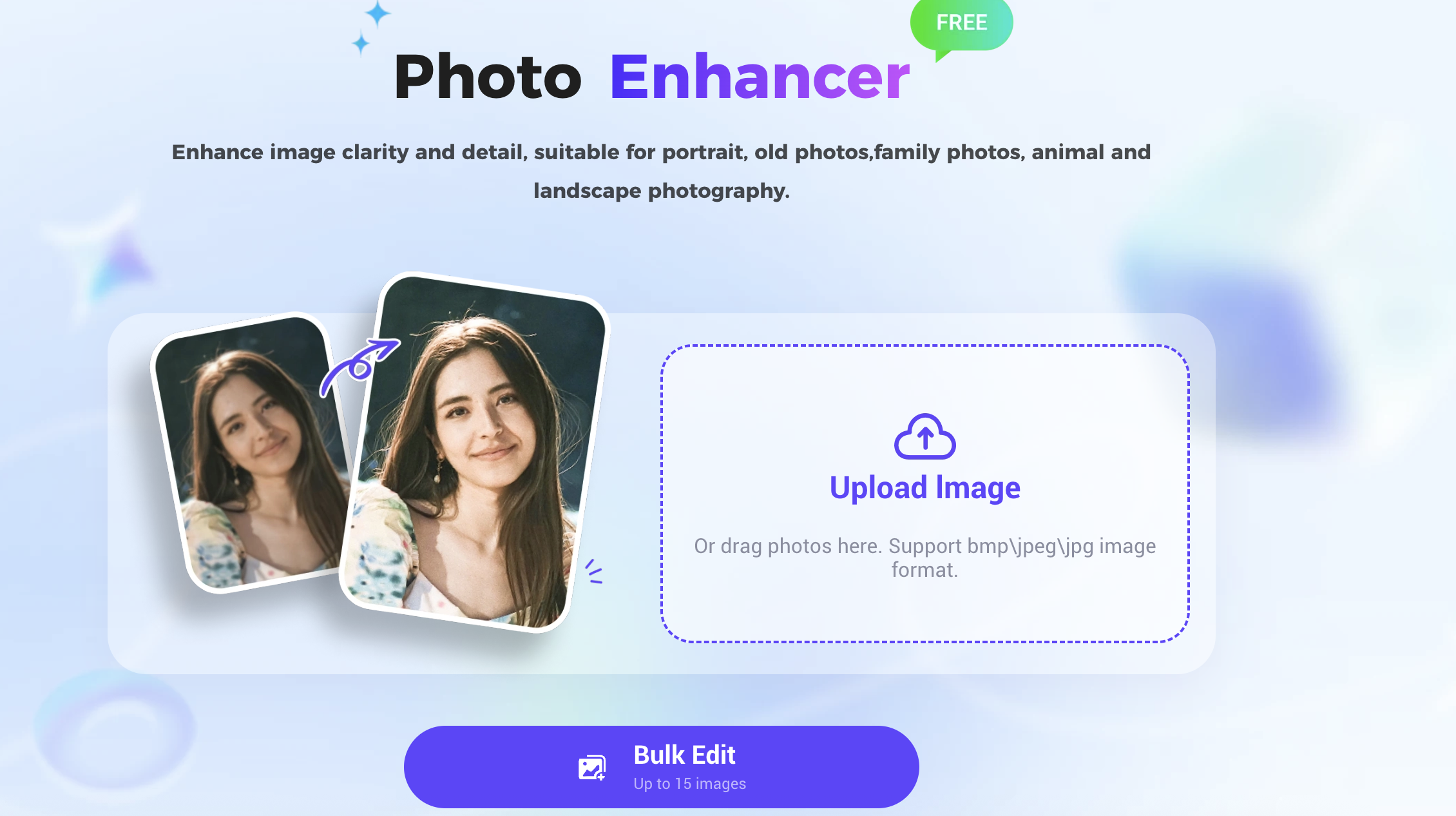
That’s where PicMa’s Photo Enhancer comes in.
Unlike filters or sliders, this tool uses an AI model trained on countless examples of blurry vs. sharp images. It doesn’t just boost contrast—it understands what’s in the photo and reconstructs missing details in a natural, realistic way.
PicMa’s photo enhancer recognizes facial features, light direction, depth, and structure. It rebuilds clarity not through guesswork, but by context. For example:
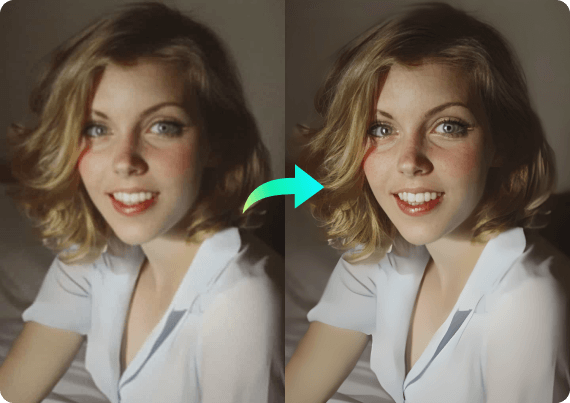
- If a face is blurry, the AI predicts how eyes, nose, and contours should appear
- It maintains real proportions, avoiding plastic skin or over-sharp edges
- The result looks like how the photo was meant to be captured
And the best part?
It’s fully automatic. No editing skills needed. Upload, wait a few seconds, and preview a sharper, truer version of your photo.
Not Just Clearer—More Meaningful
Users often say: “I thought this photo was hopeless.”
Maybe it’s your baby’s first smile, but their face came out blurry. Maybe it’s the only photo with your grandfather, but it’s out of focus. Maybe it’s a travel memory that looks foggy.
These photos were saved but never used—until now.
With PicMa, they can finally be printed, shared, posted, and treasured.
AI doesn’t just fix images. It revives memories that deserve a second chance.
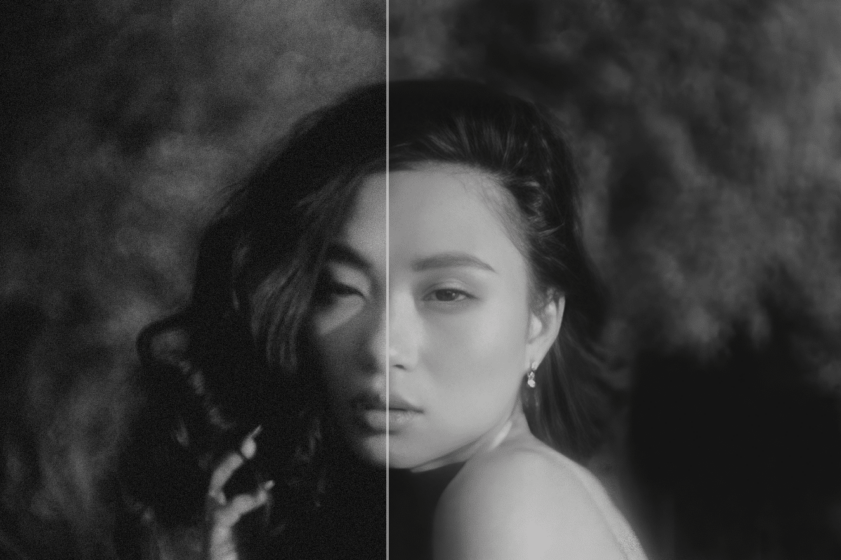
No Editing Needed
PicMa makes clarity simple. You don’t need to install anything, sign up, or know how to edit.
- Visit PicMa website or download the PicMa app (available on iOS & Android)
- Choose the Photo Enhancer feature
- Upload a blurry or out-of-focus photo
- Wait a few seconds—AI does the rest
- Preview and download the enhanced image
It works with portraits, group shots, scanned images, and more. Simple, quick, and beginner-friendly.
Clarity Means Remembering More
We don’t take photos just to document—we take them to remember how it felt.
When a photo is blurry, it blurs the memory too.
Clarity isn’t about perfection. It’s about preserving the emotional details.
PicMa’s photo enhancer gives you a way to recover those lost moments, not just visually—but emotionally.
Try PicMa’s Photo Enhancer now
Choose one blurry photo you’ve held onto—and see how much of that moment you can still bring back.



 289
289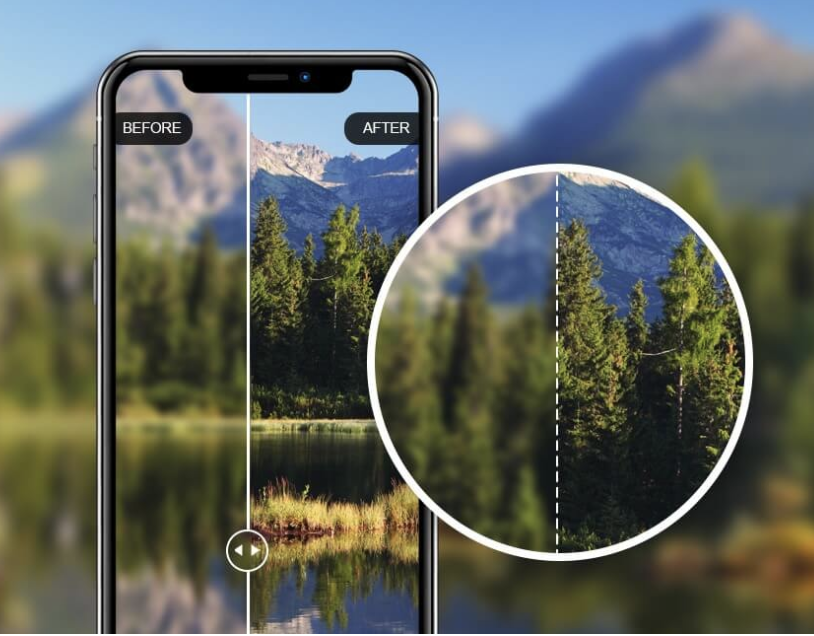

 English