In various scenarios of the AI industry, such as short video production, SNS media content creation, and personal visual creation, image-to-video conversion has become an indispensable core need for enhancing creator efficiency. However, many tools face challenges like a high barrier to creation, choppy playback, and complex operations.
The newly released online AI video generation tool from PicMa Studio perfectly addresses industry pain points with its zero-barrier operation, high-quality dynamic effects, and diverse template support, enabling even general creators to easily transform static images into vibrant short videos. This article provides a comprehensive guide on how to use this tool, focusing on industry challenges, product knowledge, and core video effects.
Challenges and Knowledge: Industry Challenges of AI Image-to-Video Conversion and PicMa's Solution Logic
(1) Core Challenges in the AI Image-to-Video Conversion Industry
Currently, when video creators use image-to-video conversion tools, they mainly face three challenges.
①High Barrier to Creation: Basic editing skills are required, making it difficult for beginners to master quickly.
②Output Quality Prone to Flaws: Issues like choppy frame transitions and rigid subject movement can degrade the viewing experience.
③Imbalance Between Cost and Efficiency: Some tools consume significant computational resources, resulting in long generation times, or have high usage fees, making them unsuitable for small-to-medium creators and individual users.
Furthermore, in scenarios like SNS media management, personal memory creation, and hobbyist creation, lightweight, template-based tools are more in demand than professional, complex operations.
(2) Core Product Knowledge of PicMa Studio
PicMa Studio's AI Video Generation Tool is developed based on advanced AI video algorithms, targeting industry challenges to deliver a zero-barrier creation experience.
- No video editing or photo retouching skills required; convert images to video with one click. Processing completes in seconds, meeting fast-paced creation needs.
- Template-based design covers diverse scenarios, matching creators' visual expression needs without complex parameter adjustments.
- Low cost with high cost-performance; generating one video consumes only a small amount of credits, allowing general users to produce professional-quality content.
- Proprietary algorithms guarantee output quality, fundamentally solving persistent industry issues like frame choppiness and image quality degradation.
This tool supports multiple AI industry creation scenarios, including SNS media content production, pet visual creation, romantic short films, and hobbyist creative videos, making it an ideal lightweight creation tool for small-to-medium video creators and individual users.
PicMa's Video Effects: Diverse Templates + High Quality, Meeting All Creation Needs
PicMa Studio's AI Video Generation Tool delivers generation effects that exceed expectations from its initial release, comprehensively meeting creators' needs from templates to image quality, and giving static images rich, dynamic expression.
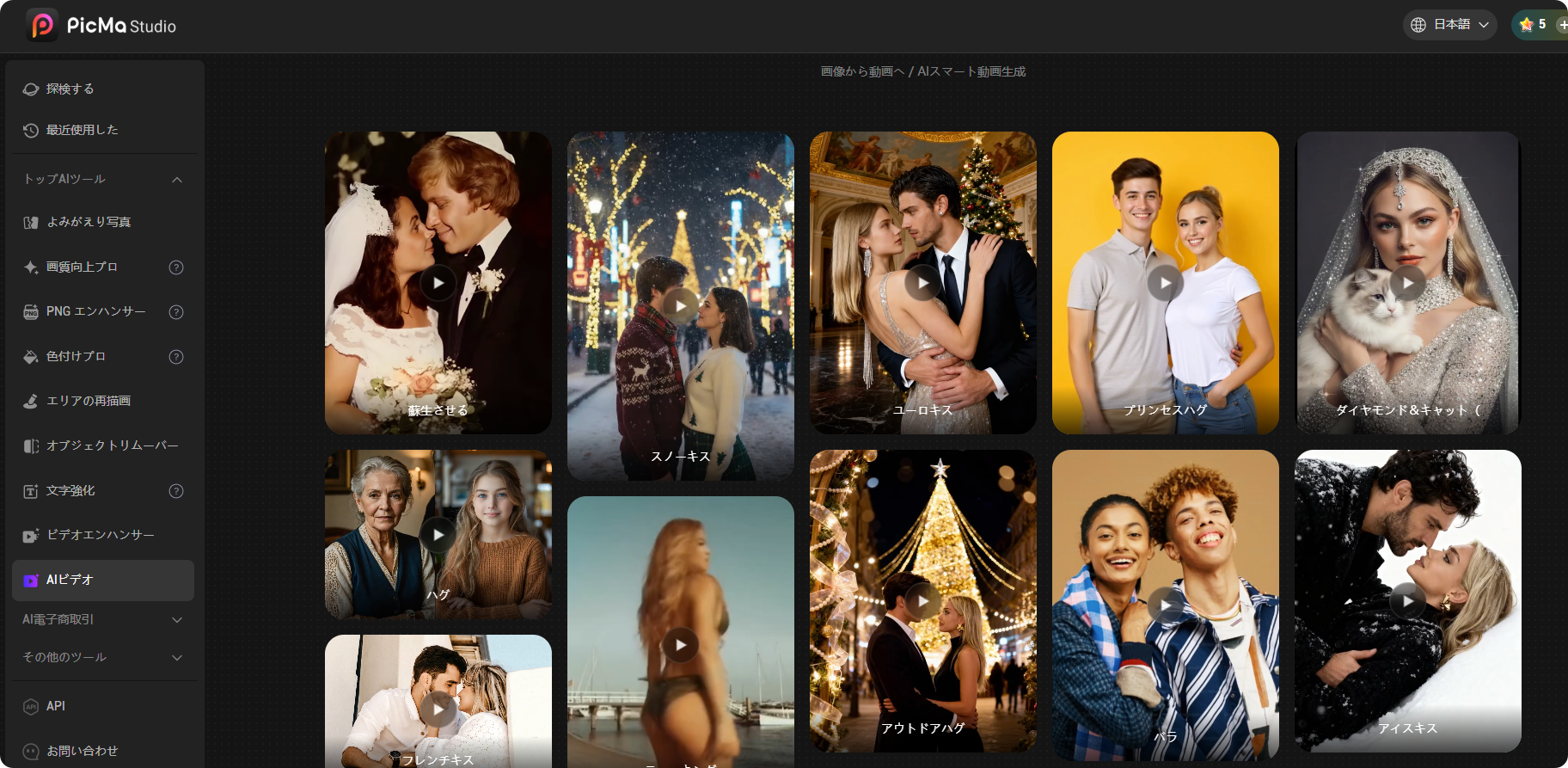
- Diverse Templates Cover All Scenarios: Initially launched with 20 video templates, covering romantic themes (Hug, various Kiss scenes, Cupid's arrow, etc.), hobbyist themes (Twerking, Diamond & Cat, Dream Pet Master), and atmosphere-focused themes (Revive, Spark 2026 Light Effect). Suitable for diverse creation needs like couple memory creation, pet video production, SNS creative content, and hobby sharing.
- Supports All Types of Material: Compatible with video conversion for all images, including portraits, pets, and art visuals. Photo portraits, daily snapshots, creative visual materials—all can be transformed into vibrant short videos.
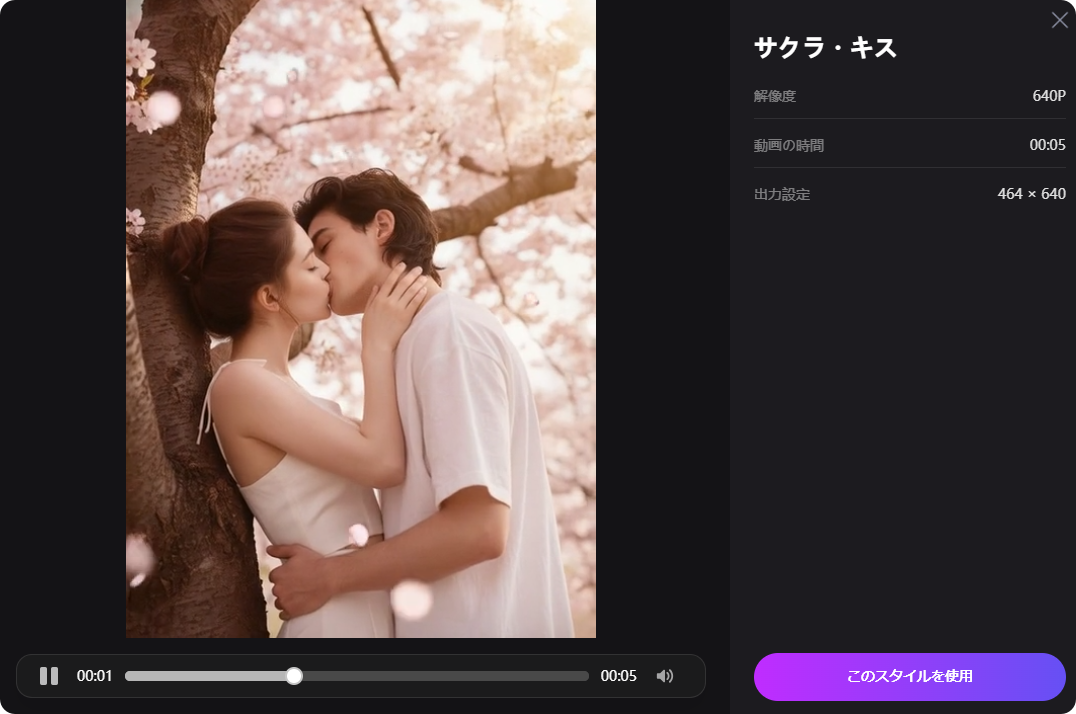
- High-Quality and Smooth Playback Effects: Proprietary AI video algorithms ensure natural frame transitions and smooth subject movement, eliminating issues of choppiness and quality degradation. Outputs in resolutions like 640P, suitable for short video sharing, meeting the publishing needs of various platforms.
- Fast and Efficient Generation: Processing one video takes only seconds. The generated short video length is optimal for SNS sharing and can be shared directly without secondary editing.
4 Steps to Use PicMa Studio AI Video Generation
No professional skills required. Just follow the steps below to create your original AI video in seconds, with zero barriers throughout the process.
- Visit the PicMa Studio official website, navigate to the AI Video Generation Tool section, and select your preferred video style from the template library.
- Upload a bright, clear static image that matches the template's theme.
- Wait for AI processing (takes only seconds, no additional steps required).
- Preview the generated video. If satisfied, download it and share it on various platforms.
Key Usage Notes
- Generating one AI video consumes only 30 credits, allowing you to produce professional-quality content at low cost.
- Currently, PicMa Studio accounts and PicMa app accounts are not linked. To use the AI video features or purchase credits, please log in directly via the PicMa Studio official website.
- The platform will continuously update video templates. Additionally, a text-to-video generation feature is planned for future release, further enhancing creative freedom.
Frequently Asked Questions
Q1: Do I need video editing or photo retouching skills to create AI videos on PicMa Studio?
A1: No. This tool is developed with a zero-barrier operation concept. Simply upload an image and select a template; the AI handles all processing automatically.
Q2: What types of image materials does PicMa Studio's AI Video Generation Tool support?
A2: It supports all types of images, including portraits, pets, art visuals, and daily snapshots. As long as the image is bright and clear, it can match any template to generate a short video.
Q3: How many credits are needed to create one AI video, and can I purchase credits from the PicMa app?
A3: Generating one video consumes 30 credits. Currently, PicMa Studio and PicMa app accounts are not linked, so please purchase credits directly via the PicMa Studio official website.
Official PicMa Download Links
Download the PicMa app from Google Play or AppStore.


Related Readings:

 141
141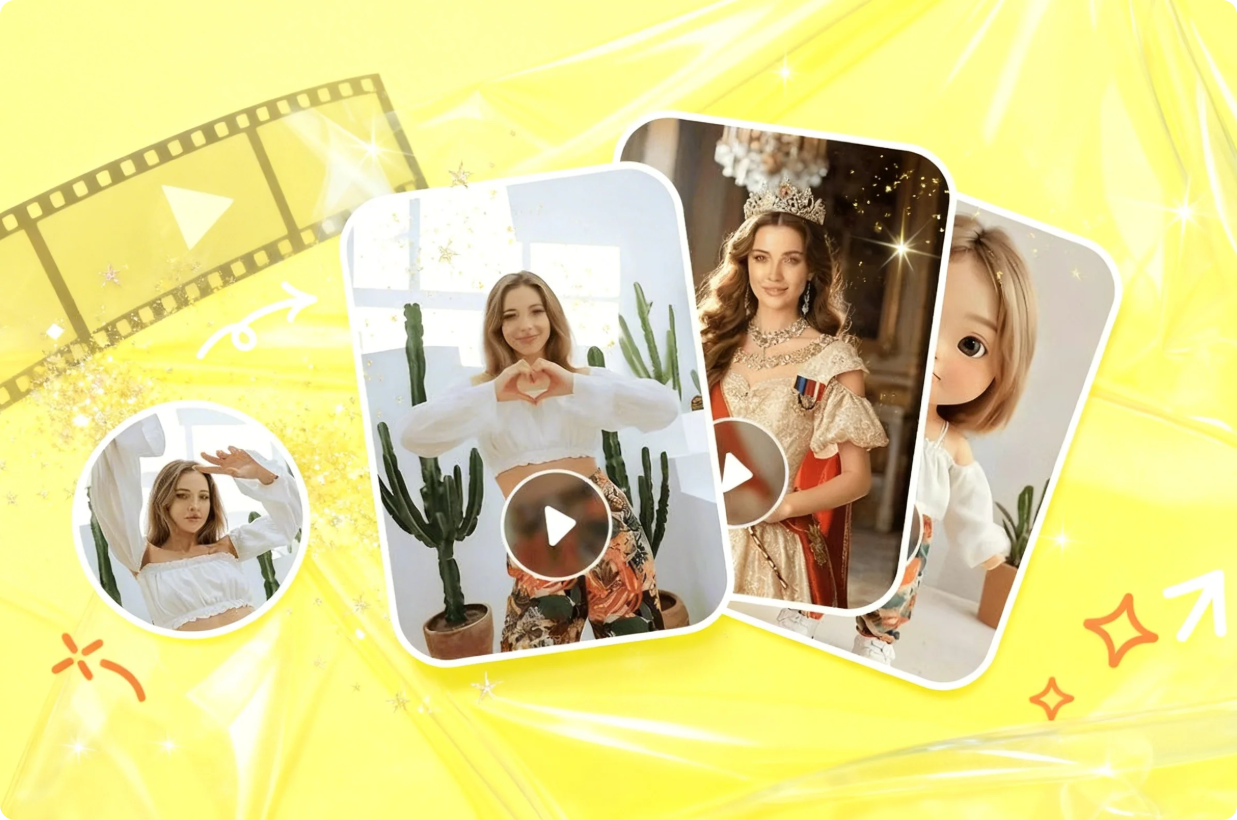

 English