PicMa has just launched a brand new Valentine's Kiss Scene Special Area, featuring popular scenarios like Deep Kiss in Car, Angel's Kiss, Train Kiss, and Office Kiss! The AI automatically adapts to your photo's style, making it super easy to create watermark-free kiss videos. Links to Google Play and AppStore are at the end of the article. Try it now!
Below, we provide a comprehensive guide on how to use the features, tips, and troubleshooting.
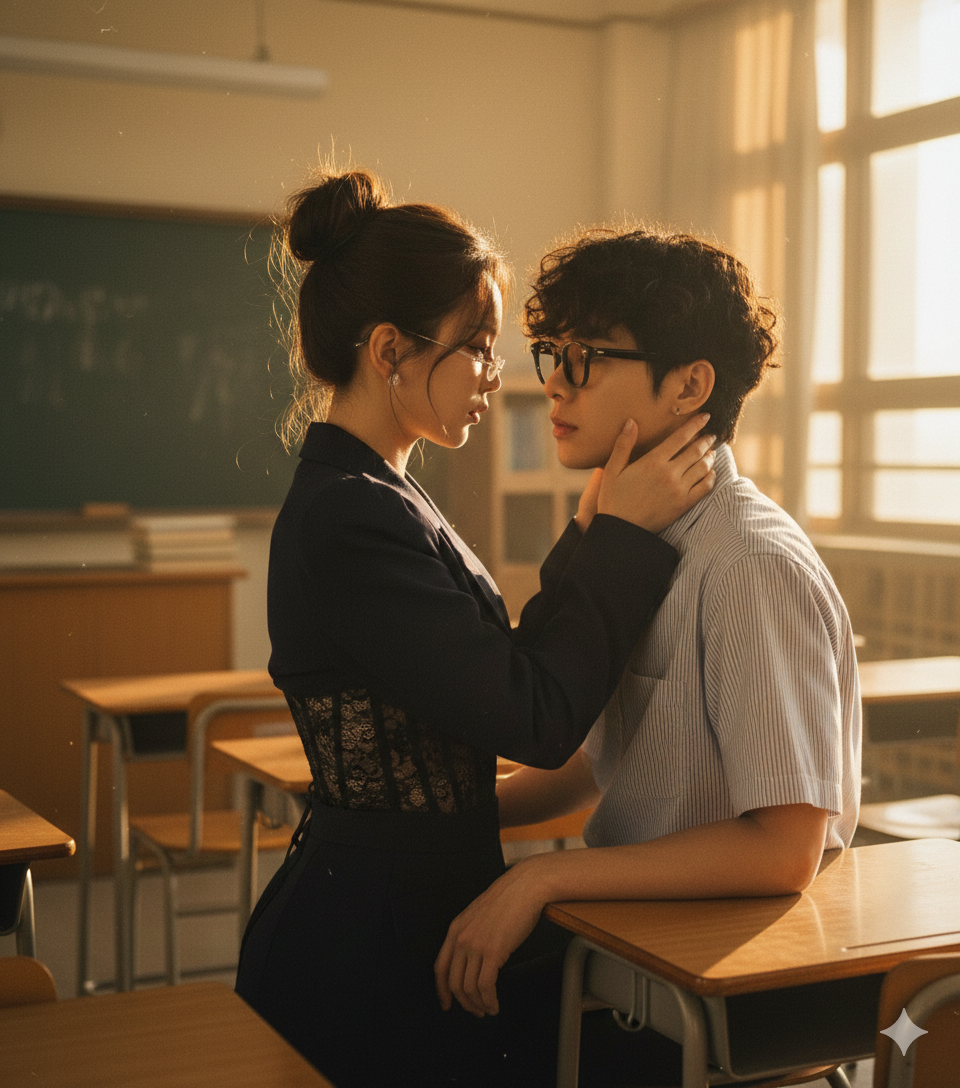
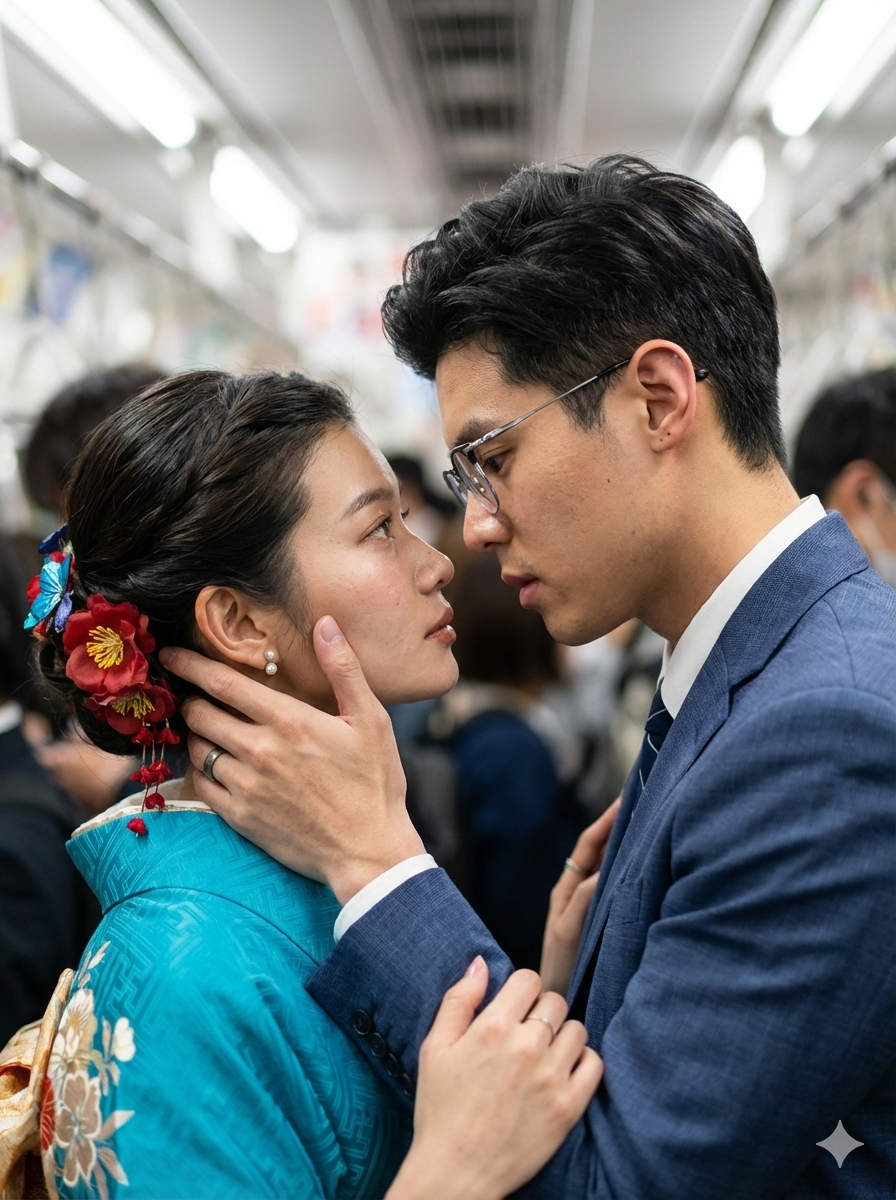
PicMa Valentine's Special: Which Kiss Scene Should You Choose?
The key is to choose based on your photo's style × the mood you want to express!
- Deep Kiss in Car: Perfect for dark-toned, close-up couple shots to create an ambiguous romantic vibe.
- Angel's Kiss: Ideal for bright-toned photos with no makeup or light makeup, giving a fresh and aesthetically pleasing atmosphere.
- Train Kiss: Best for photos with Japanese-style fashion and simple backgrounds, creating a bittersweet Japanese aesthetic tone.
- Office Kiss: Suits business-style photos, adding a touch of restrained, mature romance.
The AI adjusts the characters' actions and lighting according to the scene, enhancing the overall integration of the image.
3 Key Factors Affecting PicMa AI Kiss Video Results
These are the core points that directly influence the generated outcome!
- Photo Quality: High-definition, unedited originals with unobstructed faces and no excessive filters are essential.
- Subject Pose: Photos with natural facial angles and harmonious head positioning work best.
- Scene Matching: Reality increases when the photo's tone, fashion, and style match the chosen scene.
PicMa AI Kiss Effect VS Traditional Video Editing
| Comparison Point | PicMa AI Kiss Effect | Traditional Video Editing |
|---|
| Ease of Use | One-click operation, easy for beginners | Requires professional skills, high entry barrier |
| Production Efficiency | AI generates in seconds, instant preview | Frame-by-frame editing takes hours |
| Scene Integration | Smart matching of subjects to scenes | Often results in unnatural-looking composites |
| Cost | Many basic effects are free | Requires paid software/assets |
| Conclusion: PicMa is the best choice for anyone wanting to create romantic videos quickly and easily! | | |
Valentine's Exclusive! Optimal Tips for Creating PicMa AI Kiss Videos
Four little tricks for a perfect video!
- Prioritize uploading your own high-definition, filter-free photos (or those with permission).
- For couple shots, choose material where faces are clear and spacing is appropriate.
- Preview after generation and fine-tune the effect's brightness.
- Layer scene effects to create your own unique romantic style.
PicMa Valentine's Kiss Video "3-Step Creation Method"
- Choose a Kiss Effect: Open PicMa and select a scene from the Valentine's Kiss Special Area.
- Upload Photos: Upload high-definition photos from your phone with one click.
- Download Video: After AI auto-generation, preview and download watermark-free if satisfied.
PicMa Official Download Links
Download the PicMa app from Google Play or AppStore. Find the Valentine's Day zone and select your favorite feature.


Q&A
Q1: Are the effects in the Valentine's Kiss Area free to use?
A1: Several basic effects are free for a limited time, and premium custom effects are also available.
Q2: Does it support photos with multiple people?
A2: Currently supports single / duo shots. Clear two-person shots work best.
Q3: Can generated videos be shared directly to social media?
A3: Yes. They are watermark-free, optimized for various SNS aspect ratios, and ready to share after download.

 152
152

 English