We've all been there — opening an old video file only to realize it's too blurry, too dark, or too noisy to watch. Maybe it’s a memorable family trip, an important interview, or simply a fun moment with friends. But due to low resolution or poor lighting, the footage feels unusable.
Re-recording isn’t an option. So the real question is:
Is it possible to fix blurry videos and make them look clear again?
This article walks you through the causes of low video quality, what AI can (and can’t) do, and how tools like PicMa Video Enhancer make it easy for anyone to improve video clarity — no editing skills required.
Why Does Video Quality Often Look Bad?
There are several common reasons why videos may appear blurry, grainy, or lacking in detail. Older recording devices, such as early smartphones or webcams, often capture footage in low resolutions like 360p or 480p—well below today’s HD standards. Poor lighting during filming, including dim indoor environments or strong backlighting, can also result in flat, noisy visuals.
In addition, videos that have been uploaded and shared repeatedly may suffer from compression, which reduces sharpness and detail. Outdated formats like VHS or DVDs often carry visual noise and color distortion even after digital conversion. Screen recordings and low-quality webcam footage can further contribute to pixelated or soft images due to limited capture resolution and inconsistent exposure.
Can AI Really Restore Video Quality?
AI can't recreate information that never existed.
But what it can do is enhance what’s already there to make it look sharper, brighter, and more visually pleasing.
AI video enhancement works by analyzing each frame and intelligently improving visual elements based on learned patterns. Key capabilities include:
· Super-resolution: Upscales low-res frames by reconstructing edges and adding realistic detail
· Noise reduction: Removes grain and compression artifacts
· Facial enhancement: Brings out detail in faces and skin tone
· Color and exposure correction: Adjusts brightness, contrast, and white balance
The result? A video that may not be magically “restored,” but is dramatically improved and ready to use.
How to Enhance Video Quality Without Complex Software
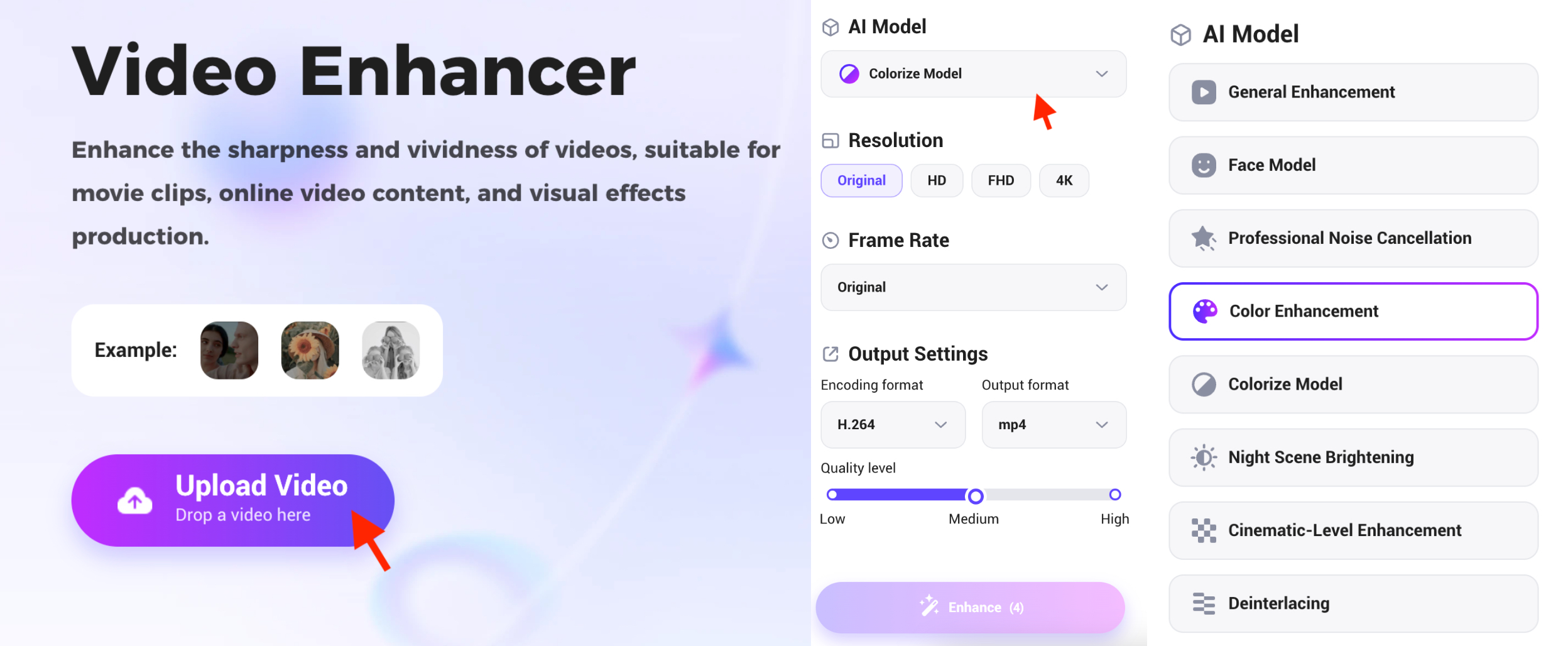
Traditional video editors like Adobe Premiere or Topaz Video AI require technical skills, software installation, and time-consuming rendering.
With tools like PicMa Video Enhancer, the entire process is simplified:
1. Open the PicMa website-Video Enhancer or Download app(ios & android)
2. Upload your blurry video
3. Choose an enhancement model
4. Click one button — the system does the rest
5. Download your enhanced video in up to 4K HD
No editing experience required. No software to install. Just upload, enhance, and download.
Who Can Benefit from AI Video Enhancers?
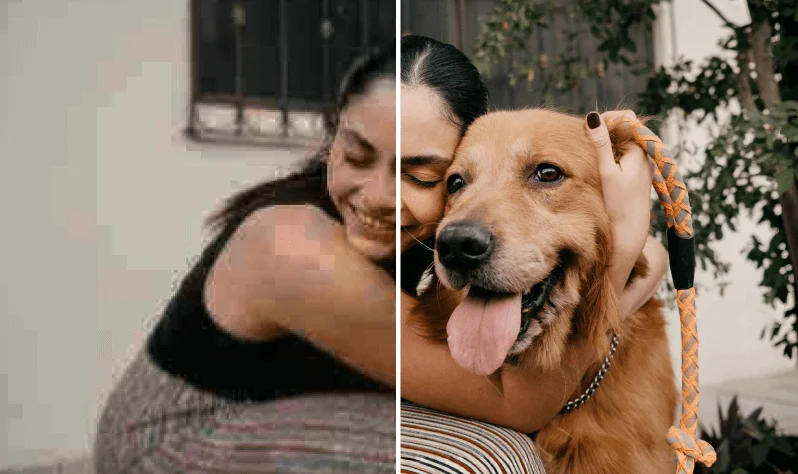
AI video enhancement is a great fit for:
· Anyone looking to clean up old family videos or travel footage
· Content creators who want higher-quality short-form videos
· Professionals editing webinars, interviews, or online courses
· Archivists restoring legacy video from VHS, DVD, or camcorders
If you want clearer video but don’t want to learn editing software, AI tools like PicMa are a fast and accessible solution.
Why PicMa Makes Video Enhancement Easy for Everyone
PicMa Video Enhancer offers both web-based and mobile app access, designed for users who want powerful results with minimal effort.
· No installation needed — use it directly online
· Mobile-friendly — enhance on the go with the app
· Multiple AI models to choose
Simply upload your video, select the enhancement type, and let the AI handle the rest. The result is a cleaner, sharper version you can keep or share.
Try it now: PicMa Video Enhancer


 208
208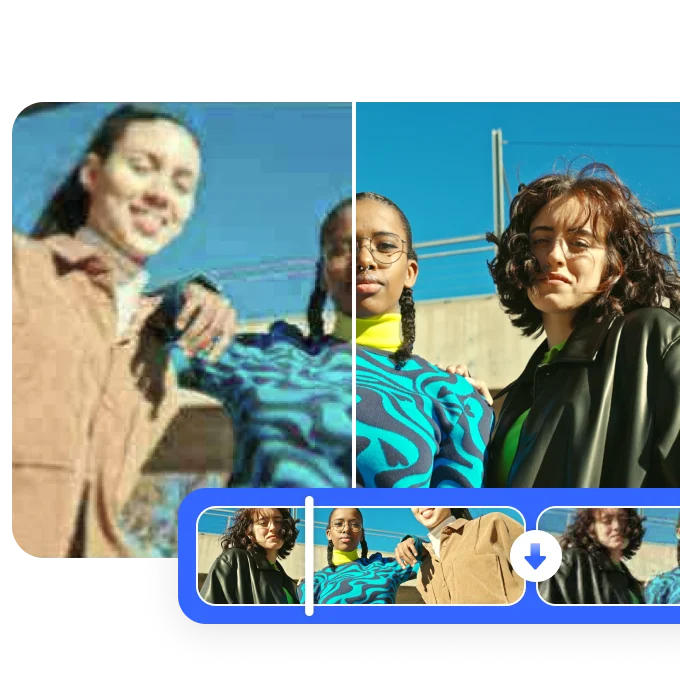

 English