Why Removing Background in Photoshop Takes So Long
If you’ve ever Googled how to remove background in Photoshop, you know it’s not always quick or easy — especially when you’re dealing with a lot of images.
If you run an e-commerce business, you’ve likely faced this scenario: You’ve got a new batch of product photos, but every single one needs a clean white background — and fast. It sounds like a minor task, but in reality, it’s a bottleneck that slows everything down.
You open Photoshop. You select the object. You tweak the edges. You fight with the pen tool. Then you realize — you’ve just spent 15 minutes editing a single image. And there are dozens more waiting.
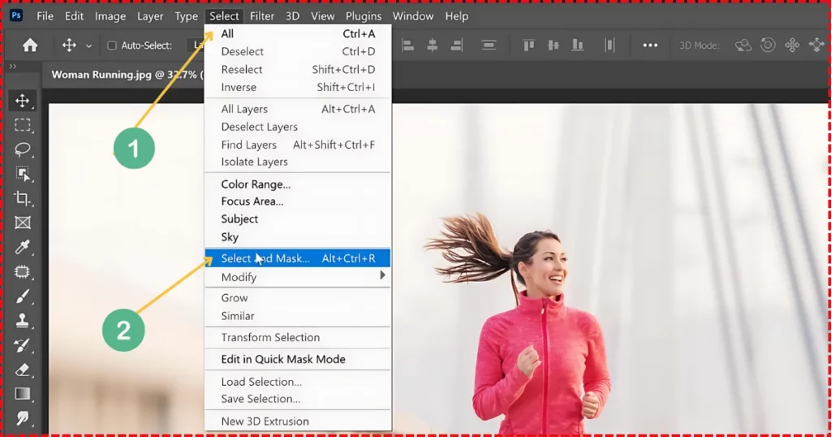
Removing backgrounds has quietly become one of the most time-consuming, low-return tasks in the e-commerce workflow. It’s not creative. It’s not strategic. But it still demands hours of your time — unless you find a better way.
Why It’s Hard to Remove Background in Photoshop
Photoshop is a powerful tool. But it was built for designers, not sellers. If all you need is a clean, consistent image with no background, the full Photoshop suite is like using a rocket to open a soda can.
Here’s what makes it so inefficient for background removal:
· You need to understand which tool to use — lasso? pen? mask?
· You need to create a selection, apply it, then refine the edges
· Hair, glass, soft fabrics? Prepare to zoom in at 600%
· One mistake? Start over
· Batch processing? Basically nonexistent unless you build actions or scripts
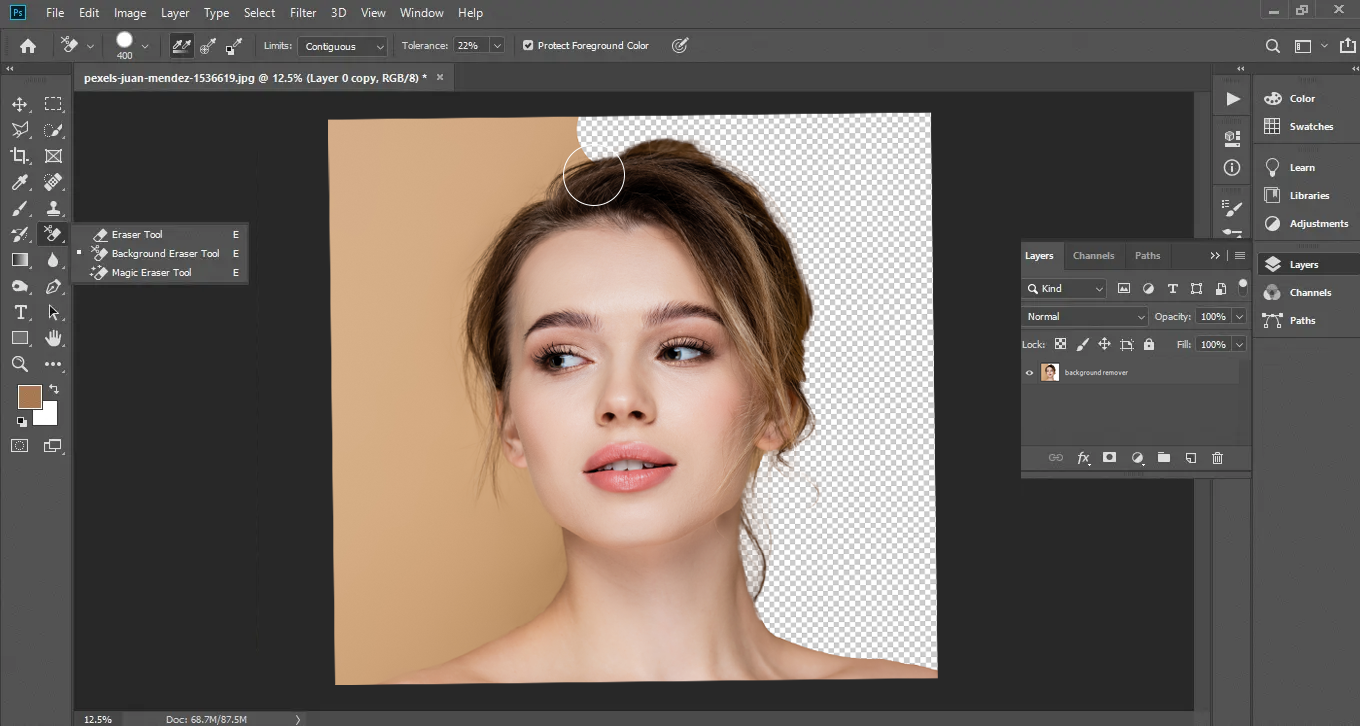
This is fine for one or two images. But in e-commerce, you’re often handling 30, 50, even 100 images per update. That’s where Photoshop becomes a liability — not an asset.
More importantly, the time you spend in Photoshop is time you’re not spending on marketing, improving listings, or launching campaigns. For solo sellers and lean teams, this is a serious cost.
A Faster Way to Remove Backgrounds
PicMa Background Remover was created for exactly this type of high-frequency, low-patience image work. It’s an AI-powered tool that helps you remove image backgrounds in seconds — no software, no skills, no friction.
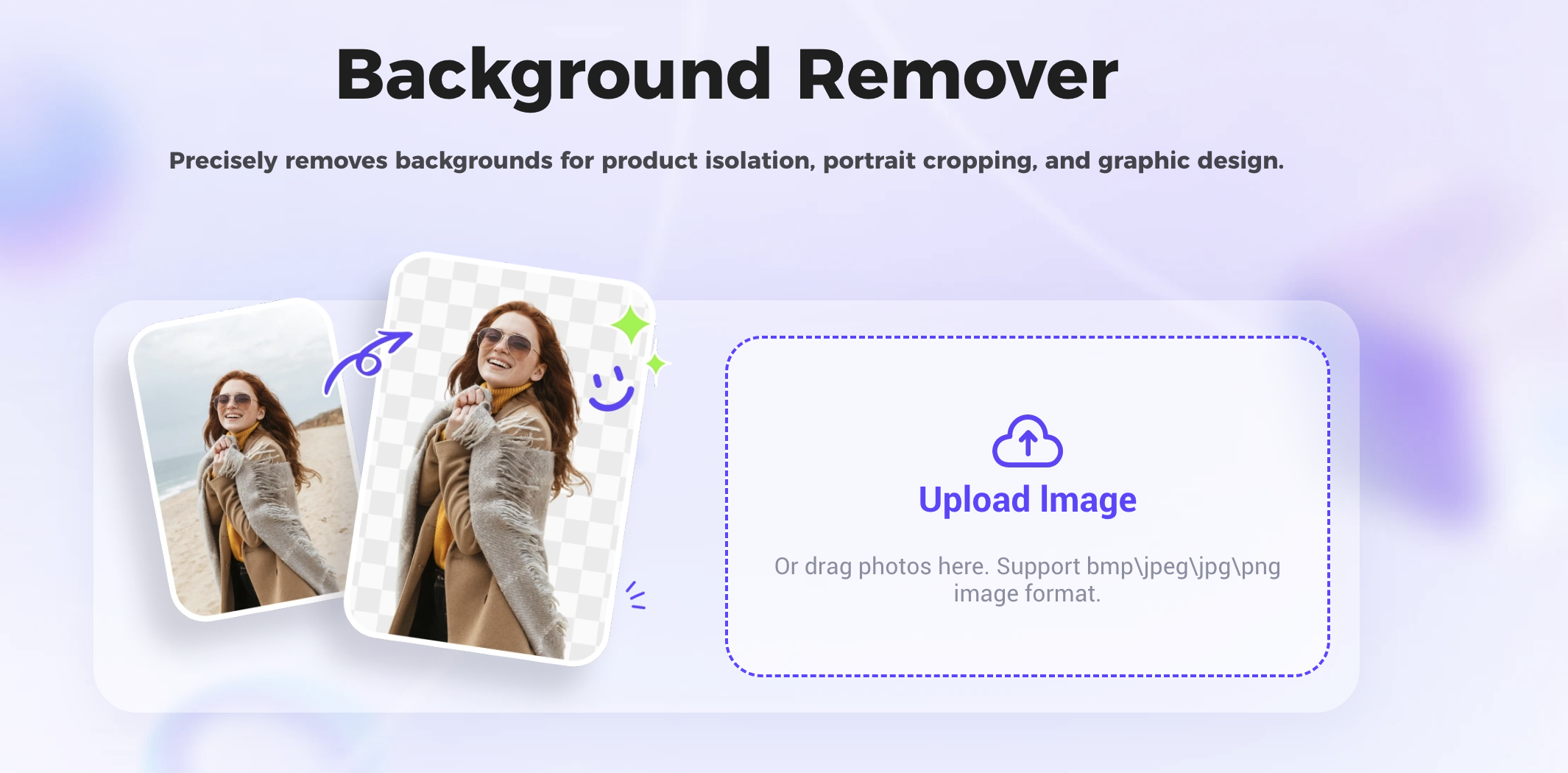
What makes it so useful is how well it fits into the e-commerce workflow:
· You can upload dozens of images at once
· The AI handles everything automatically
· You can preview and adjust the result
· You can download transparent PNGs instantly
· No learning curve. No messy files. No repeat effort
Whether you’re working on white-background product photos, transparent PNGs for banners, or model shots for lifestyle content — PicMa handles it all without slowing you down.
Where It’s Useful
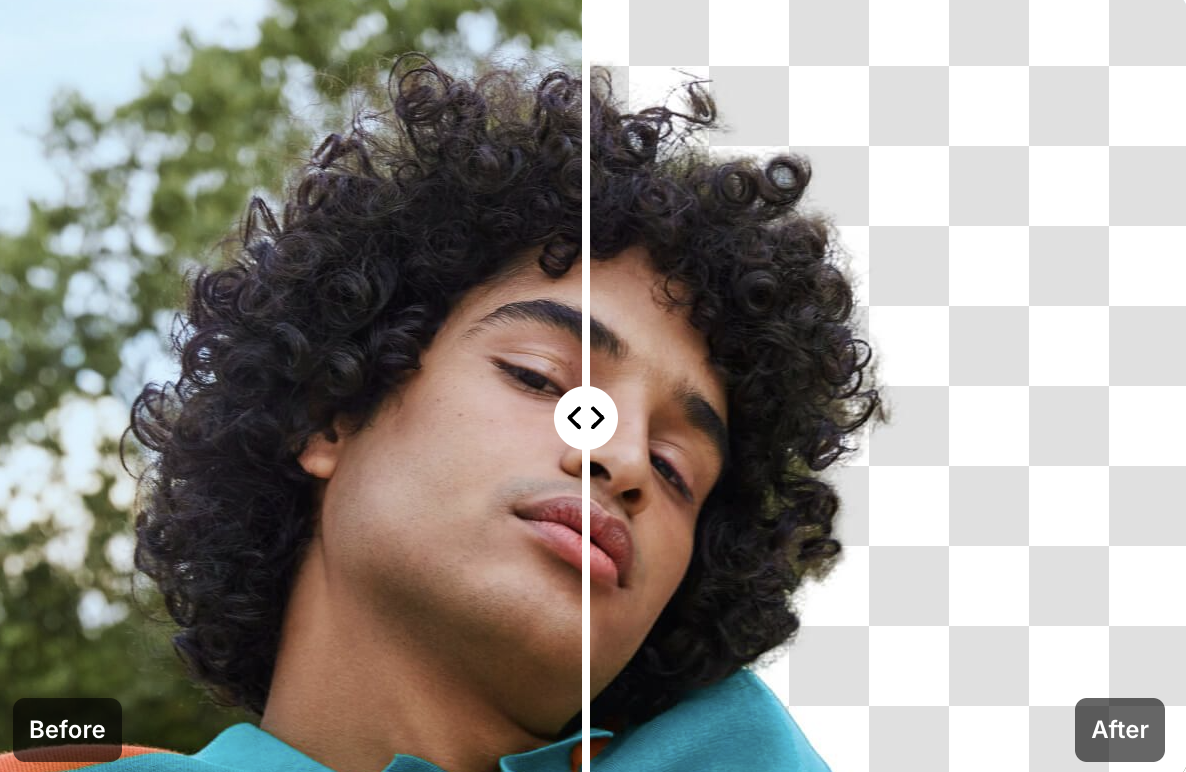
You might think background removal is only for plain packshots. But in practice, sellers use it across all kinds of assets:
· Removing backgrounds from model photos for retargeting ads
· Preparing clean bottle or glass product shots for Amazon listings
· Isolating products for seasonal banners or promo visuals
· Creating thumbnail overlays for video or live shopping
· Building template-driven content that requires subject layering
· Even simple things like cropping a clean brand logo or influencer selfie
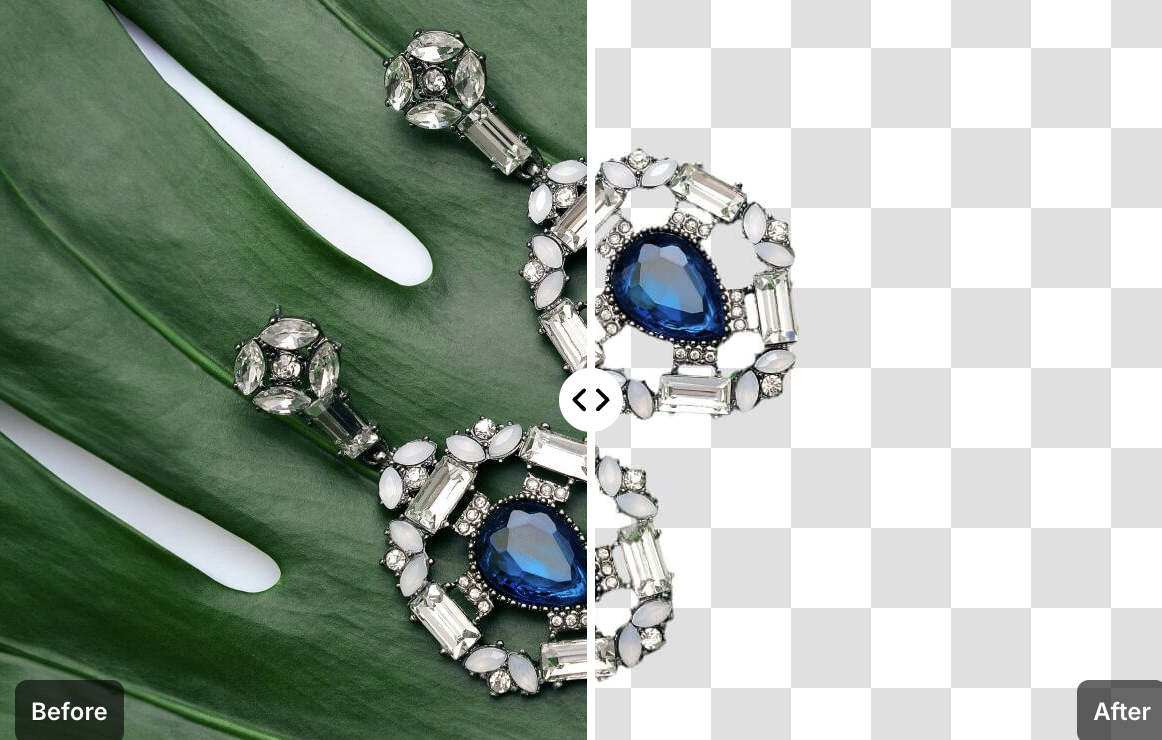
Any time you need a consistent, clutter-free image — PicMa saves you the effort of doing it manually. And once you start using it across your creative pipeline, you’ll wonder how you ever managed without it.
How to Use PicMa Background Remover
Unlike the traditional method of learning how to remove background in Photoshop step-by-step, PicMa removes it for you — instantly and automatically.
You don’t need to install anything. It runs 100% online. Here’s how simple it is:
1. Visit the Website
2. Upload Your Image
Drag and drop any image — product, portrait, lifestyle, anything.
3. Get Results Instantly
In seconds, your image is processed. You can download it as a transparent PNG, or add a plain white or custom background color. That’s it.

No layers. No paths. No plugins. Just clean results, fast.
PicMa vs. Photoshop
| Task | Photoshop | PicMa |
| Learning curve | High (need tutorials or training) | None |
| Time per image | 10–20 minutes | 3–5 seconds |
| Batch support | Complicated scripts or actions | Built-in |
| Hair, glass, fine edges | Manual refining required | Automatic AI detection |
| Best for | Designers with time | Sellers with deadlines |
Don’t Waste Time on Low-Value Work
You didn’t start your business to spend hours cutting out backgrounds. You started it to grow a brand, sell great products, and deliver value. That’s where your time should go.
PicMa helps you eliminate the “busywork” and reclaim your focus.
It turns one of the most tedious parts of the image pipeline into a smooth, 3-second task.
Try it now. Once you try it, you’ll never want to go back to doing it the hard way.

 158
158

 English