Summer is the perfect season for capturing vibrant, sun-soaked memories. Nothing feels more refreshing than relaxing by a sparkling pool, sunlight reflecting off the water, and sharing that moment with friends or social media followers.
That’s where AI-powered video generation comes in. With tools like PicMa, you can transform a single selfie into a multi-angle, cinematic pool-floating video. No filming crew, no expensive equipment, no complicated editing—just your photo and a few simple steps.
Summer Vibes: Pool, Bikini, and Aesthetic Energy
Nothing captures summer aesthetics better than a poolside scene. Whether it’s a beach vacation vibe or a luxury resort aesthetic, pool-themed visuals are one of the most popular content styles on social media.
Now imagine turning your everyday selfie into a cinematic clip where you appear effortlessly floating in a pool, water rippling around you, with smooth camera movements circling your body. This is no longer just imagination.
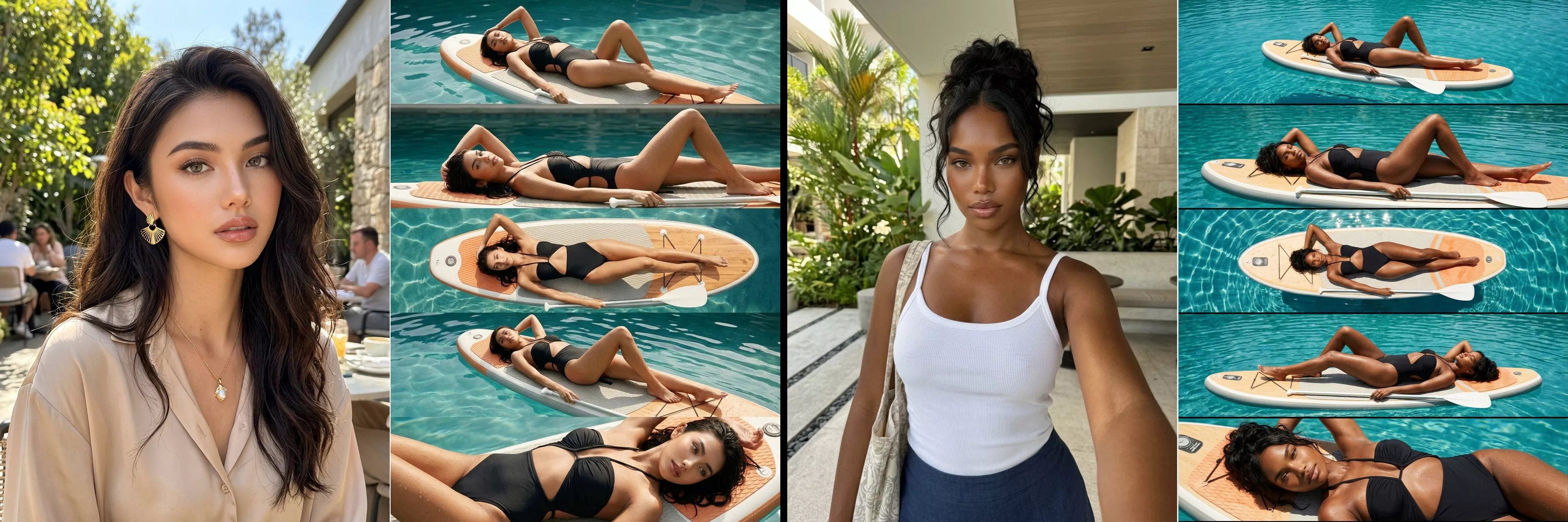
Step-by-Step Guide: How to Create Your Pool Floating AI Video
1. Download PicMa (IOS / Android)
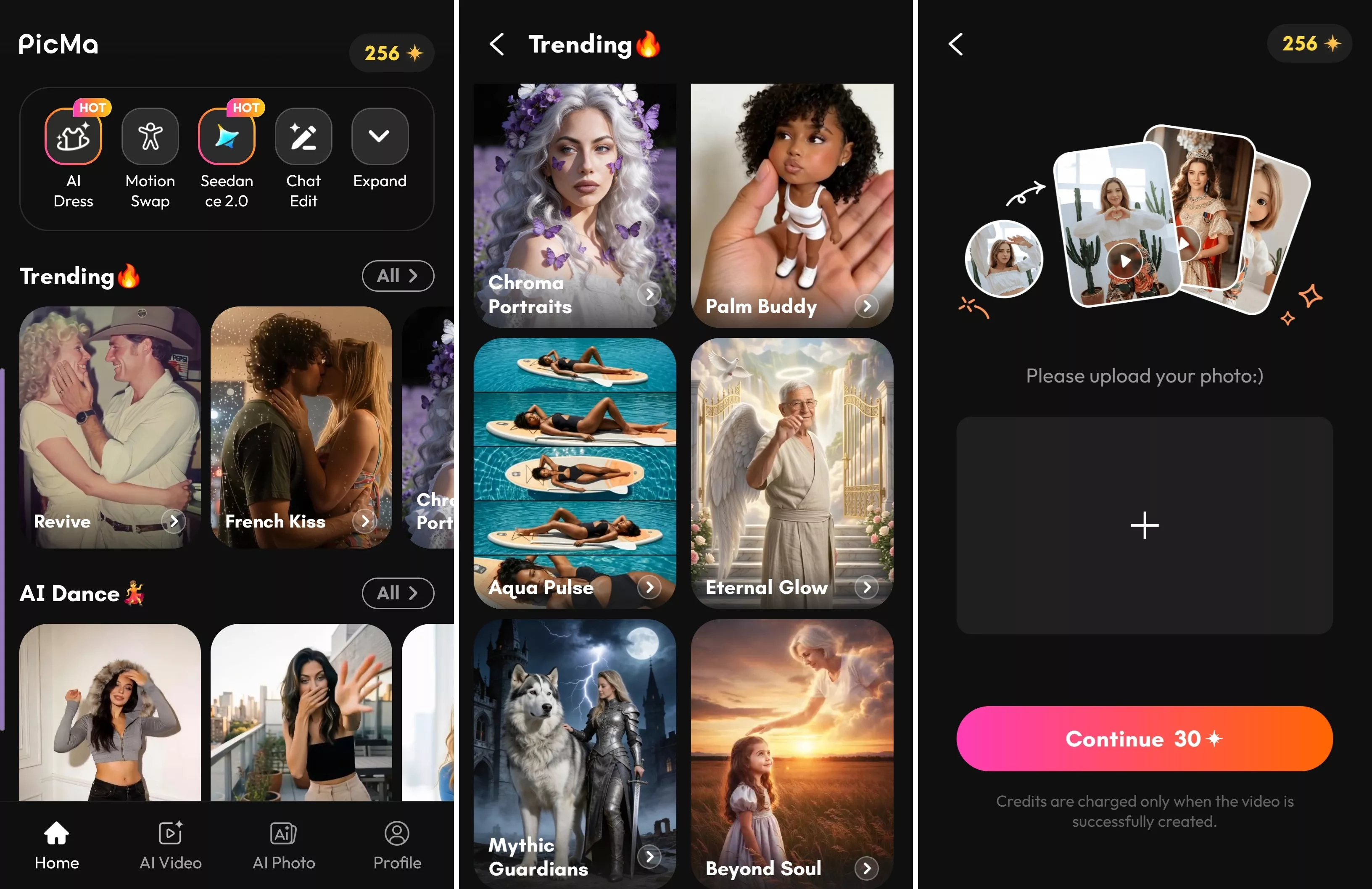
Start by downloading the PicMa app on your device. Navigate to the Trending section. Look for the featured template called “Aqua Pulse.”
2. Upload Your Photo
Next, upload your selfie or any face photo. It doesn’t need to be a professional picture—any clear image of a face works. The AI system is designed to recognize facial features and reconstruct your appearance into a realistic video model.
3. Wait for Video Generation
After uploading your image, simply wait while the AI processes your video. In just a short time, PicMa generates a fully animated, multi-angle pool floating video where your image is transformed into a lifelike moving character.
Powered by Seedance 2.0: Ultra Smooth, Natural Motion
One of the biggest highlights behind this feature is Seedance 2.0, an advanced video generation engine designed for smooth and realistic motion synthesis.
It ensures natural lighting adaptation based on scene context, and more realistic skin and water interaction effects. This makes your final video look less like a filter and more like a professionally filmed cinematic shot.
Explore More AI Video Templates
While Aqua Pulse is perfect for summer pool aesthetics, PicMa offers a wide variety of other creative templates waiting for you to explore. From cinematic portrait animations to fantasy-style transformations, the possibilities are expanding rapidly.
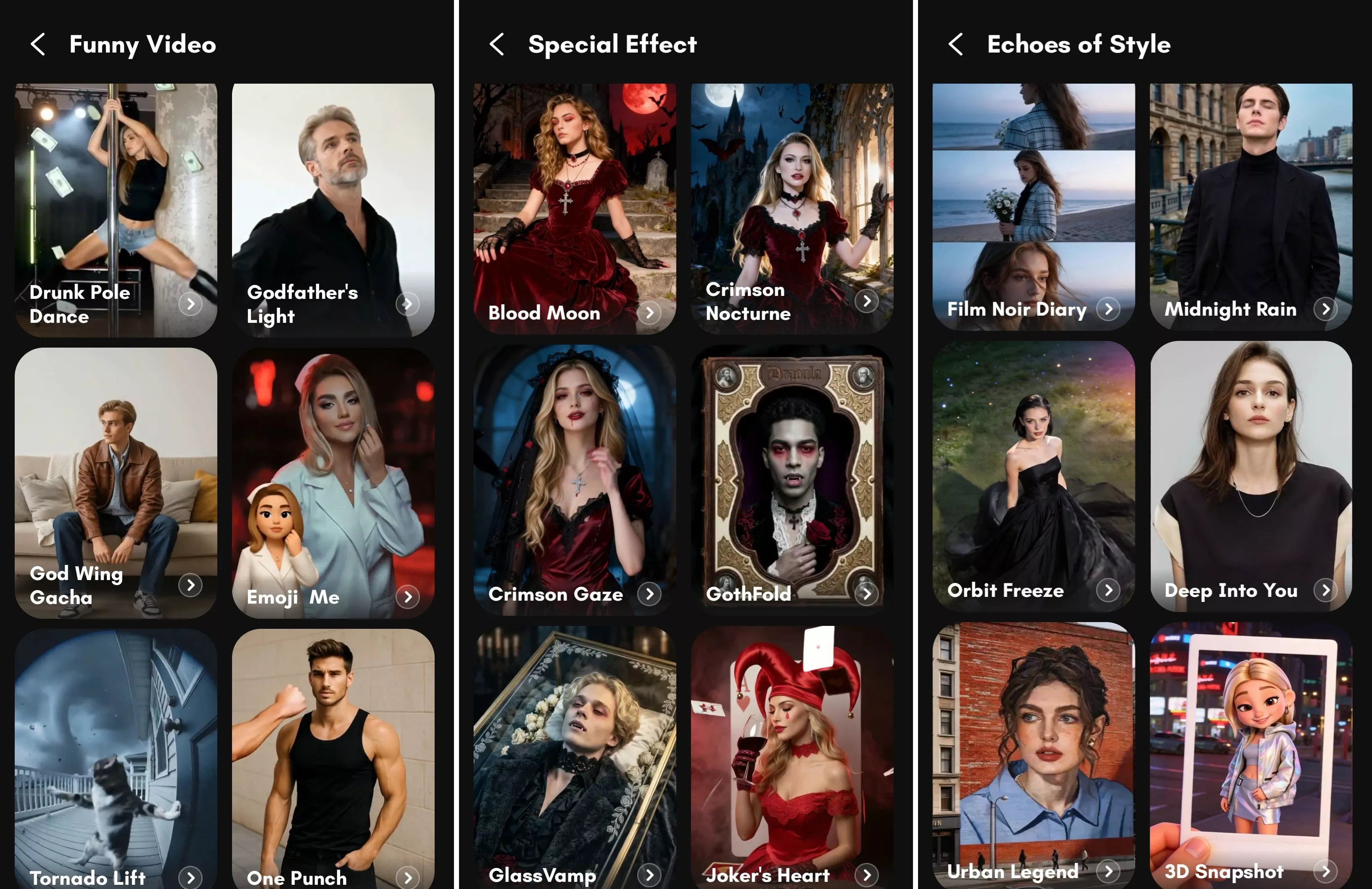
Each template is designed to turn a single image into a dynamic video scene, making content creation faster and more accessible than ever before.
The key idea is simple: one photo, endless video possibilities.
Don’t limit yourself to just one style—explore and experiment with PicMa!


Frequently Asked Questions
1. Is my photo data safe and private?
Yes. Your privacy is protected. Uploaded photos are processed securely and are not publicly shared. The system is designed to prioritize user privacy and data protection throughout the generation process.
2. How long does it take to generate a video?
On average, video generation takes about one minute. Processing time may vary slightly depending on server load, but it is generally fast and efficient.
3. Do I need a professional photo?
Not at all. Any clear face photo works. Even casual selfies are enough for the AI to generate a realistic video output.

 150
150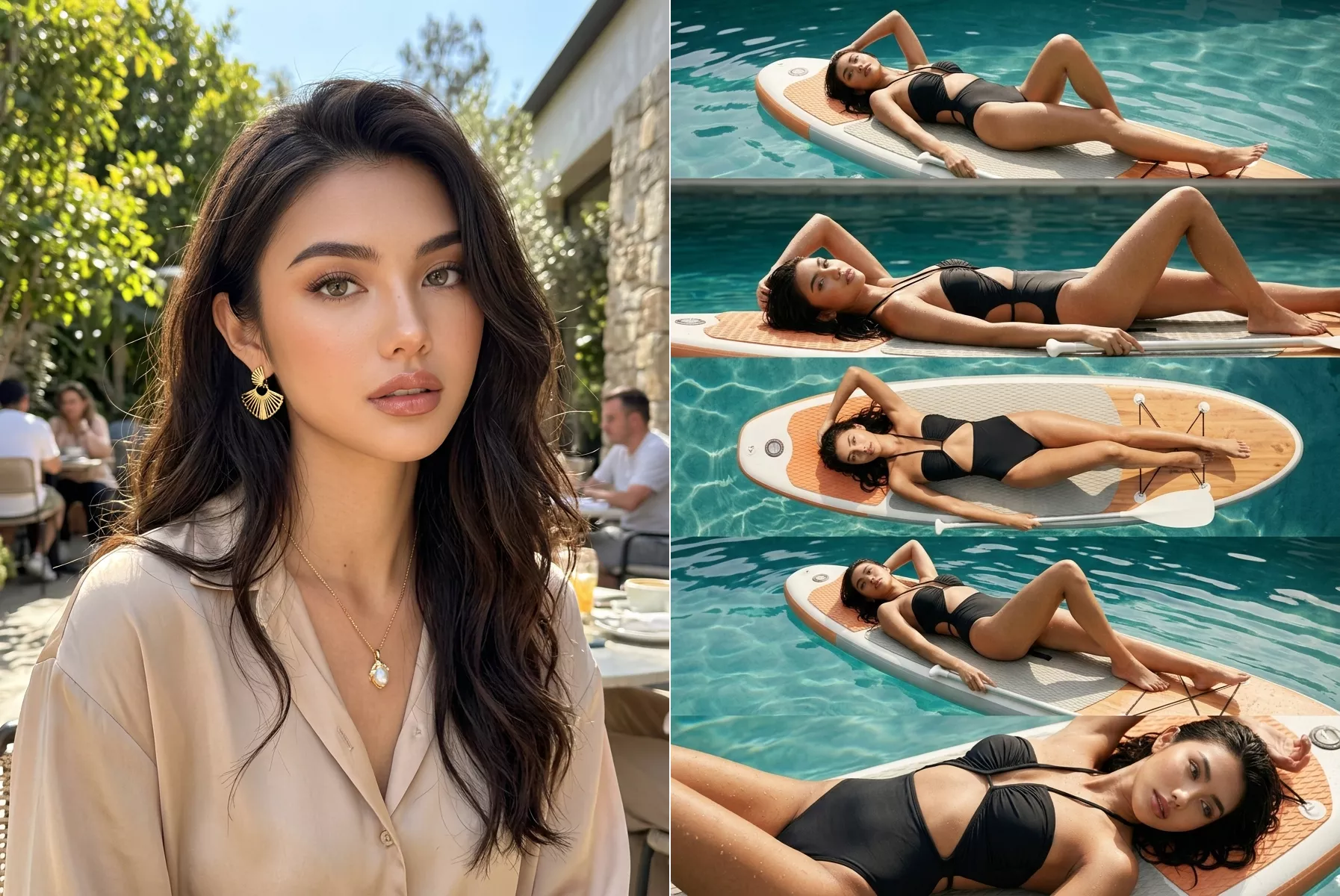

 English