In our digital galleries, we all harbor those "quiet" photos—the ones we scroll past a little slower. It might be a grainy snap of a long-distance partner, a childhood memory with a grandparent who is no longer with us, or a frozen moment with a beloved pet. These images are precious, but they are static. They capture a look, but they cannot capture a feeling.
Until now.
A powerful new social media trend, the "AI Hug Video," is changing how we interact with our past. It’s not about flashy special effects; it’s about using AI Motion Magic to bridge the gap between a memory and a moment, allowing us to see a loved one "reach out" for a warm, natural embrace.
This article will show you through how you can transform your most cherished still photos into a moving, 4K professional-quality video tribute.
The Magic of "Motion Magic": How Static Photos Come to Life
Creating a natural-looking hug from a flat image was once a Hollywood-level task. Today, it’s powered by the Seedance Engine, a sophisticated AI model that "understands" human anatomy.
Unlike simple animation tools that just stretch pixels, this technology analyzes the skeletal structure, clothing textures, and facial expressions in your photo. It then predicts how those people would move if they were actually stepping toward each other. The result? A fluid, lifelike embrace that retains the soul and likeness of the original subjects.
A Step-by-Step AI Hug Guide: From Memory to Motion
Step 1: Find Your Perfect Template
- On Mobile (PicMa App): For a standard, heartwarming embrace, head to the AI Video section and select the "Hug" feature.
For more sentimental tributes, visit the "Love Reunion" column on the homepage. Here, you’ll find dedicated templates designed for reuniting with deceased loved ones or pets.
- On Desktop (PicMa Studio): Log in to the PicMa Studio web dashboard and navigate to the AI Video zone to browse and select from a wide range of professional-grade Hug templates.
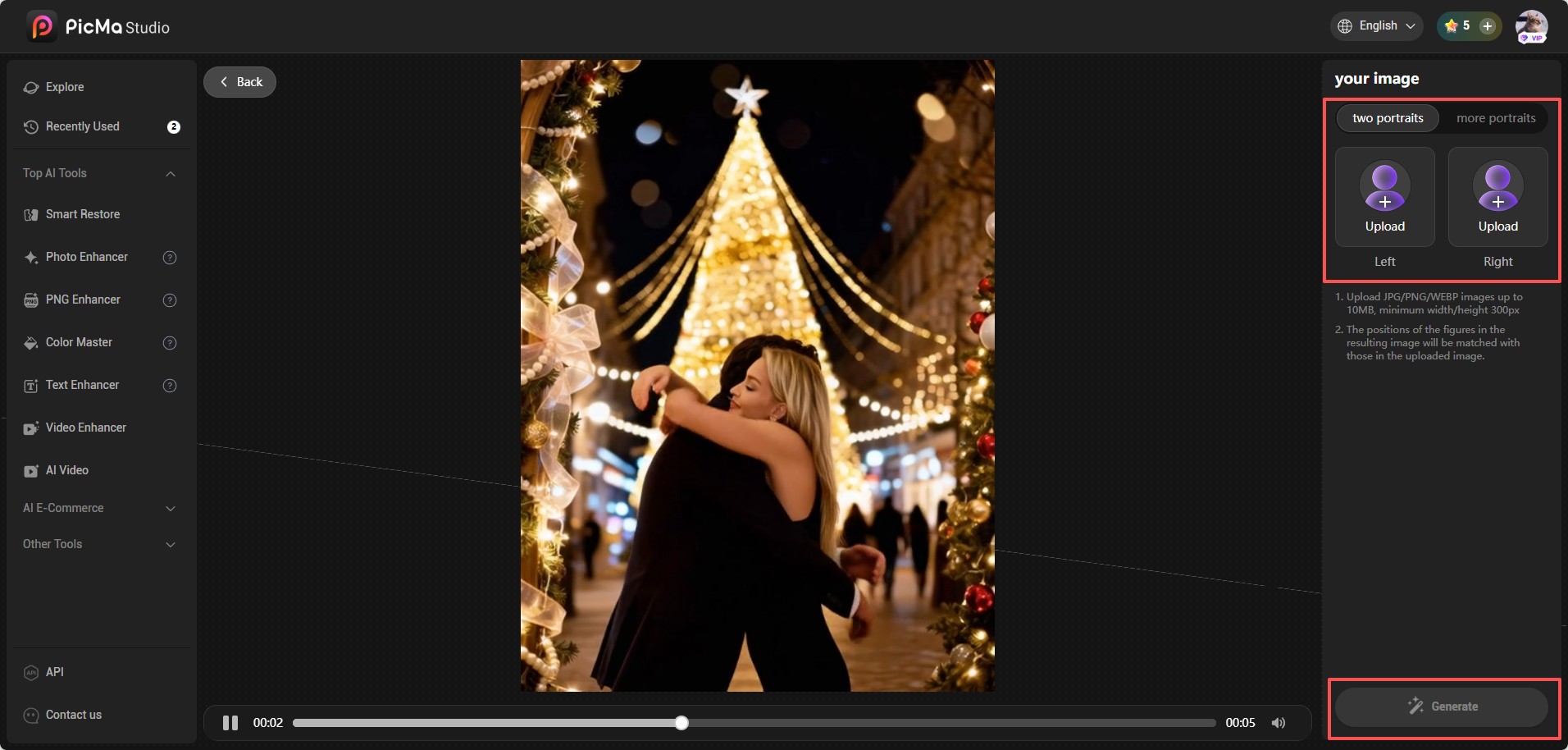
Step 2: Upload Your Photos
Choose your best-quality static photos. You can upload an existing photo of two people, or even separate portraits of individuals who were never in the same shot—the AI will intelligently merge them.
Step 3: Generate the Magic
Simply click "Generate." The Seedance Engine will analyze the skeletal structures and facial expressions, creating a fluid, realistic motion path for the embrace in seconds.

Step 4: Download and Enhance
Once the generation is complete, download your video.
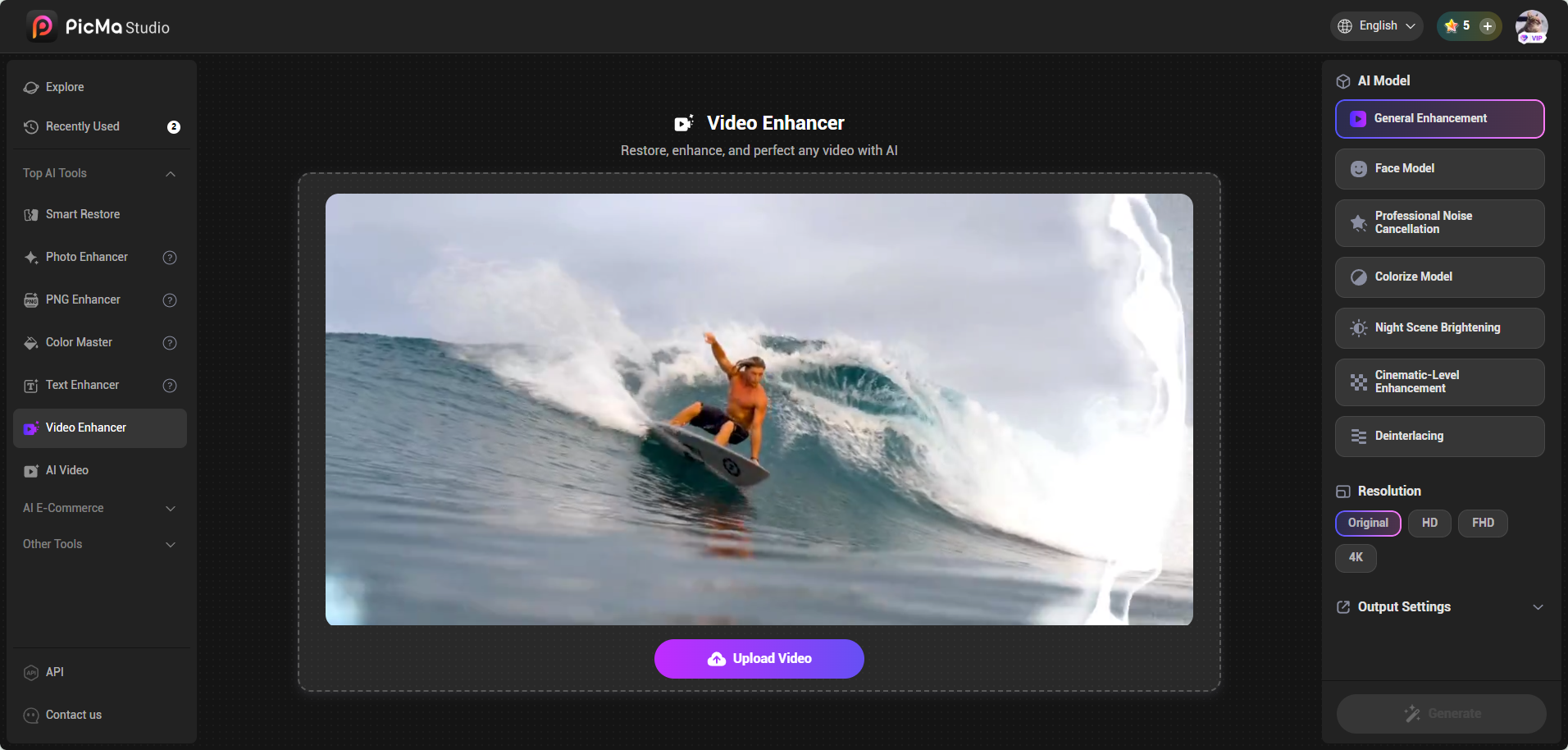
Pro Tip: If you want to take the quality even further, use our built-in Video Enhancer. This will sharpen facial details and upscale the video to 4K clarity, making those emotional micro-expressions (like a smile or a tear) look incredibly lifelike.
Finding the Right Template for Your Story
Every relationship is unique, and your AI video should reflect that. Modern tools like PicMa offer a variety of specific AI video templates to ensure the motion matches the sentiment:
- For Couples: Smooth, romantic motions for Hugs or even gentle kisses, perfect for long-distance anniversaries.
- For Honoring Memories: Specifically designed for "across time and space" reunions. You can take a faded, torn old photo, use Heritage Restoration to fix it, and then generate a hug video to see a departed loved one smile and embrace once more.
- For Pets and Owners: Our furry friends are family too. Specialized templates allow for natural interaction between humans and pets, creating a moving tribute to a "forever friend."
Frequently Asked Questions
Q: Can I create an AI hug video if I only have separate photos of two people?
A: Yes. Advanced platforms like PicMa Studio can take two individual portraits and intelligently composite them into a single video where they interact and embrace naturally.
Q: How does the AI ensure the hug looks realistic and not "glitchy"?
A: The realism is driven by the Seedance AI Video Engine, which specializes in spatio-temporal consistency. This creates a fluid, physically grounded embrace that maintains the subject's identity across every frame.
Q: Is it safe to use my personal photos for AI generation?
A: When using reputable tools like PicMa, your data is processed through secure, encrypted servers, ensuring your private memories remain private.
Bridging the Distance with a Click
Technology is at its best when it serves the heart. The AI Hug Video isn't just a trend; it's a new way to say "I miss you" or "I remember." Whether you are looking to celebrate a current relationship or honor a past one, a single photo is all you need to start. Stop looking at your photos—start feeling them.
Create your first AI Hug Video with PicMa today.

 174
174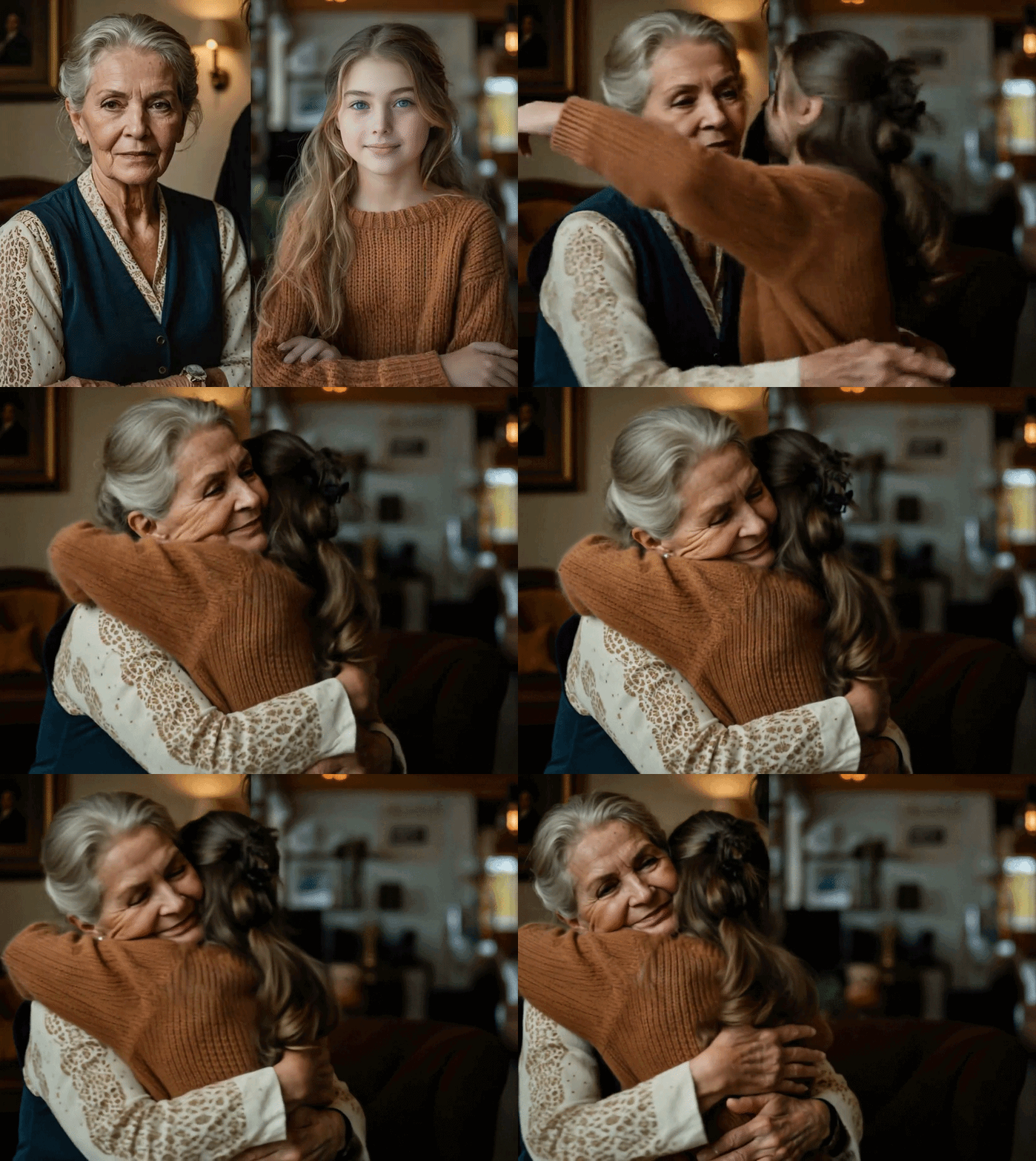

 English