In the fast-paced world of e-commerce, high-quality product visuals are crucial—but what if you don’t have access to a perfect photoshoot or professional backgrounds? For jewelry sellers, PicMa allows you to start with simple product photos, change the background, and virtually place your jewelry on a model.
You can then enhance the images and apply new backgrounds to create professional, ready-to-use visuals for platforms like Amazon, Shopify, and Instagram.
Why AI-Generated Jewelry Images Are Essential
Creating multiple product images for different jewelry styles traditionally requires professional photoshoots, models, and studio equipment, which can be time-consuming and expensive for many sellers.
With tools like PicMa, this process becomes much simpler. Instead of arranging new photoshoots for every variation, sellers can quickly adjust their images by changing backgrounds to match different platform requirements or brand aesthetics, digitally placing jewelry on models, and enhancing photo quality with AI-powered lighting, contrast, and color adjustments.
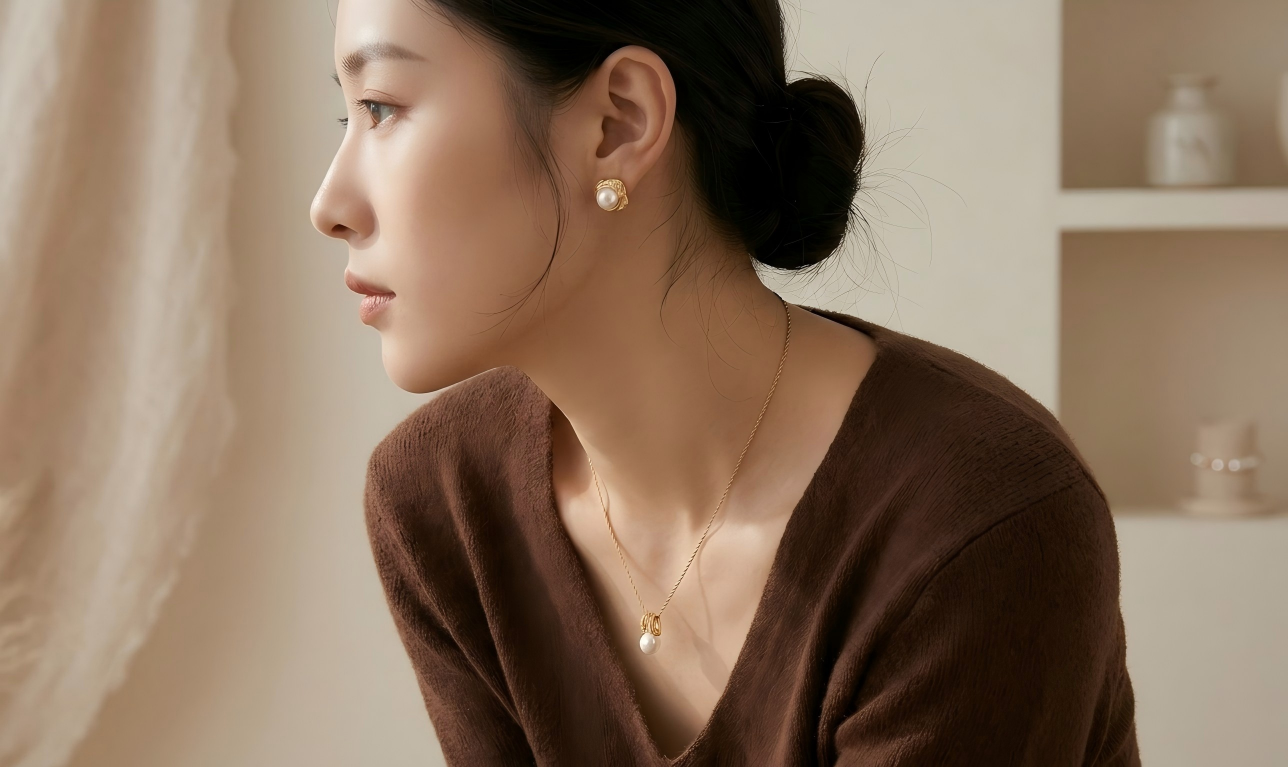
For jewelry e-commerce businesses, this makes it much easier to showcase items like earrings and necklaces in different styles and settings while saving both time and production costs.
Key Picma AI Features for Jewelry E-commerce
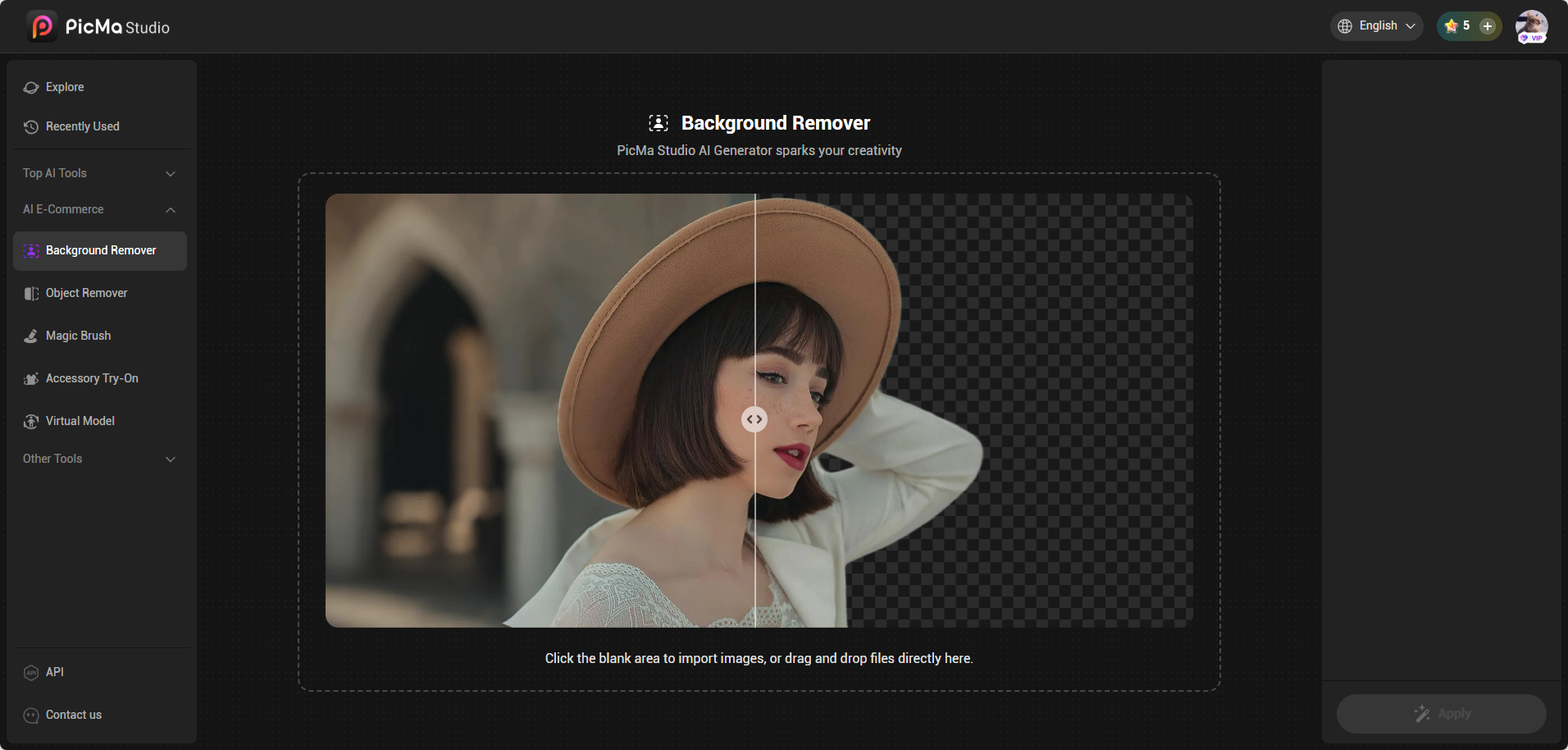
Quickly and accurately remove unwanted or cluttered backgrounds from your product photos. PicMa’s tool ensures clean, precise cutouts, making your jewelry ready for virtual placement on models or new backgrounds—even if the original photo wasn’t taken in a professional studio.
Once the background is removed, you can place your jewelry on any background you like.
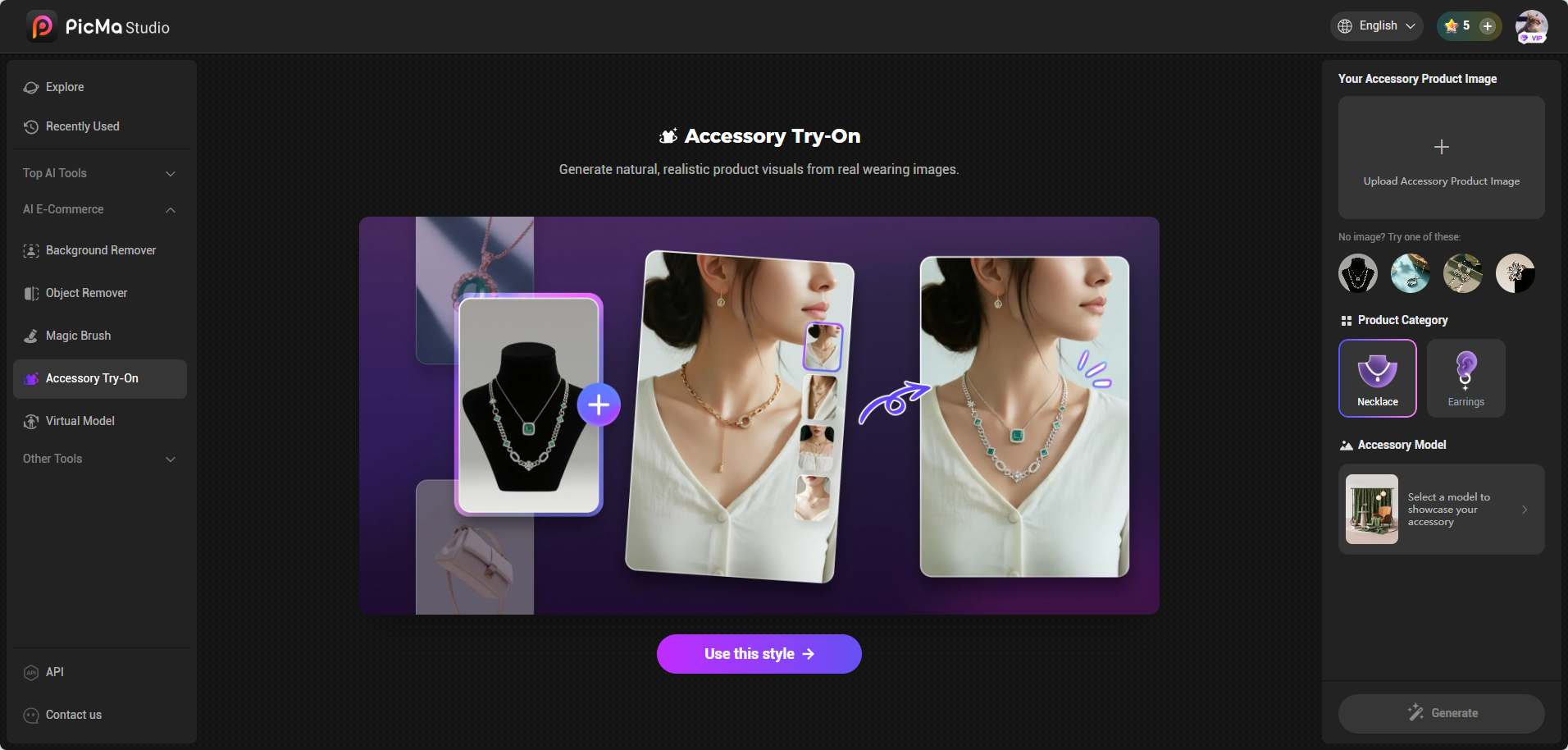
Virtually try your jewelry on models. Upload your background-free jewelry image and a model photo (or use PicMa’s default models), then adjust positioning for realistic and professional visuals.
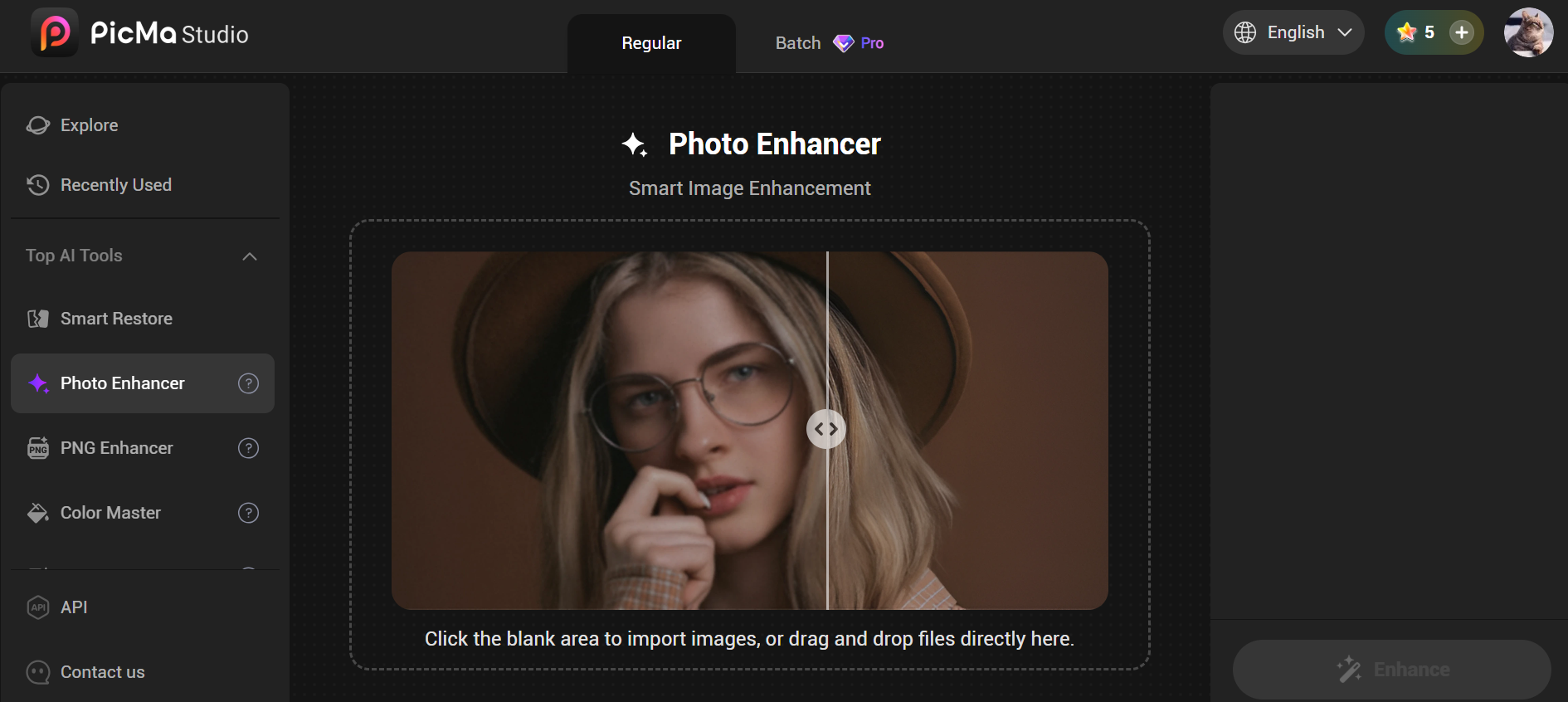
Improve lighting, contrast, color, and sharpness automatically. PicMa enhances your jewelry images to create polished, eye-catching visuals that are ready for e-commerce platforms.
Step-by-Step Guide to Generate AI Jewelry Images
Step 1: Capture Your Jewelry Photo
Take a clear photo of your jewelry, even if the background isn’t ideal.
Step 2: Open PicMa Studio
You can either change the background or directly place the jewelry on a model.

Option A: Change Background
1.Start with the Background Remover to automatically isolate your product.
2.Import the clean cutout into PicMa’s Background Generator.
3.Explore and apply your desired background style—PicMa generates a polished new image in seconds.
4.Preview and fine-tune the image, adjusting color, shadows, and composition to match your visual expectations.
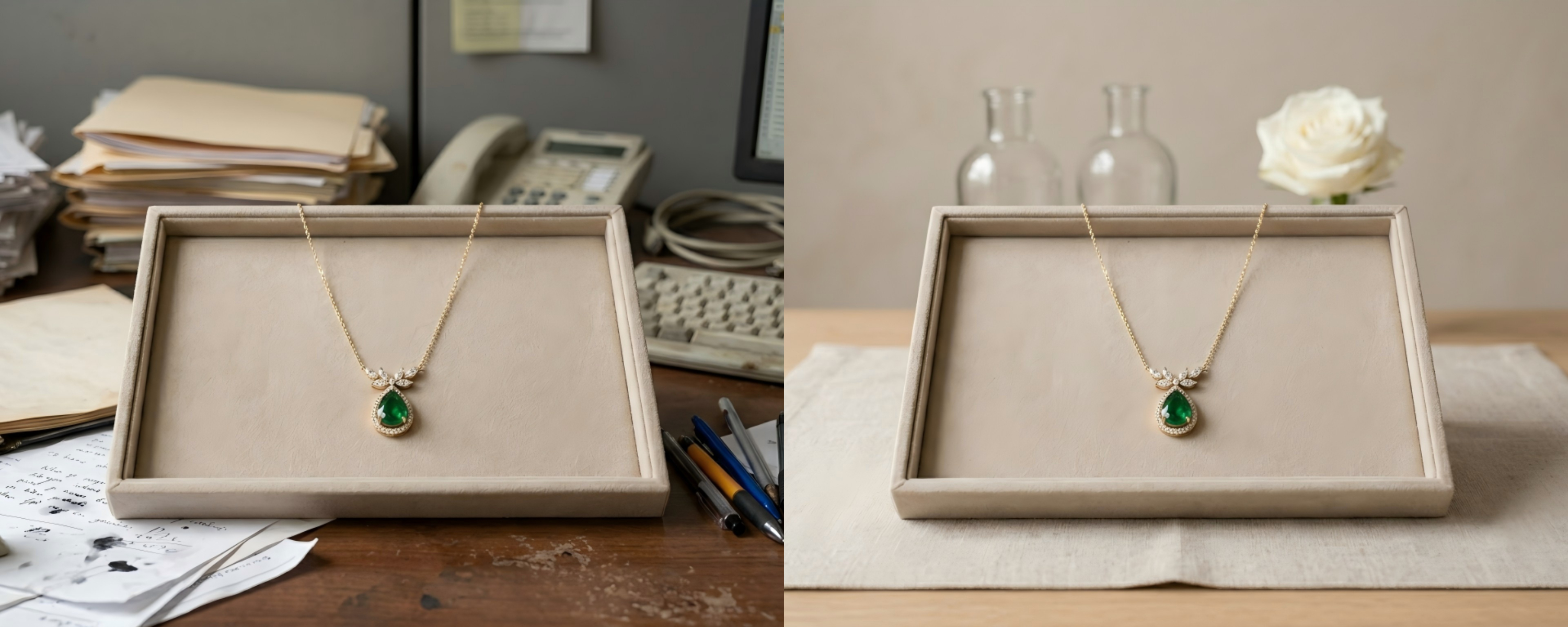
Option B: Accessory Try-On
1.Open the AI Jewelry Try-On feature.
2.Upload your background-free jewelry image and a model photo.
3.If you don’t have a model, you can use PicMa’s default model images.
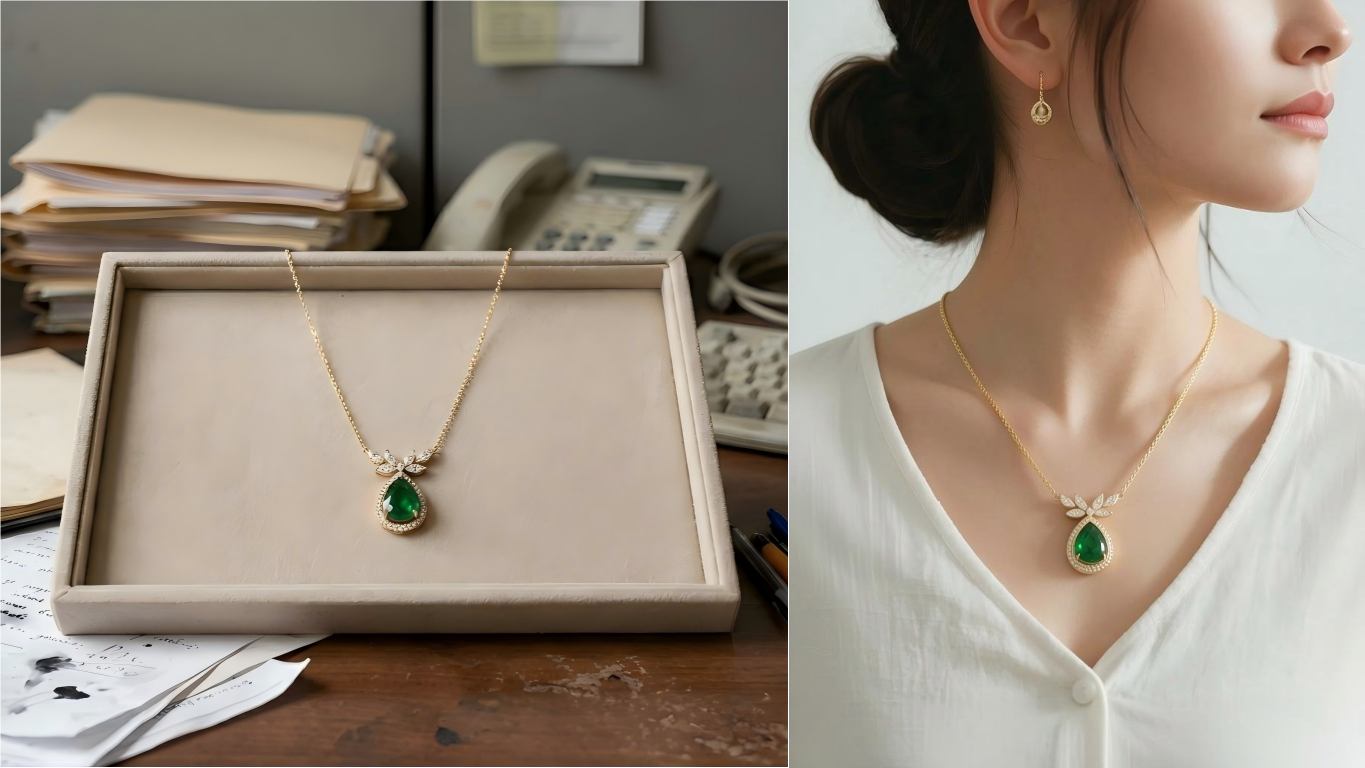
Step 3: Enhance the Image
Use PicMa’s Product Image Enhancer to adjust lighting, contrast, and color for a polished, professional finish.
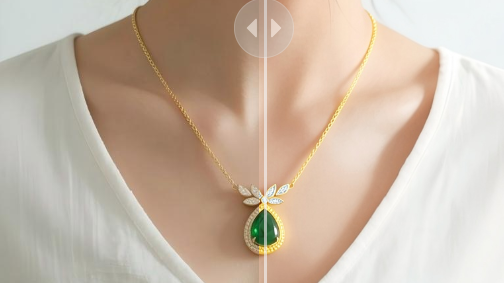
Step 4: Export and Upload
Download the final images and upload them directly to your e-commerce store or social media channels.
Optimizing Images for Different Platforms
- Amazon: Stick to clean, white backgrounds and high resolution. Avoid excessive decorations. Keep backgrounds simple for product listings on Amazon to comply with guidelines.
- Shopify: Showcase lifestyle shots, multiple angles, or combined jewelry sets.
- Instagram: Use vibrant, contextual backgrounds and highlight seasonal trends for engagement. Batch process similar items to maintain consistent quality and branding across your catalog.
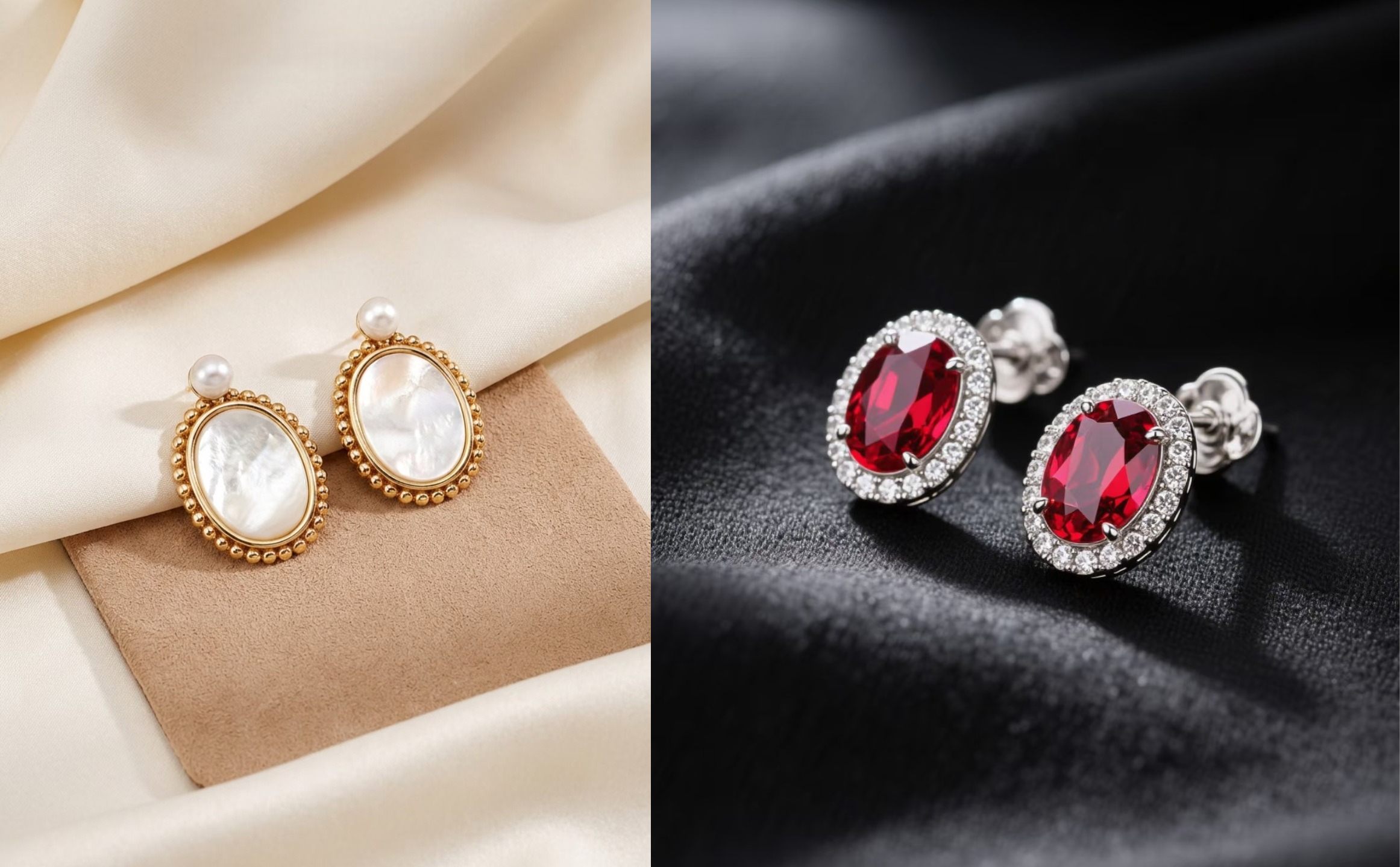
PicMa is More Than Just E-commerce
While PicMa is a powerful tool for jewelry e-commerce, its capabilities extend far beyond online stores. Once you start exploring its AI tools, you’ll realize it can help improve all kinds of visuals—from everyday photos to social media content.
For example, you can use PicMa to:
● Enhance low-quality photos with AI image enhancement tools
● Create AI portraits or profile photos with different styles
● Experiment with AI video and visual effects for creative content
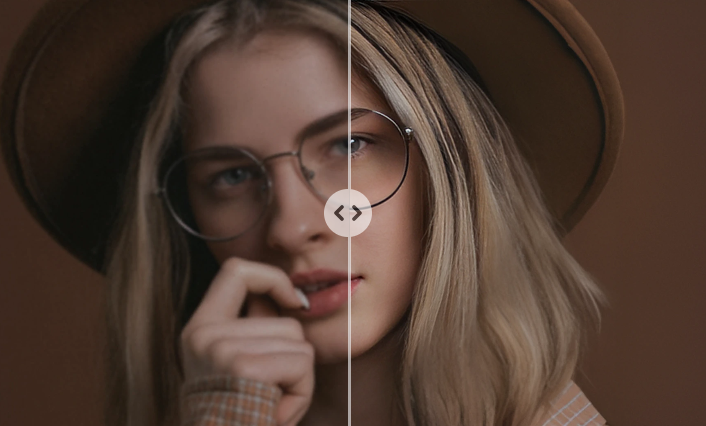
PicMa are versatile enough to support any creative or professional image generation needs. Ready to elevate your product images and creative projects? Join PicMa today and start generating stunning visuals with AI!


Frequently Asked Questions
Q1: Are these PicMa features free?
A: Yes! Features like Background Remover, Background Generator, and Accessory Try-On can be used with the free points gifted to new users, but once the points are used up, you will need to pay to continue using them.
Q2: Can I process images in bulk?
A: No, batch processing is not supported for these features at the moment. Each image needs to be edited individually.
Q3: Are there other e-commerce features available in Picma?
A: Absolutely. PicMa also offers tools like Object Remover and Virtual Model, which can help create realistic visuals for clothing or accessory products beyond jewelry.

 148
148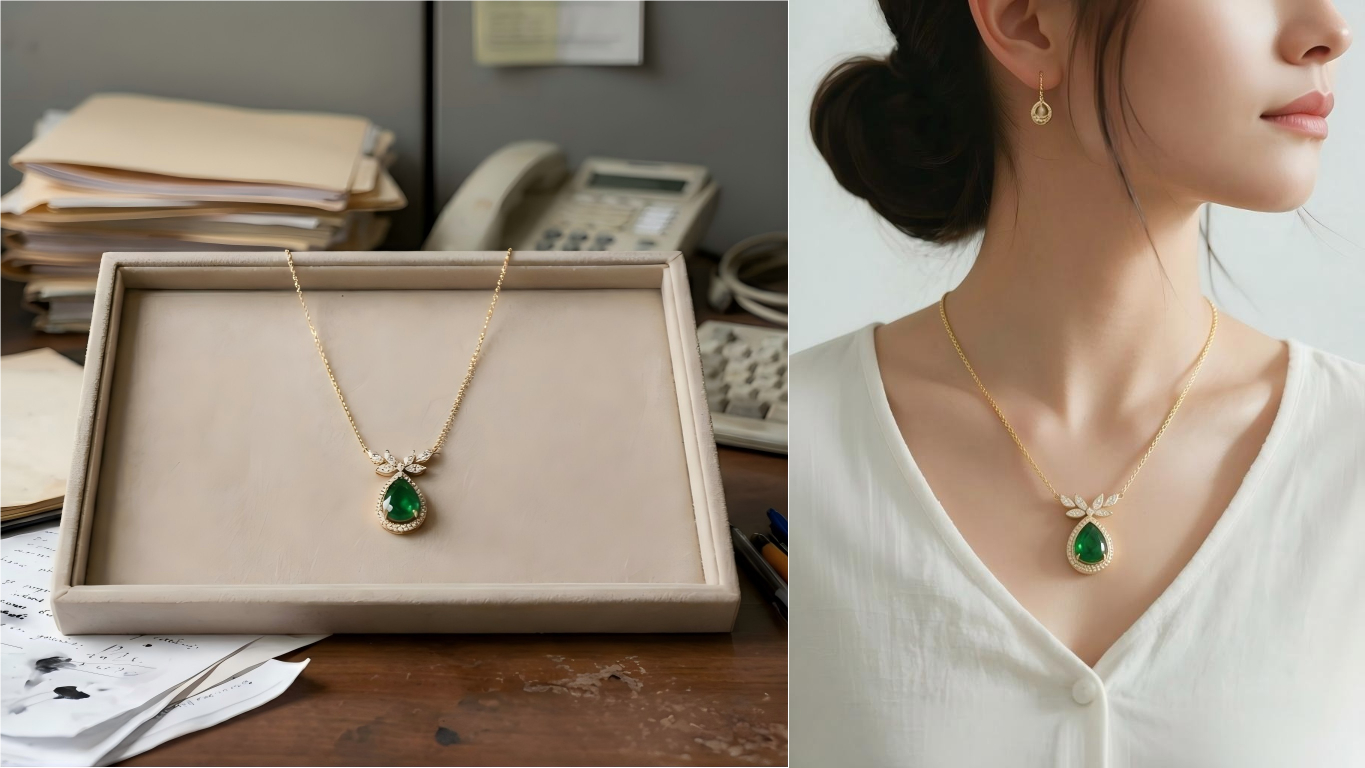

 English