You have a product ready to sell, the product looks great, and then you realize you're missing one thing: a model.
For a large brand, that might not be a big deal. They can book a photographer, find a model, rent a studio, organize the styling, and spend a day creating new product photos. But for a small ecommerce brand, independent creator, or new online seller, doing that every time you need a new image can quickly become expensive and time-consuming.
And sometimes, you don't even need a completely new photoshoot. You already have a good try-on photo. You just want to see the same product on a different person, in a different setting, or with a look that better fits your brand.
That's where things start to get interesting.
A Product Photo Should Show More Than the Product
A clean product photo can tell shoppers what you're selling, but it doesn't always help them picture themselves using it.
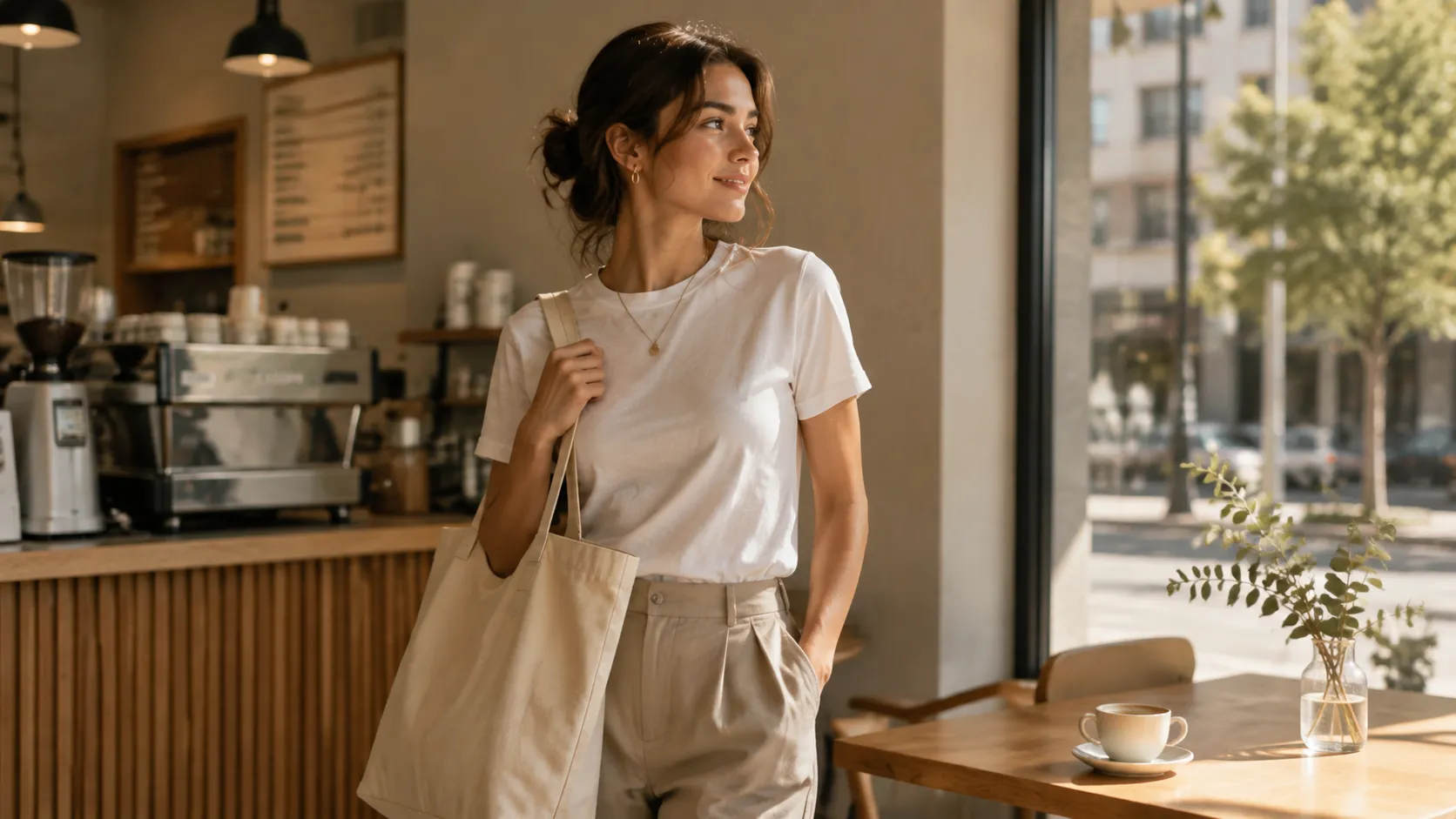
A dress on a plain background shows the color and shape. Put that same dress on a person walking through a city, and suddenly the shopper gets a much better sense of how it might look in everyday life. The same thing happens with bags, sunglasses, jewelry, watches, and other products that are meant to be worn or used.
This is why product photography with models has always been so useful. The model gives the product context, while the setting adds a sense of lifestyle.
The challenge is that traditional photography makes every change expensive. Want a different model? Book another shoot. Want a new location? Arrange another shoot. Want a different visual direction for a new campaign? You may need to start all over again.
For a growing ecommerce business, that doesn't always make sense.
What If You Could Change the Model Instead
This is where AI product photography becomes a practical option rather than just another creative experiment.
If you already have a real-person try-on image, you have a starting point. Instead of throwing that image away because the model or setting isn't quite right, you can use it to explore another version of the same product.
PicMa's Virtual Model makes this possible by letting you upload a real-person try-on image, select a different model, and choose a lifestyle scene before generating a new product model image. The product stays at the center of the image, while the model and environment can change around it.
That can be especially useful when you're preparing a new collection and don't want every product to depend on one photoshoot.
Maybe your original model doesn't fit the audience you're targeting. Maybe you want a more casual look for social media. Maybe the product would make more sense in an outdoor setting than in a studio.
Instead of asking, "How do I arrange another photoshoot?" you can start asking, "What other way could I show this product?"
That small shift can open up a lot of possibilities.
One Product Can Tell Different Stories
Think about a simple hoodie.
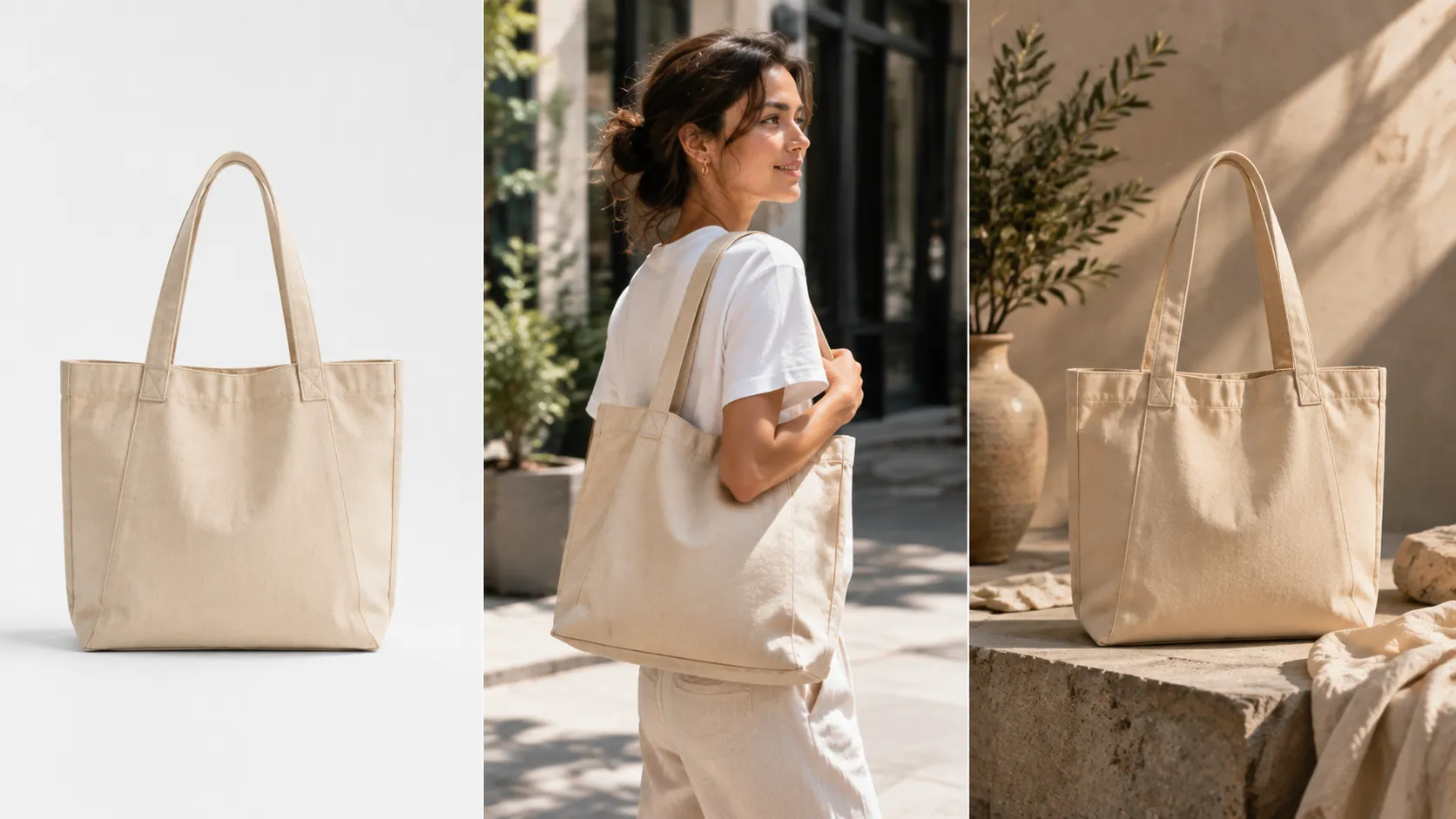
On a plain background, the customer can see the design. On a model, they can see the fit. In a lifestyle scene, they can start to imagine where they might actually wear it.
None of these images is necessarily better than the others. They simply answer different questions.
That's why AI models for product photography can be useful for more than creating one attractive image. They give sellers and creators another way to build visual variety around products they already have.
A fashion brand might create a clean model image for its product page and a more relaxed lifestyle image for social media. A jewelry seller might want a close, polished presentation for the store and a more natural look for an Instagram campaign. A creator selling merchandise can show followers what their artwork looks like when it becomes something people can actually wear or carry.
The product doesn't have to change. The story around it can.
And that matters because shoppers rarely make a decision based on one image alone. They want to understand what the product looks like, how it fits into their lives, and whether it feels right for them.
Good visuals help answer those questions before they ever click ”Buy“.
You Don't Need to Make Every Image Look Like a Photoshoot
There is another advantage to this approach: you can experiment.
When every new image requires a photographer, model, location, and schedule, you're naturally going to be careful about how many versions you create. You choose one concept, shoot it, and hope it works.
Online, though, you often don't know what will perform best until people actually see it.
A different model may make the same product feel more relevant to another audience. A lifestyle scene may work better than a studio image on social media. A more natural setting may generate more interest than a polished campaign-style visual.
Having the ability to explore those directions makes visual testing much easier.
This is particularly valuable for creators and small businesses, where the person making the product is often also responsible for marketing it. You don't necessarily have a dedicated creative team waiting to produce a new campaign every week. You need a workflow that lets you move quickly without making every new idea a major project.
That's where tools like PicMa fit naturally into the process. Instead of replacing your original product photography, they can help you get more mileage from the images you've already created.
The Real Opportunity Is Bigger Than One Product Image
Once you have a strong product visual, you can use it far beyond your product page.
A model image can become part of a social media post, a promotional graphic, an ad, a collection announcement, or even a short-form video. One product can generate several pieces of content simply by changing how you present it.
For creators, this can be especially useful when moving from audience-building into selling. Your artwork or content may already attract attention, but turning that attention into a product requires people to understand what they're actually buying.
Showing the product in context makes that transition much easier.
For ecommerce sellers, the same idea can help solve another common problem: running out of fresh content. You may have plenty of products but not enough visuals to keep your website and social channels feeling active.
Instead of constantly looking for something new to photograph, you can look again at what you already have and find new ways to present it.
That is perhaps the most useful way to think about AI product photos. They aren't simply replacements for traditional photography. They're another layer in the creative process, giving you more flexibility when you need new visuals but don't want to organize another production from scratch.
No Model? You Still Have Options
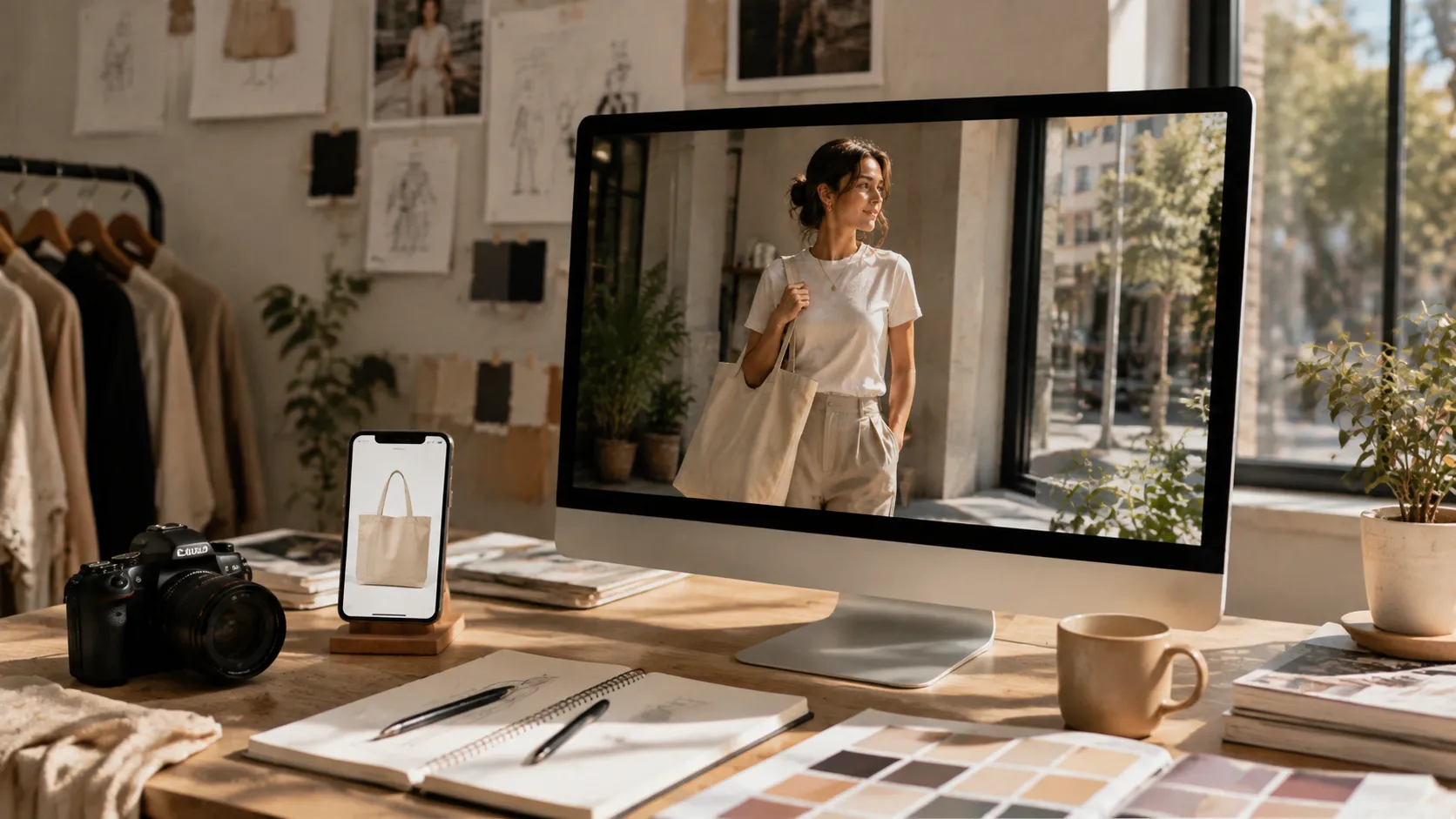
Professional product photography will always have its place. There are campaigns where a real model, photographer, stylist, and carefully planned location are exactly what a brand needs.
But not every product image needs that level of production.
Sometimes you already have the product, you already have a good try-on image, and you simply need a different model or a different environment to tell the story better.
That's when creating product photos with AI models can make sense.
With PicMa, you can start from an existing real-person try-on image, choose a model and lifestyle scene, and create another way to showcase the same product.
You don't need a bigger production team to give your products more visual possibilities.
Sometimes, you just need to look at the same product from a different angle.
Ready to give your products a new look? Try PicMa Virtual Model and turn your existing product images into fresh, professional visuals.

 36
36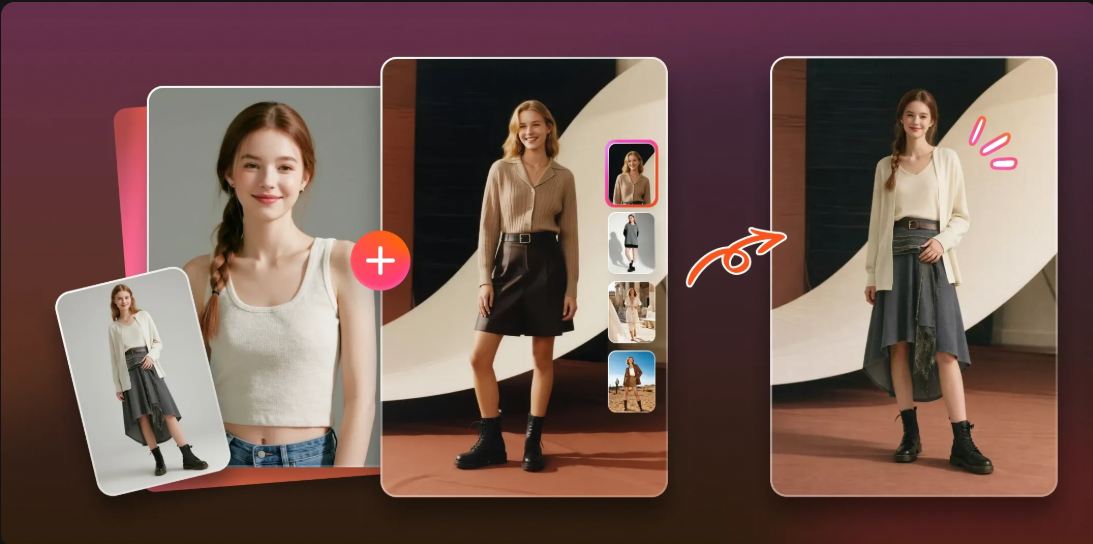

 English