As a cat owner, I take photos of my cat almost every day. Some are funny, some are adorable, and some capture those quiet little moments that make me smile.
But recently, I discovered a fun new way to make even ordinary pet photos more interesting by transforming them into creative images or short videos using PicMa. Instead of just looking at a still picture, I can now use a pet photo to create different styles of images and even short videos.
Watching my pet come to life in different scenes and styles is surprisingly fun, and each creation has its own unique charm.
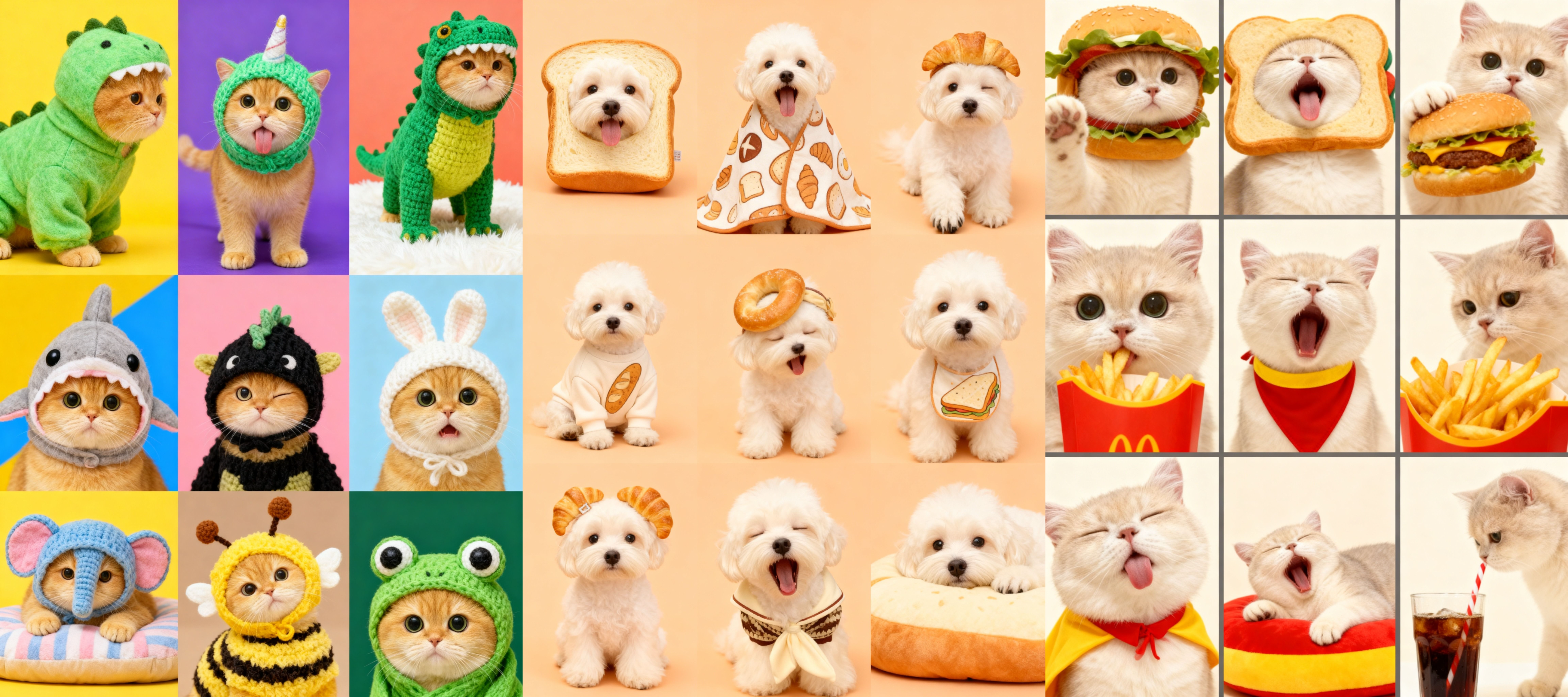
Pet Atmosphere Creations Made with PicMa
While scrolling online, I came across those adorable videos of pets “cooking” in the kitchen—cats chopping vegetables, dogs stirring bowls—and I thought, how fun would it be to make one myself?
With PicMa, I was able to take a simple photo of my cat and turn it into a mini cooking video. In the animation, my cat looked like it was carefully chopping tiny vegetables, with playful kitchen vibes in the background.
Steps: How I Turned My Cat’s Photo Into a Pet Video
1. Open PicMa
Open PicMa Studio on browser or downloaded the PicMa App (IOS / Android).
- PicMa Studio: go to AI Video, then find the Pet Wonderland tag and choose the “MasterChef Paws” template to begin creating your fun pet video.
- PicMa App: navigate to the Pet Vibe section and selected the “MasterChef Paws” template to start creating.

2. Upload Your Pet Photo
Uploaded a clear photo of your pet. For best results, I chose a picture where my cat’s face was clearly visible
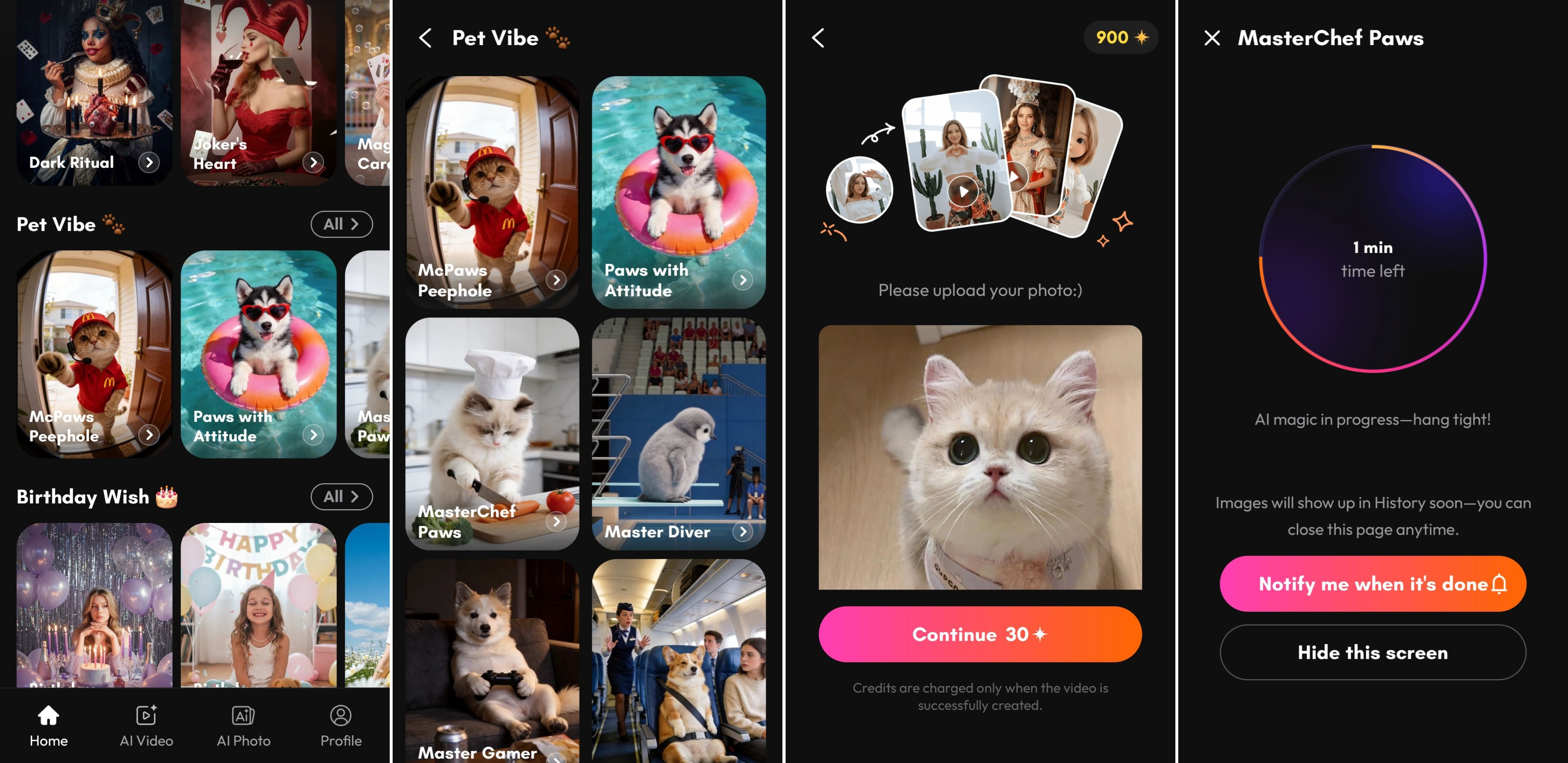
3. Bring the Pet Portrait to Life
With one click, PicMa generated a moving pet portrait video.
The AI added subtle motion and atmosphere effects that made the image feel alive.
Explore Different Pet Portrait Styles
One thing I love about PicMa is the variety of styles you can experiment with.
For example, you can create: cute and playful pet portraits, dreamy aesthetic pet videos, soft artistic pet photos...
Each style gives your pet photo a completely different personality. Sometimes my cat looks like a storybook character, and other times it feels like a movie moment.
From a Simple Photo to a Social Media–Ready Pet Memory
What started as a random photo on my phone turned into a beautiful animated pet memory in just a few minutes.
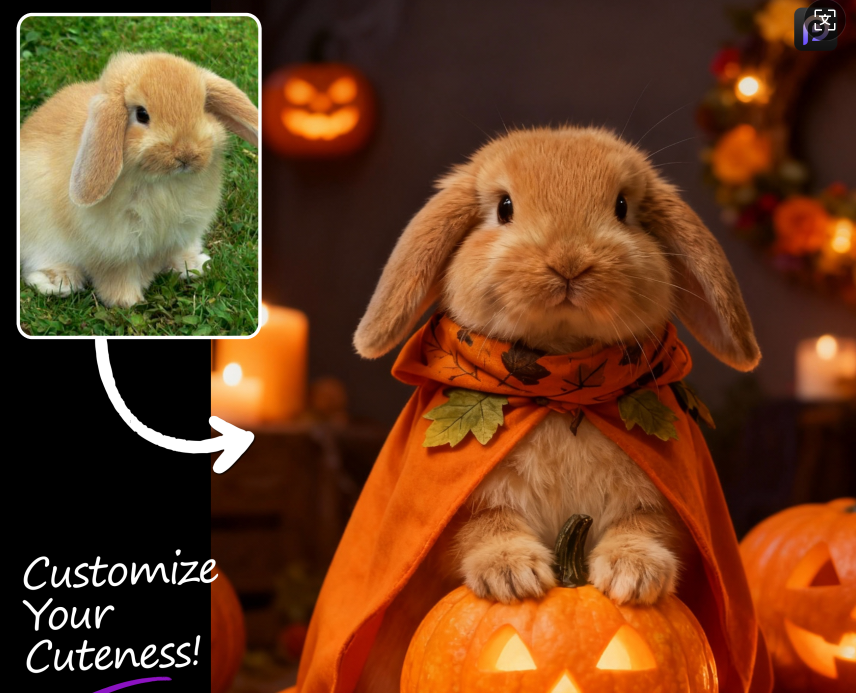
The best part is how easy it is to share the result on social media. Whether it’s Instagram, TikTok, or sending it to friends, the animated portrait instantly grabs attention.
If you love photographing your pets, PicMa makes it incredibly simple to turn everyday moments into shareable pet stories. Come join PicMa and start turning your pet photos into fun, creative images and videos today!


Frequently Asked Questions
1. Is this feature free in PicMa?
The feature itself is not completely free. However, new users receive bonus credits, which means you can try creating your first pet video without paying right away.
2. Do I need to write complicated prompts to create the video?
No. You don’t need to write prompts or describe the animation. Just choose the template you like, upload your pet photo, and the AI automatically generates the video for you.
3. How long does it take to generate a pet video?
Most videos are created in around one minute, depending on the template and server load.

 170
170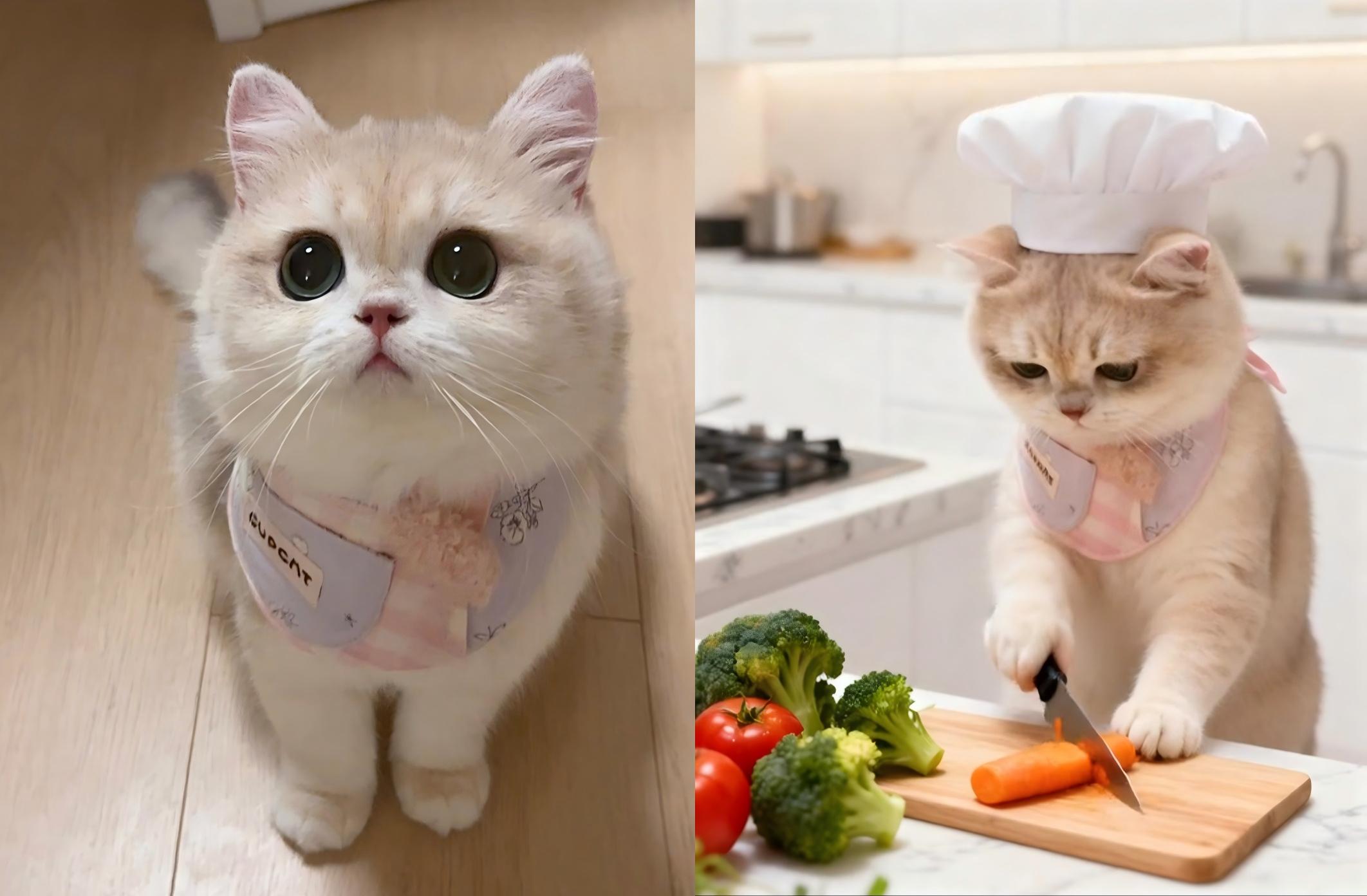

 English