It might sound like a joke, but these days, self-made face stickers and custom emojis are everywhere.
Scroll through any social app—Instagram, TikTok, or WhatsApp—and you’ll find people using face cutouts of themselves in group chats, memes, stories, or even as video overlays. They’re funny, sure—but more than that, they’ve become a new way of speaking. A tone. A personal tag.
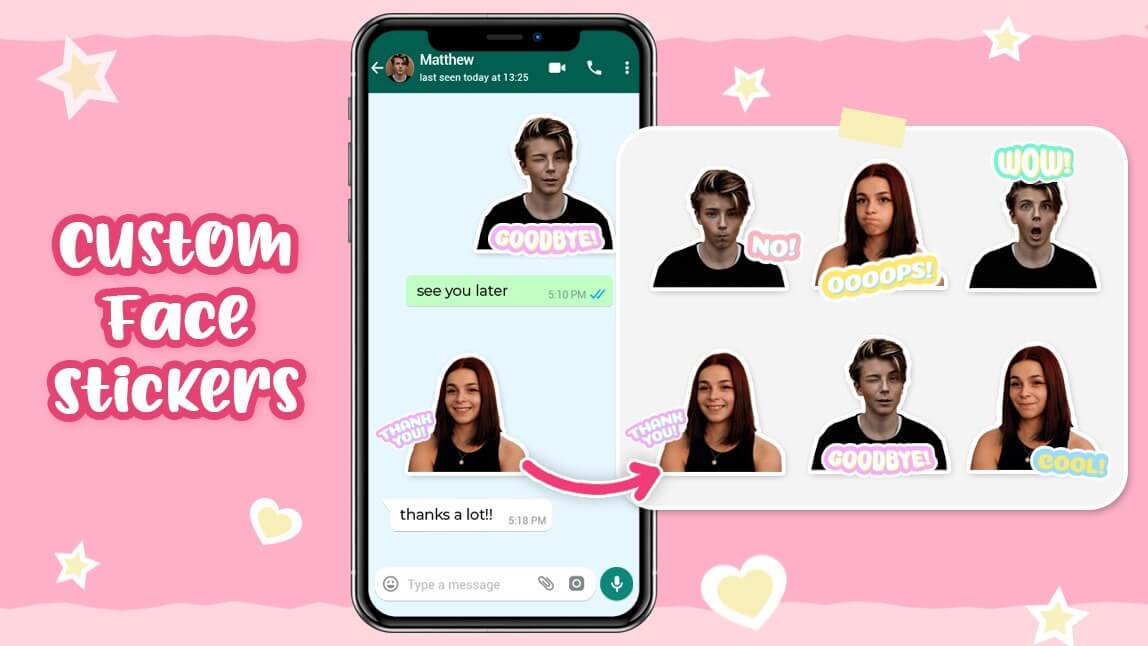
Creating your own sticker used to require some design skills and a lot of patience. But now, all you need is a photo—and PicMa’s Face Cutout feature does the rest for you in seconds.
The Hardest Part of Making Stickers Isn’t Creativity—It’s Cutout
If you’ve ever tried making your own emoji or sticker, you know the hardest part comes right at the beginning: cleanly cutting your face out of the photo.Traditional tools require Photoshop, complex apps, or painful manual brushing. Even most phone apps struggle to handle things like stray hairs or soft edges—and bad cutouts ruin the whole vibe. What you end up with looks rushed, low-effort, and often unusable.
So the real blocker isn’t that people don’t want to make custom stickers.
It’s that they don’t have an easy, reliable way to start.
Face Cutout: Designed for Creative Expression, Not Just Editing
This is exactly the problem PicMa’s Face Cutout was built to solve.
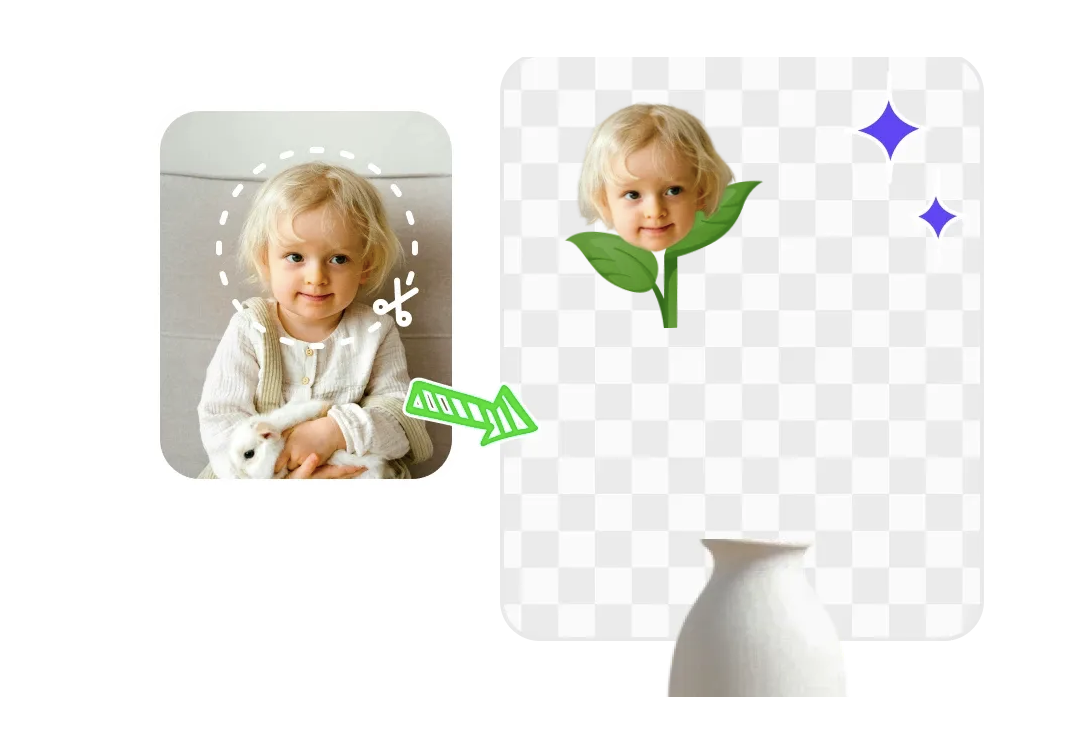
Unlike generic background removal tools, Face Cutout is designed specifically for social stickers, personalized emojis, and expressive face-based content. It’s not just about removing the background—it’s about making your face sticker-ready.
- It automatically detects and extracts your face from any photo
- Hair, accessories, and soft edges are preserved with clean transparency
- The result is a high-quality PNG with a transparent background
- You can use it right away in messaging apps, video editors, or meme templates
- Most importantly, it removes the technical barrier so you can focus on the fun: creating content with your own expression.
It’s an Entry Point for Creativity
Face Cutout isn’t just a technical feature—it’s a creative unlock.
Once you have a clean cutout of your face, your options open up:
- Turn your expressions into custom emojis in group chats
- Create personalized birthday stickers for friends
- Overlay your own face in short-form videos or GIFs
- Make couple packs, pet face packs, or team avatar walls
- Build a reaction meme library with you as the star
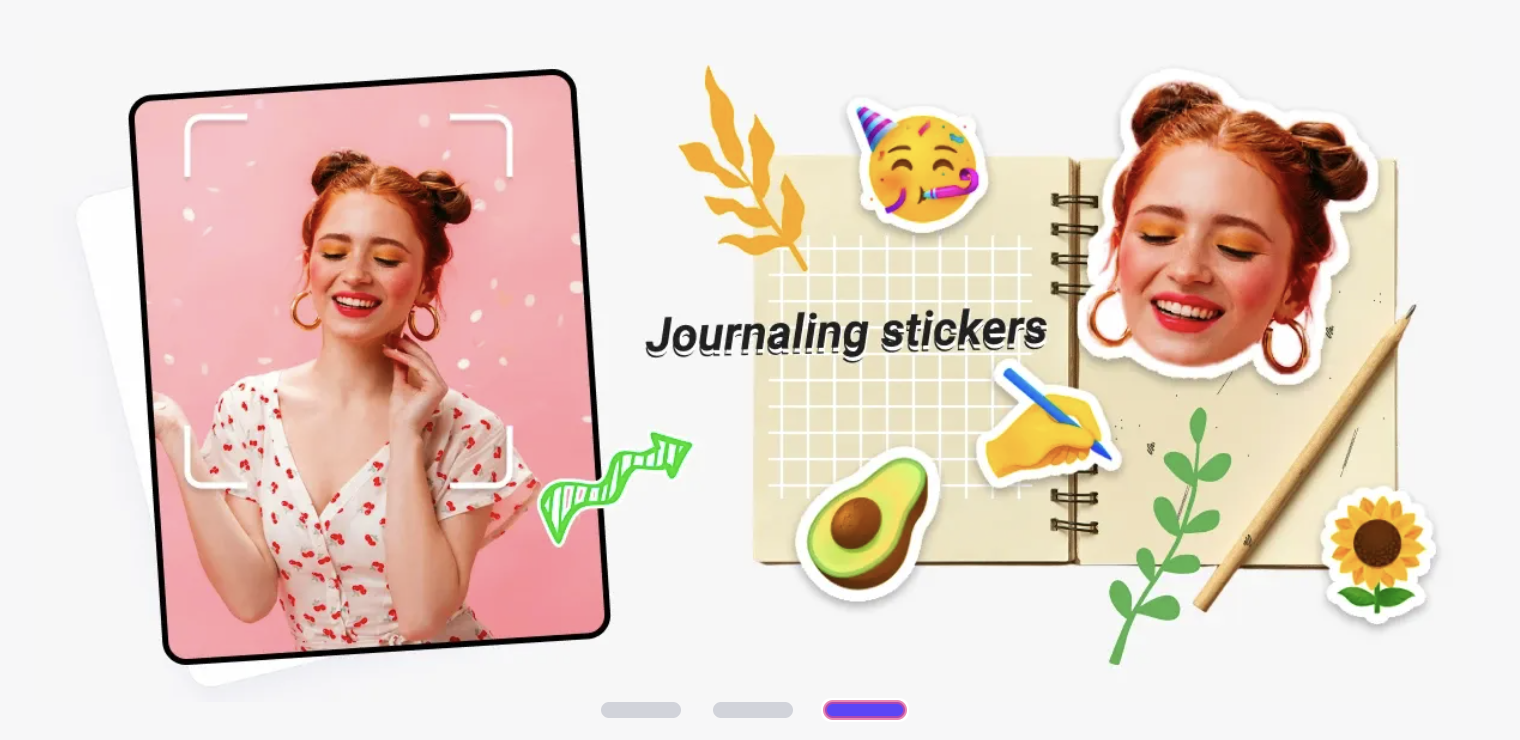
This isn’t about being a designer. It’s about being someone who wants to express themselves in their own visual language.
Create Your Own Emoji With One Photo
If you’ve never made your own sticker before, now’s the time.
Here’s how easy it is:
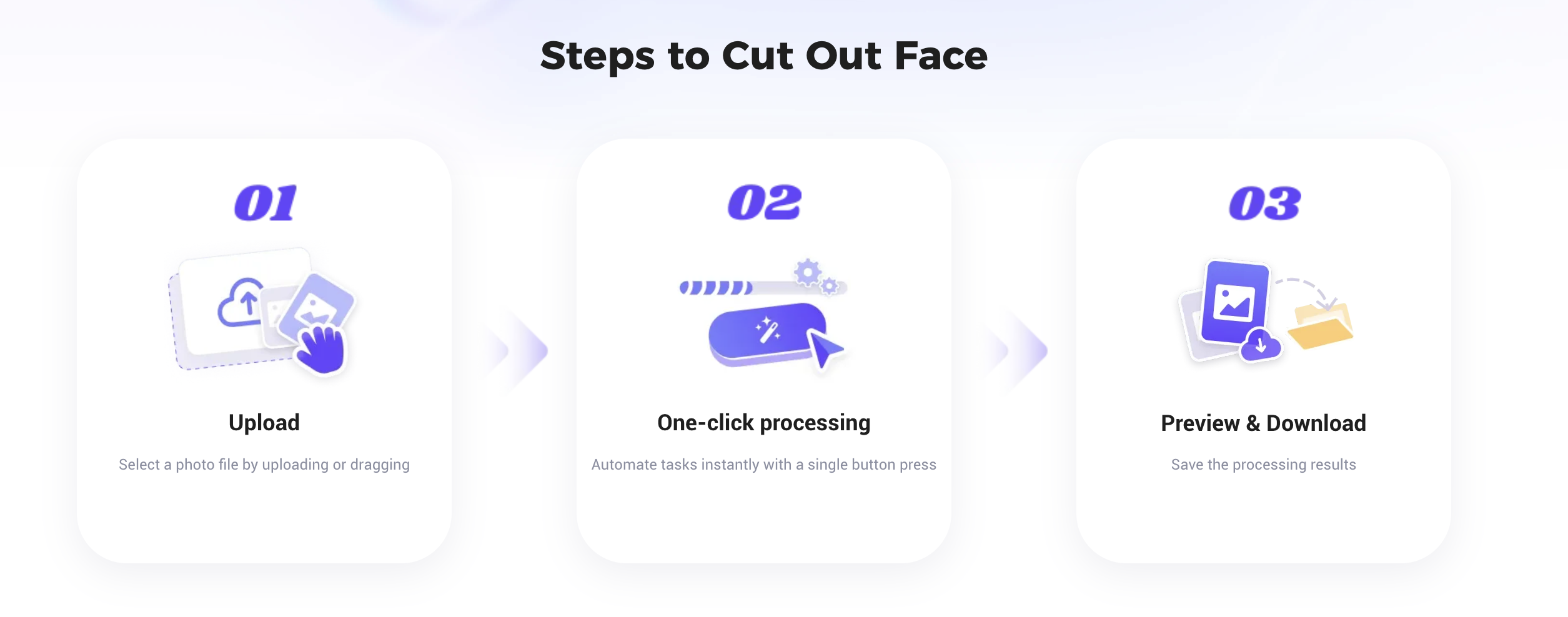
- Pick a clear photo of your face—or take a quick selfie
- Go to PicMa Face Cutout Tool (Web only)
- Upload your photo—processing takes just a few seconds
- Download your transparent face sticker and start using it anywhere
You don’t need experience. You don’t need tools.You just need to start.
Expression Can Start With Just One Face
Every generation has its own way of speaking.
For ours, emojis aren’t just icons—they’re how we show who we are.
PicMa’s Face Cutout is just a tool. But it gives you the power to make your expression truly yours.
Try it now-turn your own face into a sticker
The way you speak online could start with your own smile.

 438
438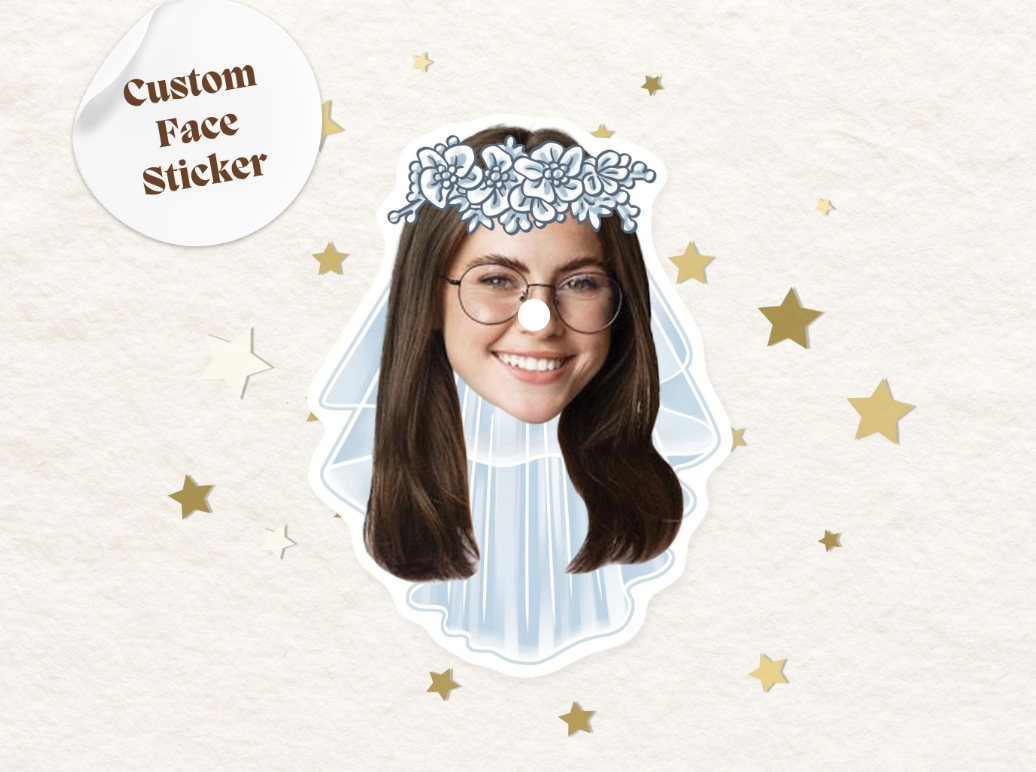

 English