Planning what to wear every day can be surprisingly time-consuming.
You may have a favorite outfit photo saved on your phone, but imagining how to create different looks for the whole week often requires endless searching and styling ideas. What if one photo could become a full week of outfit inspiration?
With an AI OOTD generator, you can now transform a single fashion photo into multiple daily outfit concepts. Instead of manually planning every look, AI helps you explore different styles, occasions, and fashion possibilities in seconds.
What Is an AI OOTD Generator?
An AI OOTD generator works like a virtual fashion assistant. It analyzes your original outfit photo and creates new styling ideas while keeping the overall person and visual style consistent.
For example, a simple casual outfit can be transformed into different weekly looks, such as relaxed everyday styles, trendy streetwear outfits, smart casual combinations, or seasonal fashion ideas.
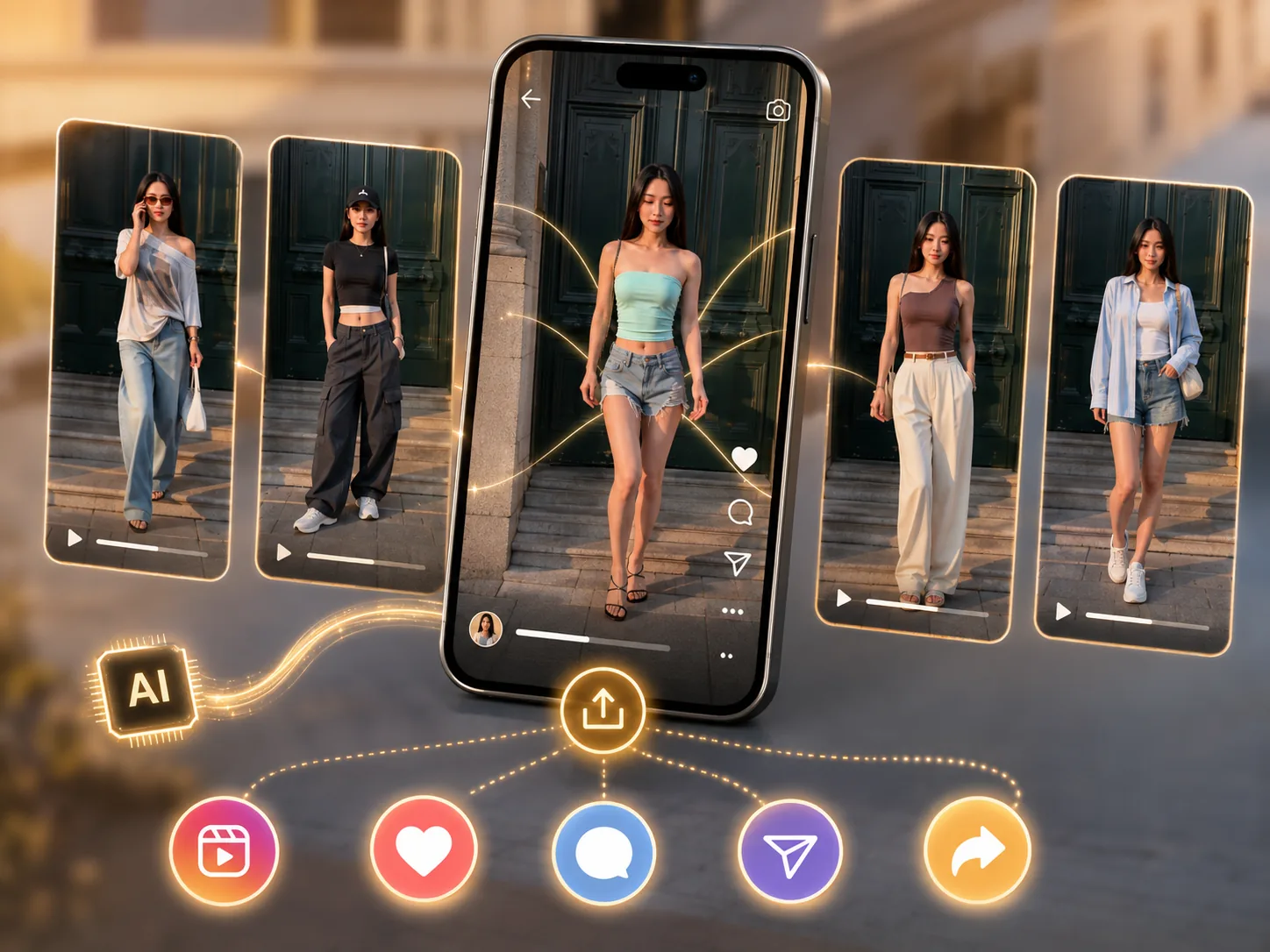
Beyond planning what to wear, AI outfit generation is also becoming a new way for fashion creators to produce content. A single outfit photo can become a series of creative fashion videos for platforms like TikTok, Instagram, and Pinterest.
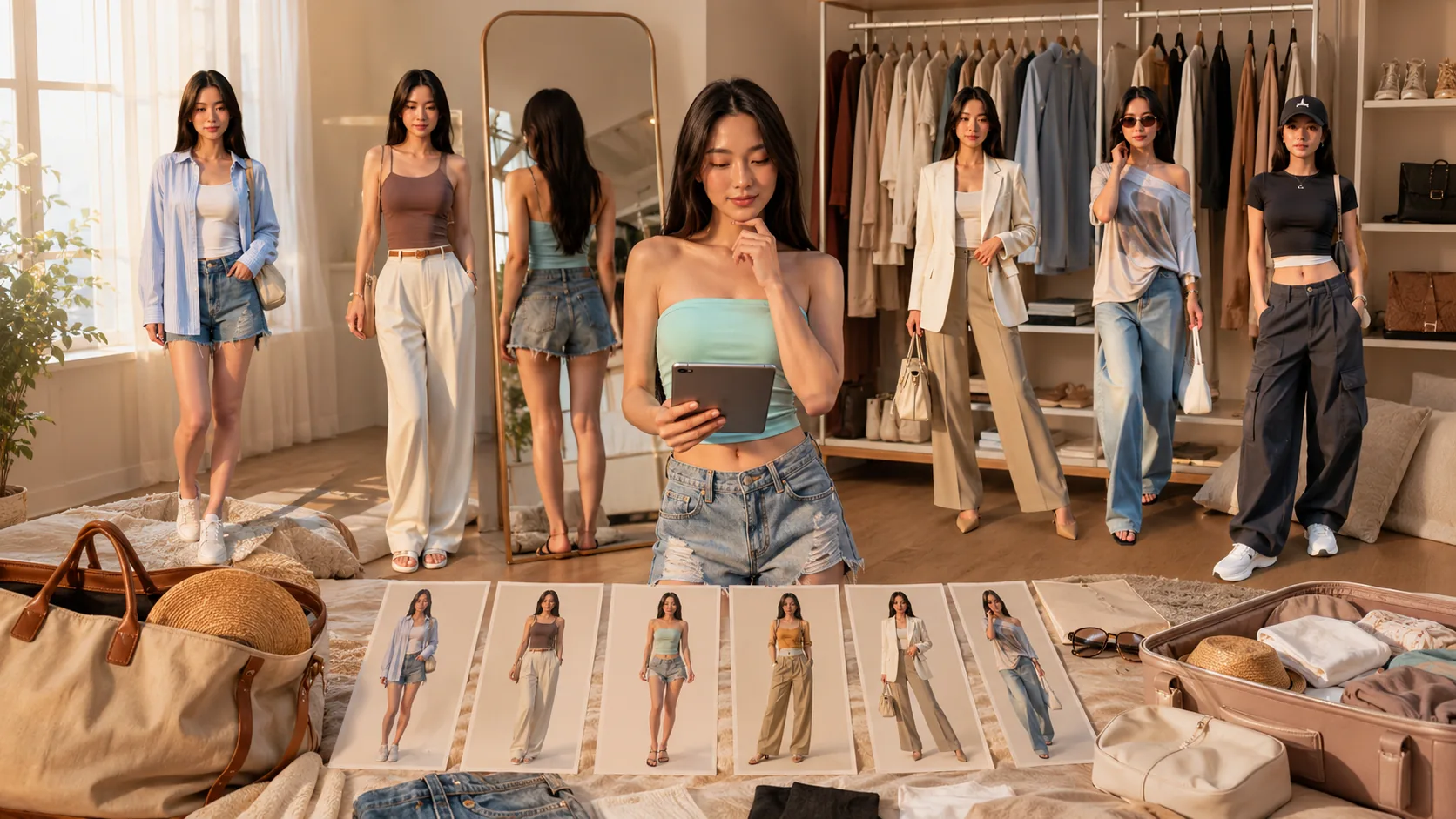
How to Create a Week of OOTD Videos with PicMa
There are two ways to create a weekly OOTD video with PicMa. If you want the fastest option, the PicMa app can generate the effect in just one tap. If you prefer more control over the result, you can also create it manually with AI video generation.
Method 1: One-Tap OOTD Generation in the PicMa App
This is the easiest option.
Download PicMa from Google Play or the App Store, find the weekly OOTD inspiration effect, and upload a clear full-body photo.
PicMa will automatically apply the preset and generate a weekly outfit video for you. No prompt writing or manual video settings are needed.
Method 2: One-Tap Generation on Desktop
You can also create your weekly OOTD video on the desktop version of PicMa Studio.
Open PicMa Studio, upload a clear full-body photo, choose the weekly OOTD inspiration effect, and let AI generate the video automatically.
No complicated editing or prompt writing is required. PicMa will create a dynamic outfit video based on your photo, allowing you to explore different looks in seconds.
Open PicMa Studio → Choose the OOTD effect → Upload your photo → Generate → Save
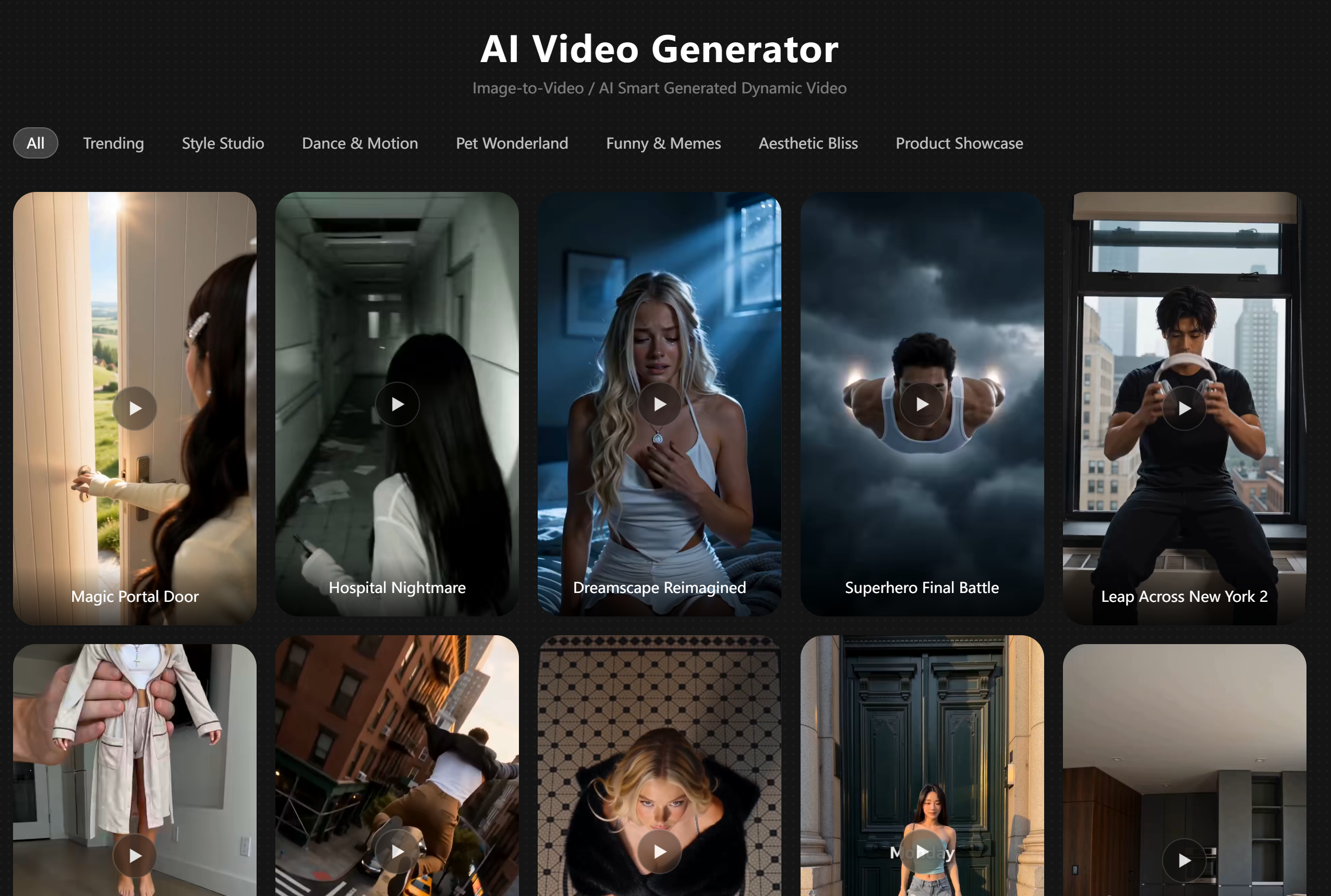
Why Use AI for Weekly Outfit Planning?
AI outfit generation is not only about creating new clothes. It helps you discover new ways to style what you already have and visualize fashion ideas before trying them in real life.
For everyday users, it can make packing for trips easier, provide inspiration when your wardrobe feels repetitive, or help you prepare outfits for different occasions.
For fashion creators, AI OOTD videos offer a faster way to create engaging content. Instead of photographing every outfit combination, one image can become multiple fashion concepts ready for social media.
How to Get Better AI Outfit Results
The quality of your original photo plays an important role in the final result. A clear image with a visible outfit, natural pose, and good lighting gives AI more details to work with.
Your prompt also affects the style of the generated video. Instead of using a general request like “change my outfit,” try adding details about the mood, season, or fashion style you want.
For example:
"Create a cozy autumn outfit collection with neutral colors and layered clothing."
More specific ideas help AI create results that feel closer to your personal style.
Ready to explore your next week of outfits?
Try PicMa Studio Image to Video and turn one photo into a week of AI fashion inspiration.


Frequently Asked Questions
Can I choose the outfit style I want?
Yes. You can select inspiration styles or add a simple prompt to guide the AI, such as streetwear, minimalist, vintage, or seasonal fashion looks.
Can I use any photo to create AI OOTD videos?
Yes. A clear everyday photo that shows your outfit and overall look can usually be used as a reference image.
Can I share AI-generated OOTD videos on social media?
Yes. Many users use AI-generated outfit videos as fashion inspiration or social media content for platforms like TikTok and Instagram.
Related Readings:

 68
68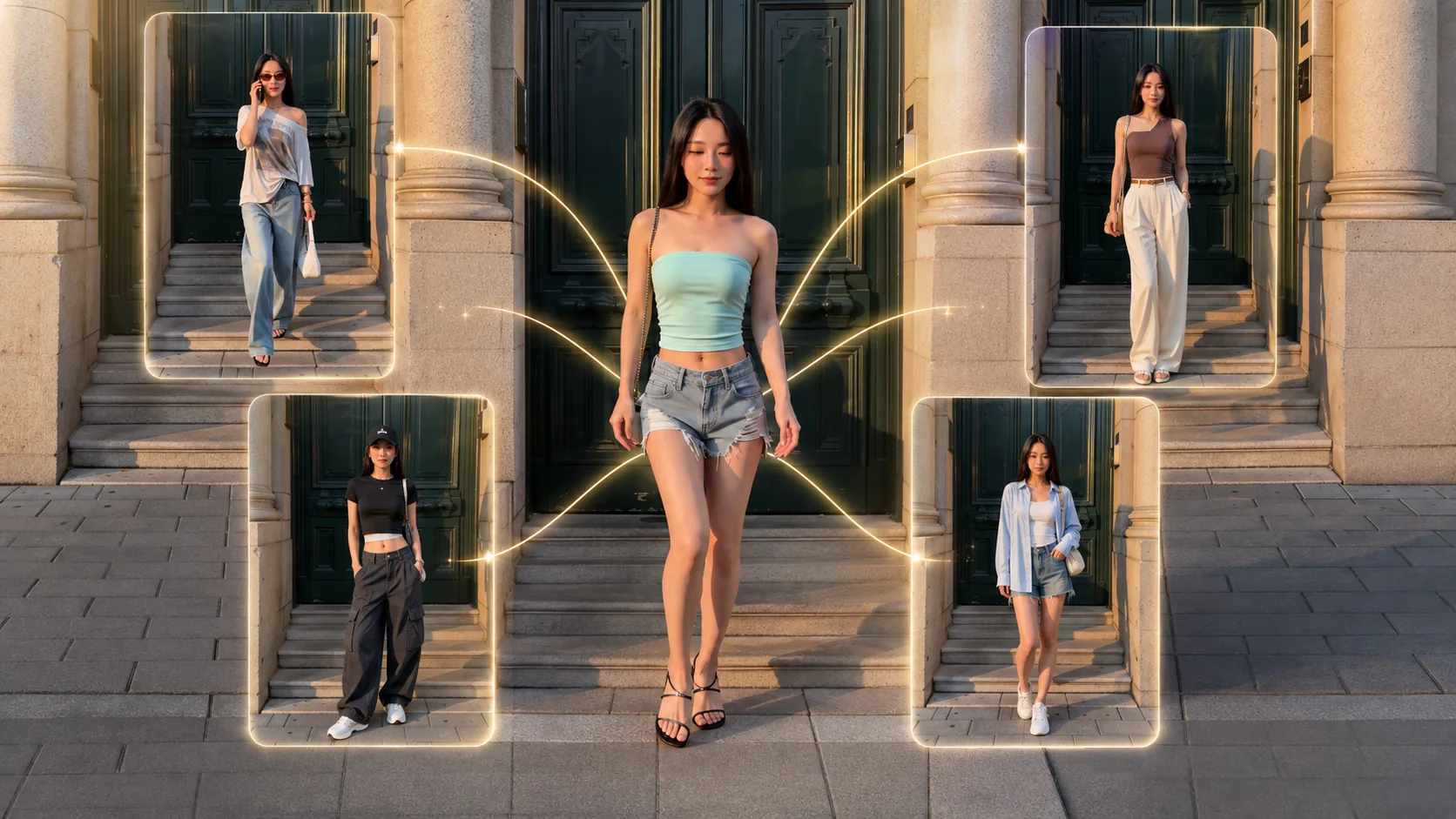

 English