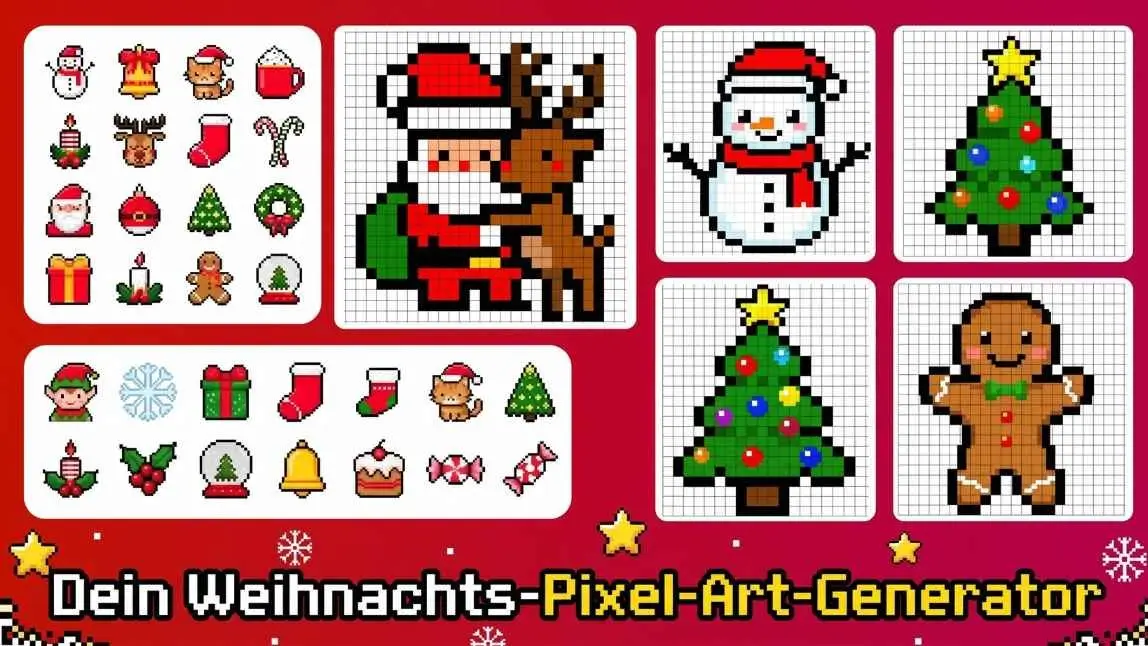
Christmas pixel art turns festive favorites like Christmas trees, Santa hats, snowflakes, and snowmen into cute, colorful illustrations made of tiny squares.
Inspired by classic video games, this retro style is perfect for Christmas stickers, greeting cards, digital decorations, and DIY crafts.
In this guide, discover 8 ways to use Christmas pixel art, simple designs to try, and how to create your own pixel-style images with PicMa Studio.
What Is Christmas Pixel Art?
Pixel art is a digital illustration style made from small colored squares arranged on a grid. It became popular through early video games and is now widely used for retro-inspired graphics.
Christmas pixel art applies this style to festive subjects such as Santa Claus, Christmas trees, reindeer, snowmen, and presents.
8 Creative Ways to Use Christmas Pixel Art
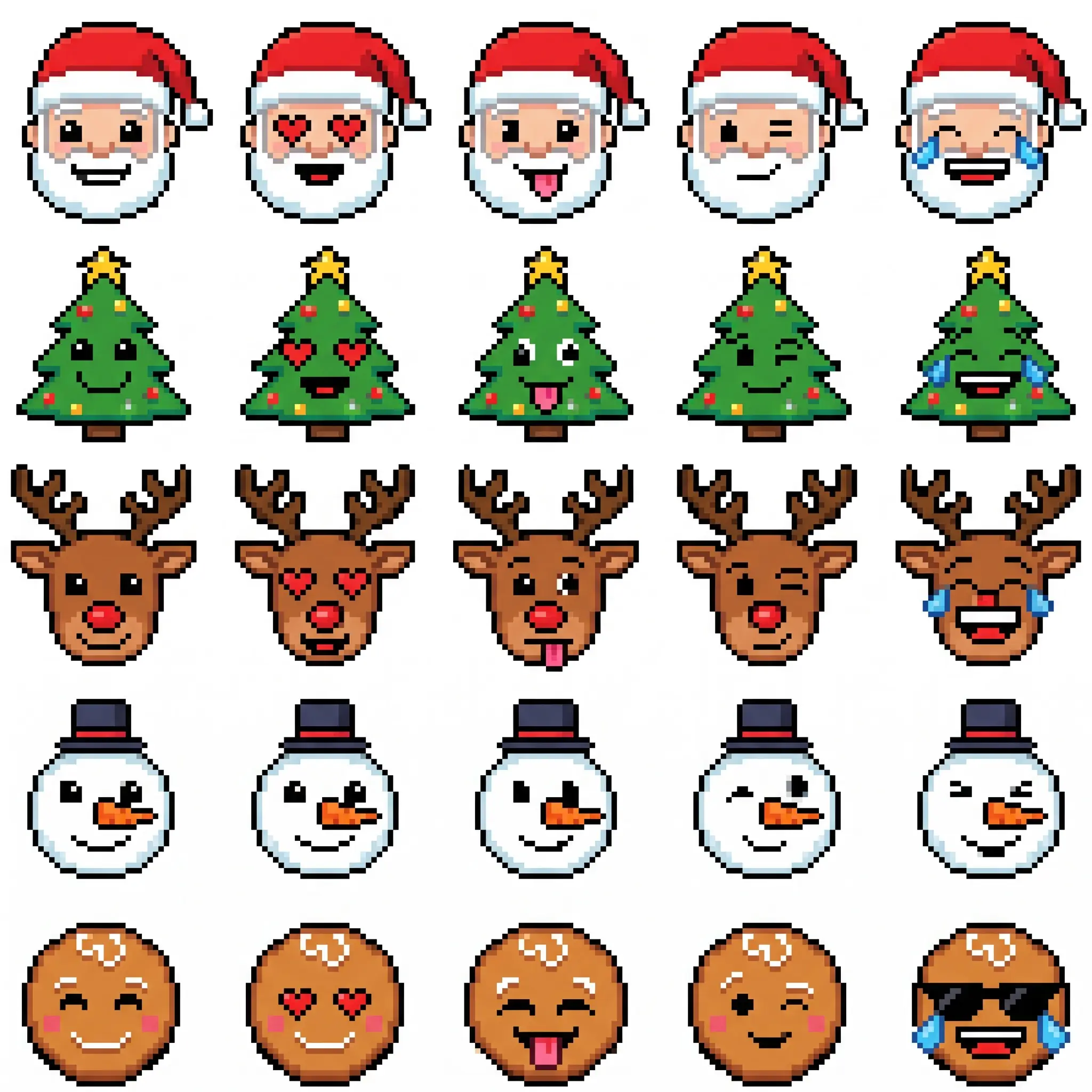
1. Christmas Emojis and Stickers for WhatsApp and Discord
Create tiny pixel versions of Santa, Christmas trees, reindeer, or snowmen as personalized emojis and stickers. They're perfect for messaging apps, Discord, and social media posts.
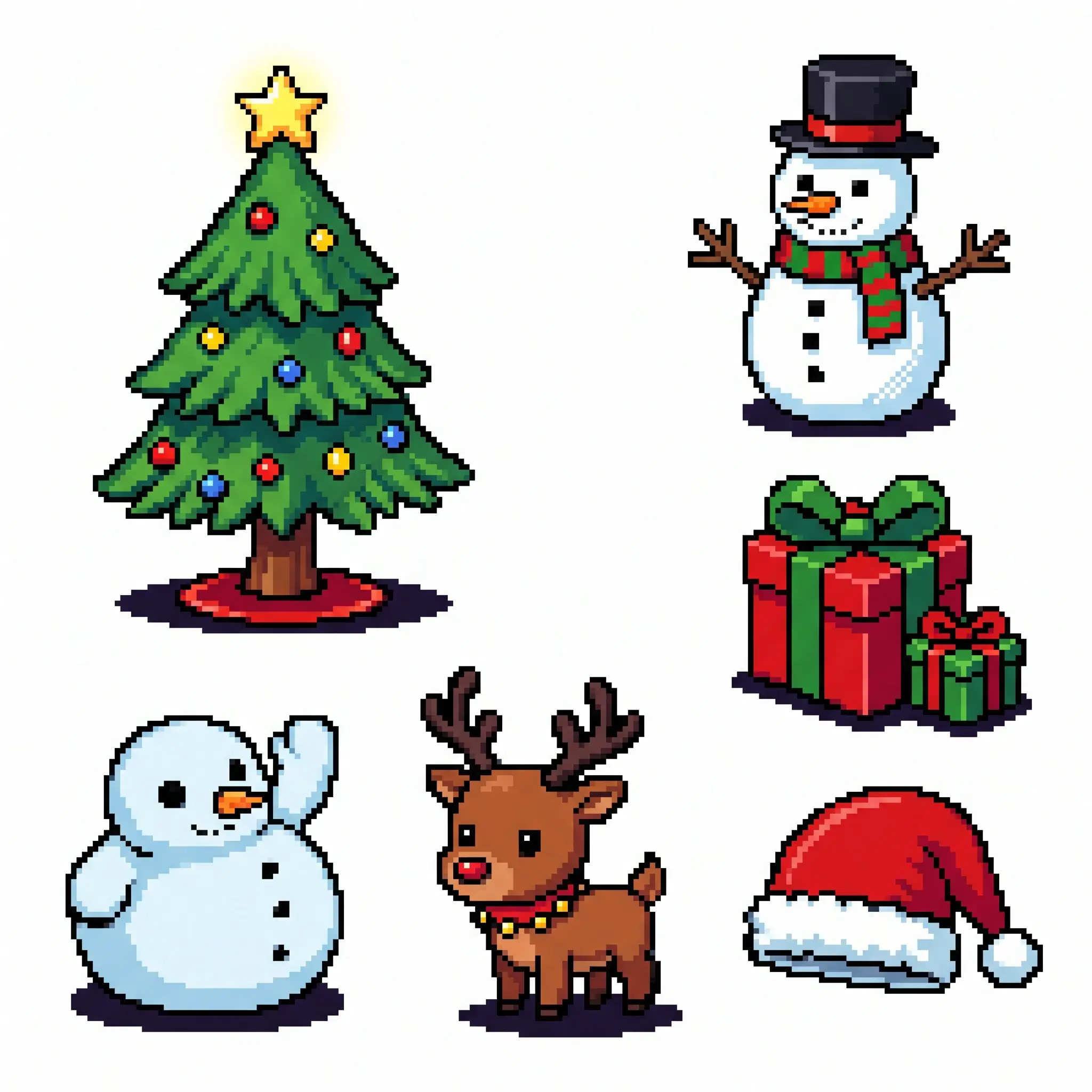
2. Digital Christmas Decorations
Use pixel-style Christmas trees, presents, snowmen, and reindeer to decorate newsletters, websites, online invitations, and holiday banners.
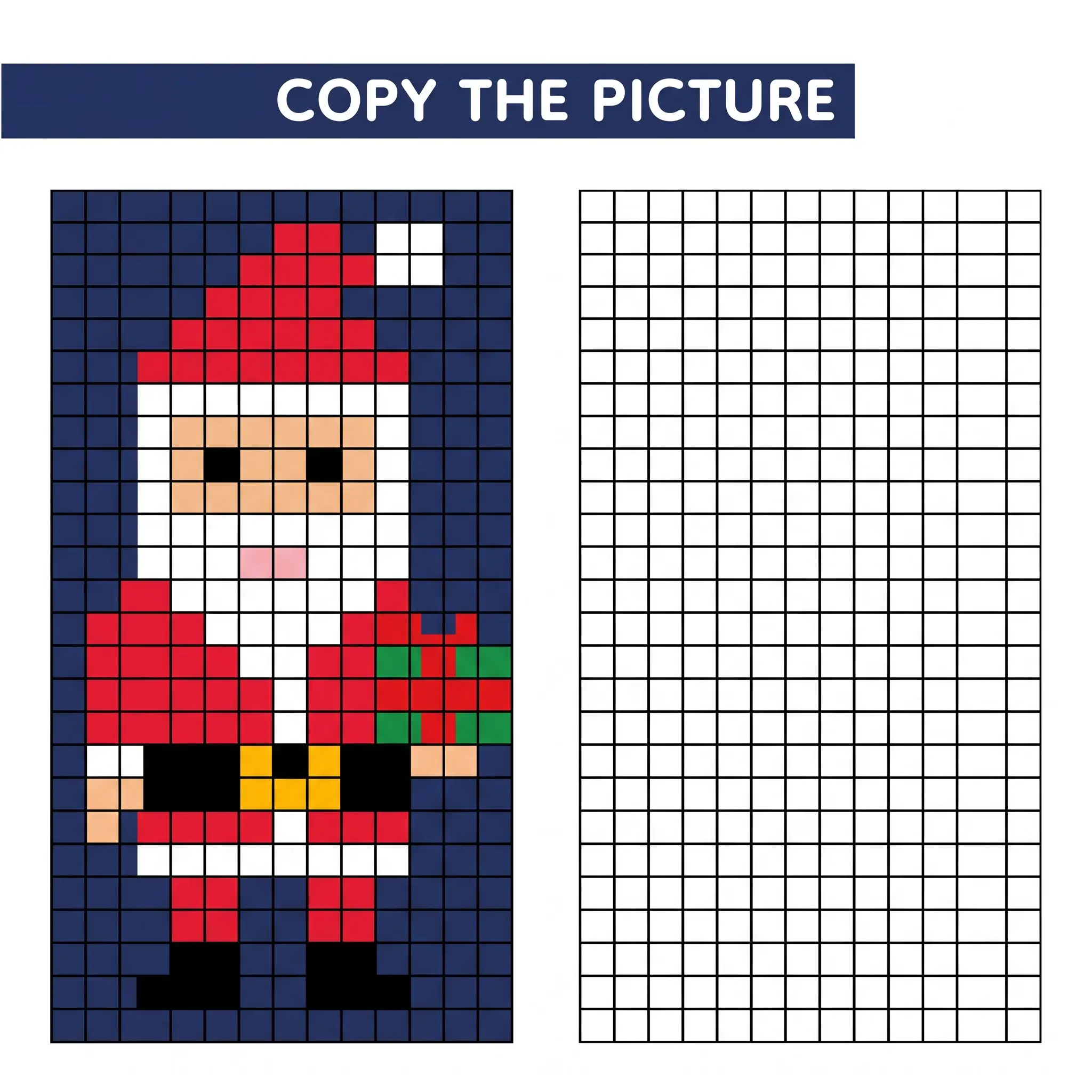
3. Christmas Coloring Pages and Activities for Kids
Pixel art can also become a fun holiday activity for children. They can recreate designs on grid paper or color individual squares according to a color guide.
Simple subjects like Christmas trees, stars, elves, and presents are great starting points.
4. Unique Christmas Greeting Cards
Give traditional Christmas cards a retro video game look. Create a pixel-art Santa, reindeer, or Christmas tree, then add a festive greeting before printing or sharing digitally.
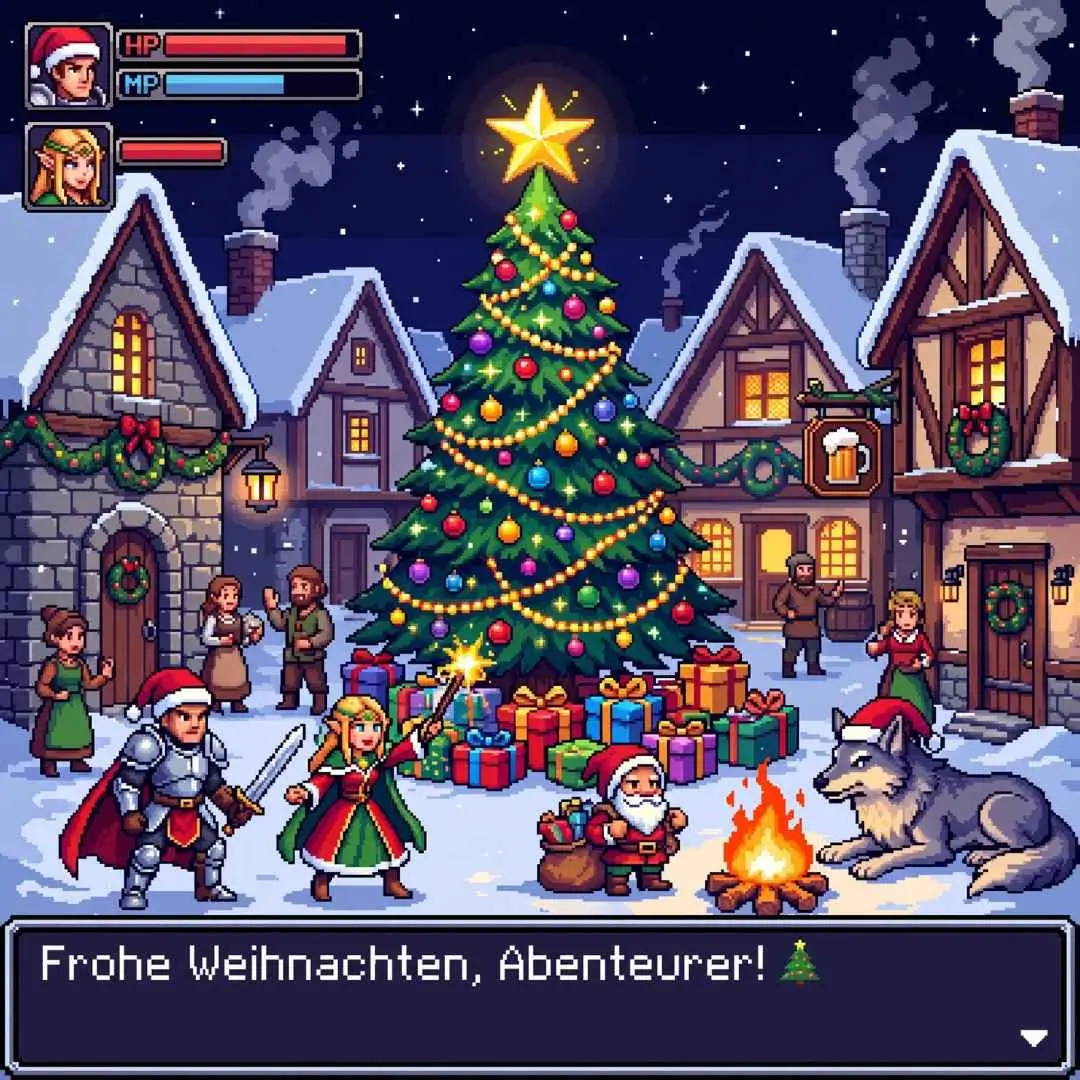
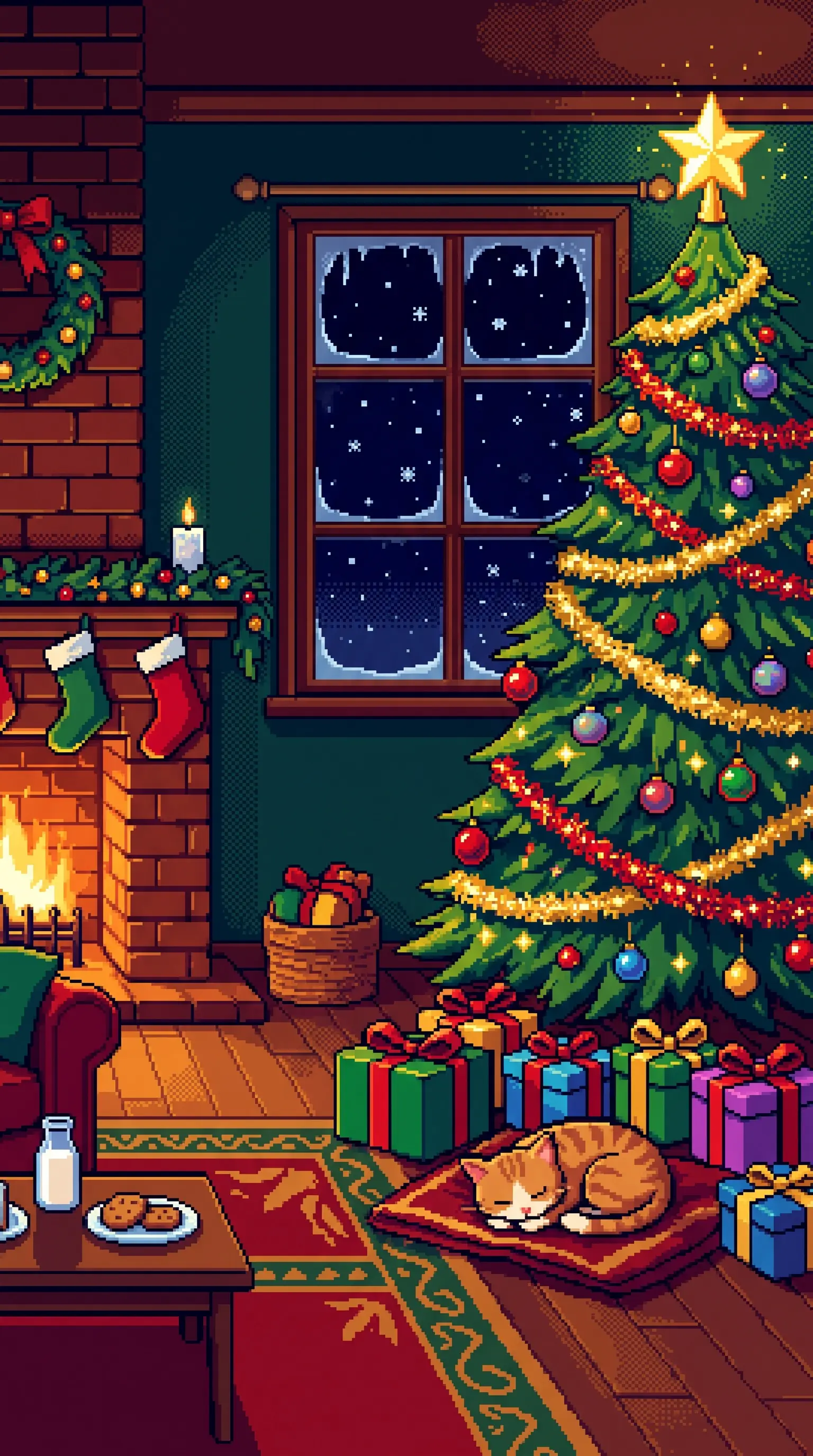
5. Christmas Phone Wallpapers
Turn a snowy 8-bit village, glowing Christmas tree, or festive pixel scene into a seasonal wallpaper.
Use a 9:16 portrait layout for phones or a 16:9 landscape layout for desktop backgrounds.
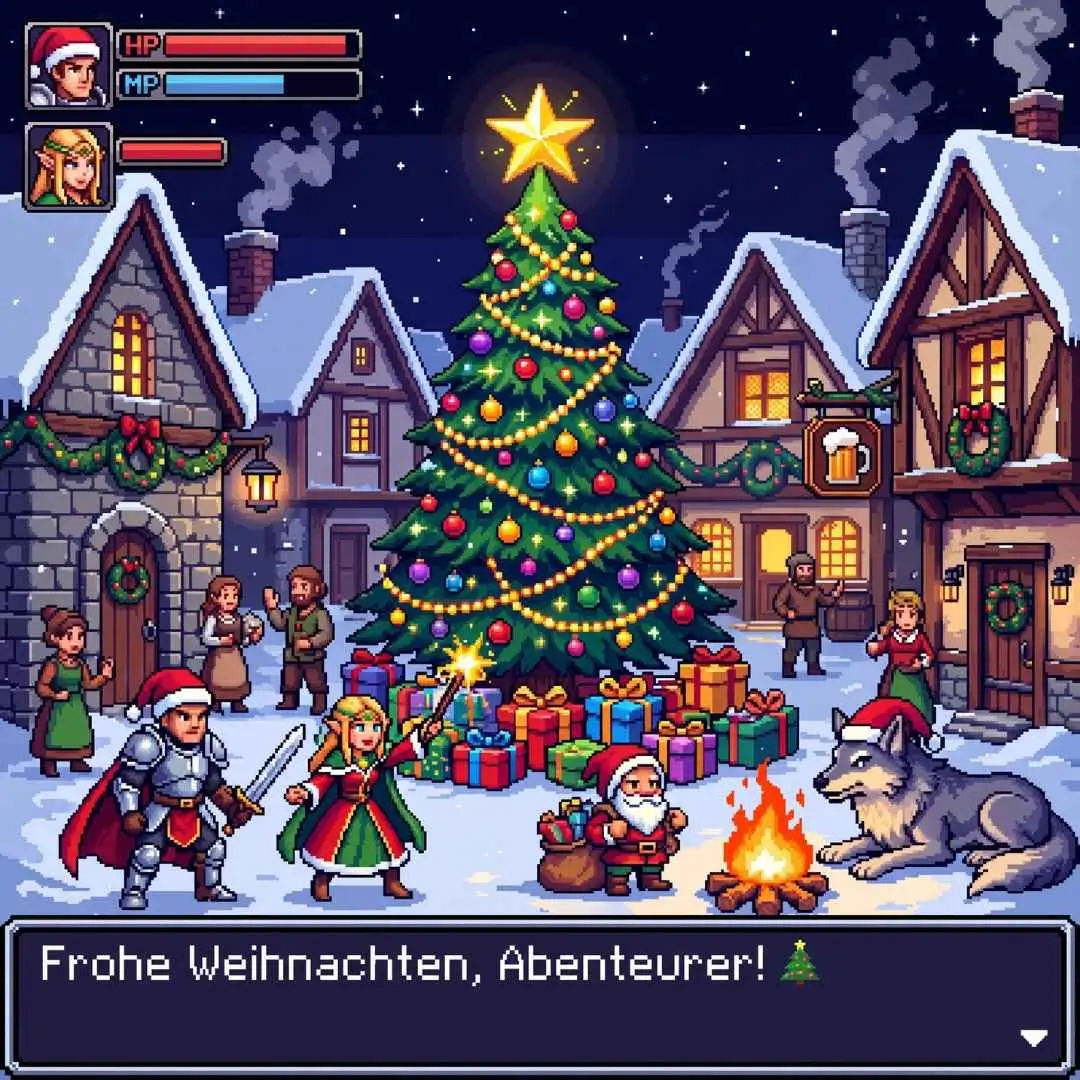
6. Sprites for Your Own Christmas Games
Pixel art is ideal for indie game characters, objects, and backgrounds. Create Christmas-themed sprites such as elves, presents, snow monsters, and festive characters.
AI-generated images can serve as starting references for further editing in a pixel-art program.
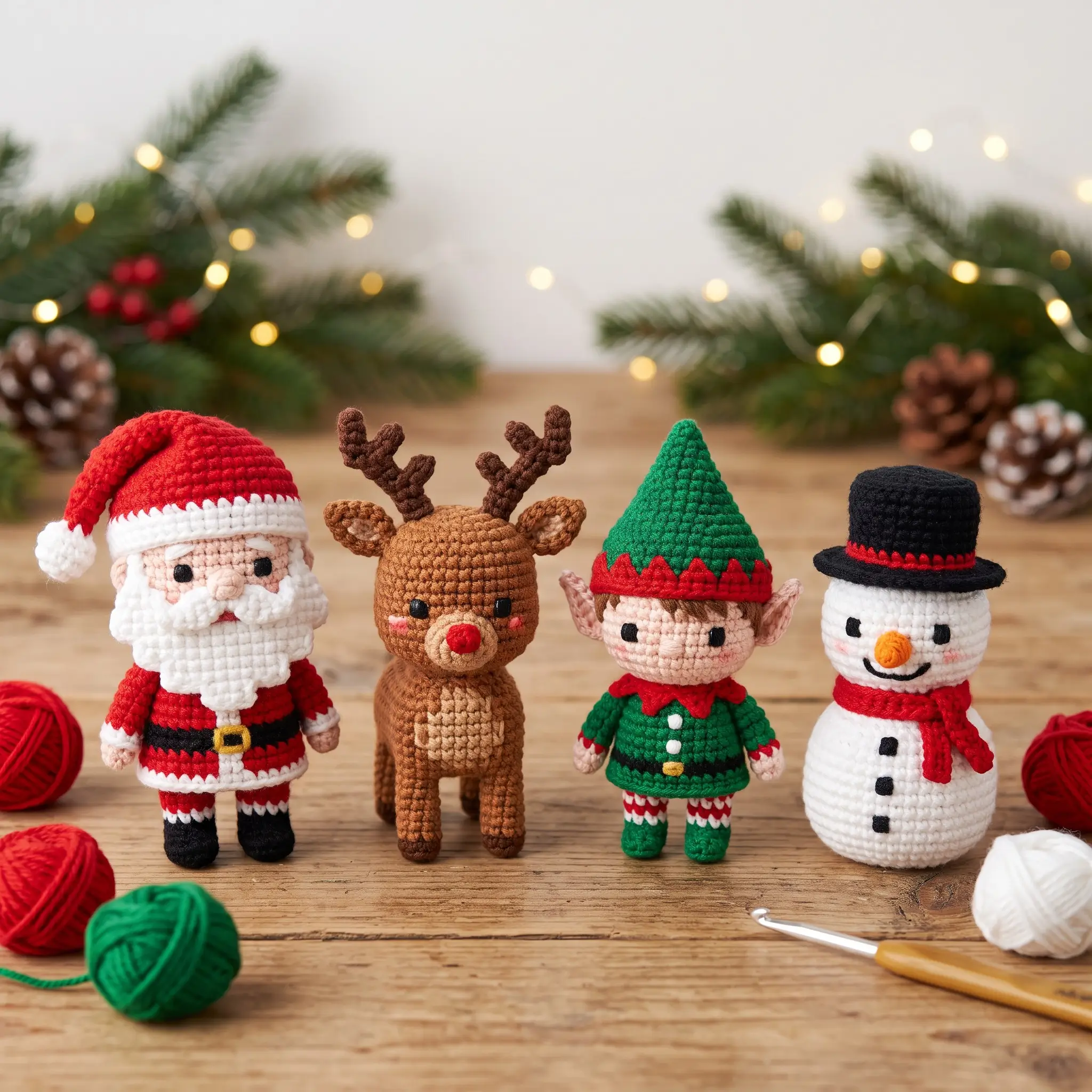
7. Christmas Crafts, Fuse Beads, and Pixel Crochet
Pixel patterns are useful for DIY projects such as fuse beads, crochet, knitting, cross-stitch, and grid-paper drawings.
Each square represents one bead, stitch, or colored section. Start with a simple 15 × 15 grid and adjust the pattern to suit your craft.
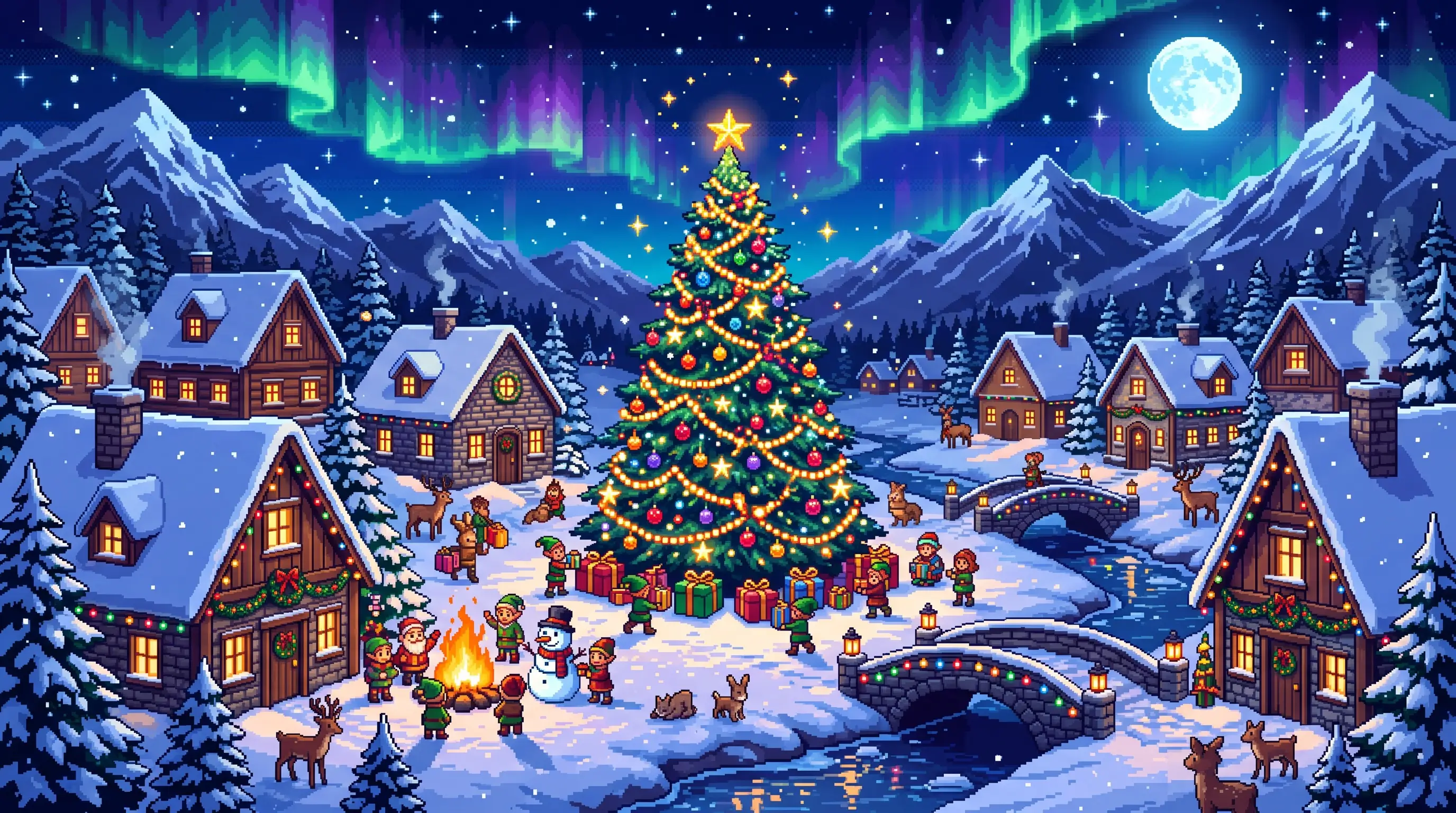
8. Social Media Posts
Pixel Christmas illustrations are colorful, recognizable, and eye-catching even at small sizes. Use them for holiday posts, festive announcements, and seasonal graphics.
8 Easy Christmas Pixel Art Ideas for Beginners
These simple designs are suitable for beginners and can be recreated on grid paper.
| Pixel Art Idea | Suggested Grid | Design |
|---|
| Christmas Tree | 10 × 10 | Green triangle, brown trunk, yellow star |
| Gift Box | 10 × 10 | Colorful square with crossed ribbon |
| Candy Cane | 10 × 10 | Red-and-white striped hook |
| Snowflake | 11 × 11 | Symmetrical white or light-blue pattern |
| Snowman | 12 × 16 | Two snowballs, hat, and scarf |
| Santa Hat | 12 × 12 | Red triangle with white pom-pom |
| Reindeer | 16 × 16 | Brown face, antlers, and red nose |
| Christmas Wreath | 16 × 16 | Green ring with a red bow |
How to Create Christmas Pixel Art with PicMa Studio
You can use PicMa Studio's AI Image Generator to create Christmas pixel-art illustrations from text prompts.
Step 1. Open PicMa Studio
Visit PicMa Studio and open the AI Image Generator.
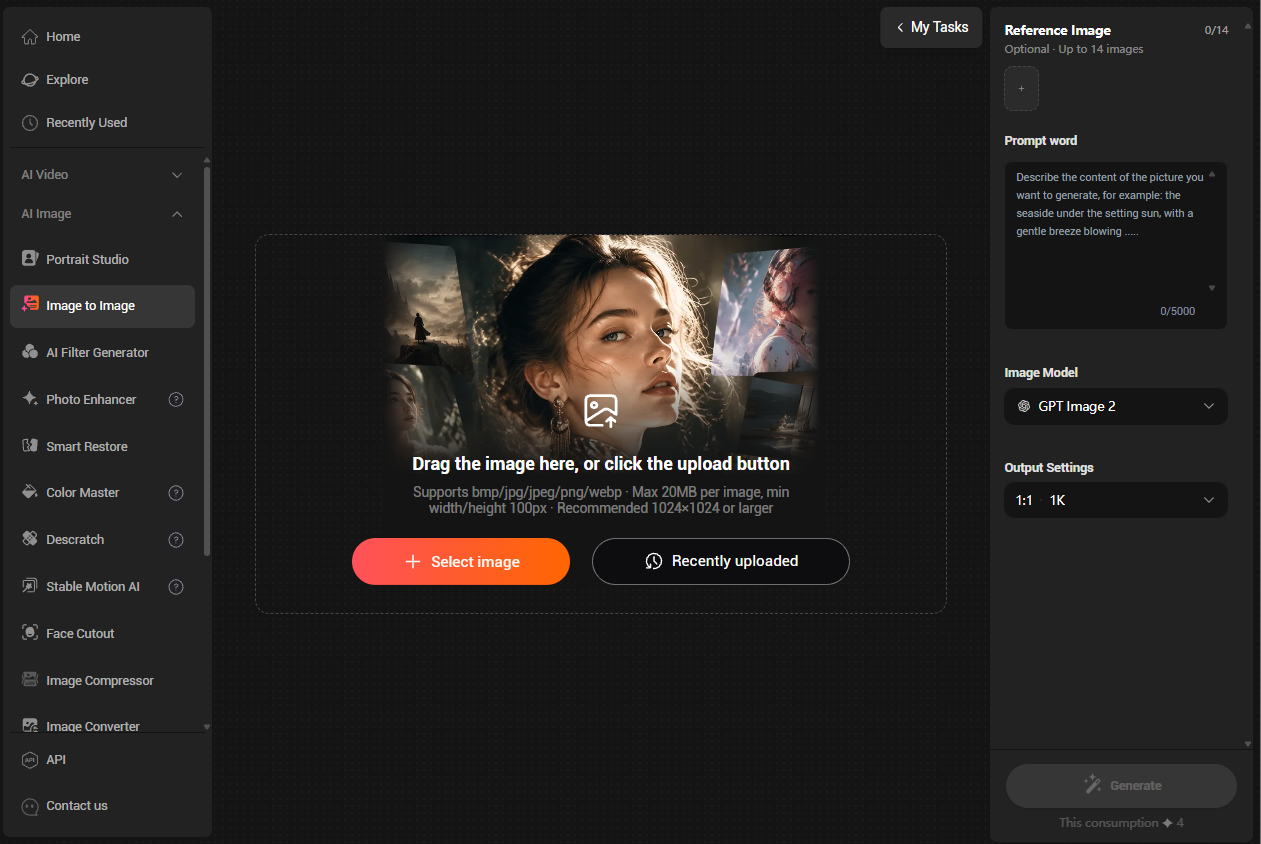
Step 2. Describe Your Design
Choose a Christmas subject, such as a snowman, Santa Claus, reindeer, or Christmas village.
Step 3. Add a Pixel Art Style
Include terms like "Pixel Art," "8-bit," "16-bit retro video game style," and "visible square pixels" in your prompt.
Step 4. Choose the Image Format
Use a square 1:1 format for individual designs or a portrait format for phone wallpapers.
Step 5. Generate and Refine
Generate your image and adjust the prompt if you want fewer details, brighter colors, or simpler shapes.
Step 6. Save and Use Your Image
Save your favorite design for digital decorations, social media, greeting cards, or craft inspiration.
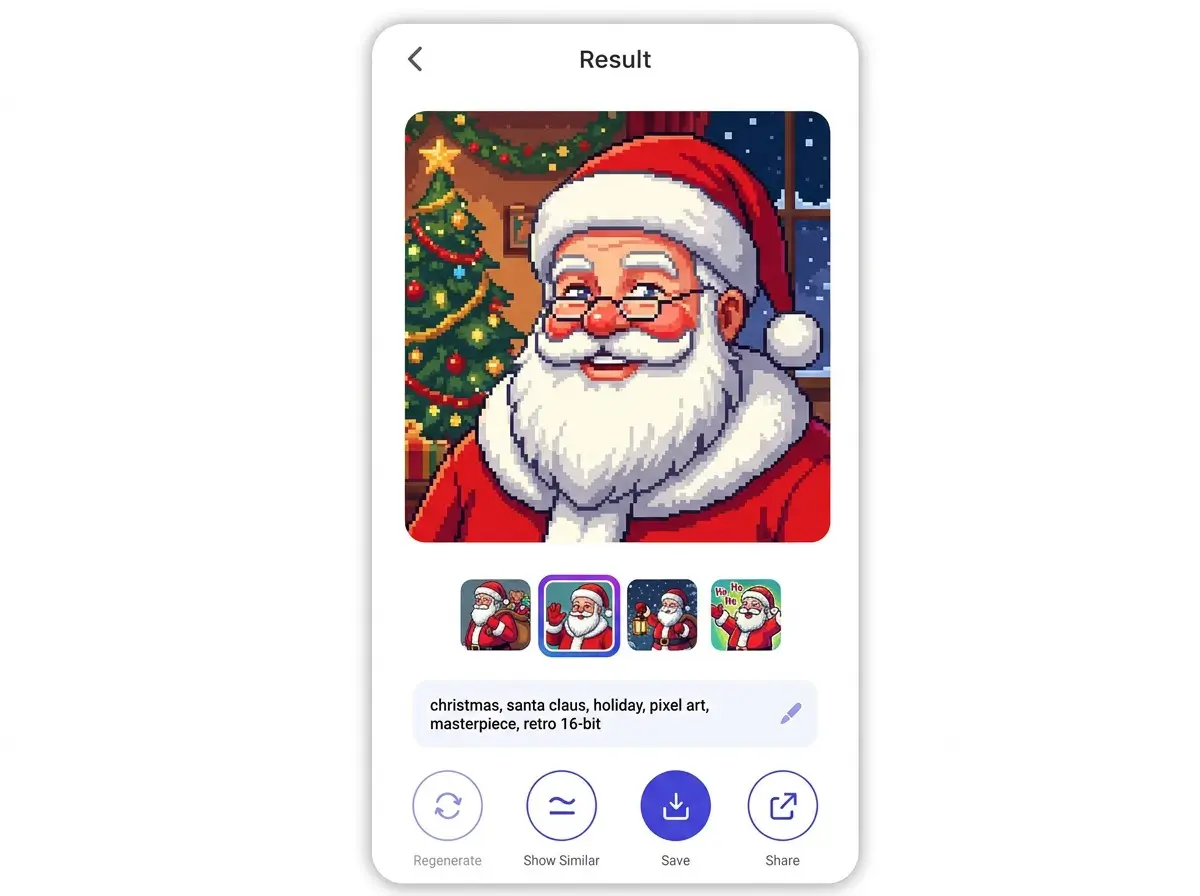
5 Christmas Pixel Art Prompts to Try
1. Christmas Tree
Pixel art Christmas tree with a yellow star, colorful ornaments, green branches, and presents underneath, 16-bit retro video game style, clean square pixels, white background.
2. Cute Snowman
Pixel art of a smiling snowman wearing a red scarf and black hat, white background, cute 8-bit style, bright colors, clear pixel edges.
3. Santa Claus
Cute pixel art Santa Claus carrying a sack of presents, classic red suit, white beard, retro video game style, simple background.
4. Christmas Reindeer
Pixel art reindeer with a bright red nose, front-facing view, limited color palette, clean outlines, charming 16-bit style.
5. Snowy Christmas Village
Pixel art snowy village at night, cozy houses with glowing windows, decorated Christmas trees, falling snow, retro 16-bit game background, portrait composition.
5 Tips for Creating Pixel Art on a Grid
If you want to recreate an AI-generated design by hand, these tips can help:
- Limit your colors: Four to six colors are enough for a simple, recognizable design.
- Start with outlines: Draw the outer shape before filling in larger color areas.
- Choose the right grid: Use 10 × 10 for simple designs and 16 × 16 to 32 × 32 for more details.
- Use color codes: Add letters or numbers to each square to make a coloring guide.
- Print on grid paper: This makes it easier to follow each pixel when drawing or crafting.
Note: AI-generated pixel art may not follow a perfectly consistent grid. For fuse beads, crochet, or cross-stitch, check and adjust the individual squares before using the design as a pattern.
Frequently Asked Questions
How do I create simple Christmas pixel art?
Start with an easy subject such as a Christmas tree, gift box, or candy cane. Use a small grid, such as 10 × 10, and a limited color palette.
What are the most popular Christmas pixel art designs?
Popular designs include Christmas trees, Santa Claus, reindeer, snowmen, presents, snowflakes, and Christmas wreaths.
Can I create Christmas pixel art with AI?
Yes. Use PicMa Studio's AI Image Generator and describe your subject with terms such as "Pixel Art," "8-bit," or "16-bit retro game style."
Can I use AI pixel art for fuse beads or crochet?
Yes, as a visual reference. However, AI images may need to be converted into a consistent grid pattern before using them for crafts.
Create Your Christmas Pixel Art with PicMa Studio
From festive stickers to retro Christmas wallpapers, pixel art offers plenty of ways to get creative. Try the prompts above with PicMa Studio and create your own holiday designs.


 2

 English