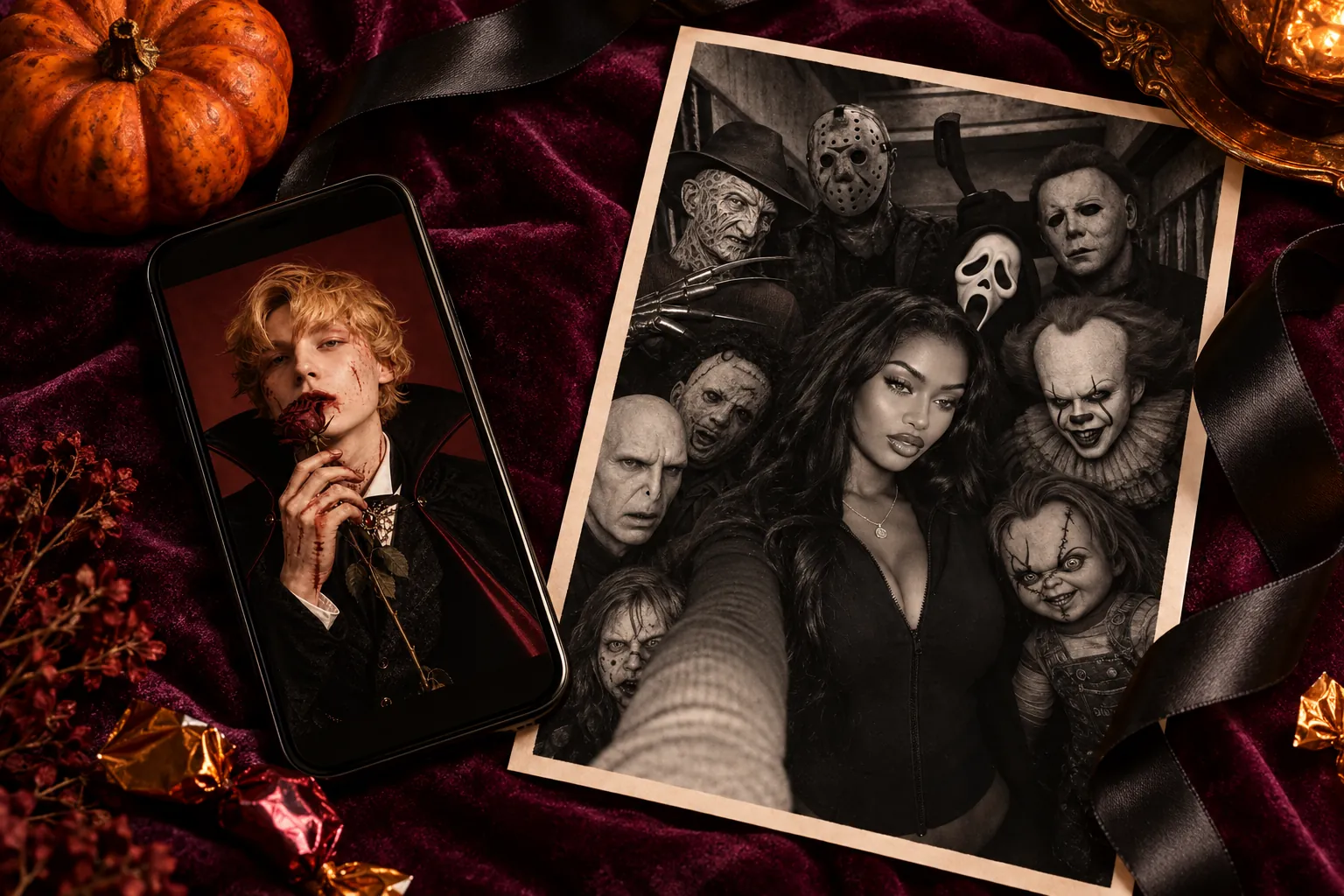
Halloween is almost here, and there’s still time to give your next post a different identity. A gothic portrait, a horror-inspired selfie, or a short clip with a magical twist can all start with a photo you already have.
PicMa’s Halloween event brings together new AI filters, seasonal video templates, and 20% off Seedance 2.5 credits. Here’s where to start if you want something worth sharing before the party begins.
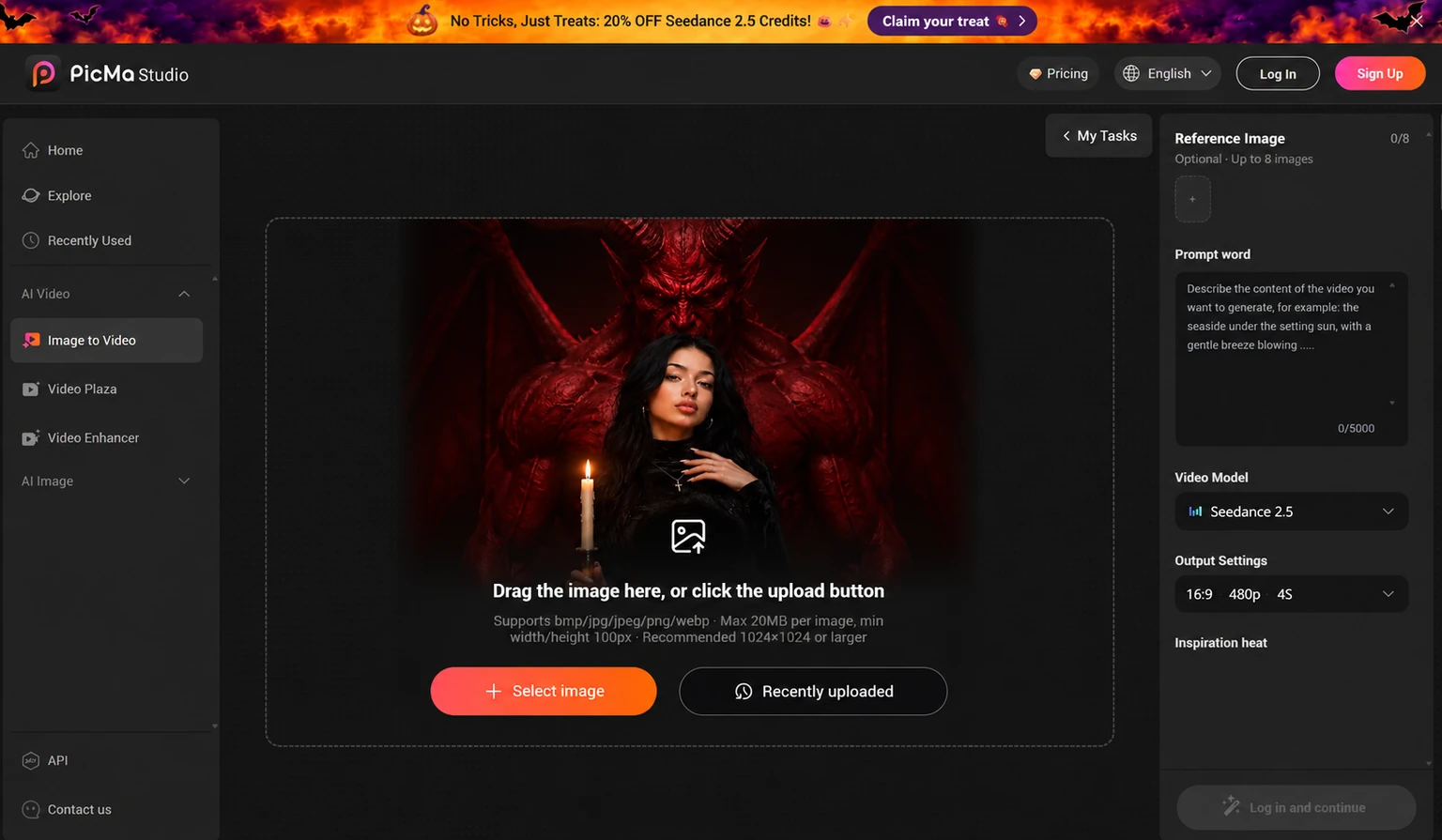
Claim Your Halloween Treat: 20% Off Seedance 2.5 Credits
Look for the orange Halloween banner and its “Claim your treat” button. If you’ve been meaning to turn a favorite image into a video, this is a good moment to explore Seedance 2.5.
Check the offer page for eligible purchases and the final price before topping up. The advertised offer is specifically for Seedance 2.5 credits.
Have a photo and a motion idea ready first. You’ll have a clearer starting point for putting those credits to use.
Bring a Halloween Image to Life with Seedance 2.5
Open Image to Video in PicMa Studio, then select Seedance 2.5 as the video model. A candlelit portrait, a dramatic cape, or a mysterious creature in the background can give your clip an atmospheric starting point.
Keep your first motion prompt focused. Try something like: “A slow camera push toward the portrait, gentle candle flicker, subtle movement in the fabric.”
Step 1: Upload your image in Image to Video.
Step 2: Choose Seedance 2.5, describe the motion, and check the output settings.
Step 3: Review the credit cost, generate, and choose your favorite result.
Start with one clear movement, then adjust your prompt after reviewing the clip. Results can vary, so treat your first generation as a creative experiment.
Find Your Halloween Look in the New AI Filters
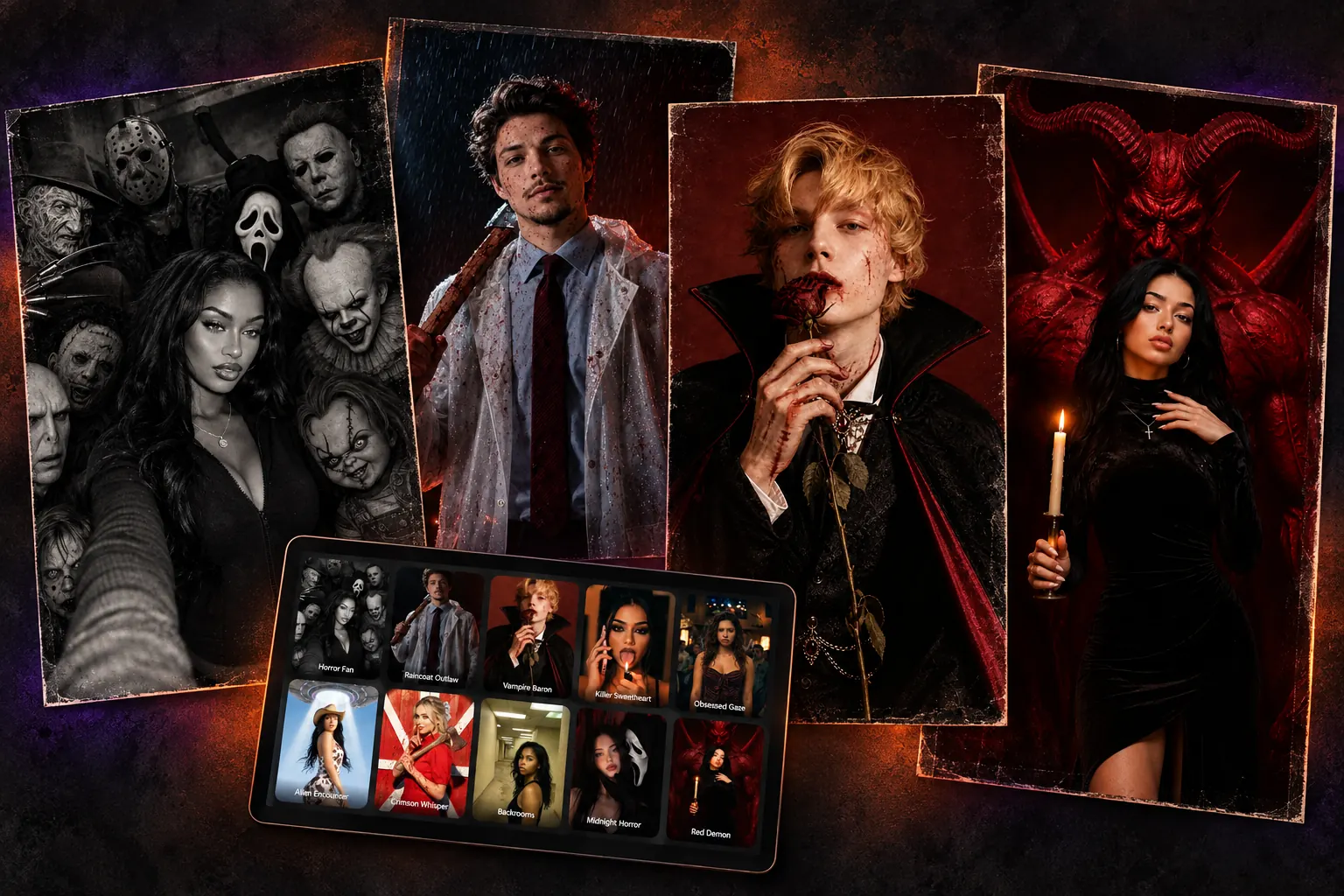
The new collection offers several ways to approach a Halloween portrait. Horror Fan brings a monochrome group-selfie mood, while Raincoat Outlaw adds a rain-soaked thriller look. Vampire Baron offers gothic costume drama, and Red Demon builds a striking fantasy scene around the portrait.
There are more directions to explore, including Killer Sweetheart, Obsessed Gaze, Alien Encounter, Crimson Whisper, Backrooms, and Midnight Horror.
Browse PicMa’s portrait styles, select a look, and upload a clear photo. Use the result for your profile—or make a favorite generated portrait the starting image for your next video.
Try Halloween Fan Swap and Magic Witch for Video Inspiration
If you’d rather begin with a ready-made concept, explore seasonal video options such as Halloween Fan Swap and Magic Witch. Watch the previews and choose the one that matches the mood you want to post.
A still portrait and a short video can work together: reveal your new look with the image, then follow it with the clip in a Story or carousel. Check faces and moving details before sharing, and label generated content as AI-created.
Ready for your Halloween transformation? Visit PicMa Studio, claim the available Seedance 2.5 offer, and try a new filter or video idea.

FAQ
Is everything on PicMa 20% off?
The banner advertises 20% off Seedance 2.5 credits. Check the offer details for eligible purchases.
Do I need a complicated video prompt?
Start simple. One subject movement or camera movement gives you a useful first experiment.
Should I try a filter or a video first?
Try a filter if you want a new look. Once you find an image you like, experiment with adding motion.

 23


 English