In e-commerce, shoppers can’t physically touch or test products before buying. Their decision often depends entirely on the photo. A cluttered or dim background can make an item appear low-quality, while a clean, professional backdrop instantly builds trust. That’s why many sellers turn to background-changing tools to ensure every product looks polished and sales-ready.
Different E-commerce Platforms, Different Photo Rules
Different platforms shape the way product photos are presented. Some rules are strict, while others are more about best practices.
- Amazon (Strict Requirements)
Amazon enforces a pure white background (RGB 255, 255, 255) for the main image. The product must cover at least 85% of the frame.
Shopify recommends clear, distraction-free product photos with consistent sizes (often 2048×2048 px).
- Instagram & Social Media (Creative Flexibility)
These platforms don’t have strict image backg round rules, but creative and branded backdrops perform better.
With PicMa, sellers can easily replace photo background to meet these needs. Switch to white for Amazon listings, choose pastel colors for a lifestyle brand, or add gradients for social media campaigns—the flexibility is endless.
Guide on PicMa Smart Background Removal
Traditional photo editing requires skill and time. Cutting out edges, cleaning shadows, and smoothing details can take hours. PicMa changes this completely. With AI-powered precision, you can remove background from photo in seconds. Even complex products like jewelry or hair accessories come out clean, with sharp outlines and no rough edges.
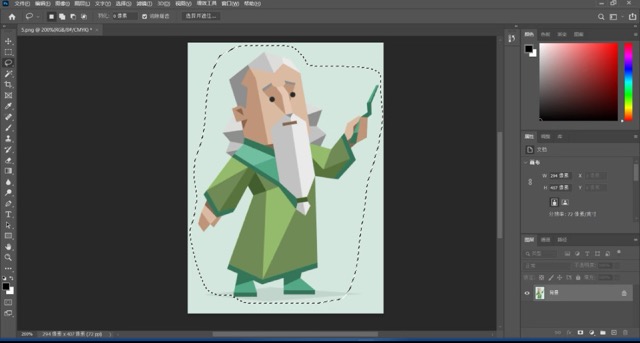
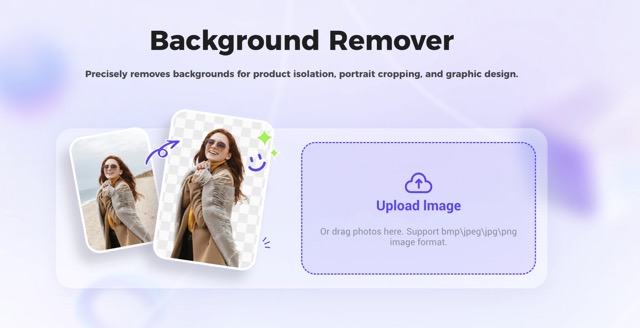
Here’s how to change a photo background with PicMa:
1.Start with the Background Remover, which automatically isolates your product in one click.
2.Import the clean cutout into the Background Generator.
3.Next, use the PicMa AI Background Generator to explore and apply the background style you want, generating a polished new image in seconds.
4.Preview and fine-tune the generated image to ensure colors, shadows, and composition match your vision.
5.Download and use your final image across e-commerce platforms, social media, or marketing campaigns instantly.

The Benefits of Creating Professional Product Images
1.Boost Customer Engagement and Visual Appeal
Clean, professional backgrounds make products stand out and boost clicks, while enhancing a brand’s visual identity.
2.Adapt to Brand and Market Changes
Automated background processing saves editing costs and enables sellers to quickly produce compliant, creative images that keep store visuals efficient and consistent.
3.Enhance Professionalism and Customer Trust
High-quality product images boost customer confidence and encourage purchases, while clear backgrounds and detailed presentation reduce doubts and improve conversion rates.
4.Save Time and Operational Costs
Automated background processing cuts editing costs and lets sellers quickly create compliant, stylish images for higher efficiency.
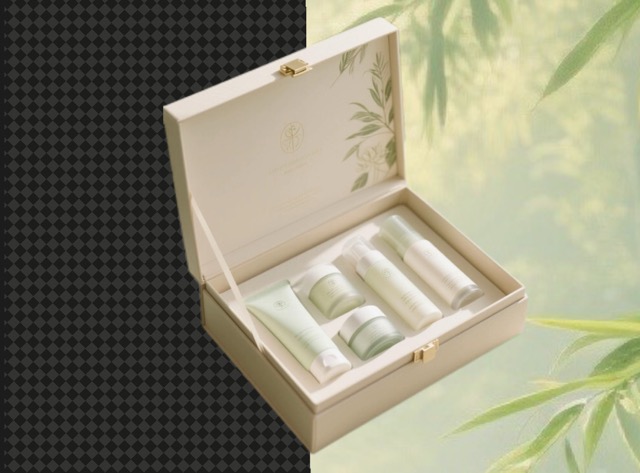
PicMa for Everyone: Beyond E-commerce
While PicMa is designed to help e-commerce sellers create polished, professional product images, its background removal and replacement tools are useful for a wider audience.Bloggers and social media creators can quickly create eye-catching images, teachers and educators can prepare clear visuals for presentations, and hobbyists or artists can design unique graphics for personal projects. PicMa makes professional-looking images accessible to everyone, regardless of technical experience.

Ready to elevate your visuals and create professional-quality images in seconds? Whether you’re selling online or working on creative projects, PicMa makes it easy to remove background from photo, change background in photo, and replace photo background effortlessly. Try PicMa today and see how simple it is to transform ordinary images into polished, eye-catching visuals that stand out.

 226
226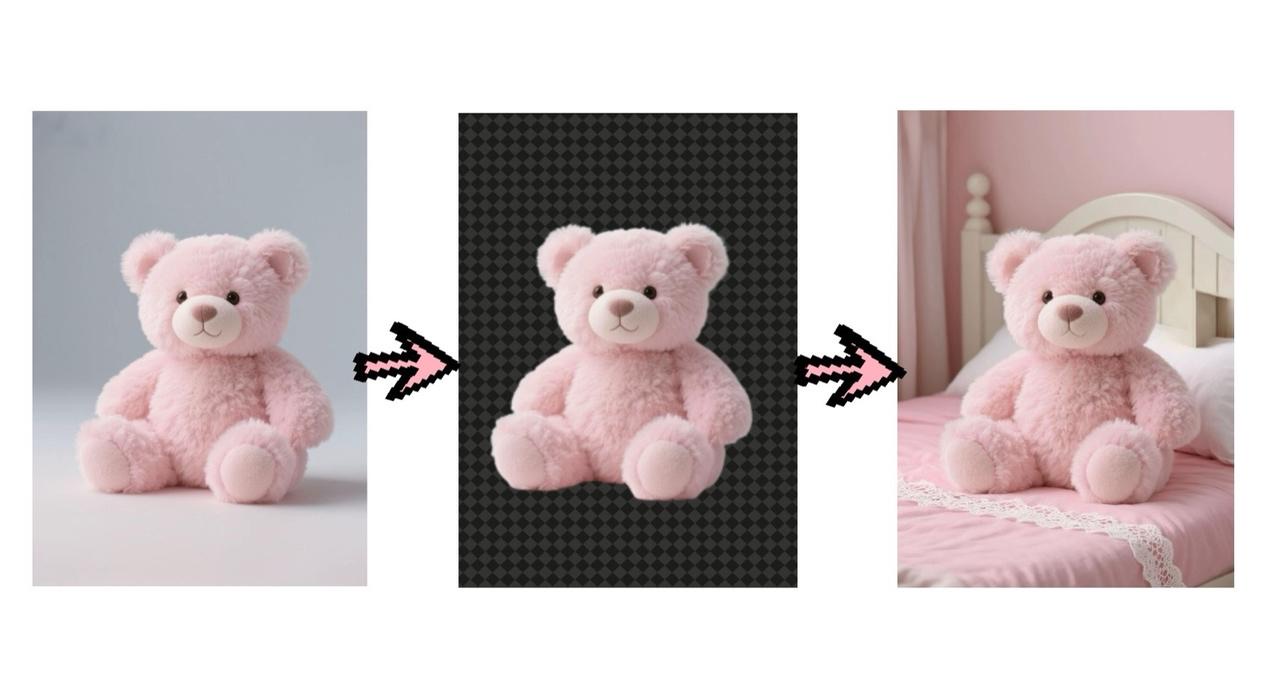

 English