Winter is more than just a season; it’s a mood. But let’s be real—capturing that perfect "Beauty and the Beast" aesthetic or a high-fashion shot with a wild wolf in the snow isn’t exactly a weekend project for most of us. Between the freezing temperatures and the logistical challenge of finding a friendly moose, professional winter wildlife photography is usually out of reach.
That is, until you try PicMa.
Instead of booking a flight to the Arctic, you can now create high-end, dreamy winter animal portraits with just one tap. Whether you want to pose with a majestic elk, a sleek wolf, or even a mythical dragon, here is how to nail that winter aesthetic without ever leaving your couch.
Beyond the Selfie: Your Winter Wonderland Guest List
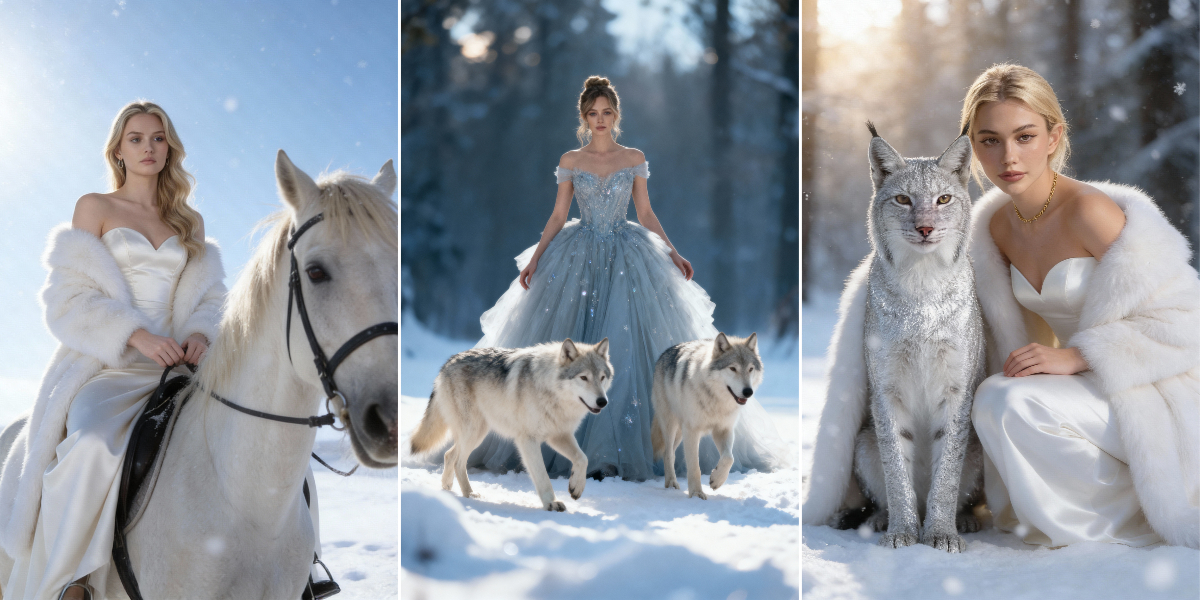
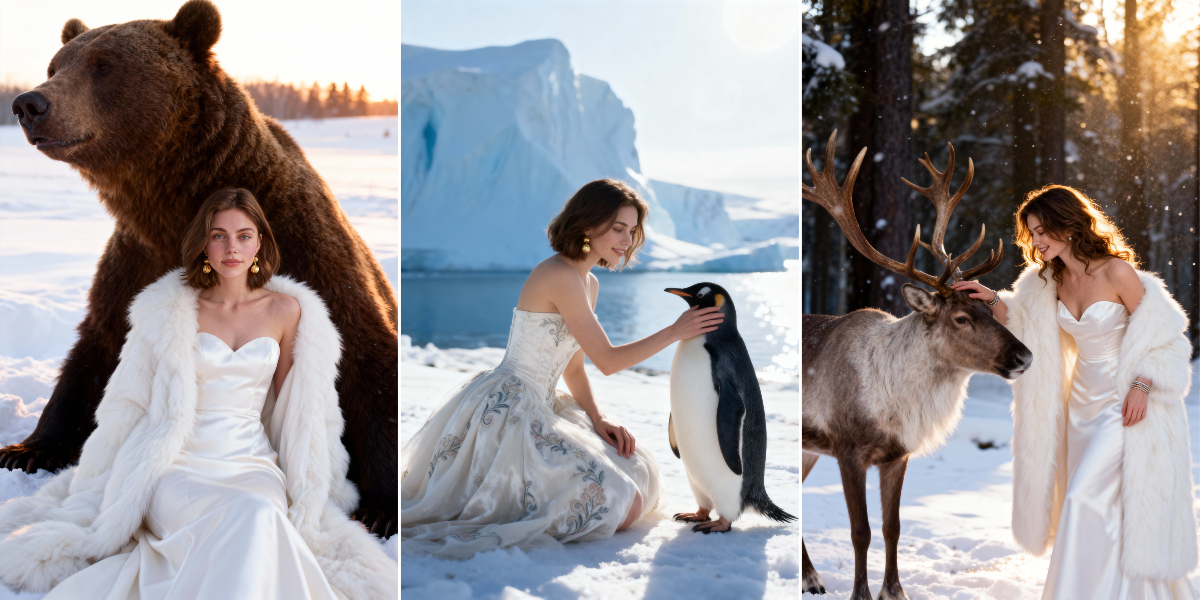
Imagine a photo of yourself, but instead of a messy room background, you’re standing in a soft, snowy forest. To your left? A silver-maned wolf. To your right? A reindeer with antlers kissed by frost.
With PicMa’s AI-powered winter themes, you can "collaborate" with animals that are usually impossible to get close to:
- The Northern Icons: Reindeer, Penguins, and Bears.
- The Forest Shadows: Deep-woods Wolves and elusive Lynx.
- The Pure Dream: Elegant White Horses running through the snow.
3 Simple Steps to Your Winter Portrait
We’ve skipped the complex prompts and manual masking. To get a gallery-quality result, all you need is one clear, front-facing photo of yourself.
- Open PicMa & Pick Your Vibe: Head to Photo Studio, look for the "Winter Tales" templates.
- Upload Your Photo: Choose a well-lit, front-facing selfie. The AI needs to see your features clearly to blend you seamlessly into the snowy landscape.
- Generate & Save: Let the AI handle the lighting, the fur textures, and the snowflakes. In seconds, you’ll have a professional-grade portrait ready for the 'gram.
Level Up: The "Beauty and the Beast" Video
If a static photo isn't enough to tell your story, it’s time to visit the AI Video Zone.
For those who want something truly legendary, we’ve added a special "Beauty and the Beast" inspired template. This isn't just about fluffy animals—this is where you can unlock a cinematic video of you alongside a massive, ice-breathing Dragon.
The AI doesn't just paste you into a video; it animates your expression and matches the dramatic, cinematic lighting of a fantasy blockbuster. It’s the ultimate way to bring your winter fairy tale to life.
Frequently Asked Questions
How do I get the best results for an AI winter portrait?
For the most realistic blend, use a high-quality, front-facing photo with natural lighting. Avoid wearing hats or sunglasses in your base photo so the AI can accurately map your features into the snowy scene.
Can I choose which animal appears in my photo?
Yes! Within the PicMa app, you can select specific templates featuring different wildlife, such as a majestic wolf, a white horse, or a lynx, allowing you to customize your winter aesthetic.
Is it possible to create a video with these animals?
Absolutely. You can directly turn photo into a video when the photo is generated by clicking HD video in the interface.
Do I need professional photography skills to use PicMa?
Not at all. The app is designed for "one-click" use. Our AI handles the complex lighting, snow effects, and animal integration—you just provide the selfie.
Is my uploaded photo kept private?
User privacy is a priority. Your uploaded photo is used solely for the AI generation process and is handled according to our secure data protection policies.
Ready to start your winter adventure? Download PicMa today and see which wild companion chooses you first.


Related Readings:

 153
153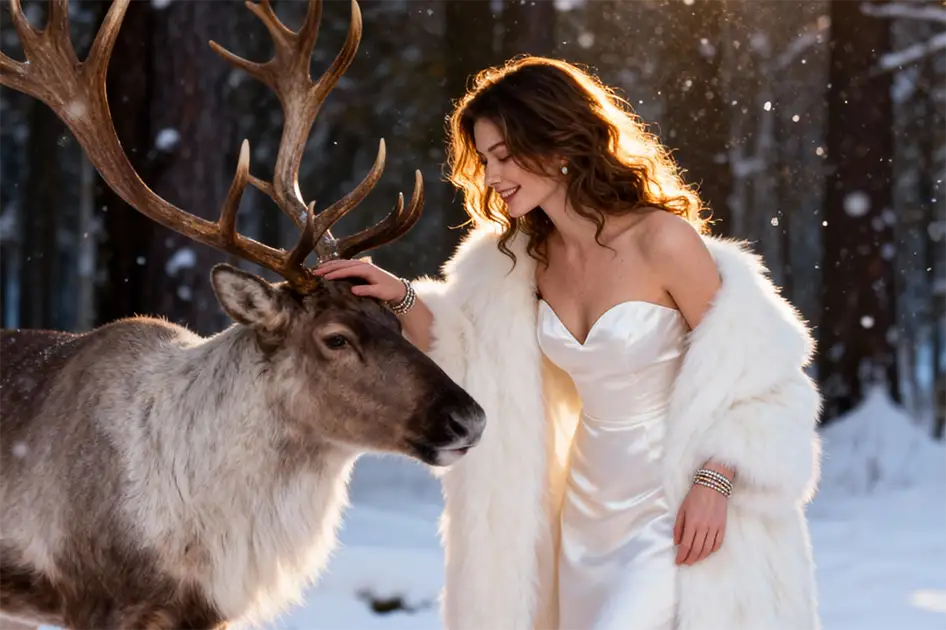

 English