The e-commerce landscape in 2026 is more competitive than ever. For sellers of fashion and jewelry, the message from the market is clear: content is king, but production is a bottleneck. High-quality model photography, once a non-negotiable expense for brands, often eats into already thin profit margins. For smaller sellers, it can feel like an impossible barrier to entry.
At PicMa Studio, we believe that creating stunning commercial content should not require a full production crew. Today, we are thrilled to announce a significant leap forward in our mission to democratize visual content creation. We are officially launching Virtual Model and Accessory Try-On features on the PicMa Studio web platform, which is powered by Nano Banana 2.
This launch marks a pivotal step in our 2026 roadmap to deeply integrate with the AI e-commerce sector. We are not just launching tools; we are providing a solution to liberate e-commerce labor, making professional-grade model photography for clothing and jewelry as easy as a few clicks.
Virtual Model: Instantly Dress Any Model, Anywhere
Imagine being able to visualize any garment on any model, in any setting, without scheduling a single photoshoot. That is the reality with PicMa Studio's new Virtual Model feature. This tool is designed to obliterate the traditional costs and timelines associated with apparel photography.
For e-commerce businesses, this is a direct route to drastically lower operational costs. You can produce lookbooks for multiple sizes and demographics without paying per-hour model rates or studio rental fees .
For the everyday user, it is the ultimate tool for "try-before-you-buy." Worried if that T-stage look or that celebrity-inspired gown will suit your body type? Upload your own photo, use it as the model template, and see how the outfit looks on you—all from the comfort of your couch. No more buyer"s remorse over fit and style.
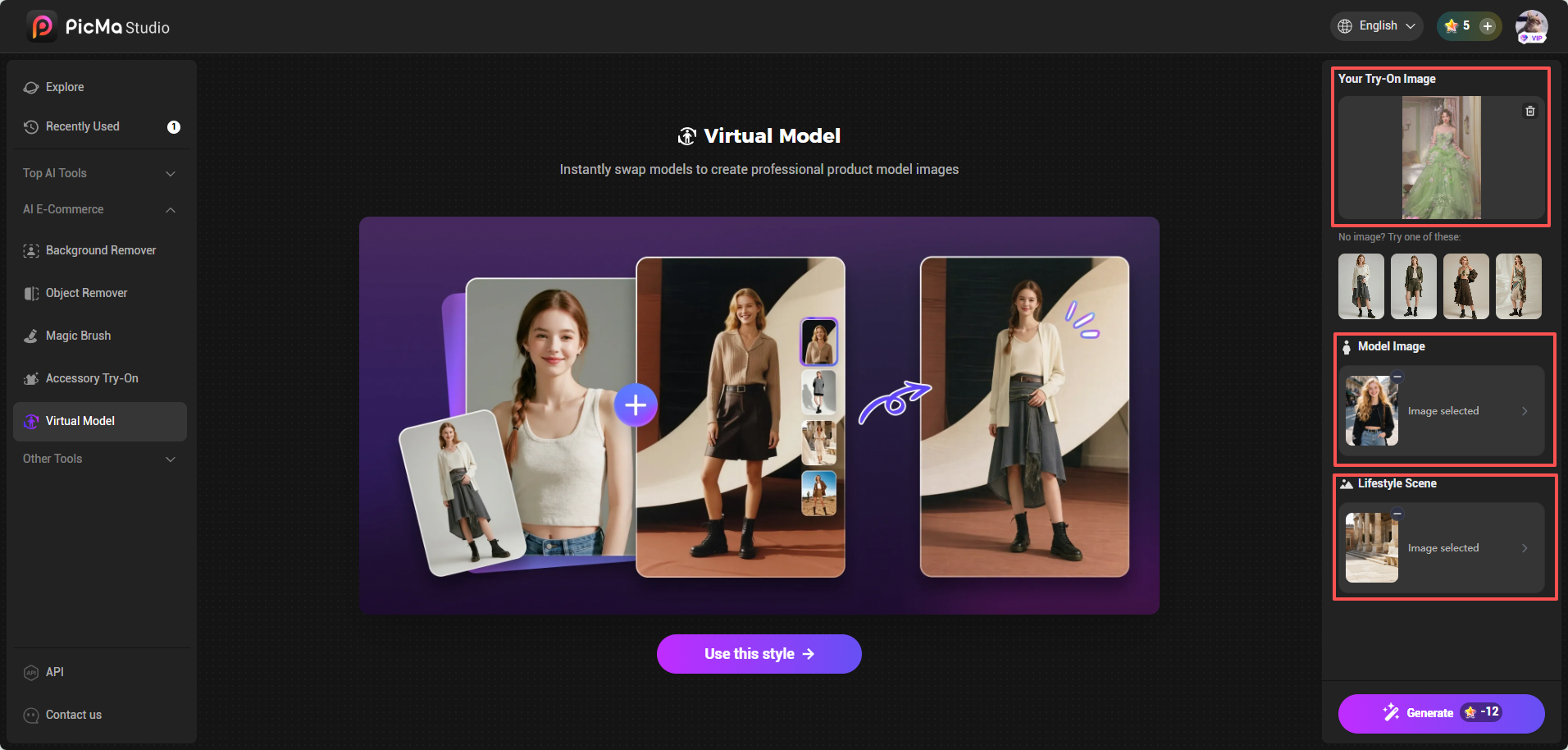
How to Change Clothes with Nana Banana 2
- Your Product, Your Vision: Start by visiting Virtual Model feature page, and uploading the image of the clothing you want to showcase.
- Cast Your Digital Model: Choose a diverse range of AI-generated models from our diverse template library, or upload a photo of a specific model you wish to use digitally.
- Set the Scene: Select a lifestyle background from our templates, or upload your own custom scene to maintain brand consistency.
- Generate: Click the button, and within seconds, you have a hyper-realistic image of the model wearing your garment in your chosen environment.
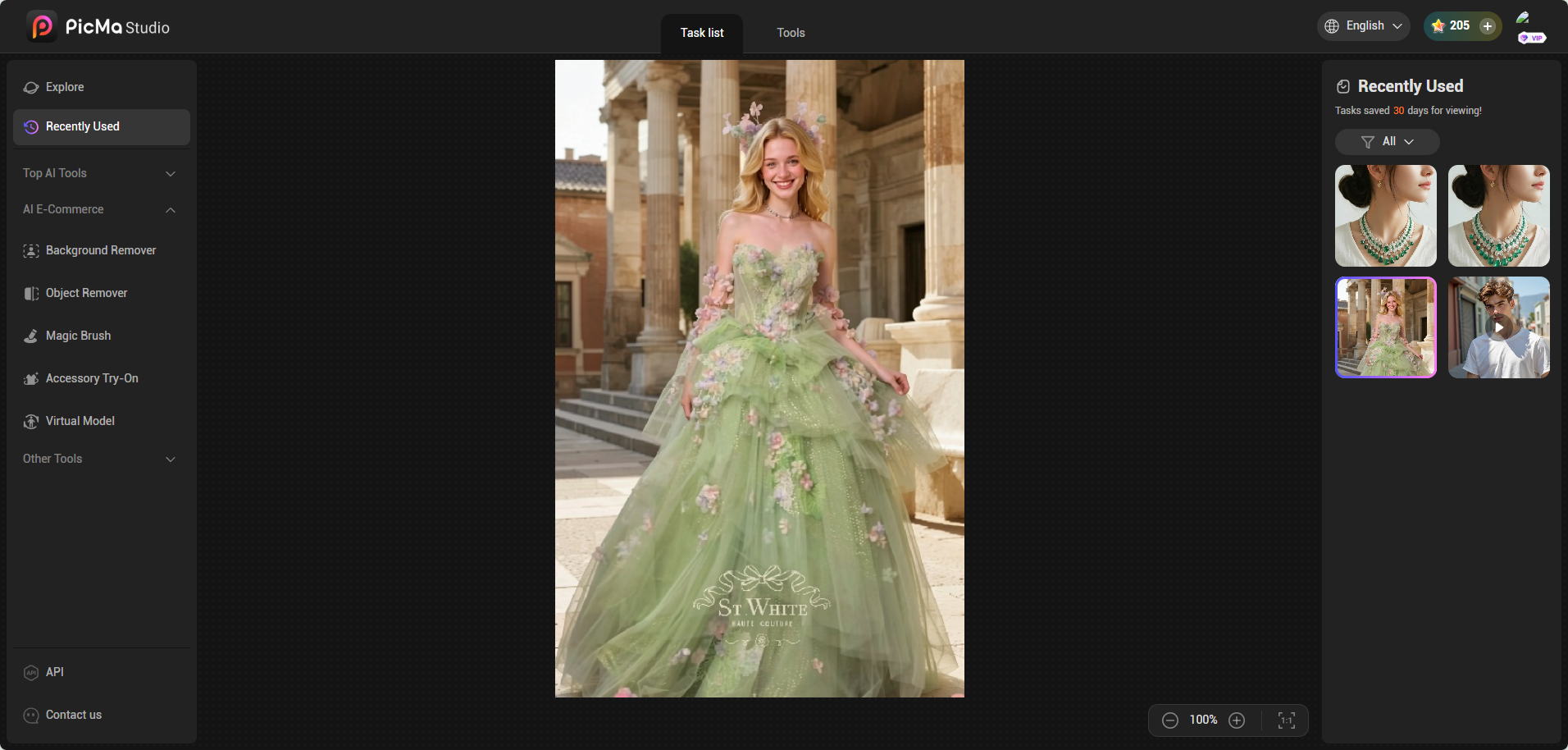
Accessory Try-On: Redefining Jewelry Display
While apparel sets the style, accessories define the statement. However, jewelry photography is notoriously difficult. Details get lost, and scale is hard to convey. PicMa Studio’s new Accessory Try-On feature solves this by providing context and realism.
Accessory brands can now present their products in a far more realistic and engaging way by showing how pieces actually look when worn, rather than relying on flat lay or studio-only shots. With the ability to generate multiple model variations in seconds, sellers can easily tailor visuals to different styles, skin tones, and target markets, making localization and personalization effortless.
Campaigns that once required time-consuming micro-shoots can now be launched much faster, dramatically reducing both production time and costs.
For small businesses especially, this creates a more level playing field — allowing them to achieve polished, premium-looking visuals without needing a full production team or a large budget.
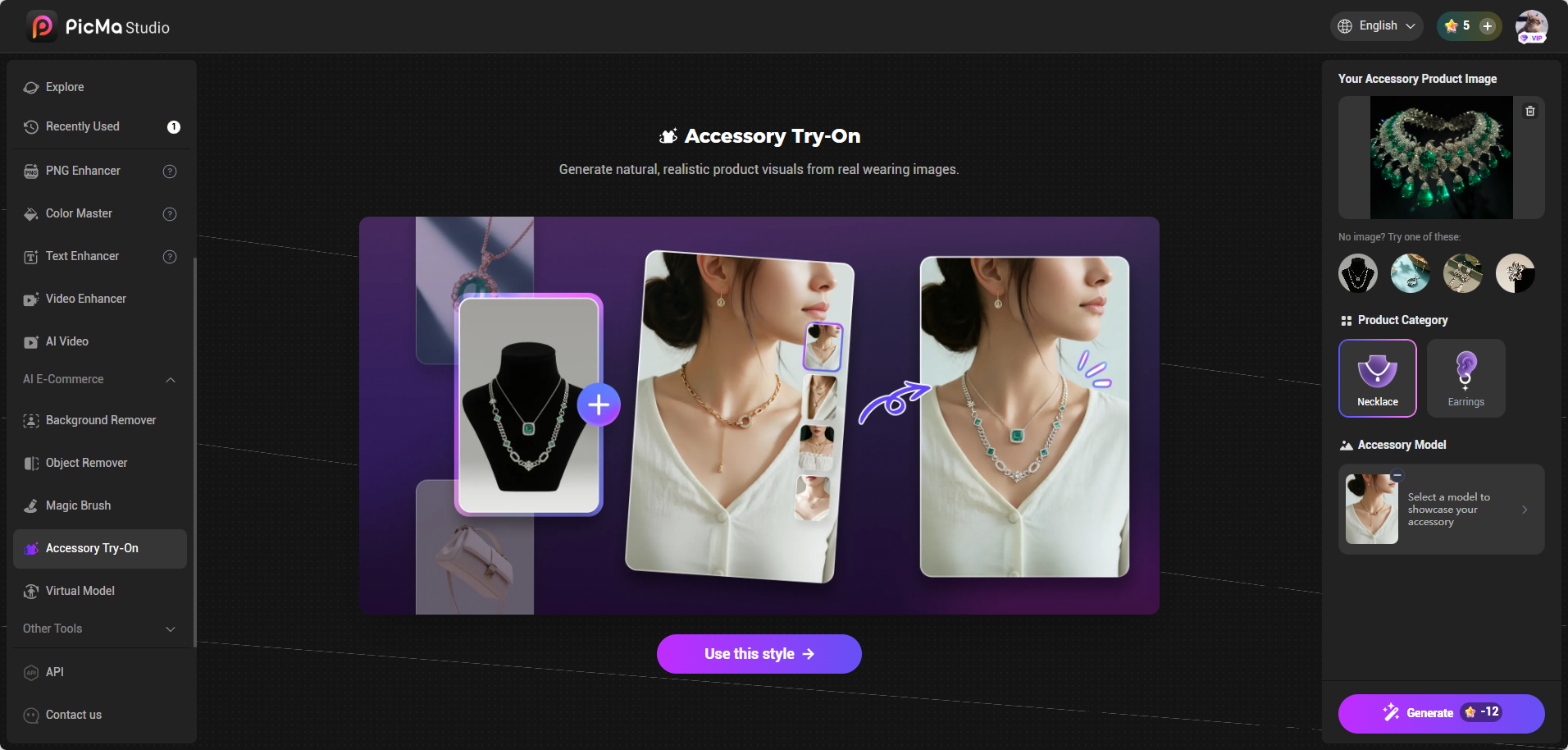
Simple three-step to Try-On Accessory
- Upload Your Product: Enter the Accessory Try-On feature page, upload the image of the item you want to showcase—starting with Necklaces and Earrings.
- Select Your Model: You can opt for a close-up model to highlight intricate details, a half-body shot to show styling, or upload your own model photo for a truly customized look.
- Generate: Hit generate and watch as the accessory is digitally and accurately placed on the model.
The result is a photorealistic representation that allows customers to visualize scale and shimmer in a way that flat lay images simply cannot achieve. By integrating virtual try-on, sellers can significantly boost purchase confidence and reduce return rates—a massive pain point in the jewelry sector .
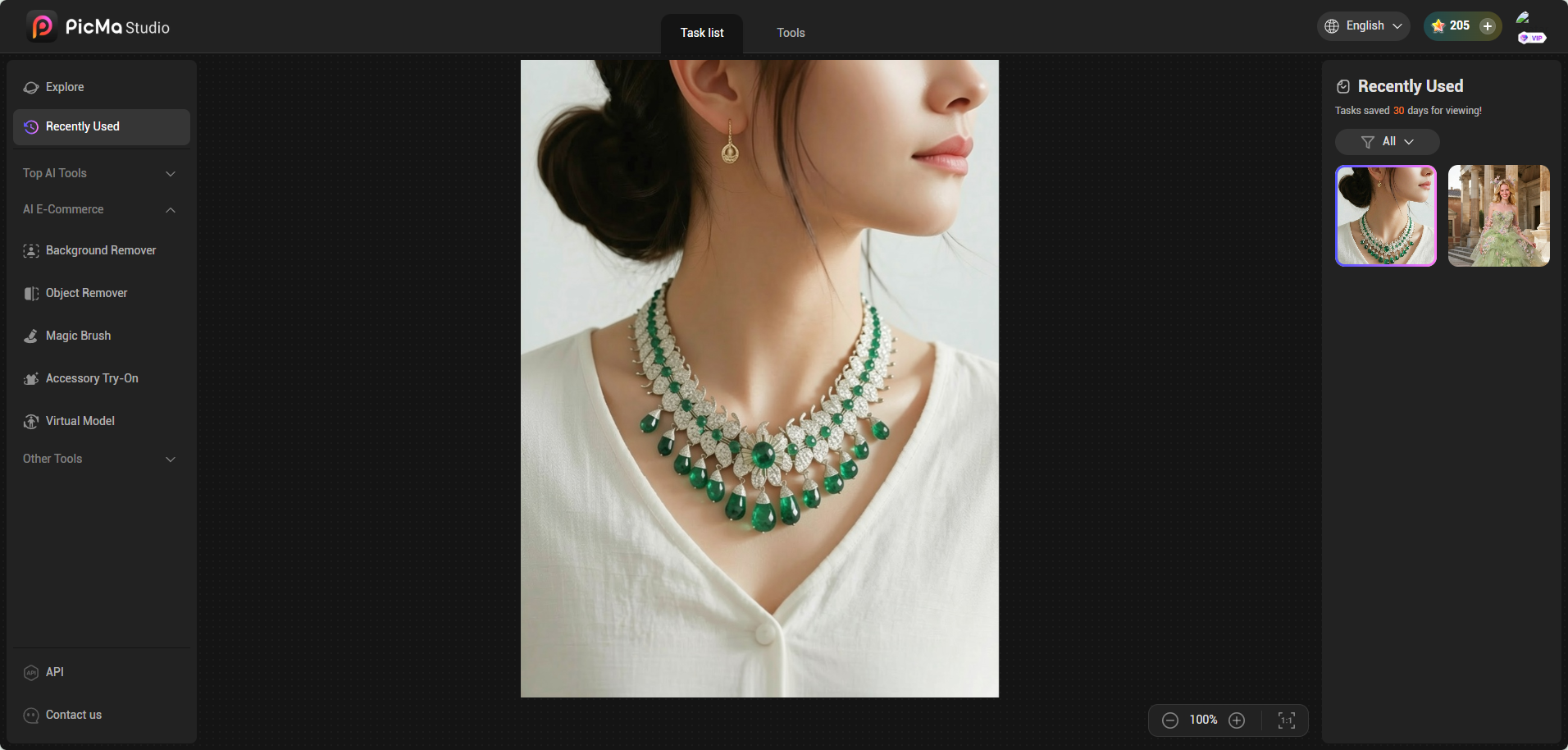
The Ultimate E-Commerce Toolkit: More Than Just Try-On
While our new flagship features are designed to transform your primary marketing assets, the power of PicMa Studio lies in its comprehensive suite of AI editing tools. Once you"ve generated your model shot, our platform ensures you can perfect it.
We understand that e-commerce visuals require precision. That"s why our platform includes essential tools that act as your post-production team:
- Image Enhancement: One-click AI adjustments to optimize brightness, contrast, and sharpness, ensuring your product is the star.
- Background Removal: Instantly isolate your product or model for use on different colored backgrounds or complex marketing collages.
- Object Remover: Remove distracting elements from a scene—perhaps a stray wrinkle or an unwanted shadow.
- Magic Brush: This is where creative control meets AI power. Simply brush over an area and use a text prompt to modify it. Want to change the color of the handbag or the pattern on the dress? The Magic Brush makes it happen instantly .
For the modern e-commerce entrepreneur, PicMa Studio is evolving into a one-stop shop. It’s the highest cost-performance ratio solution on the market, replacing expensive software subscriptions and outsourcing fees with a single, intuitive platform.
Start Creating Today
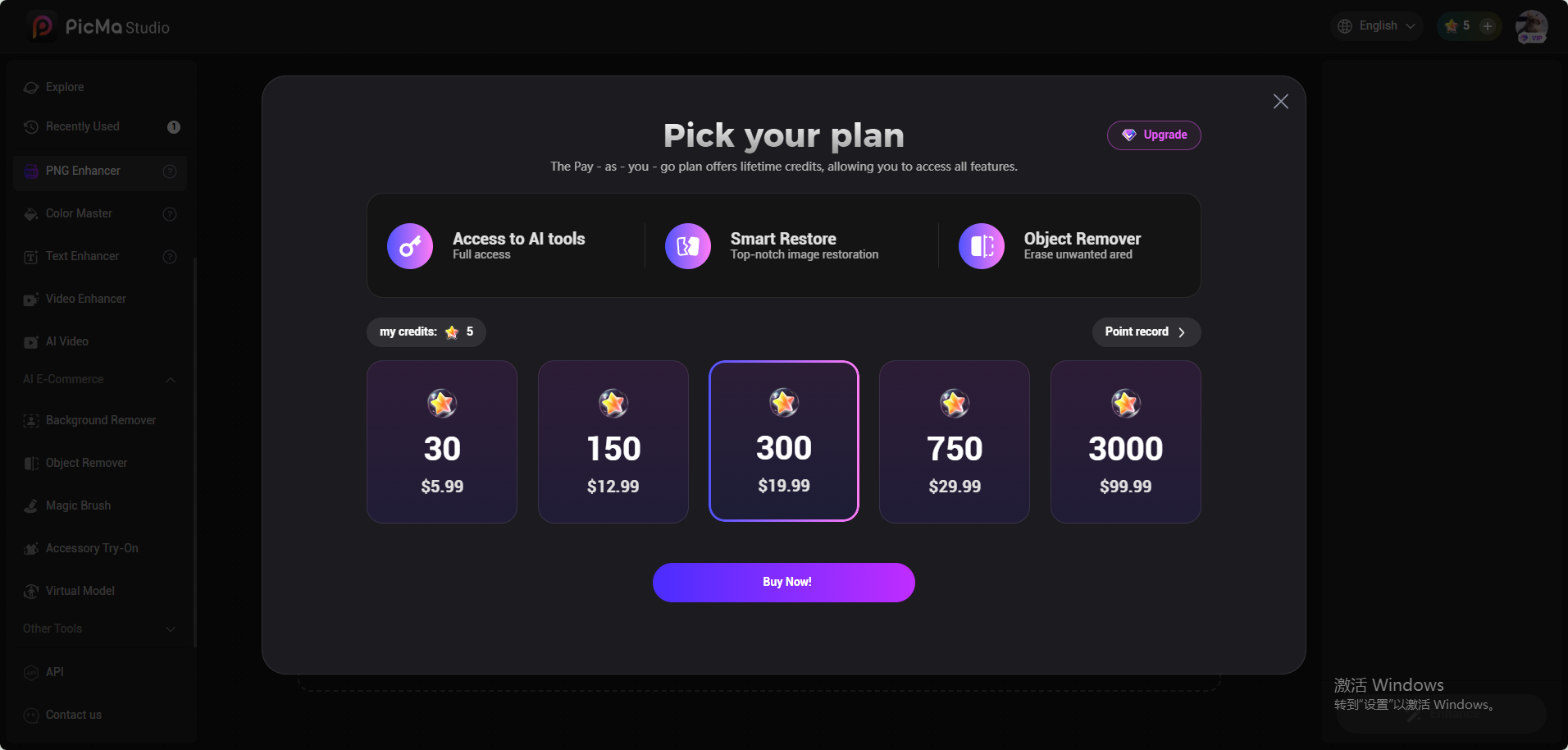
The barrier to entry has never been lower. We invite you to experience the future of e-commerce content creation. New users who register for PicMa Studio today will receive 10 free credits to test drive these powerful features. And when you"re ready to scale, our credit purchasing options are designed to be the most affordable in the industry.
Whether you are a global brand or a solo entrepreneur, the power to create professional-grade fashion imagery is now in your hands. Log in to PicMa Studio Web and let your creativity generate the results.

 162
162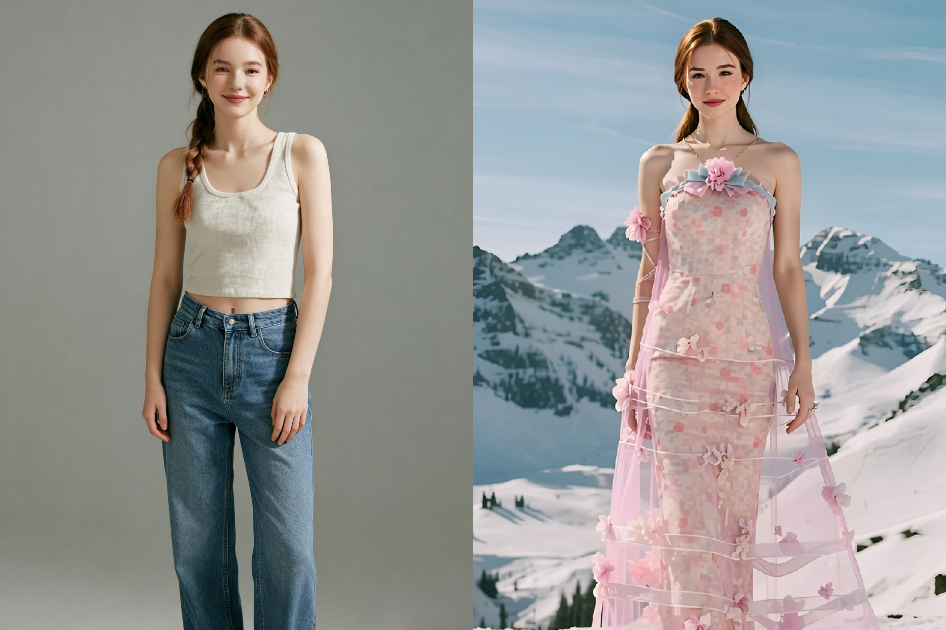

 English