Christmas is the perfect time to capture beautiful memories with family, friends, and loved ones. But you don't need an expensive photography studio or professional photographer to create stunning Christmas pictures.
With a few simple decorations, creative poses, and the help of AI, you can turn your home into a festive photo studio!
Whether you're planning a cozy family Christmas photoshoot, a romantic couple portrait, or a fun holiday selfie, there are plenty of ways to create beautiful Christmas photos at home.
In this guide, we'll share 7 easy DIY Christmas photoshoot tips, creative photo ideas, and ready-to-use AI prompts. We'll also show you how to use PicMa Studio to transform your ordinary photos into beautiful Christmas-themed portraits.
1. 7 Pro Tips for a DIY Christmas Photoshoot at Home
Before creating your Christmas portraits with AI, here are seven simple tips to help you capture better holiday photos.
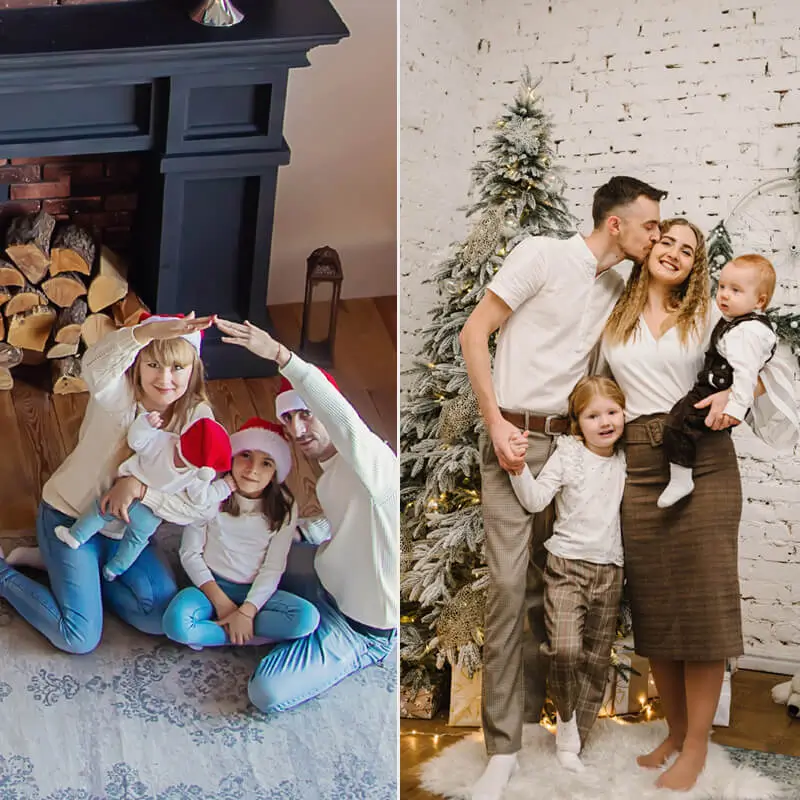
Tip 1: Create a Festive Christmas Background
A beautiful background is the foundation of a great Christmas photoshoot.
You don't need an elaborate setup. A decorated Christmas tree, warm fairy lights, a fireplace, or even a cozy corner with holiday decorations can create the perfect festive atmosphere.
Try combining traditional Christmas colors such as red, green, gold, and white. You can also add stockings, wreaths, ornaments, and wrapped presents to make your photos feel more seasonal.
AI Tip: If you don't have enough Christmas decorations at home, you can use PicMa Studio to transform your original photo into a festive Christmas setting with AI.
Tip 2: Make the Most of Natural Lighting
Good lighting can make a huge difference in your Christmas photos.
Try taking pictures near a window during the morning or late afternoon when the light is soft and flattering.
For evening photos, use warm Christmas string lights, candles, or a nearby lamp to create a cozy atmosphere.
Avoid strong overhead lighting or harsh direct flash, as they can create unwanted shadows and make your photos look less natural.
AI Tip: When generating Christmas portraits, describe the lighting you want, such as "soft golden Christmas lights," "warm fireplace lighting," or "natural winter window light."
Tip 3: Use Simple Photography Equipment
You don't need an expensive camera to take beautiful Christmas photos.
A modern smartphone is usually enough to capture high-quality pictures.
Here are a few useful accessories:
- Smartphone or Camera: Use the best camera available to you.
- Tripod: Keep your camera steady and make group photos easier.
- Remote Shutter or Timer: Capture family photos without asking someone else to take them.
- Ring Light: Add extra lighting when shooting indoors.
With a stable camera and good lighting, even a simple home setup can produce beautiful holiday portraits.
Tip 4: Experiment with Christmas Poses and Angles
Natural poses often create the most memorable Christmas photos.
Instead of standing still and looking directly at the camera, try interacting with your surroundings.
Here are some pose ideas:
- Holding a cup of hot chocolate beside the Christmas tree.
- Decorating the Christmas tree with family members.
- Sitting on the sofa wearing matching Christmas pajamas.
- Opening a Christmas present with a surprised expression.
- Laughing together while enjoying holiday treats.
You can also experiment with different camera angles. Eye-level shots are great for classic portraits, while slightly elevated angles can create a softer and more flattering look.
Tip 5: Add Christmas Props and Accessories
Small details can make your photos feel much more festive.
Try using:
- Santa hats and reindeer headbands.
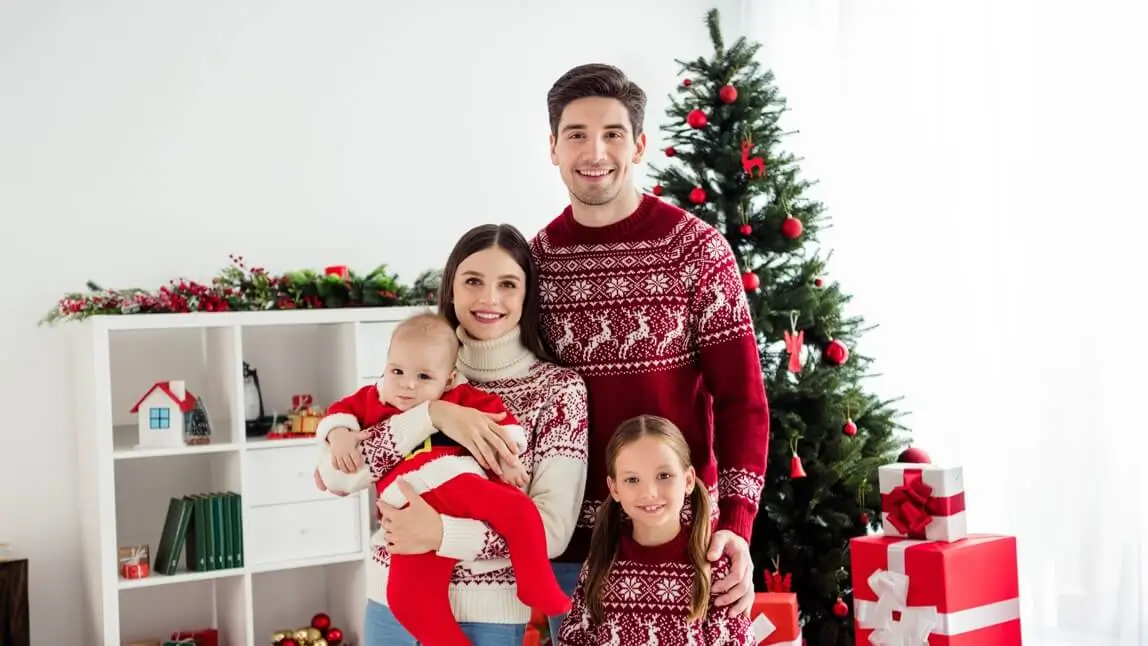
- Red and green Christmas sweaters.
- Matching family pajamas.
- Candy canes and gift boxes.
- Christmas stockings and decorative wreaths.
- Cozy blankets and mugs of hot chocolate.
If you're taking couple or family portraits, coordinating your outfits can make the final pictures look more polished.
Tip 6: Pay Attention to Composition
Good composition helps your Christmas photos look more professional.
Try these simple photography techniques:
- Use the rule of thirds to create a balanced composition.
- Leave enough space around the subject.
- Keep important Christmas decorations visible.
- Avoid distracting objects in the background.
- Make sure everyone is positioned naturally in group photos.
For Christmas tree portraits, try positioning the subject slightly to one side so the decorations remain visible in the background.
Tip 7: Take Multiple Photos and Try Different Styles
Don't rely on just one shot!
Take several photos with different poses, expressions, angles, and lighting setups. This gives you more options when choosing your favorite Christmas portrait.
You can also experiment with different visual styles, such as:
- Classic Christmas studio portraits.
- Cozy family lifestyle photography.
- Vintage Christmas film photography.
- Dreamy snowy winter portraits.
- Elegant holiday fashion photography.
And if you want to explore styles that would be difficult to create at home, AI image generation can help bring those ideas to life.
2. 5 Creative DIY Christmas Photoshoot Ideas to Try
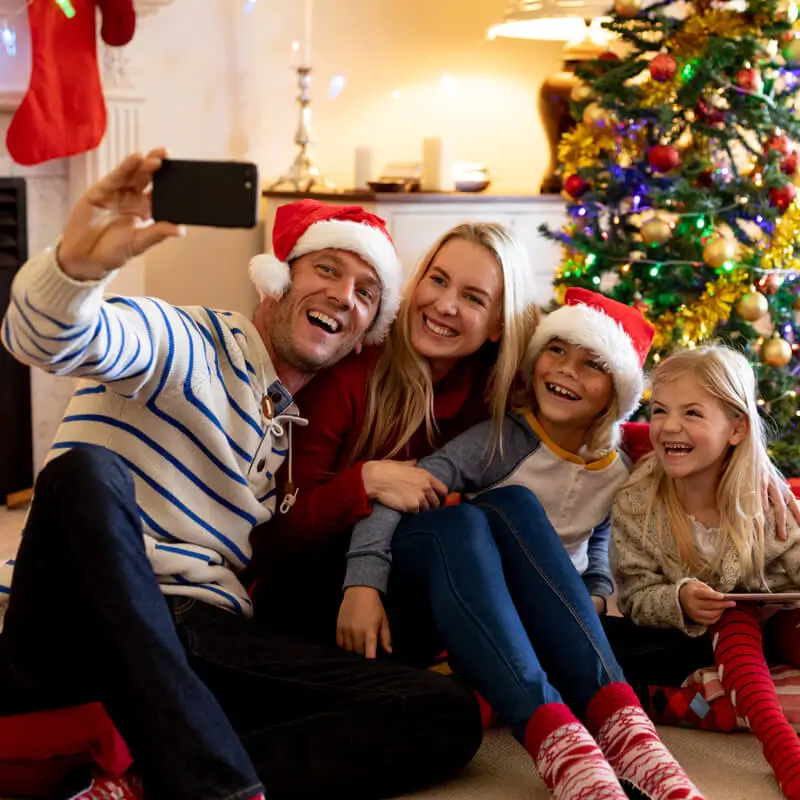
Looking for inspiration? Here are five Christmas photoshoot ideas that work beautifully for individuals, couples, and families.
Idea 1: Classic Christmas Tree Portrait
Create a timeless Christmas portrait in front of a beautifully decorated Christmas tree.
Wear a red or green outfit, add warm fairy lights in the background, and pose naturally beside the tree.
This is a great option for family Christmas cards and holiday social media posts.
Idea 2: Cozy Christmas Pajama Photoshoot
Matching Christmas pajamas are perfect for relaxed and playful family photos.
Gather everyone on the sofa, add some blankets and Christmas presents, and capture natural moments of laughter and togetherness.
Idea 3: Romantic Christmas Couple Photoshoot
Create a romantic holiday atmosphere with warm lighting, elegant outfits, and festive decorations.
Couples can pose beside the Christmas tree, exchange gifts, or share a cozy moment by the fireplace.
Idea 4: Snowy Winter Wonderland Portrait
You don't need to live somewhere snowy to create a beautiful winter-themed portrait.
Try a white winter outfit, soft lighting, and a snowy background. You can also use AI to transform an ordinary portrait into a magical winter wonderland scene.
Idea 5: Vintage Christmas Studio Portrait
Give your Christmas photos a nostalgic look with vintage-inspired outfits, classic decorations, and warm film-like colors.
This style is perfect for creating unique holiday portraits that look like professional studio photography.
3. How to Create AI Christmas Photos with PicMa Studio
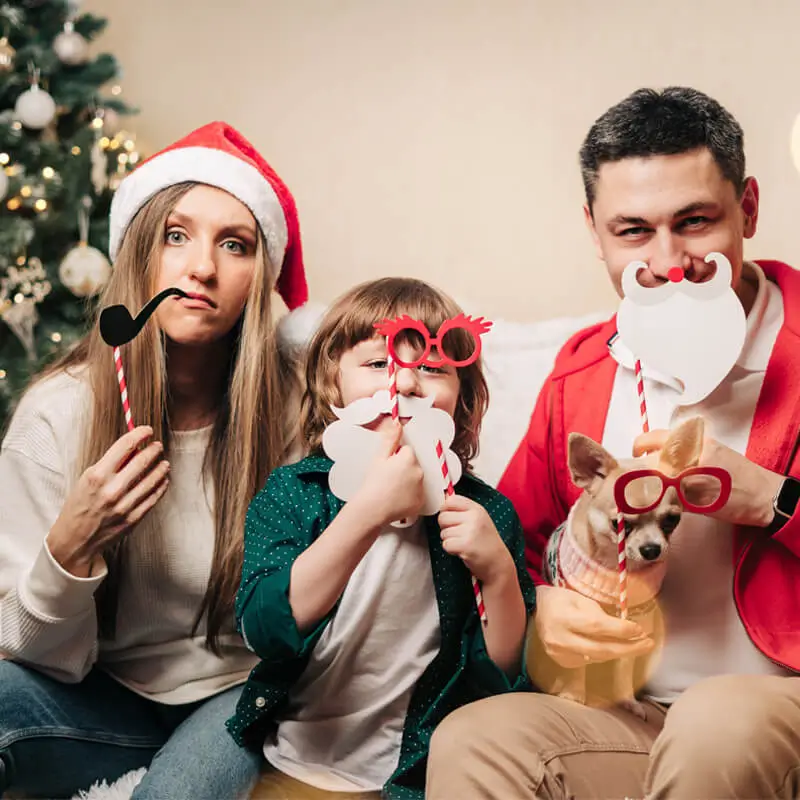
Want to create professional-looking Christmas portraits without setting up an elaborate photoshoot?
With PicMa Studio, you can use AI image generation to explore different Christmas photo styles and transform your creative ideas into festive portraits.
Follow these steps:
Step 1: Open PicMa Studio
Visit PicMa Studio and open the AI Image Generator.
Choose the image generation mode that supports your desired workflow.
Step 2: Upload Your Reference Photo
Choose a clear portrait or family photo as your reference image if you're using an image-to-image workflow.
For the best results, use a well-lit photo with clearly visible faces.
Step 3: Enter Your Christmas AI Prompt
Describe your desired Christmas photoshoot style.
You can specify:
- Clothing and accessories.
- Christmas decorations and background.
- Lighting and atmosphere.
- Photography style and camera angle.
- Poses and facial expressions.
You can start with one of the ready-to-use prompts below.
Step 4: Generate Your Christmas Portrait
Select your preferred available AI model and generation settings.
Generate your image and review the results. If you want a different background, outfit, or composition, adjust your prompt and try again.
Step 5: Save and Share Your Christmas Photos
Once you find your favorite result, save your Christmas portrait and share it with your family and friends.
You can also use your AI-generated portraits for Christmas cards, social media posts, and holiday greetings.
4. 5 Best AI Christmas Photoshoot Prompts
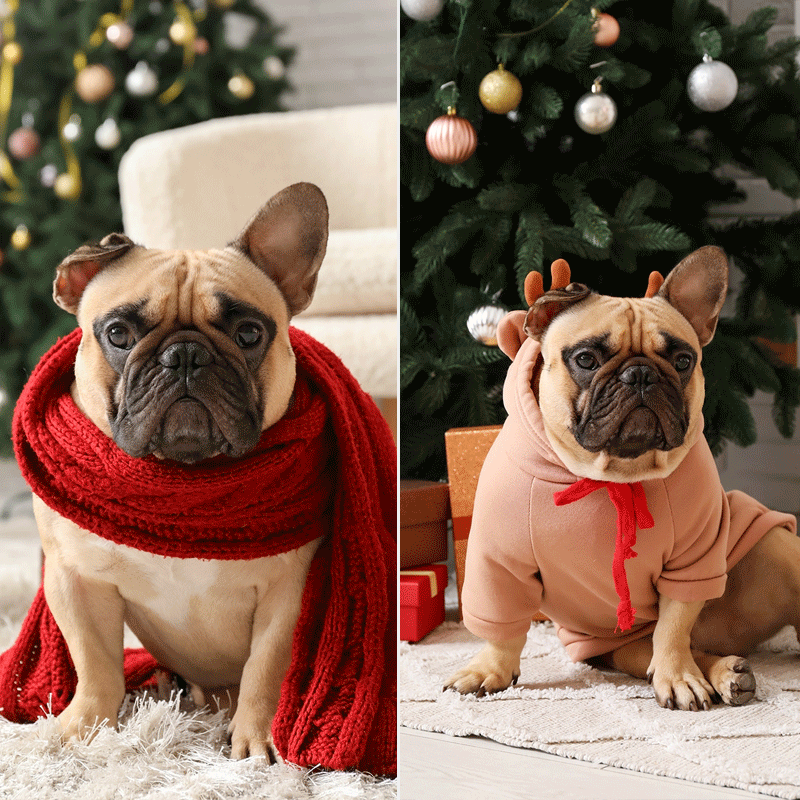
Ready to create your own Christmas portraits?
Here are five prompts you can copy and use with PicMa Studio.
Prompt 1: Elegant Christmas Studio Portrait
Create an elegant Christmas studio portrait of the person in the reference photo. Dress them in a sophisticated red velvet outfit with subtle festive accessories. The background features a beautifully decorated Christmas tree, golden ornaments, warm fairy lights, and elegant holiday decorations. Soft professional studio lighting, natural skin texture, realistic facial details, luxurious Christmas atmosphere, high-end editorial photography.
Prompt 2: Cozy Christmas Family Photoshoot
Create a warm and heartwarming Christmas family portrait using the reference photo. Everyone is wearing coordinated red, green, and cream Christmas outfits. Place them together in a cozy living room decorated with a glowing Christmas tree, wrapped presents, warm fairy lights, and a fireplace. Natural smiles, genuine family interaction, soft warm lighting, realistic photography, beautiful holiday memories.
Prompt 3: Romantic Christmas Couple Portrait
Create a romantic Christmas couple photoshoot based on the reference photo. The couple wears elegant coordinated winter outfits in deep red and cream. They stand close together beside a beautifully decorated Christmas tree, surrounded by warm golden lights and festive ornaments. Capture a natural, affectionate moment with cinematic lighting, soft background bokeh, realistic facial features, and premium holiday photography.
Prompt 4: Magical Snowy Christmas Portrait
Transform the reference photo into a magical winter Christmas portrait. The subject wears an elegant white winter coat and a soft knitted scarf, standing in a beautiful snowy Christmas village. Snowflakes gently fall around them, while glowing Christmas lights illuminate the background. Dreamy winter atmosphere, soft cinematic lighting, realistic snow details, natural facial features, professional holiday portrait photography.
Prompt 5: Vintage Christmas Card Portrait
Create a nostalgic vintage Christmas portrait based on the reference photo. The subject wears a classic festive outfit with subtle retro accessories. The background features an old-fashioned Christmas tree, vintage ornaments, warm glowing lights, and beautifully wrapped presents. Add a subtle film grain texture, soft warm colors, nostalgic 1980s holiday photography aesthetic, realistic facial details, timeless Christmas card composition.
Pro Tip: For personalized portraits, use a clear reference image and explicitly ask the AI to preserve the subject's facial identity, hairstyle, and natural appearance. You can adjust the outfit, background, and photography style to create different versions.
5. Turn Your AI Christmas Photos into Videos
Why settle for a beautiful Christmas portrait when you can make it move?
With PicMa Studio's Image-to-Video feature, you can transform your favorite AI Christmas photo into a short animated video.
Imagine a family portrait with gently falling snow, a couple sharing a warm Christmas moment, or a magical Christmas tree with twinkling lights.
Try these motion prompts:
Prompt 1: Falling Christmas Snow
"Animate the image with gentle snowflakes falling in the background. Christmas lights softly twinkle while the subject smiles naturally at the camera. Keep the original composition and facial features consistent."
Prompt 2: Romantic Christmas Moment
"The couple gently turns toward each other and smiles warmly. Soft Christmas lights twinkle in the background, creating a romantic holiday atmosphere. Natural, subtle movements."
Prompt 3: Magical Christmas Lights
"Animate the Christmas tree lights with a gentle sparkling effect. Add subtle falling snow outside the window while keeping the subject still and naturally smiling."
To get started, upload your Christmas portrait to PicMa Studio's Image-to-Video tool, enter your preferred motion prompt, and generate your video.
6. Frequently Asked Questions
How can I take Christmas photos at home?
Choose a festive background, use natural lighting, prepare a few Christmas props, and experiment with different poses. A smartphone and tripod are usually enough to get started.
What should I wear for a Christmas photoshoot?
Classic Christmas colors such as red, green, white, and gold work beautifully. You can also try matching pajamas, cozy sweaters, elegant winter outfits, or coordinated family clothing.
How do I make my Christmas photos look professional?
Pay attention to lighting, composition, background decorations, and natural poses. You can also use AI image generation to explore professional studio-style Christmas portraits.
How can I create Christmas photos with AI?
Upload a reference portrait to an AI image generator, describe your desired Christmas background, outfit, lighting, and photography style, then generate your image. PicMa Studio can help you explore different AI Christmas portrait ideas.
Can I create Christmas photos without a professional camera?
Absolutely! A modern smartphone can capture beautiful holiday photos. Good lighting, a stable camera, and thoughtful composition matter more than expensive photography equipment.
How can I make a Christmas photo into a video?
Use an AI Image-to-Video tool to animate your Christmas portrait. You can describe movements such as falling snow, twinkling lights, smiling, or gentle camera motion.
What are some popular Christmas photoshoot ideas?
Popular ideas include Christmas tree portraits, matching family pajamas, romantic couple photos, snowy winter portraits, and vintage Christmas studio photography.
Final Thoughts
A beautiful Christmas photoshoot doesn't have to be expensive or complicated.
With a little creativity, simple decorations, and the right AI tools, you can create memorable holiday portraits right from home.
Whether you want a cozy family photo, a romantic Christmas couple portrait, or a magical winter wonderland scene, PicMa Studio makes it easy to explore different Christmas photo styles and bring your ideas to life.
Ready to create your own Christmas photoshoot?
Explore your creativity and start making magical Christmas portraits with PicMa Studio today!


 1

 English