In e-commerce, images often decide conversion before any product description is read. Whether it’s a main product image or a model shot, a clean and well-handled background can make or break a potential customer’s first impression.
When consistency and clarity in visual content are the goal, making a background transparent is often the essential first step.
This article outlines five common ways to remove backgrounds and create transparent images, with pros, limitations, and ideal use cases for each. We'll also introduce a seamless solution that not only removes backgrounds automatically but also lets you generate clean, professional new ones with ease.

1. AI tools: the most efficient and reliable option
If you want speed, consistency, and batch capability without needing design skills, AI-powered background removers are your best bet.
Tools like PicMa Background Remover allow you to upload an image, detect the subject instantly, and download a high-quality PNG with a transparent background — all in seconds.
Best for:
· White-background product photos for marketplaces
· Standardizing the look of model or lifestyle shots
· Preparing visual assets for banners, promotions, or A/B testing
· Seamless transition into background generation (Once you've removed the background, PicMa also allows you to go one step further — by generating a new, branded scene in seconds. This will be further explored in method 5 below.)
PicMa handles difficult edges like hair and soft shadows with notable accuracy and is accessible via browser — making it easy for any seller to integrate into their workflow.

2. Mobile apps: convenient but limited for quality images
Apps like PhotoRoom or Picsart also offer background removal on mobile devices. These are useful for on-the-go social content, but they fall short for high-stakes product imagery.
Limitations include:
· Watermarked or low-resolution exports on free plans
· Poor edge detection in complex areas like hair or accessories
· Limited control over file output quality or format
They're good for temporary use, but not recommended for key sales images or platform-standard product galleries.
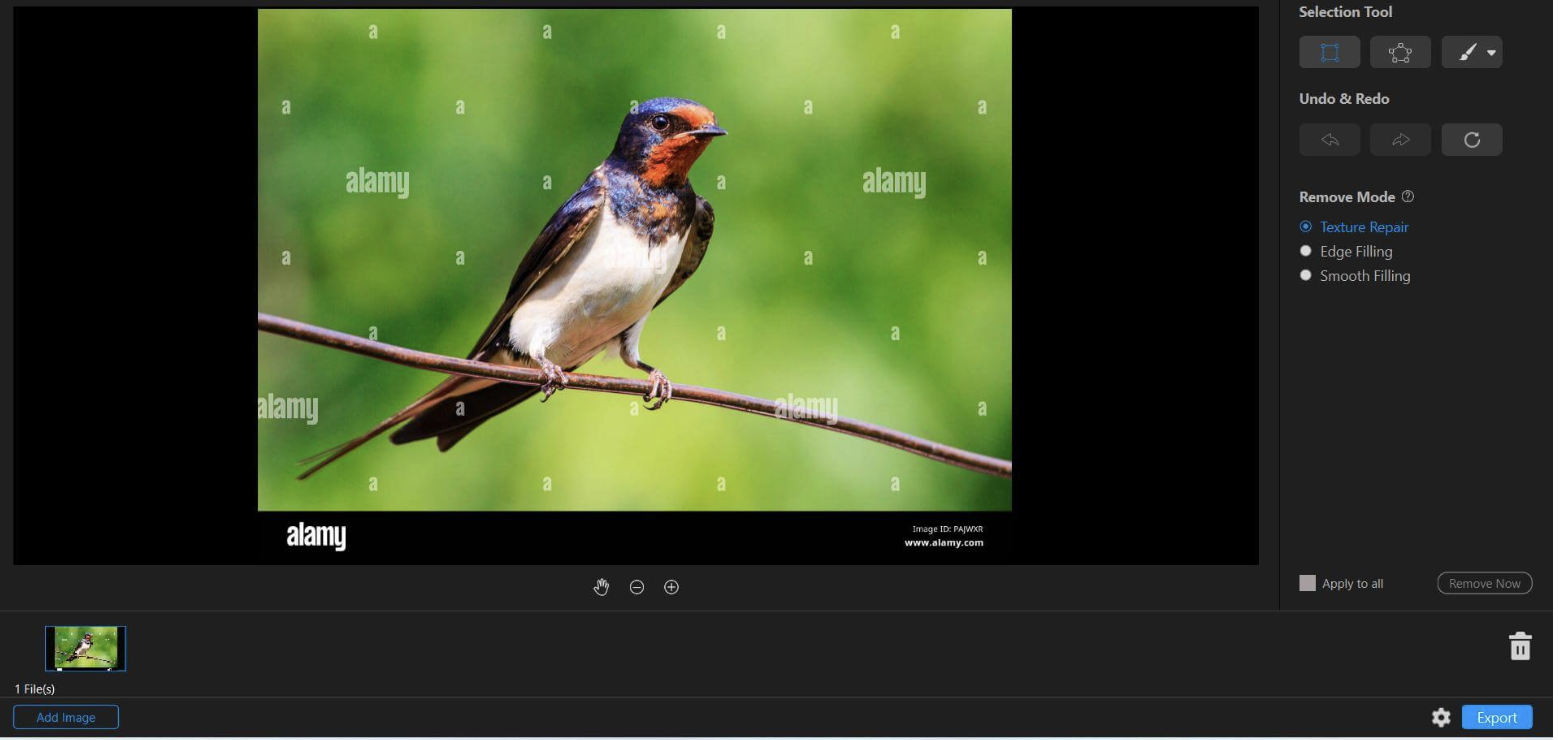
3. Online design platforms: useful for lightweight visual tasks
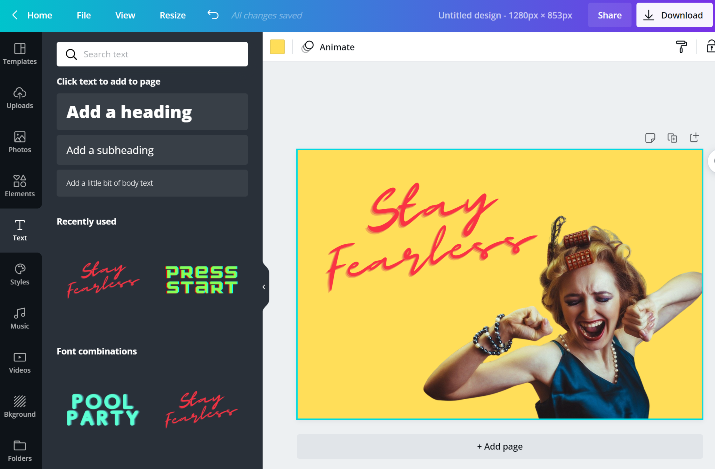
Platforms like Canva or Fotor offer background removal as part of their design suites. For those already using these platforms to create social posts or banners, built-in removal tools can be helpful.
However, these are often:
· Template-driven and lacking precision
· Limited in export quality for product image standards
· Better suited for content marketing than product listing images
If you're building campaign visuals or promotional graphics, they’re convenient. But for professional e-commerce needs, you’ll likely need a more focused solution.
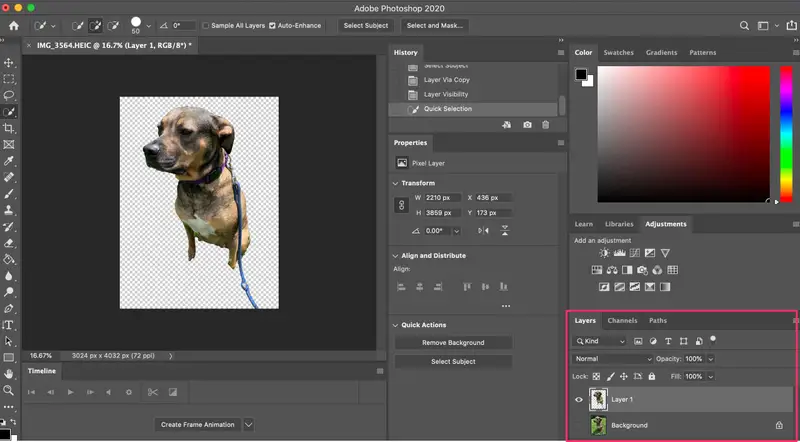
4. Photoshop: powerful, but not practical for most sellers
Photoshop remains the gold standard for pixel-level background editing. It's ideal for custom composites, ad visuals, or high-end brand campaigns.
But for e-commerce sellers managing large volumes of photos, it’s often impractical:
· High learning curve
· Time-consuming for batch processing
· Requires ongoing access to software and skills
Unless you have an in-house design team, AI tools that deliver fast, high-quality results are usually the more scalable choice.
5. Combined workflow: remove and replace the background in one step
Removing a background is only half the job. What truly elevates a product image is placing it in a context that fits your brand.
That’s where PicMa Background Generator becomes essential. After removing a background, you can input a keyword like "white studio," "wooden tabletop," or "natural daylight" — and the system will generate a realistic new background where your subject blends naturally.
Use cases include:
· Creating a uniform look across all your product shots
· Quickly updating imagery for a seasonal or promotional campaign
· Generating multiple scene versions for A/B testing
· Building cohesive brand visuals across your storefront or landing page
This combined “remove and generate” workflow reduces the time from raw photo to ready-to-use asset, and is especially valuable for sellers who handle large product catalogs or frequent launches.

Background removal is the start of better product visuals
Each method has its role depending on your needs. Here's a quick comparison:
| Method | Ease of Use | Output Quality | Best Use Case |
| PicMa (AI remover + generator) | High | High | Batch-ready product images, consistent branding |
| Mobile apps | High | Medium | Temporary edits, social content, mobile workflow |
| Online design platforms | Medium | Medium | Promotional content, social visuals, light design |
| Photoshop | Low | High | Complex retouching, ad creatives, custom visuals |
There’s no universal “best” method — what matters is matching the tool to your workflow and expectations.
For e-commerce sellers who need speed, quality, and flexibility, PicMa’s integrated solution offers an excellent balance.
Turn usable images into polished visuals
In a crowded market, visual clarity builds trust fast.
A clean background and well-composed image can do more than just “look good” — it sets the tone for your entire storefront.
Many sellers stop at background removal, but the real value comes from putting your product in the right setting. That’s where background generation matters.
PicMa gives you a seamless way to do both. After removing the background, it lets you generate a fitting scene for your product — no stock images, no cut-and-paste, just fast, brand-consistent output.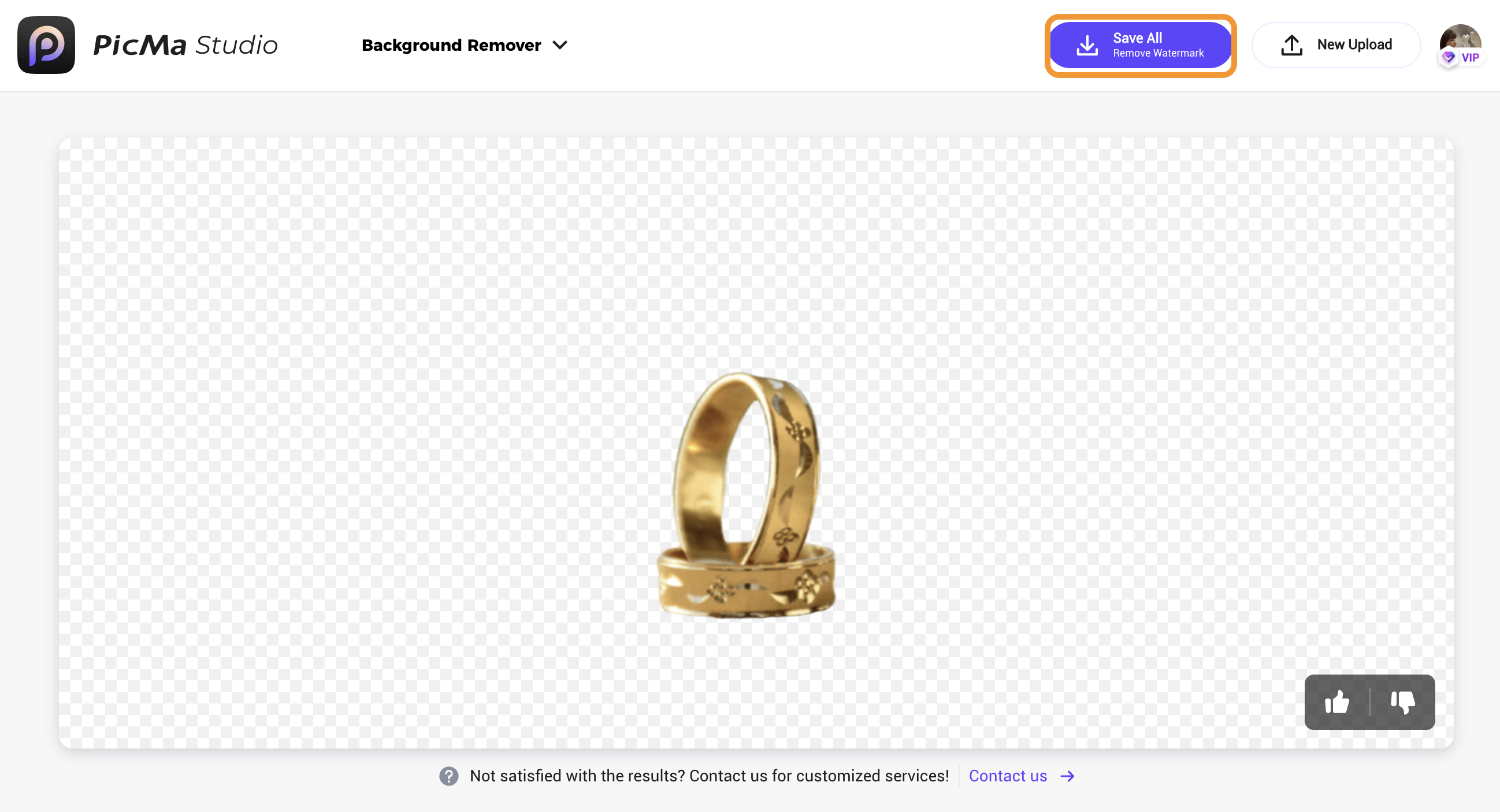
Inconsistent backgrounds weaken brand presence, especially across marketplaces or social channels. A unified look starts with having full control over what’s behind your product.
Not every product photo needs to be reshot.
But every image deserves a background that works just as hard as the product itself.
If you’re ready to streamline your image production and elevate your store visuals,
start here → PicMa Background Remover + Generator

 265
265

 English