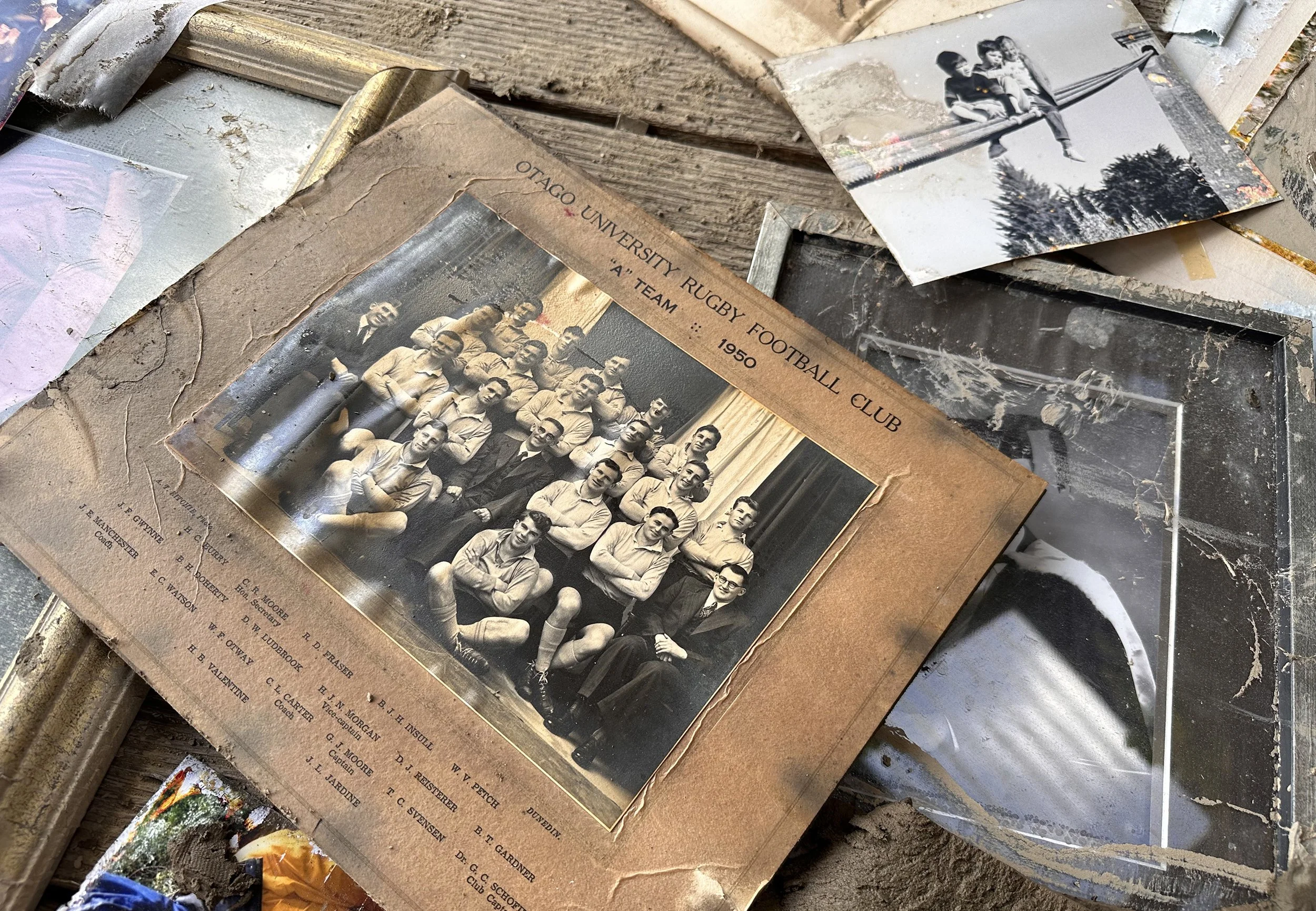
When going through old boxes or photo albums, you might come across prints covered in specks of mold, yellow stains, or moisture marks. These imperfections don’t just ruin the viewing experience—they often hide the most meaningful parts of the photo. One common question arises: Can this be fixed?
The answer is yes. But the key is knowing how to remove mold and stains without further damaging the photo.
This article will walk you through the causes of photo mold and stains, explain why traditional cleaning methods can be risky, and introduce a safe, easy-to-use digital solution—no special software or skills required.
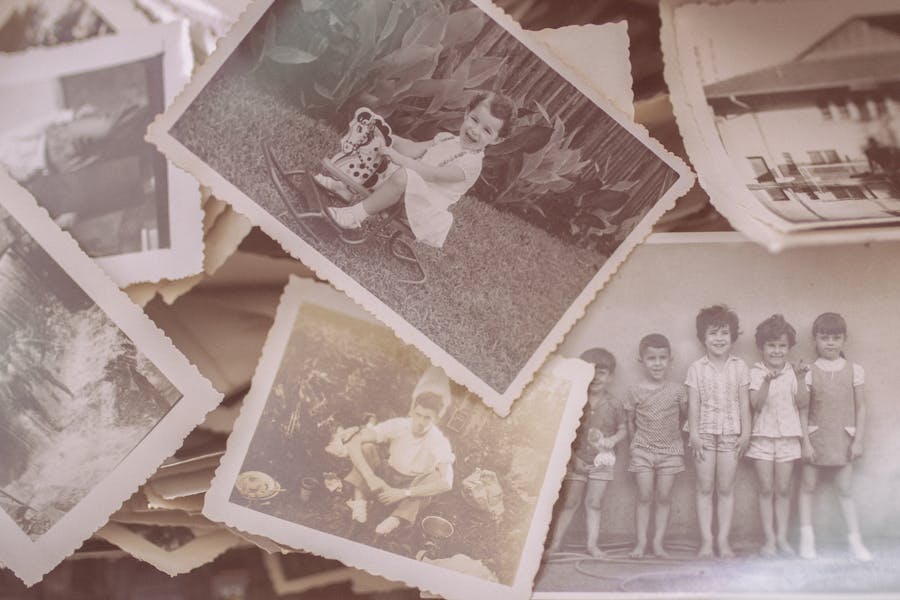
Why Do Old Photos Develop Mold or Stains?
Most damage to printed photos is related to storage conditions. Photos are made of organic, absorbent materials that easily retain moisture. When kept in damp, enclosed, or poorly ventilated environments, mold spores in the air can grow on the photo surface, forming black dots or gray patches.
Other types of stains may come from fingerprints, sweat, beverage spills, adhesives, or degraded photo albums. Over time, these contaminants oxidize, spread, and darken, often causing irreversible damage to image details.
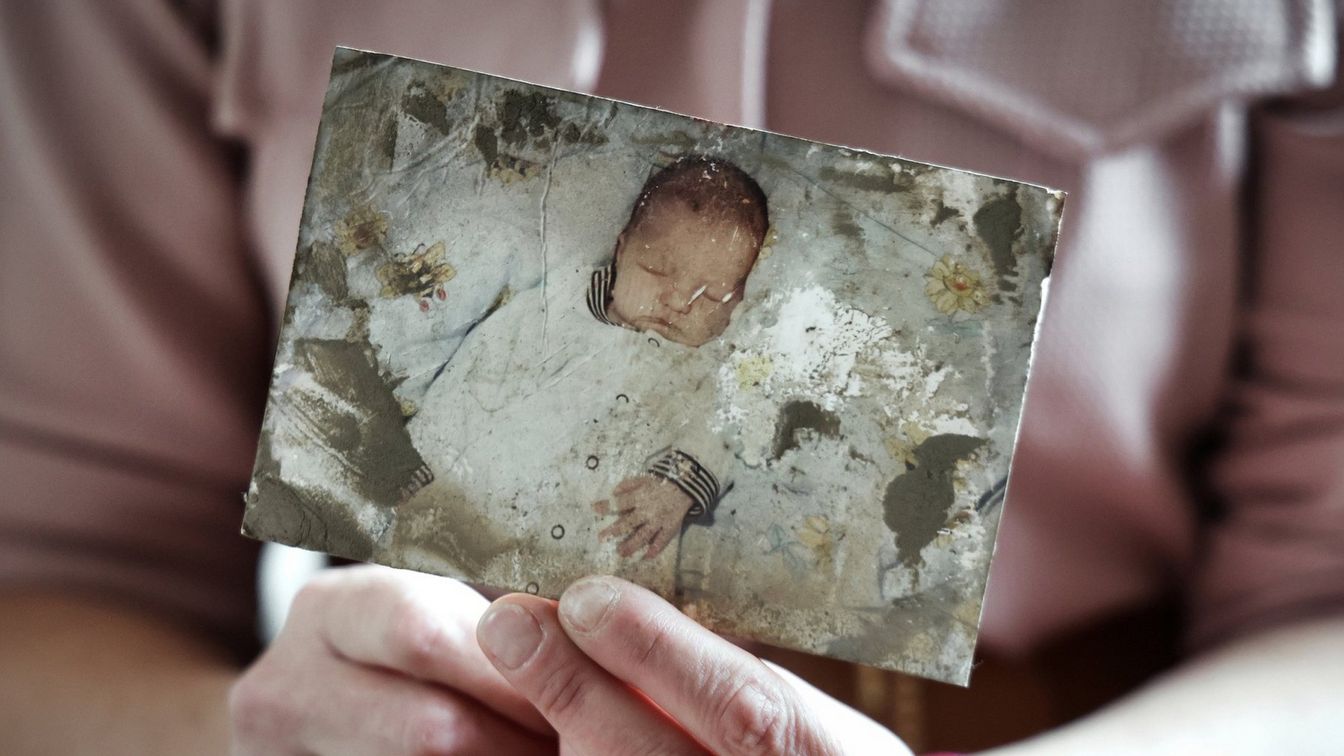
Even more concerning, these issues tend to develop gradually. You may not notice mold or stains until they’ve already obscured faces, blurred details, or degraded the background entirely.
Why Physical Cleaning Can Be Risky
Many online tutorials recommend using rubbing alcohol, cotton swabs, or soft cloths to clean mold or smudges from photo surfaces. While these methods might work on modern prints, they come with serious risks—especially for vintage or fragile originals:
- Older photo paper has delicate coatings that may dissolve or lift with moisture.
- Brittle prints can crack or tear with even light pressure.
- Wiping may cause discoloration, smudging, or new surface scratches.
- Mold often penetrates deeper than the surface, making physical removal ineffective.
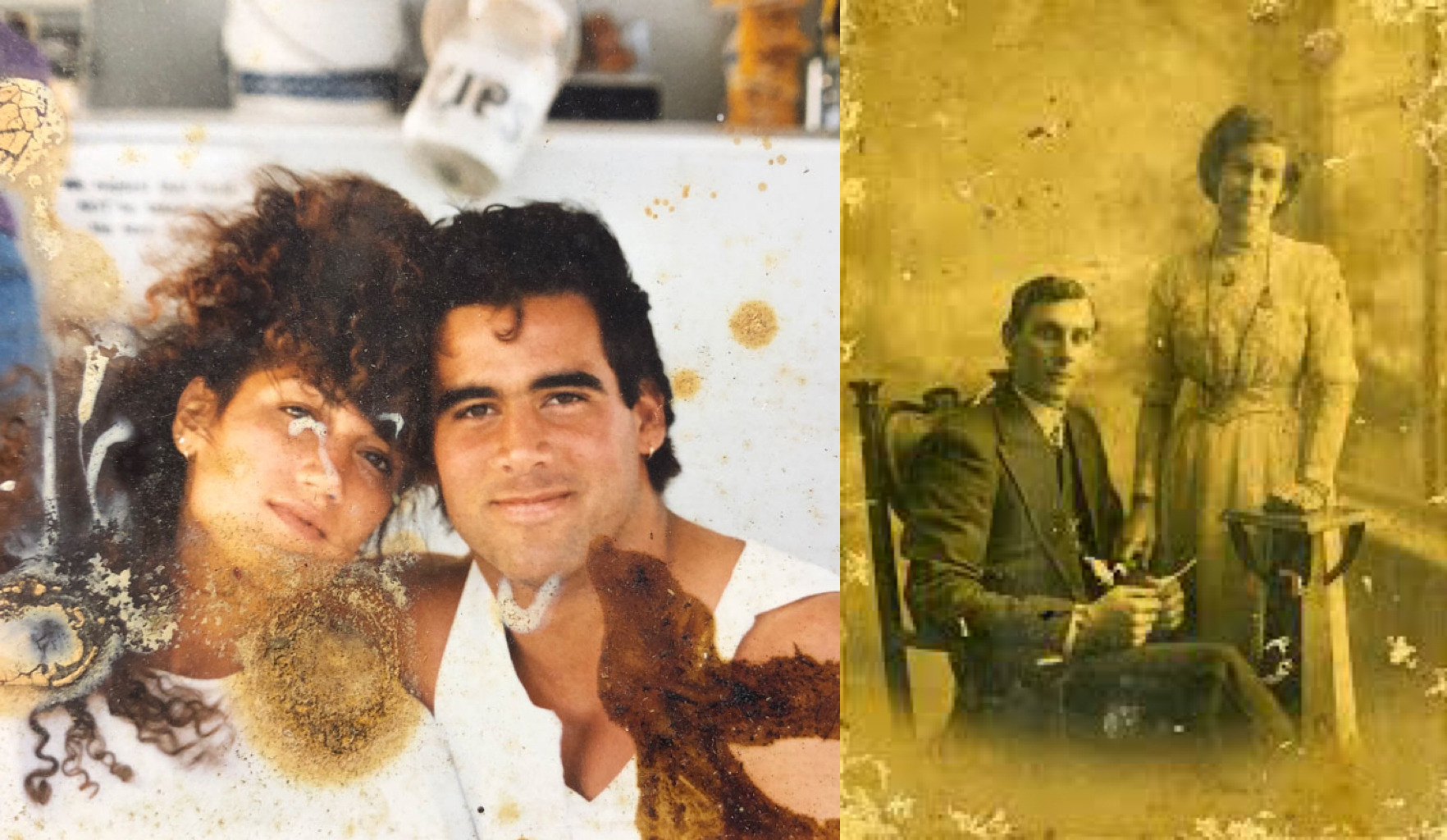
For one-of-a-kind family photos, historic documents, or original wedding prints, even a small mistake can cause permanent loss.
That’s why a safer, more controllable alternative is becoming the preferred choice: digital restoration.
A Safer Approach: Using Smart Digital Tools
Digital photo restoration involves scanning or photographing your print, then using intelligent image processing tools to remove visual damage like mold, stains, and scratches. This approach is non-invasive, repeatable, and beginner-friendly.
On the PicMa website, the Repair Damaged Photo feature (called Smart Restore in the mobile app) offers a practical solution tailored for these problems. It’s designed to automatically detect and correct:
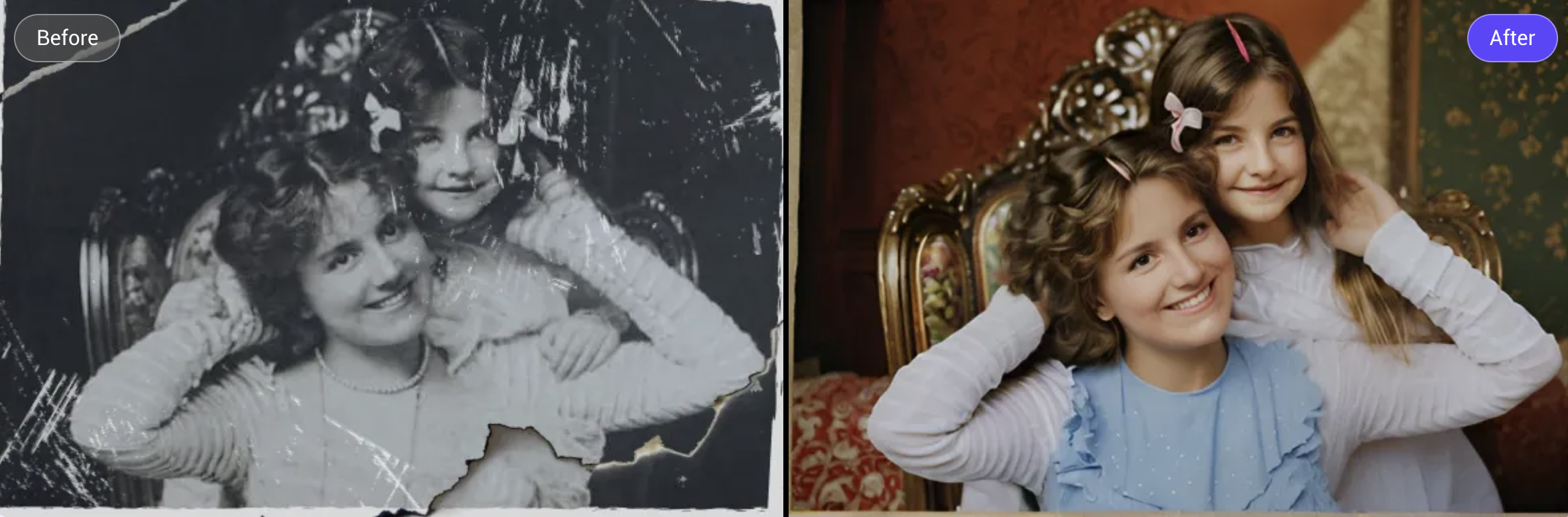
- Mold spots, surface stains, and moisture damage
- Discoloration, oxidation marks, or yellowing
- Creases, rips, and surface scratches
- Background blur and loss of facial detail
Powered by advanced image understanding, the system reconstructs missing or damaged pixels while preserving the original image style, texture, and color tone—without over-filtering.
Getting Started: Just 3 Simple Steps
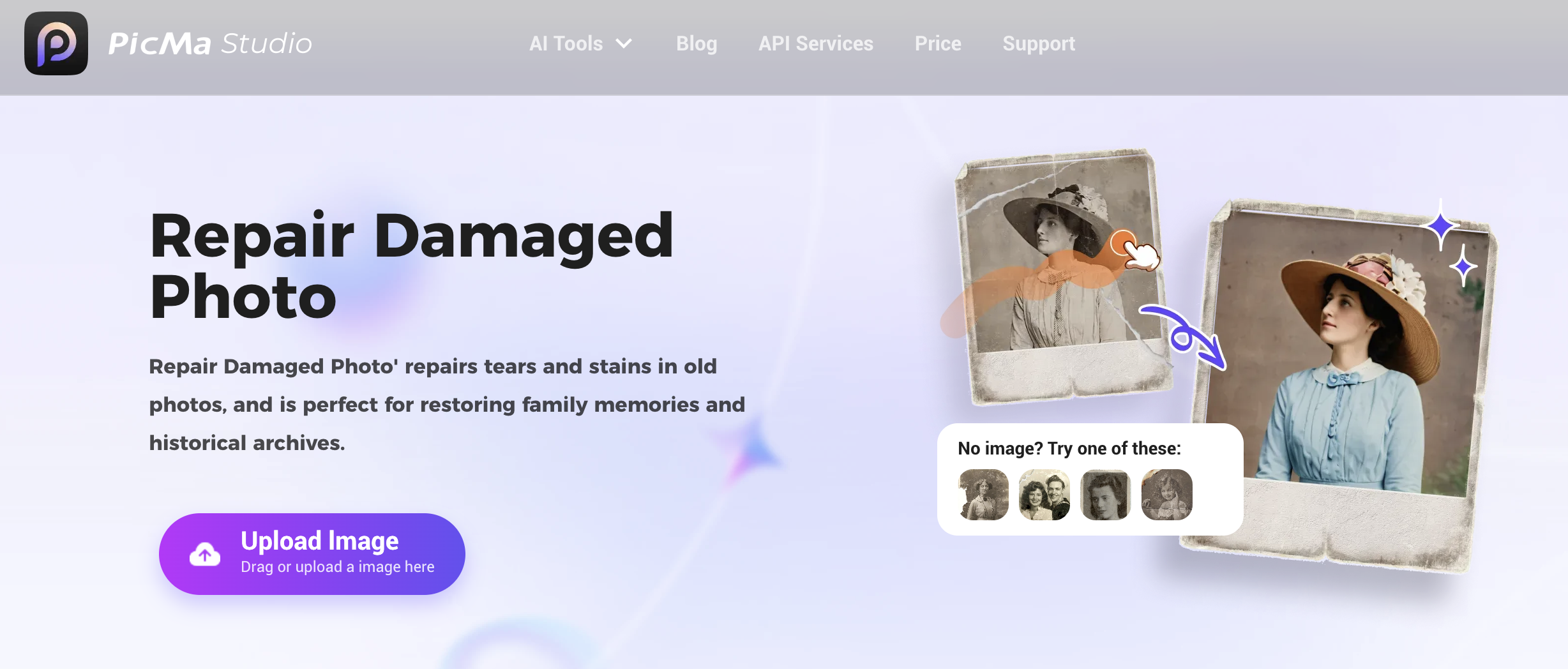
- Digitize the photo
Use a scanner or take a well-lit, flat photo using your smartphone. Make sure the image is sharp and evenly exposed. - Open the Repair Damaged Photo feature
Visit PicMa website and choose Repair Damaged Photo, or use the Smart Restore function in the PicMa app (available on iOS and Android). - Upload and restore automatically
The system detects mold and stains automatically, applies intelligent corrections, and lets you preview the result. Basic restoration is free to try before saving.
Even with no editing experience, you can complete the process in under two minutes.
It’s Not Just for Family Albums
While most users turn to photo restoration for personal memories, the use cases go far beyond family photos:
- Historical archives and libraries can digitize and clean large photo collections.
- Museums and cultural institutions can digitally preserve fragile prints.
- Studios and photographers can restore old photos for clients.
- Families working on heritage albums can enhance and reprint legacy photos.
Digital restoration saves time, avoids further damage, and enables safe long-term preservation at scale.
Let the Image Be Seen, Not Hidden by Time
Mold and stains are only surface issues. The real value of a photo lies in what it captures—faces, moments, and histories worth remembering.
By using Repair Damaged Photo (or Smart Restore in the app), you can restore clarity without touching the original. You don’t need professional tools or skills—just a few minutes, and the willingness
Try Repair Damaged Photo for free at PicMa.



 1.2 k
1.2 k

 English