More than ten years ago, I traveled across Portugal with a small digital camera in my backpack.
At that time, smartphone photography wasn't advanced yet, and my camera certainly wasn't professional. Many of the photos I took back then were blurry and lacking detail. But those photos captured something priceless — memories of wandering through Lisbon's streets and sunlight on ancient buildings.
Recently, I decided to revisit those old travel photos. That's when I discovered PicMa.
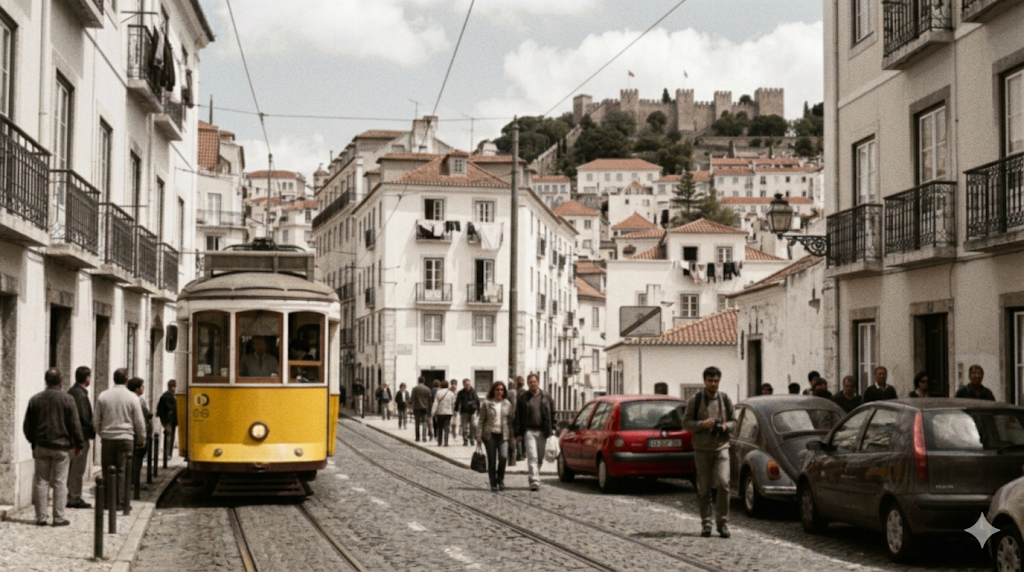
The Value Hidden in Old Travel Photos
Travel photos are more than images. They are time capsules of our lives. When we look at old photos from past trips, we remember the feeling of discovering a new place, the atmosphere of cities and streets, and the version of ourselves from years ago.
But many old travel photos suffer from technical limitations, like low resolution from old cameras, motion blur, noise in low-light scenes, and faded colors over time.
Thankfully, PicMa’s photo restore and enhancer are changing that.
The AI Magic of PicMa
When I uploaded my old Portugal photos to PicMa, I wasn’t expecting much. But within seconds, the AI photo restoration tool transformed them.
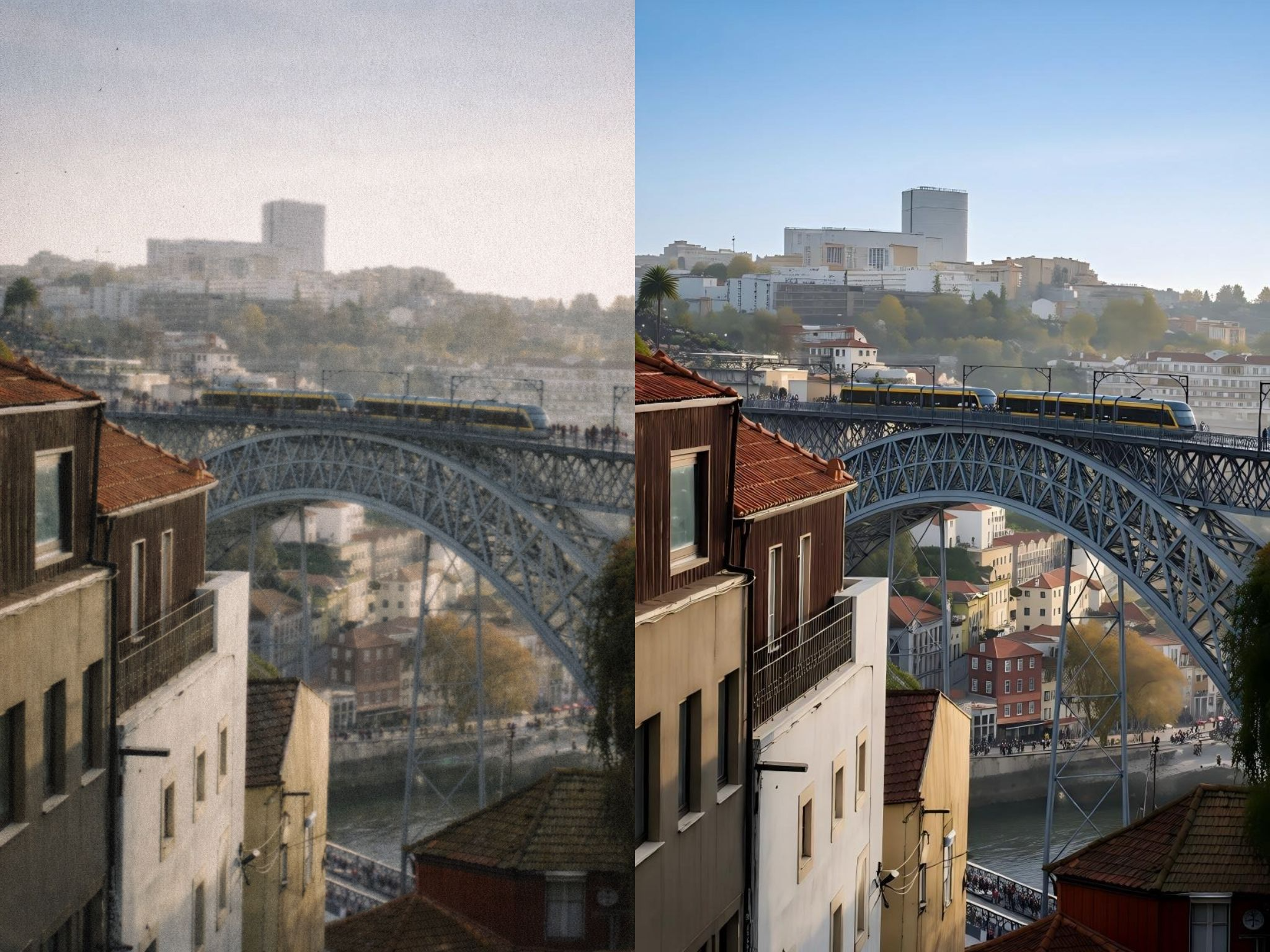
Blurry street photos suddenly became sharp and detailed. Building textures and window frames became visible again.
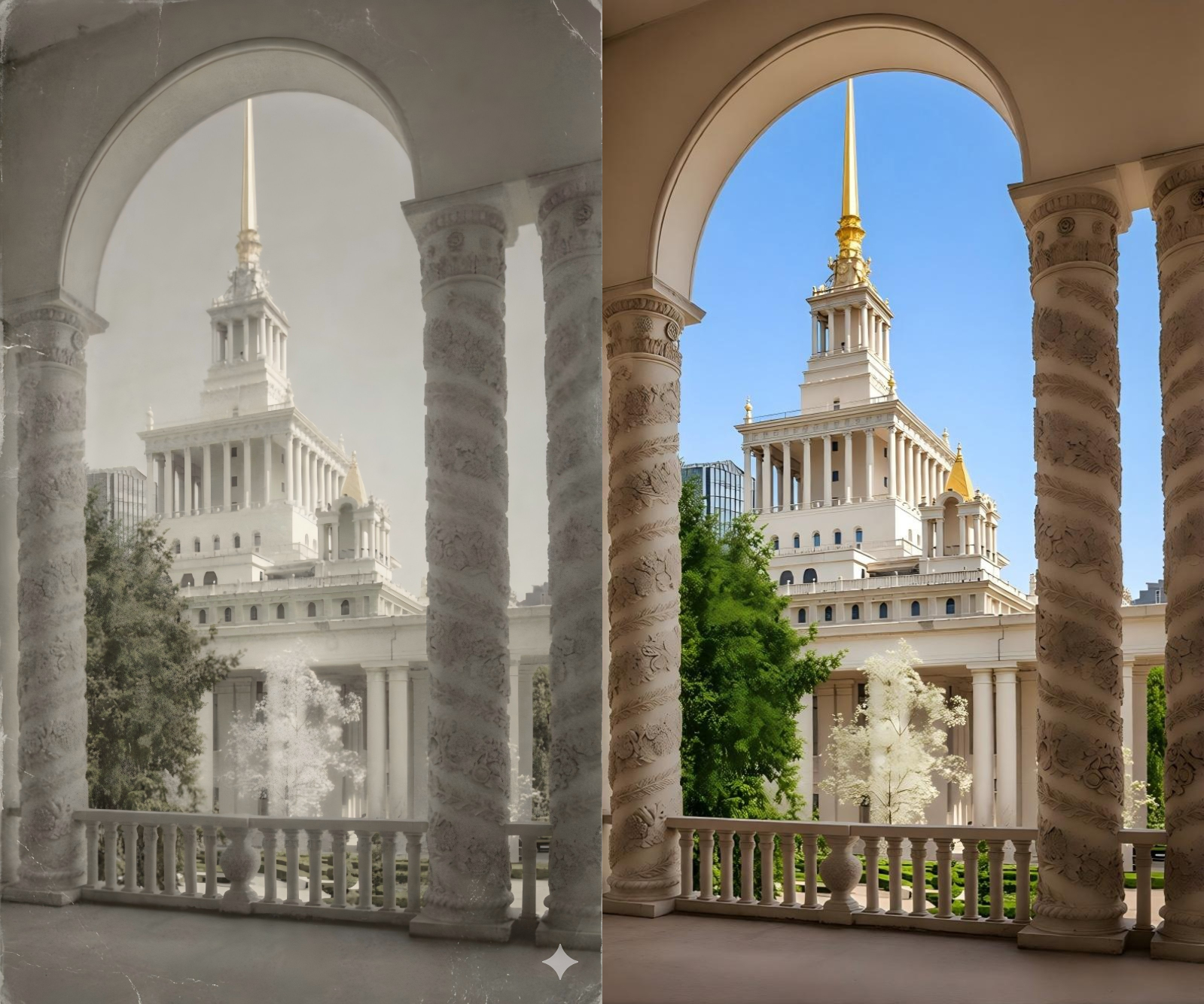
PicMa uses the advanced Nano Banana 2 AI model to:
●Restore blurred details and sharpen important edges
●Upscale images to 4K-level resolution for clearer visuals
●Reduce noise and grain from old digital cameras
●Reconstruct textures and fine details lost in aging photos
What impressed me most was that the restored photos didn't look artificial. They looked like the photos had always been taken with a better camera.
Step-by-Step Guide to Restoring Old Travel Photos
Step 1: Download or Access PicMa
You can download the PicMa app from Google Play or the App Store. And you can also access PicMa Studio directly in your browser.
Step 2: Use the Smart Restore Feature
Find the Smart Restore function and upload your photo.
With just one click, PicMa will automatically repair blurry or faded areas, bringing your old photo back to life. The AI didn't just sharpen the photo, but reconstructed missing details intelligently.
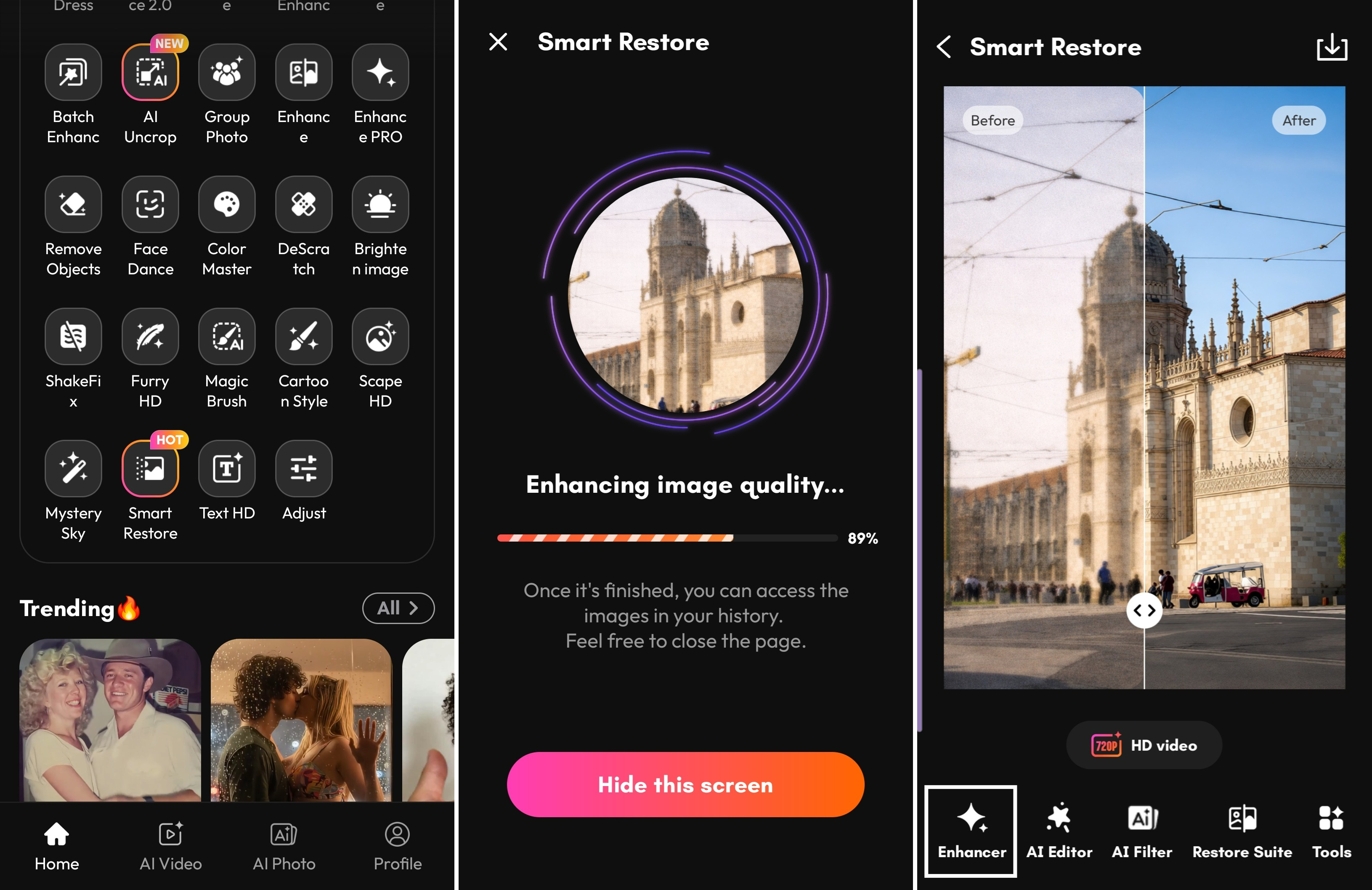
Step 3: Enhance for 4K-Quality Detail
If you want ultra-clear results, click the Enhancer tool. In just a few seconds, PicMa will generate a high-resolution version that can be enlarged up to 300%. That means even photos taken with old compact cameras can be enlarged without losing clarity.
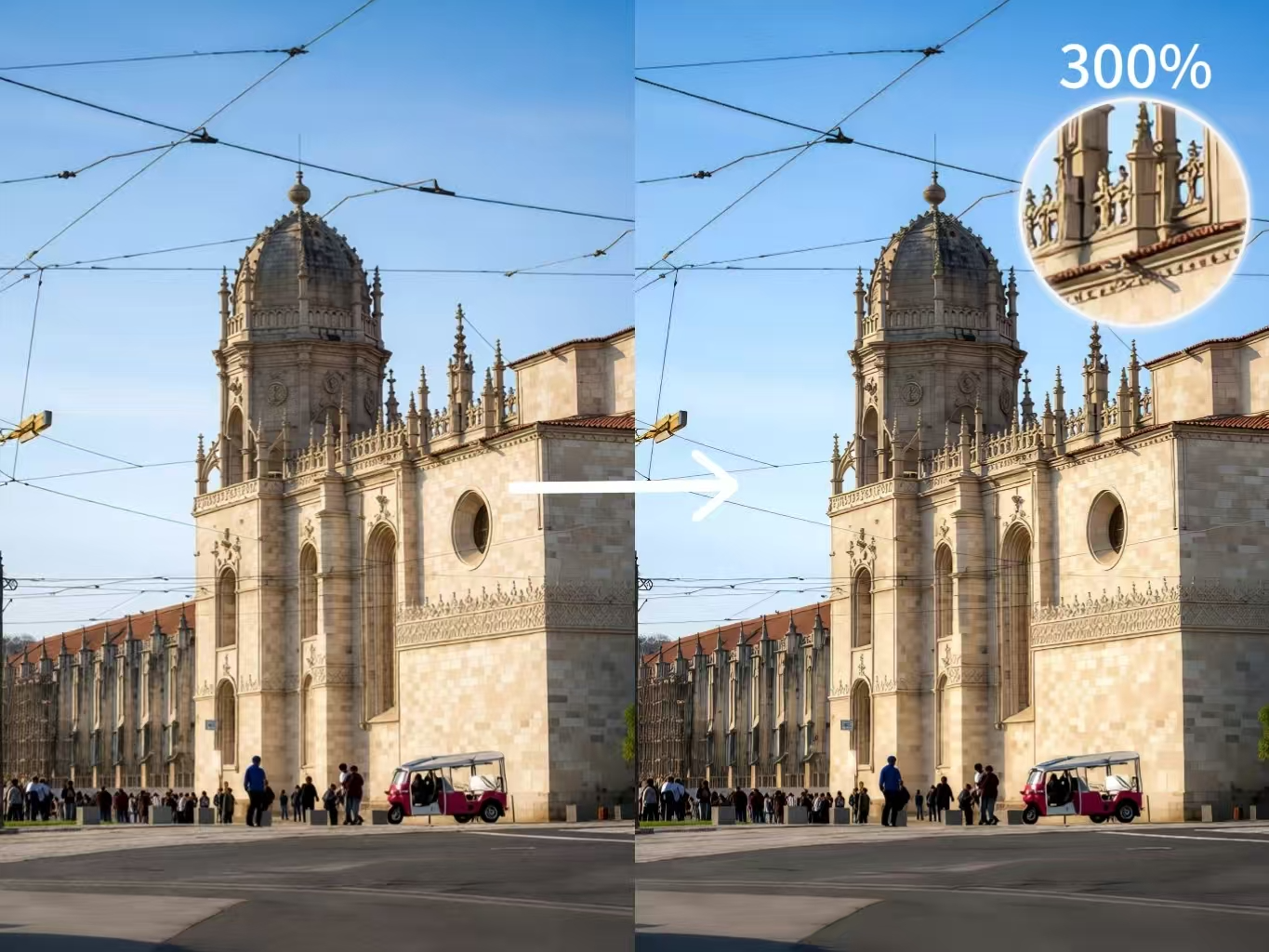
Making Old Photos Look Modern
Instead of just restoring clarity, PicMa’s AI transforms old, blurry images into crisp, modern-looking photos. Colors become vibrant, textures sharp, and every detail pops. But the scene itself still feels authentic.
After enhancement, my Lisbon street photos looked like they were taken yesterday: bright sunlight, clear building textures, and rich, vivid colors. It felt like experiencing Portugal in the present day, giving old memories a fresh, modern look without losing the story they told.
Works for Many Types of Low-Resolution Photos
PicMa isn’t just for slightly blurry images. It’s perfect for damaged or low-resolution photos that need a second life.
Whether your photo is:
●Blurry or pixelated from an old camera
●Faded, scratched, or physically damaged
●Scanned from prints or negatives with low clarity
PicMa’s AI can restore missing details, sharpen edges, and improve resolution, making your photos look much clearer.
No matter the condition, even photos that seemed beyond saving can now look as vivid and detailed as modern shots.
This makes old photos suitable for:
●Large prints
●Travel blogs
●Social media sharing
Seeing Portugal Again
The most emotional moment came when I restored a photo of a quiet Lisbon street I had walked through.
Originally, the photo was blurry and dark. After running it through PicMa, the buildings, road, and warm sunlight suddenly appeared clearly again. For a moment, it felt like I was standing there again ten years later.
Technology can't bring us back in time. But sometimes, it can bring our memories back into focus. Download PicMa now and experience it with me!


Frequently Asked Questions
Q: Is the photo restoration feature in PicMa free?
A: Yes! In the PicMa app, the photo restoration feature is completely free. On the web version, PicMa Studio, you can also try it for free using the complimentary points provided.
Q: Which image formats can I upload?
A: PicMa works with all common formats like JPG, PNG, and BMP. For the best results, try uploading the highest-quality version of your original photo.
Q: How long does it take to restore a photo?
A: Most images are processed within seconds. Larger files uploads may take a little longer, but the AI works very efficiently.
Q: Can PicMa fix very old or low-quality photos?
A: Absolutely! PicMa excels at restoring old, faded, or scanned photos. Even low-resolution or damaged images can be revived, bringing back details you may have thought were lost.


 147
147

 English