The difference between an average AI image and a usable one often comes down to the prompt. A vague prompt gives the model too much room to guess. A bloated prompt gives it too many conflicting instructions. A strong prompt gives the model a clear creative brief: what to create, why it matters, what style to use, how the image should be composed, and what to avoid.
That is especially important for users searching for GPT-Image 2 prompts. They are not only looking for inspiration. They want prompts that can create better images faster. They may be marketers building ad creatives, founders designing landing page visuals, ecommerce teams testing product scenes, bloggers creating featured images, or creators making social content.
This guide gives you a practical prompt framework, more than 50 prompt examples, editing prompts, negative prompt patterns, and optimization tips. You can copy the examples directly, but the real value is learning how to adapt them to your own brand, audience, and use case.
The GPT-Image 2 Prompt Framework
A high-performing image prompt should include seven elements:
- Asset type — What kind of image do you need?
- Subject — What is the main object, person, product, or scene?
- Context — Where is it and why does it exist?
- Composition — How should the image be framed?
- Style — What visual language should it follow?
- Lighting and mood — How should it feel?
- Constraints — What should the model avoid?
Here is the reusable formula:
Create a [asset type] featuring [subject] in [context/environment]. The composition should [framing/layout]. Use [style/medium], [lighting], and [color palette]. The mood should feel [emotion/brand tone]. Avoid [constraints]. The final image should be suitable for [platform/use case].
This formula works because it mirrors how a creative brief is written. It gives direction without forcing every pixel.
Prompt Writing Principles
Be Specific About the Use Case
An image for a blog header should not be prompted the same way as a TikTok thumbnail or a product ad. Always include the destination.
Example:
The final image should be suitable for a 16:9 blog hero with room for a headline on the left.
Use Visual Language, Not Abstract Goals Alone
“Make it trustworthy” is useful, but it is not visual enough. Translate trust into visual cues: clean background, natural lighting, realistic materials, calm color palette, professional composition.
Add Negative Constraints
Negative constraints help prevent common problems. Use phrases like:
- Avoid distorted hands.
- Avoid unreadable text.
- Avoid fake brand logos.
- Avoid cluttered backgrounds.
- Avoid extra objects.
- Avoid unrealistic reflections.
Iterate One Variable at a Time
If the first output is close, do not rewrite the whole prompt. Change one variable: lighting, angle, background, color palette, or composition. This helps you learn what works.
GPT-Image 2 Prompts for Marketing Visuals
1. SaaS Landing Page Hero

Create a modern SaaS landing page hero image showing an abstract AI assistant organizing tasks, charts, and messages into a clean dashboard. Use a minimal 3D illustration style, soft blue and violet gradients, gentle shadows, and a premium technology feel. Leave negative space on the left for headline text. Avoid clutter, unreadable UI text, and fake logos. Use 16:9 aspect ratio.
2. AI Tool Product Launch Banner
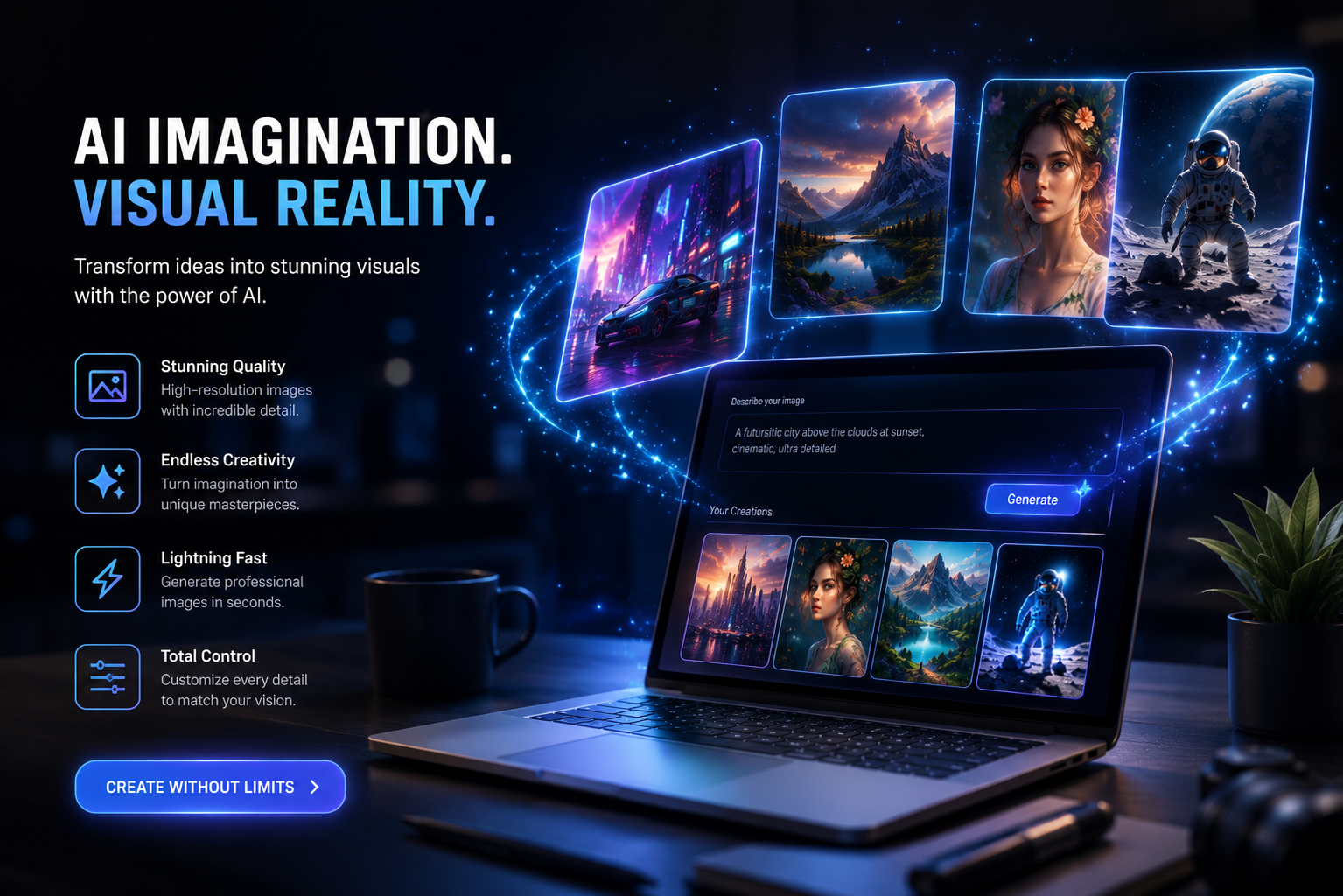
Create a cinematic launch banner for an AI image generation tool. Show a glowing creative workspace with a laptop, generated image previews floating above the screen, and subtle light particles. Use dark mode colors, electric blue highlights, and polished product photography style. The mood should feel innovative and professional. Avoid messy cables, visible brand logos, or distorted screens.
3. Email Newsletter Header
Create a clean newsletter header image about AI productivity. Show a cup of coffee, notebook, laptop, and small abstract AI elements on a bright desk. Use natural morning light, soft shadows, and a friendly editorial photography style. The image should feel calm and useful. Leave enough blank space for a newsletter title.
4. Webinar Promotion Visual
Create a professional webinar promotion visual for a session about AI design workflows. Show a speaker silhouette on a laptop screen with abstract image-generation panels in the background. Use a clean corporate style, navy and cyan palette, and high contrast. Avoid readable fake text, overcomplicated UI, and stock-photo clichés.
5. Conversion-Focused Ad Creative
Create a square social media ad visual for an AI image editor. Show a before-and-after image transformation: a plain product photo becoming a polished lifestyle scene. Use a split-screen composition, bright clean lighting, and a modern ecommerce aesthetic. Avoid exaggerated effects, unreadable labels, or unrealistic product changes.
GPT-Image 2 Prompts for Ecommerce
6. Premium Product Photography
Create a realistic studio product photo of a matte black insulated water bottle standing on a stone surface. Use soft directional light, subtle shadows, a neutral gray background, and premium minimalist styling. Keep the bottle shape clean and symmetrical. Avoid fake logos, dents, extra bottles, and distorted caps.
7. Lifestyle Product Scene
Create a lifestyle image of a lightweight travel backpack placed beside a train window with mountains outside. Use warm natural light, realistic fabric texture, and a calm travel mood. The image should feel aspirational but practical. Avoid people, brand logos, messy straps, or unrealistic proportions.
8. Seasonal Ecommerce Banner
Create a winter holiday ecommerce banner featuring cozy home decor products on a wooden table: candles, knitted blanket, ceramic mug, and small pine branches. Use warm indoor lighting, soft shadows, and a premium lifestyle photography style. Leave space on the right for promotional text. Avoid excessive ornaments, text, and clutter.
9. Beauty Product Scene
Create a premium skincare product photo with a frosted glass serum bottle on a beige marble surface. Add soft morning light, delicate shadows, and a clean spa-like background. The mood should feel natural, elegant, and trustworthy. Avoid fake label text, watermarks, extra bottles, or unrealistic reflections.
10. Food Product Visual
Create a realistic product photo of organic granola in a ceramic bowl with berries, honey, and a linen napkin. Use natural kitchen light, shallow depth of field, and a fresh breakfast mood. Avoid messy composition, plastic packaging, fake labels, or oversaturated colors.
GPT-Image 2 Prompts for Blog and SEO Content
11. Blog Hero for AI Image Generation
Create a 16:9 blog hero image illustrating AI image generation. Show a simple workflow from prompt text to image output using abstract cards and arrows. Use a clean editorial illustration style, white background, blue accents, and clear visual hierarchy. Avoid small unreadable text and overly complex diagrams.
12. Blog Hero for Prompt Engineering
Create a conceptual blog image about prompt engineering for AI images. Show a writer refining a prompt on a laptop while visual ideas appear as floating image tiles. Use warm lighting, modern editorial style, and a creative but professional mood. Avoid cluttered screens, fake logos, and distorted hands.
13. Comparison Article Visual
Create a comparison graphic showing three AI image tools as abstract workstations side by side. Use a neutral background, clean labels represented as simple shapes rather than readable text, and a balanced composition. The mood should feel objective and analytical. Avoid brand logos and tiny text.
14. Tutorial Thumbnail
Create a YouTube-style tutorial thumbnail about GPT-Image 2 prompts. Show a large visual contrast between a weak prompt and a strong prompt using two image panels. Use bold composition, bright colors, and clear attention focus. Do not include unreadable text or fake interface details.
15. SEO Cluster Illustration
Create an editorial illustration showing an SEO topic cluster for AI image generation: one central content hub connected to smaller article cards. Use clean vector style, soft gradients, and a professional marketing feel. Avoid excessive detail or tiny text.
GPT-Image 2 Prompts for Social Media
16. Instagram Carousel Cover
Create a square Instagram carousel cover about AI image prompts. Show a stack of colorful prompt cards turning into polished images. Use bold gradients, clean 3D illustration, and high contrast. Leave space at the top for title text. Avoid clutter and unreadable words.
17. TikTok Background Visual
Create a vertical 9:16 background for a TikTok video about AI image hacks. Show a futuristic creative desk with floating image panels, neon accents, and a dark purple-blue palette. Keep the center area clean for subtitles. Avoid busy details and fake logos.
18. LinkedIn Post Visual
Create a professional LinkedIn image about AI changing design workflows. Show a designer reviewing AI-generated concept boards in a clean office. Use realistic editorial photography style, natural light, and a thoughtful mood. Avoid exaggerated sci-fi elements and clutter.
19. Twitter/X Header Image
Create a wide header image for a creator writing about AI images. Show an abstract landscape made of image tiles, prompt cards, and subtle grid lines. Use a clean futuristic style with black, white, and electric blue. Avoid text, logos, and overly busy patterns.
20. Meme-Style Concept Visual
Create a humorous but professional image showing a messy prompt turning into a chaotic image, compared with a structured prompt turning into a clean image. Use simple cartoon style, clear composition, and expressive contrast. Avoid offensive content or copyrighted characters.
GPT-Image 2 Prompts for Product Design
21. App Onboarding Illustration
Create a friendly onboarding illustration for an AI productivity app. Show a user organizing tasks with the help of a small abstract AI companion. Use soft rounded shapes, pastel colors, and a welcoming SaaS illustration style. Avoid childish details, clutter, and unreadable UI text.
22. Empty State Illustration
Create a minimal empty state illustration for a dashboard where no images have been generated yet. Show a blank canvas, small spark icon, and subtle image placeholder cards. Use light neutral colors and a clean product design style. Avoid text and unnecessary decoration.
23. Feature Page Visual
Create a product feature visual for an AI image editor showing background replacement. Use a clean split composition: original product photo on one side, improved lifestyle background on the other. Use realistic lighting and a polished SaaS website aesthetic. Avoid fake UI labels and distorted product shapes.
24. Mobile App Store Screenshot Background
Create a vertical background for an app store screenshot promoting an AI image app. Use colorful gradients, floating image tiles, and clean negative space for phone mockups. The mood should feel creative and modern. Avoid text, logos, and overly detailed objects.
25. Brand Moodboard
Create a visual moodboard for a premium AI creative tool. Include abstract images, soft gradients, elegant typography placeholders, and modern interface cards. Use black, ivory, and electric blue. The mood should feel high-end, calm, and intelligent. Avoid clutter and readable fake text.
GPT-Image 2 Prompts for Image Editing
Editing prompts should be more controlled than generation prompts. Start by telling the model what to preserve.
26. Change Background
Keep the main product exactly the same, including shape, color, and proportions. Replace the background with a bright modern kitchen scene with natural morning light. Add realistic shadows under the product. Avoid changing the product label or adding extra objects.
27. Remove Object
Remove the extra chair from the background while preserving the table, lighting, shadows, and overall perspective. Fill the removed area naturally so the image looks like an original photo.
28. Improve Lighting
Keep the composition and objects unchanged. Improve the lighting so the scene feels brighter, warmer, and more premium. Add soft natural shadows and reduce harsh highlights. Do not change the product shape or background layout.
29. Create Ad Variation
Keep the product and camera angle consistent. Create a more energetic version for a social media ad using brighter colors, stronger contrast, and a cleaner background. Leave space at the top for headline text. Avoid adding logos or text.
30. Turn Photo into Illustration
Convert this product photo into a clean vector illustration while preserving the product’s main shape, proportions, and color. Use simple shadows, minimal details, and a modern ecommerce style. Avoid changing the product design.
Negative Prompt Patterns
Negative instructions help improve reliability. Here are reusable patterns:
- Avoid unreadable text, fake letters, or distorted typography.
- Avoid extra fingers, distorted hands, or unnatural anatomy.
- Avoid visible brand logos or copyrighted characters.
- Avoid cluttered backgrounds and distracting objects.
- Avoid unrealistic reflections, warped edges, or broken perspective.
- Avoid changing the product shape, label, color, or proportions.
- Avoid overexposed highlights and muddy shadows.
- Avoid low-resolution textures or plastic-looking skin.
Use only the constraints that matter. Too many negative instructions can make prompts harder to follow.
How to Turn One Prompt into a Content System
The best teams do not create one image at a time. They create prompt systems. For example, if you publish articles about AI tools, you can define a repeatable blog image style:
Clean editorial illustration, white background, blue and violet accents, simple cards, abstract AI elements, no readable text, 16:9 aspect ratio, suitable for a SaaS blog.
Then you can adapt the subject for each article:
- AI image prompt workflow
- AI video generation pipeline
- Image-to-image editing
- AI product photography
- Prompt mistakes
- AI design tools comparison
This creates visual consistency across your SEO content library.
GPT-Image 2 Prompt Checklist
Before generating, check:
- Is the subject clear?
- Is the use case included?
- Is the aspect ratio specified?
- Is the composition described?
- Is the style realistic and consistent?
- Are lighting and mood included?
- Are important constraints included?
- Have you avoided conflicting style terms?
After generating, check:
- Does the image match the brief?
- Are there visual artifacts?
- Is the subject accurate?
- Is there unwanted text or logos?
- Is the composition usable for the platform?
- Does the image need human editing before publishing?
FAQ About GPT-Image 2 Prompts
What is the best prompt format for GPT-Image 2?
The best format includes asset type, subject, context, composition, style, lighting, mood, constraints, and final use case. This gives the model a complete creative brief.
Should I use long prompts or short prompts?
Use prompts that are specific but not overloaded. A strong prompt is often one detailed paragraph, not a giant list of unrelated instructions.
How do I make GPT-Image 2 follow my brand style?
Define a consistent style guide with color palette, lighting, composition, mood, and negative constraints. Reuse that style language across prompts.
Can GPT-Image 2 edit existing images?
If the tool implementation supports image editing, use prompts that clearly say what to preserve and what to change. Editing prompts should be more precise than generation prompts.
Why do my AI images look generic?
Generic images usually come from generic prompts. Add audience, use case, composition, brand tone, and specific visual references such as lighting, material, environment, or camera angle.
Related Readings:

 154
154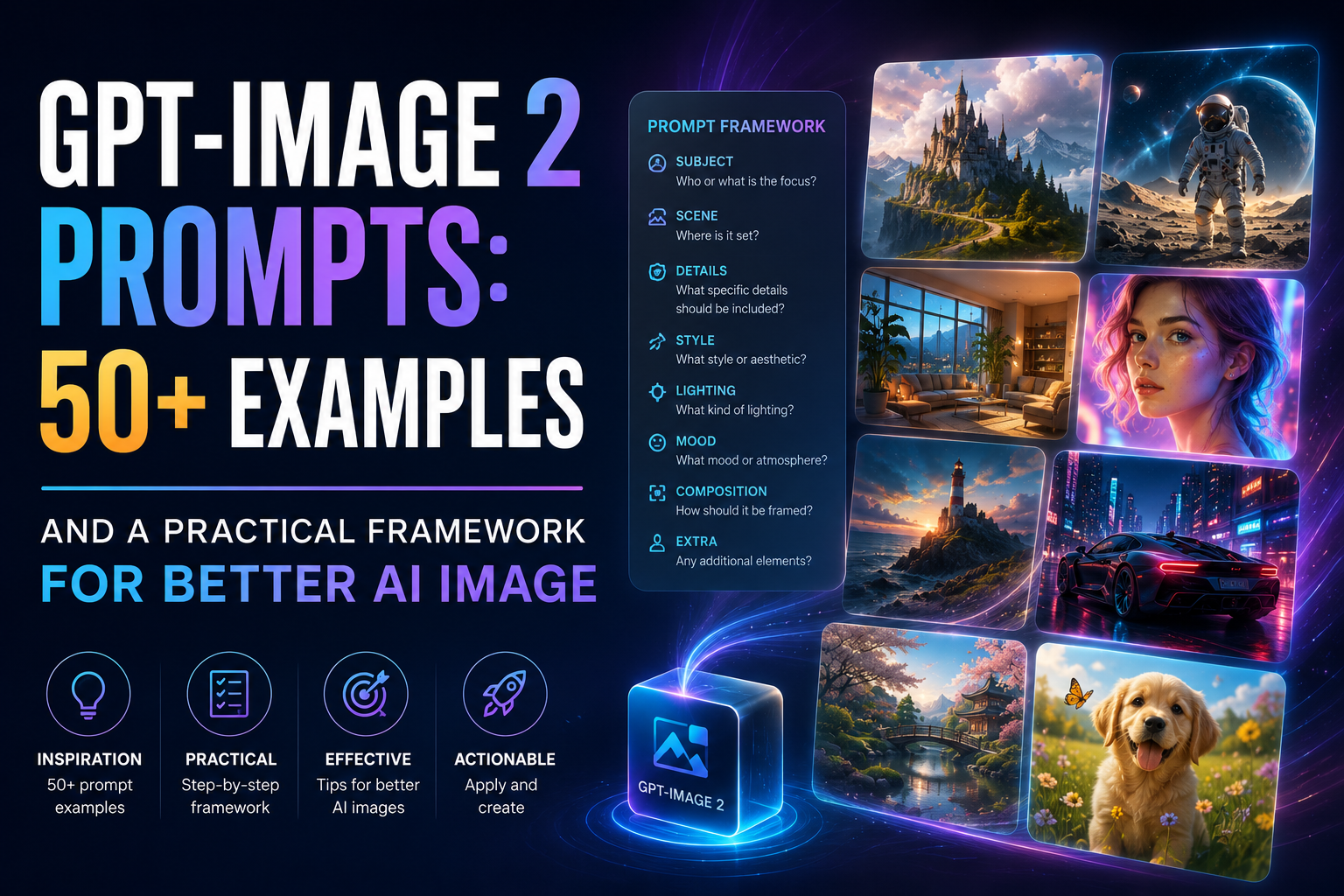

 English