AI image generation has moved from experimental novelty to a practical production tool for marketers, designers, ecommerce teams, content creators, and product builders. In that shift, model names matter because they become shorthand for expectations: better prompt understanding, more accurate text rendering, richer visual styles, faster iteration, and stronger image editing. That is why search interest around GPT-Image 2 is likely to grow quickly as users look for what it is, how it works, and whether it can improve their creative workflow.
At a practical level, people searching for GPT-Image 2 usually want one of three things. First, they want a plain-English explanation of what the model is or may represent. Second, they want to understand how it compares with existing AI image tools. Third, they want actionable guidance: how to write prompts, how to edit images, how to use generated assets in campaigns, and how to avoid common quality issues.
This guide is built for those users. It explains GPT-Image 2 from a workflow perspective rather than treating it as a magic button. You will learn what capabilities matter in modern AI image generation, where GPT-style image models fit into real content production, how businesses can apply them, and what best practices help you get more consistent results.
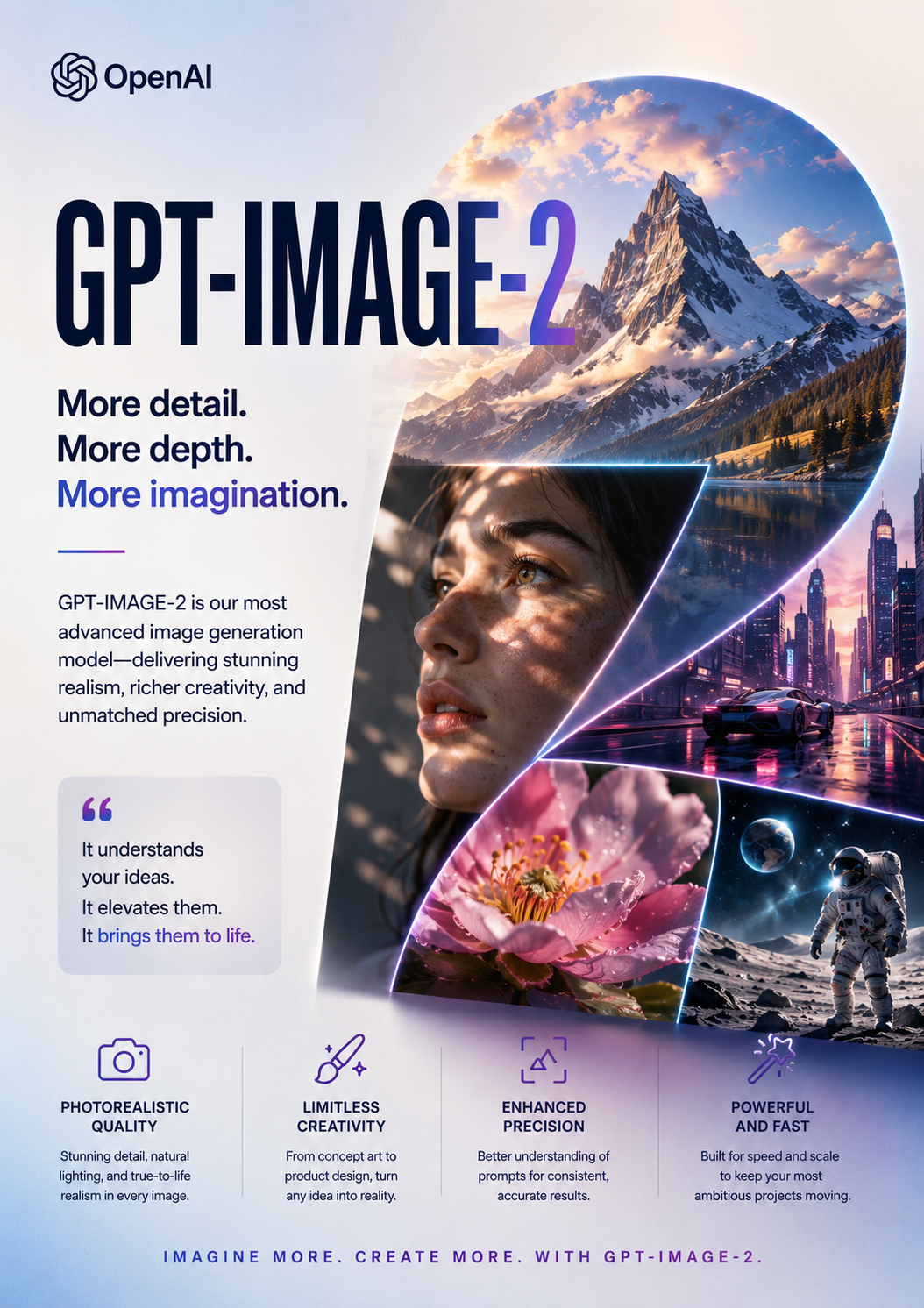
What Is GPT-Image 2?
GPT-Image 2 can be understood as a next-generation AI image generation concept built around the broader GPT-style approach to understanding language, context, and creative instructions. In user terms, it refers to an image model or image-generation capability that can convert natural language prompts into visual outputs, edit existing images, and support creative workflows that require both language reasoning and visual synthesis.
The important point is not only that a model can generate images. Many tools can do that. The value of a GPT-based image system is its ability to understand detailed human instructions. A useful AI image model should be able to interpret subject, scene, composition, lighting, style, mood, format, and constraints in a way that feels closer to collaborating with a designer than operating a random image generator.
For example, a weak prompt system may treat “a premium skincare product on a marble counter with soft morning light” as a loose suggestion. A stronger system should understand the commercial context: the product should remain central, the lighting should feel clean and aspirational, the background should not distract, and the final image should be suitable for an ad, landing page, or ecommerce hero section.
That is the core promise behind GPT-Image 2 as a search topic: more controllable, more context-aware, and more production-ready AI image generation.
Why GPT-Image 2 Matters for Content Teams
The demand for visual content has exploded. Brands need images for landing pages, social posts, product pages, newsletters, blog thumbnails, app store assets, ad creatives, presentations, and video storyboards. Traditional design workflows are powerful but often slow. Stock images are convenient but generic. Hiring illustrators or photographers remains valuable, yet it may not be practical for every daily content need.
GPT-Image 2 matters because it points toward a workflow where teams can move faster without fully sacrificing creative control. A marketer can test ten ad concepts before asking a designer to refine the best one. A product team can create moodboards for a feature launch. A blogger can produce original article visuals instead of relying on repetitive stock photography. An ecommerce operator can generate lifestyle scenes around a product concept before investing in a full photoshoot.
This does not remove the need for human taste. In fact, it increases the value of creative direction. The user who knows what they want, understands the audience, and can evaluate quality will get better results than someone who simply types a vague prompt and accepts the first output.
Core Capabilities Users Expect from GPT-Image 2
Although exact features depend on the product implementation, users searching for GPT-Image 2 usually expect several core capabilities.
1. Text-to-Image Generation
Text-to-image generation is the foundation. The user writes a prompt, and the model creates an image. The quality of this process depends on how well the model understands language and visual composition. Strong results usually require clarity around subject, environment, style, lighting, lens or perspective, mood, aspect ratio, and final use case.
A simple prompt might be:
Create a cinematic product photo of a smart desk lamp on a minimalist oak desk, warm evening light, soft shadows, premium lifestyle photography, 16:9 aspect ratio.
A more advanced prompt adds brand and conversion context:
Create a hero image for a landing page selling a smart desk lamp to remote workers. Show the lamp on a clean oak desk beside a laptop and notebook. The scene should feel calm, focused, and premium. Use warm evening light, realistic shadows, shallow depth of field, and leave clean negative space on the left for headline text.
The second prompt is more useful because it tells the model why the image exists.
2. Image Editing and Iteration
Modern AI image generation is not only about creating a first draft. Production teams need iteration. They may want to change the background, adjust the lighting, remove an object, keep a product consistent, or convert one concept into multiple ad variations.
For GPT-Image 2, image editing is likely to be one of the most searched capabilities. Users want to know if they can upload an existing image and ask for changes in natural language. For example:
Keep the product exactly the same, but change the background to a bright modern kitchen with morning light.
or:
Remove the extra chair, make the wall color warmer, and add subtle natural shadows under the table.
This kind of editing is valuable because it turns AI from a one-shot generator into a practical creative assistant.
3. Better Text Rendering
One common challenge in AI images has been readable text. Posters, packaging mockups, UI screens, signs, labels, and social graphics often require accurate words. If GPT-Image 2 improves text rendering, it could be especially useful for marketers and designers.
However, even with improved text handling, best practice is to keep critical final text editable in design software whenever possible. Use the model to create visual direction, layout, and background, then add final copy in tools like Figma, Photoshop, Canva, or your web design system.
4. Style Control
Users want consistent styles. A brand may need images that feel premium, playful, futuristic, editorial, documentary, cinematic, minimal, retro, or hand-drawn. The model should be able to follow style instructions without overwhelming the core subject.
Effective style control includes both positive direction and constraints. For example:
Minimal editorial photography, neutral beige background, soft diffused light, no clutter, no visible logos, no exaggerated reflections.
The “no clutter” and “no visible logos” parts are as important as the positive style instructions.
5. Commercial Use Workflows
For businesses, the question is rarely “Can it make a cool image?” The real question is “Can it produce assets we can actually use?” Commercial workflows require quality control, brand consistency, licensing clarity, accessibility, file organization, and review. A useful GPT-Image 2 workflow should help teams create variations, compare outputs, document prompts, and prepare final images for publishing.
Practical Use Cases for GPT-Image 2
Marketing Campaign Visuals
Marketers can use GPT-Image 2 to brainstorm campaign directions, create ad variations, and generate supporting visuals for blog posts or social media. The biggest advantage is speed. Instead of waiting days for initial visual concepts, a team can explore many directions in one session.
Example campaign use cases include:
- Facebook and Instagram ad concepts
- YouTube thumbnail backgrounds
- Blog featured images
- Newsletter banners
- Product launch hero images
- Lead magnet cover designs
- Event promotion visuals
The key is to treat outputs as creative drafts. The final asset should still be checked for brand fit, accuracy, legal safety, and platform requirements.
Ecommerce Product Content
Ecommerce teams often need lifestyle visuals, seasonal banners, product context scenes, and category page images. GPT-Image 2 can help create concept images for product positioning. For example, a kitchenware brand can show a new pan in a cozy family dinner setting, a minimalist studio scene, or a holiday cooking theme.
If the model supports image reference or editing, teams may upload product images and generate background variations. This can reduce the cost of early creative testing. However, product accuracy is critical. Any image used on a product detail page should represent the product honestly and should not mislead customers.
SEO and Blog Visuals
Original visuals can improve the perceived quality of SEO content. A blog post about “AI image prompt examples” can include diagrams, sample outputs, prompt frameworks, and comparison graphics. GPT-Image 2 can help create supporting visuals that make the article more useful and shareable.
For SEO, images should be optimized with descriptive file names, alt text, compressed file sizes, and relevant surrounding copy. Do not generate images just to decorate a page. Use them to clarify, compare, demonstrate, or support the user’s task.
Product Design and Prototyping
Design teams can use GPT-Image 2 for moodboards, interface concept art, onboarding illustrations, empty-state graphics, and product storytelling. The model can help explore visual directions before committing design resources.
For example:
Create three visual directions for an AI productivity app: one calm and minimal, one futuristic and dark, and one colorful and friendly. Each should work as a SaaS landing page hero illustration.
This type of exploration helps teams align on taste faster.
Social Media Content
Social platforms reward frequent visual experimentation. GPT-Image 2 can help creators produce backgrounds, thumbnails, carousel visuals, meme-like concepts, and short-form video storyboards. For social media, speed and variation matter. A creator can test multiple hooks visually before investing in editing.
Still, authenticity matters. Overly polished AI visuals may feel generic if they do not match the creator’s voice. The best social content usually combines AI-generated support with personal insight, behind-the-scenes context, or strong storytelling.
How to Write Better GPT-Image 2 Prompts
A strong image prompt usually answers six questions:
- What is the main subject?
- Where is it located?
- What should the composition look like?
- What style or medium should be used?
- What mood or lighting should the image have?
- What should be avoided?
A reusable prompt structure looks like this:
Create [type of image] featuring [main subject] in [environment]. The composition should [layout or framing]. Use [style, lighting, color palette, camera or medium]. The image should feel [mood]. Avoid [negative constraints]. Output should be suitable for [use case].
Example:
Create a realistic hero image featuring a lightweight electric bicycle parked outside a modern city cafe. The composition should leave negative space on the right for website copy. Use natural morning light, premium lifestyle photography, muted colors, and shallow depth of field. The image should feel urban, sustainable, and aspirational. Avoid visible brand logos, distorted wheels, extra people, or clutter. Output should be suitable for a landing page banner.
This structure gives the model enough information to make decisions while keeping the prompt readable.
Common Mistakes to Avoid
Vague Prompts
“Make a beautiful AI image” is too broad. The model has to guess the subject, style, audience, and purpose. Add context.
Too Many Conflicting Styles
A prompt that asks for “photorealistic watercolor anime 3D claymation editorial poster style” will likely produce inconsistent results. Choose one primary style and, if needed, one secondary influence.
Ignoring the Final Use Case
An image for a mobile ad, a blog hero, a product page, and a poster require different compositions. Tell the model where the image will be used.
Not Leaving Space for Text
Marketing assets often need copy overlays. If you need headline space, say so clearly.
Publishing Without Review
Always inspect outputs for artifacts, inaccurate details, unintended logos, strange anatomy, misleading product features, or visual elements that could create trust issues.
GPT-Image 2 and SEO: How to Use AI Images Responsibly
AI-generated visuals can support SEO when they make content more useful. They should not replace substance. A page full of generic AI images without helpful information is unlikely to satisfy users. Instead, use visuals to explain steps, compare outputs, show examples, or demonstrate a workflow.
For image SEO, follow these practices:
- Use descriptive file names such as
gpt-image-2-prompt-workflow.png. - Add concise alt text that describes the image accurately.
- Compress images for fast loading.
- Use responsive image sizes.
- Place images near relevant text.
- Include captions when they add context.
- Avoid using images that misrepresent real products or results.
If your article uses AI-generated images, consider adding a short disclosure when it helps users understand how the content was created. Transparency can improve trust, especially in reviews, tutorials, or comparisons.
Is GPT-Image 2 Good for Businesses?
GPT-Image 2 can be useful for businesses if it fits into a controlled workflow. The strongest business use cases are brainstorming, creative testing, campaign variation, concept visualization, and content support. The weakest use cases are those requiring guaranteed factual accuracy, exact product replication, legal documentation, or sensitive identity representation.
A practical business workflow might look like this:
- Define the campaign goal.
- Create a visual brief.
- Generate several image directions.
- Select the strongest outputs.
- Edit or refine with brand constraints.
- Add final text and design elements manually.
- Review for accuracy and compliance.
- Publish optimized assets.
This workflow keeps humans in control while using AI to accelerate ideation and production.
FAQ About GPT-Image 2
What is GPT-Image 2 used for?
GPT-Image 2 is used for AI image generation, image editing, visual brainstorming, marketing creative production, ecommerce concepts, blog graphics, social media visuals, and design prototyping.
Is GPT-Image 2 the same as a normal text-to-image generator?
Not exactly. A GPT-style image model is expected to place more emphasis on understanding natural language instructions and context. The practical difference should be better control, more accurate prompt following, and smoother iteration.
Can GPT-Image 2 create commercial images?
It may be suitable for commercial workflows depending on the tool’s terms, licensing rules, and output quality. Always check usage rights and review images before publishing.
Does GPT-Image 2 replace designers?
No. It can speed up parts of the creative process, but human judgment, brand strategy, layout skill, and final quality control remain essential.
How do I get better GPT-Image 2 results?
Use specific prompts, define the use case, describe composition and lighting, add constraints, iterate in small steps, and review outputs carefully.
Related Readings:

 125
125

 English