Thanksgiving has always been that gentle pause button in our fast-moving lives—a moment to breathe, reflect, and cherish the people and stories that shaped us. But what about the memories frozen in time, tucked away in old photo albums? Those silent, faded images hold more than just smiles; they hold unspoken words, waiting to be heard.
This year, I decided to do something different. I didn't just flip through the albums—I stepped into them.
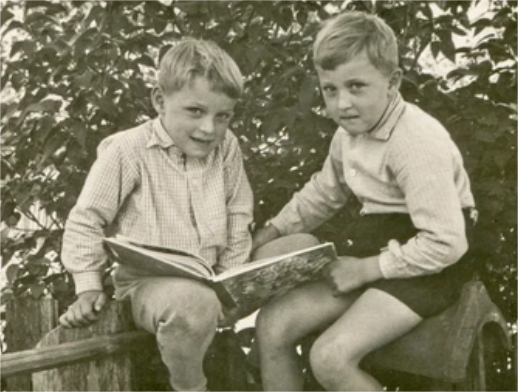
It started with a single photograph: my father and uncle as young boys, sitting side by side on an old wooden fence, with their books in hand. I'd looked at that picture countless times, but I'd never truly seen it.
That's when I discovered PicMa.
With PicMa, I didn't just scan the photo—I brought it to life. With a simple upload, the AI began its magic. The faded colors deepened, the details come so clear, and suddenly, the image felt as vivid as the day it was taken.
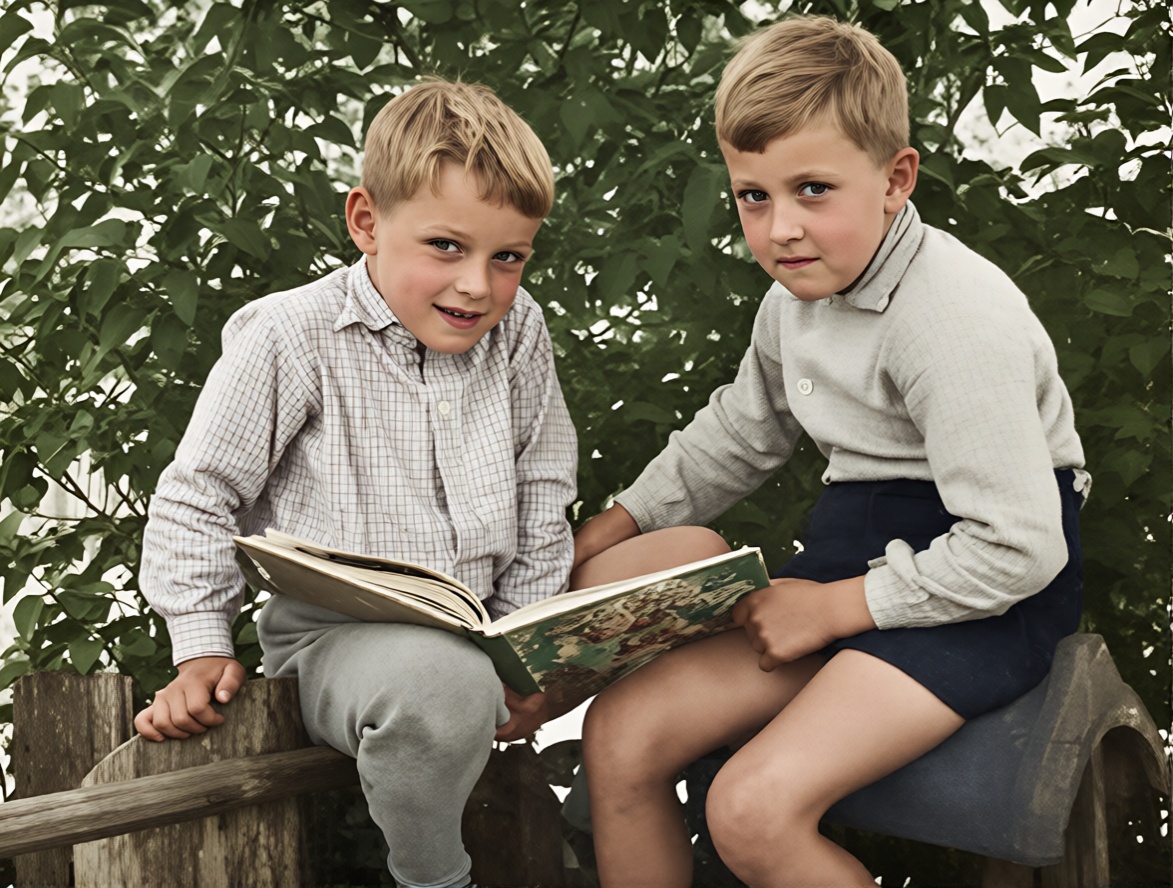
But the real wonder began when I pressed "Revive." The photo started to move.
My uncle and my father were looking at me, and my uncle seems to call my name happily. And in that moment, I wasn't just observing—I was right there with them, feeling the warmth of that afternoon sun, hearing the momeries call.
That's when it hit me: every old photo holds a sentence left unspoken. Maybe it's a shared dream, an unspoken bond, or a simple "I'll always be here for you" that never needed to be said aloud. This time, I didn't let silence press play. With PicMa, I reached in—and touched the memory.
Technology may never surpass memory—but it can touch it.
PicMa doesn't replace what we feel when we remember; it extends it. It allows us to reconnect, to animate not just images, but emotions. To witness the bonds that were forged in quiet moments.
This Thanksgiving, don't just remember—reconnect.
All you need is a photo. Upload it to PicMa, and watch as it's restored, revived, and reanimated. Let brothers share stories again. Let childhood friendships come alive. Let the past breathe, just for a moment, back into the present.
How to Bring Your Memory Back to Life
- Download PicMa app through Google Play or AppStore, pc and laptop users can also directly visit PicMa Studio.
- Find Smart Restore, and upload your photo to enhance the photo with one click.
- Open PicMa app and find Revive function, upload the photo and wait for the memory to come alive.
Touch Your Memory in Thanksgiving
Gratitude isn't just about looking back—it's about bringing what we love forward.
Try PicMa today. Touch a memory. See the unspoken bond.


Related Readings:

 190
190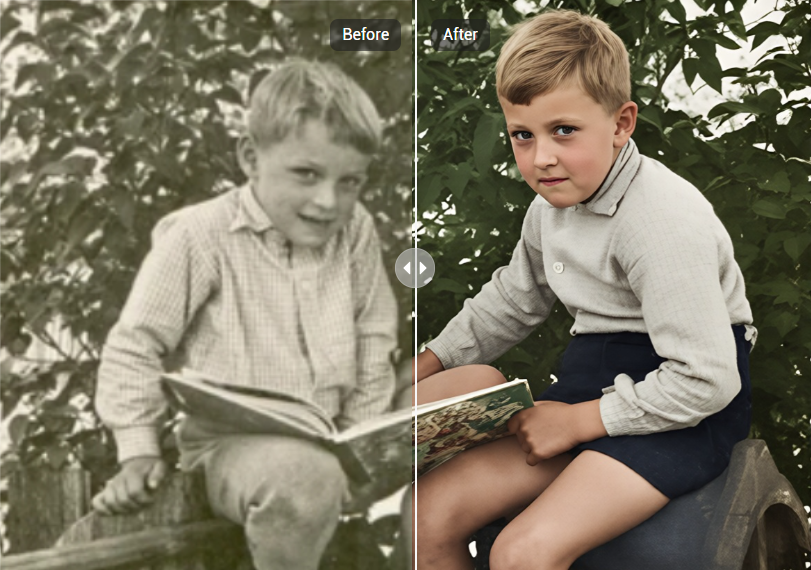

 English