Creating professional-looking lingerie photos used to mean booking a studio, hiring a photographer, and spending hours (and hundreds of dollars) on a shoot. Today, AI makes it possible to generate tasteful AI lingerie photos that look like high-end editorial work right from your laptop or phone in minutes.
No model required. No camera gear. No awkward posing. Just clear prompts and a good AI image generator like PicMa.
Whether you’re a content creator, fashion designer, boudoir enthusiast, or simply exploring creative photography, this guide walks you through the exact process. You'll get ready-to-copy prompts optimized for photorealistic results, plus simple tips to keep everything elegant and tasteful.
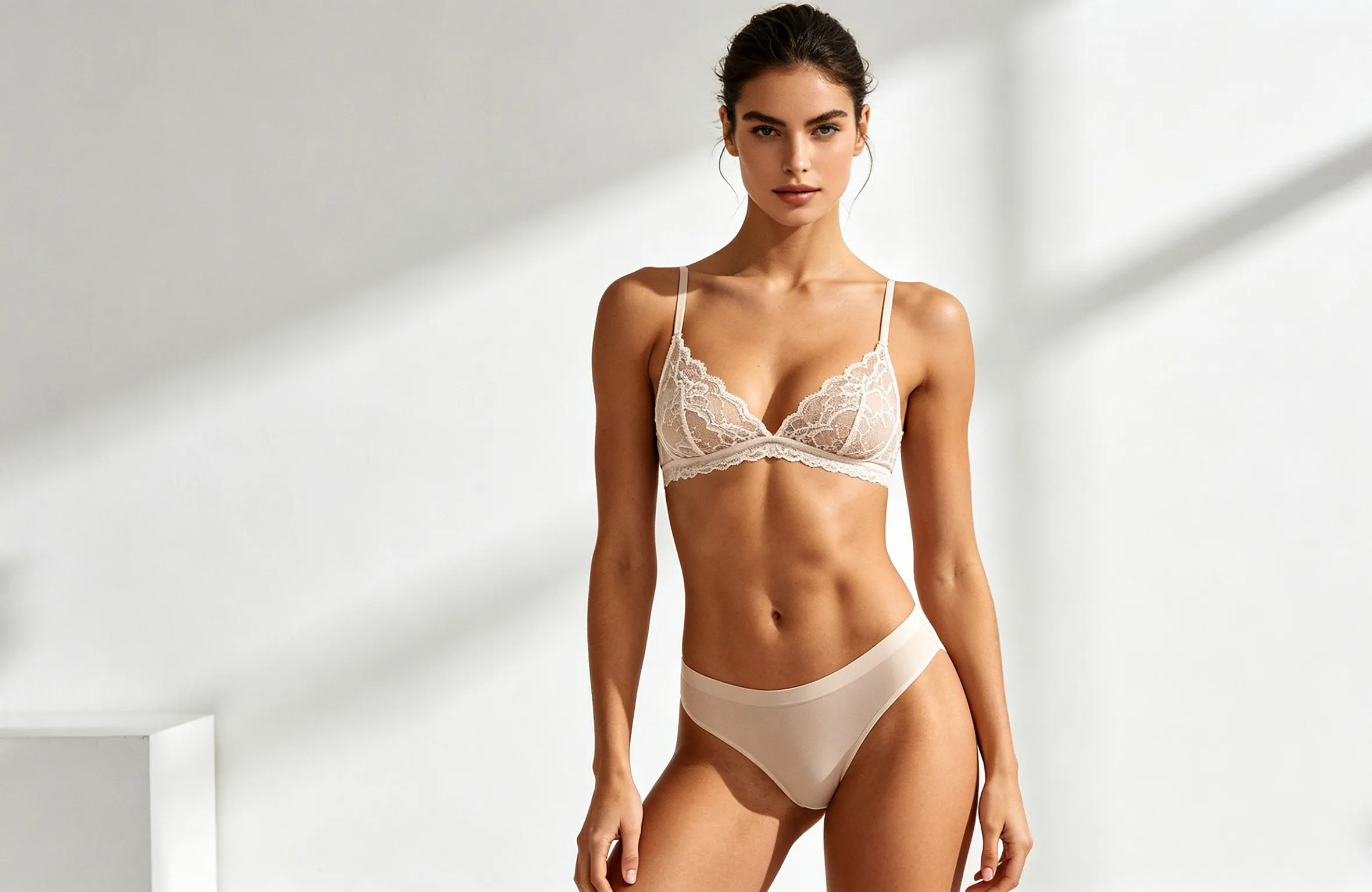
Why AI Is Perfect for Tasteful Lingerie Photography
Traditional boudoir photography can be intimidating for many women. You have to:
- Spend $300-$1,500 on a single session
- Pose in front of a stranger for hours
- Worry about privacy and photo security
- Wait weeks for edited photos
AI lingerie photography solves all these problems:
- 100% private: No photographer, no studio, no one sees your photos but you
- Affordable: A fraction of the cost of traditional photography
- Instant results: Generate photos in seconds, not weeks
- Unlimited options: Try different styles, outfits, and poses until you find the perfect one
- Flattering for every body type: AI can create poses and lighting that highlight your best features
Step-by-Step: Create Your First Tasteful AI Lingerie Photo in Minutes
1. Open your AI tool
Take PicMa for example, download it on Google Play & Apple Store, open it and go to the text-to-image section.
2. Write a strong prompt
This is the most important part. A good prompt includes:
- Subject description (body type, expression)
- Lingerie details (fabric, color, style)
- Lighting and setting
- Camera and style references (for photorealism)
- Quality boosters (“photorealistic, 8k, detailed skin texture”)
3. Generate
Hit “Create” and wait 10–30 seconds. Most tools give you several variations.
4. Refine if needed
Use the “Upscale” or “Vary” button, or add “--ar 2:3” for portrait orientation.
5. Download and enjoy
You now have a high-resolution, tasteful AI lingerie photo ready to use.
10 Copy-Paste Prompts for Beautiful Results
Here are proven, tasteful prompts that consistently produce elegant, photorealistic AI generated lingerie images. Just copy, paste, and adjust the details (hair color, lingerie color, etc.) to fit your vision.
1. Soft Studio Editorial
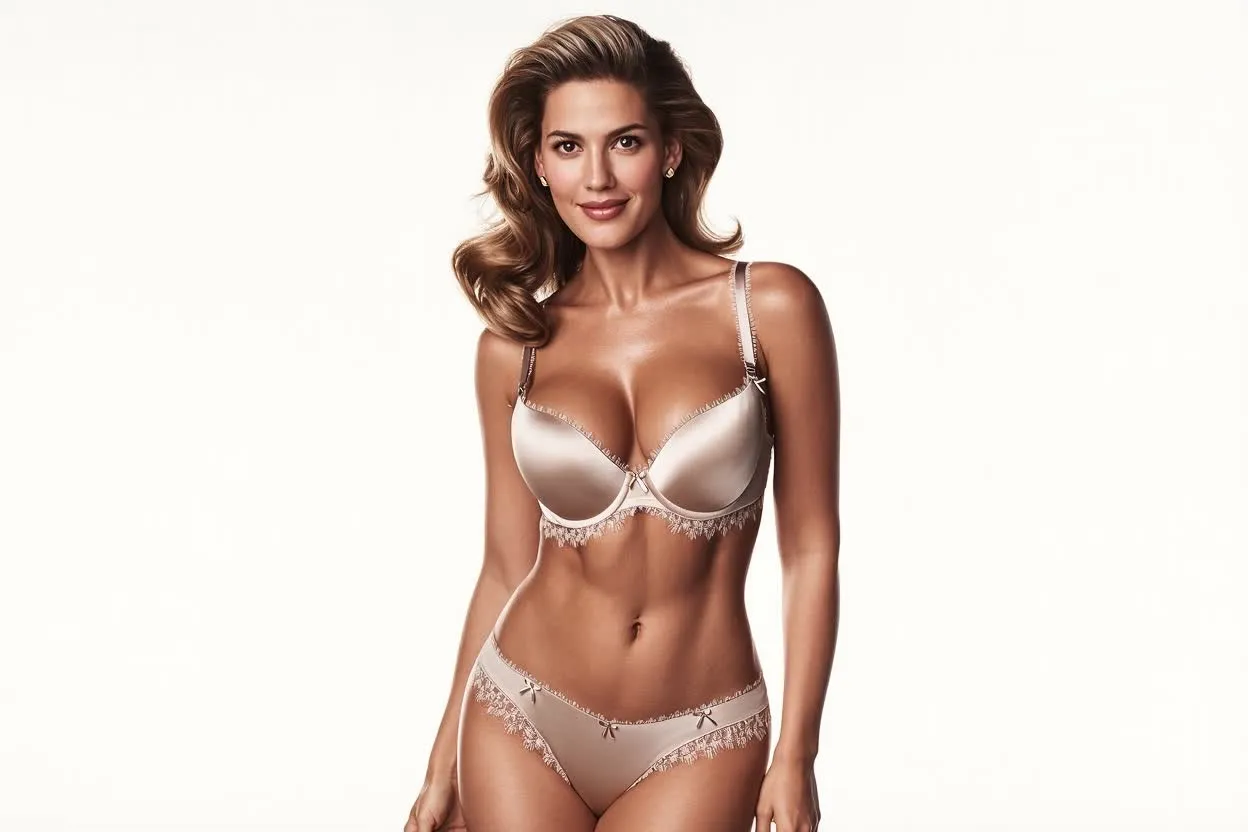
“Photorealistic portrait of a confident 28-year-old woman with natural curves, wearing elegant champagne satin lingerie set with delicate lace trim, softbox studio lighting, seamless white background, subtle rim light, clean blowout hair, minimal jewelry, shot on Sony A7IV 85mm f/1.4, mid-length framing, tasteful editorial style, realistic skin texture and fabric details, high-end fashion color grading --ar 4:5”
2. Moody Window Light Boudoir
“Adult woman in black lace bodysuit with full coverage and silk robe draped over shoulders, standing beside tall window with sheer curtains, soft morning natural light creating gentle shadows, Canon R5 50mm f/1.8, half-body framing, calm intimate mood, tasteful boudoir photography, realistic fabric folds and natural skin pores --ar 4:5”
3. Bridal Lace Moment
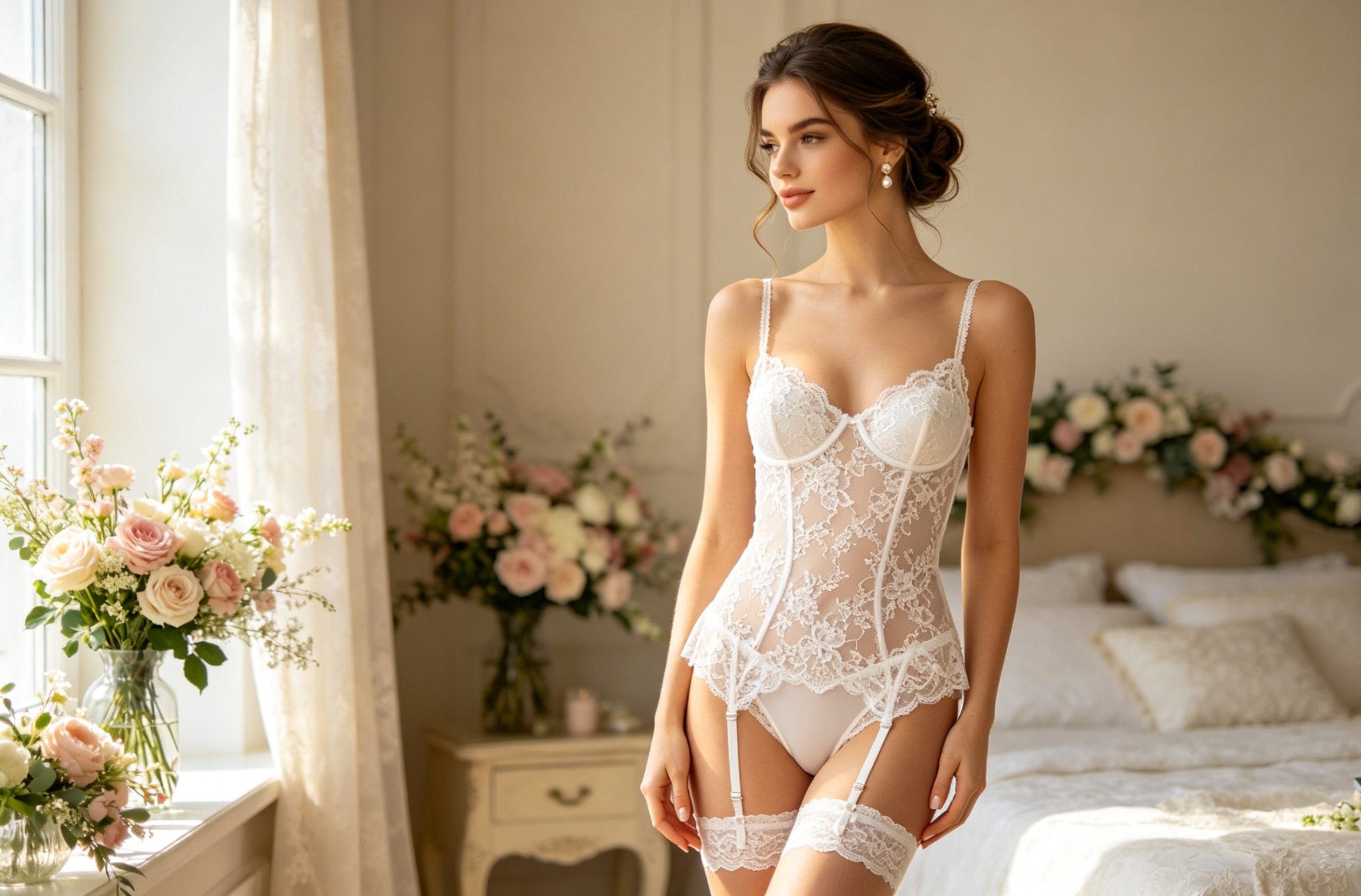
“Beautiful bride-to-be in white lace lingerie set with lined bodice and garter belt, soft updo hair, pearl earrings, standing in bright bridal suite with fresh flowers, airy daylight from side window, Nikon Z7 II 85mm, elegant and romantic pose, tasteful wedding editorial style, photorealistic --ar 4:5”
4. Minimalist Black & White
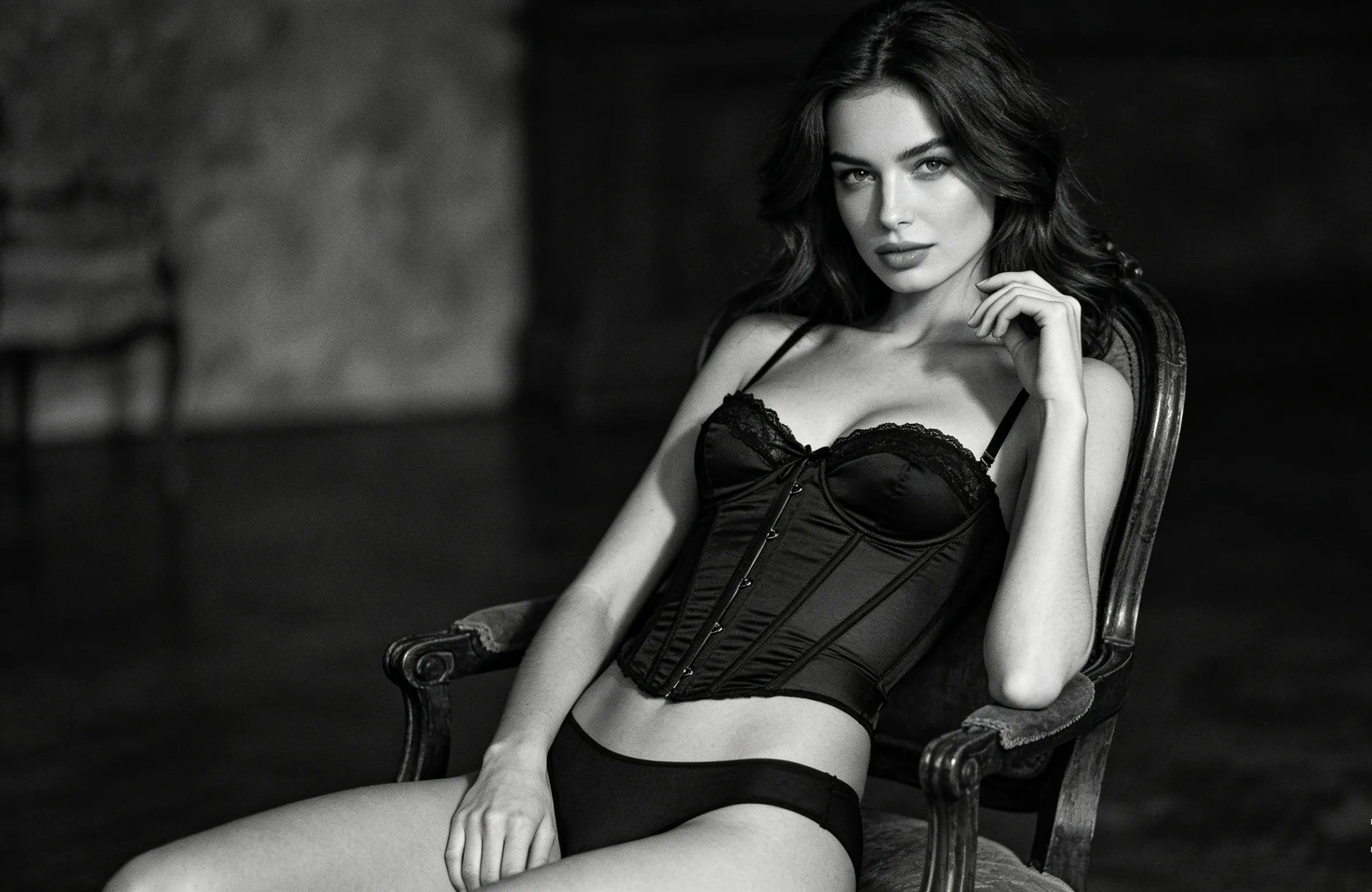
“Woman in structured corset-inspired lingerie top with high-waist briefs, sitting on vintage wooden chair, dramatic Rembrandt lighting, monochrome black-and-white film grain, Leica 50mm style, close-up portrait framing, high contrast, classic fashion editorial mood, tasteful non-nude styling --ar 3:4”
5. Luxury Bedroom Scene
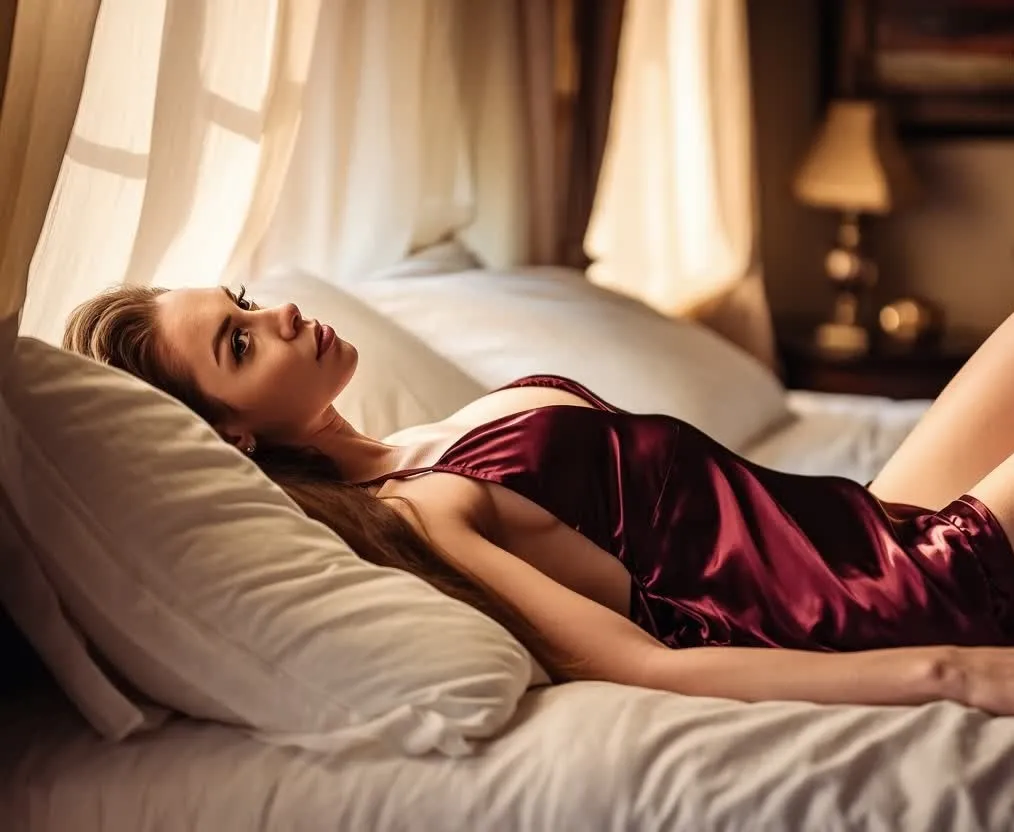
“Elegant young woman in deep burgundy satin chemise, reclining gently on bed with white linen sheets and plush pillows, warm golden hour light filtering through curtains, soft bokeh background, Sony A7IV 85mm, intimate yet tasteful boudoir atmosphere, realistic skin glow and fabric sheen --ar 4:5”
6. Sheer Mesh Elegance
“Woman wearing sheer ivory mesh lingerie set with delicate lace edges, standing near floor-to-ceiling window in minimalist bedroom, soft diffused natural light, confident yet relaxed pose, high-resolution photorealistic details, clean composition, editorial fashion photography --ar 2:3”
7. Vintage-Inspired Satin
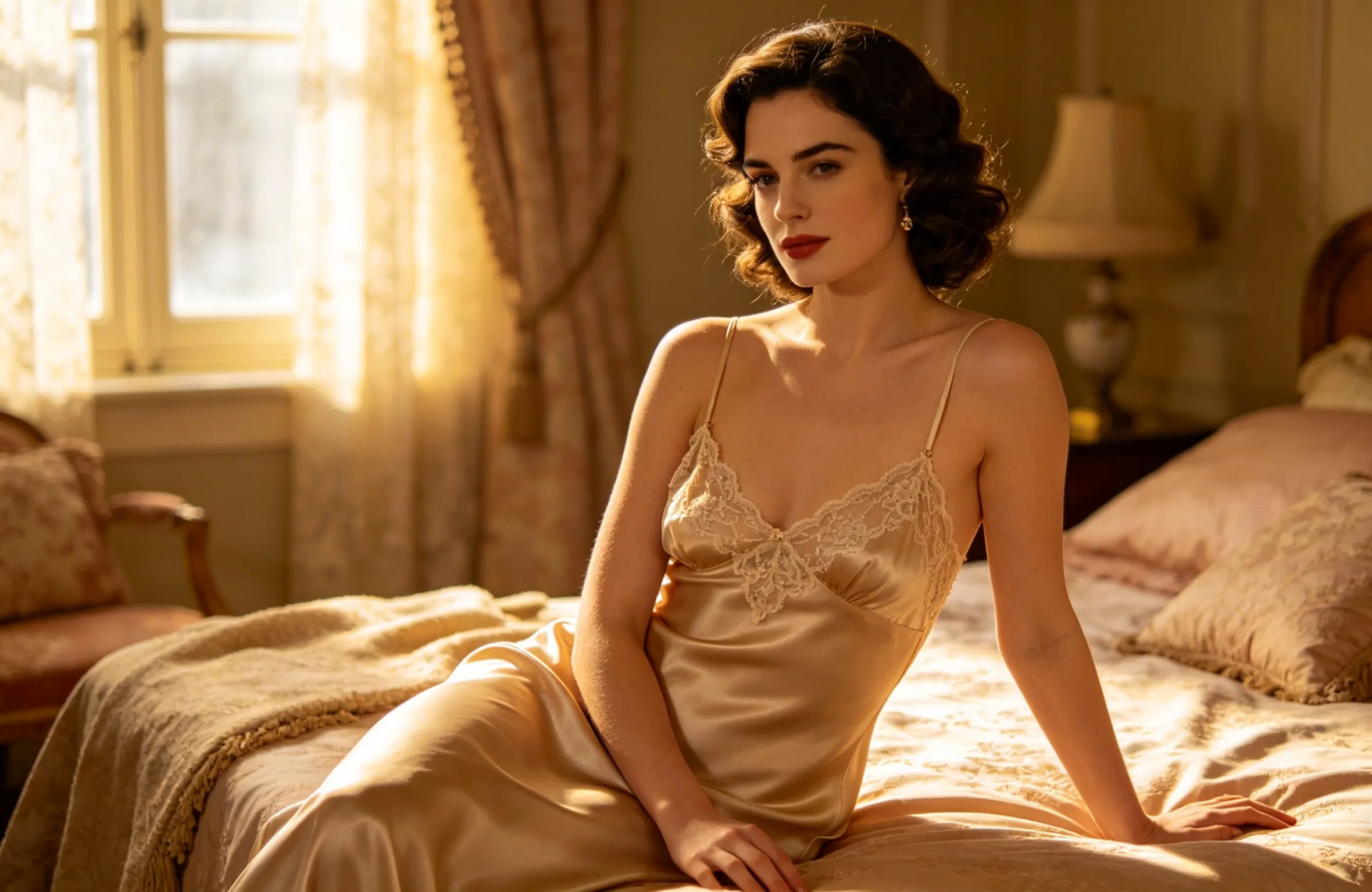
“Timeless portrait of a woman in vintage-style champagne satin slip dress with lace details, soft window light, retro bedroom setting, filmic color grading inspired by Kodak Portra 400, warm skin tones, gentle expression, tasteful and romantic mood --ar 4:5”
8. Sporty-Chic Lace
“Athletic woman in modern lace sports bra and high-waist briefs, standing in bright minimalist studio, crisp natural lighting, confident full-body pose, photorealistic muscle definition and fabric texture, clean high-fashion look --ar 3:4”
9. Golden Hour Glow
“Beautiful woman in soft pink lace bodysuit, leaning against balcony railing at golden hour, warm sunset light caressing skin, gentle breeze in hair, cinematic yet tasteful composition, ultra-realistic details --ar 4:5”
10. Classic Full-Coverage Elegance
“Sophisticated woman in navy blue satin and lace lingerie set with full coverage, seated on edge of bed, soft bedroom lighting, thoughtful expression, high-detail fabric and skin texture, premium boudoir photography style --ar 4:5”
Pro Tips for Even Better Tasteful Results
- Keep it tasteful: Always include words like "full coverage," "tasteful non-nude," "elegant editorial," or "boudoir style" to guide the AI away from anything explicit.
- Lighting is everything: Phrases like "softbox key light," "natural window light," or "Rembrandt lighting" dramatically improve realism.
- Negative prompts: Add "blurry, deformed, ugly, extra limbs, low quality, explicit nudity" to clean up results.
- Aspect ratio: Use --ar 4:5 or 2:3 for portrait-style lingerie shots that look natural on social media or websites.
- Upscale and enhance: Most tools have a built-in upscaler. Run your favorite image through it for print-ready 8K quality.
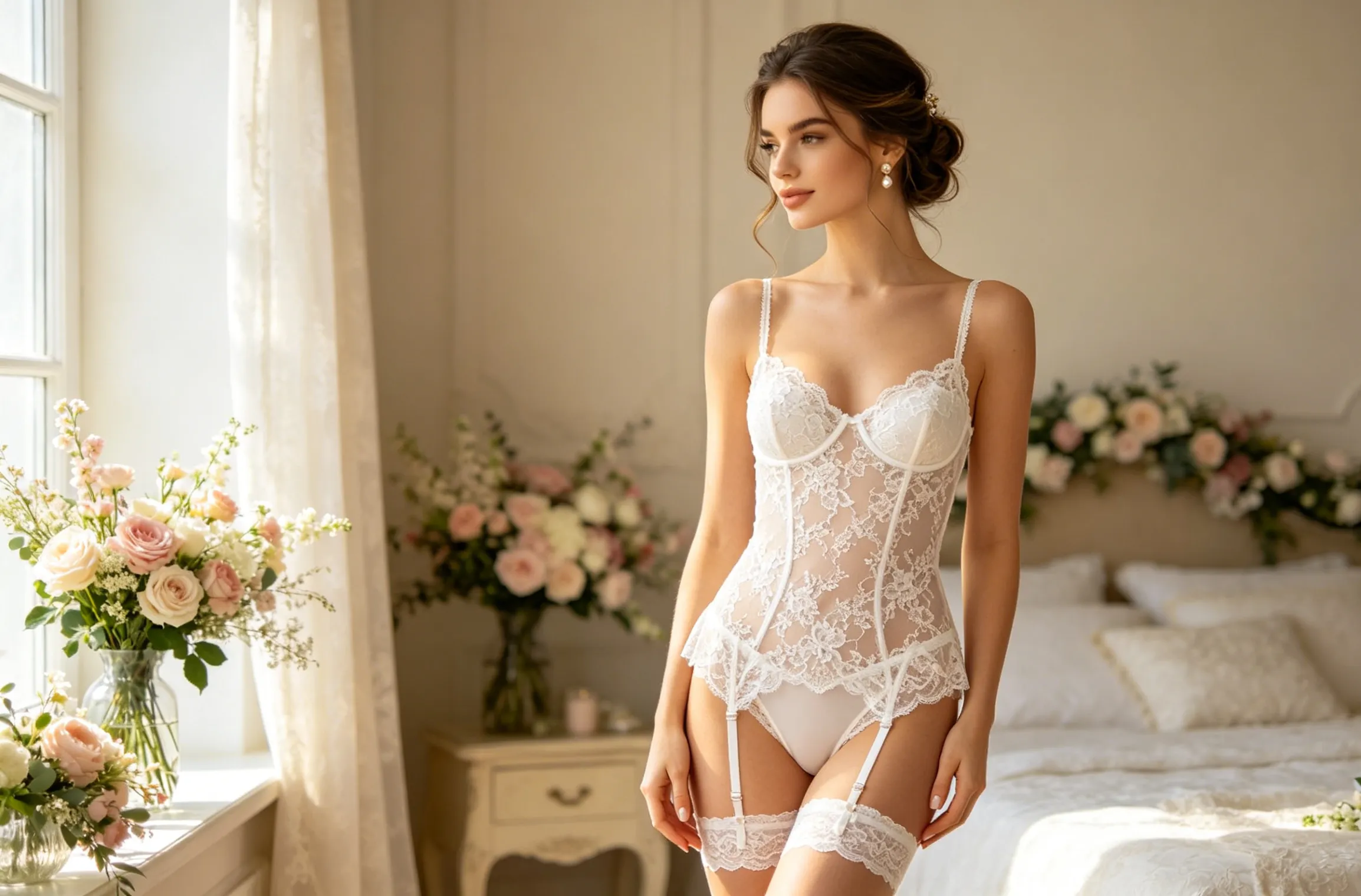
Prompt & One-click Generation on PicMa
Creating tasteful AI lingerie photos in just minutes opens up endless creative possibilities. Whether you want to build a personal portfolio, visualize fashion designs, or simply explore artistic self-expression, AI puts professional-quality results in your hands ethically, privately, and affordably.
The key is practice. You can try the prompts above on PicMa, tweak one element each time, and you'll quickly develop your own signature style without ever needing a photographer.
And of course, if you wanna get these beautiful portraits hassle-free, PicMa can also do the one-click generation for you. They' ve developed wonderful lingerie portrait templates for you to try. Simply pick your style, upload your photo, and let PicMa create the perfect lingerie portraits for you!


Related Readings:

 17

 English