Short answer: yes—when done right.
If you’ve ever opened an old family album and found a ripped corner, a crease right through someone’s smile, or a water stain that erased a face, you know the punch-in-the-gut feeling. Manual fixes in traditional editors take hours and a steady hand; pro restoration can be expensive and slow. This is where modern image restoration steps in. With models trained on patterns of faces, fabrics, skies, and everyday objects, AI reconstruct photo techniques can fill missing parts and restore torn portraits far beyond what a clone stamp can do.
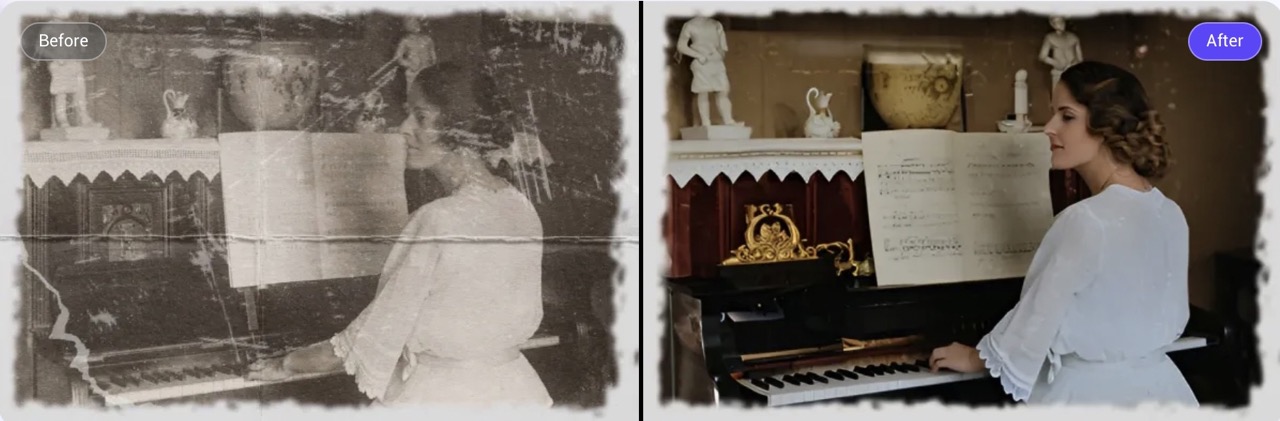
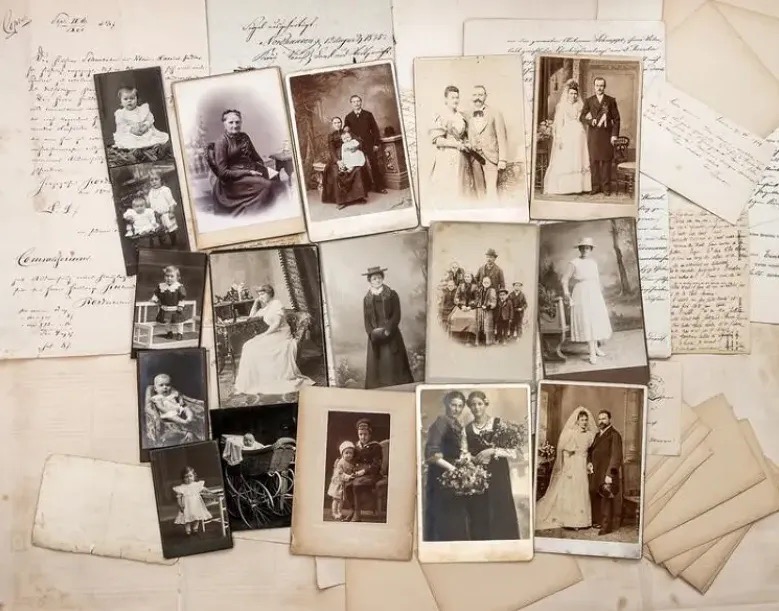
The Invisible Damage: How Photos Lose Their Integrity
- Moisture and air are the silent culprits
Humidity and temperature fluctuations breed mold and cause paper fibers to warp, making images blur and fade. Smart stored in high-humidity areas are most susceptible to microbial damage.
- Chemical reactions over time
Acids from old adhesives, tapes, or album pages oxidize, creating brown stains that eat away at the image quality. Silver-based prints also lose their sharpness as they react with sulfur in the air.
Traditional cleaning methods can’t fully restore lost texture or detail. The damage is often too ingrained, and physical cleaning methods can make it worse. That’s where AI reconstruct photo technology comes in, offering a way to fill in the gaps and rebuild images while retaining their original feel.
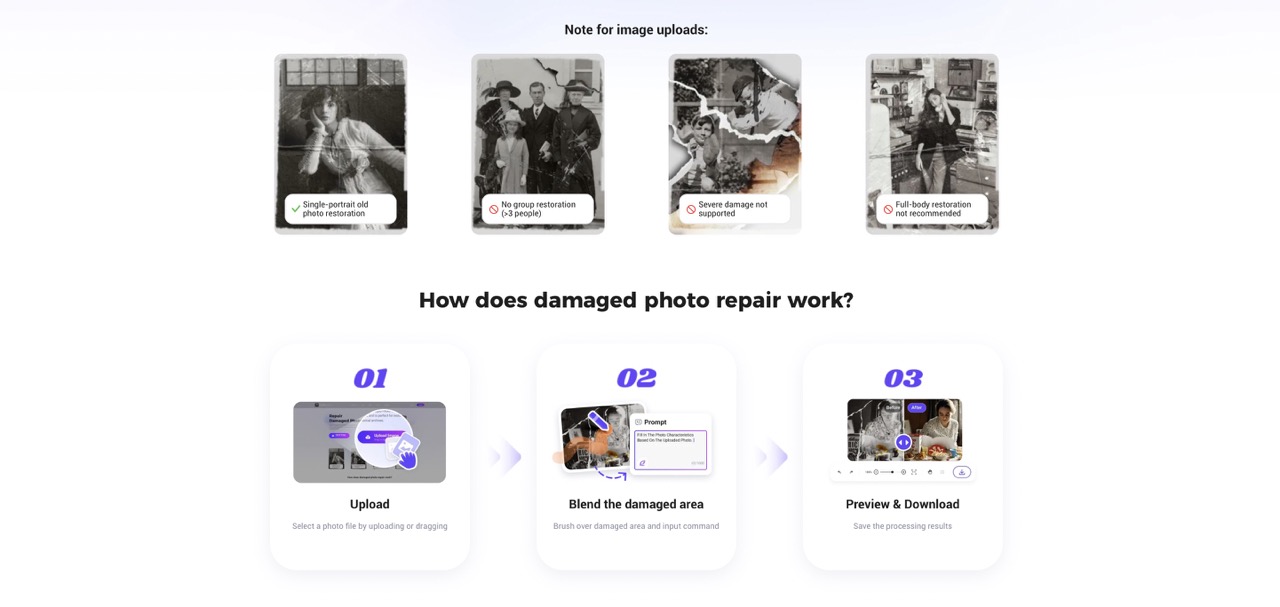
PicMa’s Smart Restore: practical, three-step results
1.Digitize the Photo
Scan or take a sharp, well-lit photo with your smartphone.
2.Open Smart Restore Feature
Visit the PicMa website or use the Smart Restore feature in the app (iOS/Android).
3.Upload and Restore
Upload your photo, and let the system automatically detect and fix damage. Preview and save for free.
PicMa’s Precision-Controlled Restoration
Smart Restore adds a controllable brush so you only work where the photo is actually broken. Turn on apply to damaged areas only and the model restricts edits to problem spots; leave undamaged parts untouched if there is no damage keeps clean zones exactly as they are. You can fine-tune brush strength—ideal for cracks, missing corners, and stain edges.
When a gap needs context, add a short prompt (e.g., “1970s indoor light, soft cotton dress, gentle shadow”). The system will fill in the photo characteristics based on the upload photo, then AI reconstruct photo, fill missing parts, and restore torn portraits—without overwriting intact texture or lighting.

What You’ll Take Away
1.Clear recognition: Faces and small details become readable; damage no longer steals attention.
2.Story completed: Fill missing parts and restore torn portraits so people, places, and objects make sense together.
3.Preservation-ready: Create a clean high-res master, reduce handling of the original, and record names/dates for search.
4.Easy to share and print: Consistent quality across an album; simple to print or share across devices with family input.
5.Authenticity kept: Clarity improves while natural grain and light remain, so the photo still looks like itself.
You don’t need hours of manual retouching or a costly service. With PicMa’s Smart Restore on web and mobile, it takes a single action to repair scratches, revive color, restore torn portraits. Bring the faces back into the story and keep the photo looking like itself.


 634
634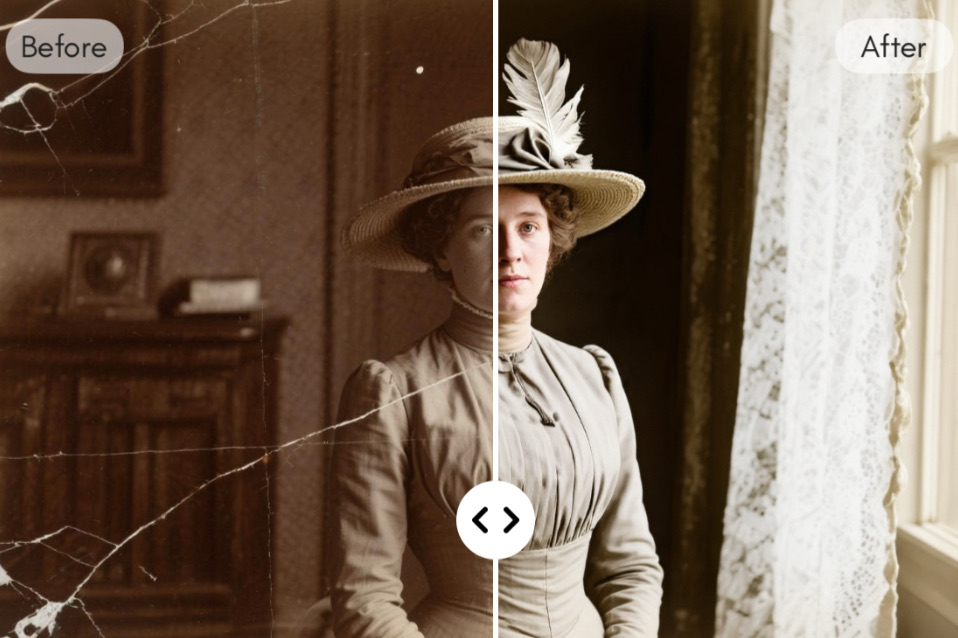

 English