Ever since I first discovered Japanese ukiyo-e art, I’ve been fascinated by its vibrant colors, flowing lines, and the way it captures moments in time. I’ve always wanted to bring that aesthetic to life, not just in a still image, but in motion.
That’s when I found PicMa’s Picvideo feature, and it completely changed the way I think about creating digital art.
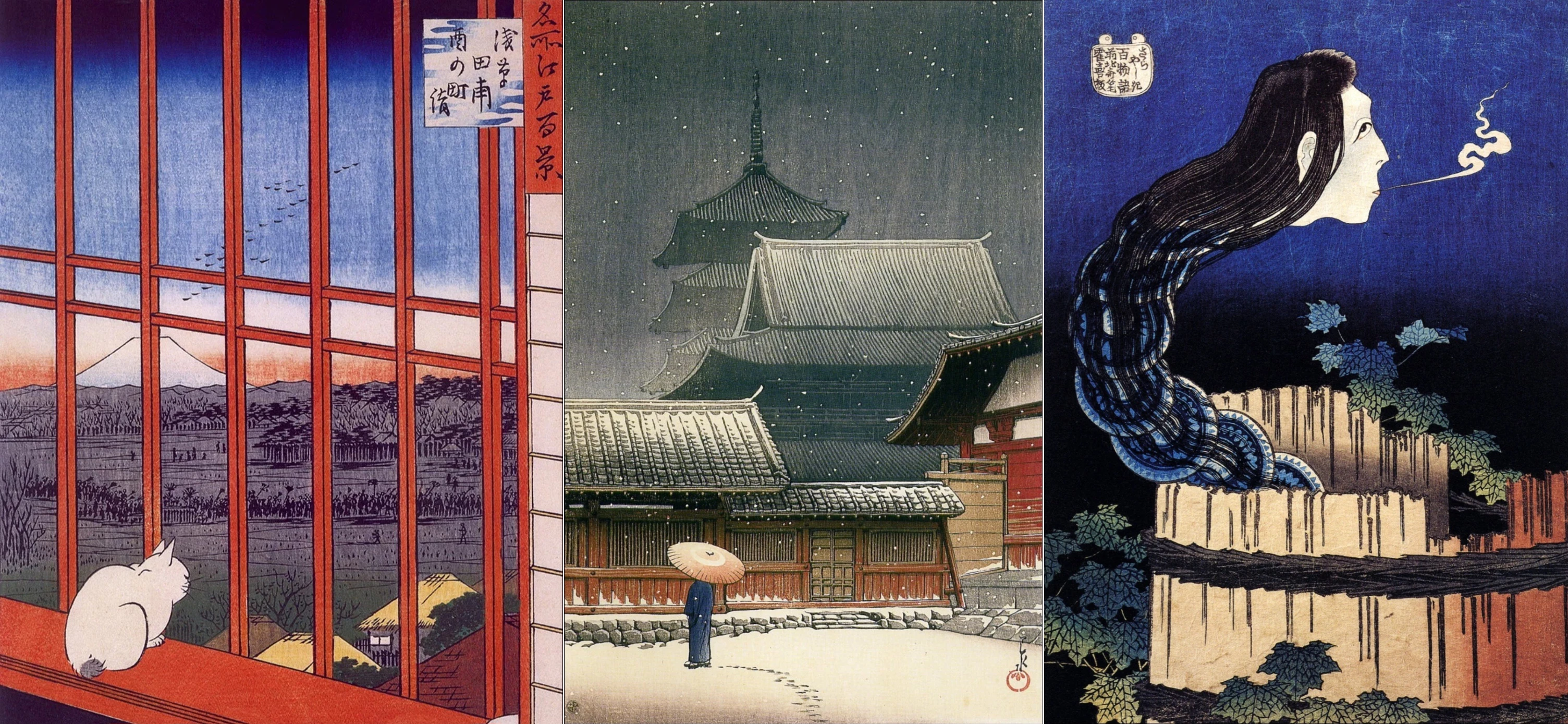
Seedance 2.0 Makes It Simple
One of the reasons PicMa’s Picvideo feature is so powerful is that it’s built on Seedance 2.0, a state-of-the-art text-to-video AI engine. This means that even though I’m just a casual user, I can create high-quality videos with fluid motion, natural-looking elements, and smooth transitions.
With Seedance 2.0, movements in the video feel lifelike and organic. Even subtle details like hair, clothing folds, or background elements are animated smoothly, which makes the final mini-movie look professional and visually captivating. I simply upload my image, type a few instructions, choose orientation and duration, and turn static ukiyo-e paintings into animated mini-movies effortlessly, preserving the beauty of the original art while adding dynamic motion and life.
How I Made My Ukiyo-e Mini Movie
Step 1 – Download PicMa (IOS / Android)
Open the app and navigate to the Picvideo section.
Step 2 – Upload your ukiyo-e image and enter instructions
I uploaded a classic painting and typed what I wanted, like rain or snow heavily.
Step 3 – Choose orientation and video length
You can select horizontal or vertical format, and pick the video duration, either 4 seconds or 8 seconds.
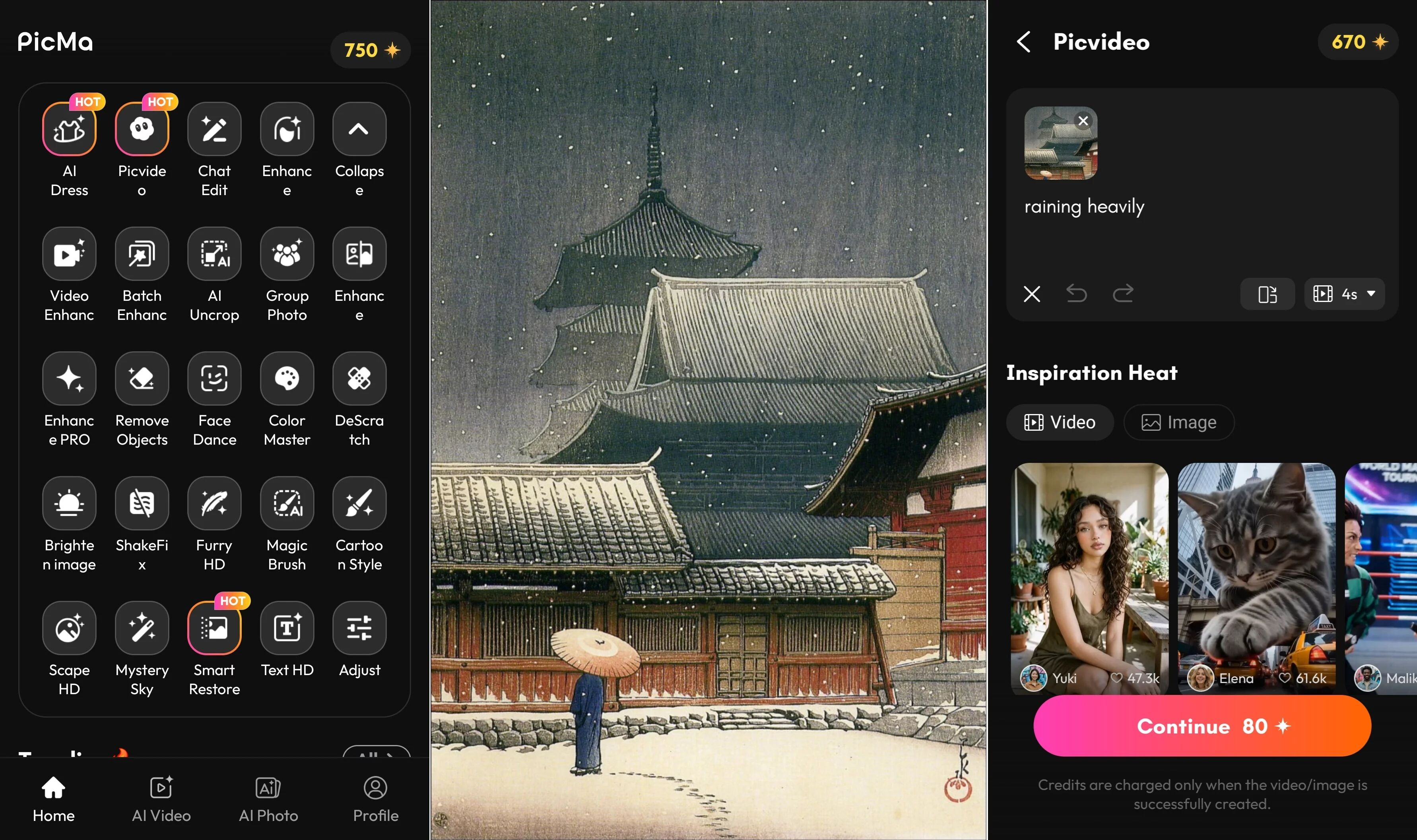
Step 4 – Wait for about a minute
The AI quickly generates the mini-movie. For longer videos or complex scenes, it may take a little longer, but the results are worth it.
Endless Creative Freedom
What really excites me about Picvideo is the freedom to experiment.
I can:
- Combine photos with text to create unique animations (recommend most).
- Upload any photo and let the AI randomly generate a video based on it (the result can sometimes drift quite far from the original image, which can be fun and surprising).
- Generate videos from text prompts alone, letting the AI turn pure ideas into motion.
- Use template videos or images if I’m stuck for ideas
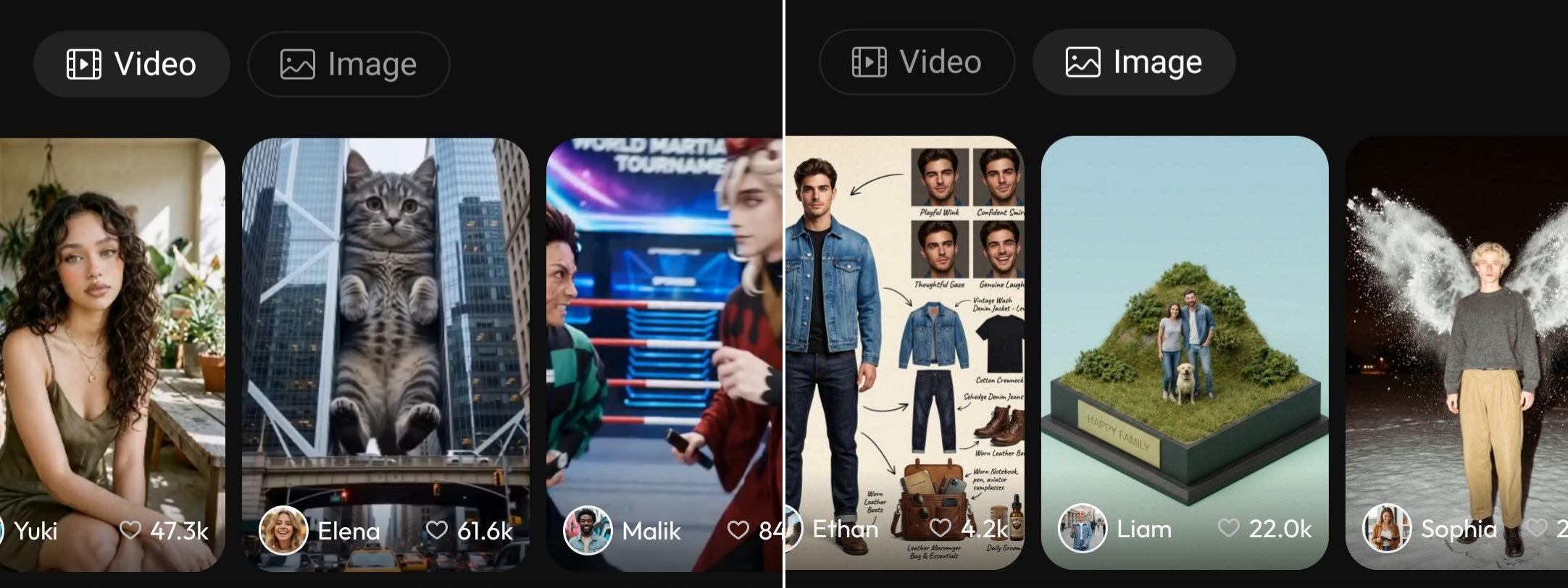
Both text-to-video and text-to-image AI can be combined, which makes the creative process even more flexible. I can first generate an image from a text prompt, shaping the exact scene I imagine, and then turn that image into a video. This workflow lets me go from text → image → animation in just a few steps.
Because of that, even the most imaginative ideas in my head can gradually take shape.
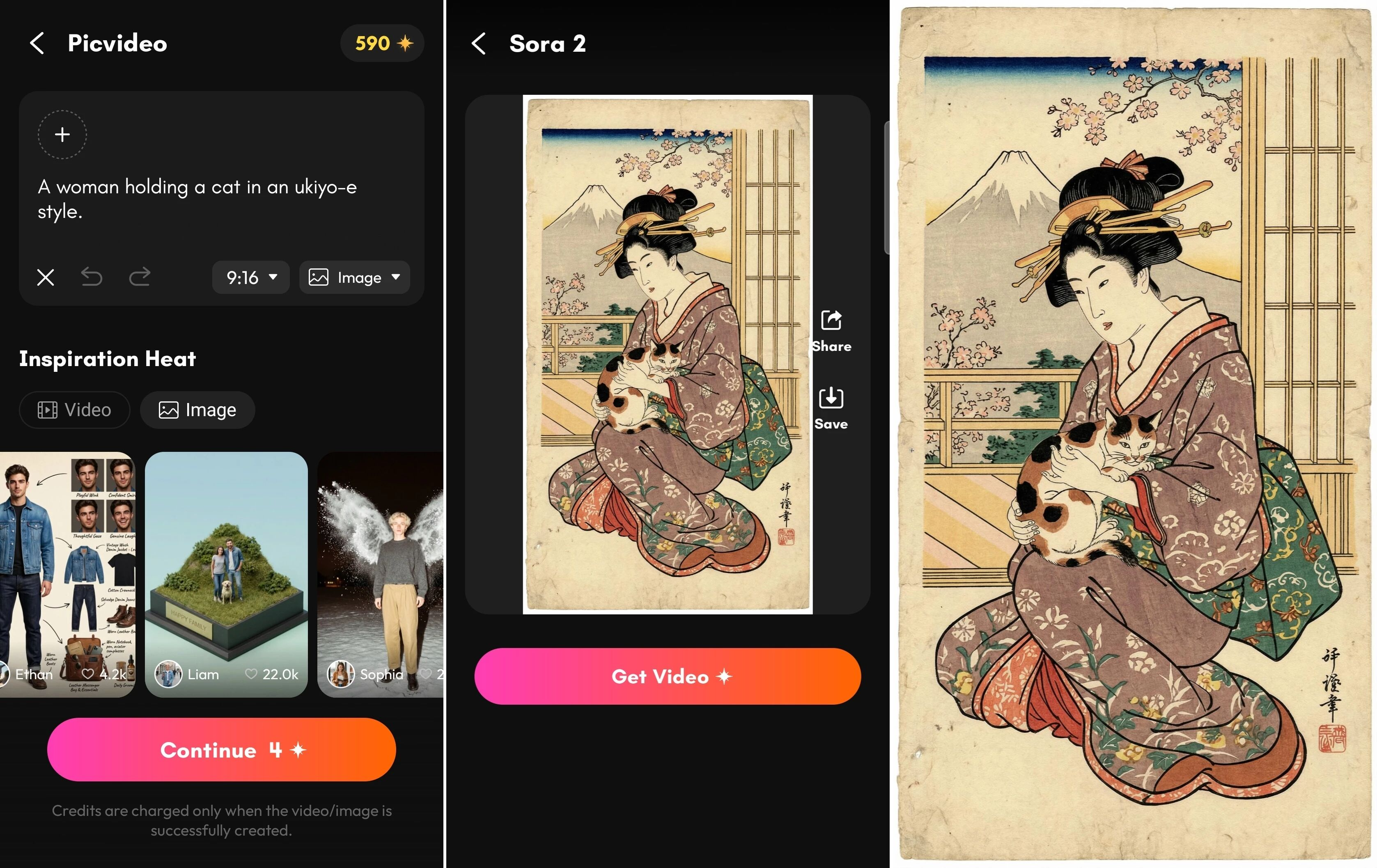
Unleashing Creativity
Using PicMa for these mini ukiyo-e movies feels like unlocking a whole new world of artistic possibilities. I’m not just creating still images anymore—I’m telling small stories, giving my favorite art scenes life, and exploring creative ideas I never thought possible. I can try different prompts, adjust the motion, or test new ideas in just a few minutes. Sometimes a small change in the text prompt creates a completely different atmosphere, which makes the creative process feel playful and inspiring. It’s like directing my own tiny art film.
If you enjoy experimenting with AI creativity, this is a wonderful place to start. Join PicMa and experiment with Picvideo yourself—you might be surprised how quickly your ideas can turn into a beautiful little movie.


Frequently Asked Questions
Q: Is it free?
Not completely, but newcomers get free credits to try Picvideo.
Q: What generation modes are supported?
Text-to-image, text-to-video, and combined photo + text-to-video are all supported.
Q: How fast is it?
Most videos generate in a few minutes. Longer clips, like 8-second videos, take slightly more time.

 154
154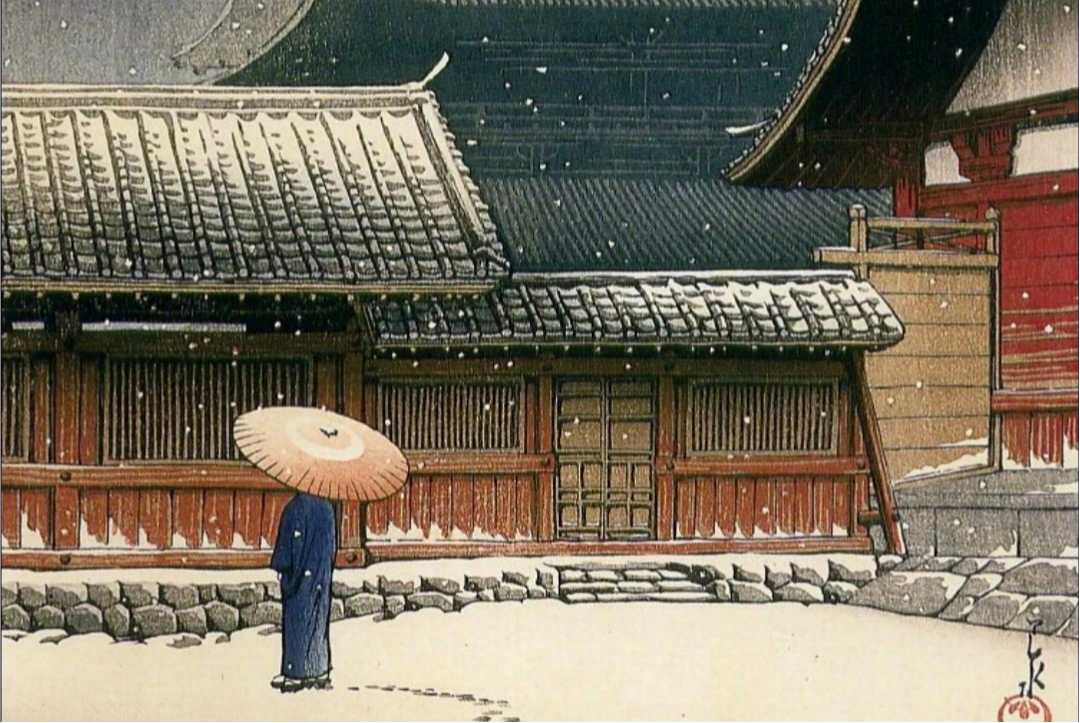

 English