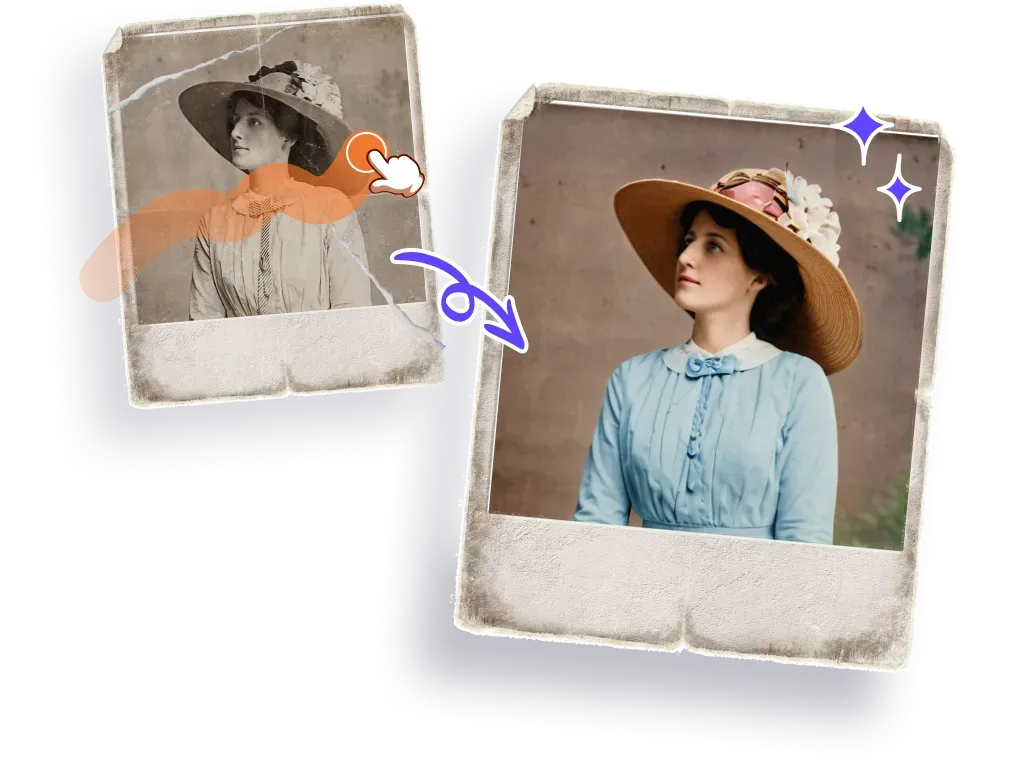
Faded colors, blurry faces, torn corners—old photos carry memories, but time isn’t always kind to them. Fortunately, with the rise of AI photo restoration tools, it's now easier than ever to bring these images back to life. From removing scratches to enhancing clarity and even adding color to black-and-white portraits, these tools can recreate details we thought were lost forever.
Still, when you're ready to restore a photo, it's easy to wonder:
Which tool delivers the most realistic results? Does it work on mobile? Is it worth paying for?

This article presents 5 of the most widely-used AI photo restoration tools in 2025. Each offers different features, pricing, and usage scenarios. Here's a side-by-side overview to help you quickly find the one that fits your needs.
1. Luminar Neo
Luminar Neo is a professional photo editing software used by photographers. While it includes AI repair tools, its main strength lies in manual controls, layer editing, and plugin flexibility.
Restoration Focus
Better for creative editing and manual refinement than quick auto restoration.
Pros
· High customization and plugin support
· Suitable for advanced photo editing
Cons
· Steeper learning curve
· No mobile app, expensive one-time license
2. PicMa
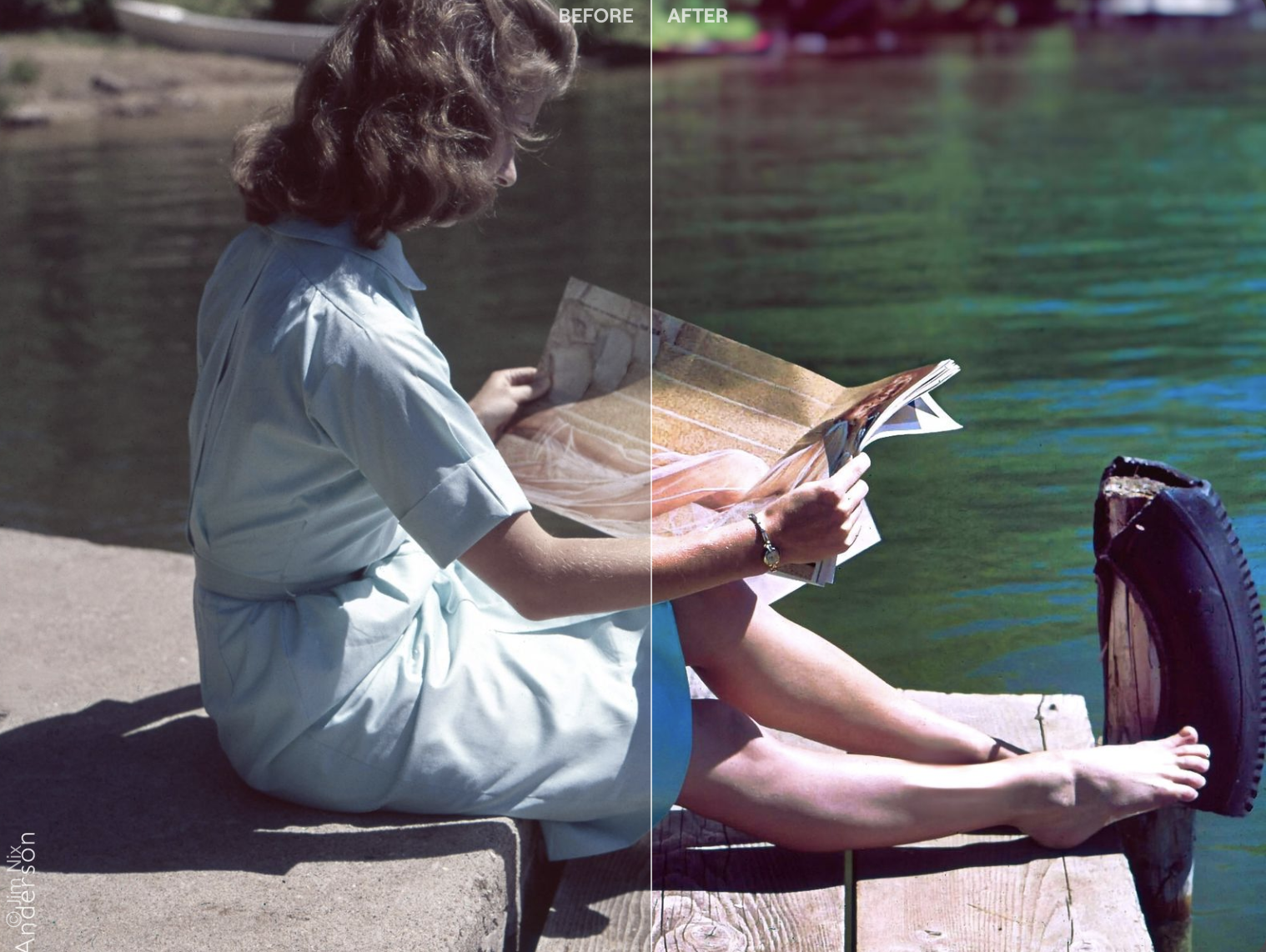
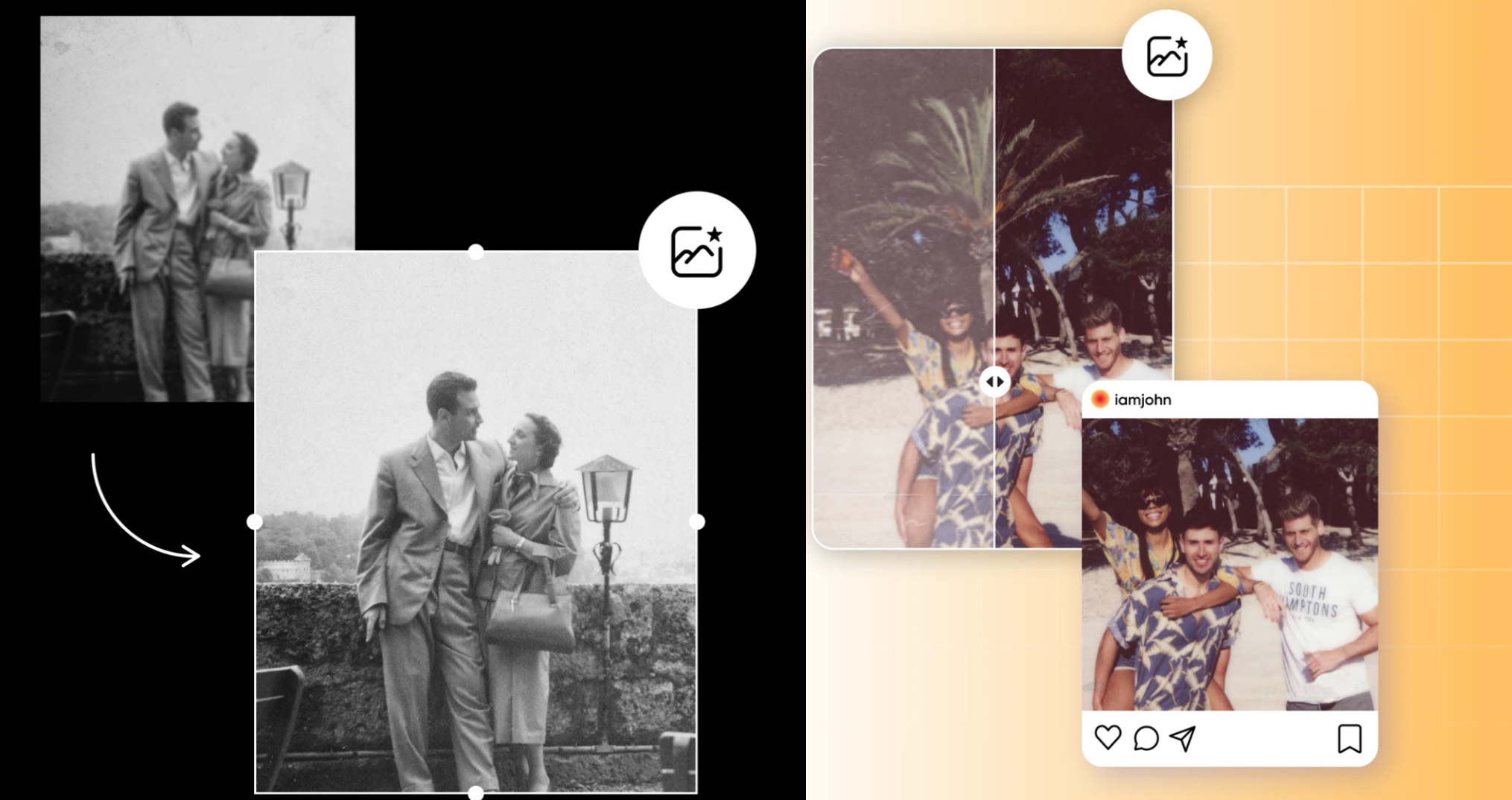
PicMa is an AI-powered photo restoration tool focused on repairing old and blurry portraits. Available both on web and mobile (iOS & Android), it offers facial reconstruction, scratch removal, colorization, and even video enhancement.
Restoration Focus
Excels in restoring human faces with natural skin tones and accurate details. Ideal for damaged portraits, old ID photos, and family albums.
Pros
· High-quality facial restoration with realistic results
· Supports both image and video repair
· Easy to use on desktop and mobile
Cons
· Limited free credits
3. Remini
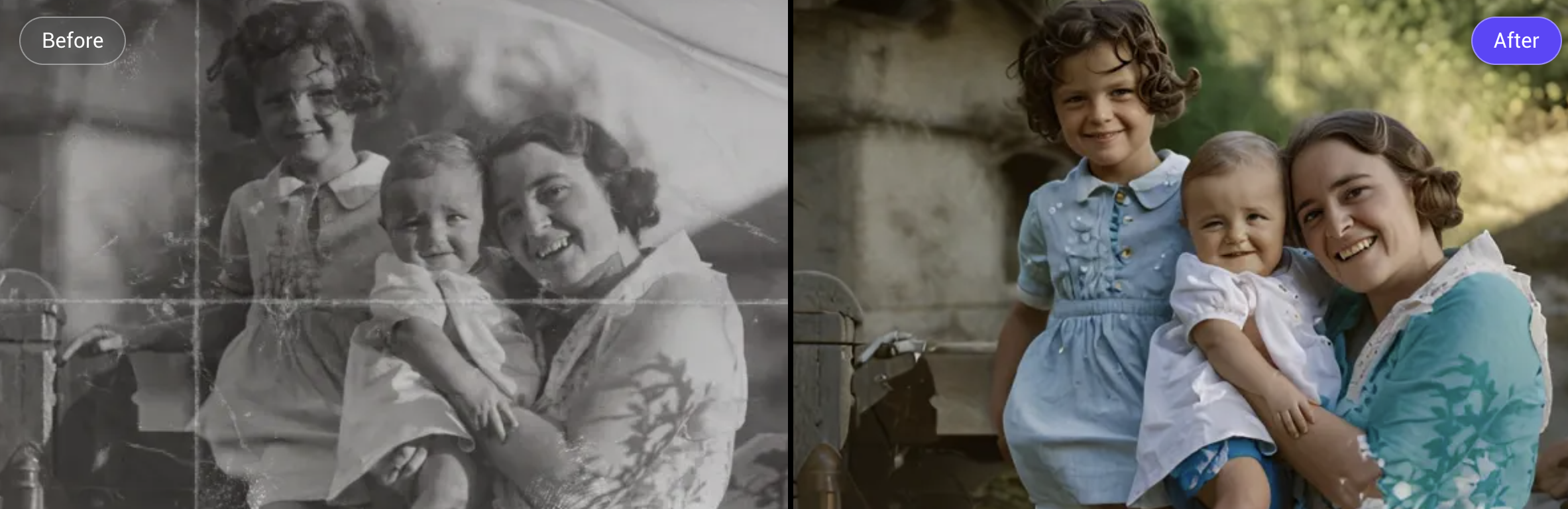
Remini specializes in enhancing low-resolution or blurry faces, and is particularly popular among mobile users. It works through both an app and web version.
Restoration Focus
Strong facial sharpening, ideal for bringing out clarity in small or blurry portraits.
Pros
· Impressive enhancement of facial features
· Quick and easy to use
Cons
· Backgrounds can appear over-processed
· Free version includes ads and watermarks
4. VanceAI
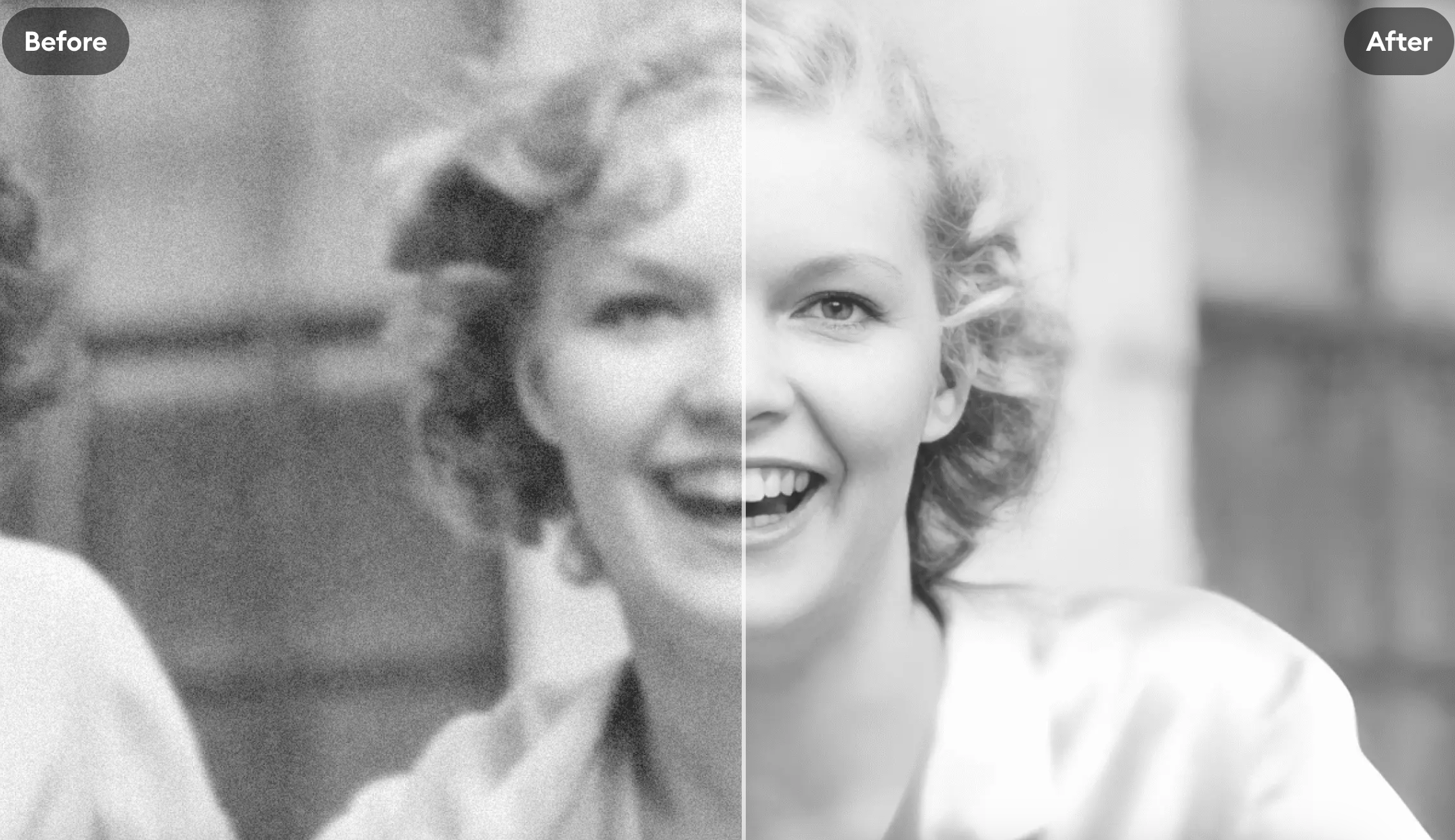
VanceAI is an automation-oriented platform offering batch restoration, denoising, colorization, and upscaling. It’s best suited for bulk processing, archival projects, or scanned document enhancement.
Restoration Focus
Reliable in fixing physical damage like scratches, stains, and fading. Facial detail is not its strong suit.
Pros
· Supports bulk processing
· Offers a wide range of enhancement features
Cons
· Lacks precision in facial restoration
· HD downloads consume many credits
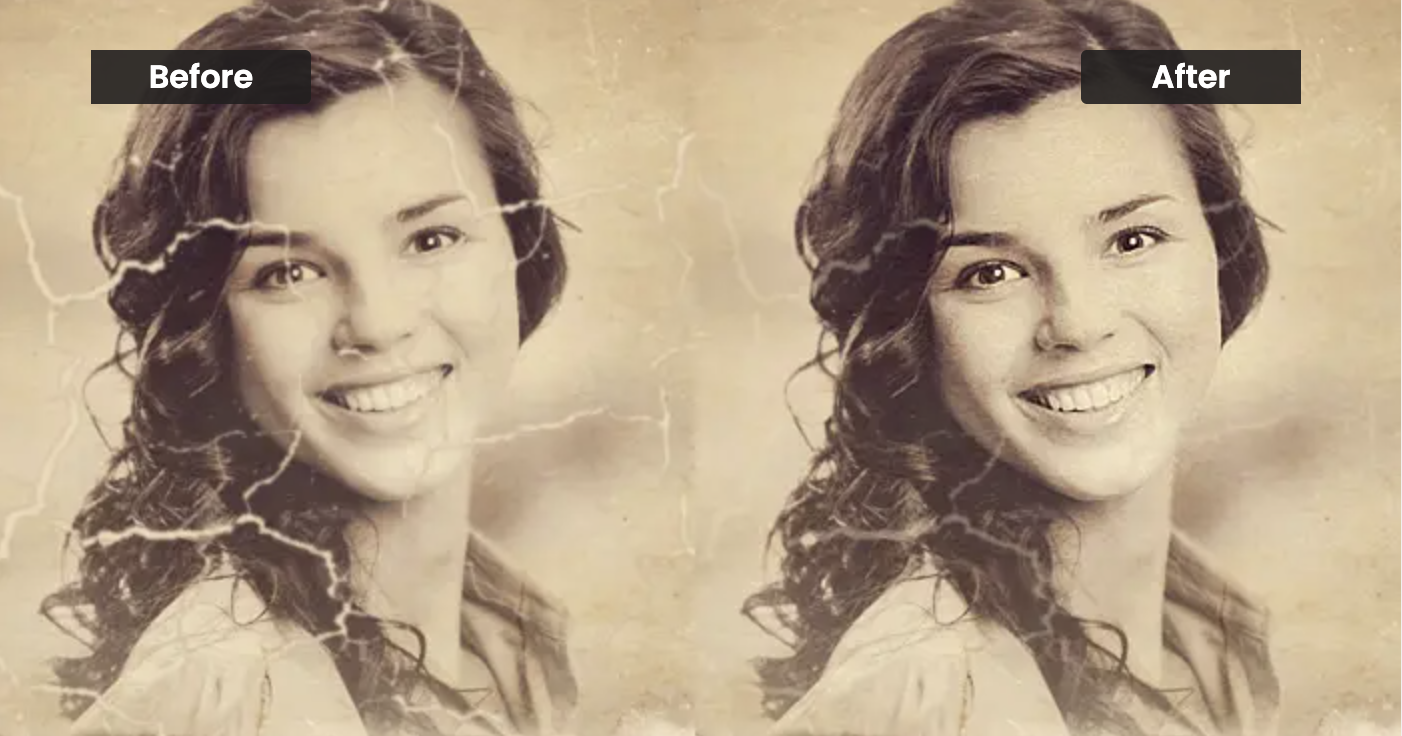
5.Picsart
Picsart is an all-in-one creative platform for photo editing, AI drawing, collaging, and basic photo repair. It’s available on web and mobile, and appeals to content creators who want to add flair to their visuals.
Restoration Focus
Best for minor enhancements or artistic edits; less effective for serious facial reconstruction.
Pros
· Wide range of editing features beyond restoration
· User-friendly interface and creative templates
Cons
· Restoration is not the platform’s main strength
· Pricing is complex; premium plans are expensive
Pricing Comparison (2025 Updated)
| Tool | Free Trial | Weekly Plan | Monthly Plan | Yearly Plan | Lifetime License |
| Luminar Neo | ✅ | N/A | N/A | ¥8980 | ¥15980 (lifetime) |
| PicMa | ✅ | Basic:$6.99
Pro:$9.99 | Basic:$14.99
Pro:$24.99 | Basic:$69.99
Pro:$99.99 | N/A |
| Remini | ✅ | Personal:$6.99
Business:$9.99 | Personal:$17.99 Business:$24.99 | Personal:$179.99 Business:$249.99 | N/A |
| VanceAI | ✅ | N/A | $39.90 | $99.90 | $129.90 (lifetime) |
| Picsart | ✅ | N/A | Plus:¥666.66
Pro:¥1000 | Plus:¥8000
Pro:¥12000 | N/A |
Use Cases and Feature Highlights
| Tool | Platforms | Best For | Restoration Strength |
| Luminar Neo | Desktop only | Professional photo retouching | Layer control, manual editing |
| PicMa | Web / App | Old portraits, family photos | Natural facial reconstruction, video support |
| Remini | Web / App | Blurry faces, ID photos | Strong facial sharpening |
| VanceAI | Web/Desktop | Archives, scanned documents | Fast scratch & fade removal |
| Picsart | Web / App | Light fixes, creative edits | Color styling, collage tools |
Bringing Memories Back to Life
Whether it’s a long-lost childhood photo or a family portrait damaged over time, restoring these images is about more than clarity—it's about bringing memories back to life.
Each of these tools has its strengths. If you're just getting started, begin with one that offers a free trial. If you’re particularly focused on restoring faces or want an app that works on the go, PicMa offers one of the more balanced and accessible experiences, with support for both photos and videos.


Related Readings:

 Hot Tools