When people compare free vs paid ai video generators, they usually want the same thing: a fast way to make a decent-looking clip without wasting time or money. The real question is not whether a tool is free or paid, but whether it can produce something usable from the kind of source you actually have. If your starting point is an image, PicMa AI Video is built for that exact workflow. It turns an existing image into a short animated clip using templates or effects, which makes it a practical option for people who want simple motion rather than a full editing suite.
That distinction matters. A lot of video ai tools are advertised broadly, but their workflows are not interchangeable. Some begin with a text prompt, some with a video timeline, and some with a still image. PicMa sits in a useful middle space because it is part of a larger platform with image enhancers, background cleanup tools, restoration features, and video creation in one place. In this comparison, the focus is not just ai video pricing, but whether the free-versus-paid decision actually changes your results in a meaningful way.
What free vs paid really means for image-based AI video
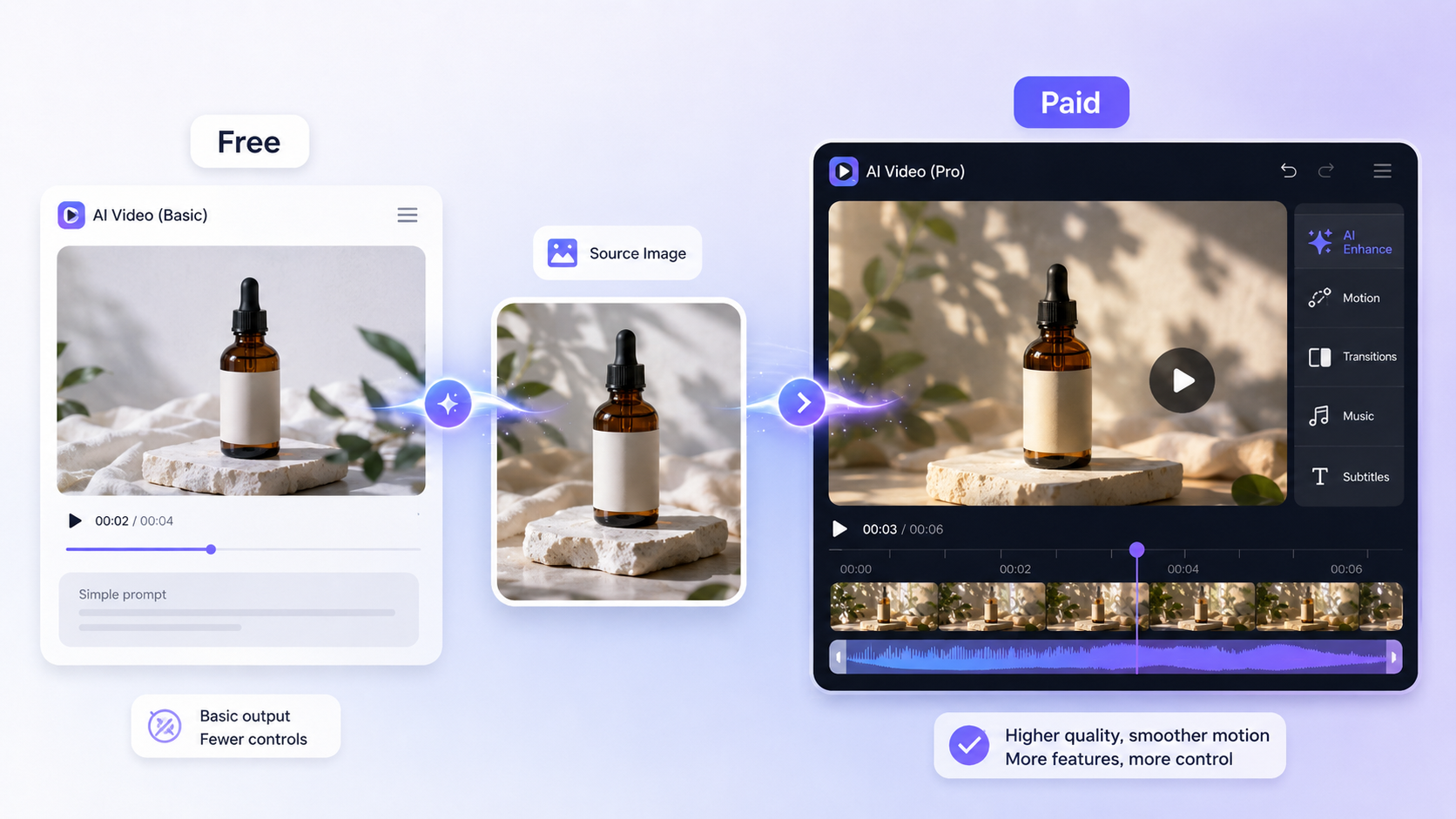
For image-based AI video, free usually means a quick test run with limited control, while paid typically makes sense when you need steadier output, more usage, or a workflow you can rely on regularly.
A lot of free vs paid ai video generators comparisons get stuck on price and ignore output quality. In practice, the difference is usually about how often you need to create clips, how much freedom you want, and how forgiving you are about imperfections. Free tools are fine for experimentation or a one-off social post, but they often limit exports, add friction to the workflow, or keep the features intentionally simple. Paid tools tend to be better when you need repeatability, fewer restrictions, and better support for production work.
PicMa AI Video fits this conversation in a specific way. It is not a text-to-video generator where you type a scene and receive a fully generated clip. Instead, you start from an existing image, choose a motion template or effect, and export a short animated video. That makes it easier to understand than many video ai tools, but it also means the output depends heavily on what you feed in. If the image is strong, the result can be clean and useful. If the image is blurry, poorly cropped, or damaged, the animation will usually inherit those weaknesses.
· Free tools are best for testing ideas, not for relying on consistent results.
· Paid tools usually matter more when output volume or consistency matters.
· PicMa AI Video starts from an existing image, not a text prompt.
· Source image quality affects the final clip more than many users expect.
Where PicMa’s AI Video feature fits in the comparison
PicMa is strongest when you want a simple, fast way to animate a still image, especially if you can improve the image first with other tools in the same platform.
PicMa is not just one feature in isolation. The platform includes Photo Enhancer, Smart Restore, Descratch, Background Remover, Object Remover, Color Master, Text Enhancer, and more. That matters because the best AI video results often begin before the video step. If a photo is soft, compressed, scratched, or poorly cut out, the clip may look weak no matter which generator you use. With PicMa, you can improve the source image in the same place and then move into AI Video without switching tools.
This is one of the more practical reasons people compare free vs paid ai video generators in the first place. Some free tools are fast but shallow: they let you animate a picture, but not much else. PicMa is useful because it gives you a broader workflow. For example, an old portrait can be cleaned up with Smart Restore or Descratch, then animated. A product image can be refined with Background Remover or Product Image Enhancer before being turned into a short clip. That does not make the AI Video feature unlimited, but it does make the overall process more efficient.
· Photo Enhancer can improve clarity, sharpness, and resolution before animation.
· Smart Restore and Descratch help old or damaged photos perform better.
· Background Remover is useful when the subject needs a cleaner presentation.
· AI Video is part of a broader platform, not a standalone gimmick.
A realistic workflow test: from photo cleanup to short clip
The most realistic way to use PicMa AI Video is to prepare the image first, animate it second, and accept that the result is a short template-driven clip rather than a fully custom video.
A useful test scenario is simple: take three images, one clear product photo, one portrait, and one old scanned family photo. Run each through the most relevant PicMa tools first. The product image may benefit from Background Remover or Product Image Enhancer. The portrait may need Photo Enhancer. The old family photo may need Smart Restore or Descratch. Then send each image into AI Video and choose a motion template or effect that suits the subject. This is a much better real-world workflow than assuming the animation feature alone will fix a weak image.
In that scenario, the clean product shot is likely to produce the most reliable clip because the edges, subject separation, and overall clarity are already good. The portrait can also work well if the face is clear and the framing is strong. The old family photo can be interesting, but it is also the most fragile case: scratches, fading, and low resolution may still show through even after repair. That is where ai tools comparison becomes useful. Paid tools may give you more control, but PicMa’s strength is not depth of controls; it is speed and convenience across the whole image-to-video prep chain.
· Best workflow: clean the image first, animate it second.
· Product images and clear portraits are usually the safest starting points.
· Old or damaged photos can work, but only after restoration and with realistic expectations.
· The result is a short animated clip, not a full cinematic sequence.
The main tradeoffs: free convenience versus paid control
Free options are usually enough for simple experimentation, but paid video ai tools become more valuable when you need control, consistency, and fewer creative compromises.
The biggest tradeoff in free vs paid ai video generators is not simply cost; it is compromise. Free tools may be enough when you only need a quick clip for a social story, a pitch deck, or a product mockup. But once you care about brand consistency, motion style, or repeatable output, free limits start to feel bigger. Many free tools also encourage a trial mindset: create once, export once, and move on. That is fine for casual use, but not ideal for ongoing content production.
PicMa sits closer to the convenience end of the spectrum than the heavy-control end. Its AI Video feature is easy to learn, but the motion is template-based, which reduces creative freedom. You do not get the kind of frame-by-frame editing that a professional editor would expect. That is not a flaw if your goal is simple image animation. It is a flaw if you want precise storytelling or highly customized motion. In other words, PicMa makes the easiest path available, but not the most editable one.
· Free tools are usually best for trial runs and occasional needs.
· Paid tools are more attractive when output must look consistent across projects.
· PicMa trades deep customization for speed and simplicity.
· Template-based motion is efficient, but it also narrows creative choices.
Who PicMa AI Video is best for, and who should look elsewhere
PicMa AI Video is best for users who want quick image animation from a strong source image, and it is not ideal for people who need full text-driven generation or deep motion control.
If you are a social media manager, small business owner, creator, or marketer who already has a usable image, PicMa is a practical choice. You can clean up the image, animate it, and export a short clip without learning a professional editor. That makes it especially useful for lightweight content tasks: a product tease, a profile animation, a before-and-after visual, or a simple post that needs motion to stop the scroll. The larger platform also helps when the image needs one more pass before animation, which is often the case in real workflows.
It is not the best fit for people who want complete scene generation from a written prompt, or for editors who need detailed control over motion and timing. It is also a poor match for projects where the source image is too weak to begin with. Even with tools like Photo Enhancer or Smart Restore, some images will remain too blurry, too cropped, or too damaged to animate convincingly. That is one of the most important limitations to be honest about. A tool can be easy to use and still not be the right tool for every project.
· Best for quick, simple, image-based clips.
· Useful for creators who value convenience over advanced editing.
· Not ideal for text-to-video expectations.
· Not ideal for highly customized or cinematic motion needs.
· Not ideal for badly damaged source images that cannot be recovered well.
Comparison
| Tool | Best for | Speed | Consistency | Main drawback |
| Free AI video generator | Testing ideas and occasional clips | Fast | Often uneven | Limited features or exports |
| Paid AI video generator | Regular production and steadier results | Fast to moderate | Usually better | Costs more and may still have workflow limits |
| PicMa AI Video | Animating an existing image with minimal effort | Fast | Good when the source image is strong | Template-based motion and no frame-level manual editing |
| Manual video editing software | Highly custom motion and precise control | Slow | High if skilled | Requires time and editing experience |
FAQ
· Q: Is PicMa AI Video a text-to-video generator?
A: No. The AI Video feature starts from an existing image, then uses a motion template or effect to create a short animated clip.
· Q: Are free AI video generators always worse than paid ones?
A: Not always. Free tools can be enough for testing or one-off use, but paid tools usually offer better consistency, fewer limits, and a more reliable workflow.
· Q: What makes PicMa different from many other video ai tools?
A: PicMa is part of a broader platform with image enhancement and restoration tools, so you can improve the source image before animating it.
· Q: What is the biggest limitation of PicMa AI Video?
A: Its motion is template-based, so creative freedom is more limited than in advanced editing tools, and the final quality depends heavily on the source image.
Conclusion
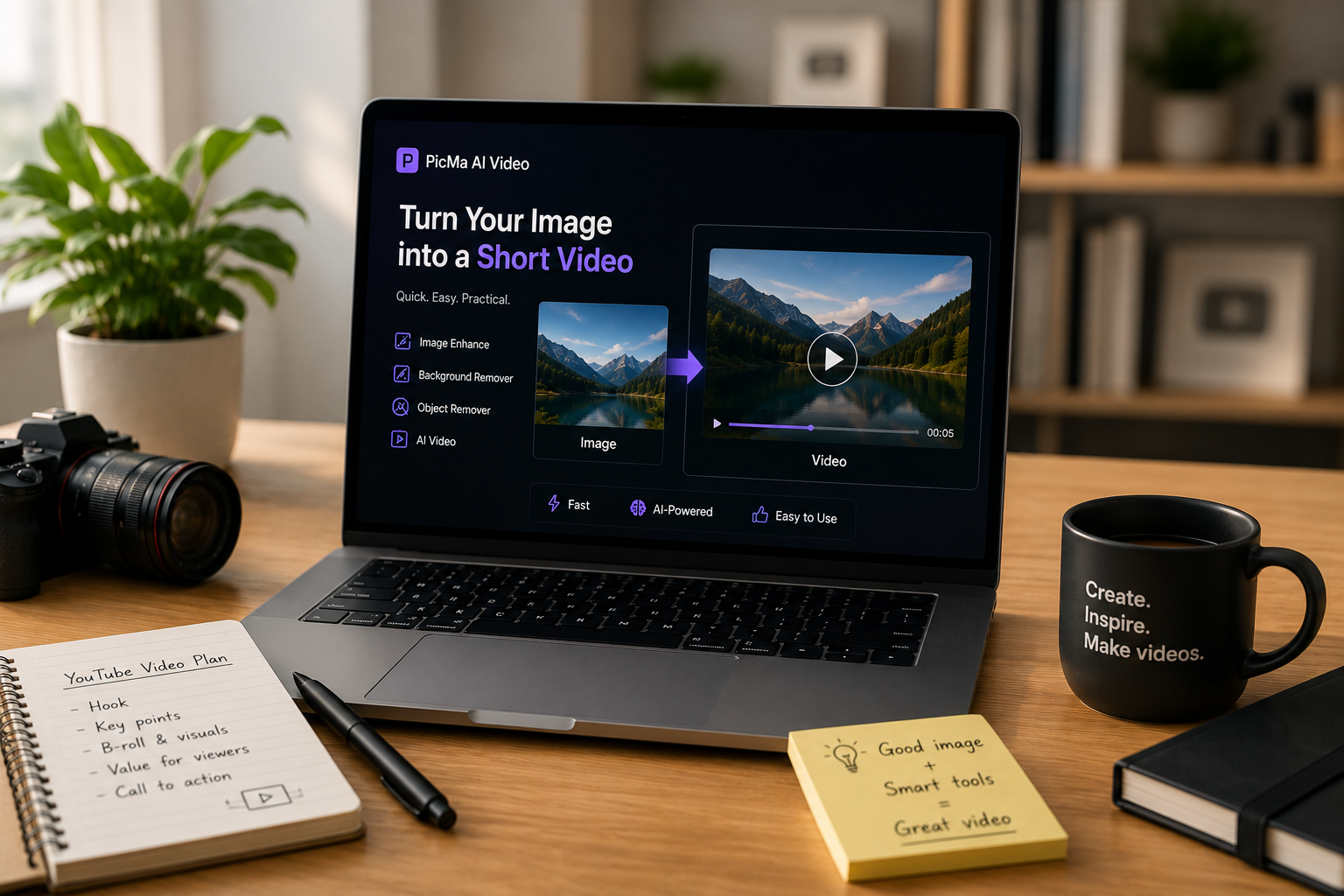
If you are comparing free vs paid ai video generators, the best choice depends less on the label and more on the workflow. For simple image animation, PicMa AI Video offers a practical middle ground: quick, easy, and backed by useful image tools that can improve the source before you animate it.
If you need deep control, text-driven scene generation, or highly custom motion, PicMa will probably feel too constrained. But if you want a realistic, low-friction way to turn a good image into a short clip, it is a sensible option worth testing.


 English