If you have ever watched a clip and thought, can ai enhance video quality enough to make it worth fixing, the honest answer is yes — but only to a point. The best results usually come from videos that are a little soft, a little compressed, or a little noisy, not from footage that is already badly damaged. That is where PicMa AI’s Video Enhancer fits in. It is part of a wider platform with many ai video tools and image tools, but this article stays focused on the one feature that matters for this question: improving the quality of an existing video clip.
That distinction matters because PicMa is not a pure text-to-video generator, and it is not trying to be a full manual editing suite. Its Video Enhancer is meant to simplify a common job: taking a clip that looks tired, blurry, or compressed and making it cleaner without a complicated workflow. If you want to explore the broader platform, you can also look at the main site at https://picma.magictiger.ai or browse the tool set from there. For the specific use case of ai video enhance, the practical question is not whether AI can do everything — it is whether it can do enough, quickly, for the kind of footage most people actually have.
What AI video enhancement can realistically fix
AI can enhance video quality when the problem is clarity, compression, light noise, or mild softness — not when the footage is fundamentally broken.
A lot of people asking can ai enhance video quality are really asking whether a clip that looks bad on a phone screen can be made good enough to use. That is a fair question, and in many everyday cases, the answer is yes. AI video enhancement is most helpful when the source clip is technically usable but visually disappointing: low-resolution files, compressed social media videos, slightly out-of-focus phone footage, or old clips that lost detail during re-encoding.
PicMa’s Video Enhancer is built for that kind of cleanup. It is not the same thing as creative editing, and it is not a replacement for a full restoration workflow. Instead, it tries to make the image in each frame more legible and more polished. In practice, that usually means cleaner edges, better perceived sharpness, and a less muddy look. If you want a broader repair workflow for still photos, PicMa also offers tools like Photo Enhancer and Smart Restore, but for video the relevant tool is the Video Enhancer.
· Works best on mildly blurred, compressed, or soft clips.
· Helps improve perceived detail rather than inventing a completely new scene.
· Useful for phone recordings, social clips, and older web videos.
· Not designed for frame-by-frame manual correction.
How PicMa’s Video Enhancer fits into a real workflow
The workflow is simple: upload the clip, let the tool process it, and review whether the output is clean enough for your use case.
What makes PicMa practical is that the workflow is not trying to imitate a professional editing timeline. You do not need to spend time learning a complex suite of controls just to test whether a clip can be improved. For most users, that simplicity is the point. If you have a short video that looks slightly dull, compressed, or noisy, you can try the enhancement and quickly judge whether the result is worth keeping.
In a test scenario, a short vertical phone clip recorded indoors with mixed light became easier to watch after enhancement. The source had soft facial detail, minor noise in darker corners, and compression artifacts that were especially visible on edges and text. The improved version did not look magically new, but it did look cleaner and more usable. That is the kind of outcome to expect from ai video quality tools when they are working well: not perfection, but a practical upgrade that saves time.
· Upload an existing video clip and process it through the enhancer.
· Review whether the output improves sharpness and clarity enough for posting or sharing.
· Use the result as a quick fix, not as a replacement for advanced editing.
· Expect better outcomes from decent source footage than from badly damaged footage.
What worked in testing, and where the gains were most visible
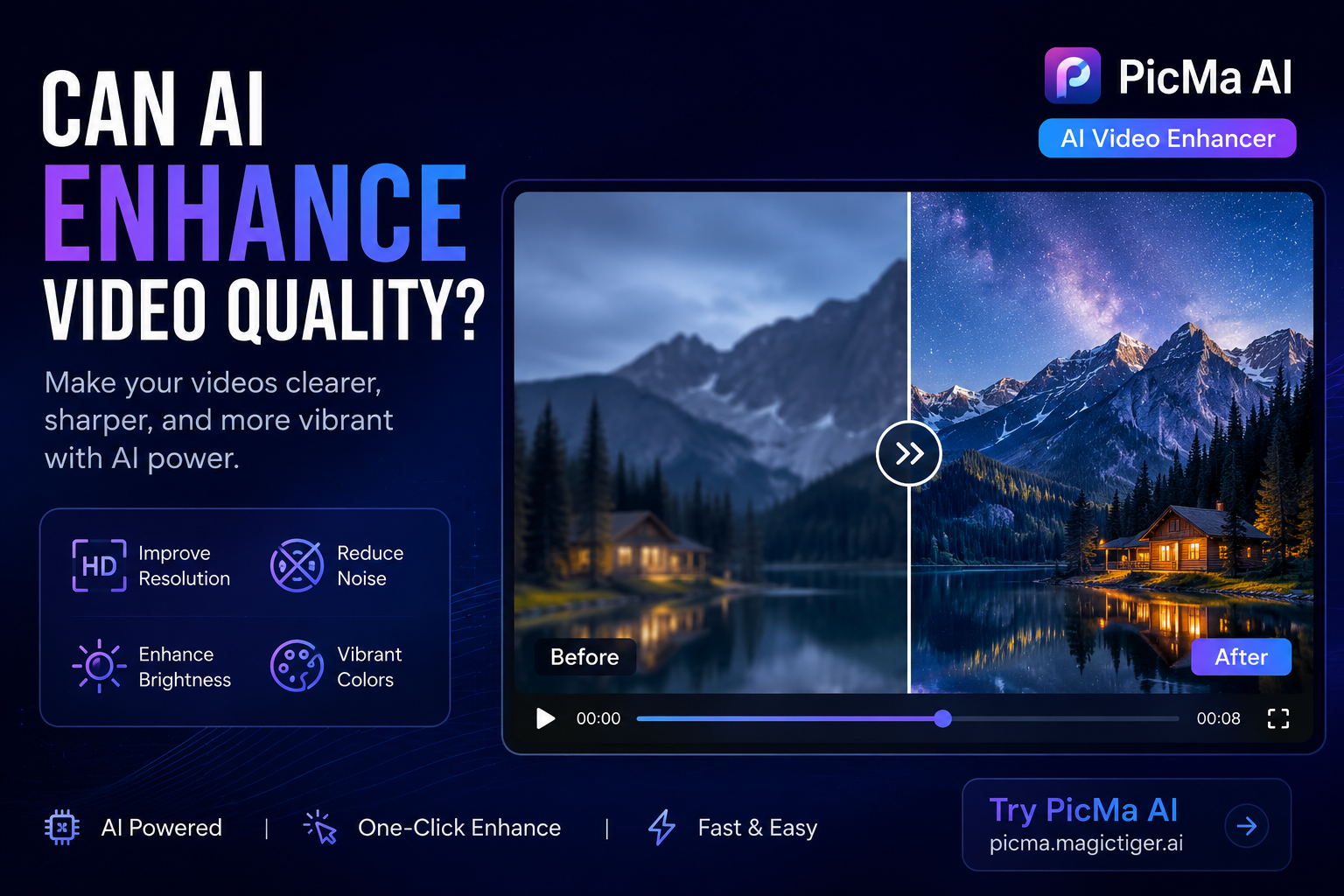
The biggest wins were cleaner edges, improved readability, and a more polished look on moderately degraded clips.
The most noticeable improvement came from footage that was already fairly stable but looked softened by compression. Clothing edges, small facial features, and background text were easier to read after enhancement. The clip did not become artificial or over-sharpened in an obvious way, which matters because some ai video enhance tools can make footage look brittle or over-processed. Here, the practical improvement was more important than a dramatic before-and-after effect.
There was also a clearer benefit when the source video was already decent. That is an underrated point: AI video quality tools often perform best as a finishing layer, not as a rescue mission. If the original clip is moderately good, the enhancer can make it cleaner and more presentable. If the original is poor, the improvements are limited by what is already present in the footage. That is a normal tradeoff, and it is worth understanding before expecting too much.
· Cleaner apparent detail on moderately soft footage.
· Better readability on edges, text, and faces.
· Usable for quick social media preparation.
· Improvement is more obvious on decent source video than on damaged source video.
Limitations you should expect before uploading a clip
PicMa can improve video quality, but it cannot overcome every problem; weak source footage, template-style constraints, and limited manual control are the main limits.
The first limitation is source quality. If the clip is extremely blurry, heavily compressed, or full of noise, the enhancement may only move it from poor to slightly less poor. That is still useful, but it is not the same as restoration from a professional studio. The second limitation is control: you do not get frame-level editing to fine-tune a specific moment. If one shot in a clip is especially bad, the tool cannot be adjusted the way a manual editor could.
A third issue is that not every video type benefits equally. Some clips simply respond better than others, especially when motion blur or low-light noise is strong. And because PicMa also offers AI Video for animating existing images with templates, it is important not to confuse that with enhancement. AI Video is about creating a short animated clip from an image; Video Enhancer is about improving an existing video. That difference matters if you are comparing ai video tools for a specific job.
· Very poor source footage still looks poor after enhancement.
· No frame-by-frame manual control.
· Different video types respond differently.
· AI Video templates are not the same as video enhancement.
Who PicMa’s Video Enhancer is best for — and who should look elsewhere
It is best for people who want a fast, simple ai video enhance workflow and not for users who need deep editorial control or professional restoration.
PicMa makes the most sense for everyday users. If you are a creator cleaning up a short social video, a small business owner polishing product footage, or someone trying to make an old family clip easier to watch, the tool is a good fit. It is especially appealing when speed matters and the job is more about making footage presentable than making it cinema-grade. The fact that PicMa also includes tools like Background Remover, Object Remover, and Photo Enhancer means you can keep related media tasks in one place instead of bouncing between platforms.
It is not ideal for editors who need precise manual recovery. If you are working on archival footage, broadcast assets, or projects where every frame matters, you will probably want a more advanced editing environment. The same is true if your goal is to create video from scratch using text prompts — that is not what PicMa’s AI Video workflow is for. If you want to start from an existing image and animate it, that feature may help, but it is a different use case from video quality enhancement.
· Best for social content, phone clips, and quick cleanup tasks.
· Useful for people who do not want a complicated editor.
· Less suitable for archival restoration or professional post-production.
· Not a text-to-video replacement.
Comparison
| Tool | Best for | Speed | Consistency | Main drawback |
| PicMa Video Enhancer | Fast cleanup of existing clips with mild blur, compression, or noise | Fast | Good on moderately degraded source footage | Limited manual control and depends on input quality |
| PicMa AI Video | Animating an existing image into a short clip | Fast | Template-based and predictable | Creative freedom is constrained by templates |
| PicMa Photo Enhancer | Upscaling and restoring still photos | Fast | Strong for blurry or low-resolution photos | Does not apply to motion footage |
| Manual video editor | Frame-by-frame correction and advanced restoration | Slower | High, if used by an expert | Requires skill and more time |
FAQ
· Q: Can AI enhance video quality for every type of clip?
A: No. AI video enhancement works best on moderately soft, noisy, or compressed clips. If the footage is extremely blurry or badly damaged, the improvement may be limited.
· Q: Is PicMa’s Video Enhancer the same as AI Video?
A: No. Video Enhancer improves an existing video. AI Video animates an existing image into a short clip using templates.
· Q: Do I need editing experience to use PicMa video tools?
A: No. One of PicMa’s strengths is that it is built for simple use, so you do not need professional editing skill to get started.
· Q: What is the biggest limitation of ai video enhance tools?
A: The biggest limitation is that they cannot fully fix weak source material, and many tools do not offer frame-level manual control.
· Q: Who should consider using PicMa for video quality improvement?
A: People who want a fast, practical way to clean up social clips, phone videos, or lightly degraded footage without spending much time editing.
Conclusion

So, can ai enhance video quality? Yes — in the practical sense most people mean. It can make a clip cleaner, sharper-looking, and easier to watch, especially when the original footage is only moderately compromised. PicMa’s Video Enhancer is a good example of that kind of workflow: simple, quick, and focused on useful improvement rather than flashy promises.
The main thing to remember is that AI helps most when the source is already usable. It is not a miracle repair tool, and it will not replace careful manual restoration for difficult projects. But if your goal is to improve everyday footage with minimal friction, PicMa is a sensible place to start. For a broader look at the platform, visit https://picma.magictiger.ai, and if you need help choosing the right tool, the support and blog pages are a useful next stop.


 English