PicMa 's AI Beauty Tool has received a major upgrade! It now features three core functions: AI Outfit Change, AI Body Reshape, and AI Kiss. The AI Kiss effect also includes multiple scenarios like car kisses, train kisses, and office kisses. The AI automatically adapts to your photo's style and scene to generate high-quality images and videos. All basic features are free to use, and you can create amazing content in just 3 simple steps. Official download links for the Apple App Store and Google Play are provided at the end, so you can try it immediately. Below, we provide a comprehensive guide centered on "Questions & Knowledge," explaining how to choose features, key factors affecting results, and solutions to common issues.
How to Choose|Which PicMa AI Effect Should You Pick?
The key to choosing an effect is matching the photo's scene × the desired effect! Here's a guide on how to select each function and the rules for scene compatibility.
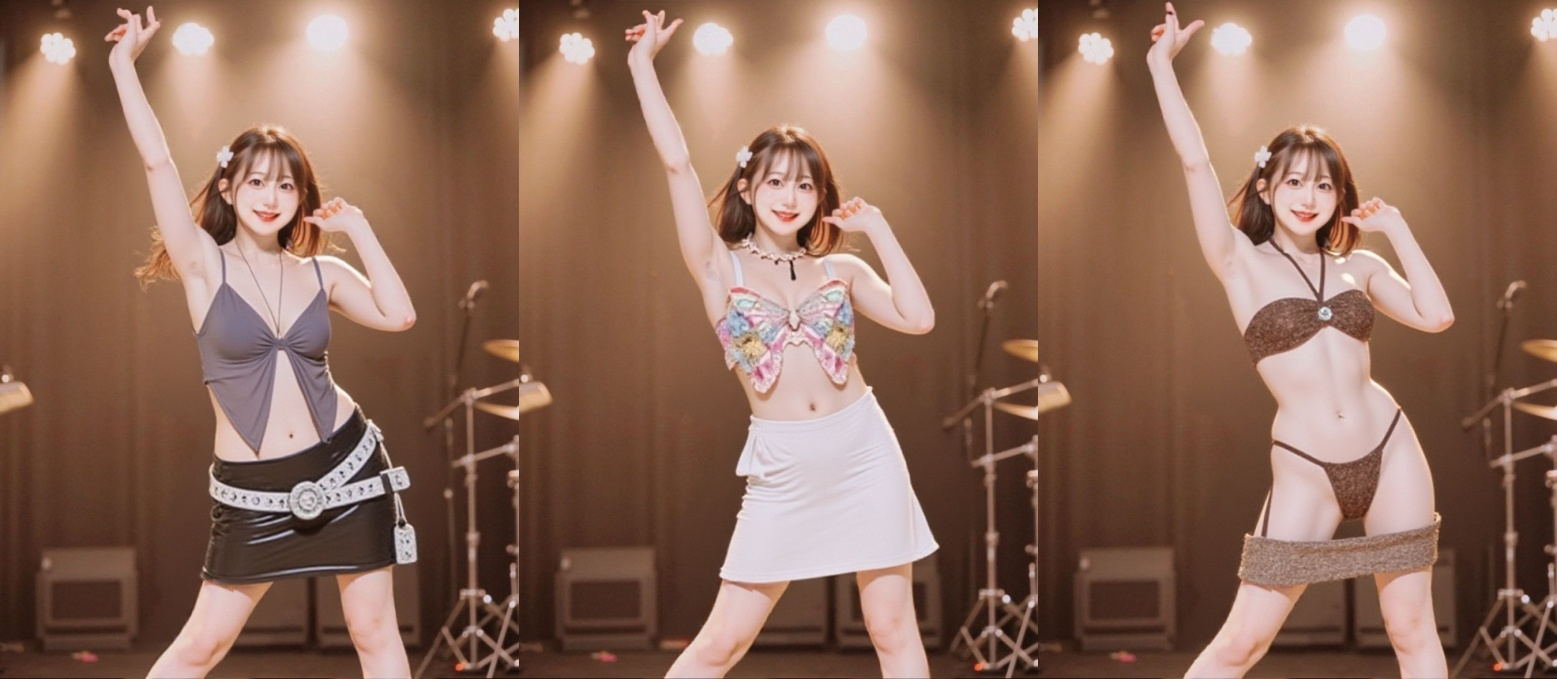
- AI Outfit Change: Choose clothing effects that match the photo's background and mood. For example, pick business attire for commute-style photos, and casual or party dresses for casual outfit photos.
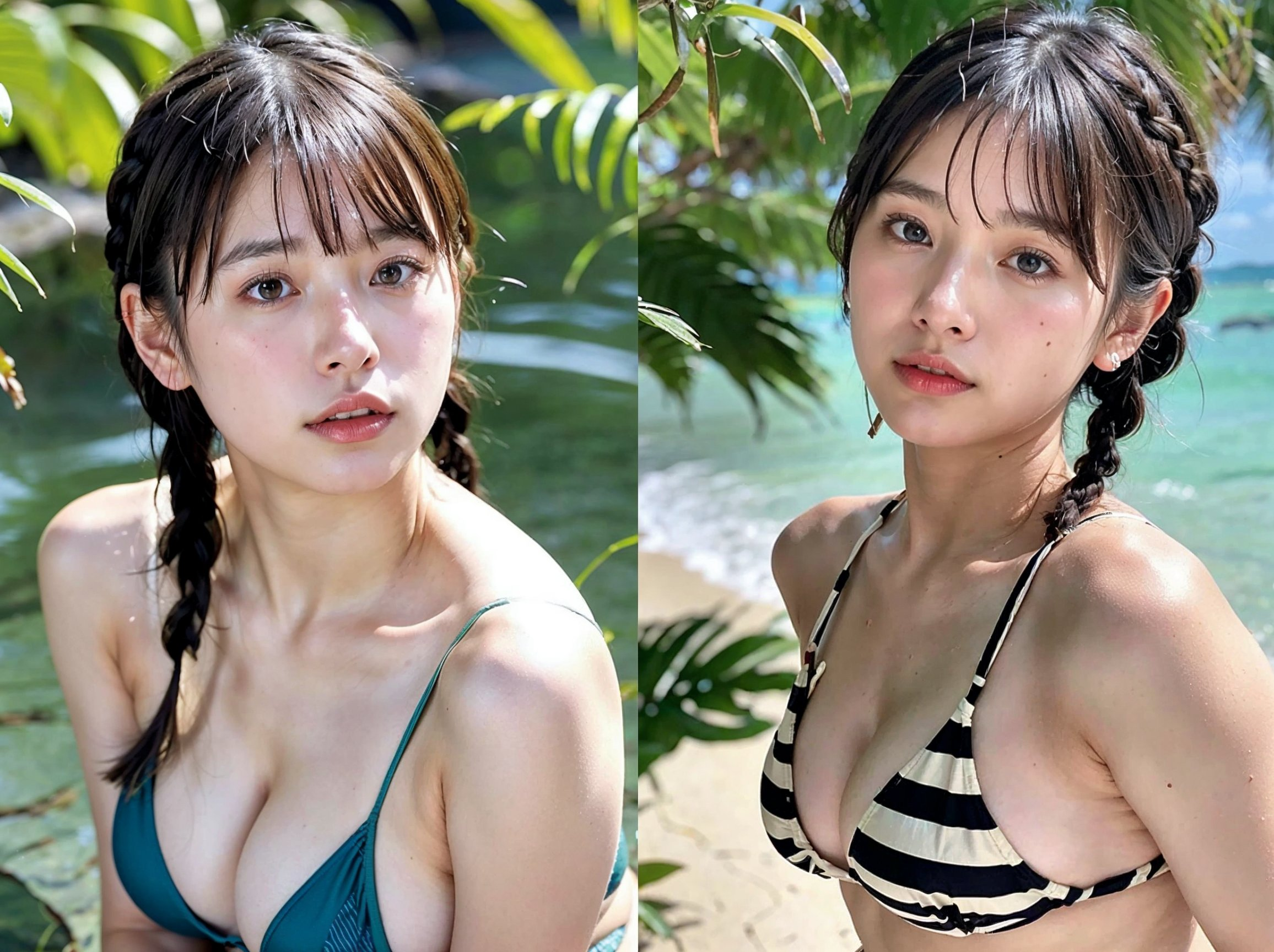
- AI Body Reshape: Use a high-resolution full-body photo and choose a preset that matches your desired style, like slim or curvy. For local adjustments, use the detailed parameter settings.
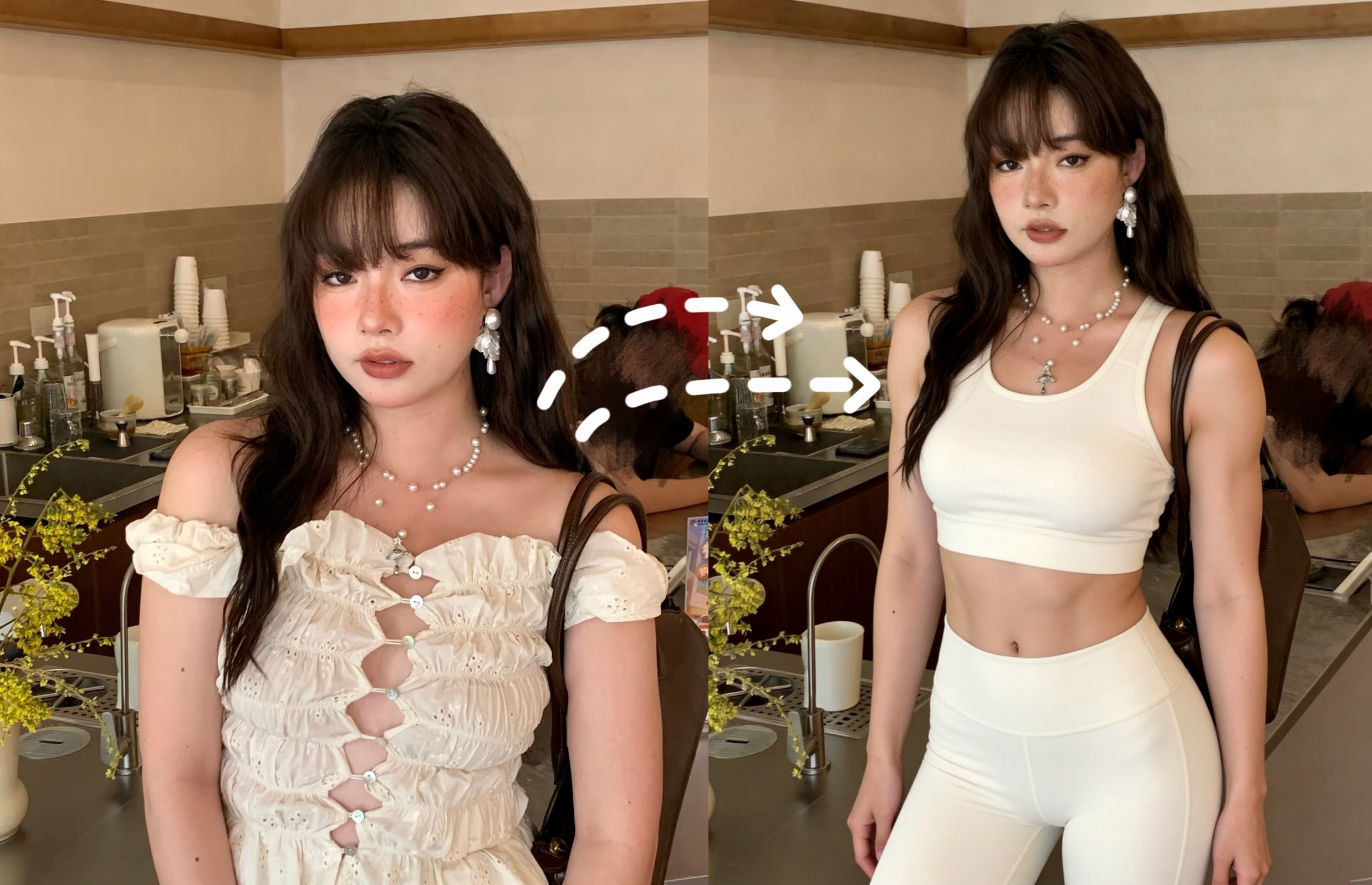
- AI Kiss: For a natural effect, match the scene. Choose a car deep kiss for a dimly lit couple's shot, a train kiss for a fresh Japanese-style photo, and an office kiss for business-style photos.
What Affects|3 Core Factors Influencing PicMa AI Generation Results
Only three factors directly determine the quality of the generated result. Follow these, and your success rate will skyrocket!
- Photo Quality: Use original, high-resolution photos taken from the front or showing the full body. Avoid excessive filters or obstructions.
- Subject's Pose: Photos with natural poses and clear outlines improve AI recognition accuracy and lead to more stable generation results.
- Effect Compatibility: A natural, seamless result is achieved when the selected effect matches the photo's background, tone, and the subject's style.
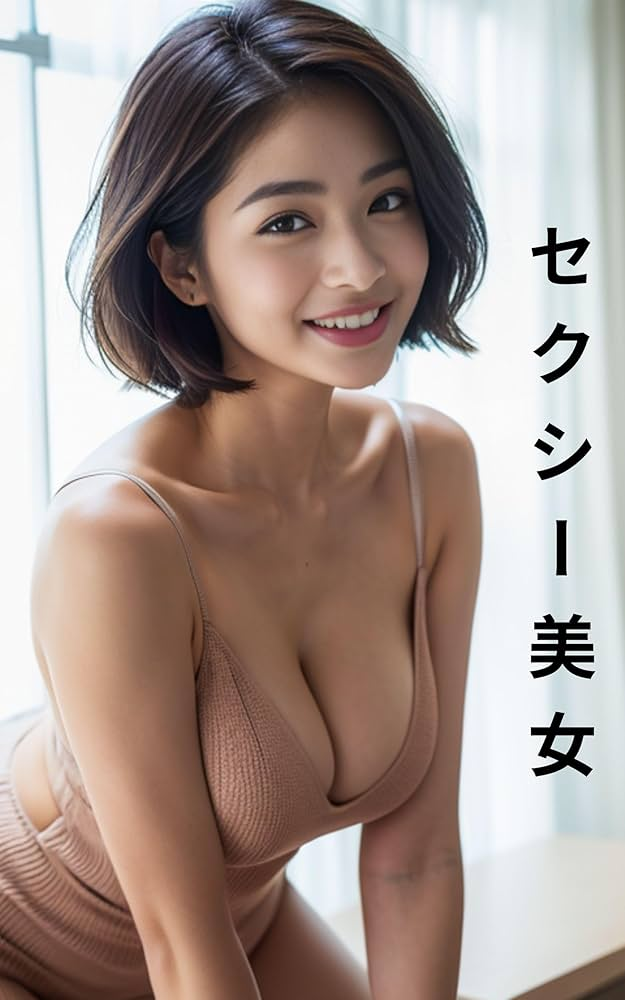
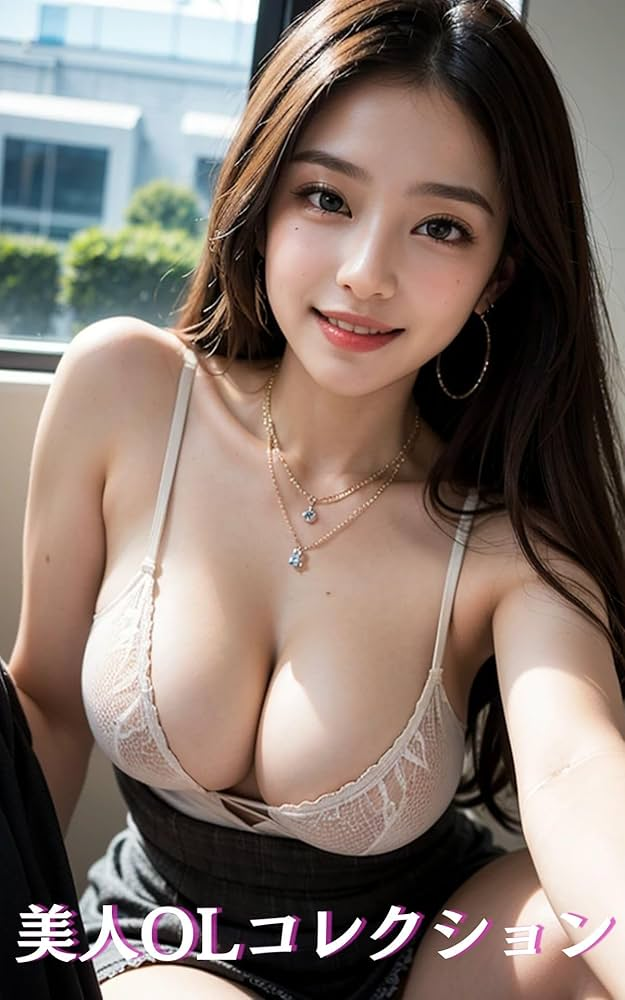
A vs B Comparison|PicMa AI Beauty Tool VS Traditional Editing Tools
| Comparison Item | PicMa AI Beauty Tool | Traditional Image/Video Editing Tools (e.g., Photoshop) |
|---|
| Ease of Use | One-click effect selection, easy for beginners to master immediately | Requires professional editing skills, high learning curve |
| Production Efficiency | AI generates in seconds, preview available instantly | Requires manual, step-by-step adjustments, taking tens of minutes to hours |
| Naturalness of Effect | Smartly blends subject and effect, resulting in minimal awkwardness | Prone to over-editing and poor blending |
| Cost of Use | Basic features are completely free, premium features are low-cost | Software itself is paid, additional costs for assets |
| Conclusion: PicMa is the optimal choice for anyone wanting to create high-quality content quickly and easily. | | |
Common Problems|PicMa Generation Issues and Instant Solutions
Here are direct solutions for common issues encountered during creation. All methods you can try right away!
- AI Outfit Change looks awkward → Change to a clothing effect that matches the photo's background and re-upload a high-resolution original photo.
- Body Reshape effect looks unnatural → Reduce the preset intensity and make local fine-tuning adjustments.
- AI Kiss action looks stiff → Change to a kiss effect that matches the scene and swap to a photo where the subjects are at an appropriate distance.
- Generation is choppy / fails → Check your network connection, clear your phone's cache, and try accessing the app again.
PicMa AI Beauty Tool 3-Step Creation Method
The same simple operation for both images and videos! Anyone can master it instantly.
- Select the Corresponding Effect: Open PicMa , choose your desired function from AI Outfit Change / Body Reshape / AI Kiss, and set the detailed preset.
- Upload a Photo: Select a high-resolution photo from your phone and upload it with one click.
- Download the Image / Video: After the AI automatically generates the result, download it without a watermark if you're satisfied with the preview. You can also share it on social media immediately.
PicMa Official Download Links
Download the PicMa app from Google Play or the App Store.


Q&A
Q1: Are the basic features of PicMa 's AI Beauty Tool really free to use?
A1: Yes, the basic presets for AI Outfit Change, Body Reshape, and AI Kiss are free to use. Some high-quality premium effects require unlocking.
Q2: Does it support both landscape and portrait photos?
A2: Yes, it fully supports both landscape and portrait photos. The AI automatically adapts to the photo's size and aspect ratio, outputting the generated result in the same dimensions.
Q3: Can I use the generated images/videos for commercial purposes?
A3: Personal use and sharing on social media are freely allowed. For commercial use, please ensure you use photos for which you own the copyright or have obtained the necessary usage rights.

 486
486

 English